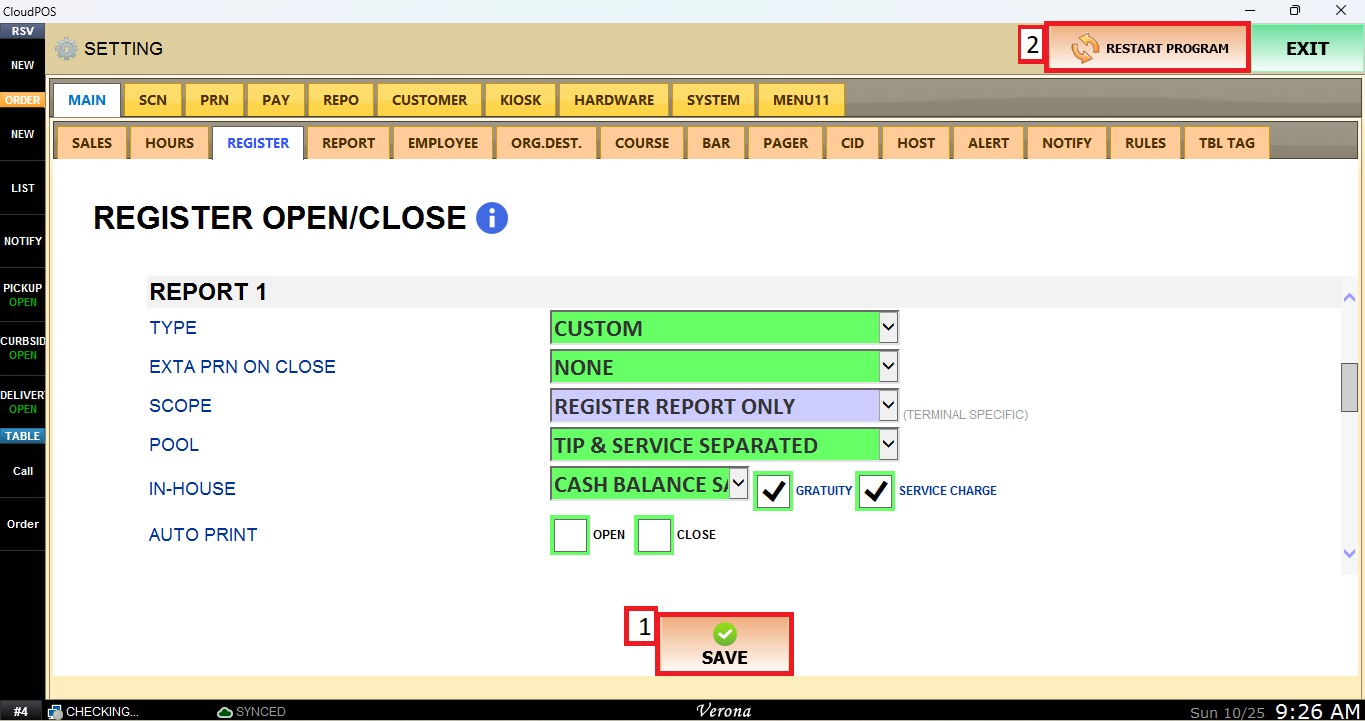
Report 1
This section define the report generated when the register is opened or closed.
MENU> SETTINGS> MAIN> REGISTER
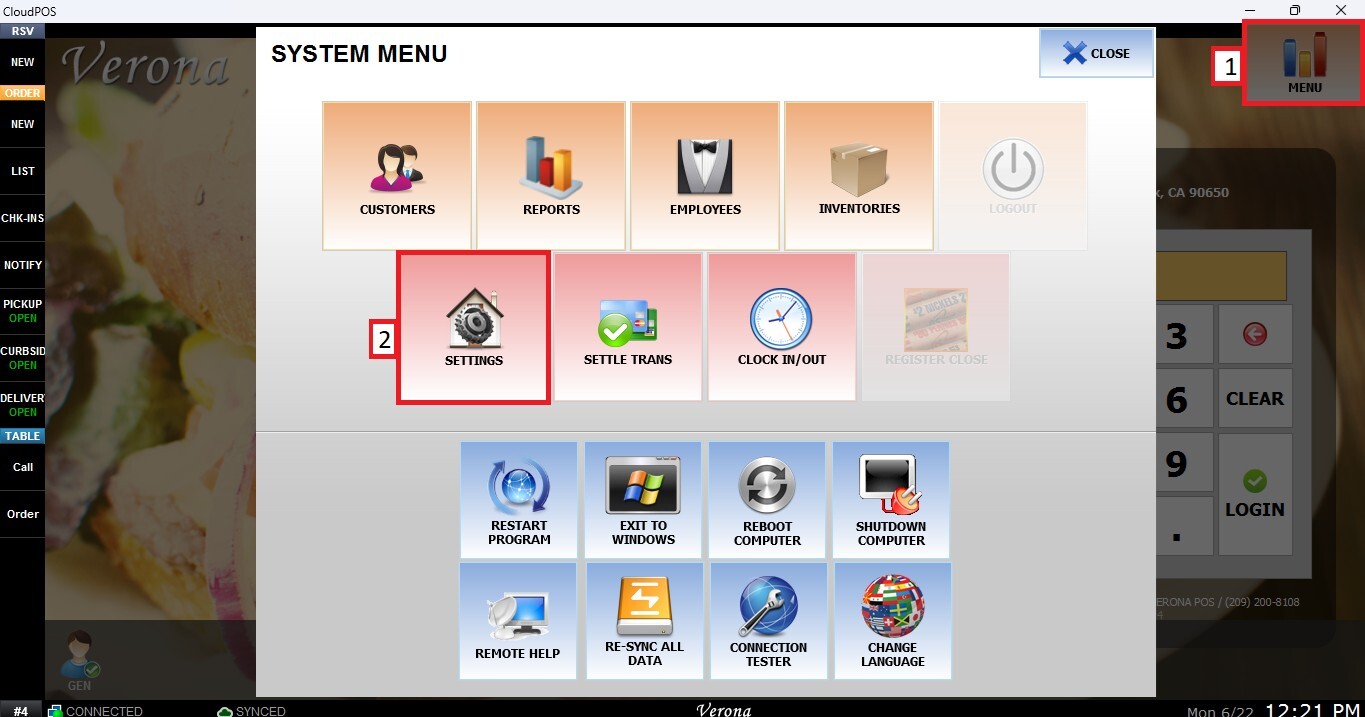
From the Main Screen, select MENU, then select SETTINGS.
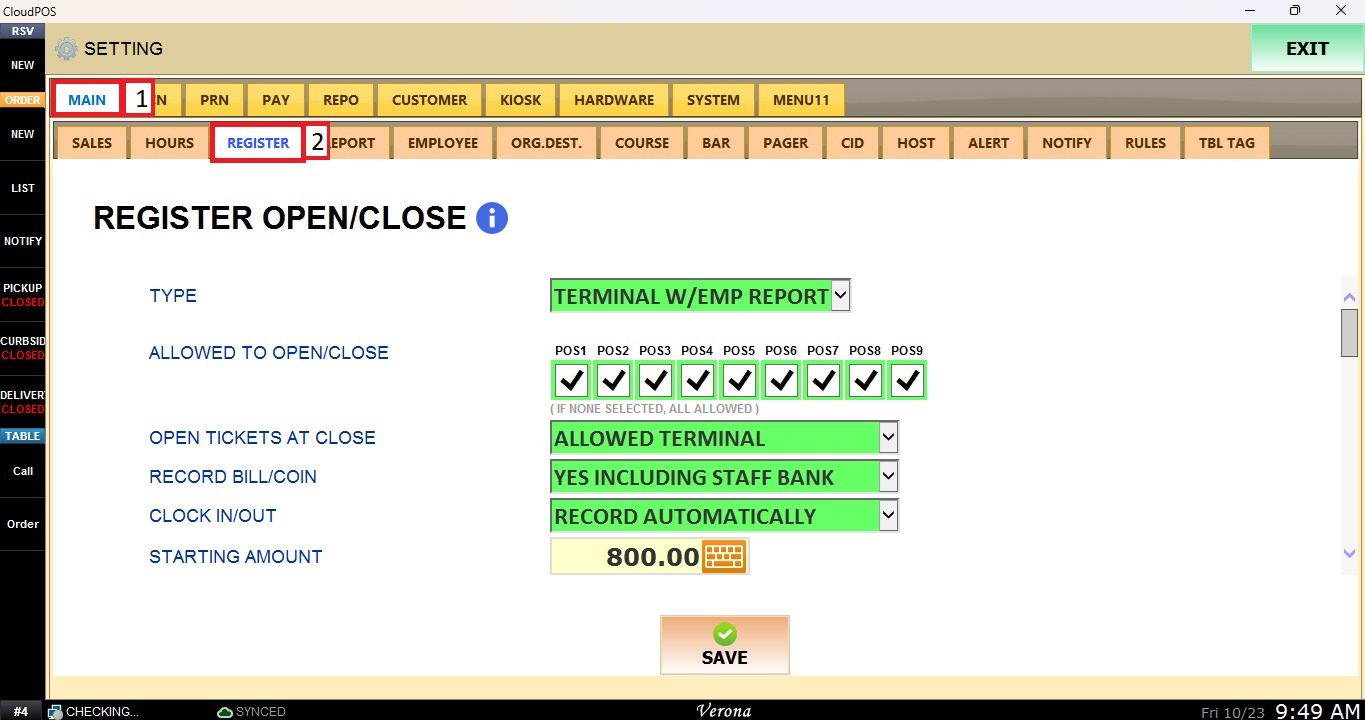
Select the MAIN tab, then select REGISTER. Scroll down to REPORT 1.
Type
Defines which configuration Report 1 uses.
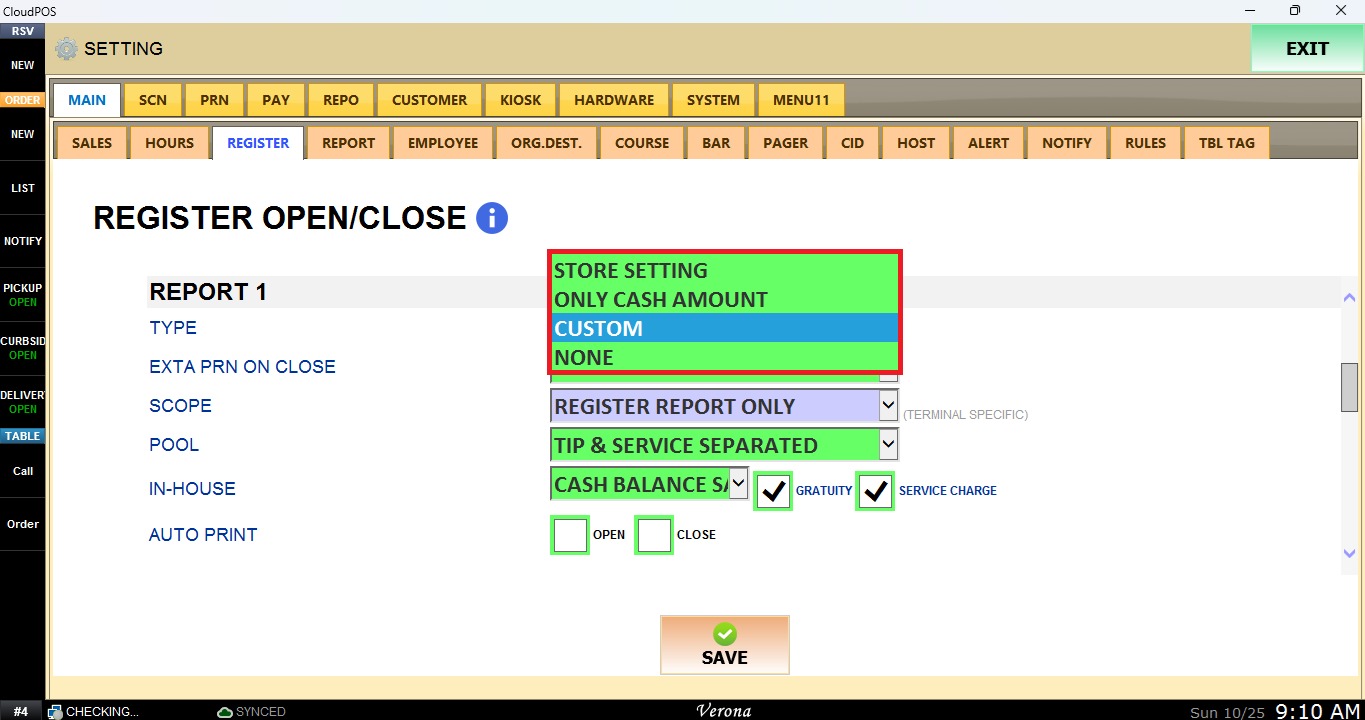
STORE SETTING: Uses the store report settings.
ONLY CASH AMOUNT: Displays only the cash amount.
CUSTOM: Uses the parameters configured in Report Custom.
To learn how to configure Custom, please refer to the Custom Report.
NONE: No report is generated.
Exta Prn on Close
Defines whether an additional report is printed when the register is closed.
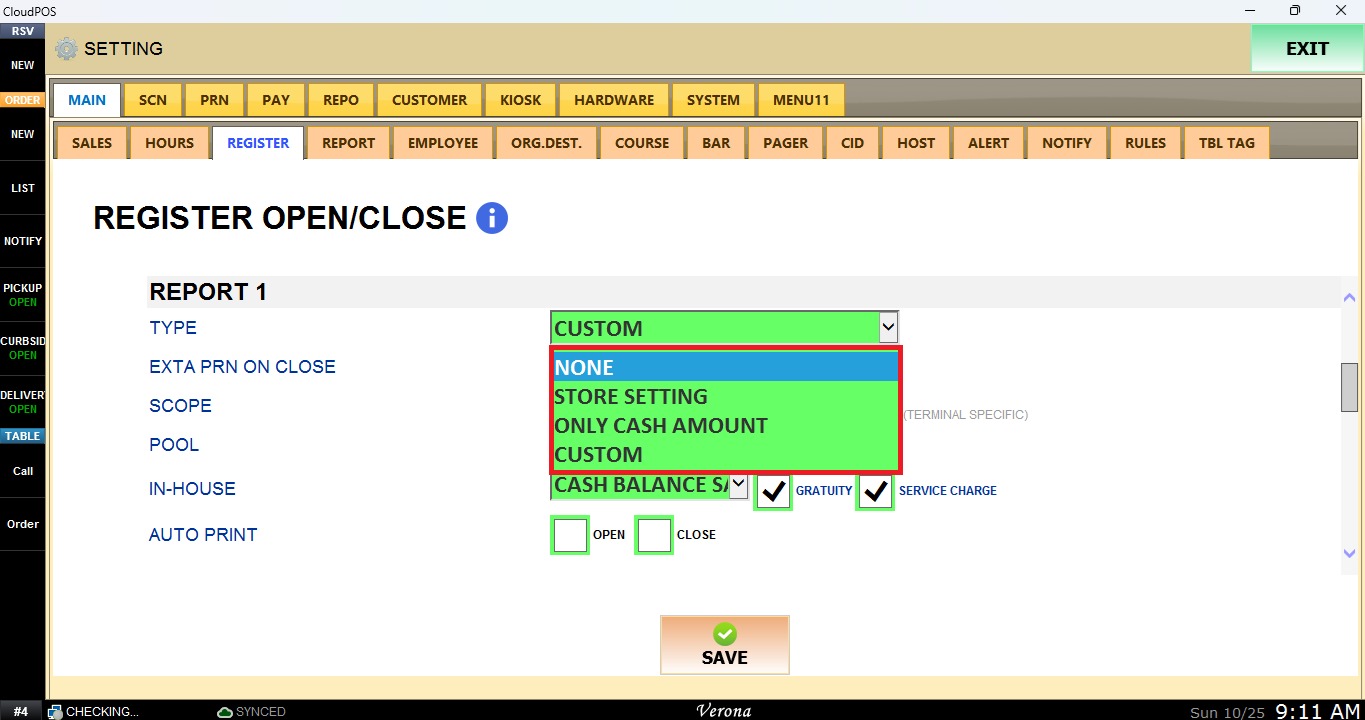
NONE: No additional report is printed.
STORE SETTING: Prints an additional report using the store report settings.
ONLY CASH AMOUNT: Prints an additional report with only the cash amount.
CUSTOM: Prints an additional report using the custom parameters.
Scope
Defines which reports are included. This setting is terminal specific.
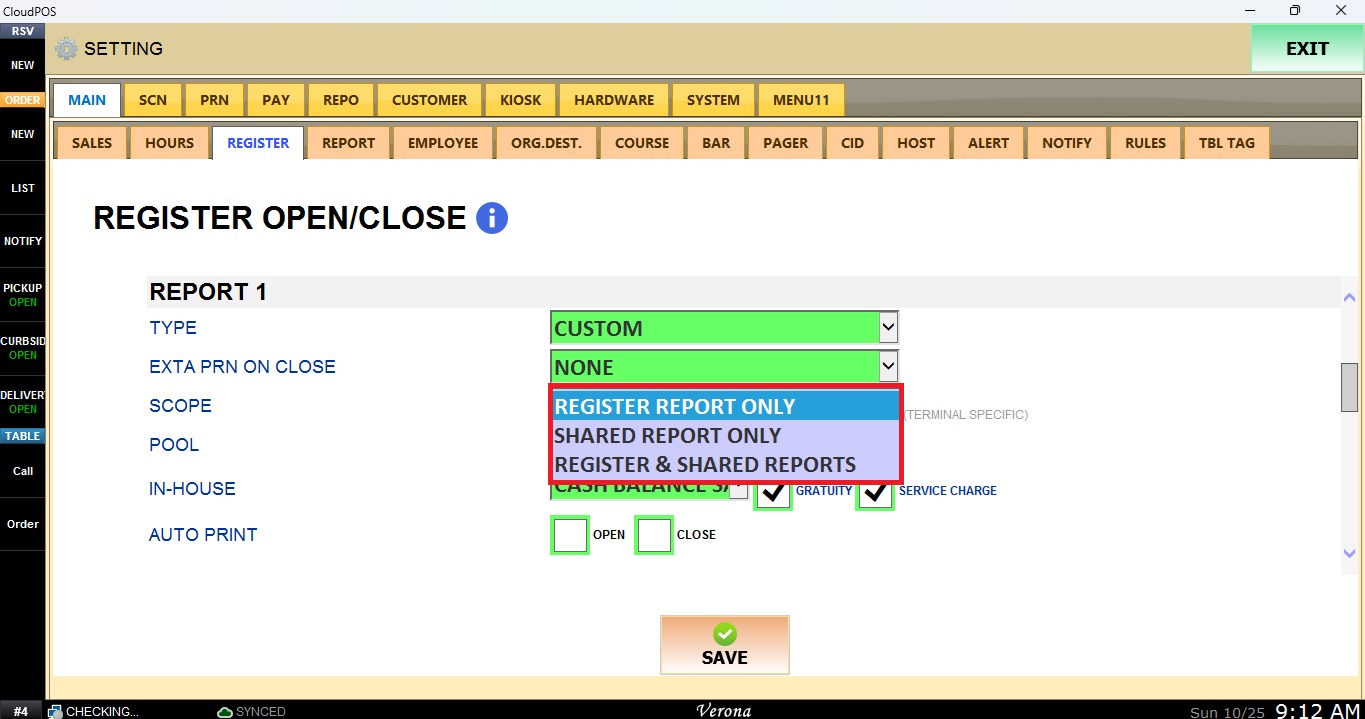
REGISTER REPORT ONLY: Includes only the register report.
SHARED REPORT ONLY: Includes only the shared report.
REGISTER & SHARED REPORTS: Includes both the register report and the shared report.
Pool
Defines how tips and service charges are displayed in the report.
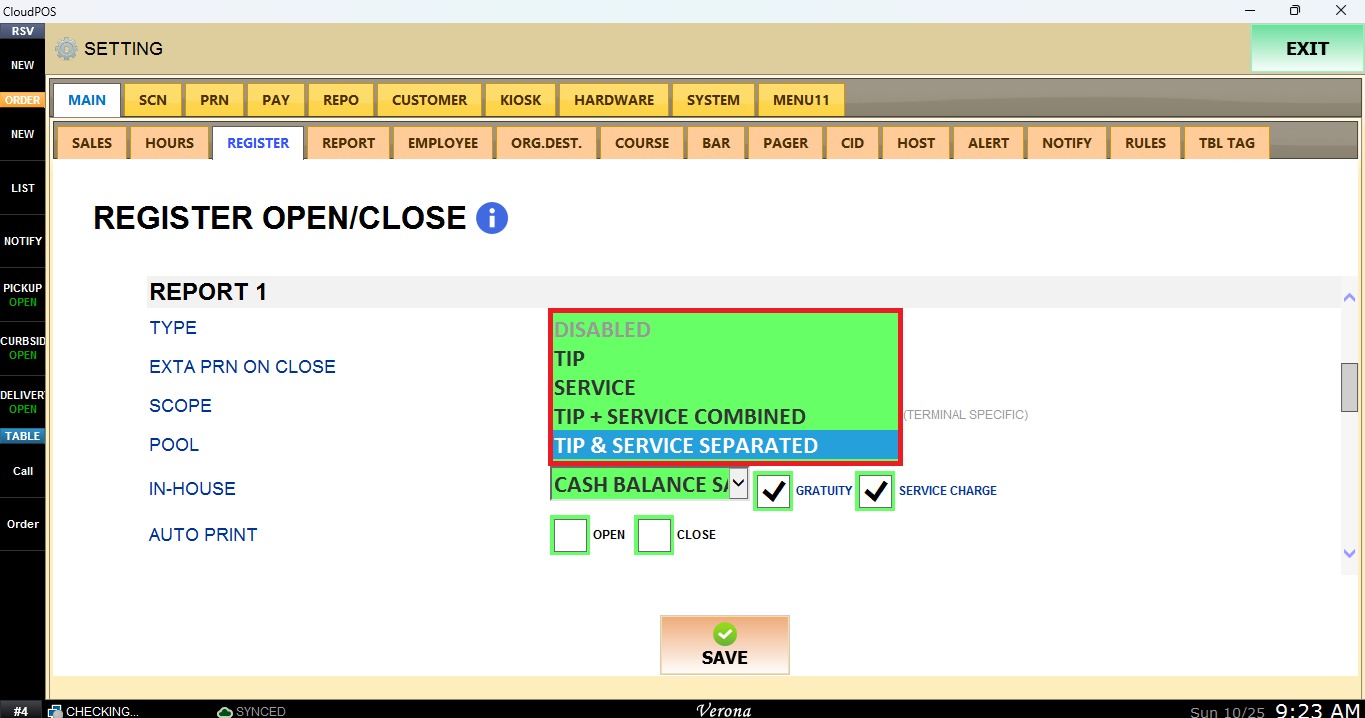
DISABLED: Tips and service charges are not pooled.
TIP: Pools tips only.
SERVICE: Pools service charges only.
TIP + SERVICE COMBINED: Pools tips and service charges as one total.
TIP & SERVICE SEPARATED: Pools tips and service charges, displayed as separate totals.
In-House
Defines how the in-house cash amount is calculated.
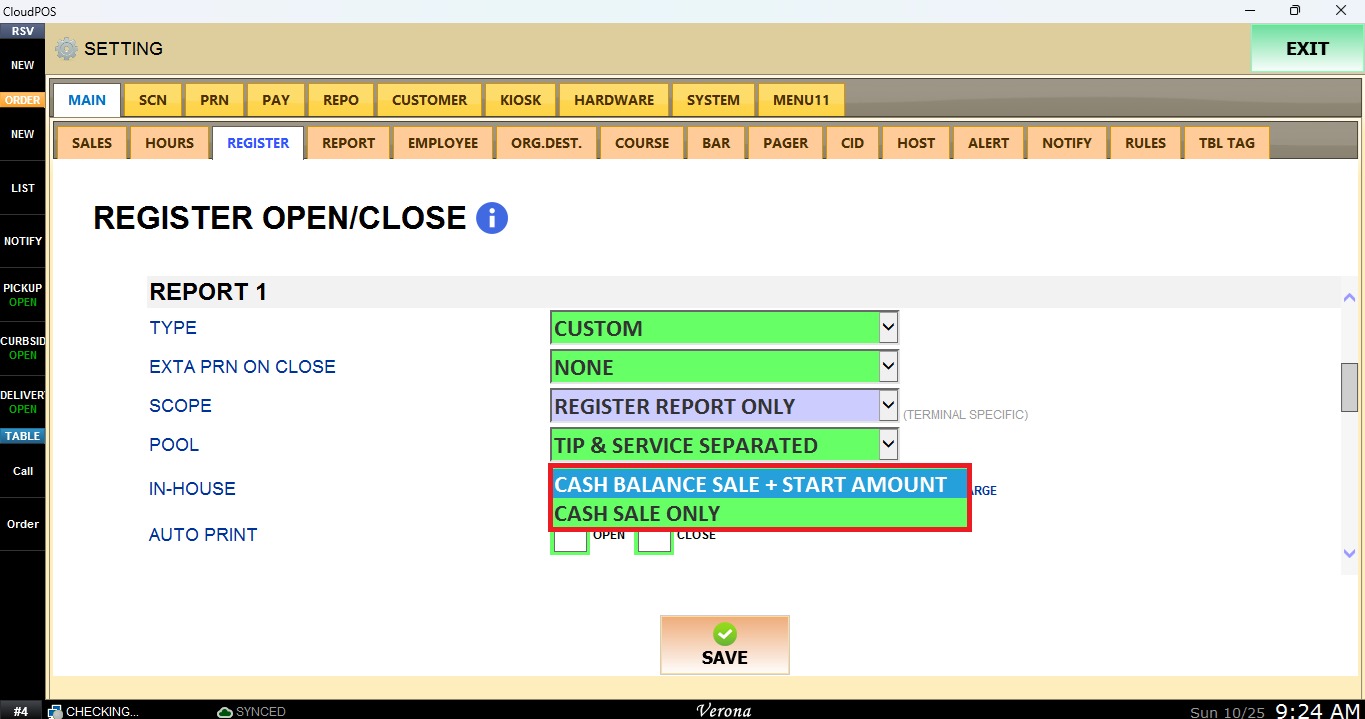
CASH BALANCE SALE + START AMOUNT: Calculates the cash sales plus the register starting amount.
CASH SALE ONLY: Calculates the cash sales only, without the starting amount.
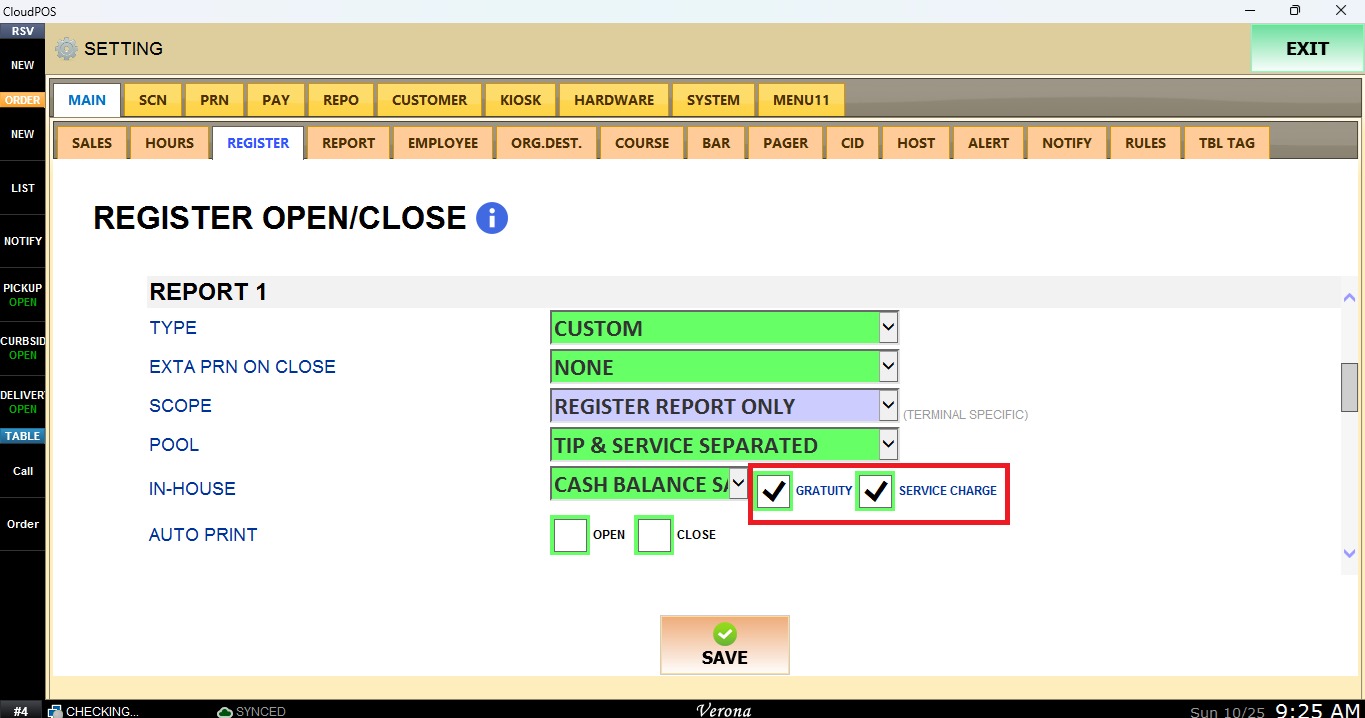
Enable GRATUITY and/or SERVICE CHARGE to include them in the in-house amount.
Auto Print
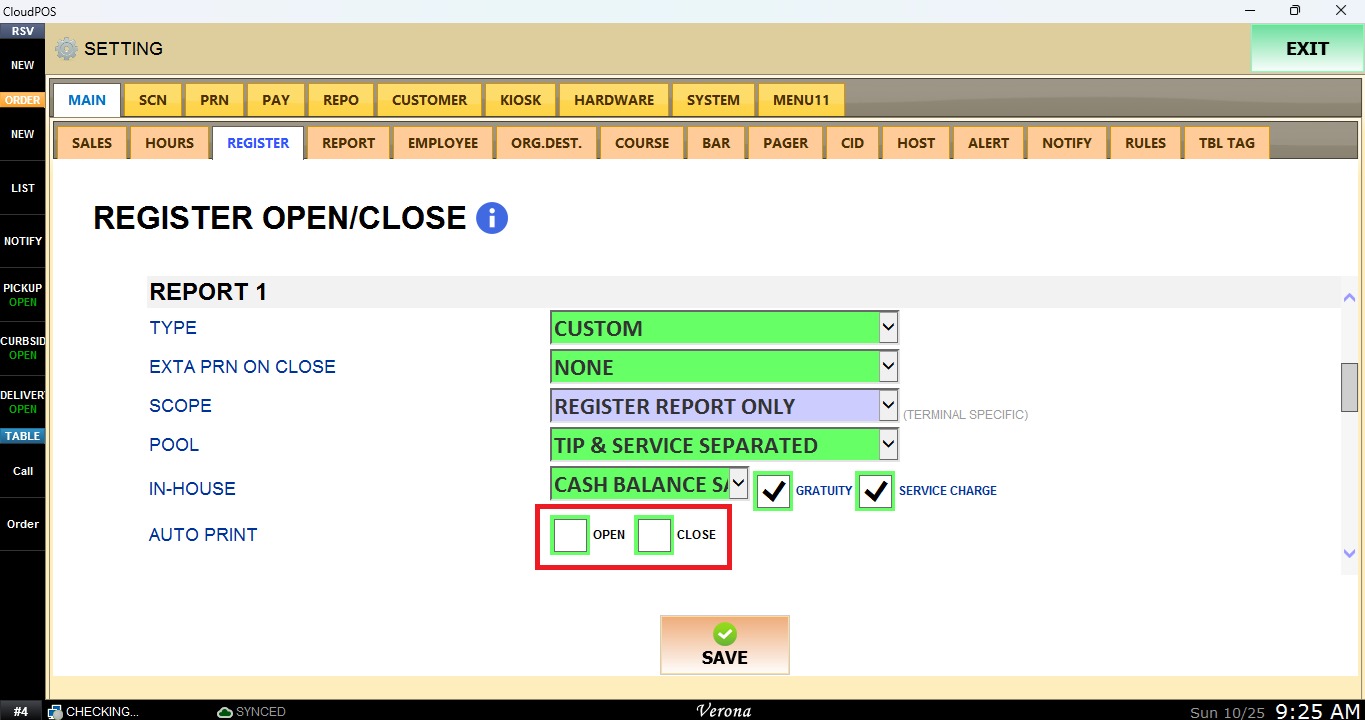
Enable OPEN to print the report automatically when the register is opened. Enable CLOSE to print it automatically when the register is closed.
Select SAVE, then select RESTART PROGRAM to apply the changes.