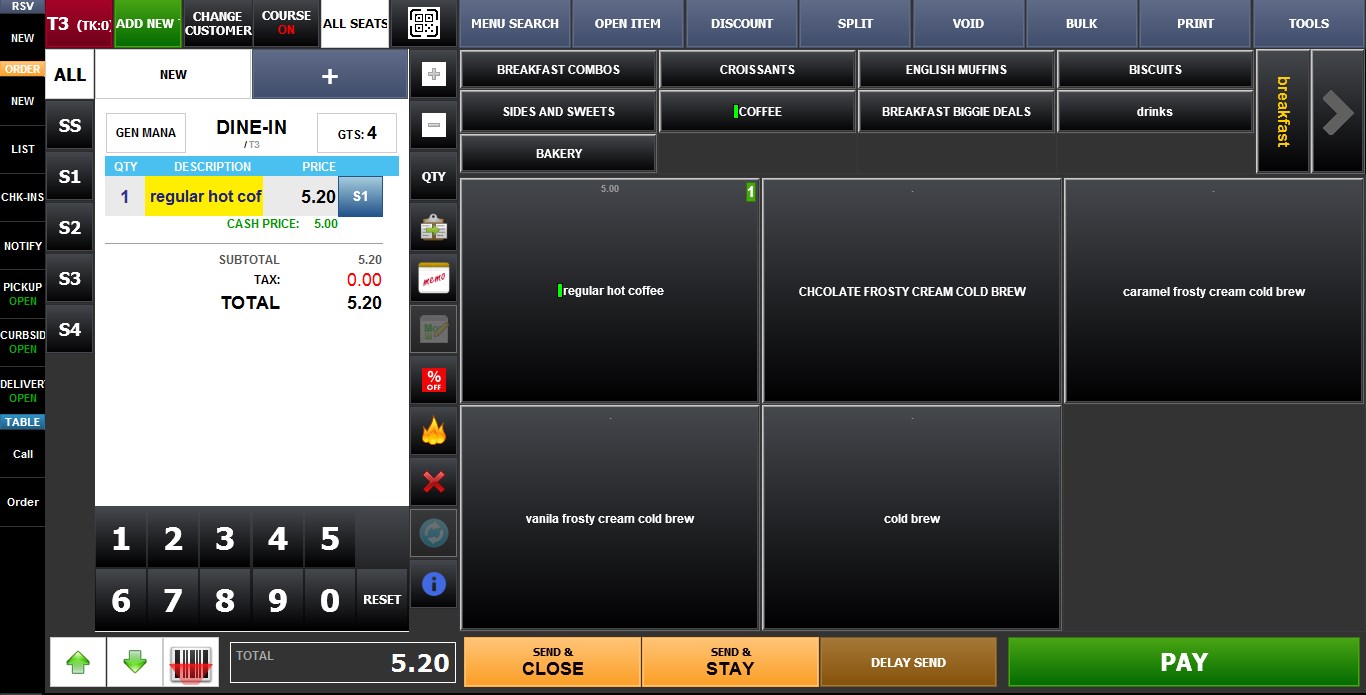
Single
The Single Price Type is the standard fixed-price configuration for menu items. When the item is ordered, the system automatically applies the configured default price.
Main Screen > MENU > SETTINGS > REPO > EDIT > PRICE TYPE
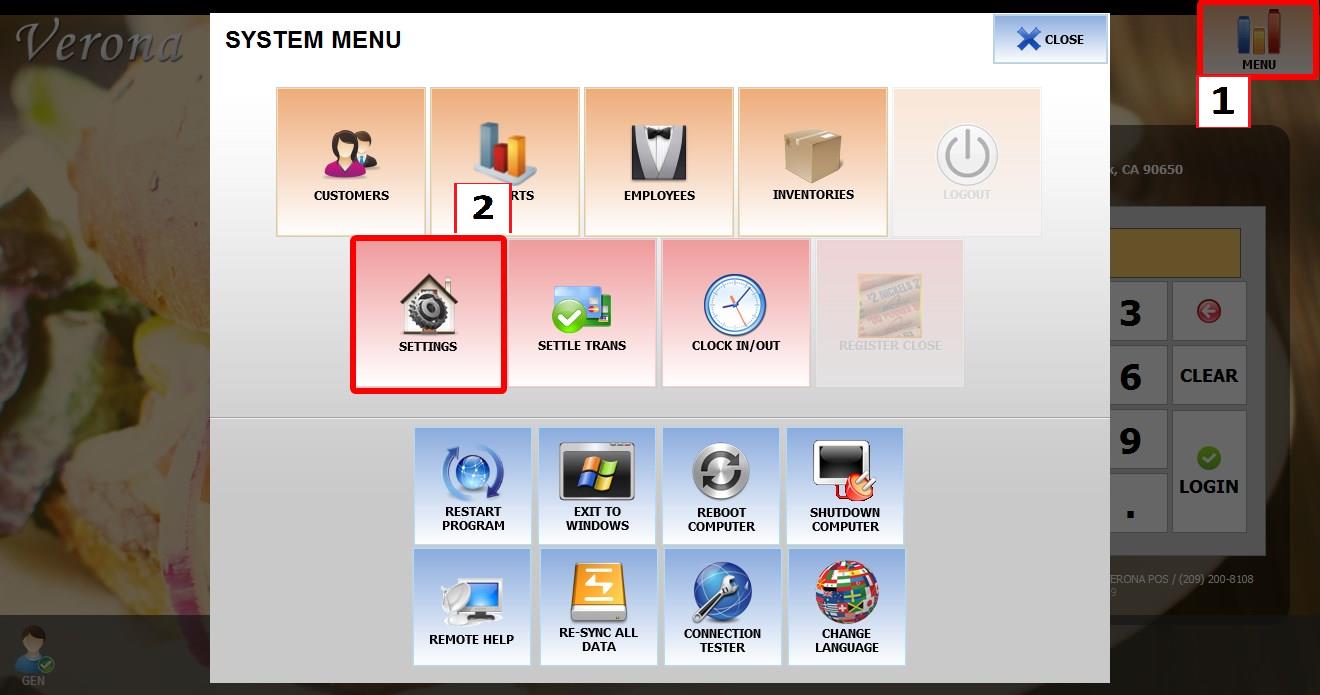
Go to MENU, then SETTINGS.
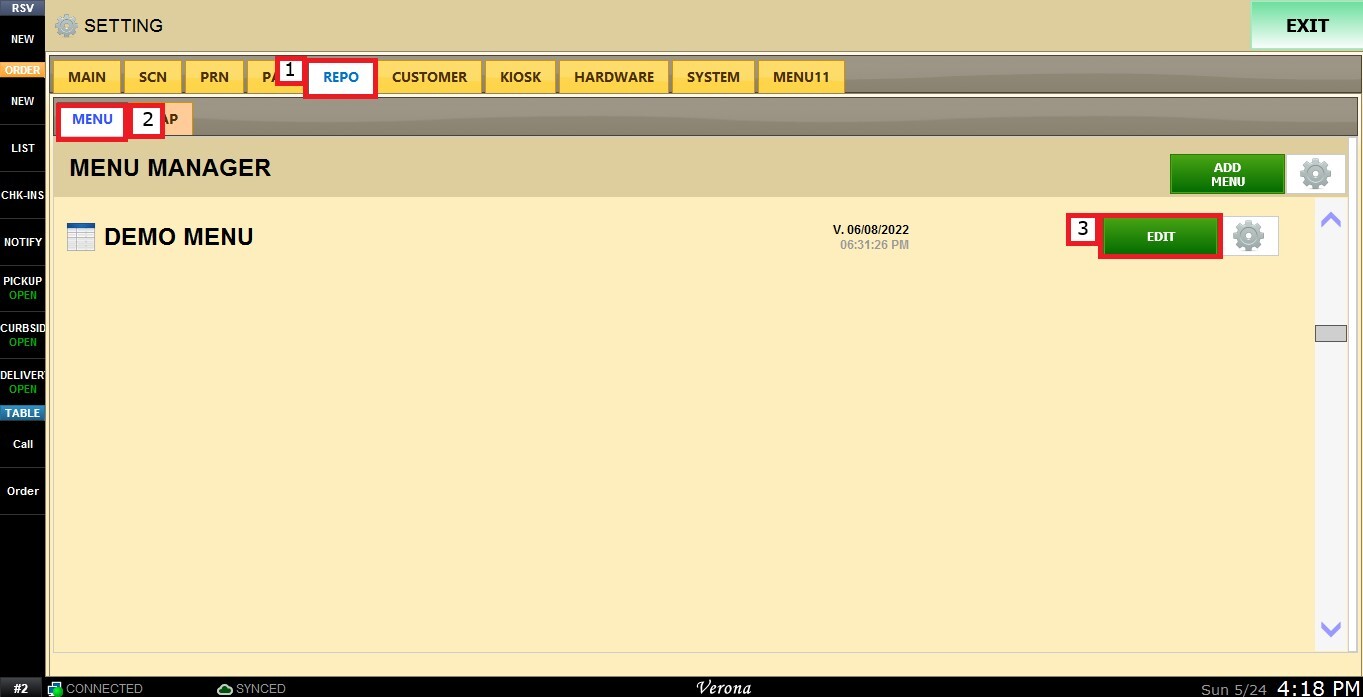
Go to REPO, locate the menu you want to modify and click EDIT.
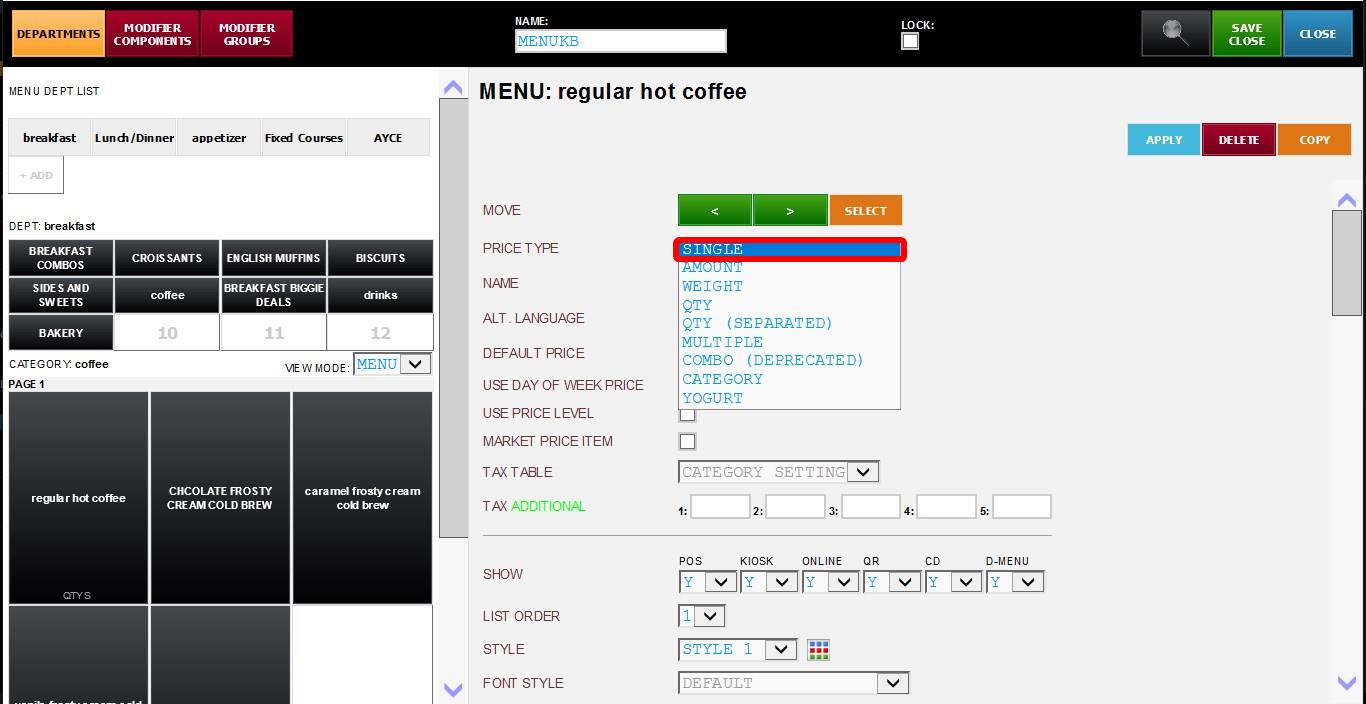
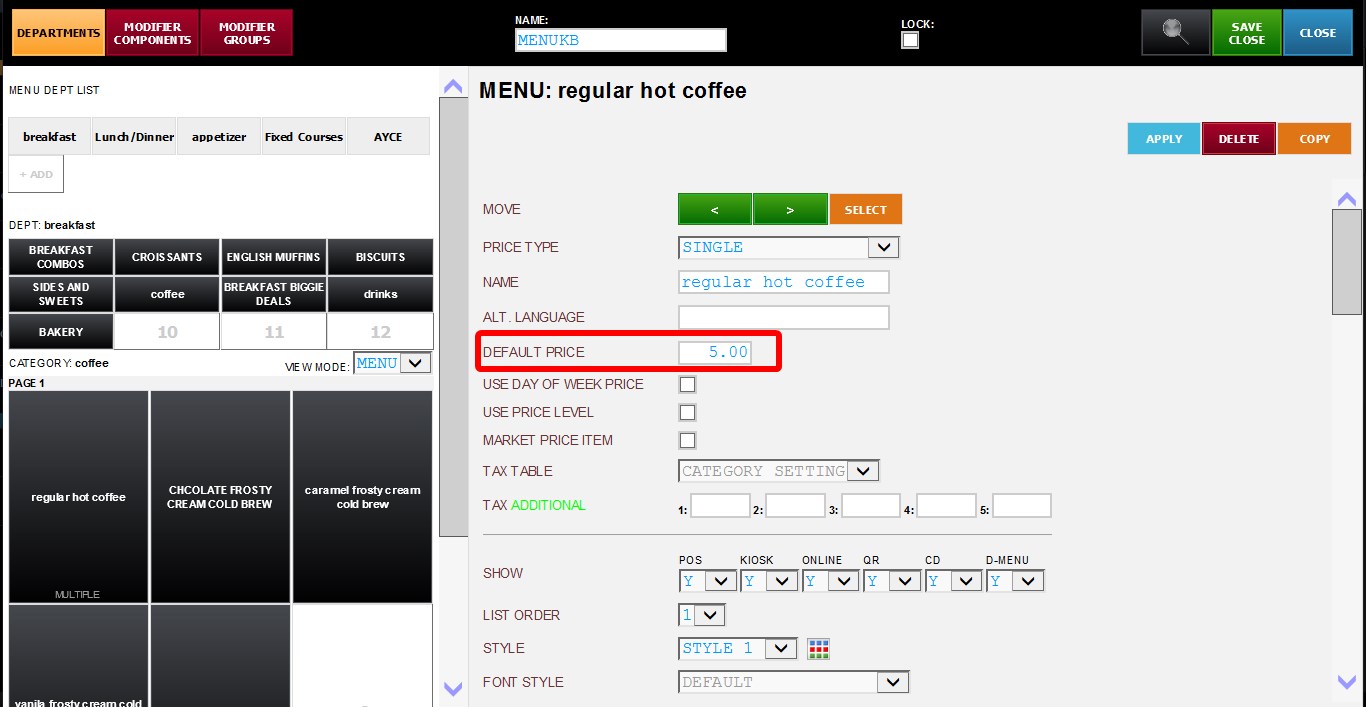
Select the item you want to configure. Scroll down through the item settings until you find the PRICE TYPE dropdown menu.
Select SINGLE.
Enter the item's price in the DEFAULT PRICE field.
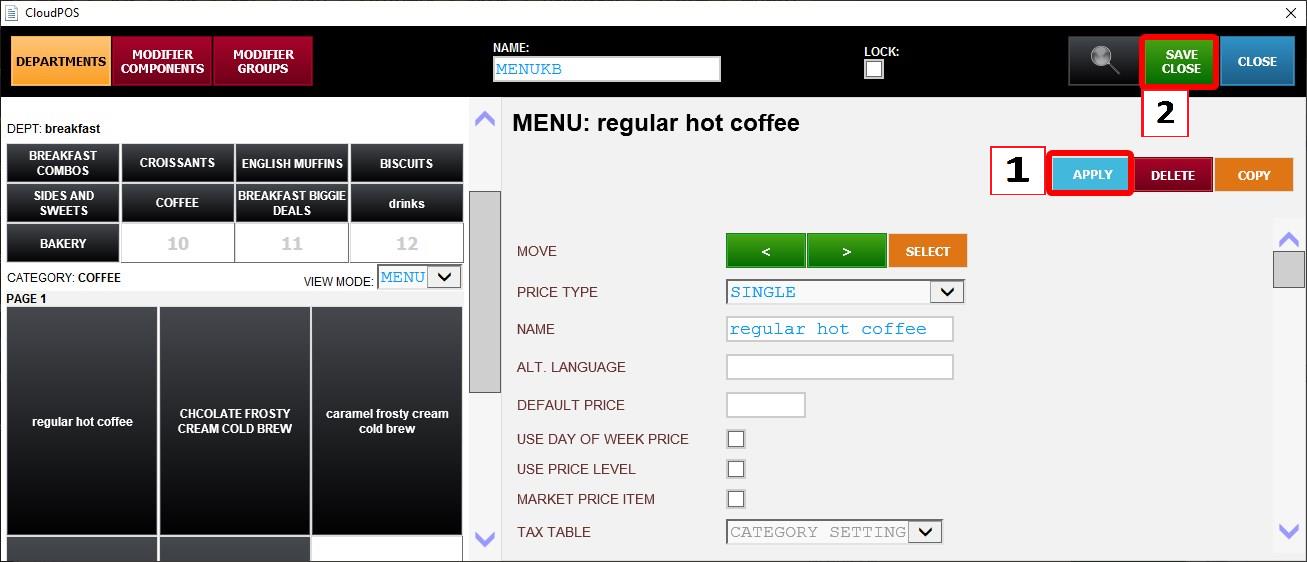
Click APPLY then SAVE & CLOSE. Then restart the program
Result: