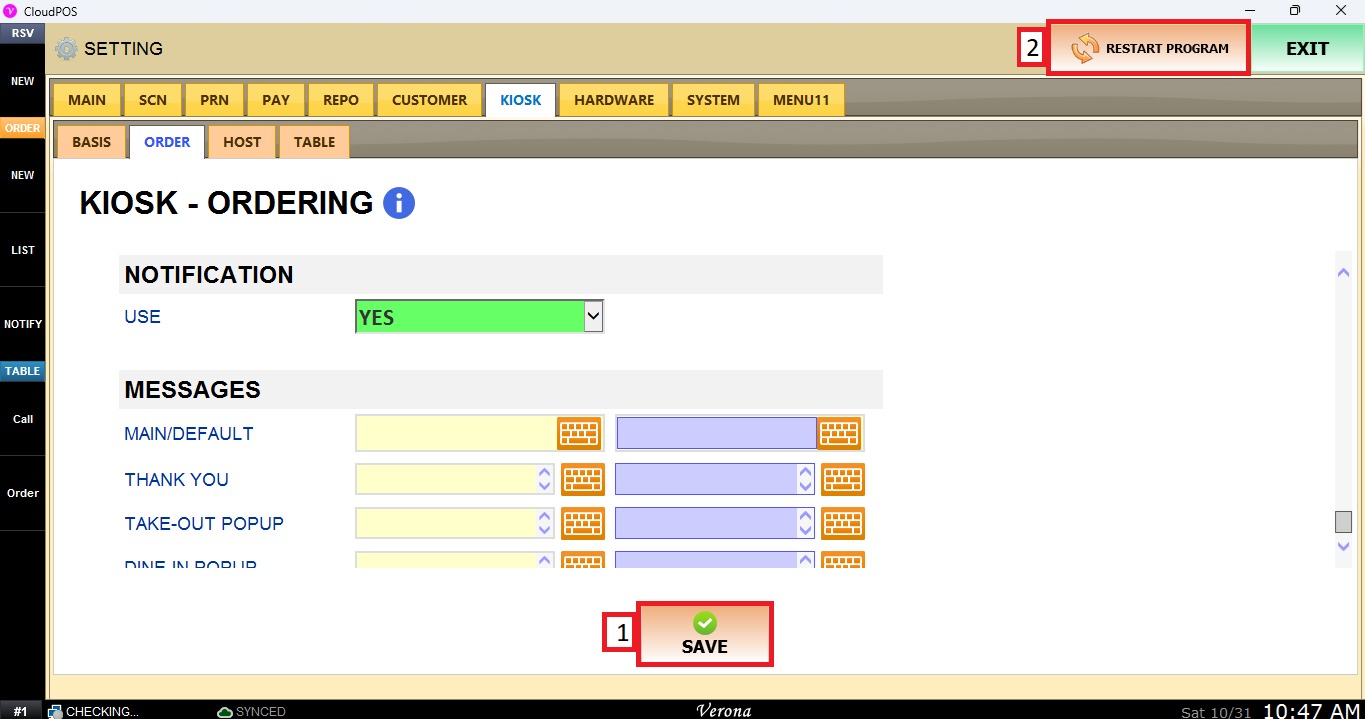
Notification
This section allows to turn on or off the order notifications for the Kiosk.
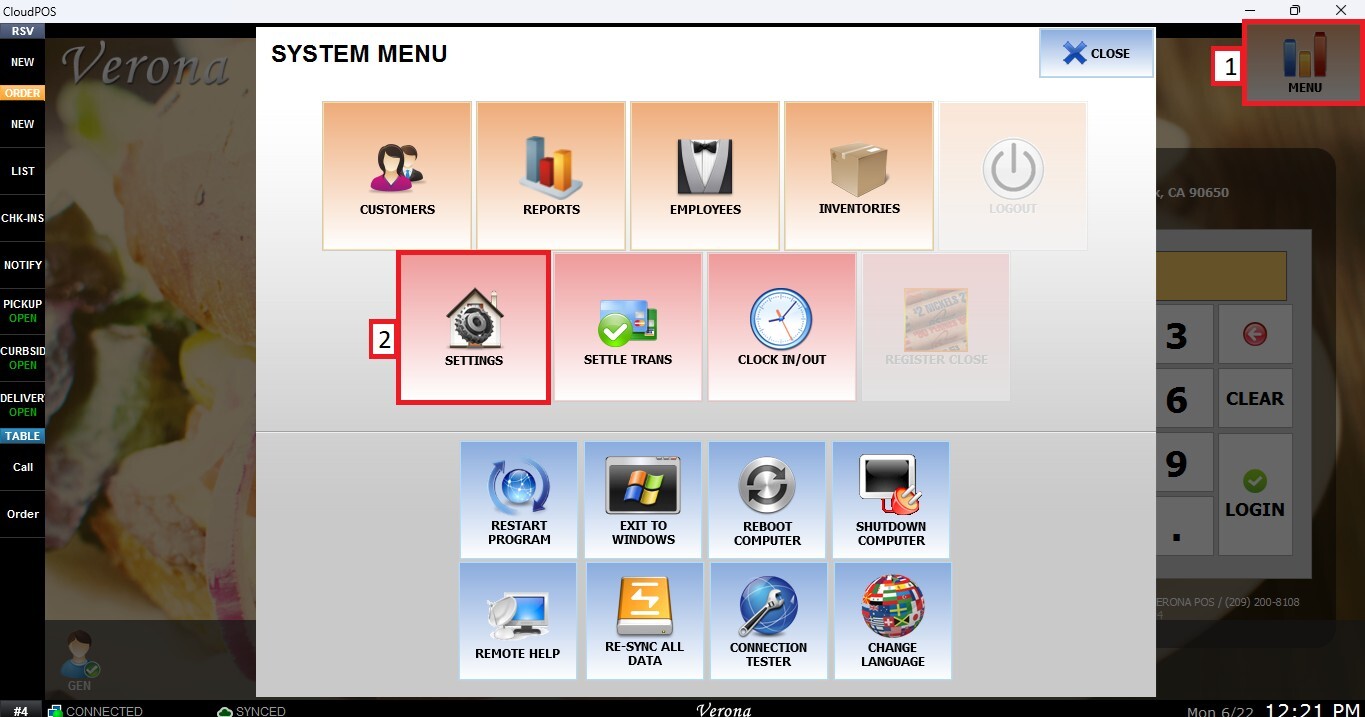
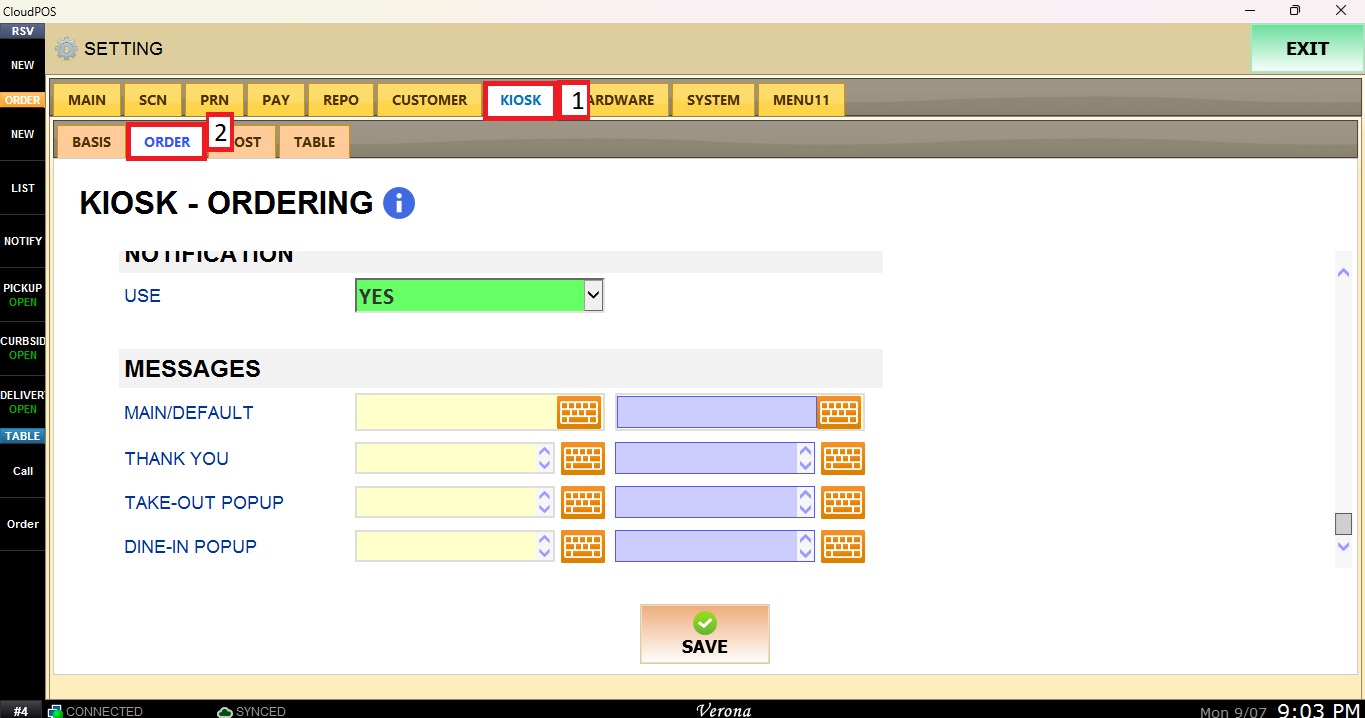
Main Screen> MENU> SETTINGS> KIOSK> ORDER> NOTIFICATION
From the MAIN SCREEN, click MENU, then select SETTINGS.
Navigate to the KIOSK tab, then select ORDER and scroll-down until the NOTIFICATION section.
NOTIFICATION
The USE dropdown Menu to sets whether Kiosk order notifications are active.
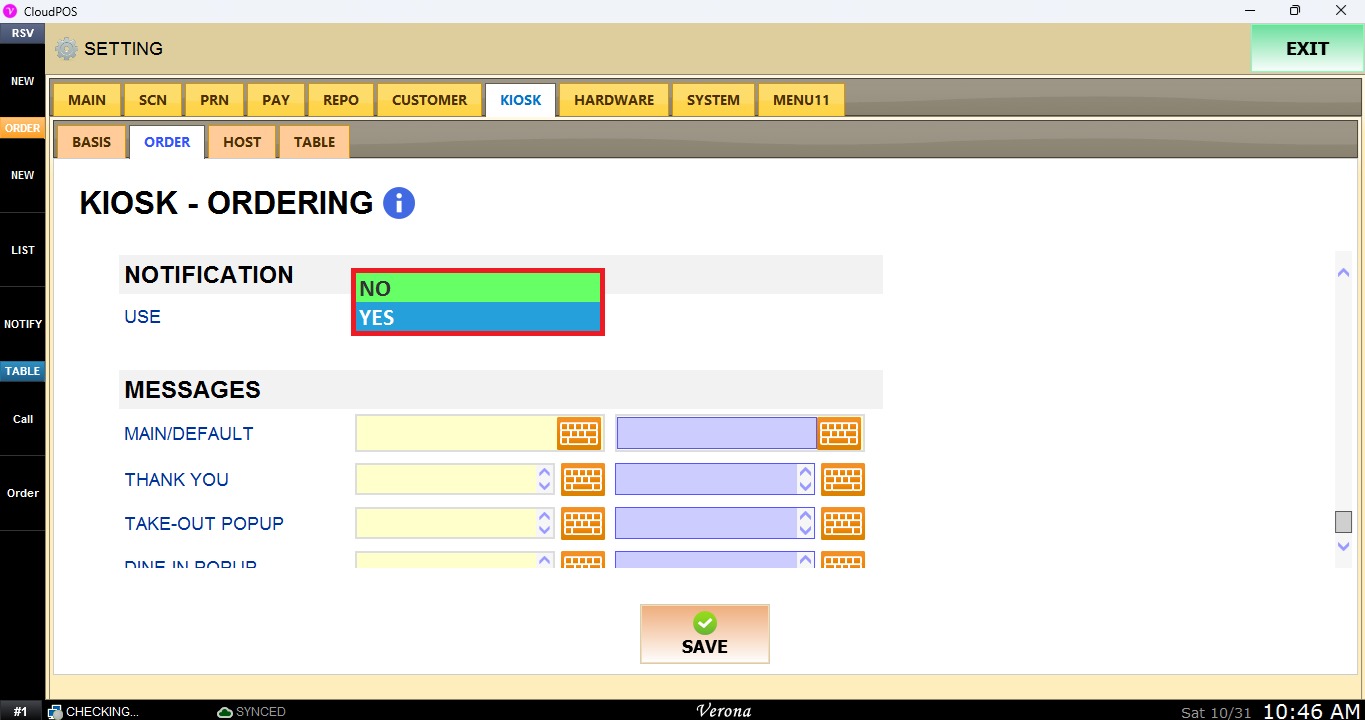
YES: Turns on notifications for Kiosk orders.
NO: Turns off notifications for Kiosk orders.
Click SAVE, then click RESTART PROGRAM to apply the setting.