Menu
The Otter Menu settings select the POS menu that is synced with Otter, so the customers see the same items when they order through Otter, and the currency used for the menu.
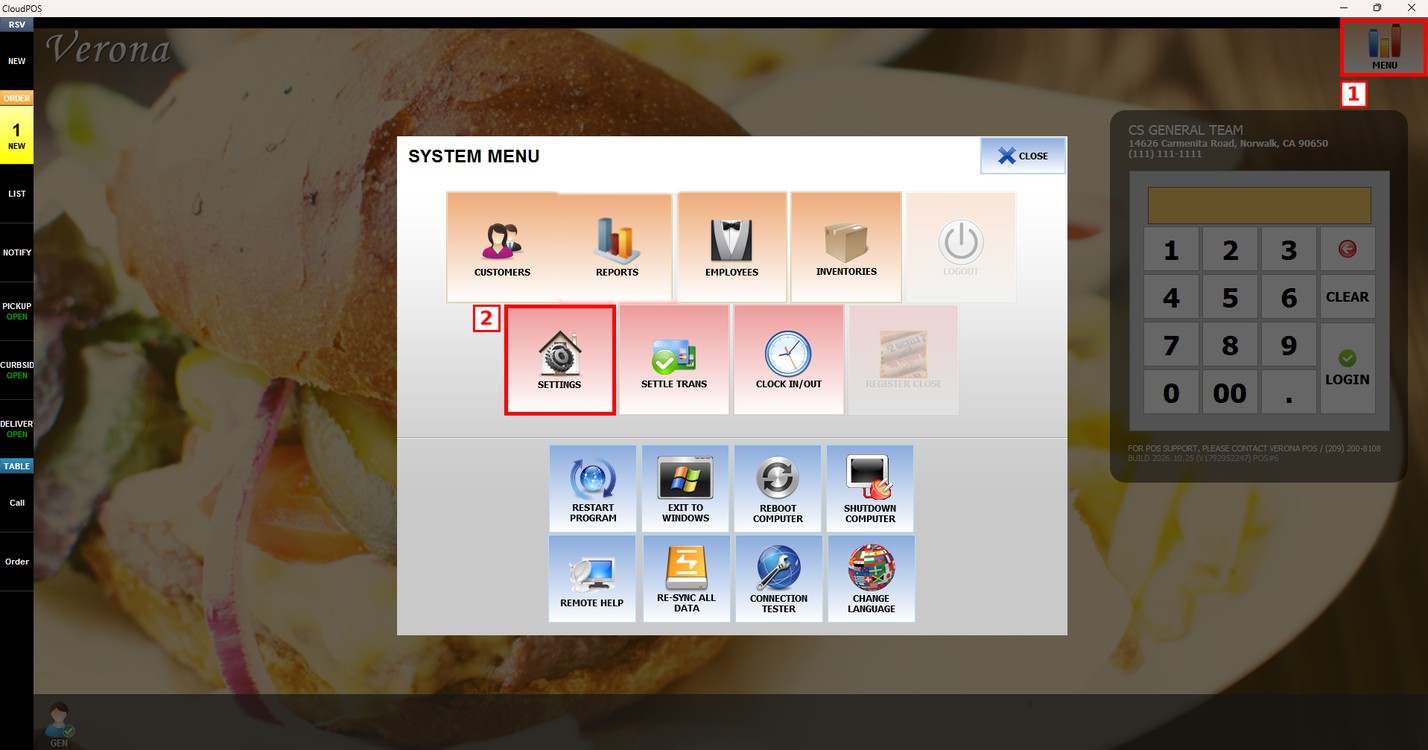
MENU> SETTINGS> MENU11> OTTER> MENU
Go to MENU and press SETTINGS.
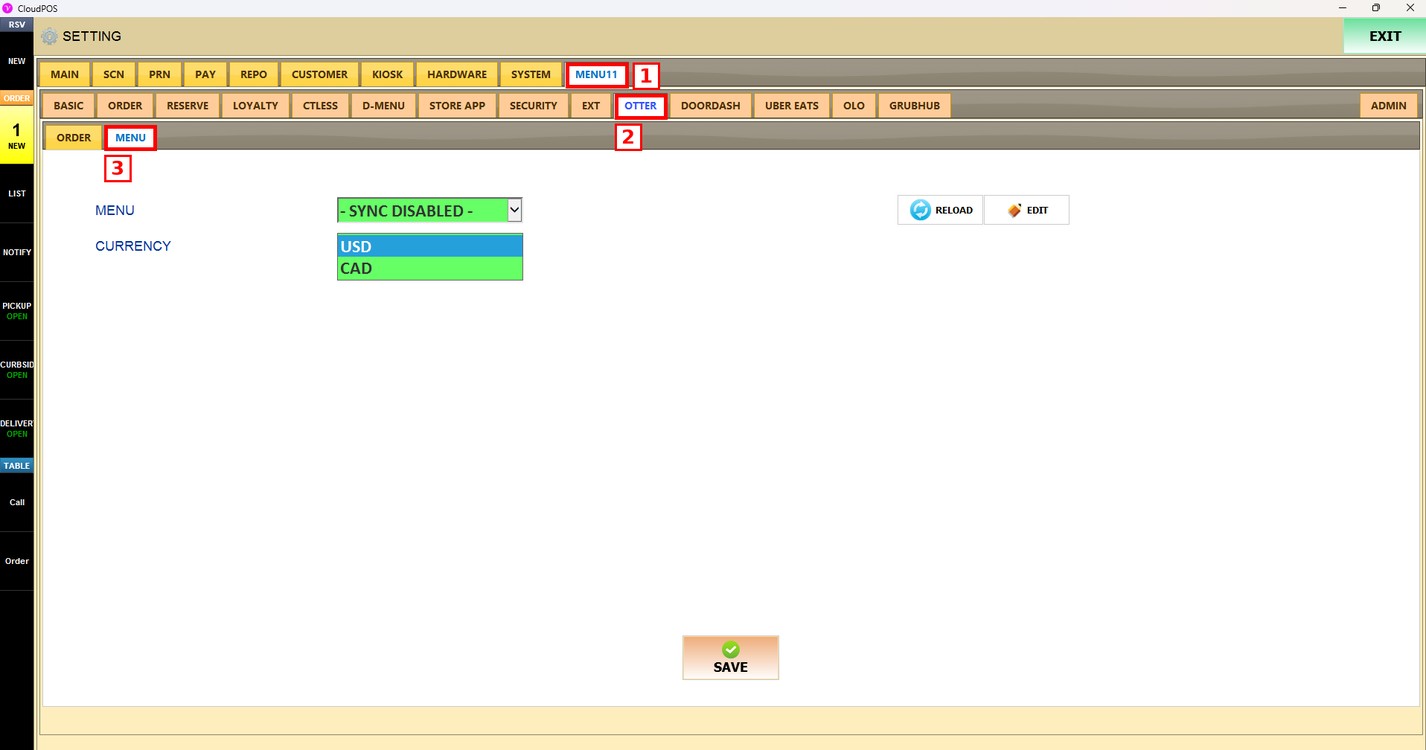
Press the MENU11 tab, then the OTTER subtab, and then MENU.
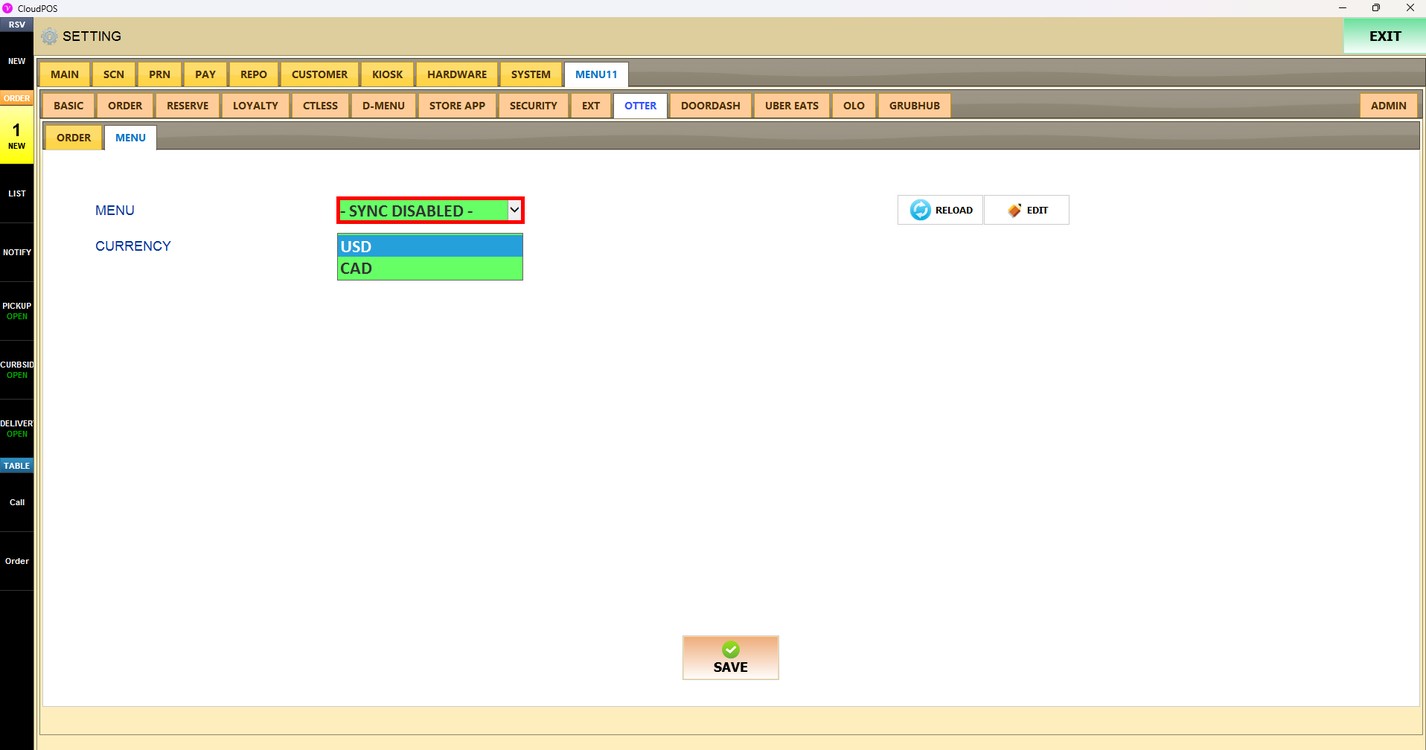
Menu:
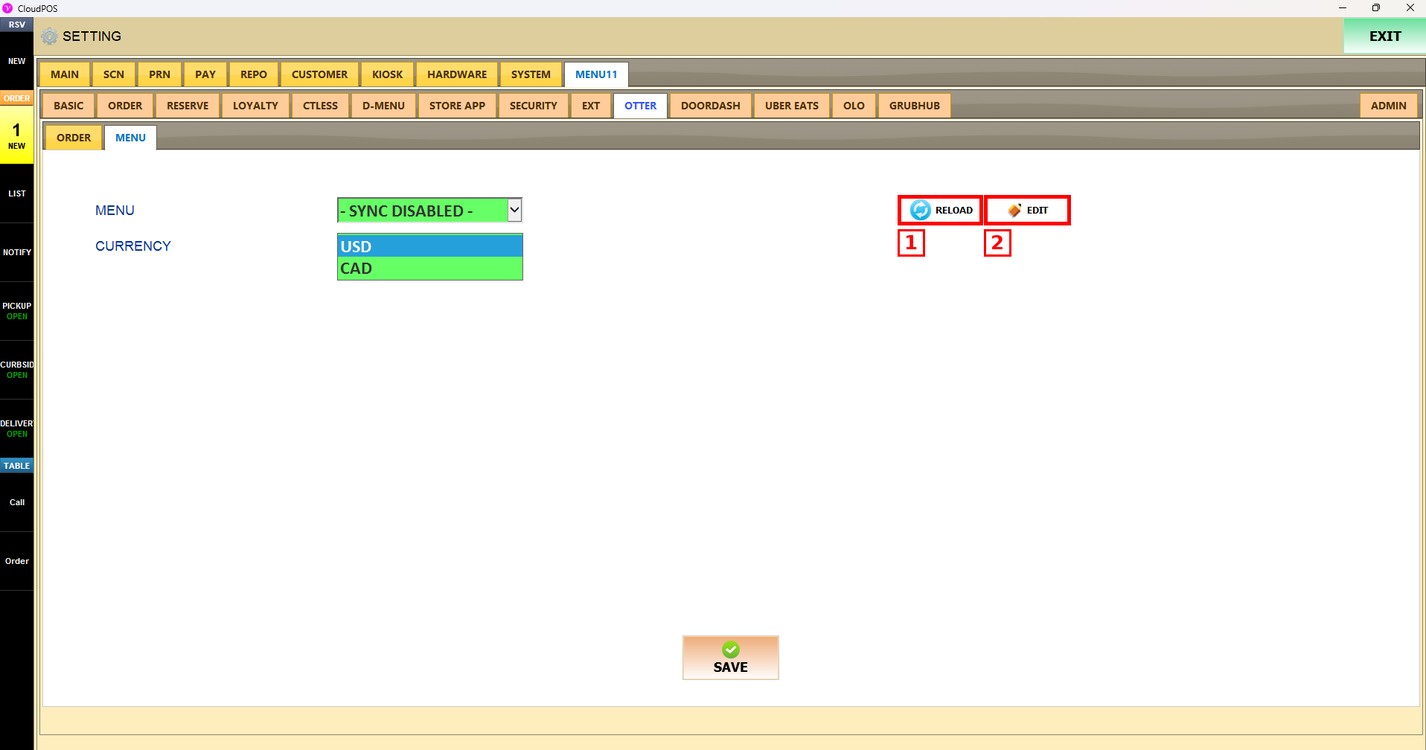
Press the MENU dropdown and select the menu of the store. Select - SYNC DISABLED - to stop syncing a menu with Otter.
Reload and Edit:
1. RELOAD: Reloads the list of menus.
2. EDIT: Opens the selected menu in the menu editor, where you can change the departments, items and modifiers of the menu.
Currency:
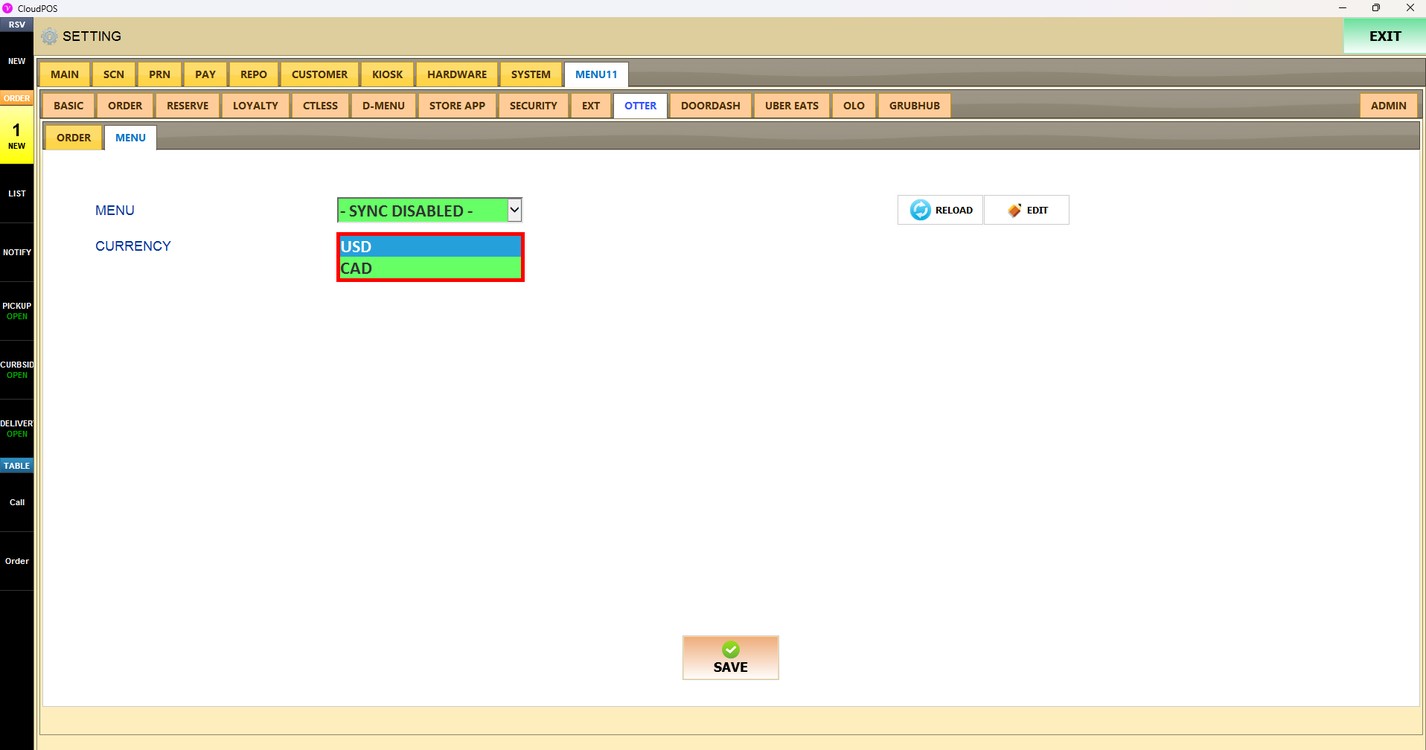
Sets the currency of the Otter menu. Choose USD (US dollar) or CAD (Canadian dollar).
Press SAVE to apply the changes.
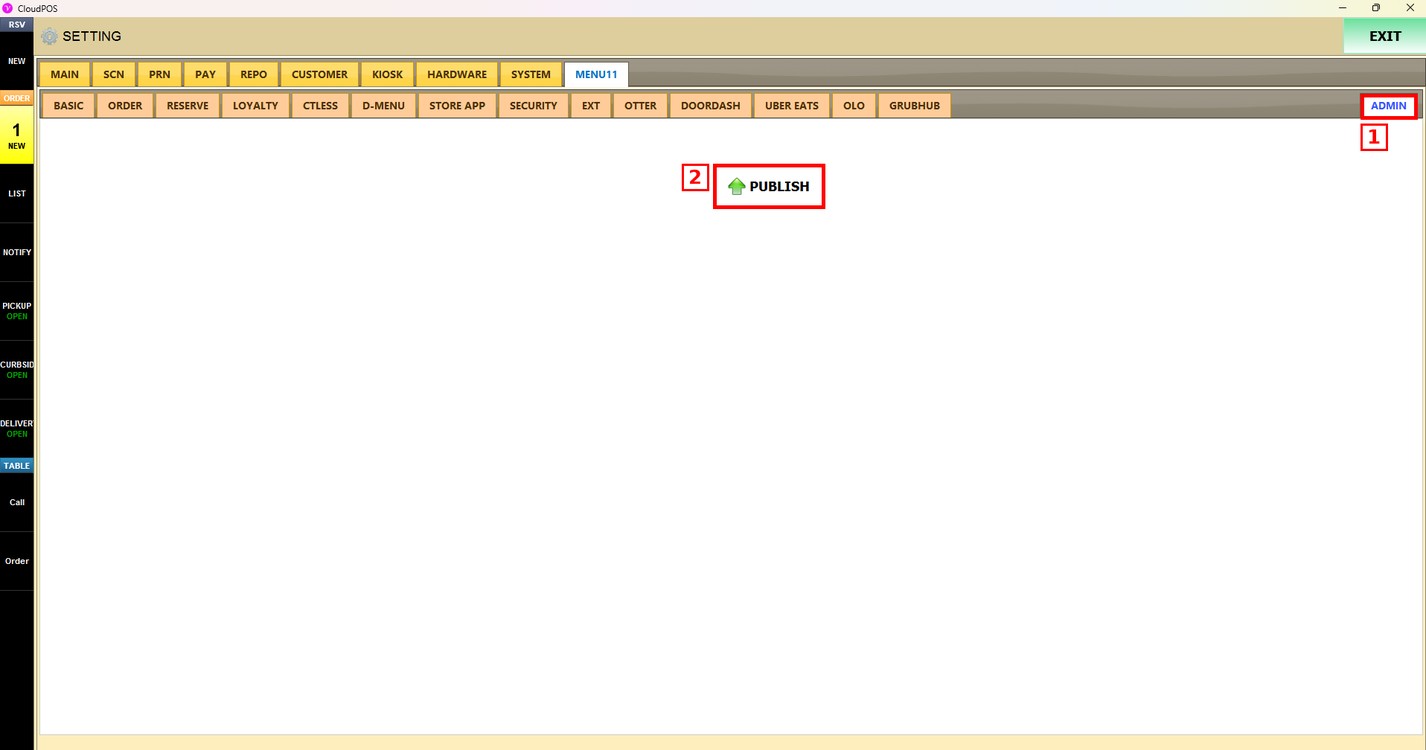
Publish the changes:
After saving, press the ADMIN tab and press PUBLISH. The changes are updated only after they are published.