Alert
The ALERTS settings allow you to receive notifications about important events occurring at your business. Alerts can be sent to multiple email addresses and up to three mobile phone numbers.
MENU > SETTINGS > MAIN > ALERTS
From the MAIN SCREEN, click MENU, then select SETTINGS.

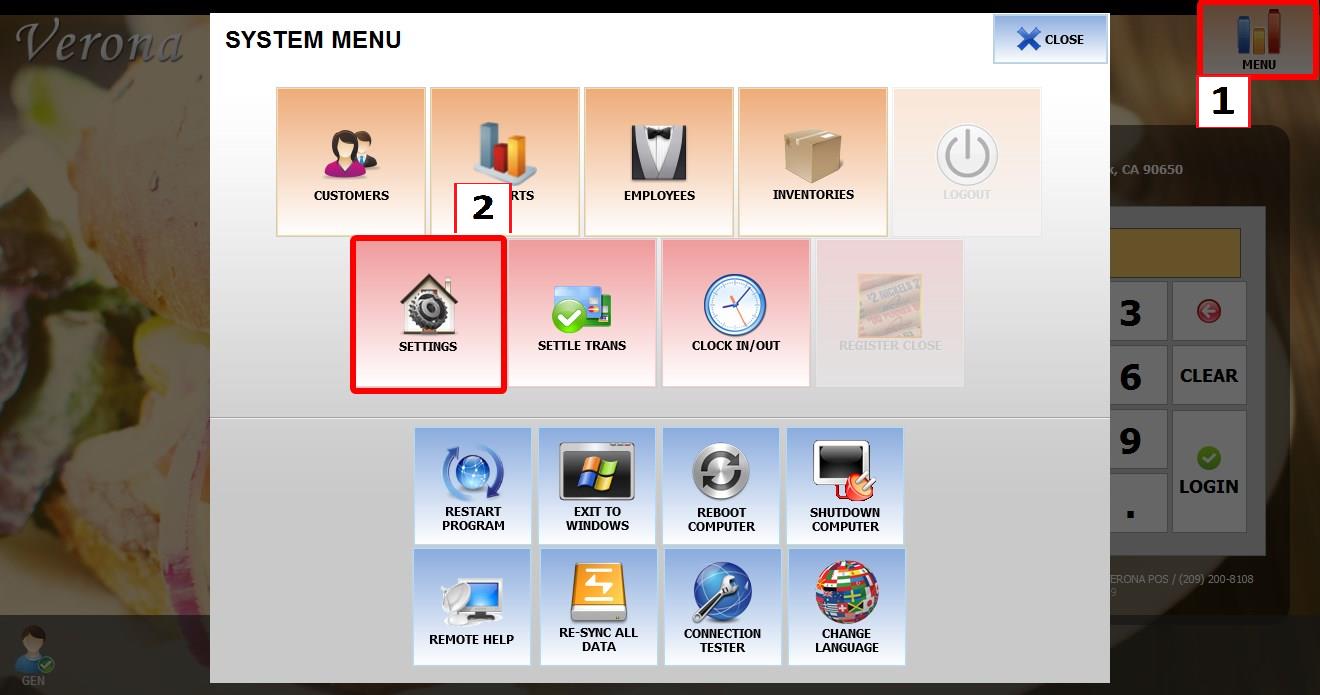
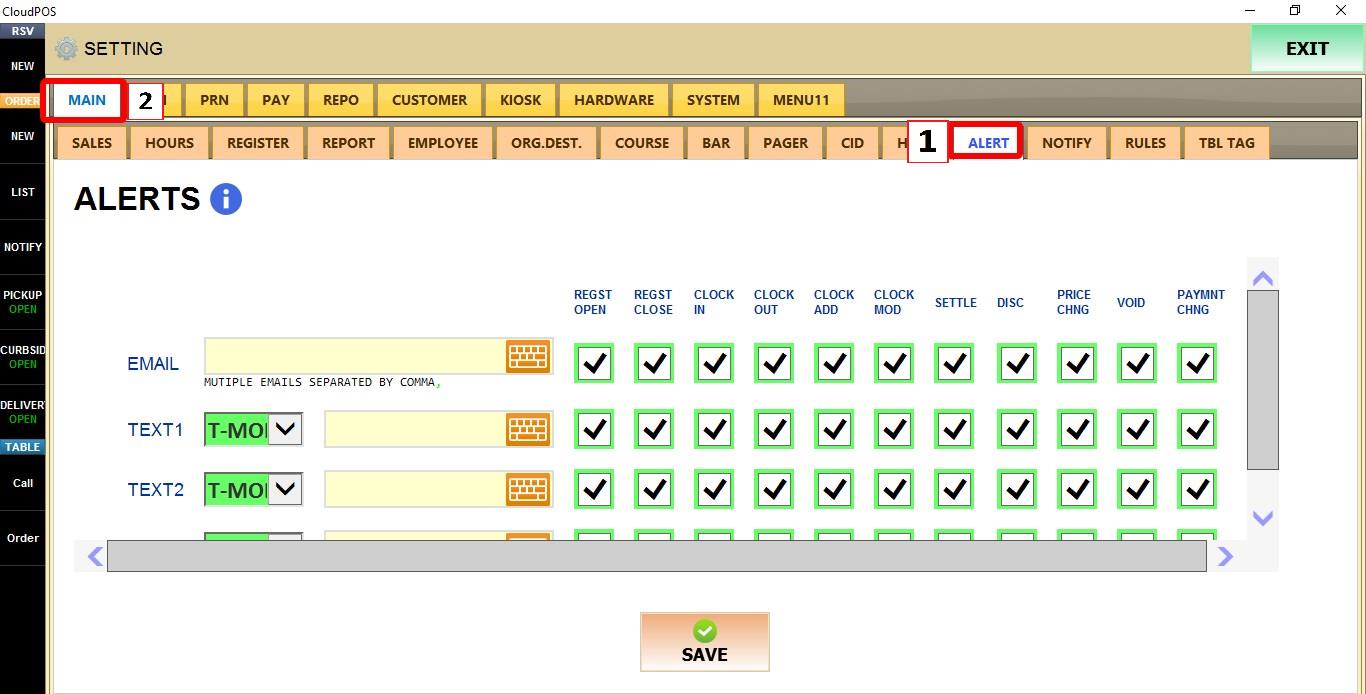
Go to MAIN > ALERTS.
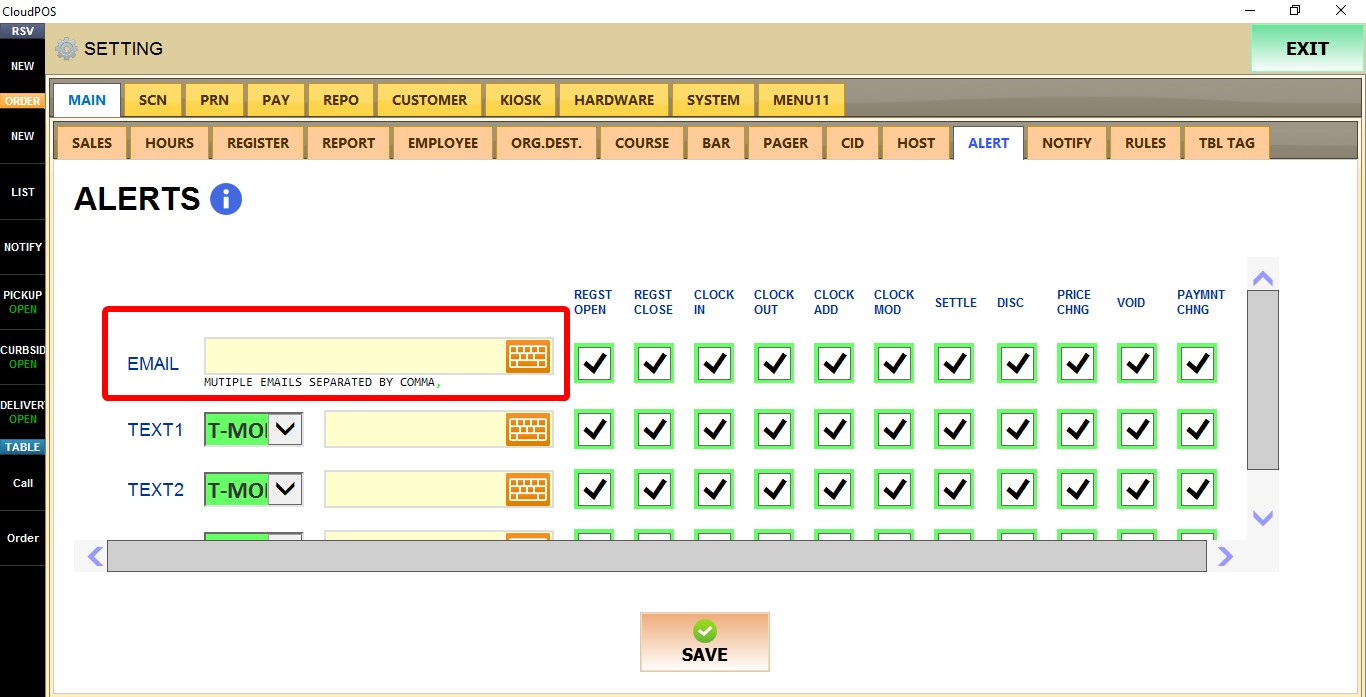
To receive alerts by email, enter one or more email addresses. Multiple email addresses can be configured by separating them with commas.
 TEXT
TEXT
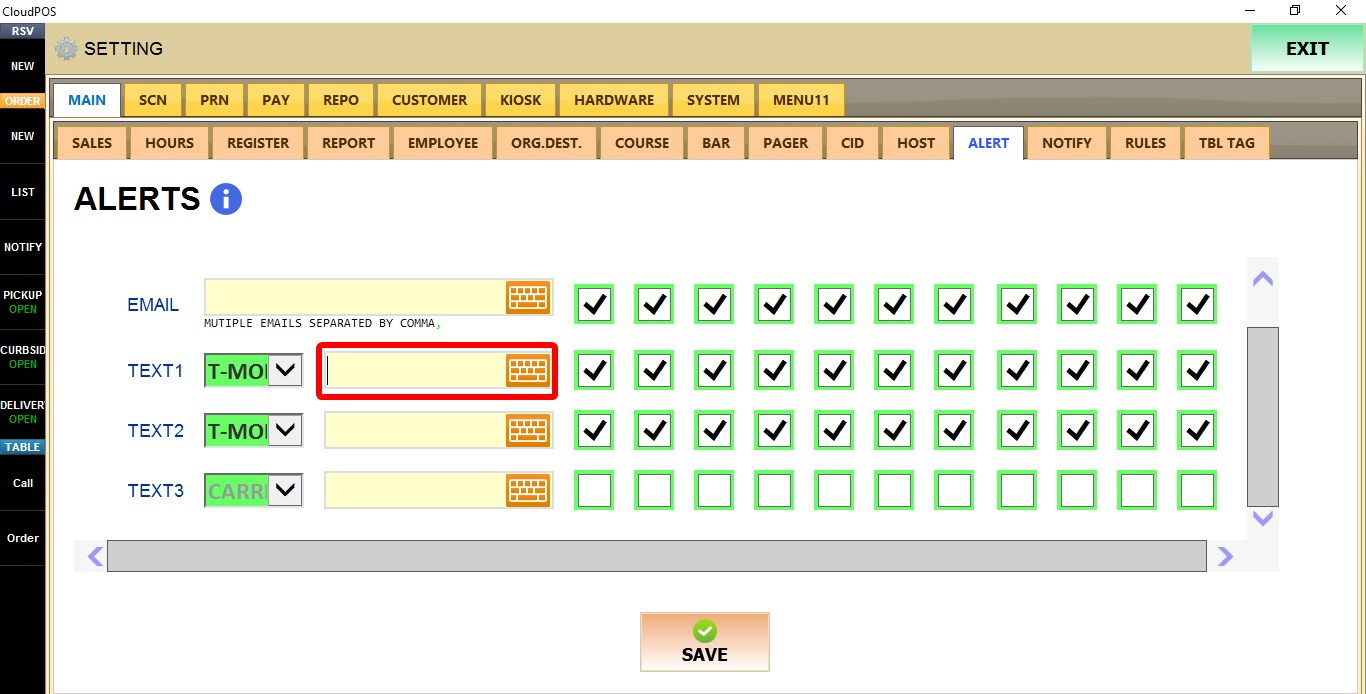
To receive alerts by text message, select the mobile carrier . Up to three phone numbers can be configured.

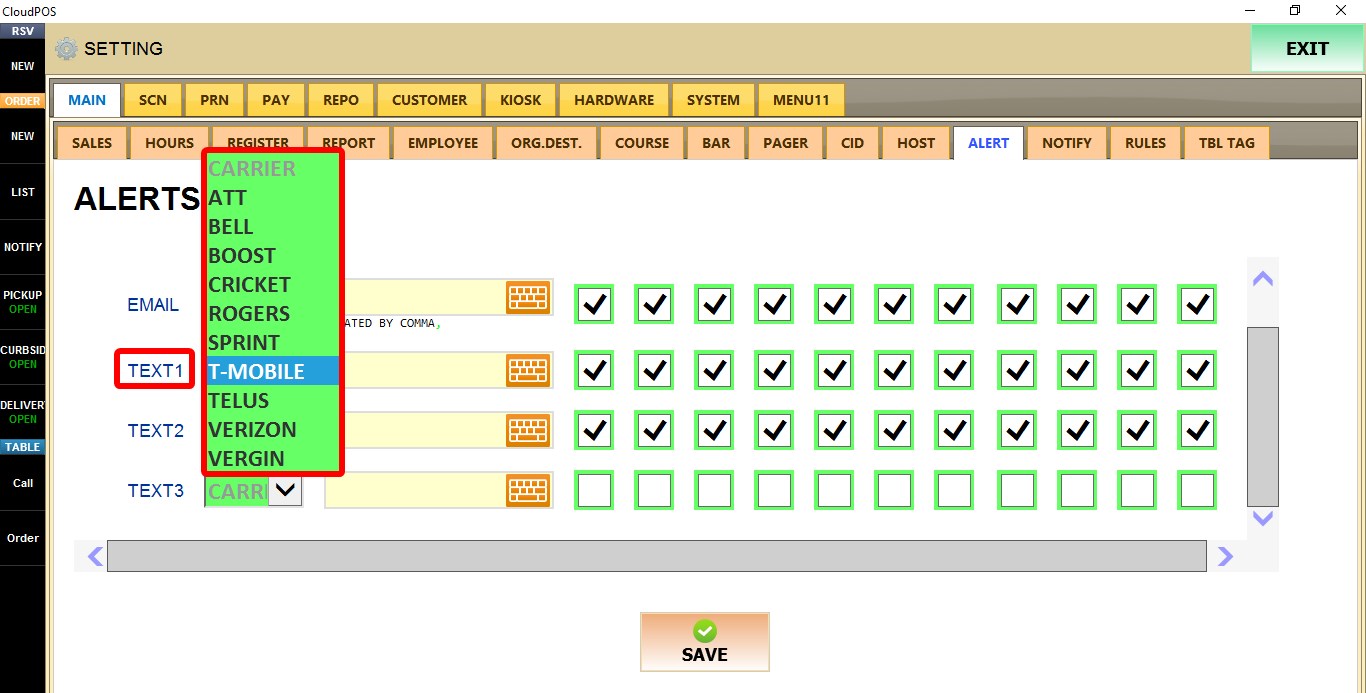
And enter the phone number
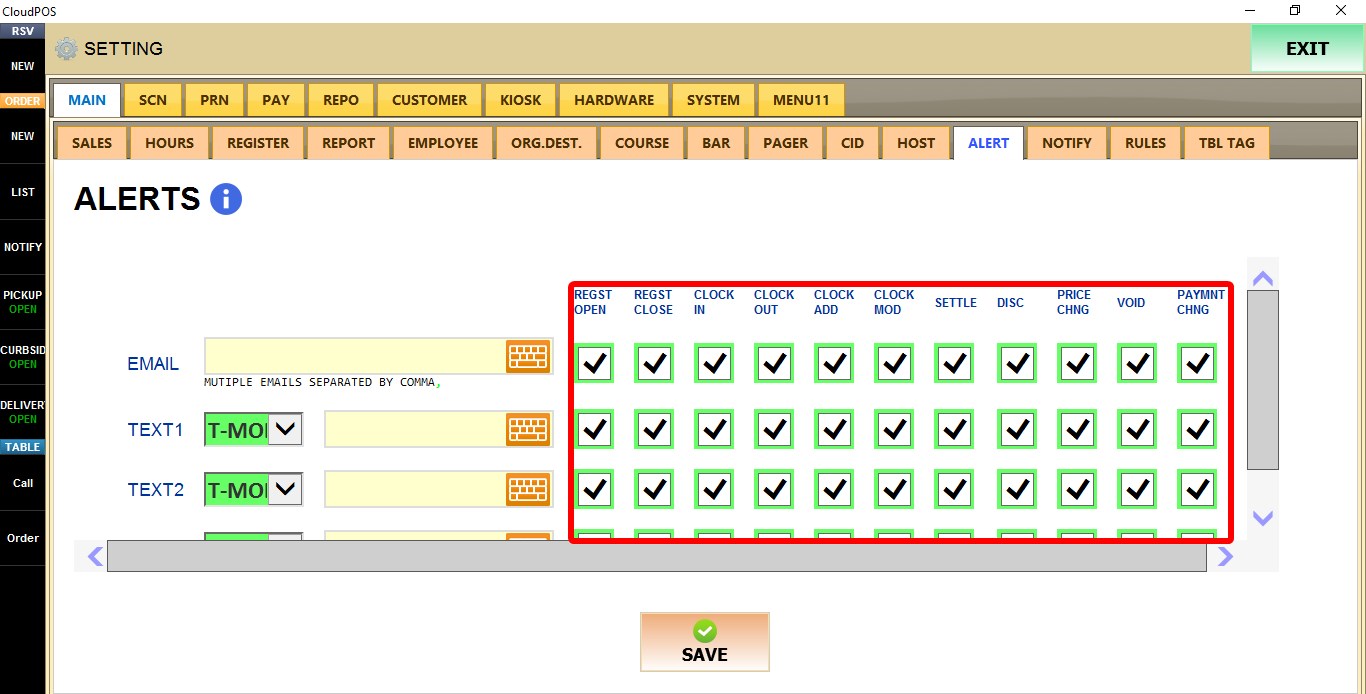
Types of Alerts
Examples of available alerts include:
Cash Control: Register Open, Register Close, and Credit Card Settlement.
Employee Management: Employee Clock In and Clock Out.
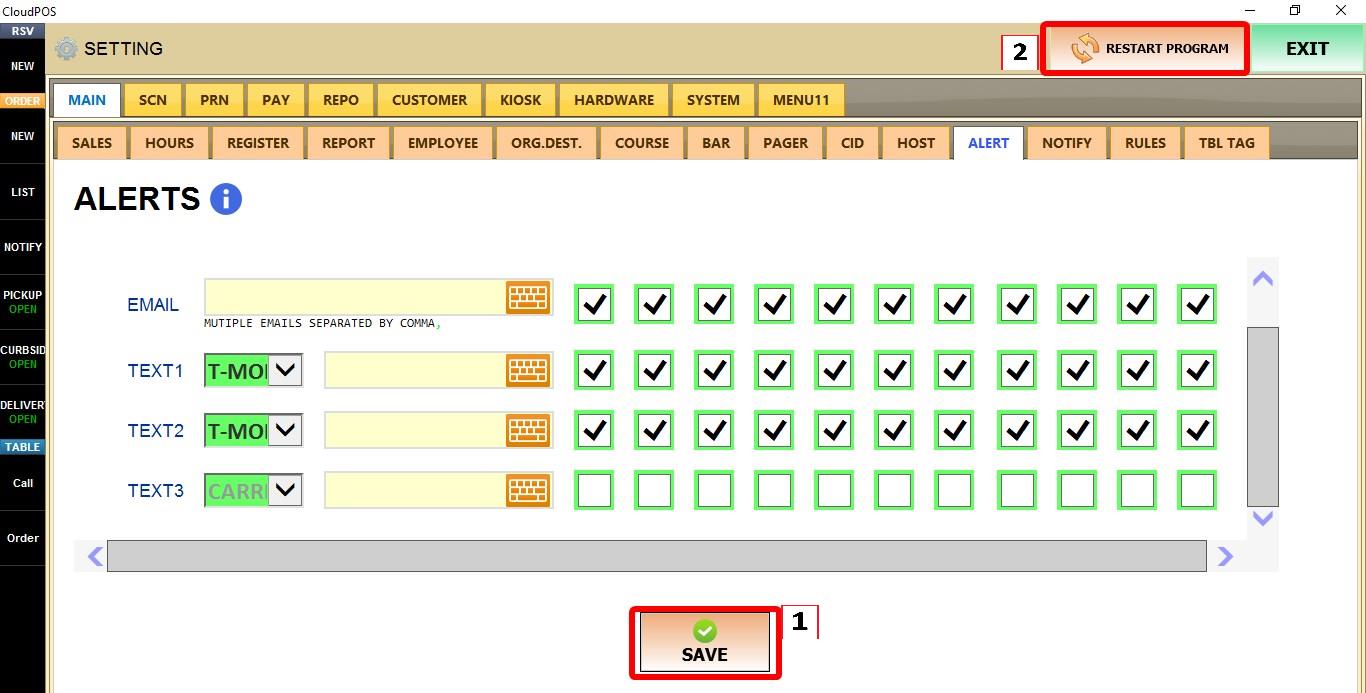
Click SAVE and restart the program to apply the changes.
 Hint: Email alerts are free. Standard carrier messaging rates may apply to alerts sent to mobile phones.