Table Reopen
The TABLE RE-OPEN setting controls how paid tables can be reopened when TABLE CLOSE is configured for manual table closing. Refer to the TABLE CLOSE guide for more information.
MENU > SETTINGS > MAIN > SALES > TABLE MANAGEMENT
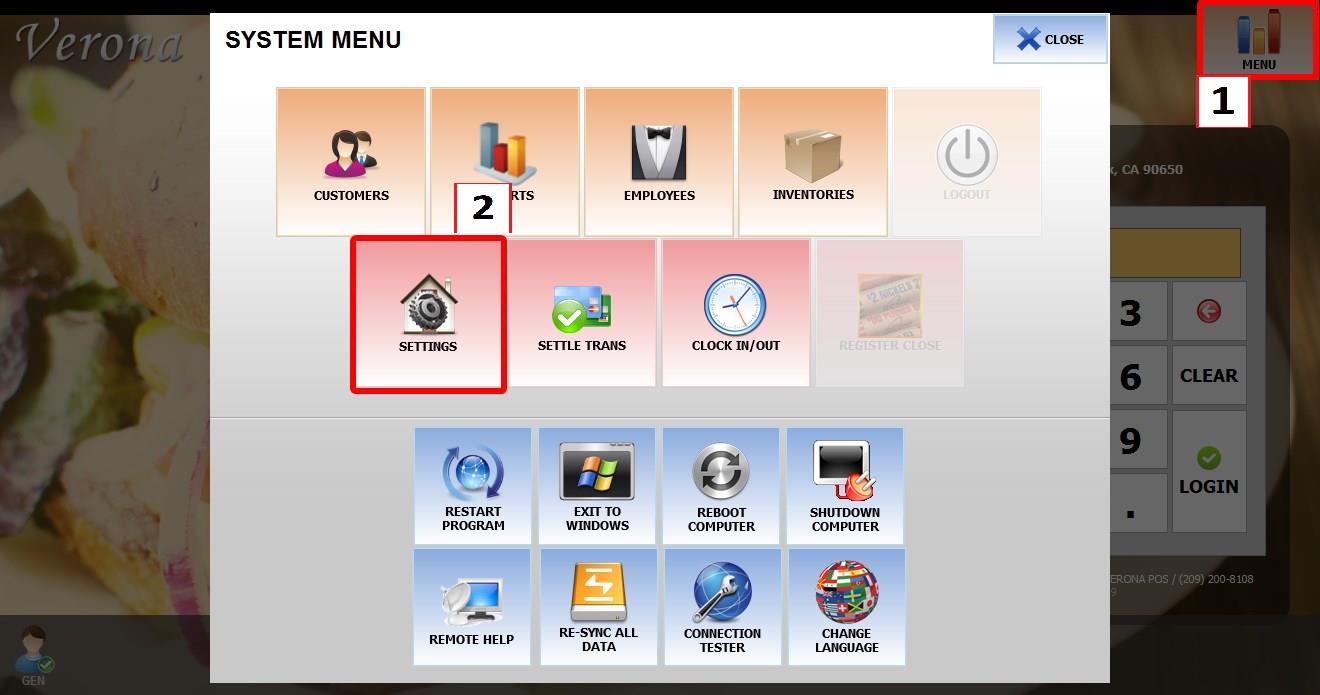
From the MAIN SCREEN, click MENU, then select SETTINGS.

Go to MAIN > SALES > TABLE MANAGEMENT.
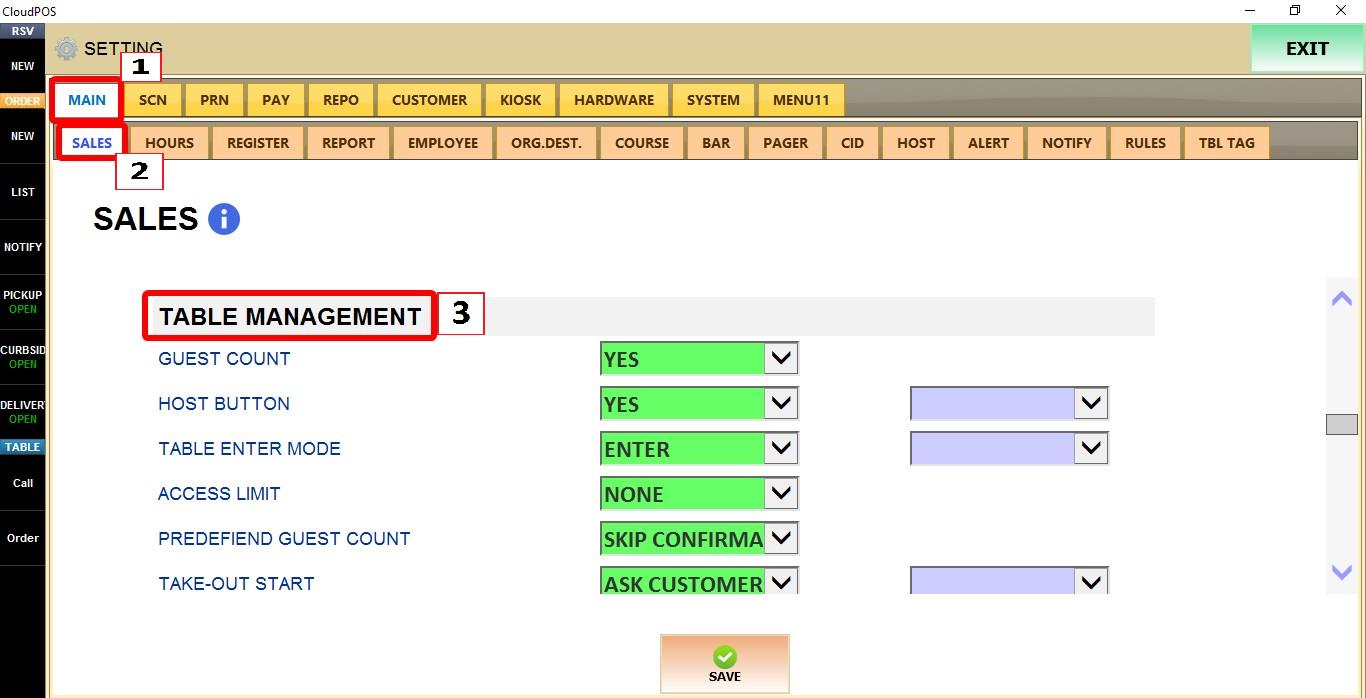
TABLE RE-OPEN
Controls how a paid table can be reopened before it is manually closed. This setting only applies when TABLE CLOSE is set to MANUAL.
Refer to TABLE CLOSE Guide for more information.
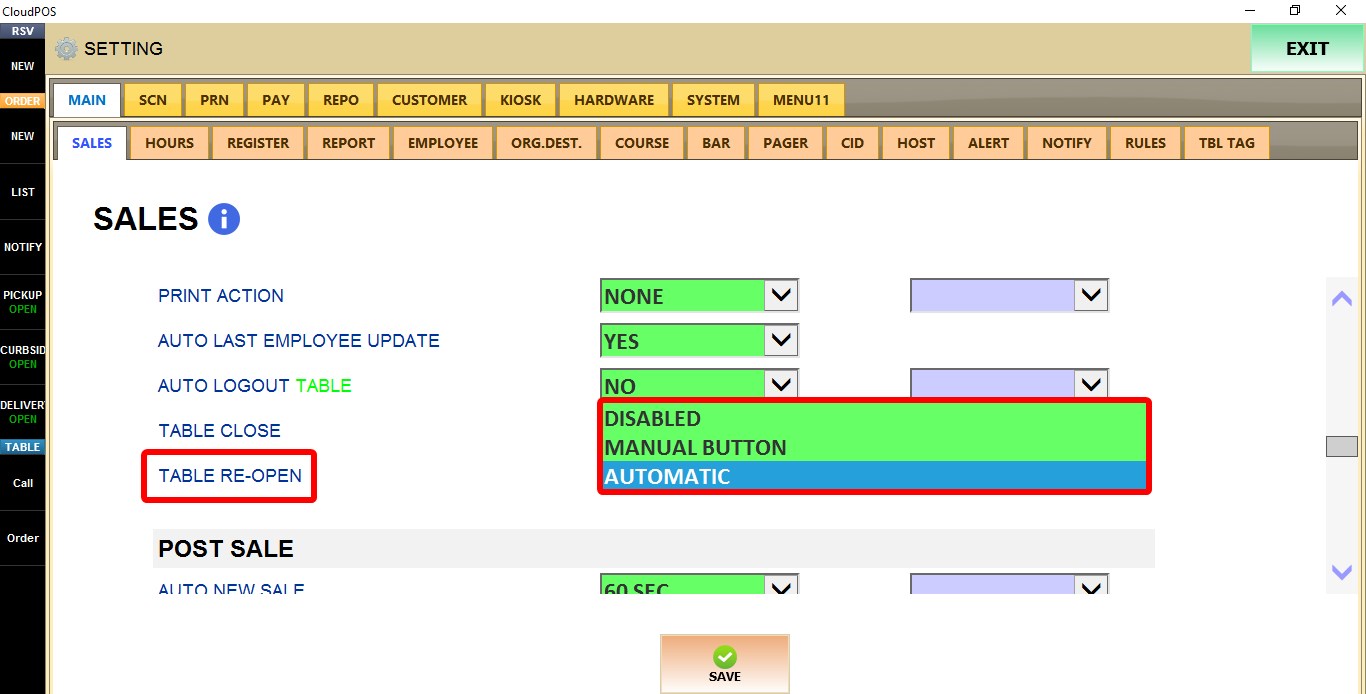
1. DISABLED: Reopening the table is disabled. Selecting the table only displays the payment completion screen, where the table can be closed if the CLOSE TABLE checkbox is selected.
2. MANUAL BUTTON: Selecting the table displays a REOPEN button. Click REOPEN to return to the order screen.
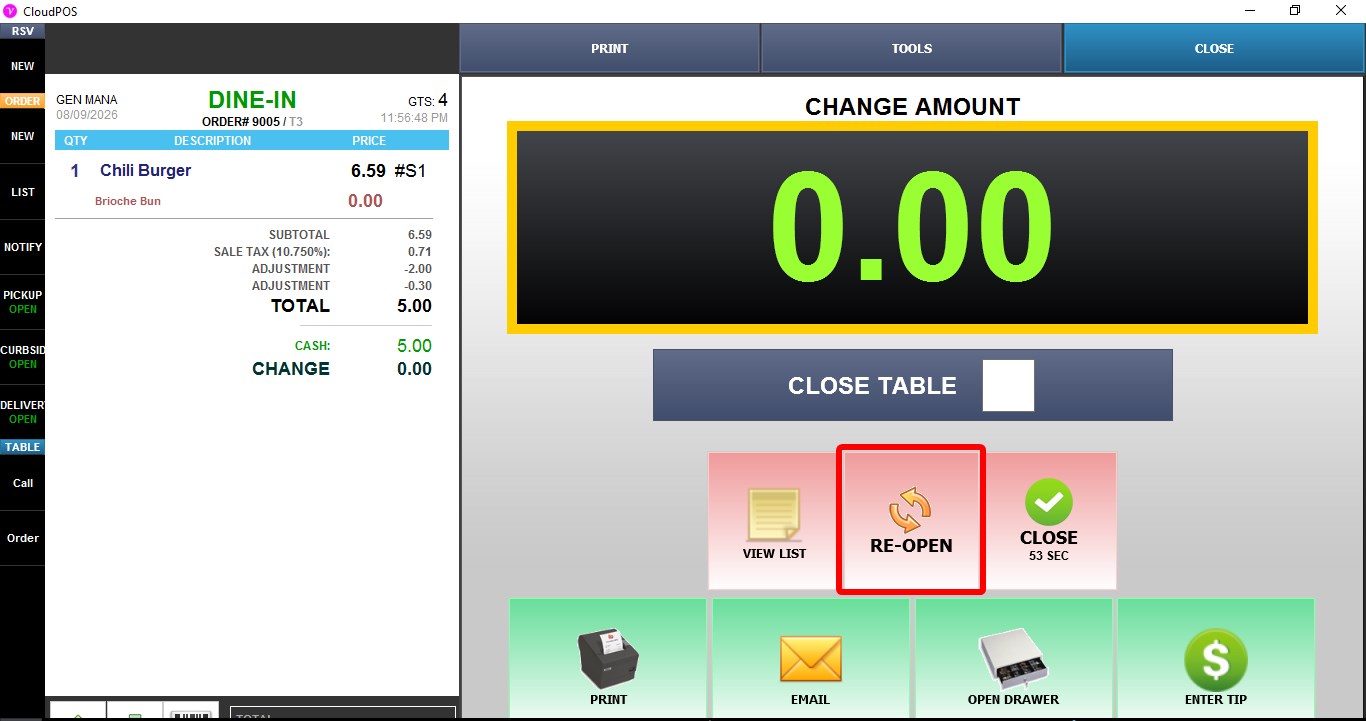
3. AUTOMATIC: Selecting the table immediately reopens it and returns directly to the order screen.
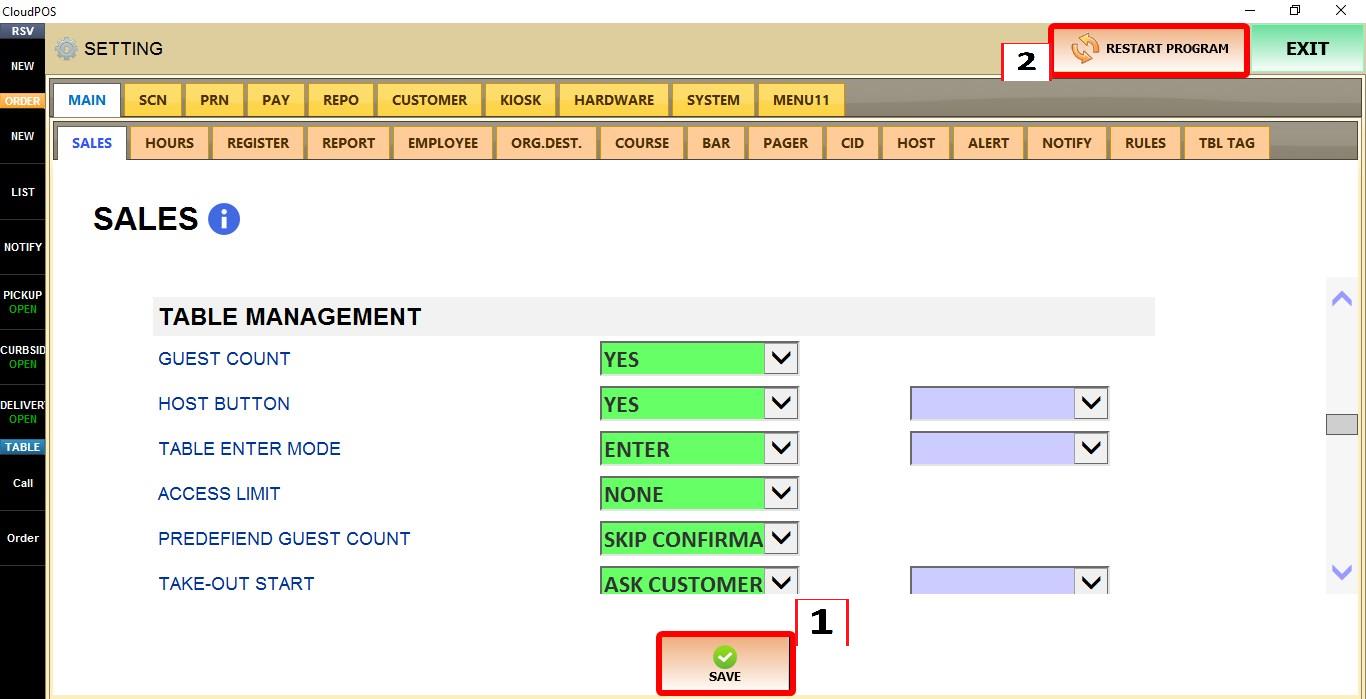
Click SAVE to apply the changes, then RESTART the program.