Adding a Tab
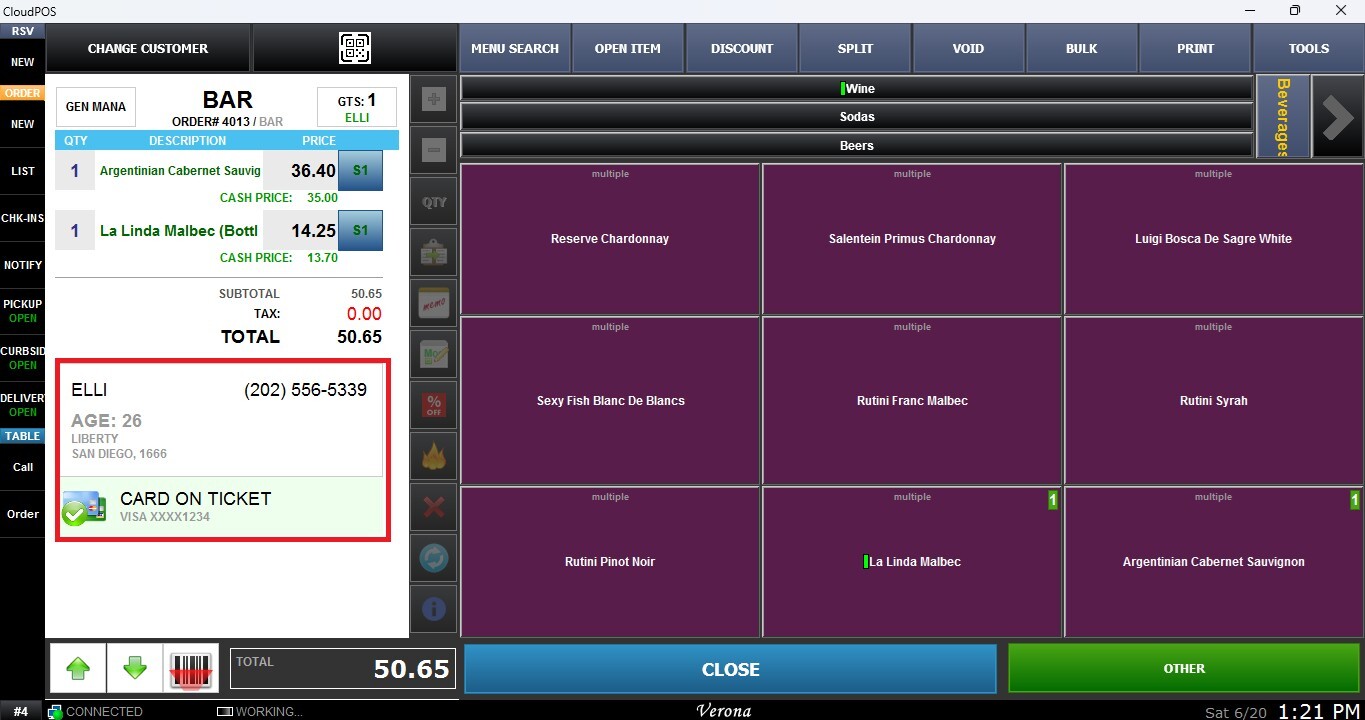
This feature allows staff to add a new bar tab for a customer, enabling order tracking under an open account. When creating a tab, the system will prompt for customer identification details, including a name and credit card information for reference.
Main Screen > Number Pad > Table Screen > BAR
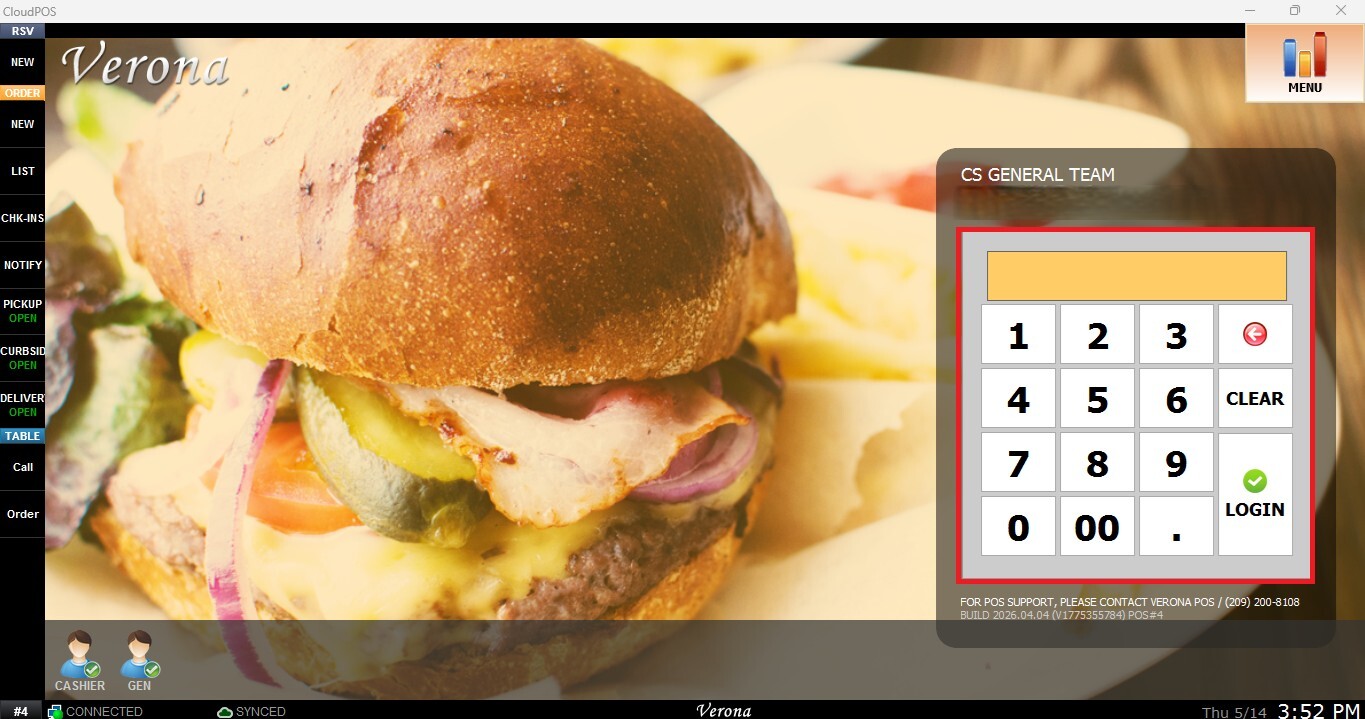
From the Main Screen, use the number pad and enter the assigned employee's password to log in.
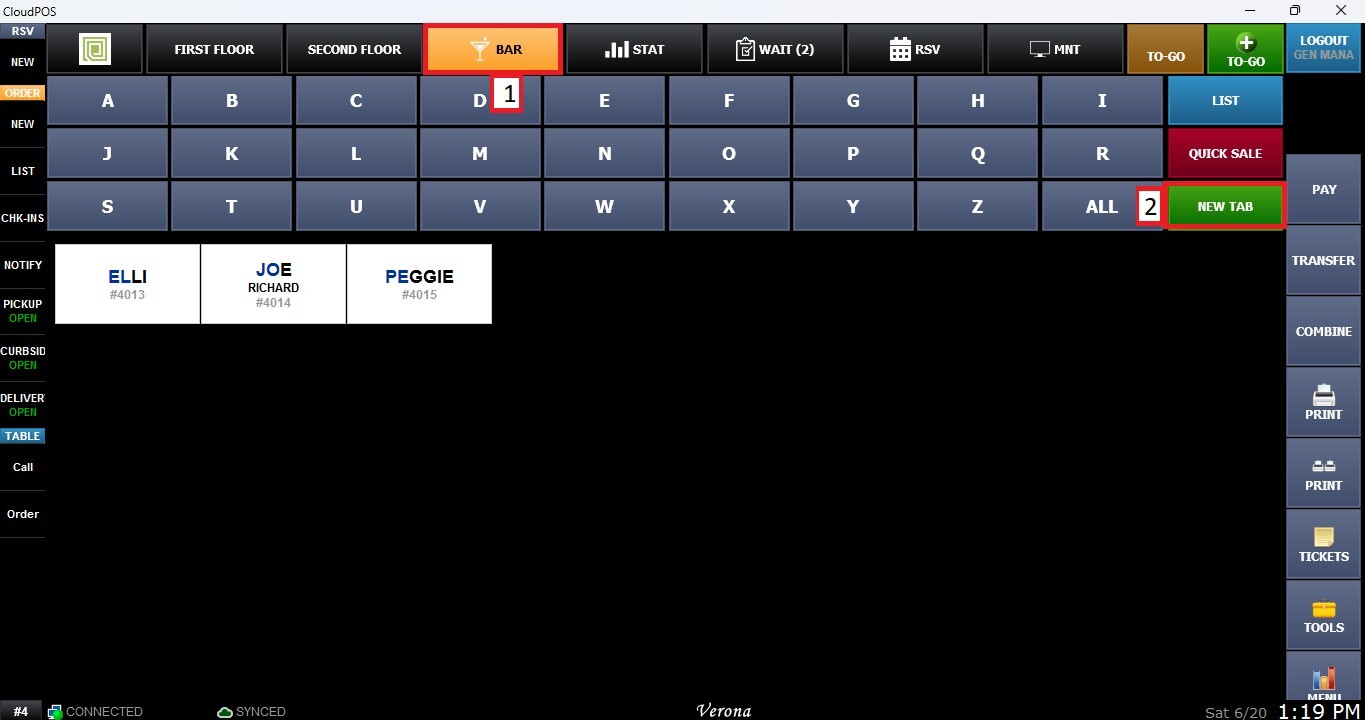
From the Table Map, click on BAR, then select NEW TAB.
This will open the Sales Screen, where you can enter the customer’s name and credit card information. Once created, the tab remains open, allowing staff to continuously add items to the order throughout the visit until payment is processed and the tab is closed.