Action Log
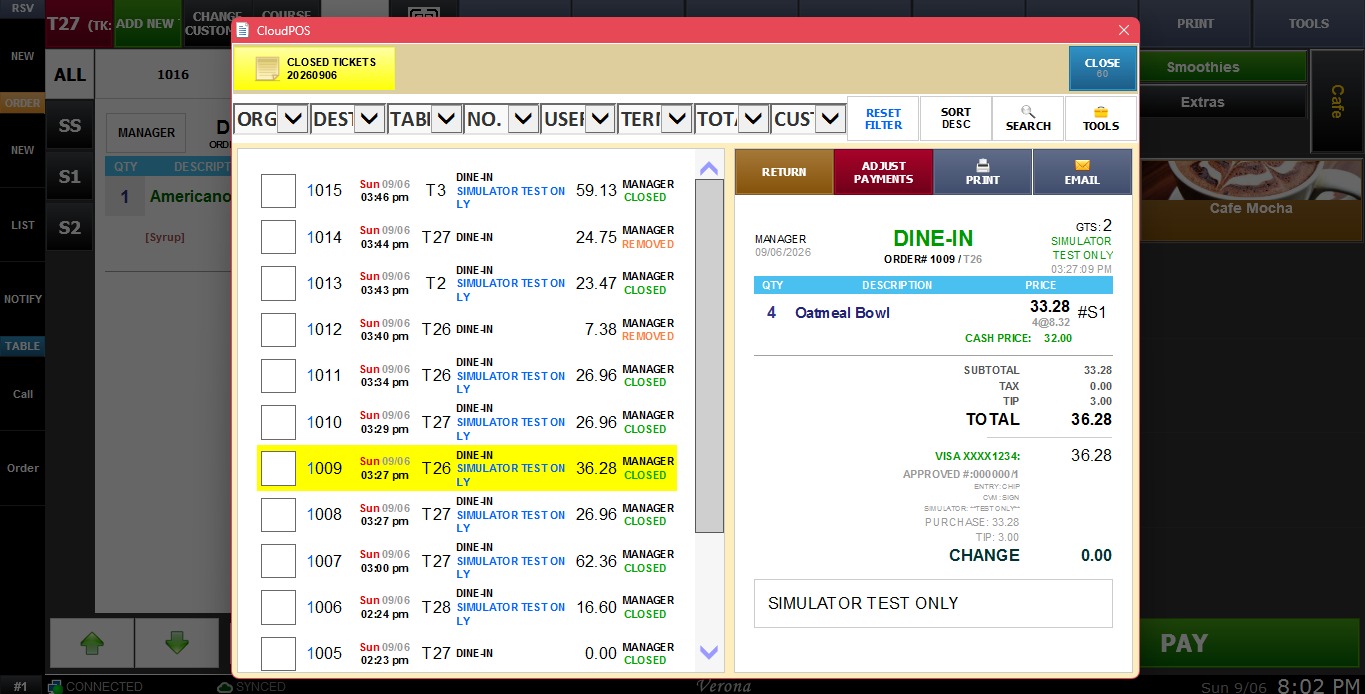
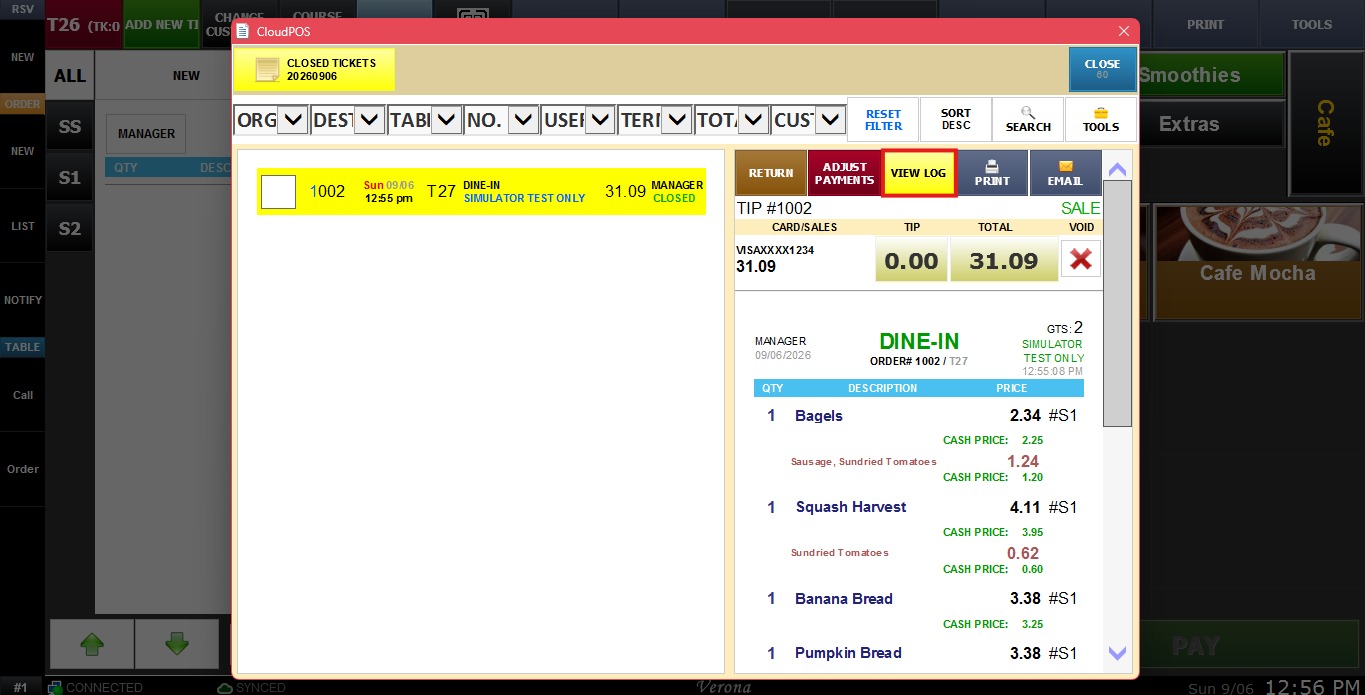
VeronaPOS can track and record a log on how the sales ticket has been operated.
MENU > SETTINGS > MAIN > SALES >ORDER SCREEN > TICKET > ACTION LOG
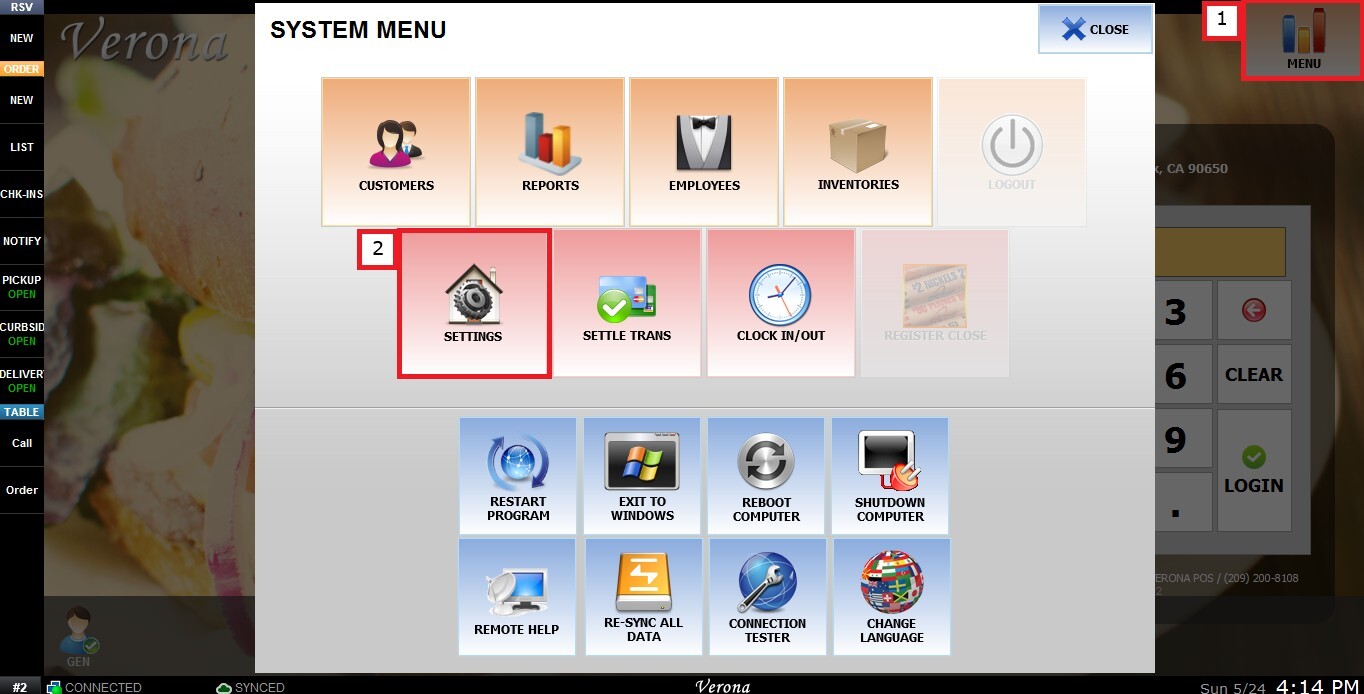
From the Main Screen, click MENU, then select SETTINGS.
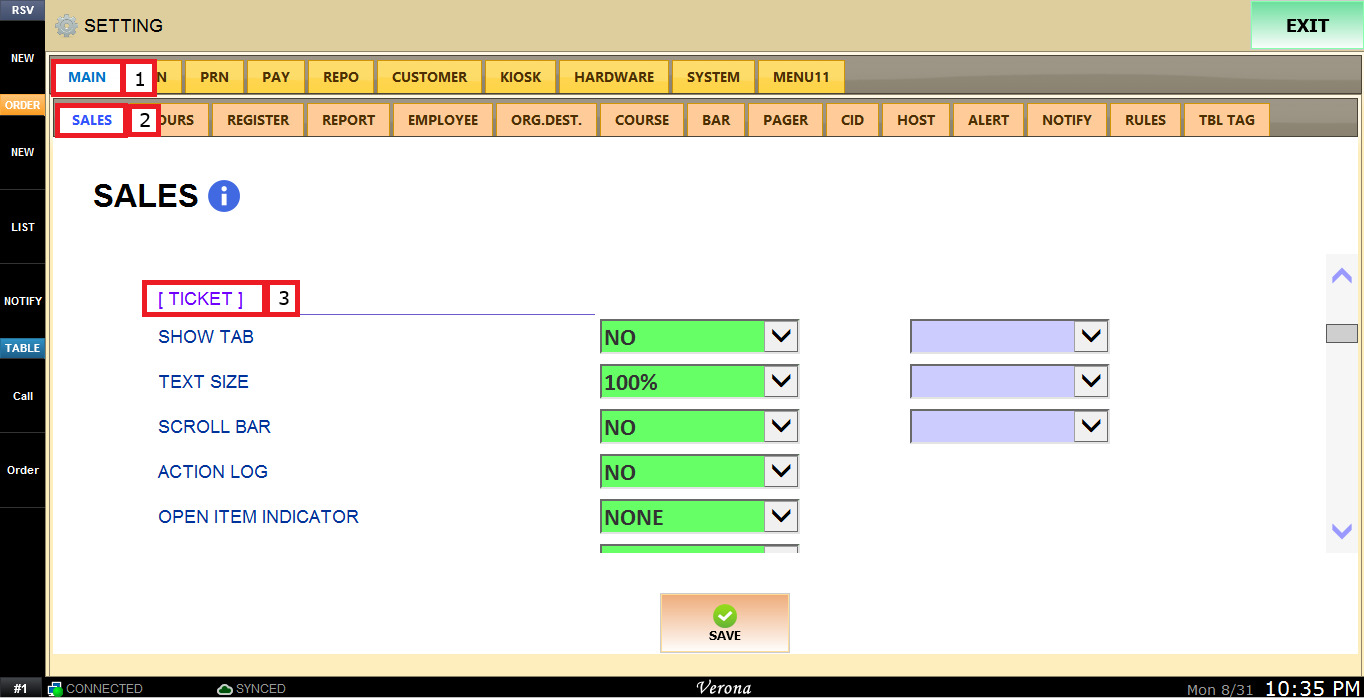
Under MAIN, select SALES, scroll down to the TICKET section.
The TICKET ACTION LOG dropdown menu has the following options:
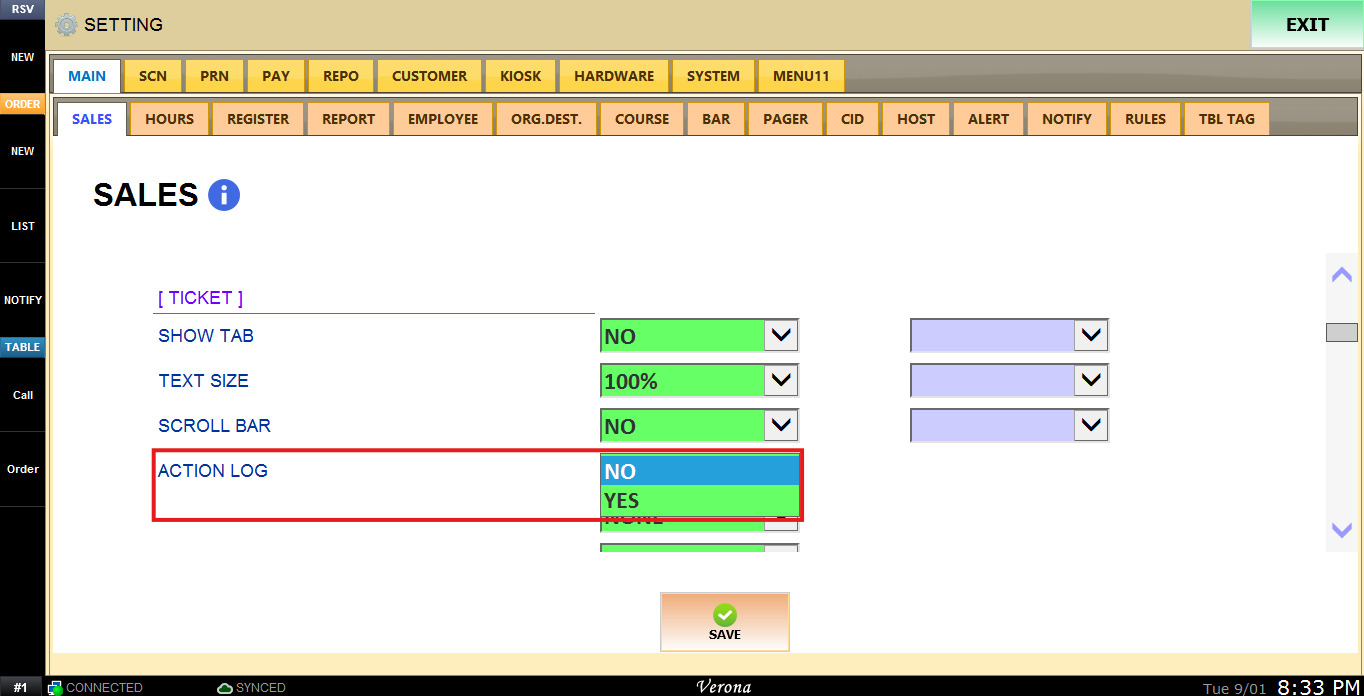
1. NO: Disables the ticket action log.
2. YES: Enables the ticket action log.
The Ticket Action Log can be accessed from the Tickets section on the Sales/Map screen.
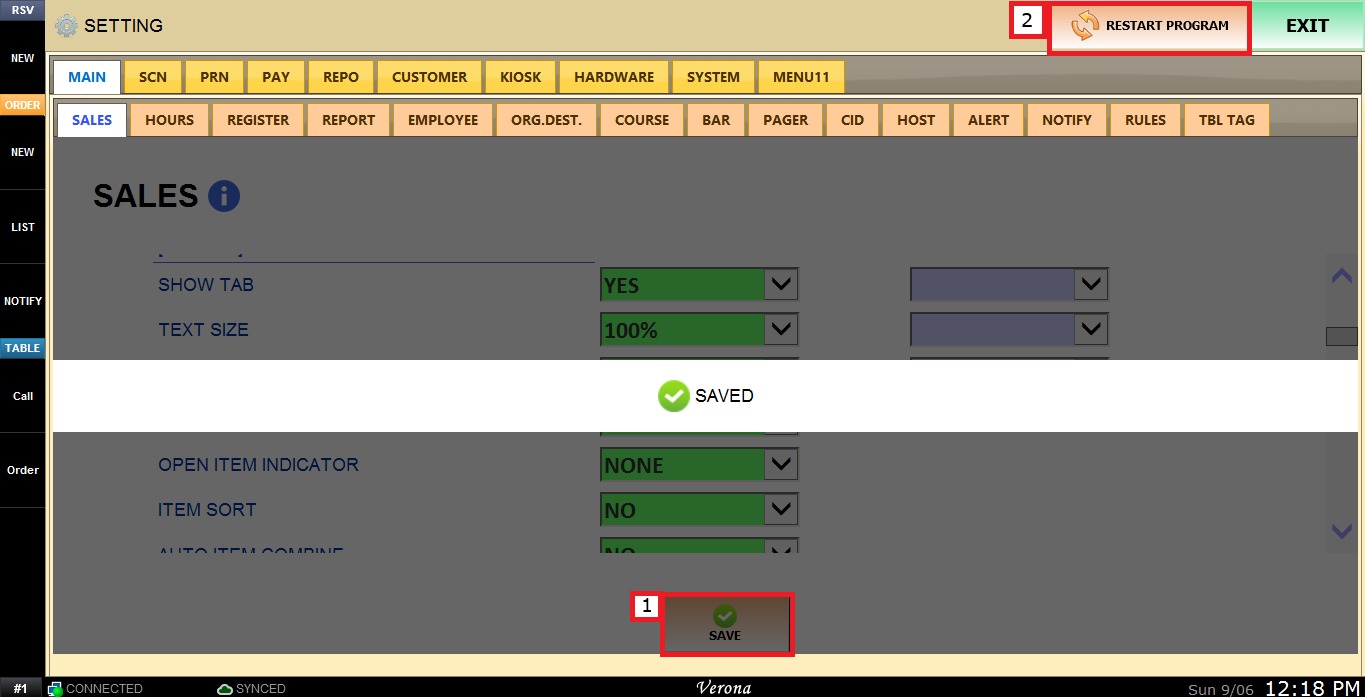
To keep the desired configuration, click SAVE and RESTART PROGRAM.