Digital Menu
The Digital Menu is part of VeronaPOS's QR solution, allowing customers to view a restaurant's menu without the need for a physical copy. Restaurants can either print a QR code generated by the POS or embed the Digital Menu link on their website, making it easy for customers to browse the menu from a smartphone, tablet, or computer. This feature is ideal for dine-in service, online ordering, or phone orders where customers need to view the menu remotely.
Scan QR> Access Digital Menu
Scan the restaurant's Digital Menu QR code using your smartphone camera, or click the embedded Digital Menu link on the restaurant's website.
You will be redirected to the restaurant's Digital Menu.
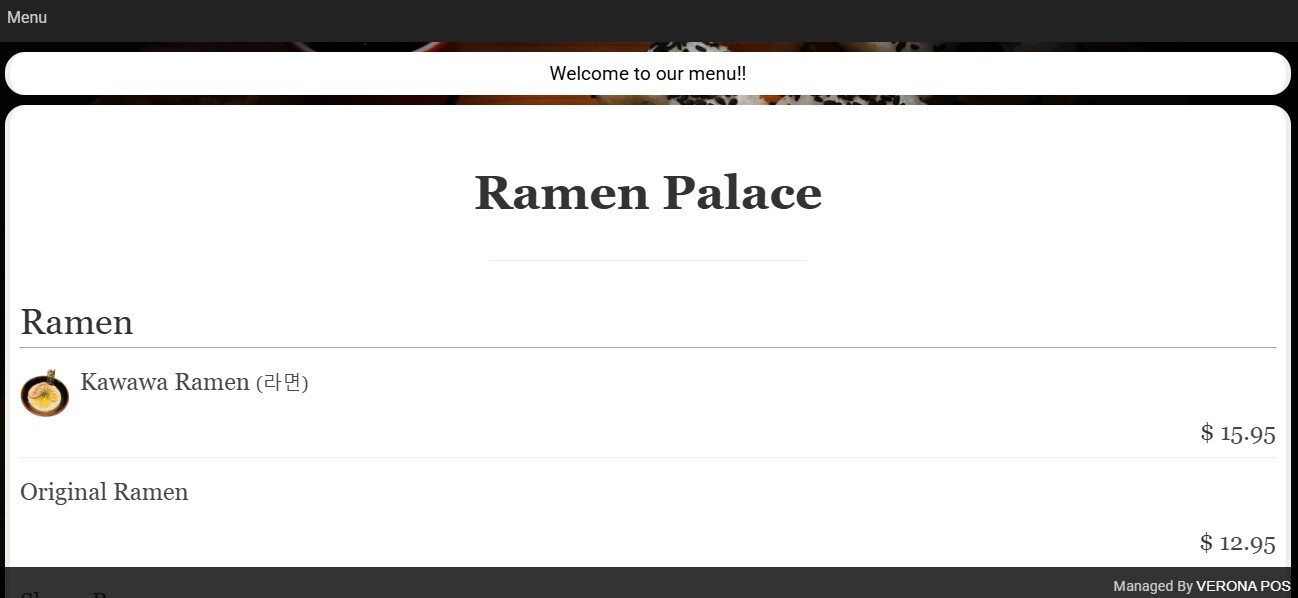
Browse the available menu categories and select any item to view its details, including pricing, descriptions, and available options (if configured).
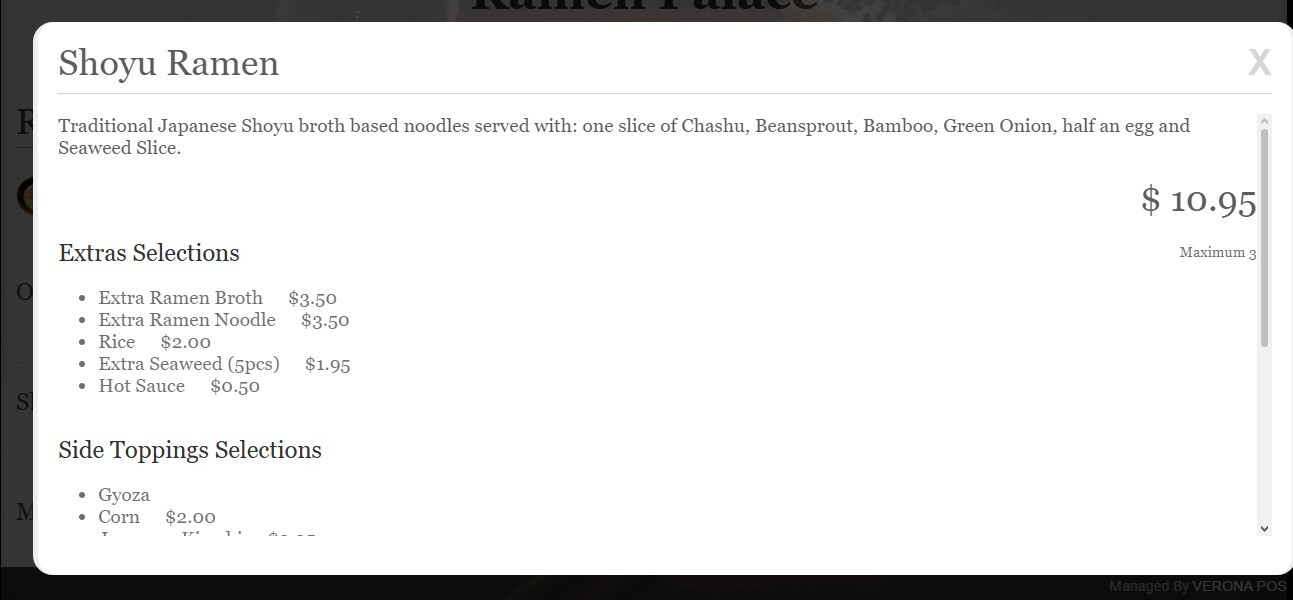
Continue navigating through the menu as needed from your smartphone, tablet, or computer.
To learn how to configure the Digital Menu and obtain the QR code or embedded link, refer to the Digital Menu Settings KB.