Closed Tickets
This feature allows you to review orders that have been completed and fully paid. From this screen, you can access previous transactions to verify order details, review payment information, and reference completed sales.
Accessing Closed Tickets
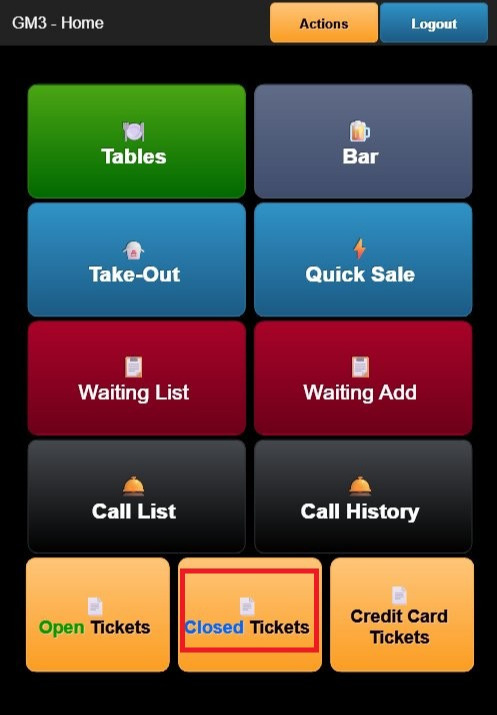
From the Home Screen, tap Closed Tickets. The Closed Tickets screen displays a list of all completed orders.
The header displays KIM - Closed Tickets along with a CLOSE button.
Each ticket displays the following information:
- ORDER NUMBER: Unique identifier assigned to the completed order.
- REGISTER: The register or employee associated with the transaction.
- TABLE/SECTION: The table or service area assigned to the order, when applicable.
- CUSTOMER NAME: Displays the customer's name if one has been assigned to the order.
- TOTAL AMOUNT: The final order total, including any applicable taxes and tips.
- ITEM LIST: An expanded view of the items included in the order, showing quantities and prices.
- STATUS: Indicates the ticket status as CLOSED.
Viewing a Closed Ticket
Tap any closed ticket to open its details.
From the ticket details screen, you can:
- Review the items included in the order.
- View payment information and transaction totals.
- Verify completed sales for reference or customer inquiries.
Note: Closed tickets are read-only and cannot be modified or reopened from CloudPOS Mobile.
Closing the Screen
Tap CLOSE to return to the Home Screen.