Payment Options
This guide explains the payment options available in CloudPOS Mobile.
CloudPOS Mobile > Ticket > PAY
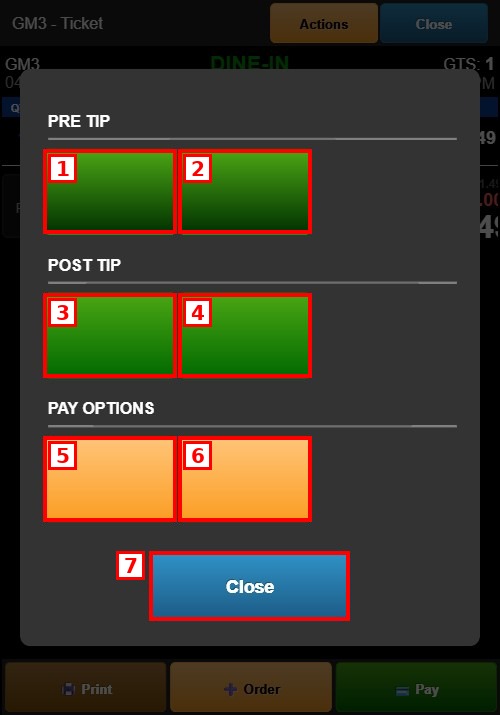
Pre Tip:
Collects the tip before processing the payment.
1. CREDIT CARD: Opens the percentage-based Tip Selection screen, then the Signature screen, and then processes the payment.
2. CUSTOMER PAY: Opens the dollar-based Tip Selection screen, then the Signature screen, and then confirms the payment.
Post Tip:
Processes the payment first and collects the tip afterward.
3. CREDIT CARD: Charges the credit card immediately without a tip. The Payment Complete screen then shows a CUSTOMER TIP & SIGN button to collect the tip and signature.
4. CUSTOMER PAY: Records the payment first and then allows the tip and signature collection.
Pay Options:
5. EQUAL PAY: Splits the ticket total equally between customers.
6. SPLIT PAY PARTIAL: Splits the ticket into custom amounts for each customer.
7. CLOSE: Cancels the payment and returns to the ticket.