Show Tab
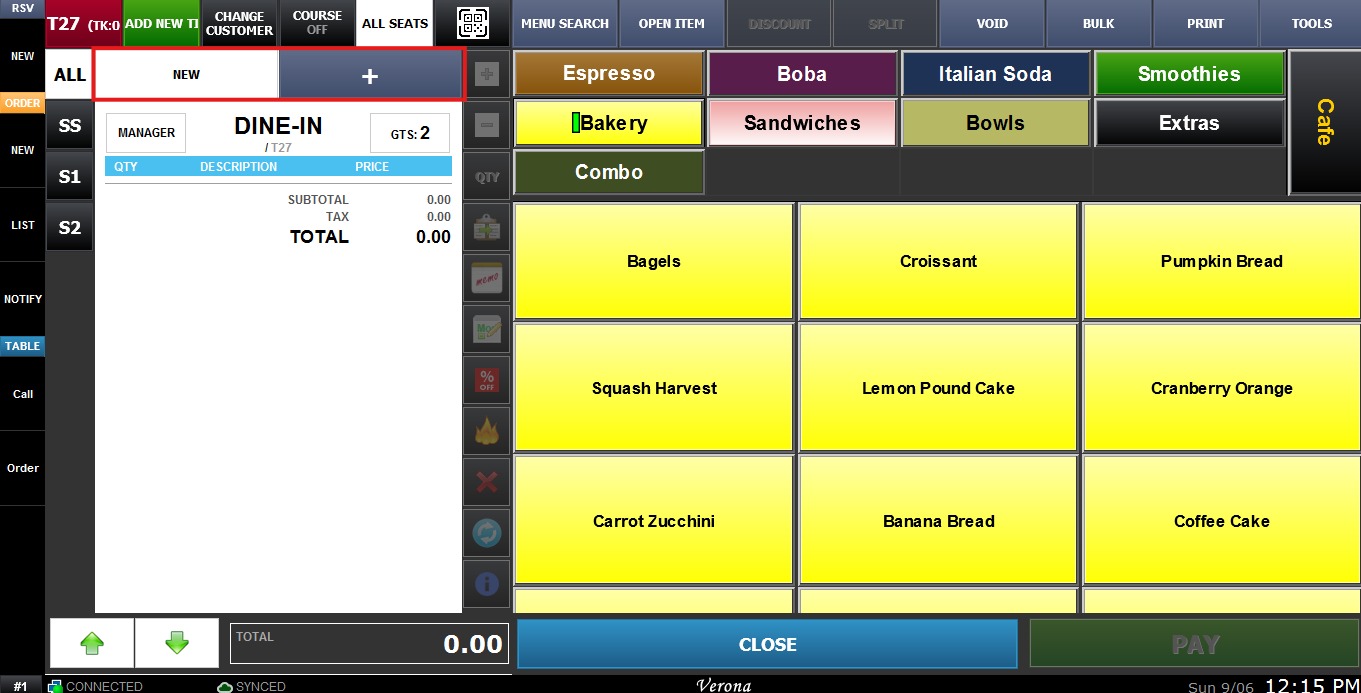
The Show Tab function enables the ticket tab system, which allows the user to easily manage multiple tickets on the same table.
MENU > SETTINGS > MAIN > SALES > ORDERING > TICKET > SHOW TAB.
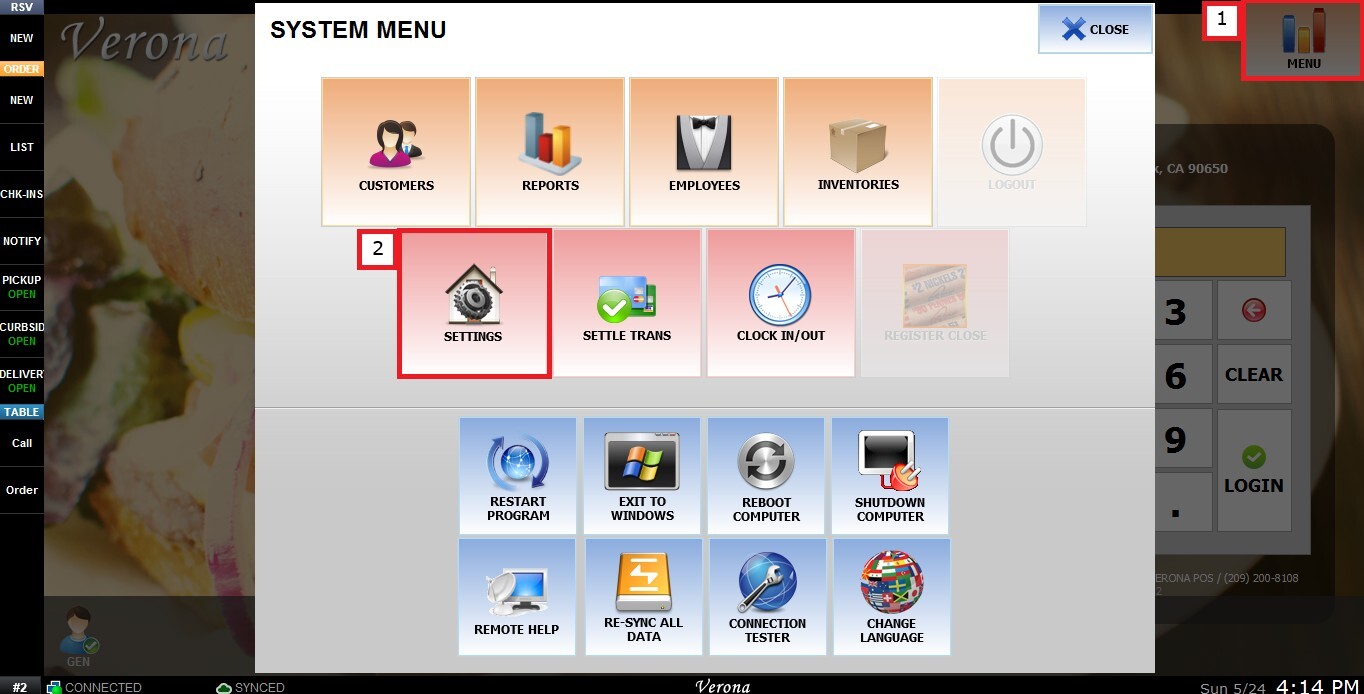
From the Main Screen, click MENU, then select SETTINGS.
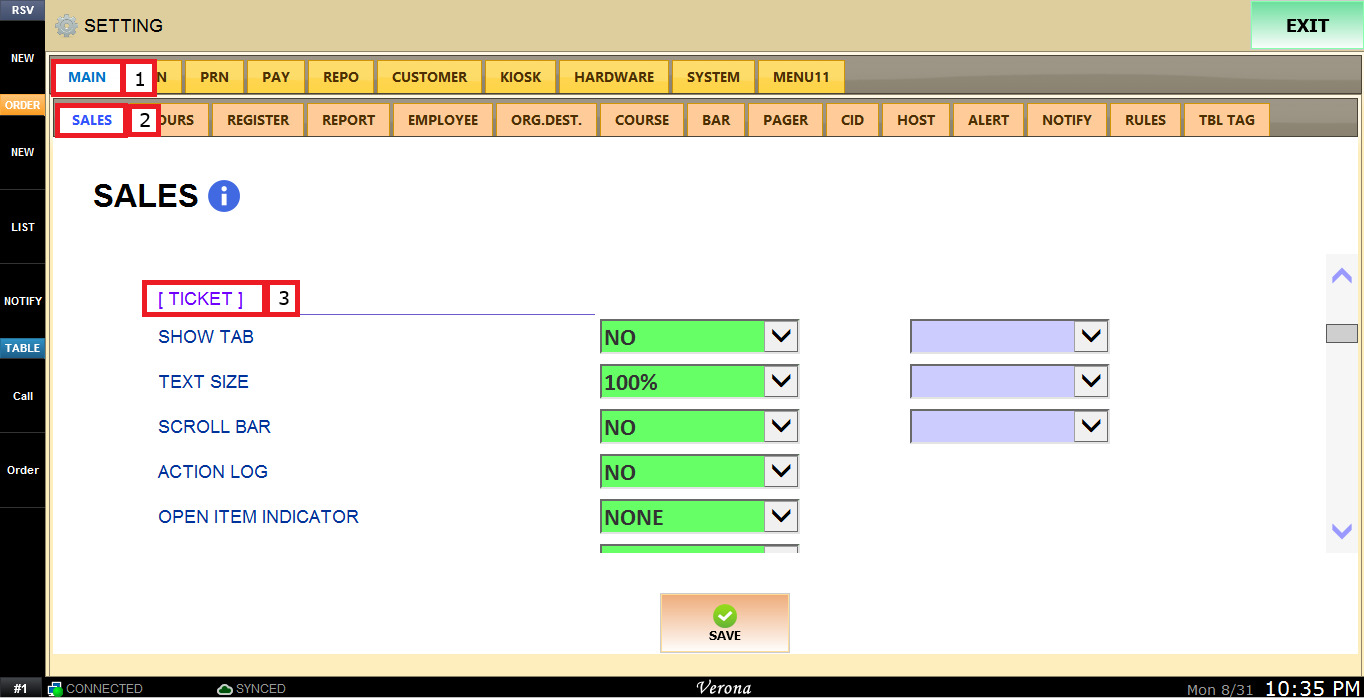
Under MAIN, select SALES, and in the ORDERING section, review the settings under TICKET.
The SHOW TAB dropdown menu has the following options:
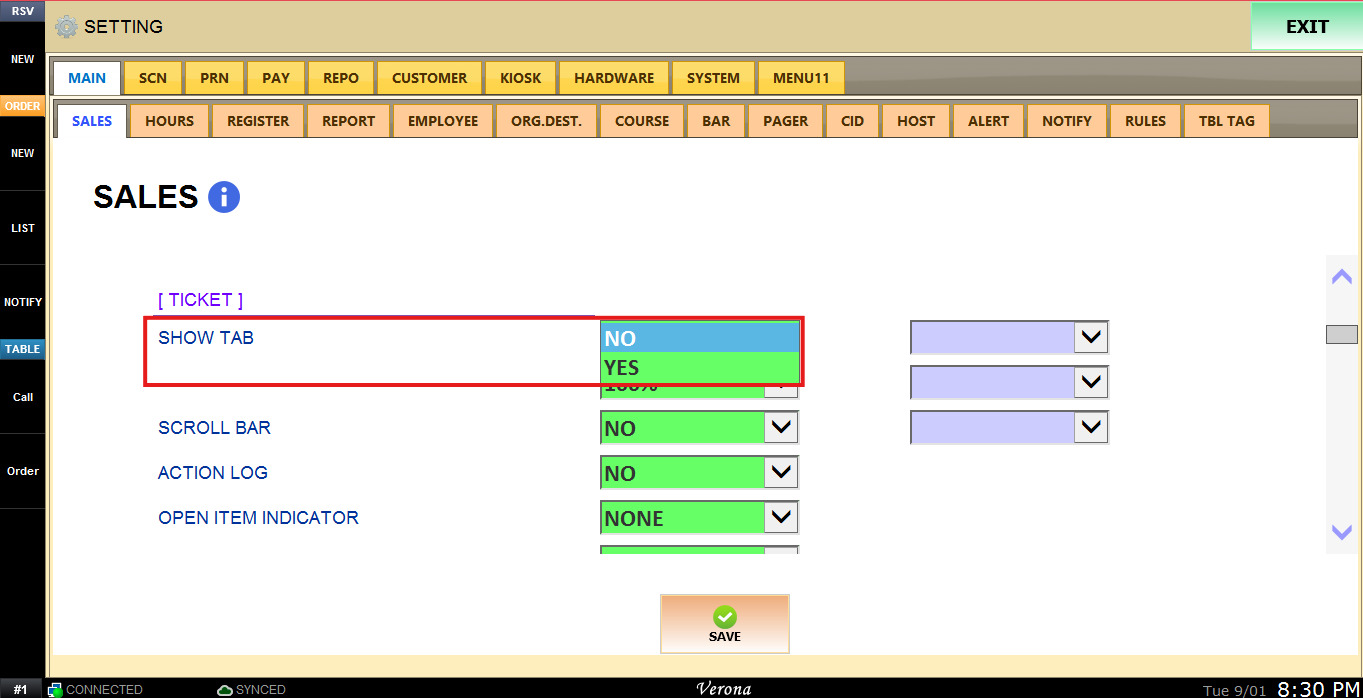
1. NO:Disables the ticket tab system.
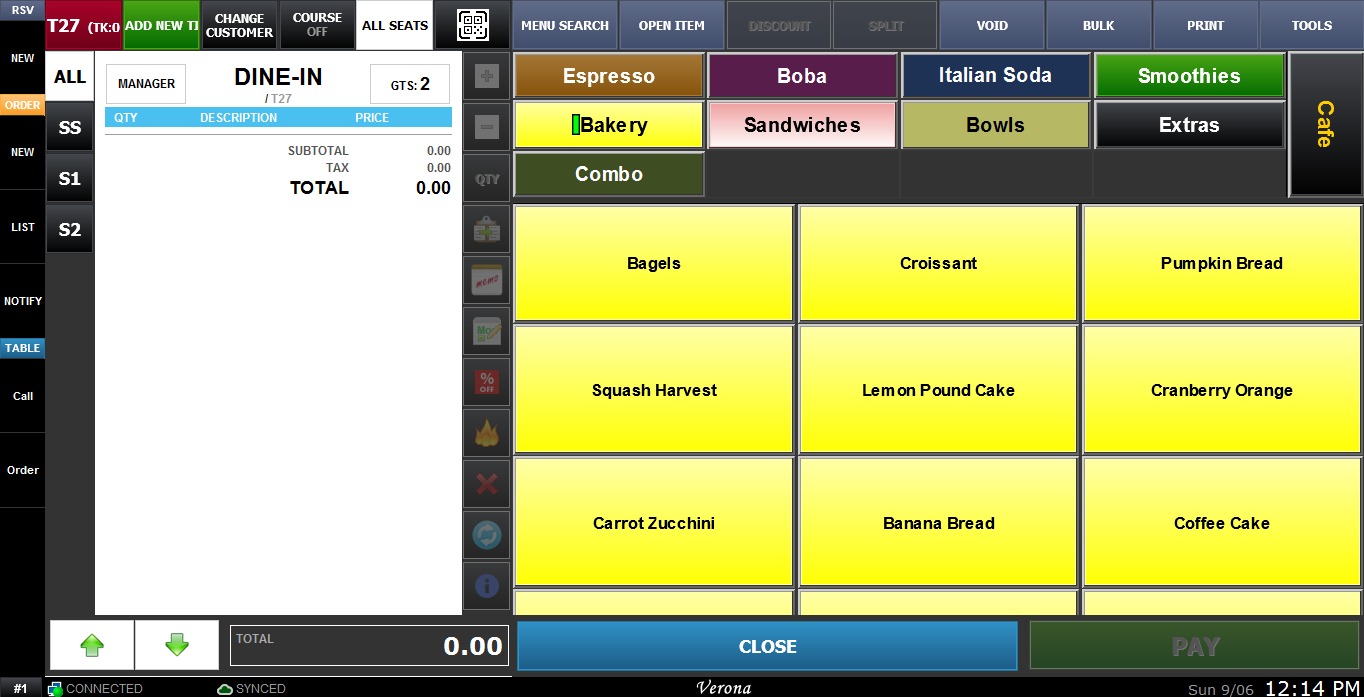
2. YES: Enables the ticket tab system.
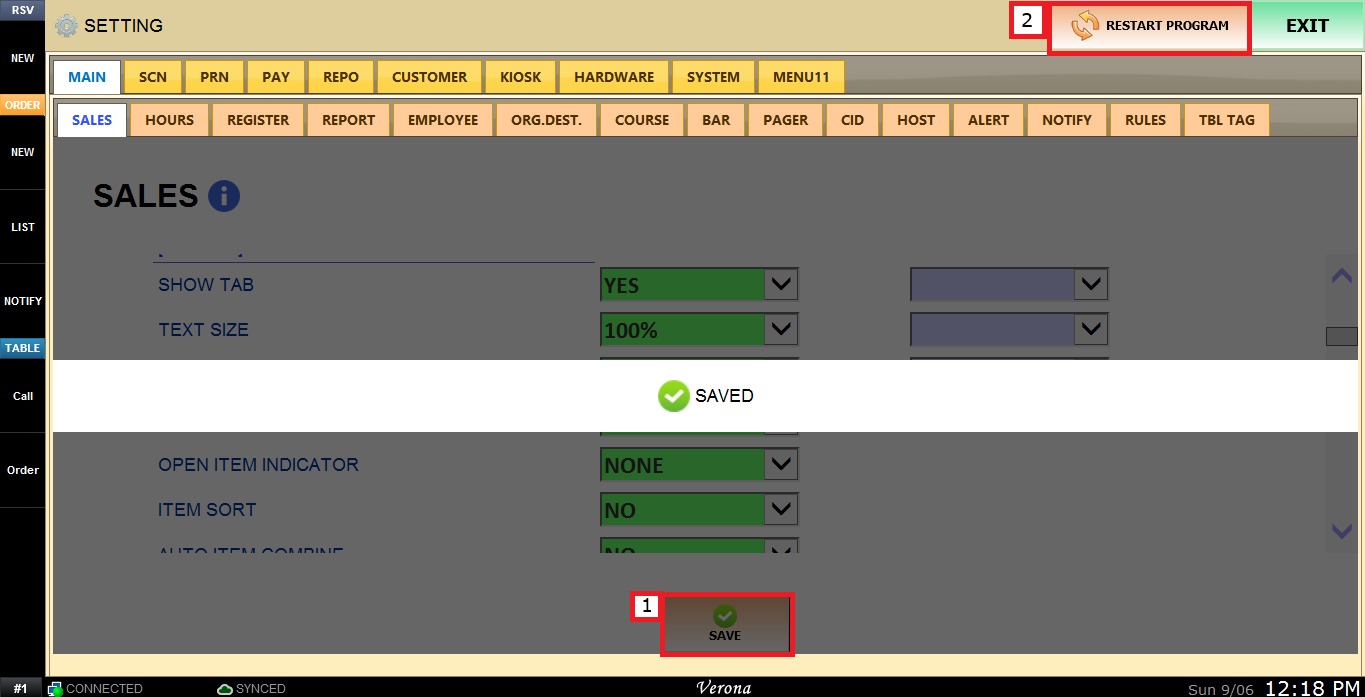
To keep the desired configuration click on SAVE and RESTART PROGRAM.