[PinPad] POSComm Err at S300
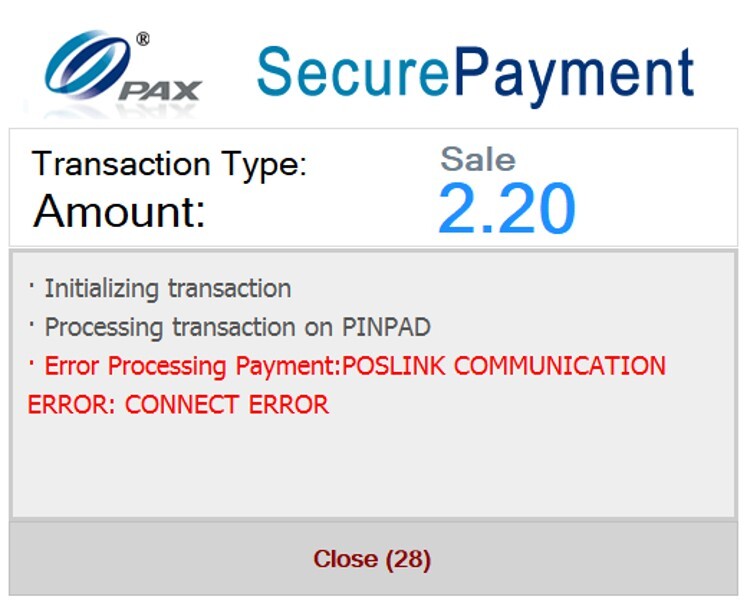
This article provides a basic troubleshooting checklist for resolving the "Communication Error" message displayed on the S300 pinpad during a transaction.
ERROR MESSAGE
CHECK LIST
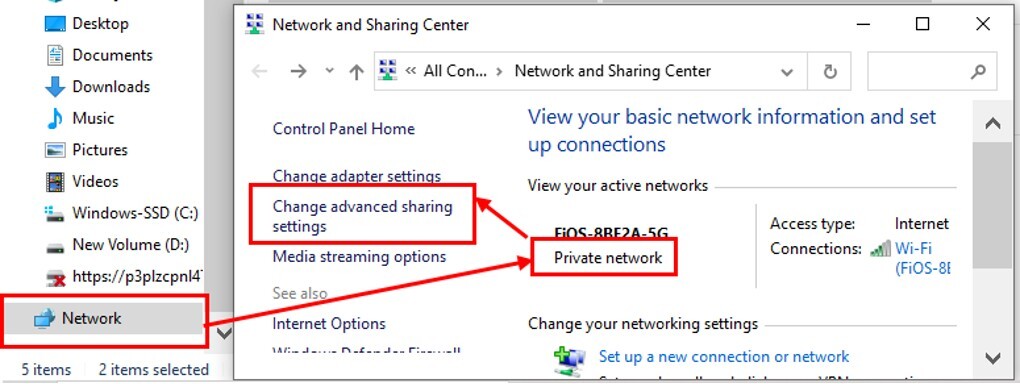
-Verify that the network profile is set to Private.
-Disable Windows Firewall, Windows Defender, and SmartScreen.
-Verify the server IP address.
-Confirm the pinpad IP address (On the VeronaPOS) on SETTINGS> HARDWARE> PINPAD.
-Verify the Network and Sharing configuration.
-Restart the pinpad.
NETWORK CONFIGURATION & SHARING CHECKING