Notify
The NOTIFY settings allow the POS to send notifications through SMS, email, or both. Notifications can be customized using predefined and user-defined message templates.
MENU > SETTINGS > MAIN > NOTIFY
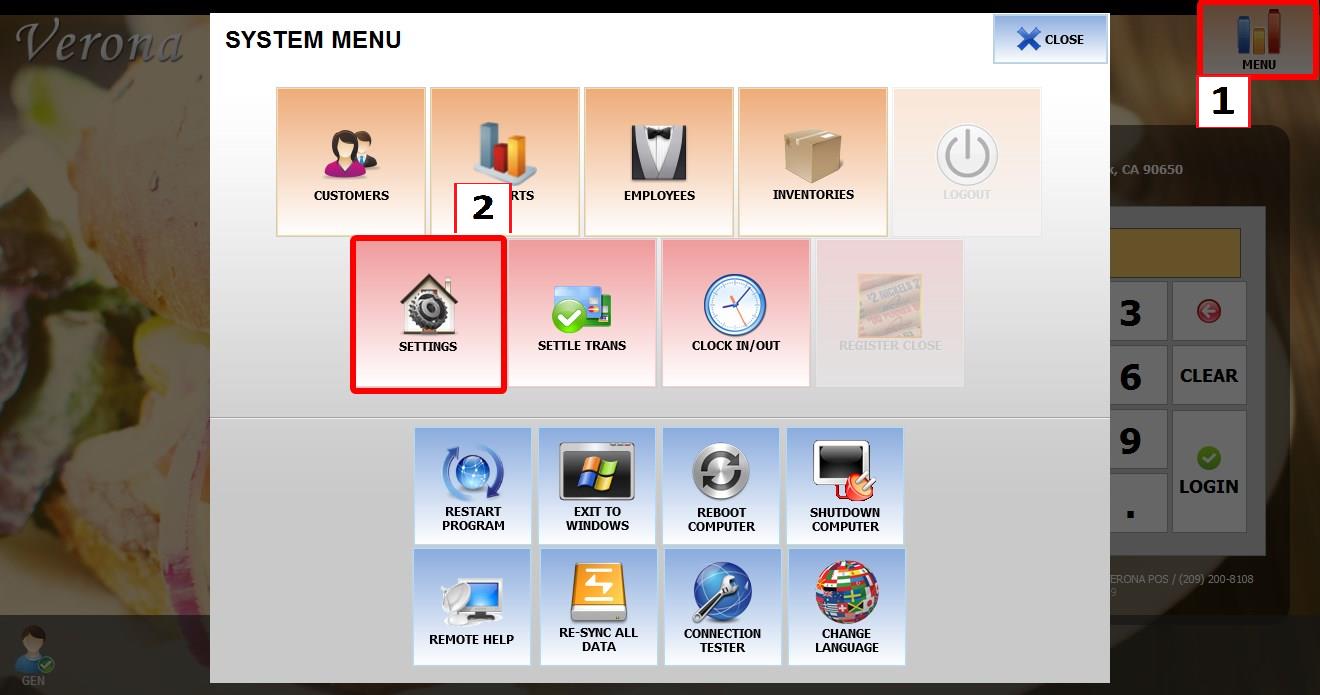
From the MAIN SCREEN, click MENU, then select SETTINGS.

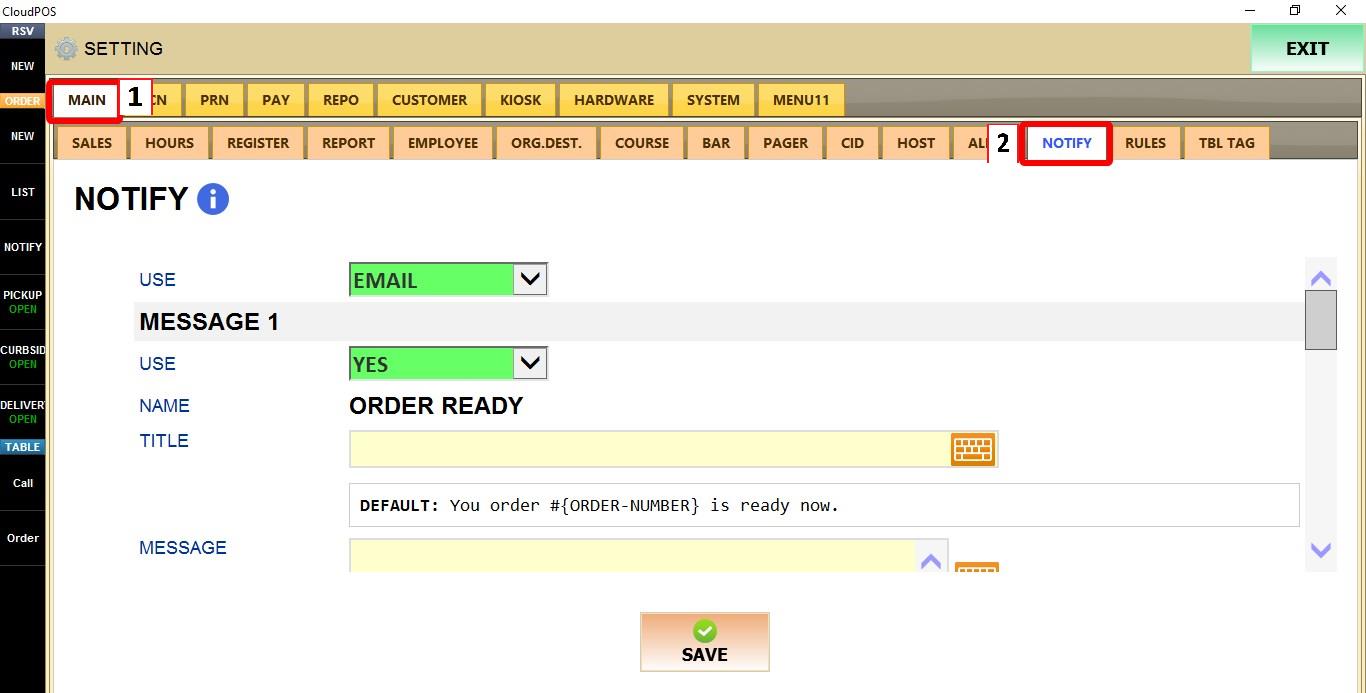
Go to MAIN > NOTIFY.
NOTIFY
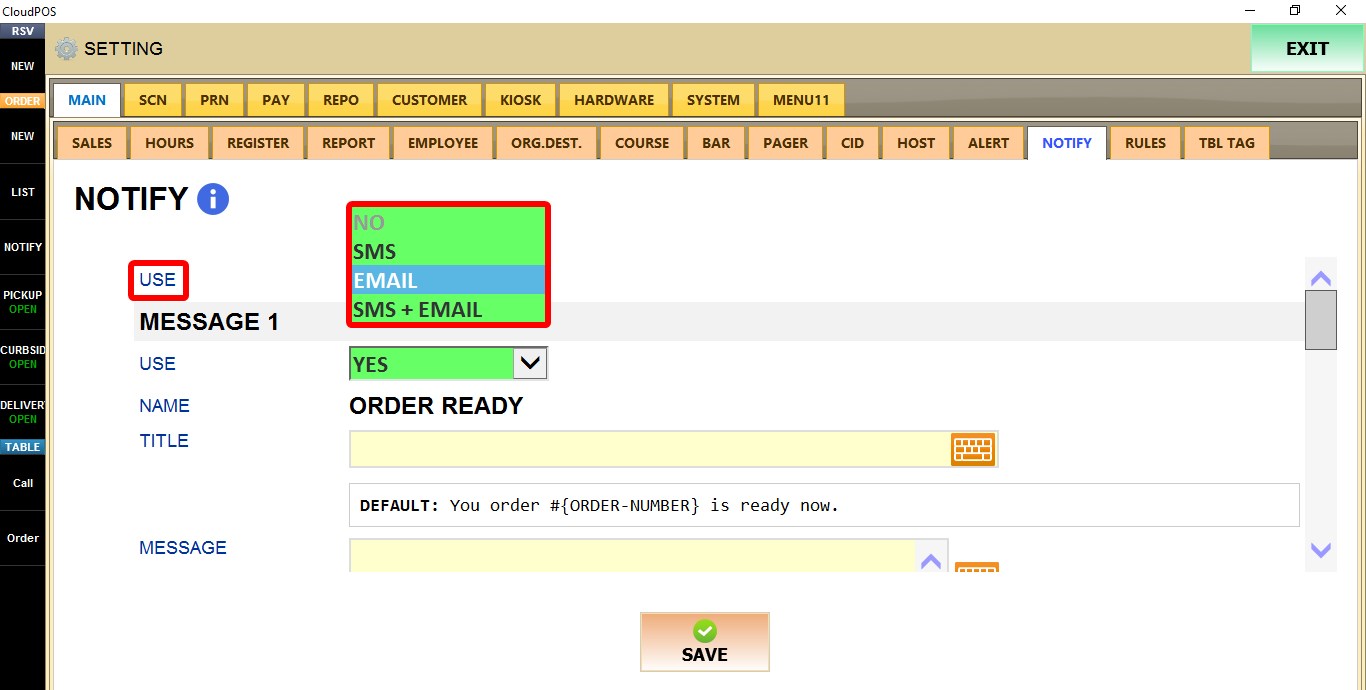
USE
Selects how notifications are delivered.
1. NO: Disables notifications.
2. SMS: Sends notifications by text message only.
3. EMAIL: Sends notifications by email only.
4. SMS + EMAIL: Sends notifications by both text message and email.
MESSAGE 1

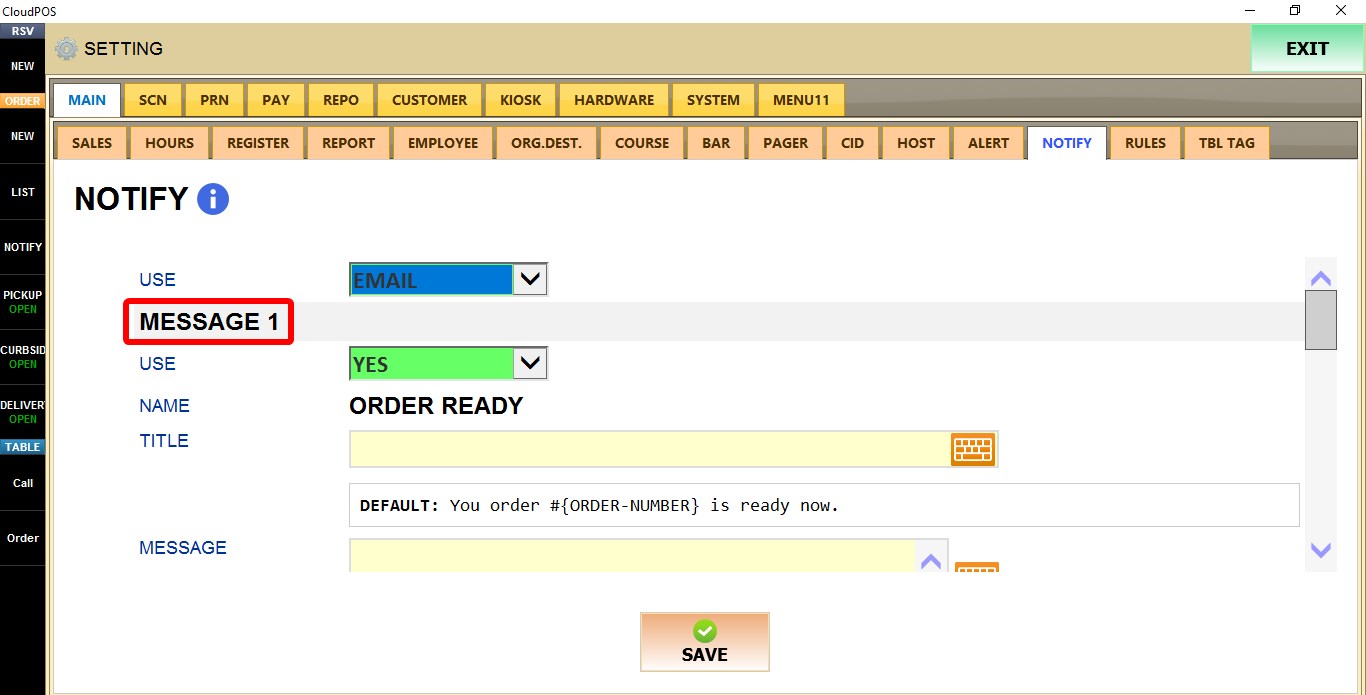
USE
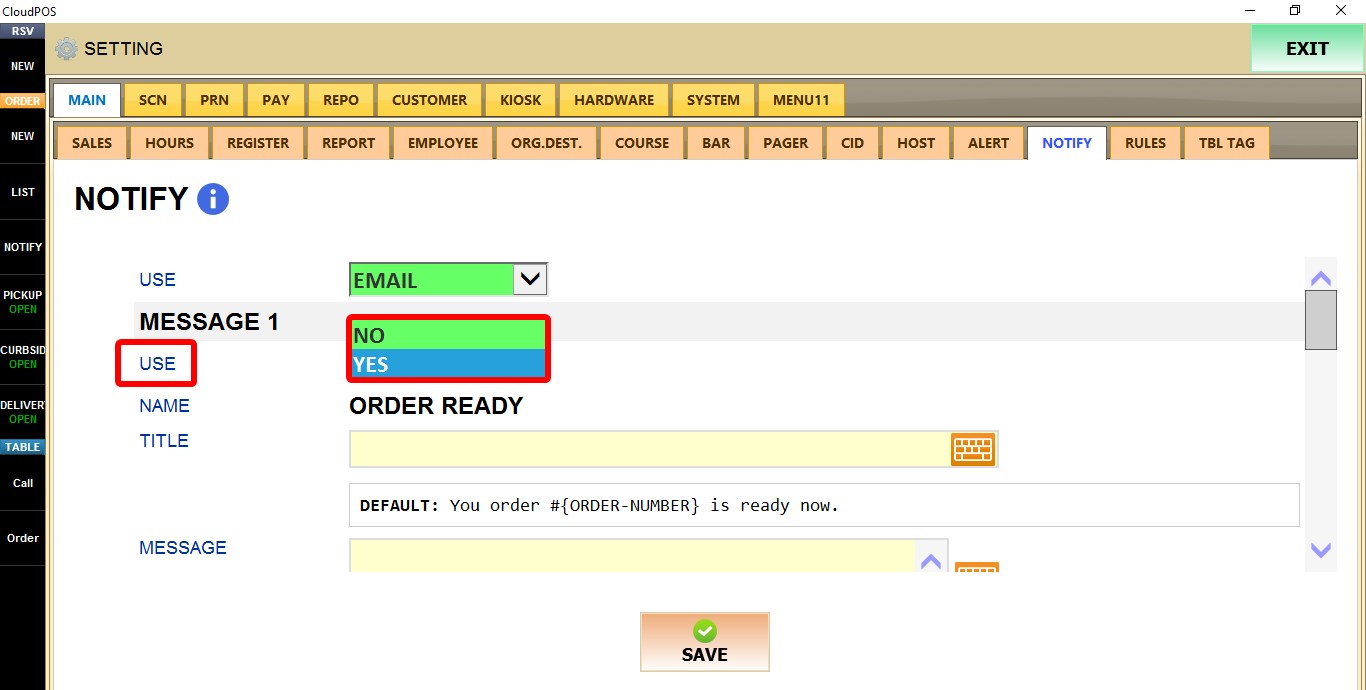
Enables or disables this notification template.
1. NO: Disables the notification.
2. YES: Enables the notification.
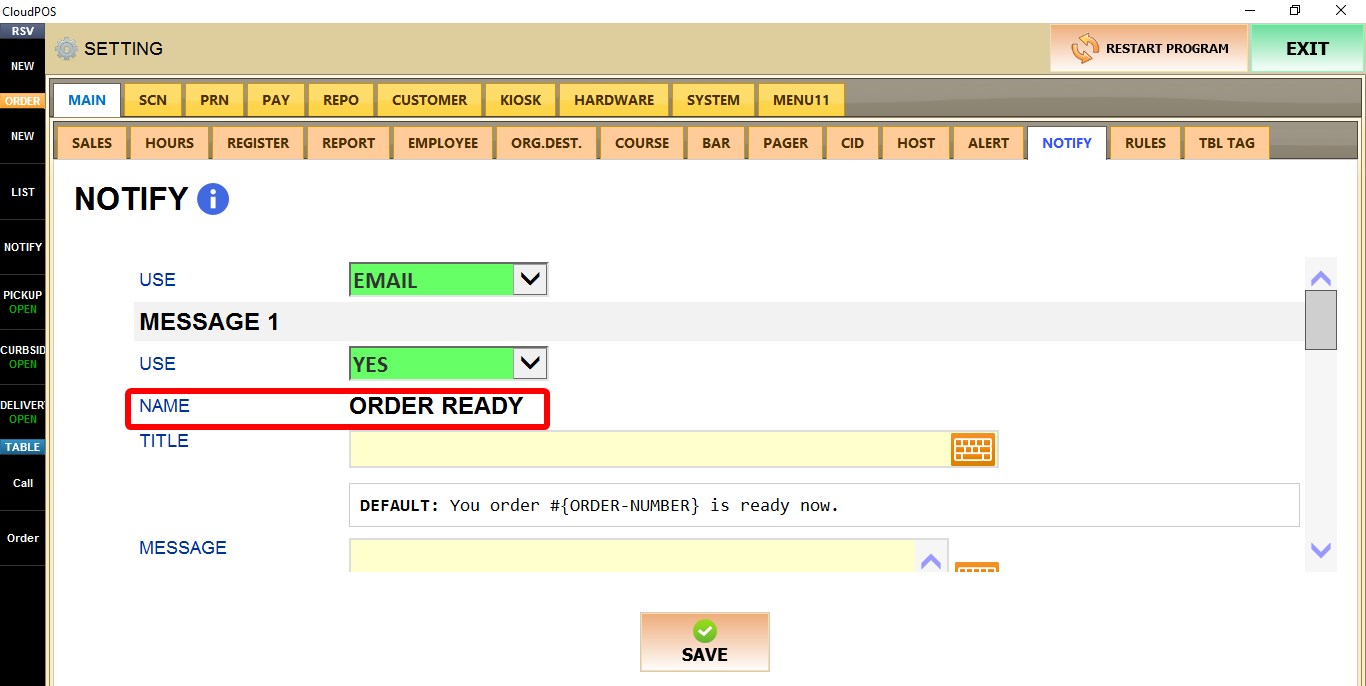
NAME
Displays the notification name. For MESSAGE 1, this value is fixed as ORDER READY and cannot be edited.
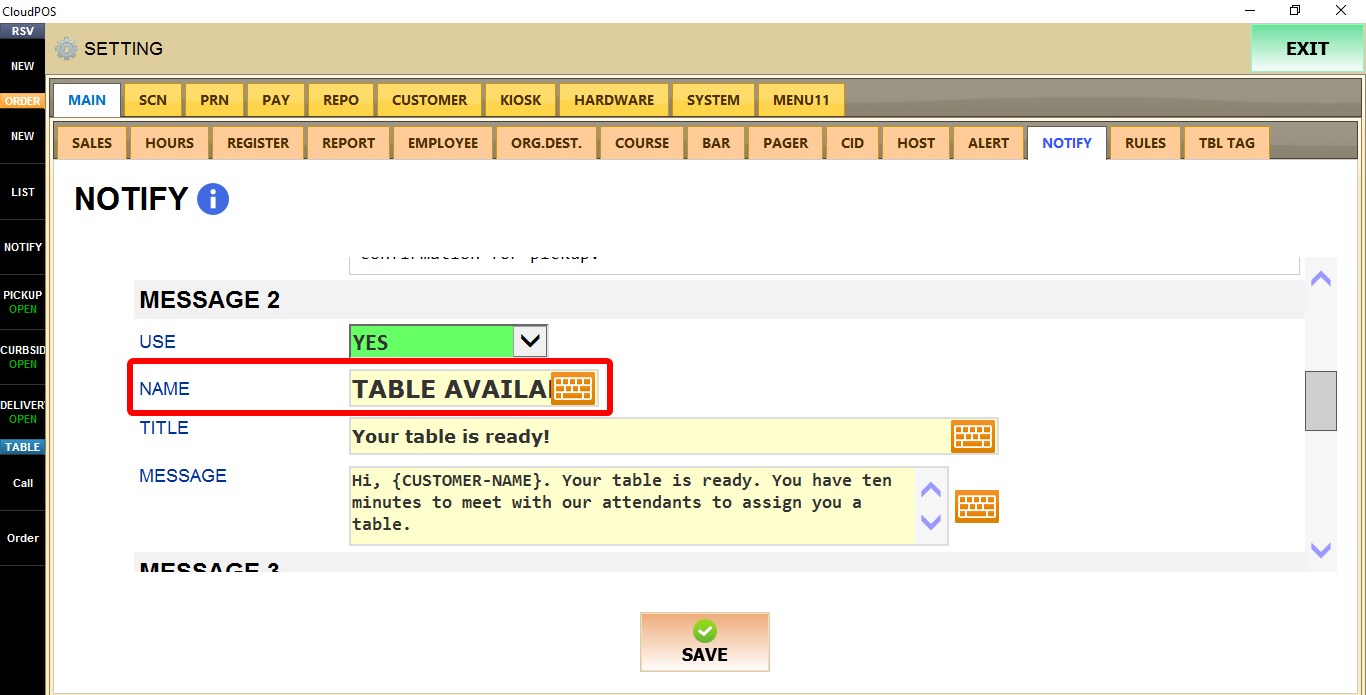
For MESSAGE 2 to 9 you can enter a custom name for the notification template.
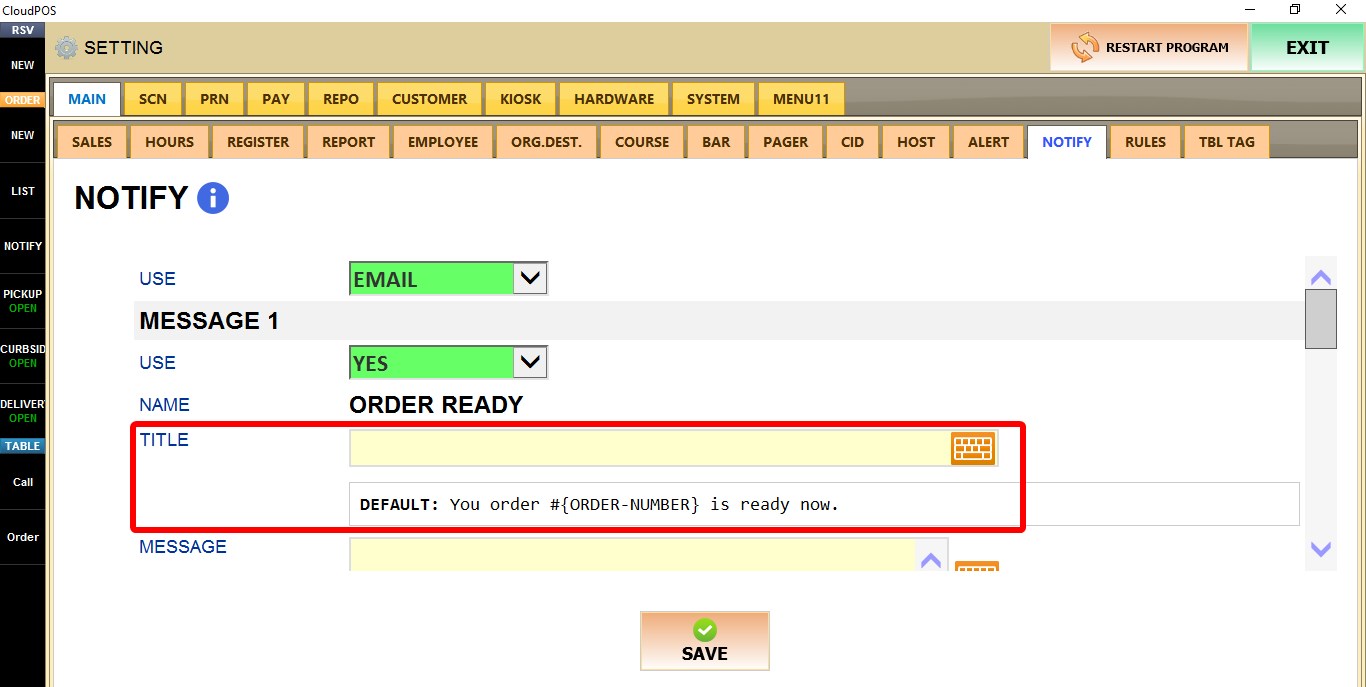
TITLE
Enter the notification title.
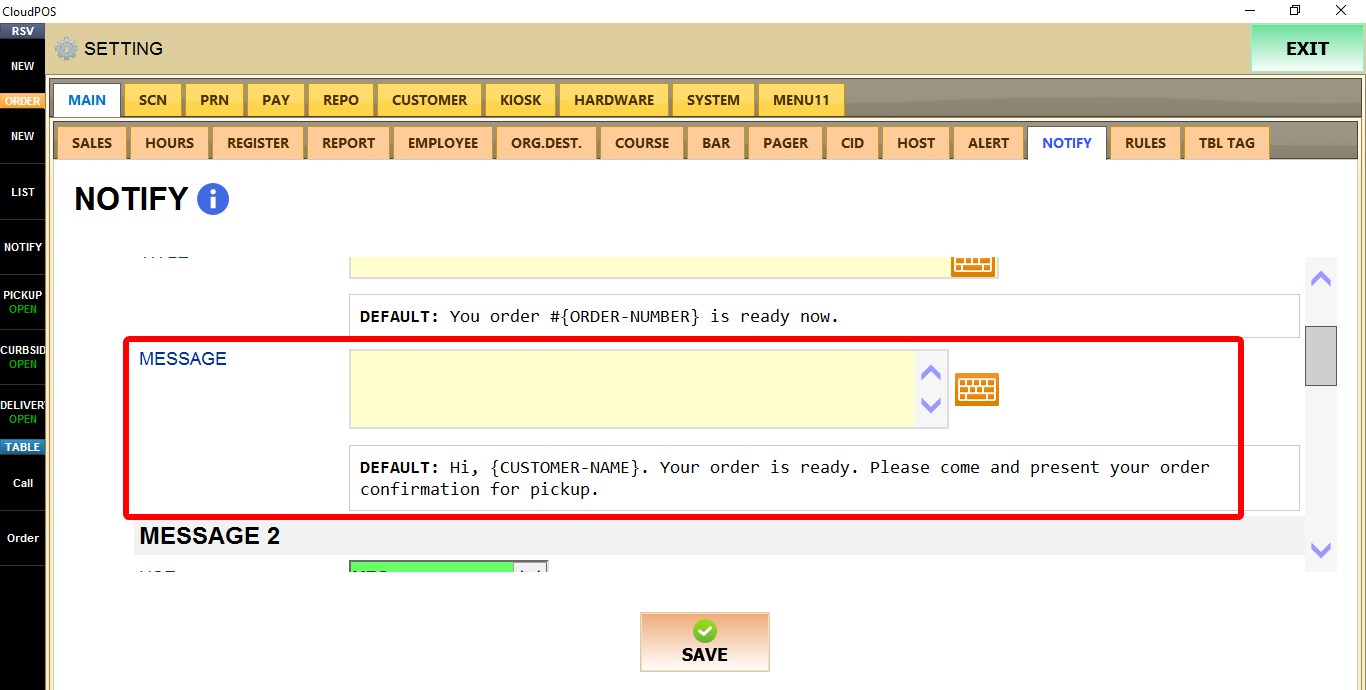
MESSAGE
Enter the notification text that will be sent to the customer.
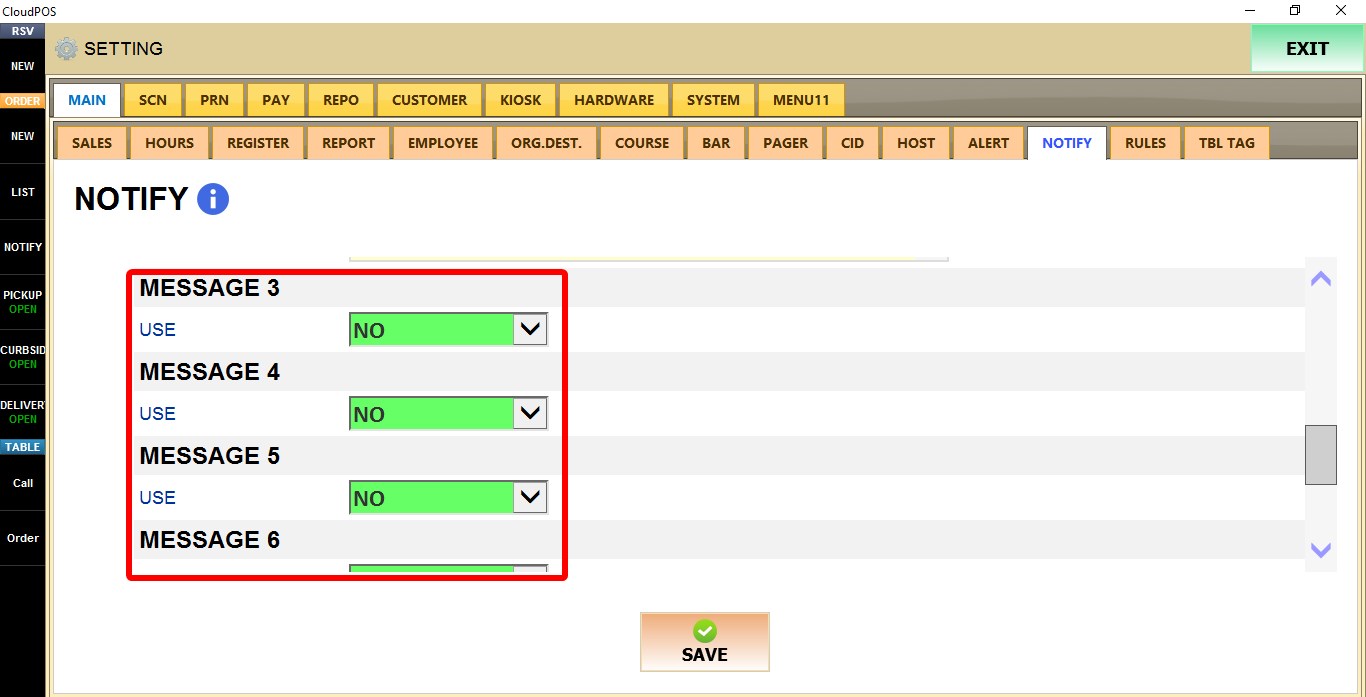
MESSAGE 2 - MESSAGE 9
Additional notification templates that can be customized as needed.
USE
1. NO: Disables the notification template.
2. YES: Enables the notification template and displays the remaining configuration fields.
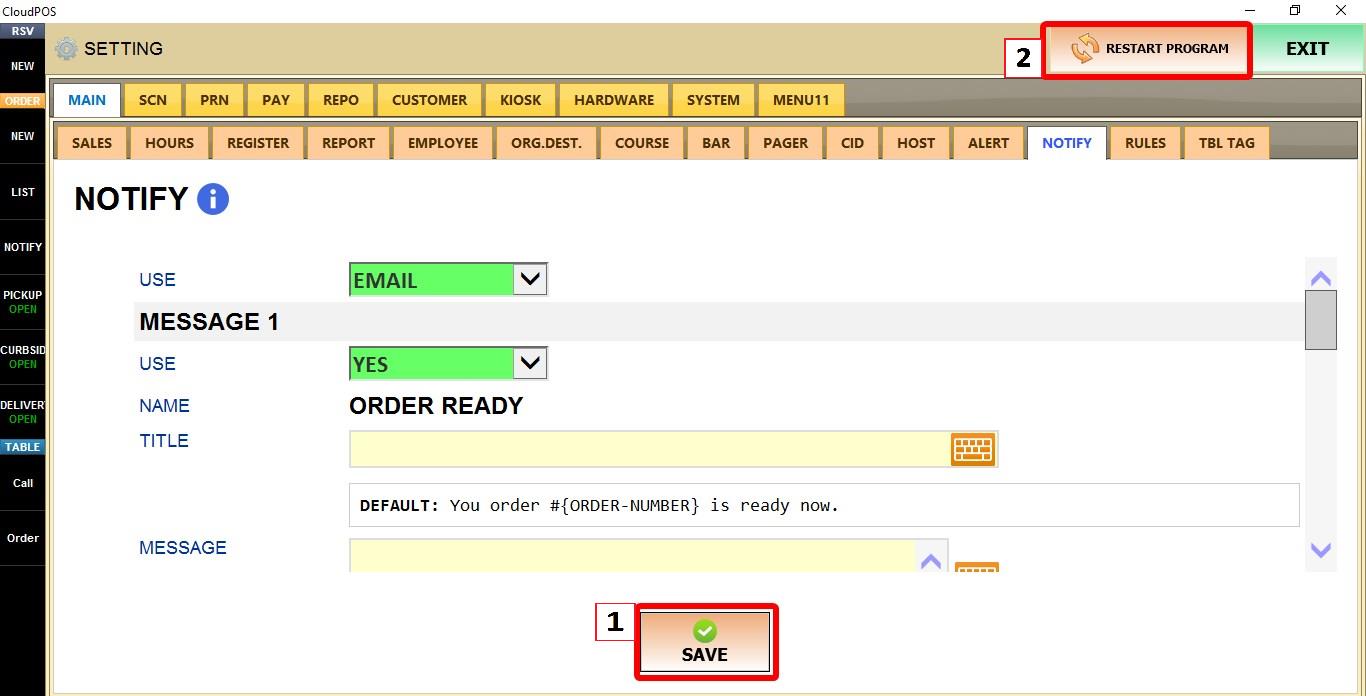
Click SAVE and restart the program to apply the changes.
RESULT
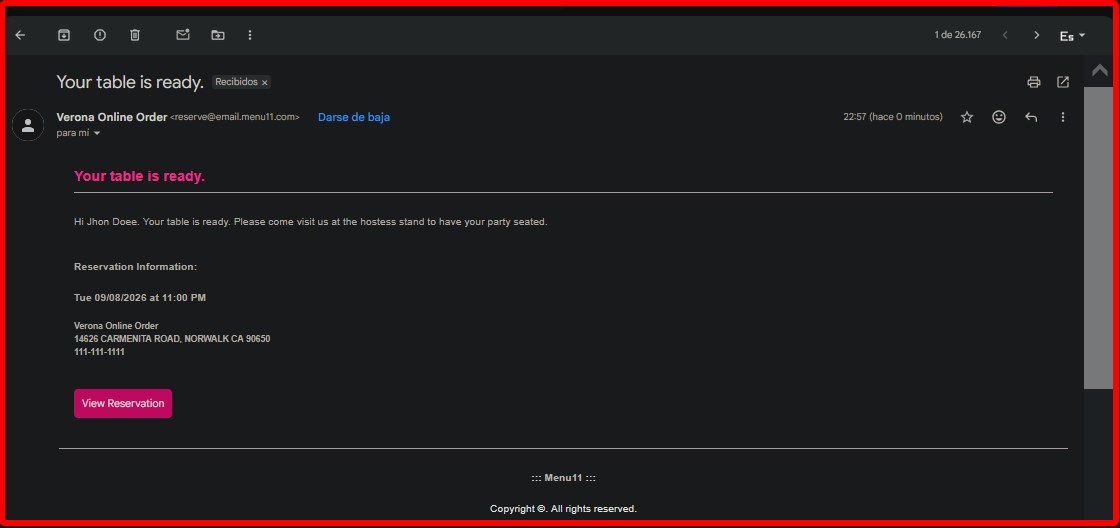
Example of an email notification: