Item Sort
This function allows the user to sort the items rung up on a ticket.
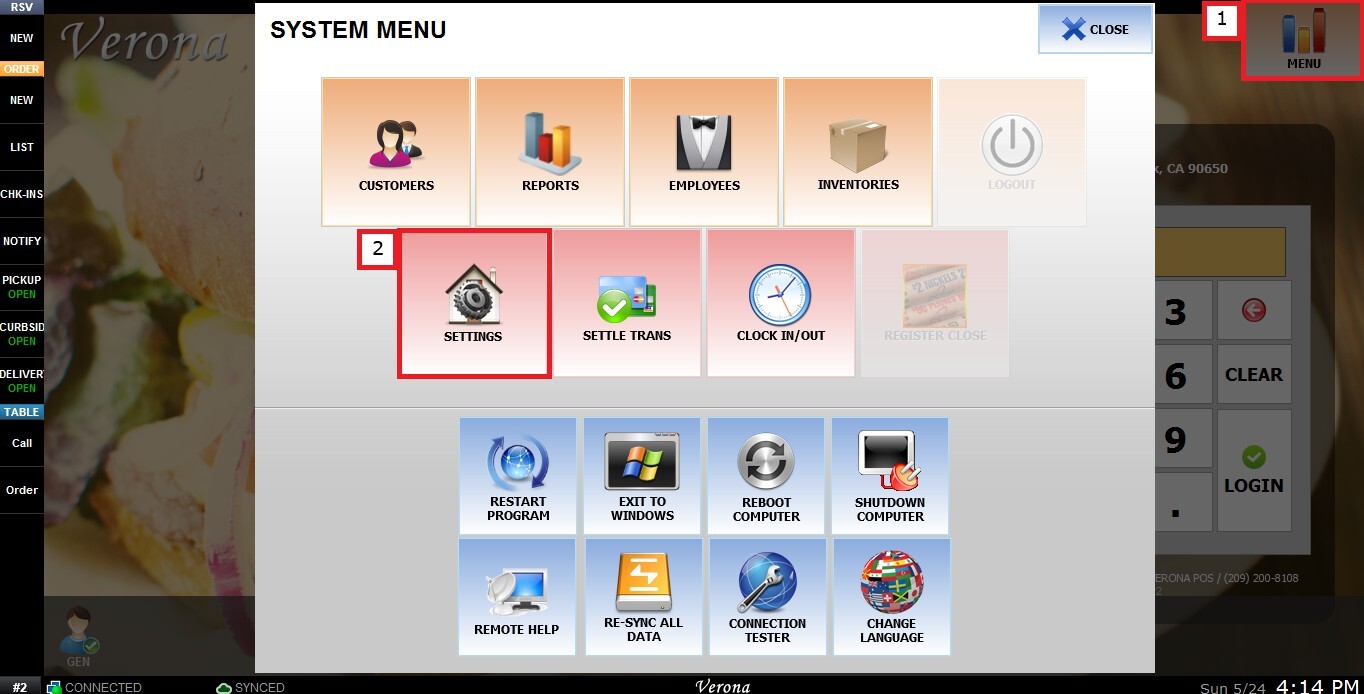
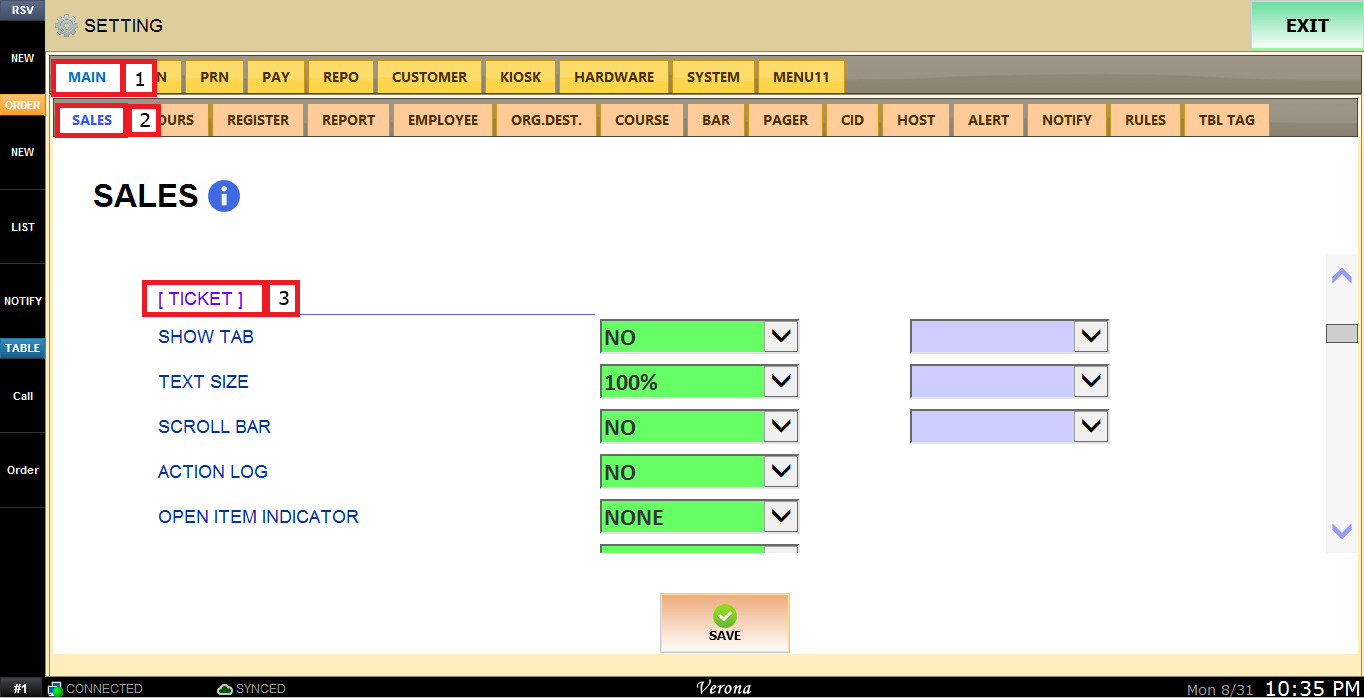
MENU > SETTINGS > MAIN > SALES > TICKET> ITEM SORT
From the Main Screen, click MENU, then select SETTINGS.
Under MAIN, select SALES and scroll down to TICKET.
The ITEM SORT dropdown menu has the following options:
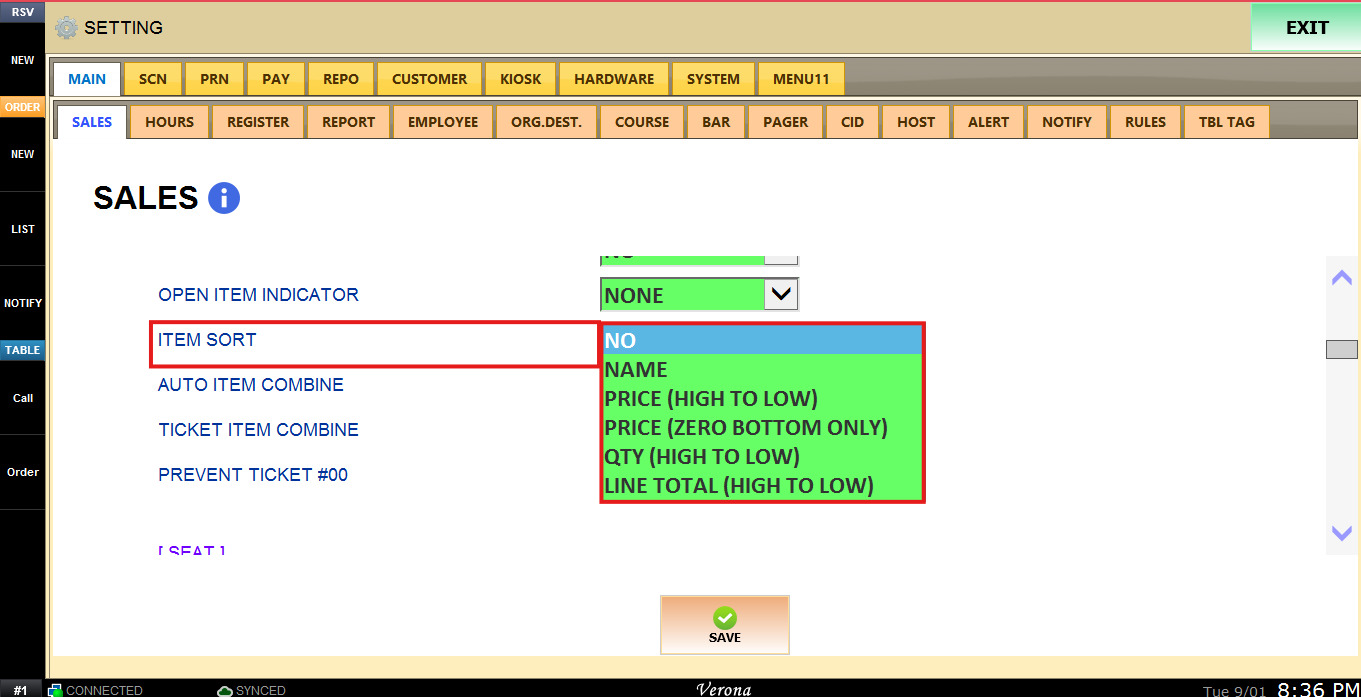
1. NO: Sorts the items in the order they were rung up.
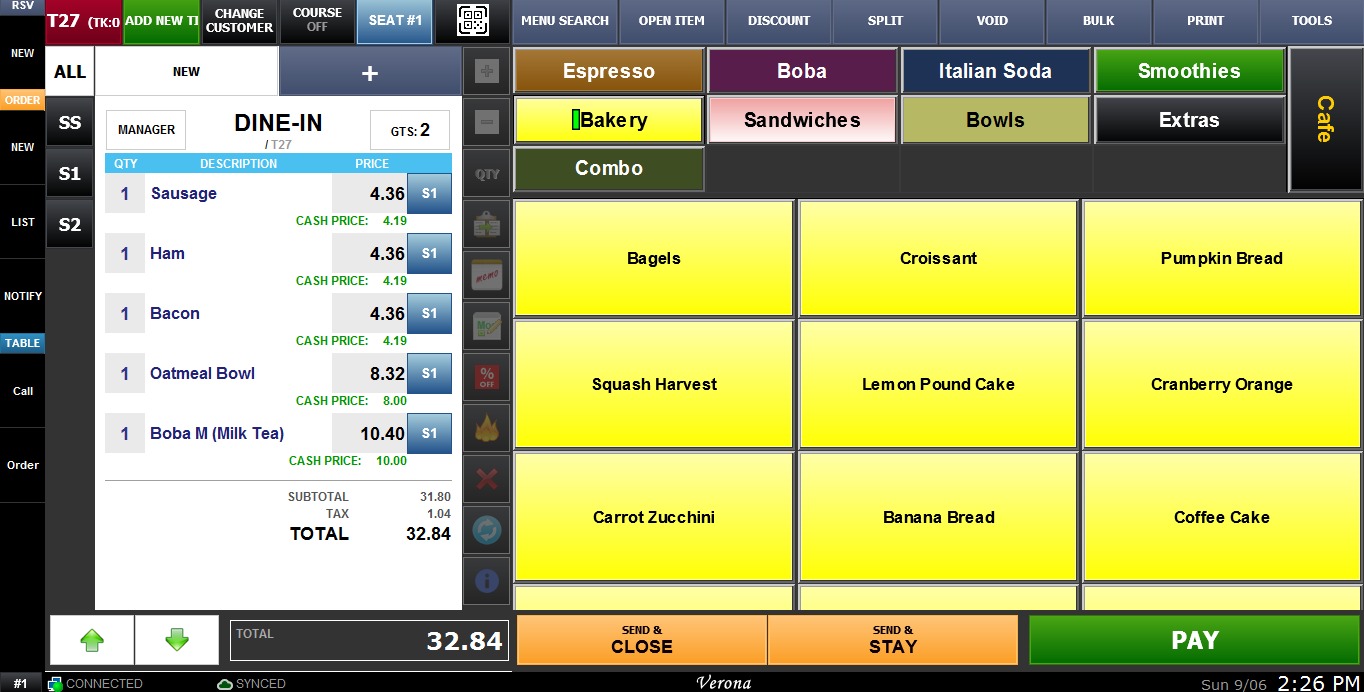
2. NAME: Sorts the items in alphabetical order.
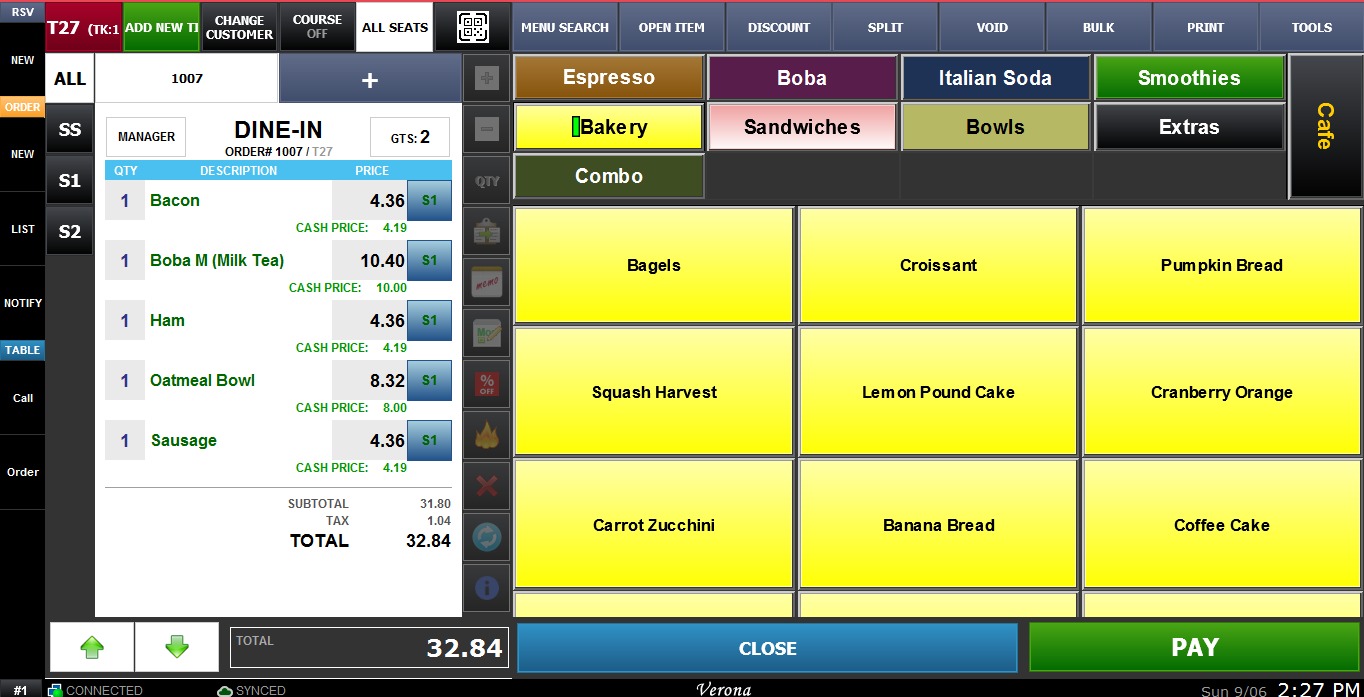
3. PRICE (HIGH TO LOW): Sorts the items according to each item's individual unit price. This does not take into account the total price of the quantity ordered.
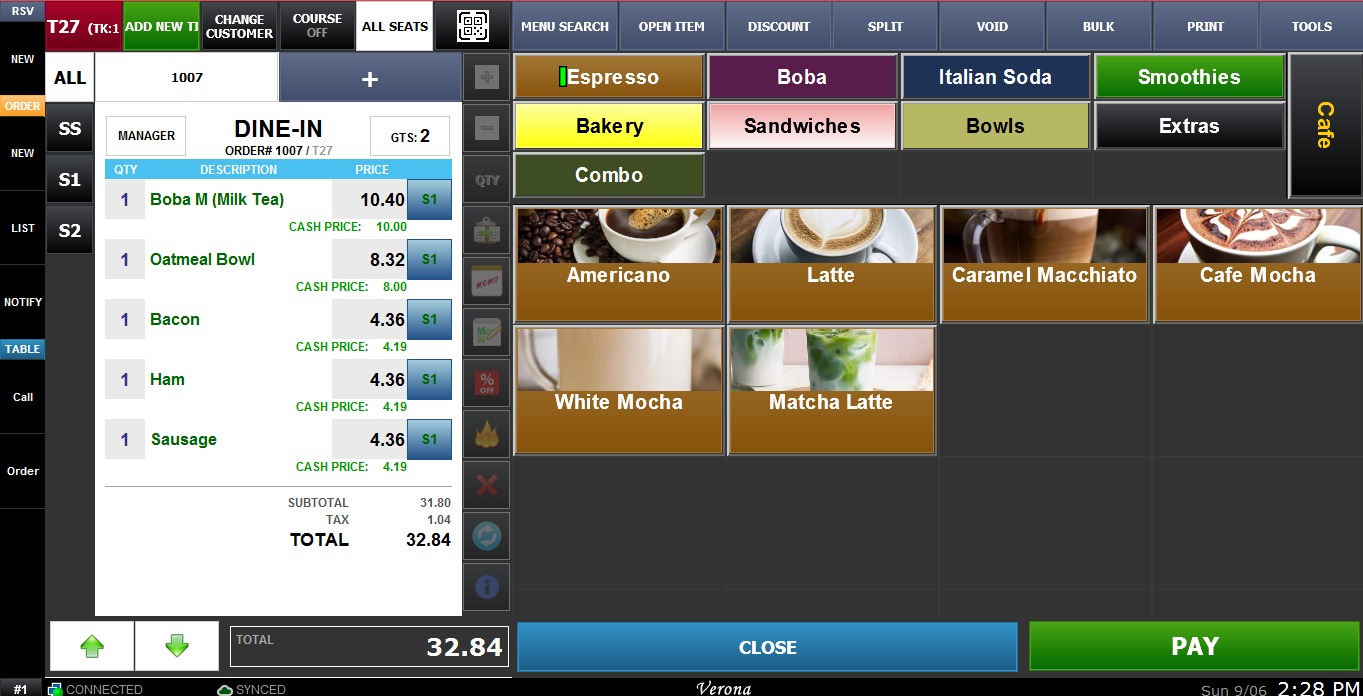
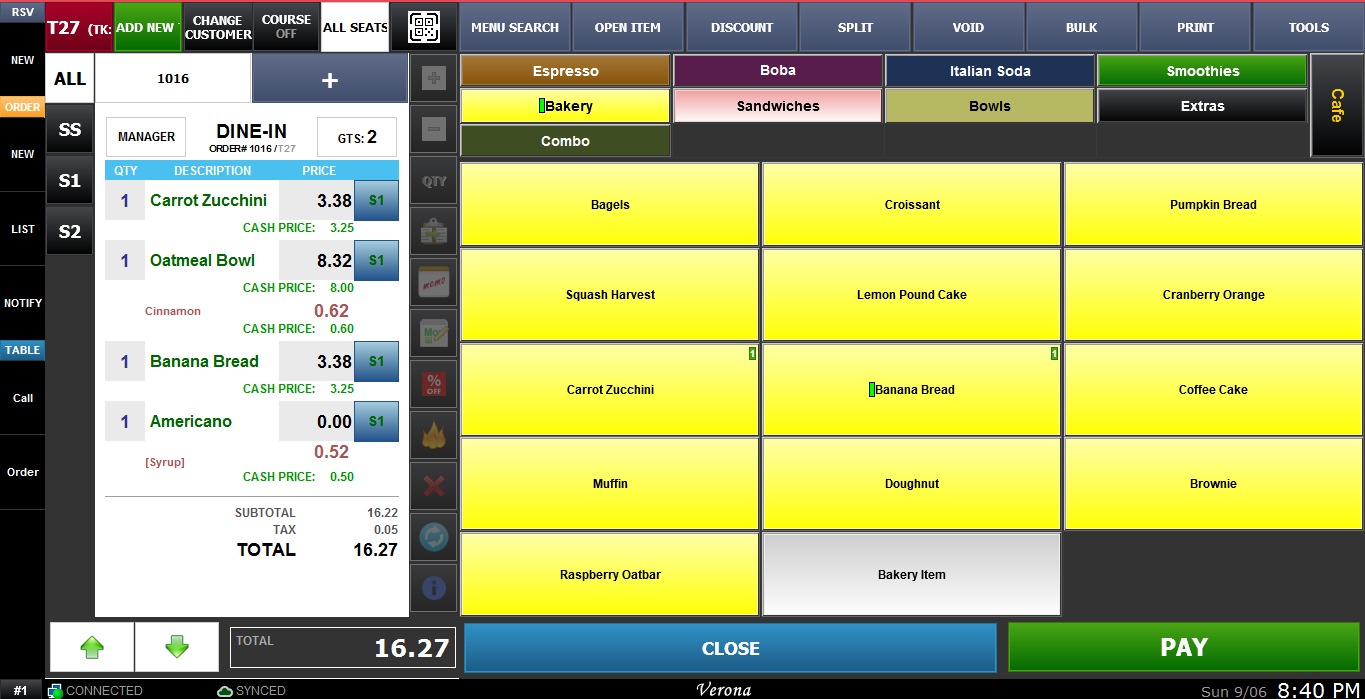
4. PRICE (ZERO BOTTOM ONLY): Places free items or items priced at $0 at the bottom. All other items remain in the order they were rung up.
5. QTY (HIGH TO LOW): Sorts the items according to the quantity ordered.
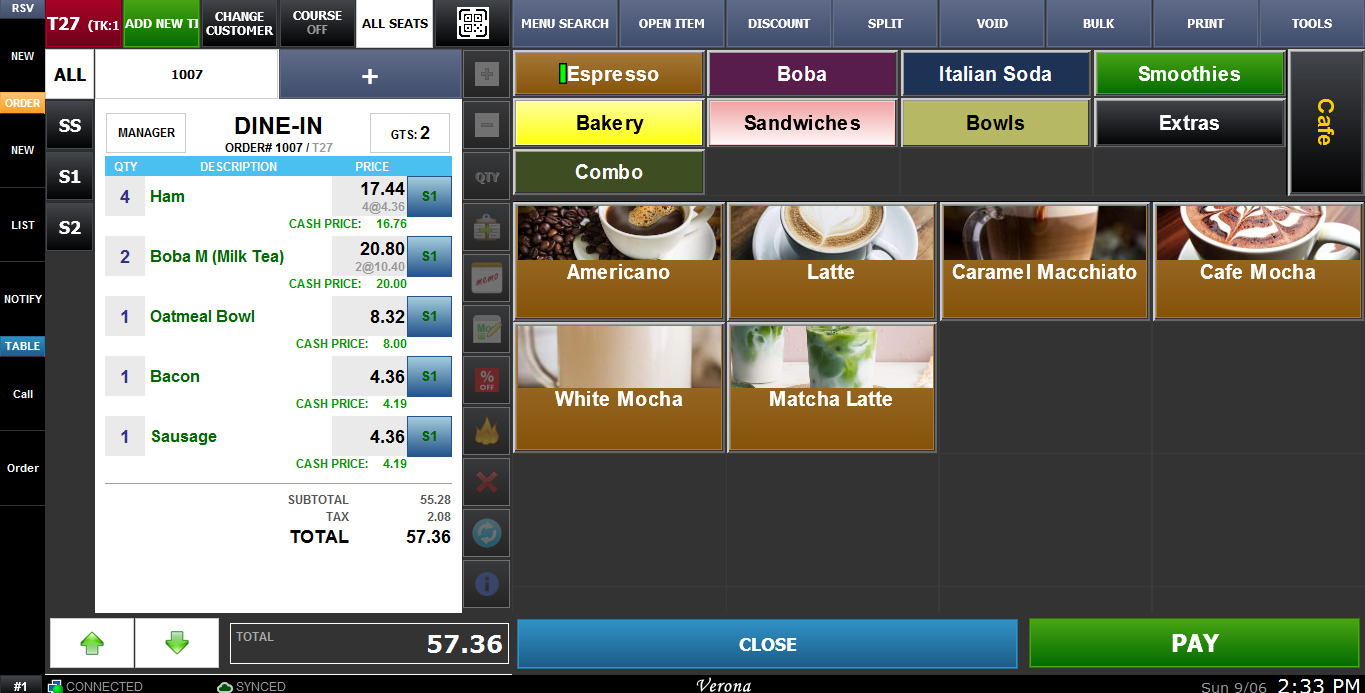
6. LINE TOTAL (HIGH TO LOW): Sorts the items by price, taking into account the total price (unit price multiplied by quantity ordered).
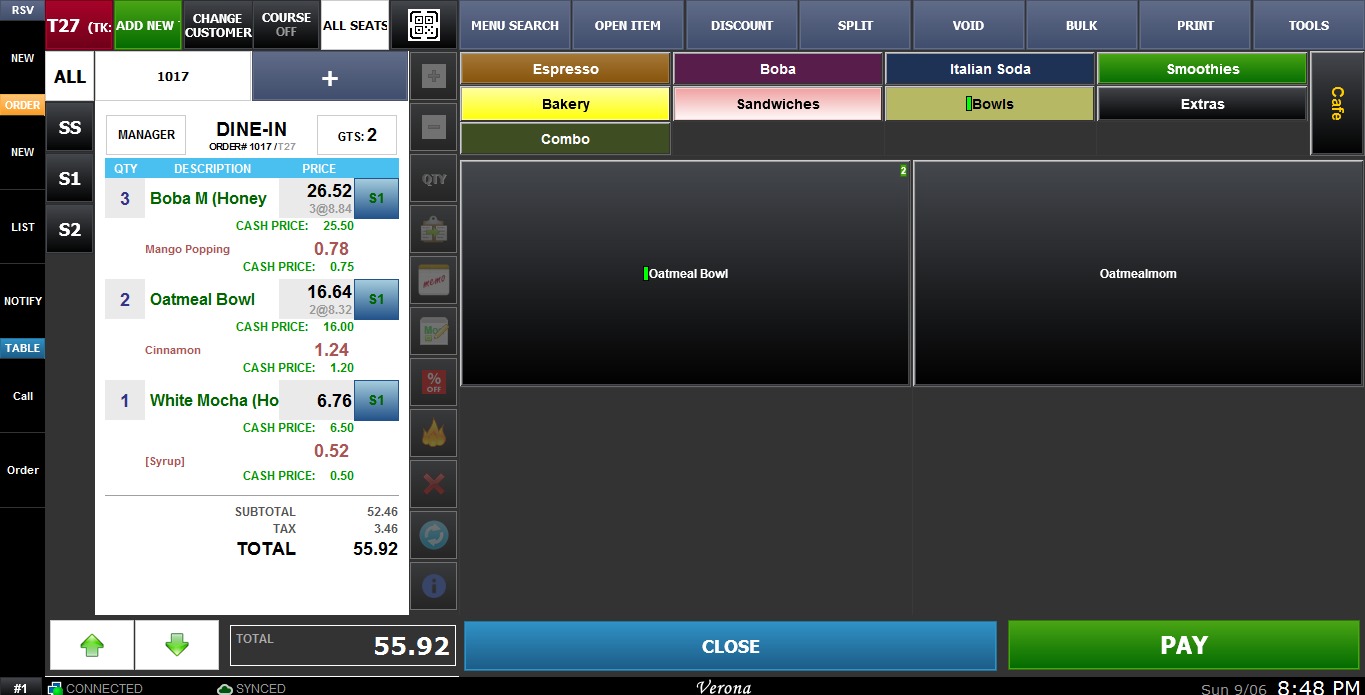
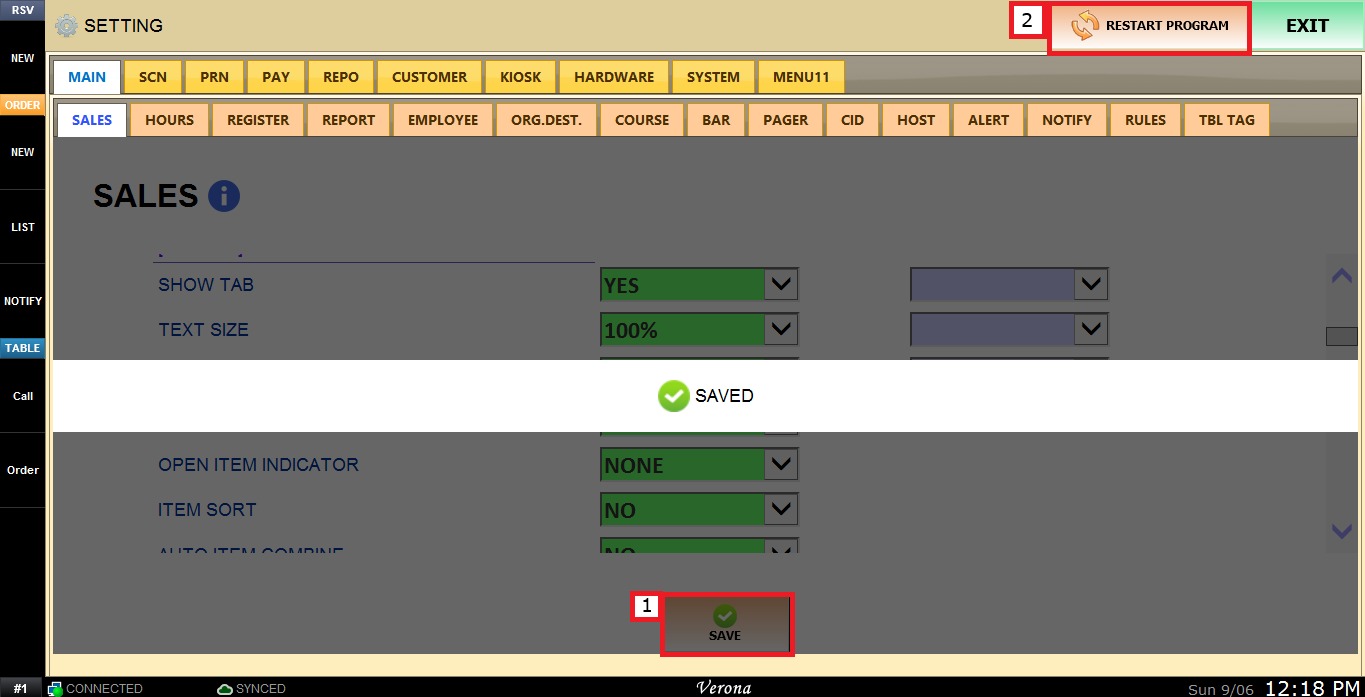
To keep the desired configuration, click SAVE and RESTART PROGRAM.