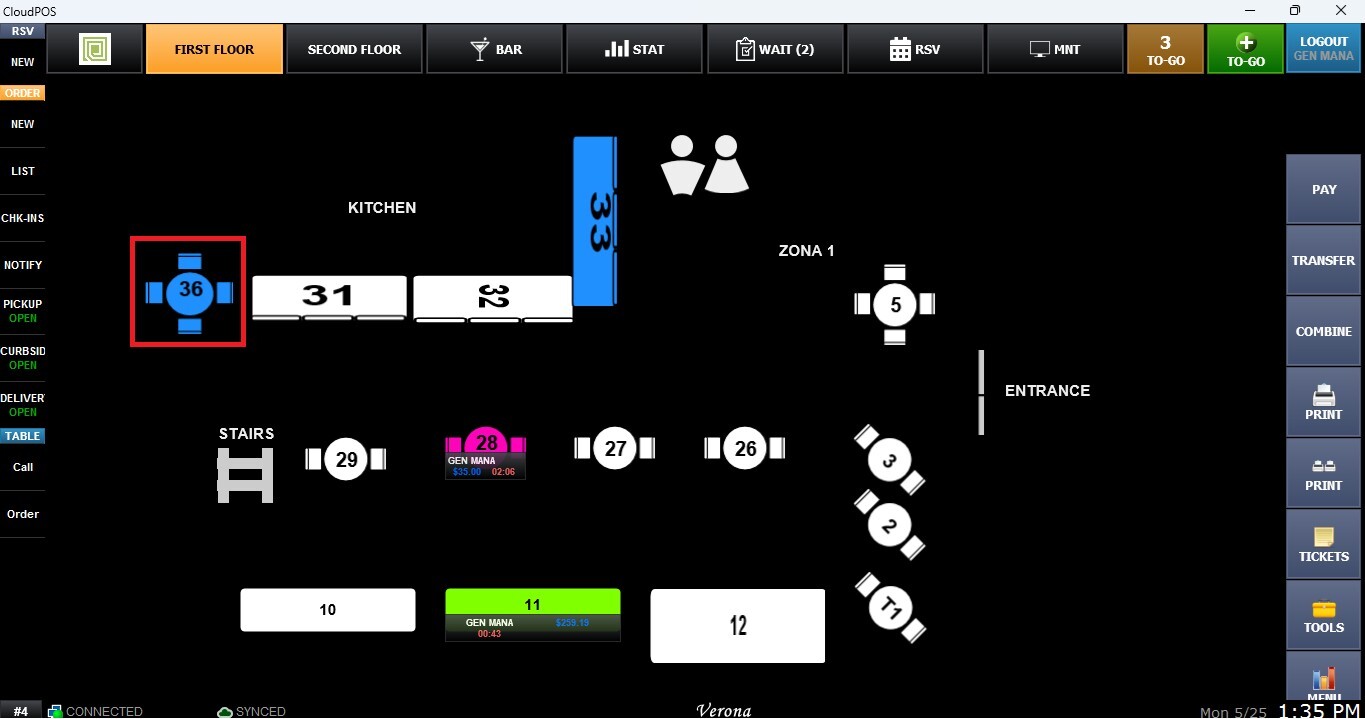
Transferring Table
This function allows users to move an active table order from one table to another directly from the Table Map Screen. This feature is useful for seating changes, table reorganizations, or accommodating guests during service without interrupting the active order.
Main Screen> Number Pad> Table Map Screen
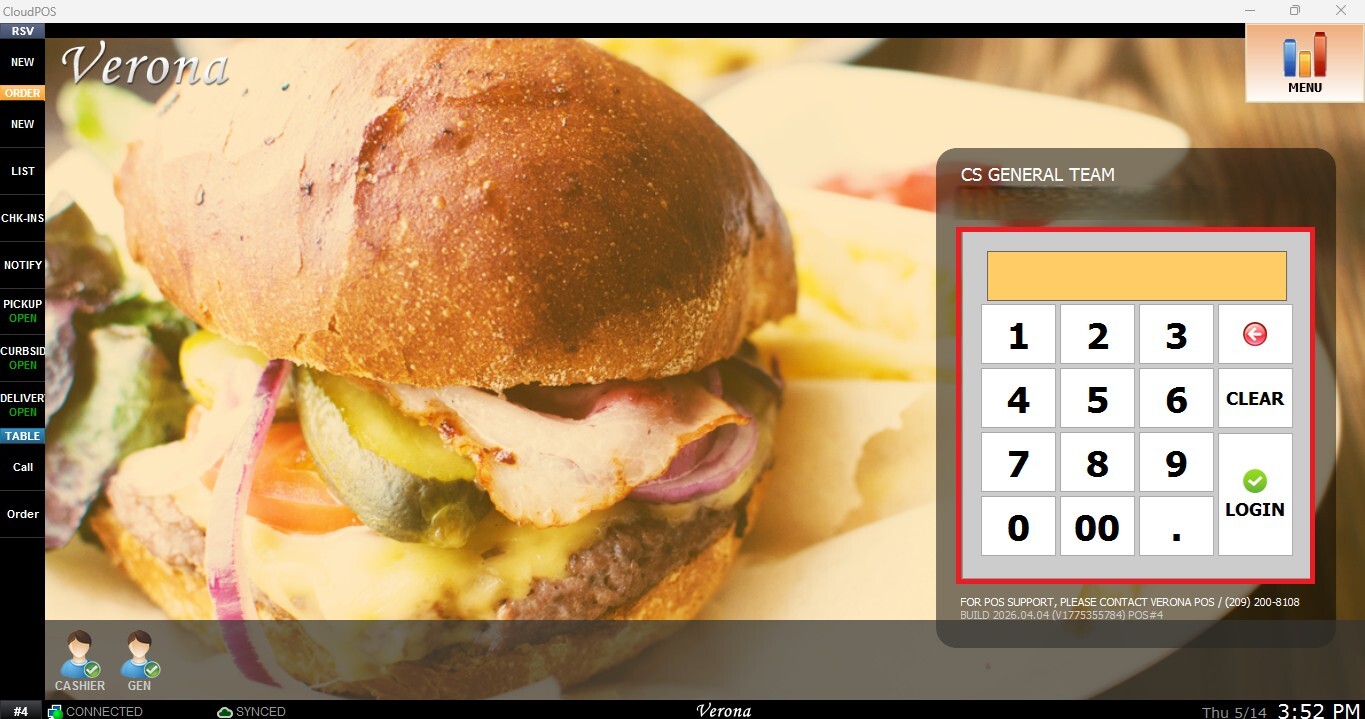
From the Main Screen, use the number pad and enter the assigned employee's password to log in.
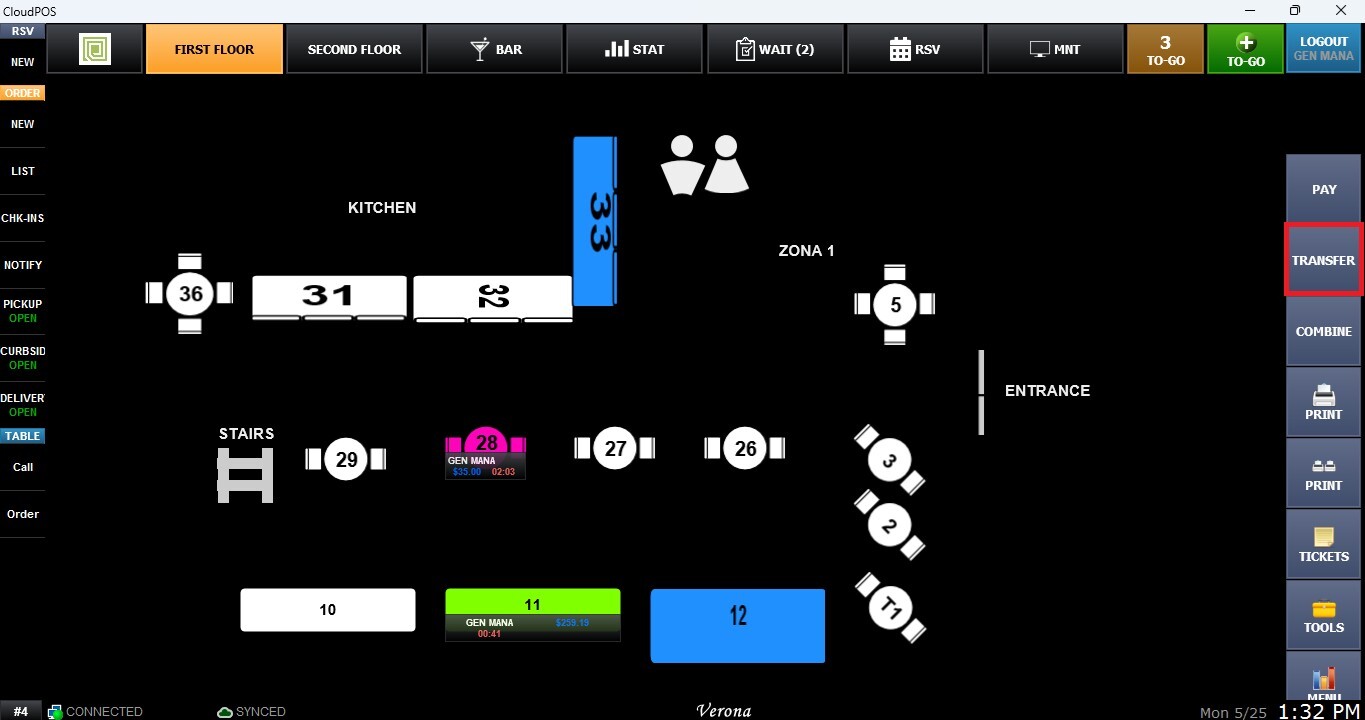
On the Table Map Screen, locate the toolbar on the right side of the screen and click the TRANSFER button.
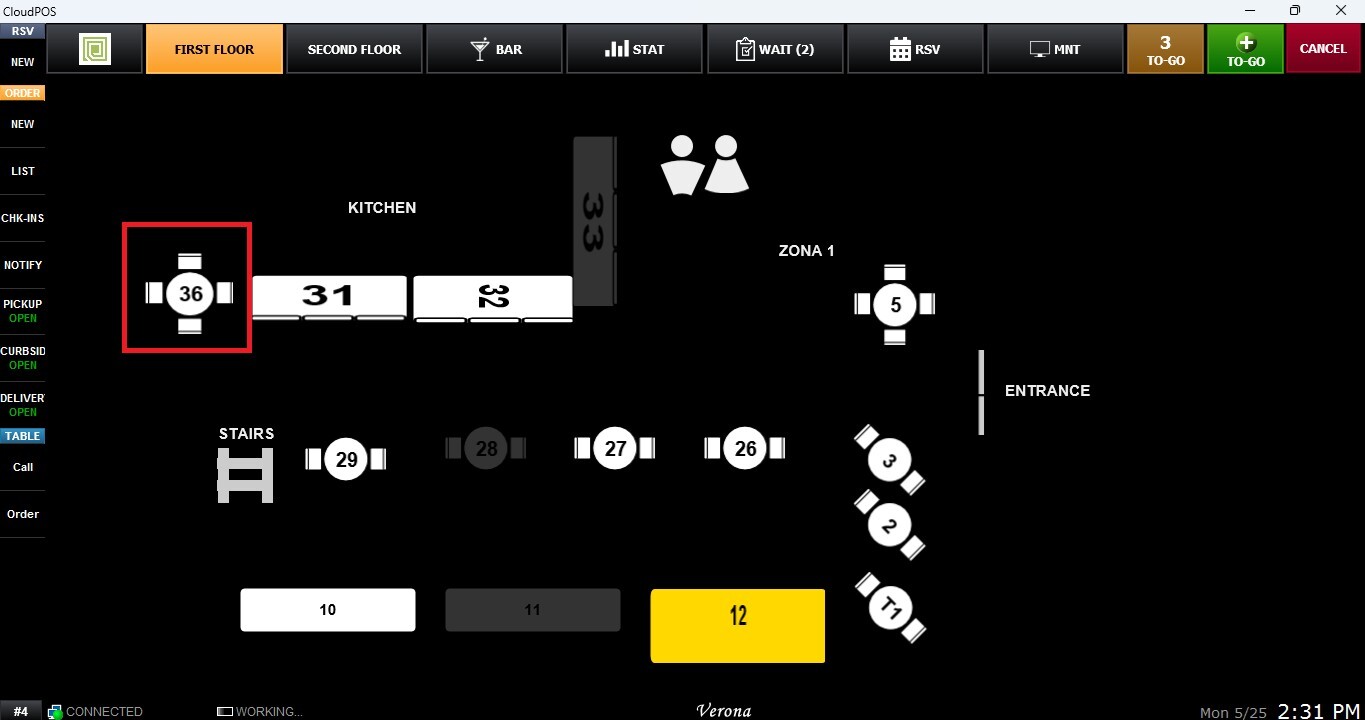
Select the occupied table containing the active order you want to transfer from. The selected table will be highlighted in yellow.
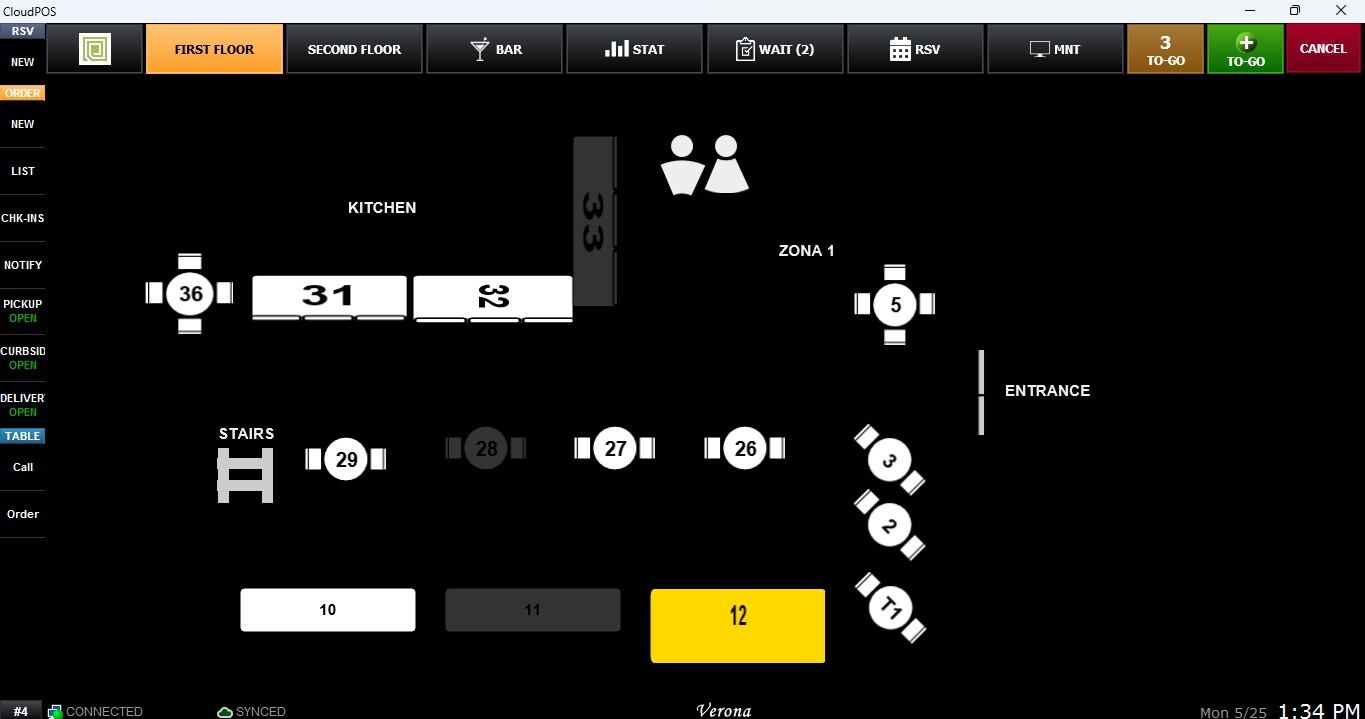
Select the destination table you want to transfer the order to.
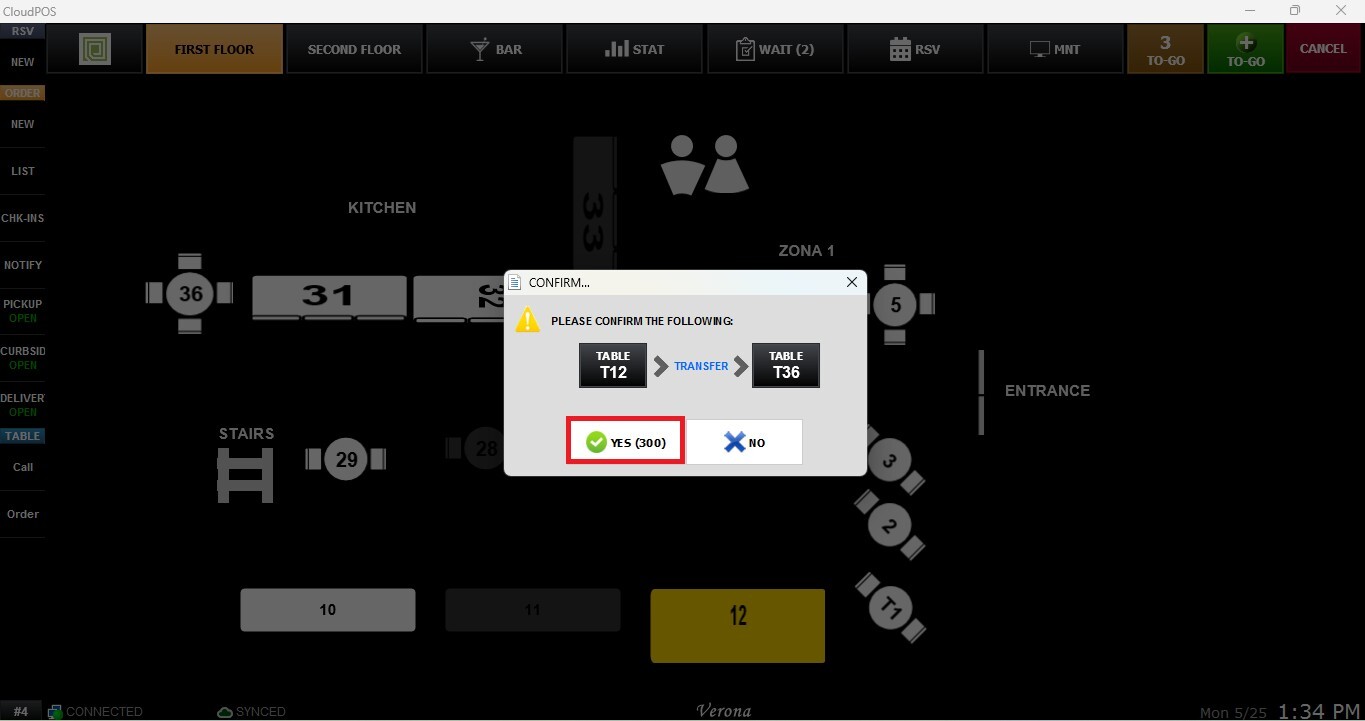
A confirmation window will appear. Click YES to confirm the transfer.
Result:
Once completed, the active table will be moved to the selected destination table.