Table Kiosk Tablet Setup
The Table Kiosk app allows an Android device to connect to the CloudPOS system for restaurant operations. Follow the steps below to download, install, and activate the application.
Download the Table Kiosk App
On the Android device, open the Google Play Store and search for CloudPOS Restaurant.
Select CloudPOS Restaurant, then tap Install to download and install the application.

Activate the Table Kiosk
Once the installation is complete, open the CloudPOS Restaurant app.
Enter the following information on the Registration screen
- Store Code: Enter the Store Code assigned to the merchant.
- License #: Enter the license number assigned to the Table Kiosk device
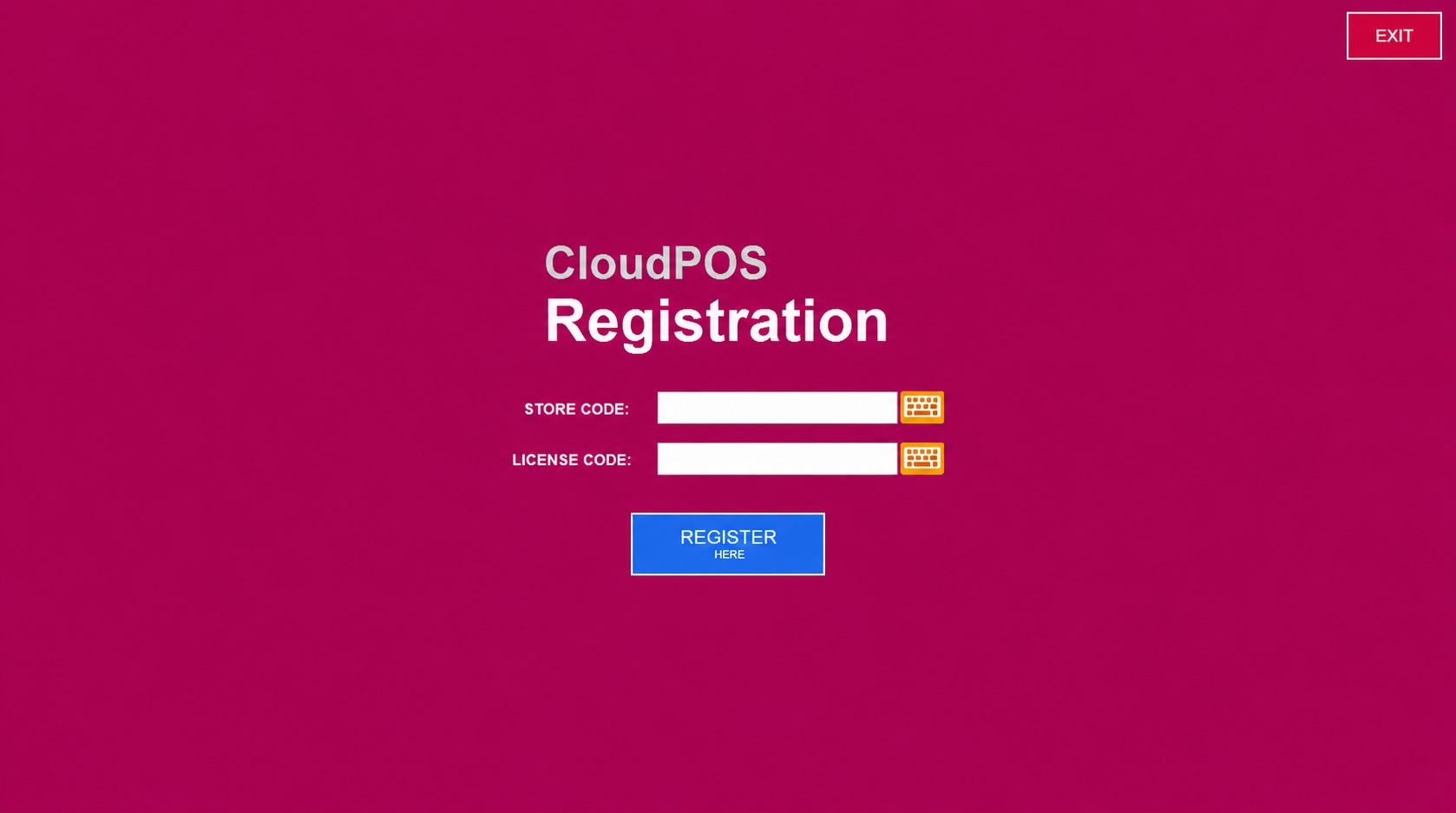
Select the REGISTER option to complete the setup.

Once successfully activated, the device will be connected to the store.