Report - Custom
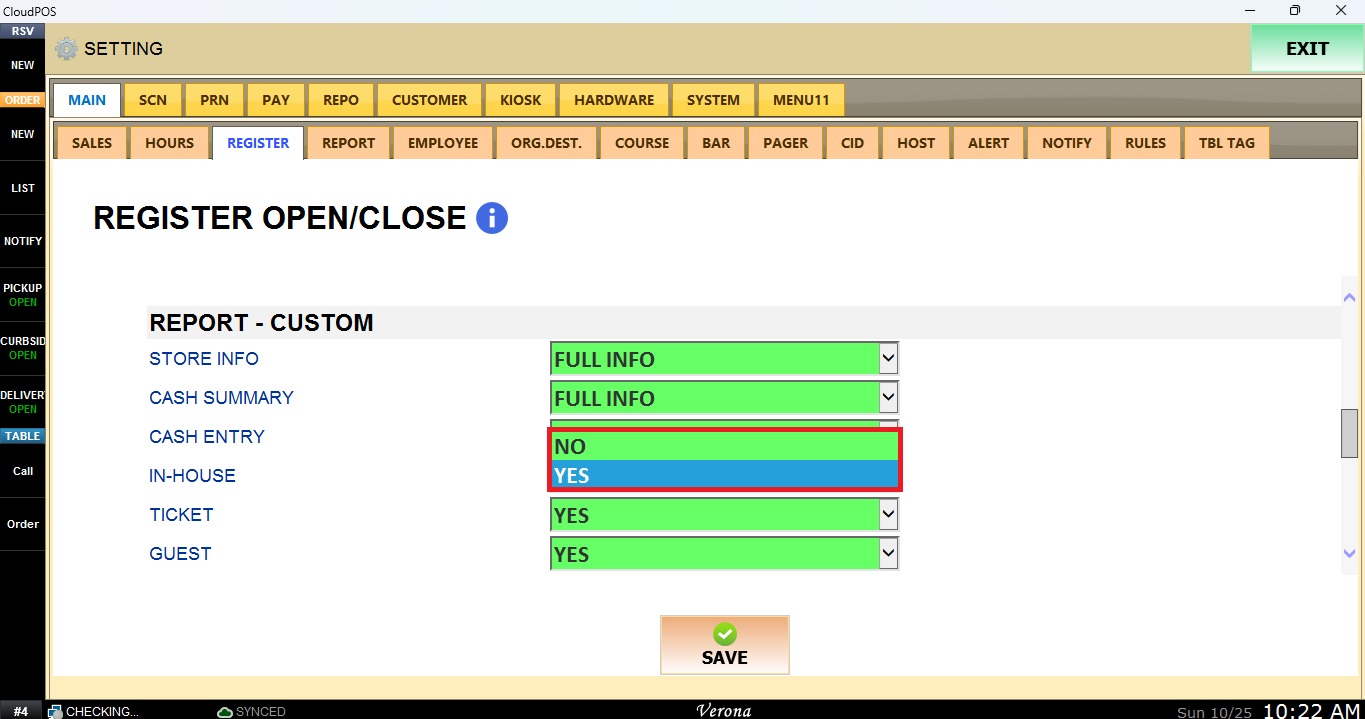
In this section you can customize the register report by selecting which information is displayed and which is hidden.
MENU> SETTINGS> MAIN> REGISTER
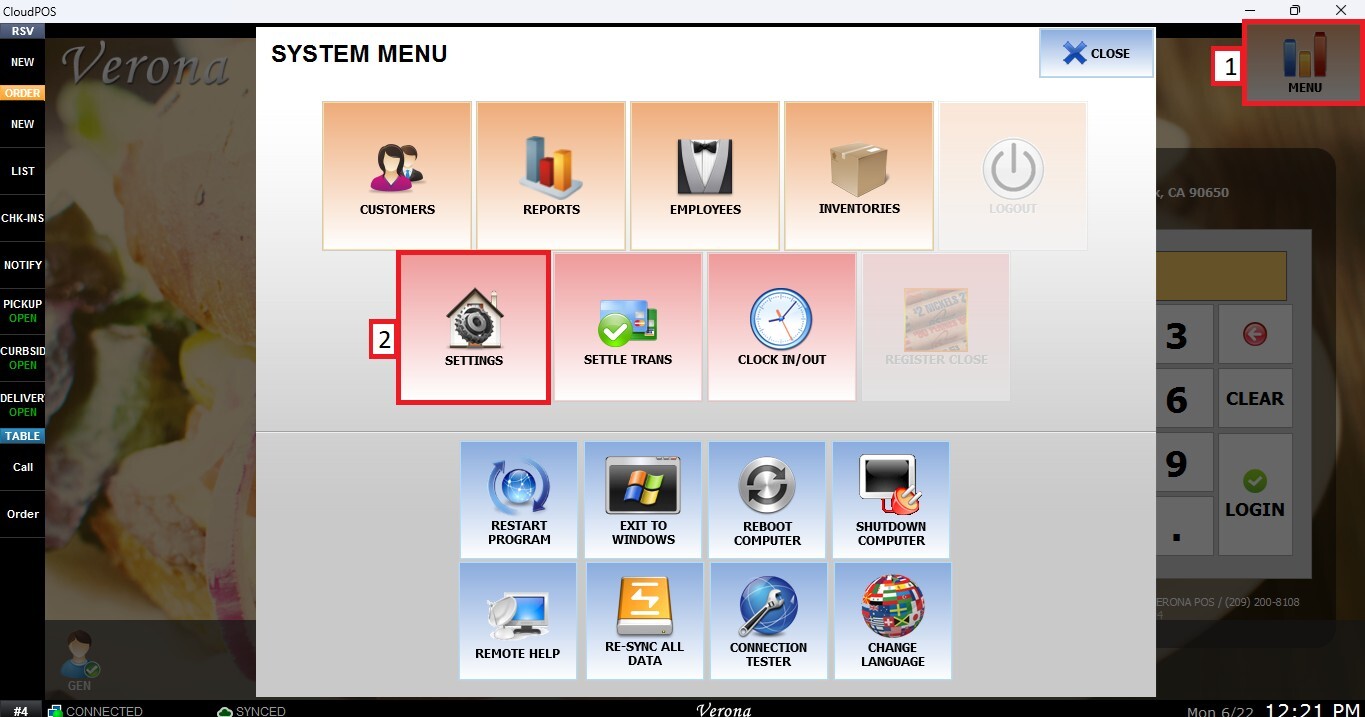
From the Main Screen, select MENU, then select SETTINGS.
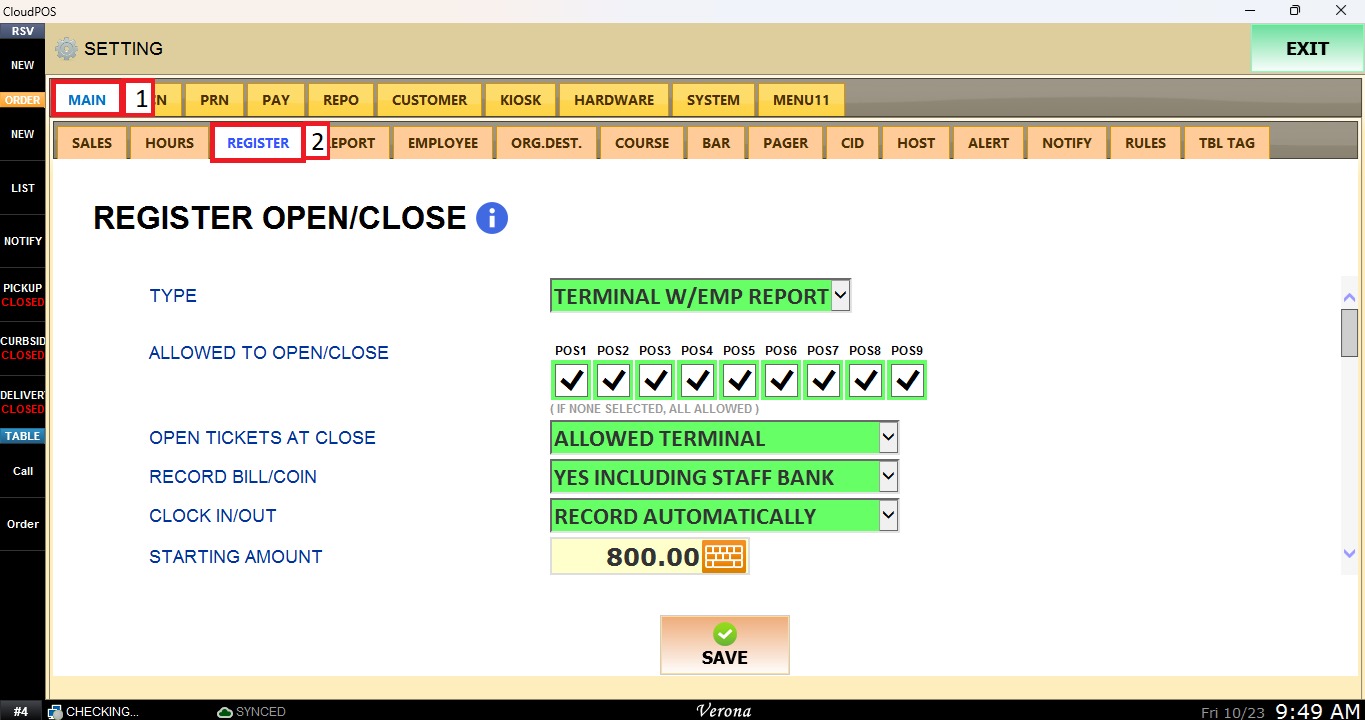
Select the MAIN tab, then select REGISTER. Scroll down to REPORT - CUSTOM.
Information Detail
STORE INFO, CASH SUMMARY, and CASH ENTRY use the same options. Each one defines how much information about that section the report displays.
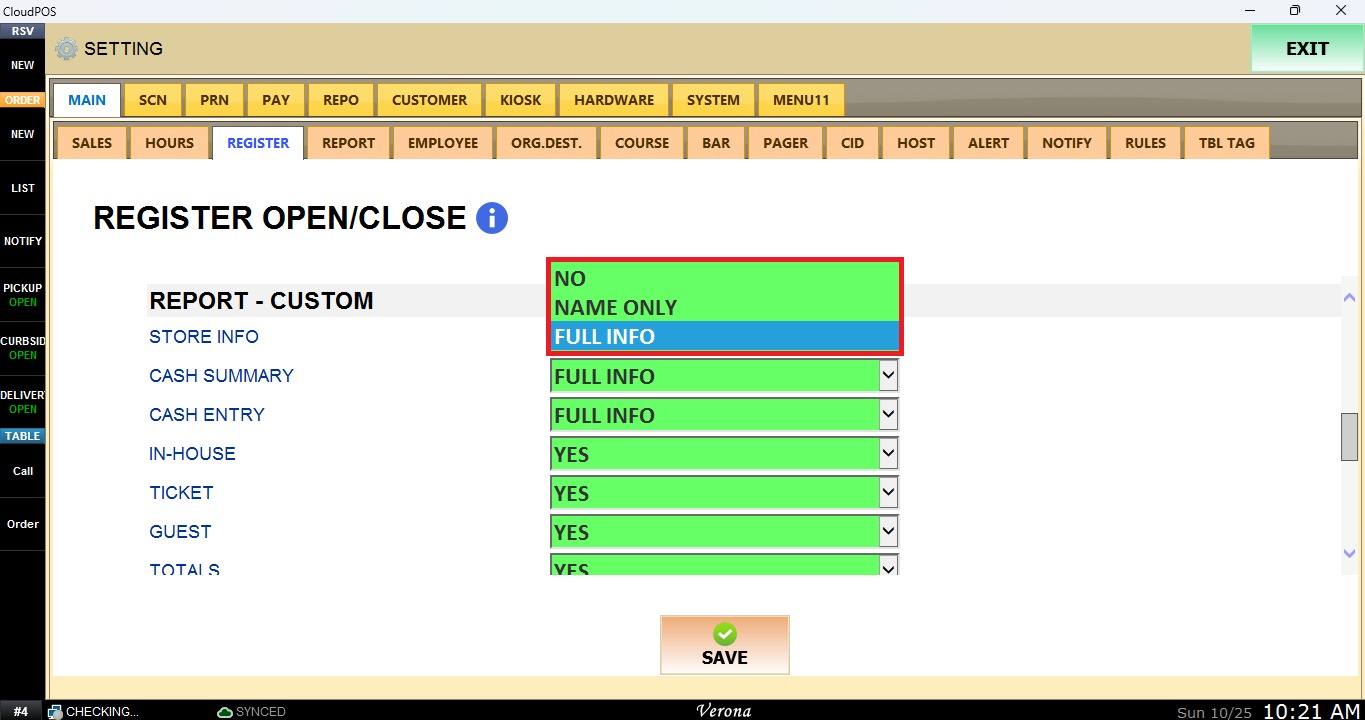
NO: The section is not displayed on the report.
NAME ONLY: Displays only the section name.
FULL INFO: Displays all the information of the section.
Report Sections
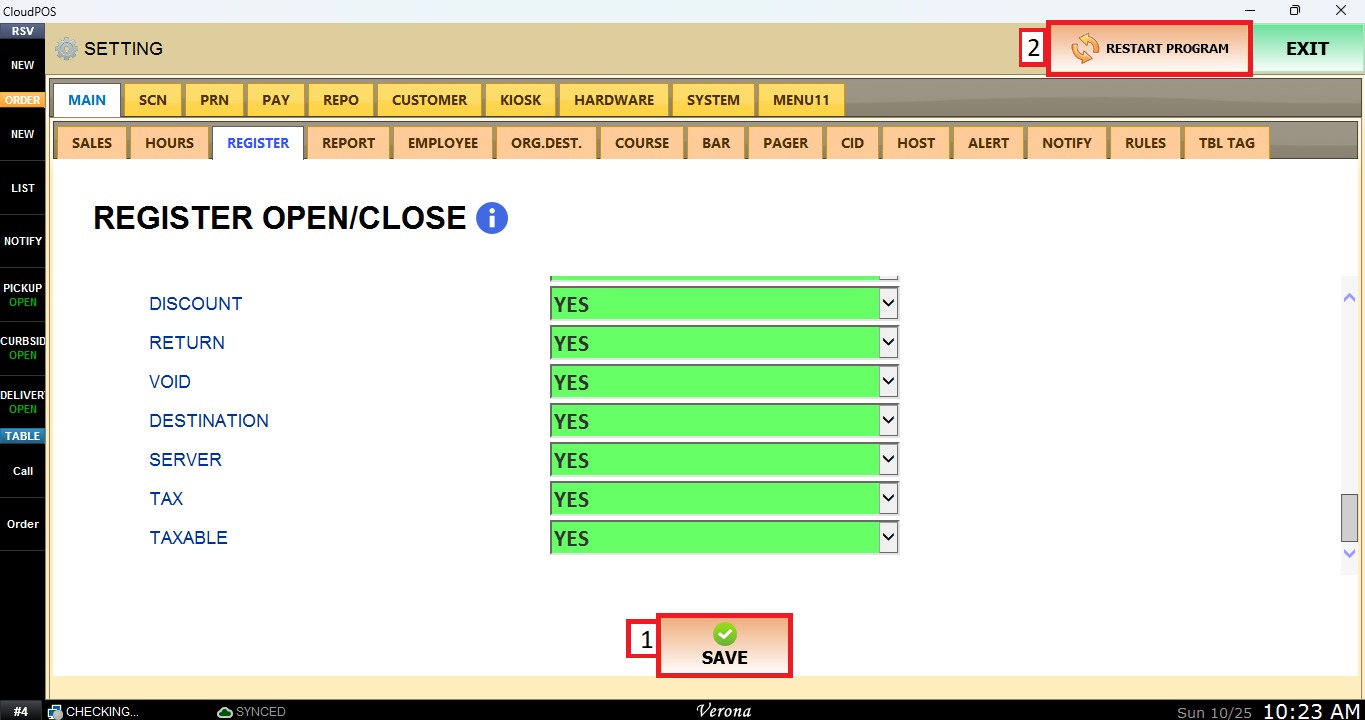
Select YES to display the section on the report, or NO to hide it. This applies to IN-HOUSE, TICKET, GUEST, TOTALS, DISCOUNT, RETURN, VOID, DESTINATION, SERVER, TAX, and TAXABLE.
Select SAVE, then select RESTART PROGRAM to apply the changes.