Store Info
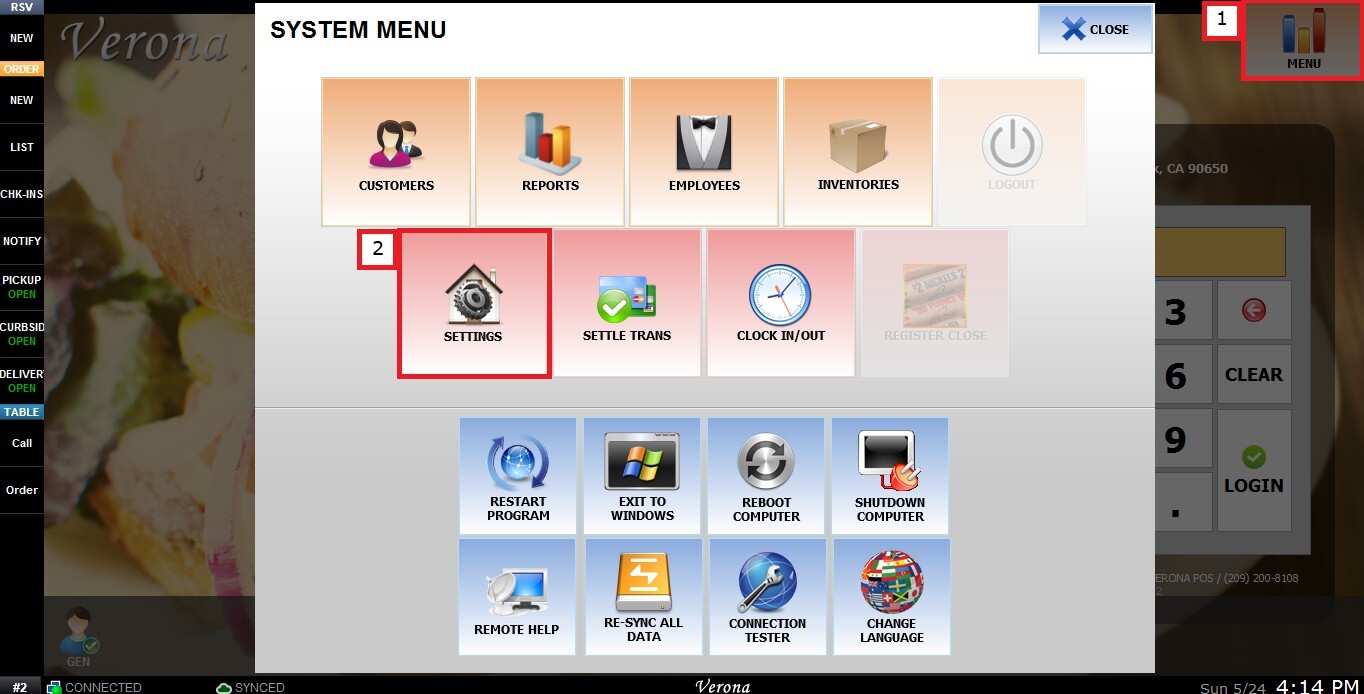
MENU > SETTINGS > MENU 11 > BASIC > STORE INFO.
Go to MENU and press SETTINGS.
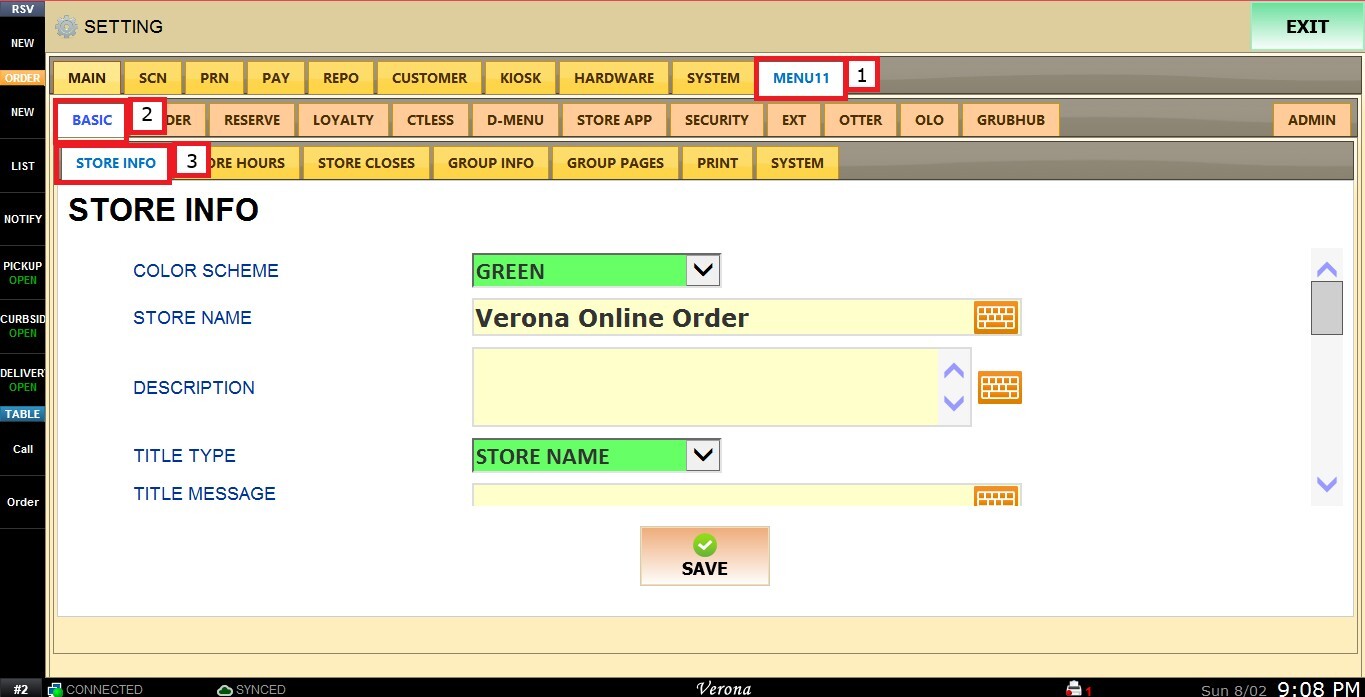
Under MENU 11, select BASIC, and in the STORE INFO section, review the following configuration options:
Color Scheme
This setting allows the user to change the color scheme of the store's online order site.
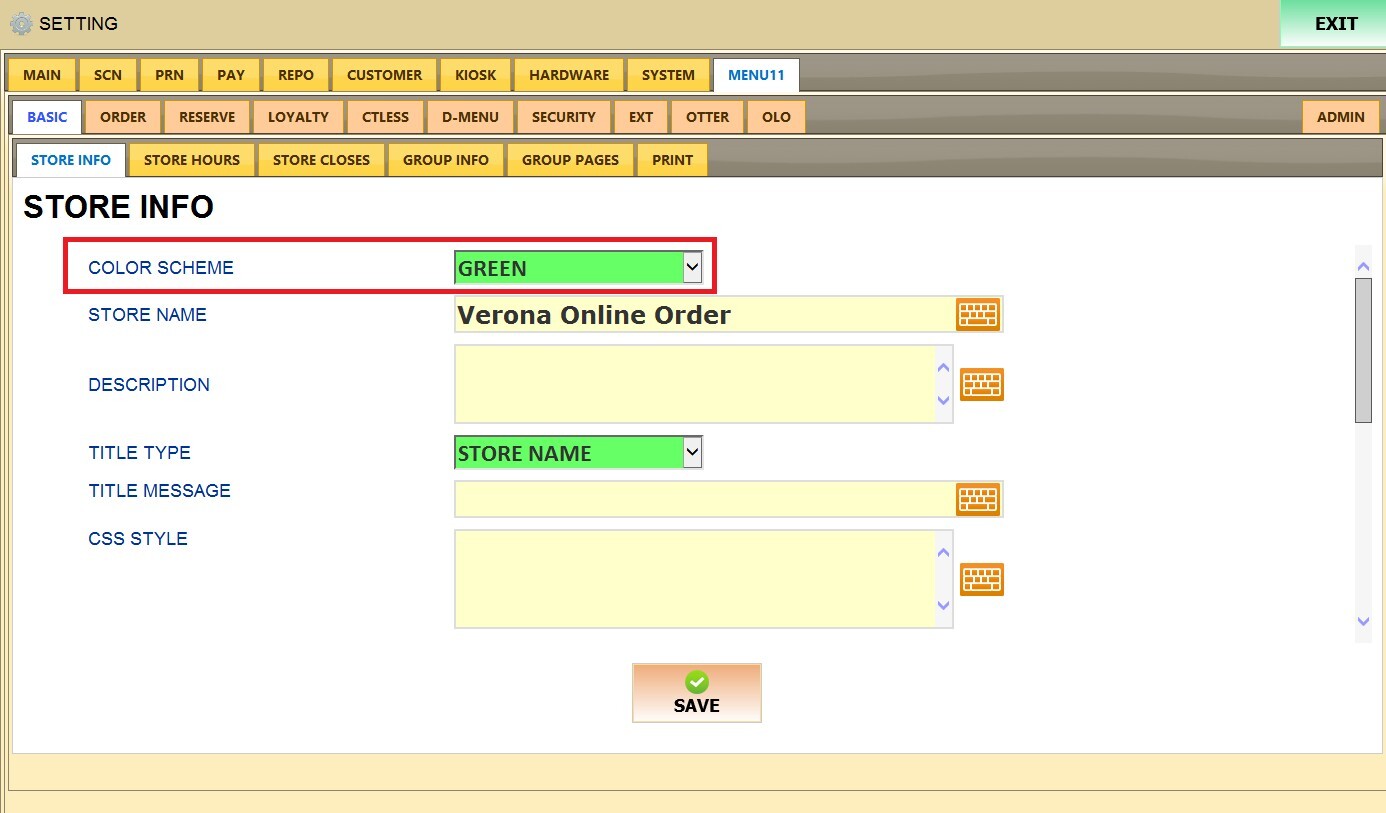
Buttons on the online order site will display in the color selected.
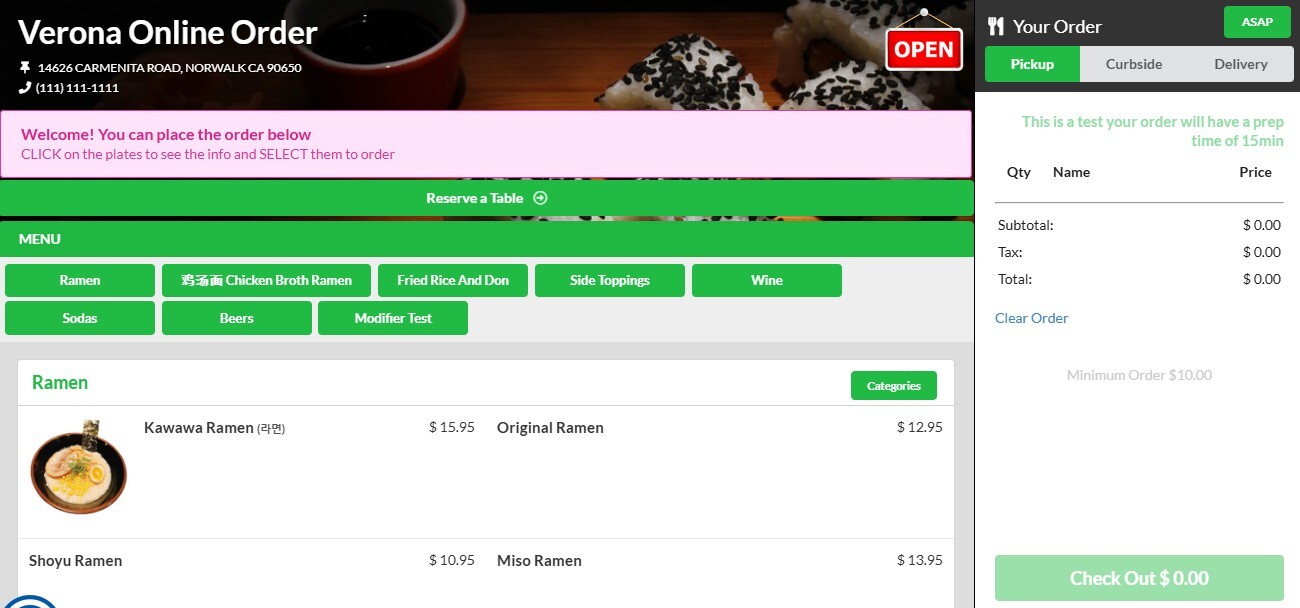
Store name
This setting controls how the store name is displayed.
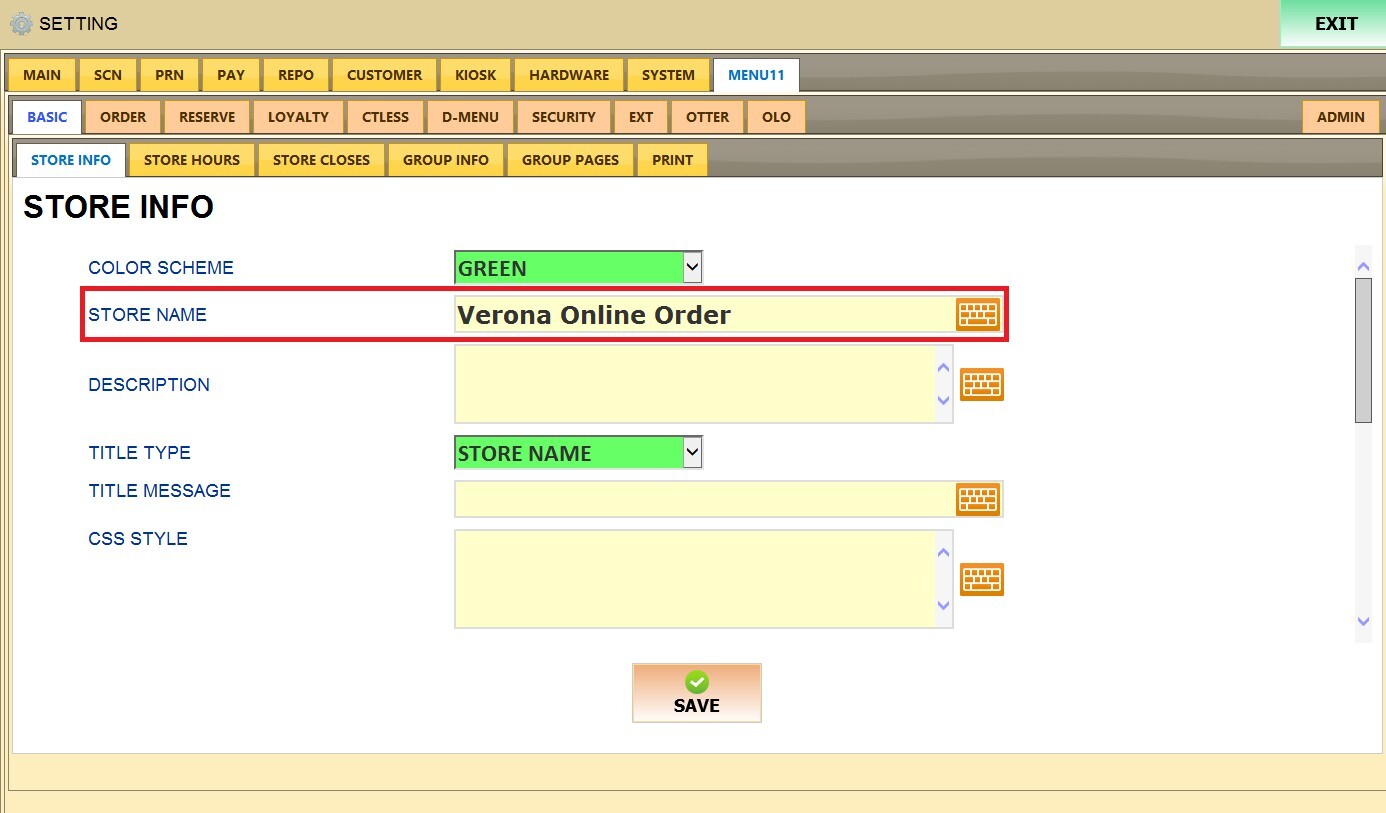
Title Type
This setting controls what is displayed in the top left corner of the online order site.
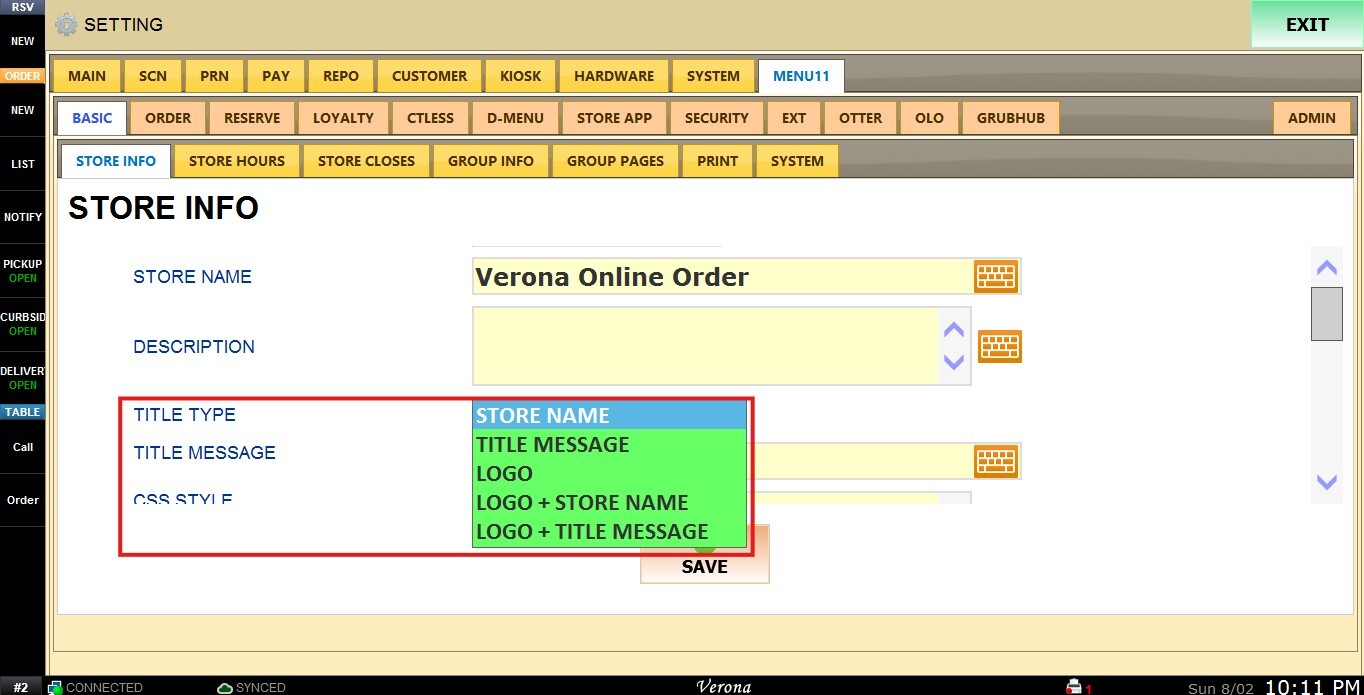
1. STORE NAME: Displays the store's name in the top left corner.
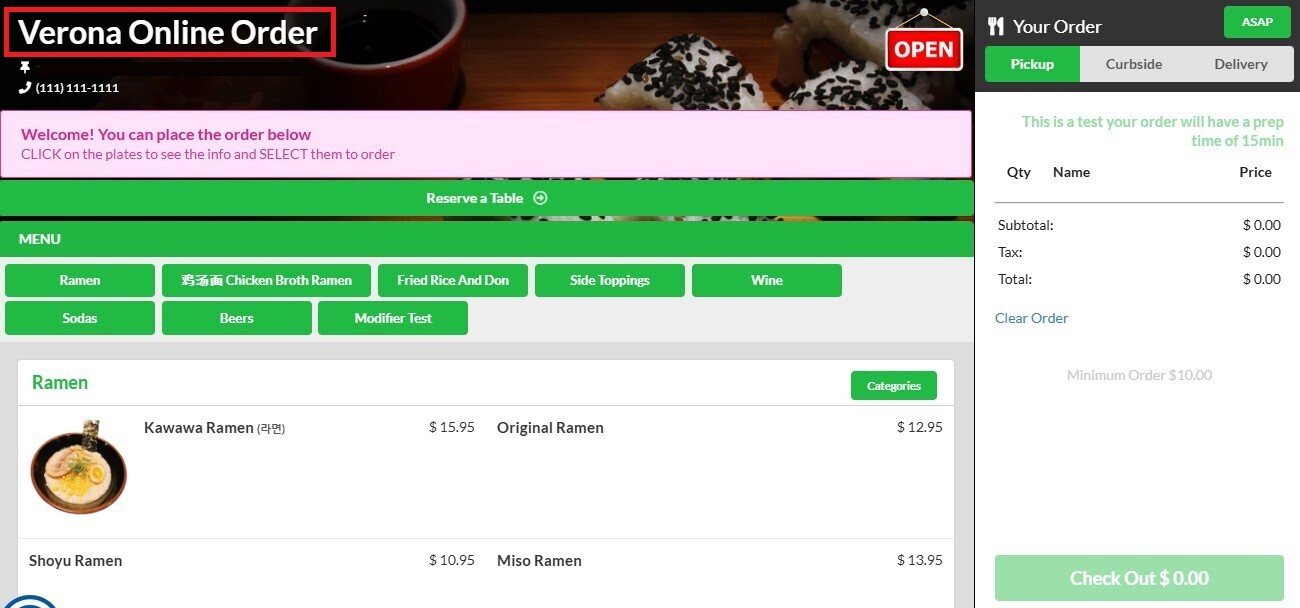
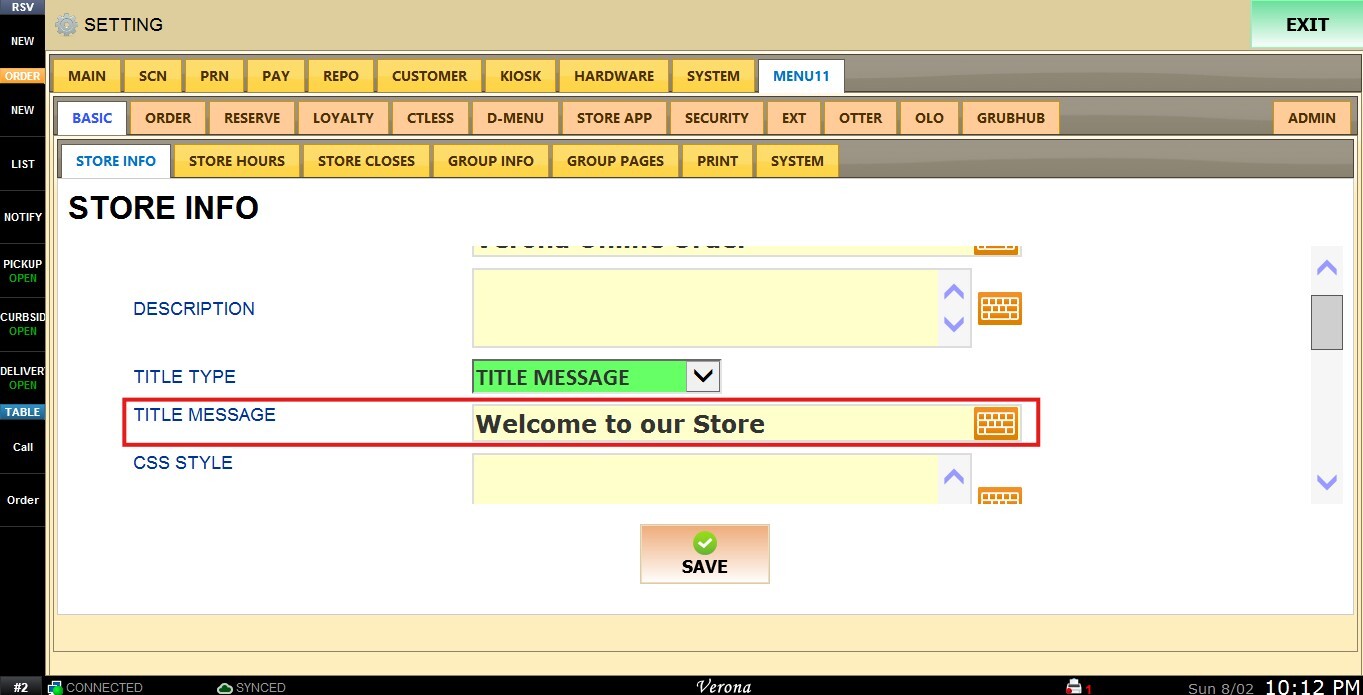
2. TITLE MESSAGE: Displays the custom message entered in the TITLE MESSAGE field, instead of the store name.
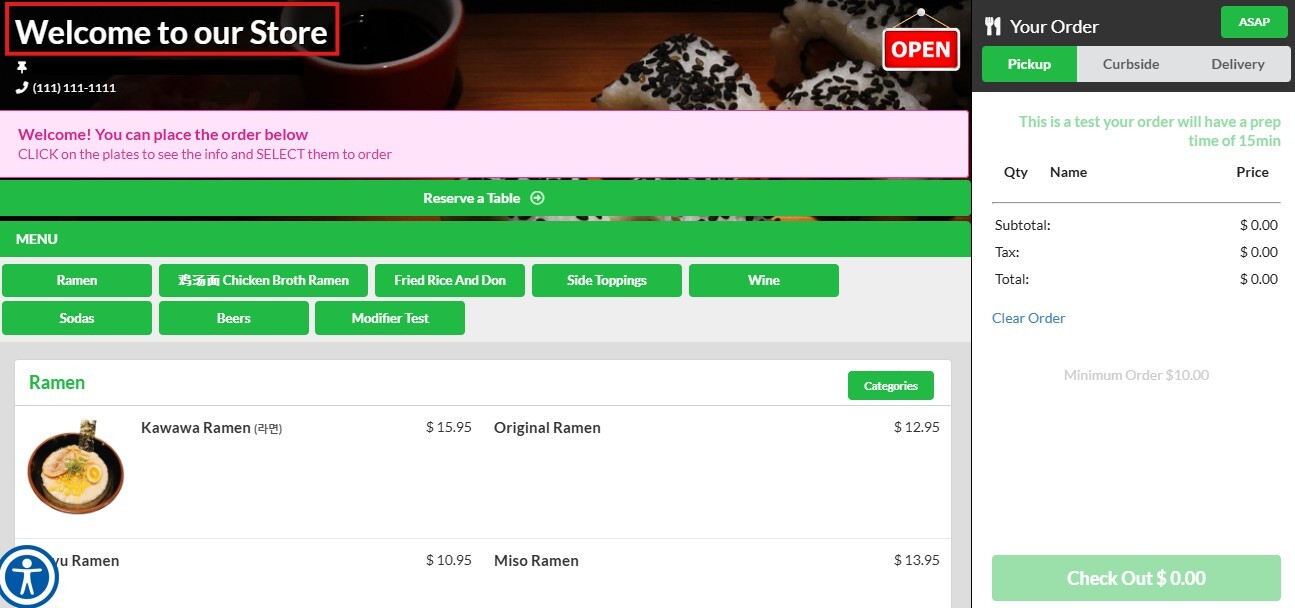
3. LOGO: Displays the store's logo in the top left corner, instead of text.
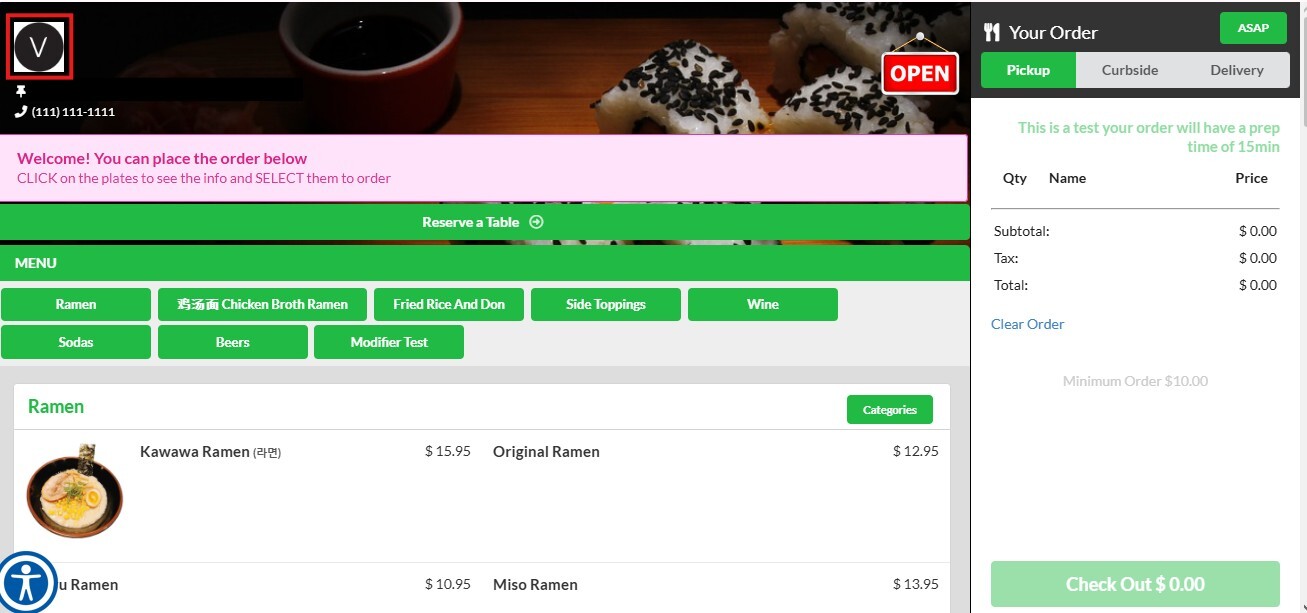
4. LOGO + STORE NAME: Displays both the store's logo and store name together in the top left corner.
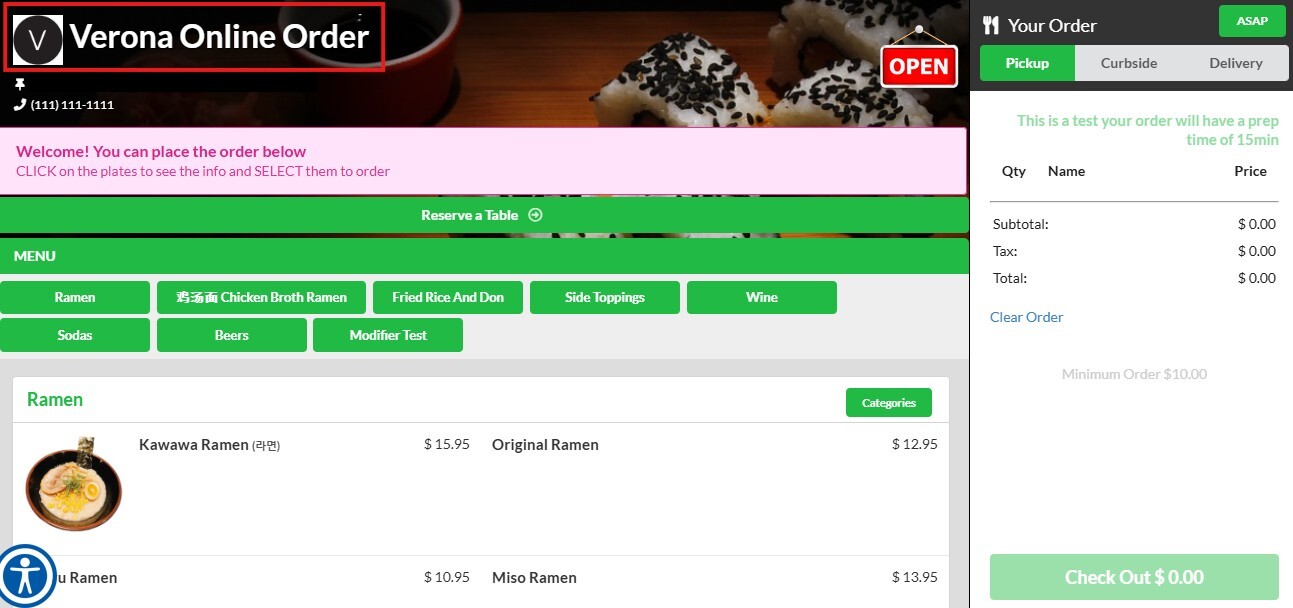
5. LOGO + TITLE MESSAGE: Displays both the store's logo and the custom title message together in the top left corner.
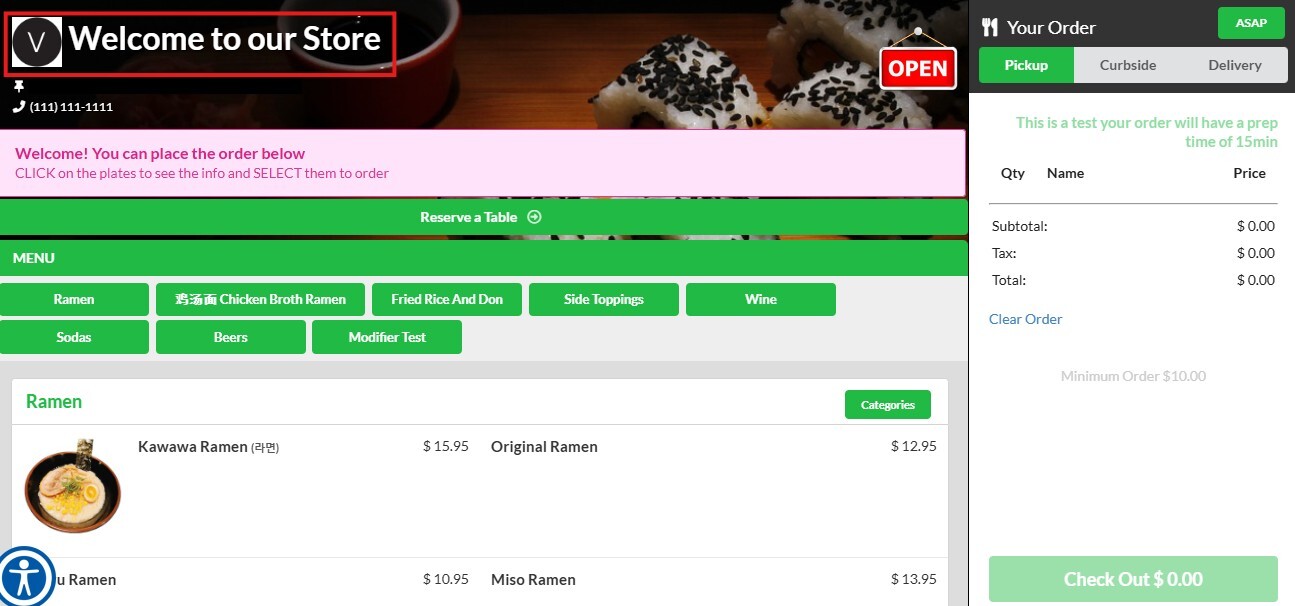
Title Message
This setting allows the user to display a custom message in the top left corner of the online order site, in place of the store name.
Pages Section
This setting allows the user to enter social media web portal information (e.g., Homepage, Facebook, Instagram, Yelp).
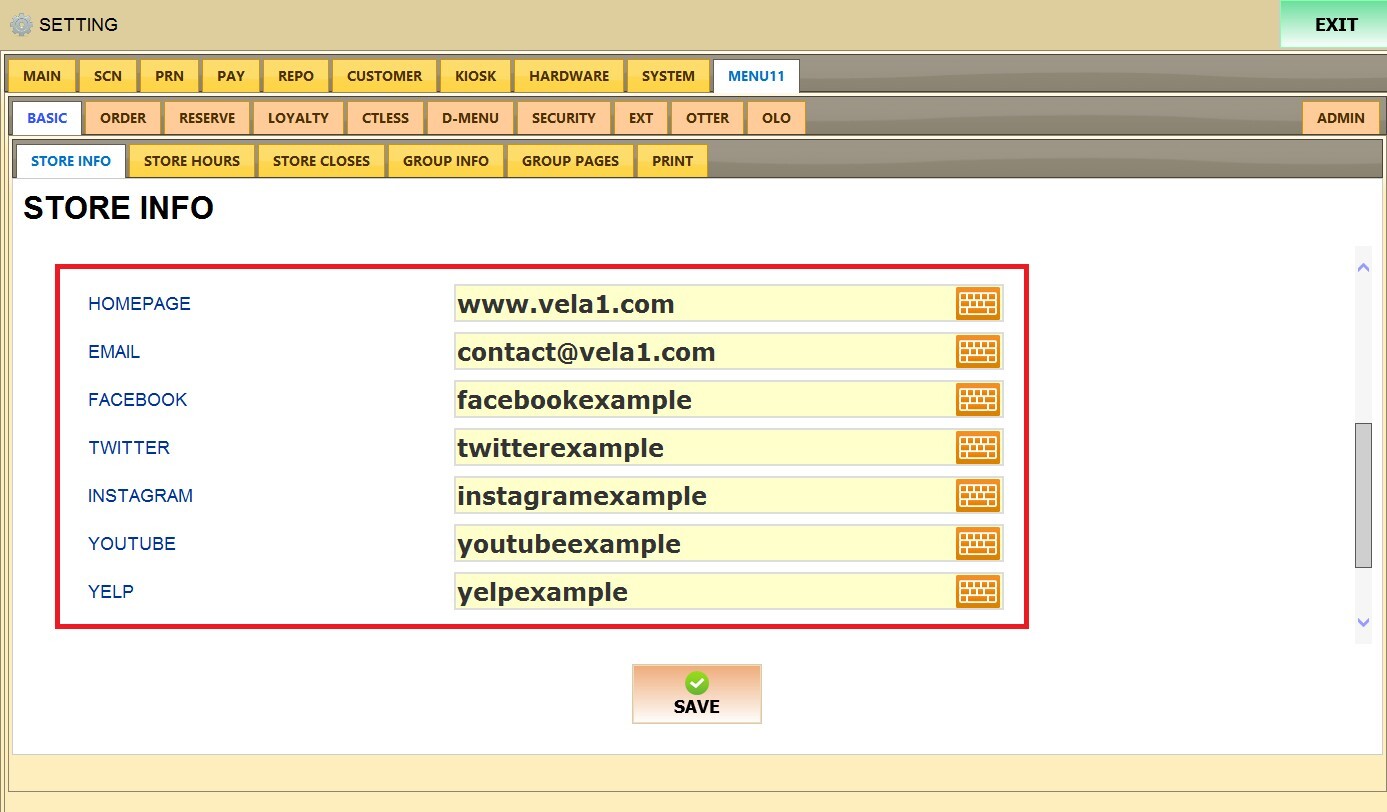
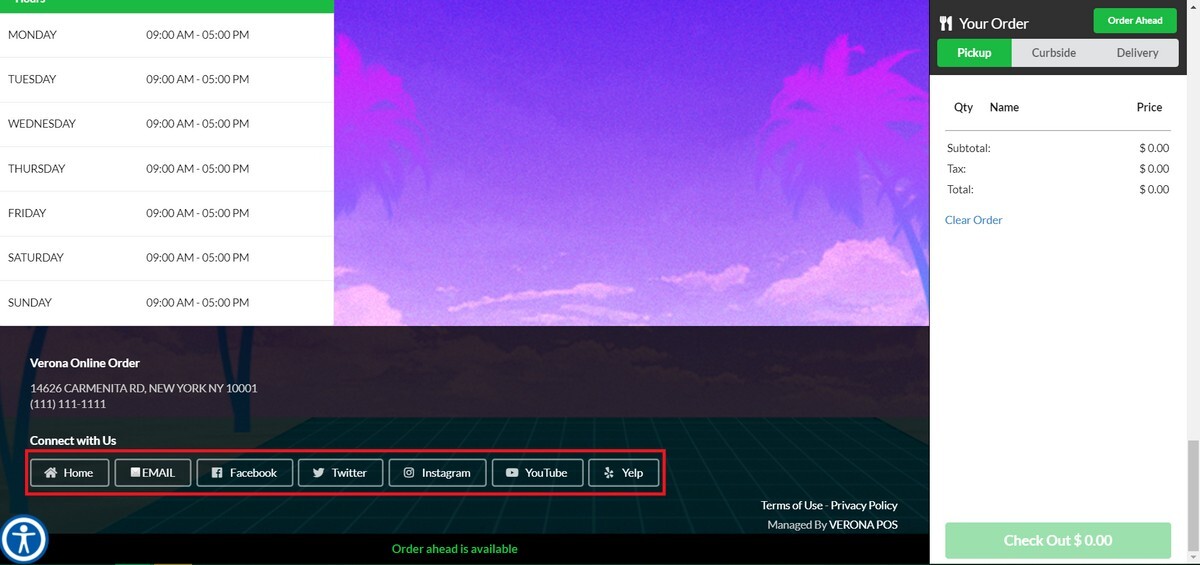
Once entered, corresponding buttons will display at the bottom of the online order site. Pressing a button will direct the customer to that social media site.
Customer Login Check
This setting controls how frequently customers are required to log in to place an order on the online order site.
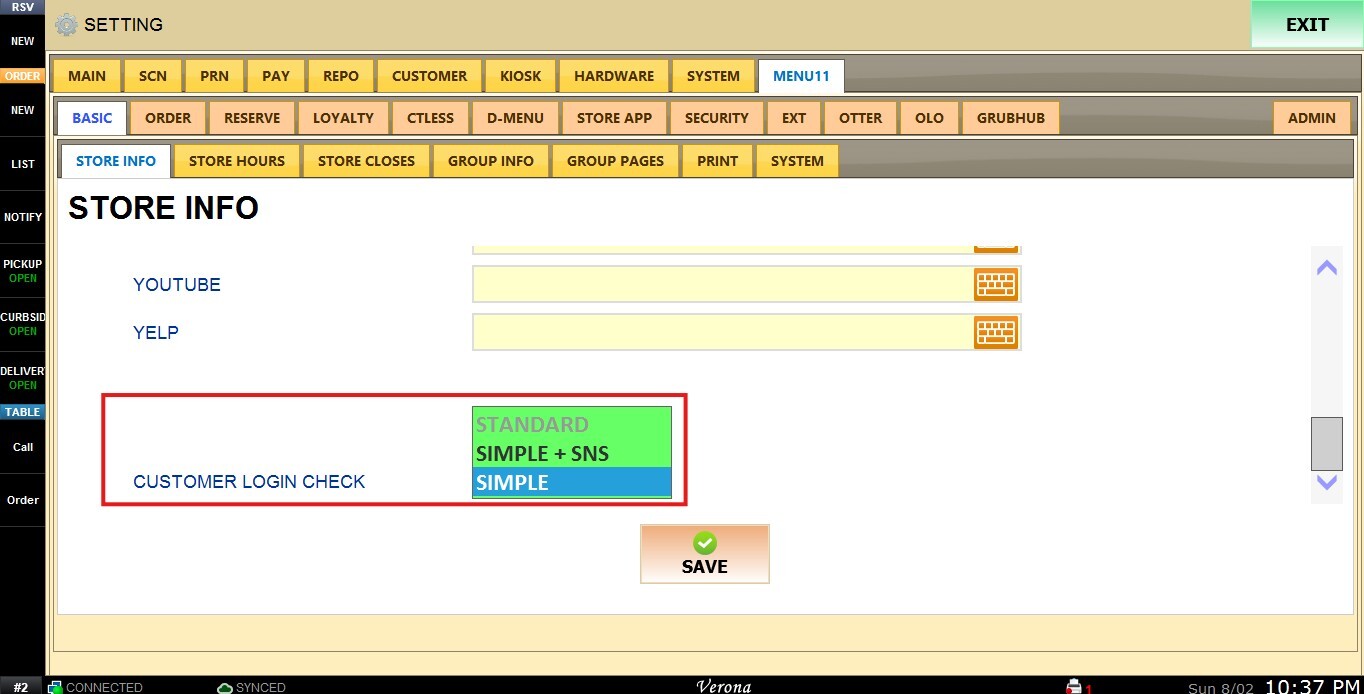
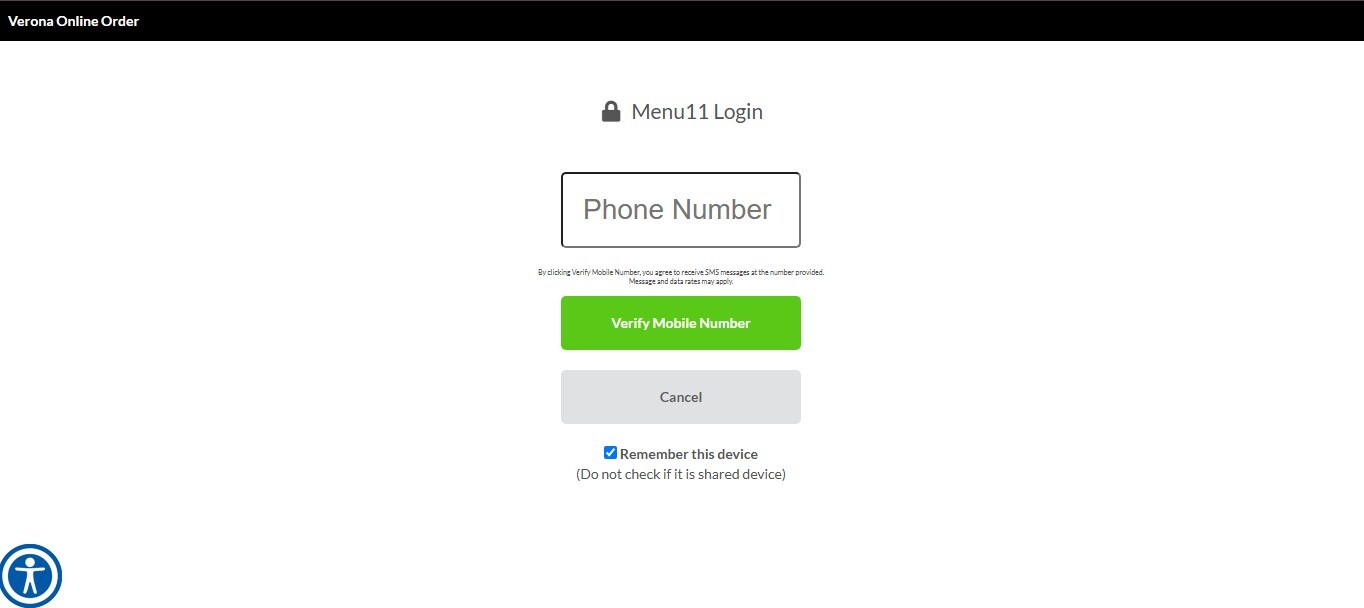
1. STANDARD: The customer must log in every time they place an order, the information required is the customer phone number.
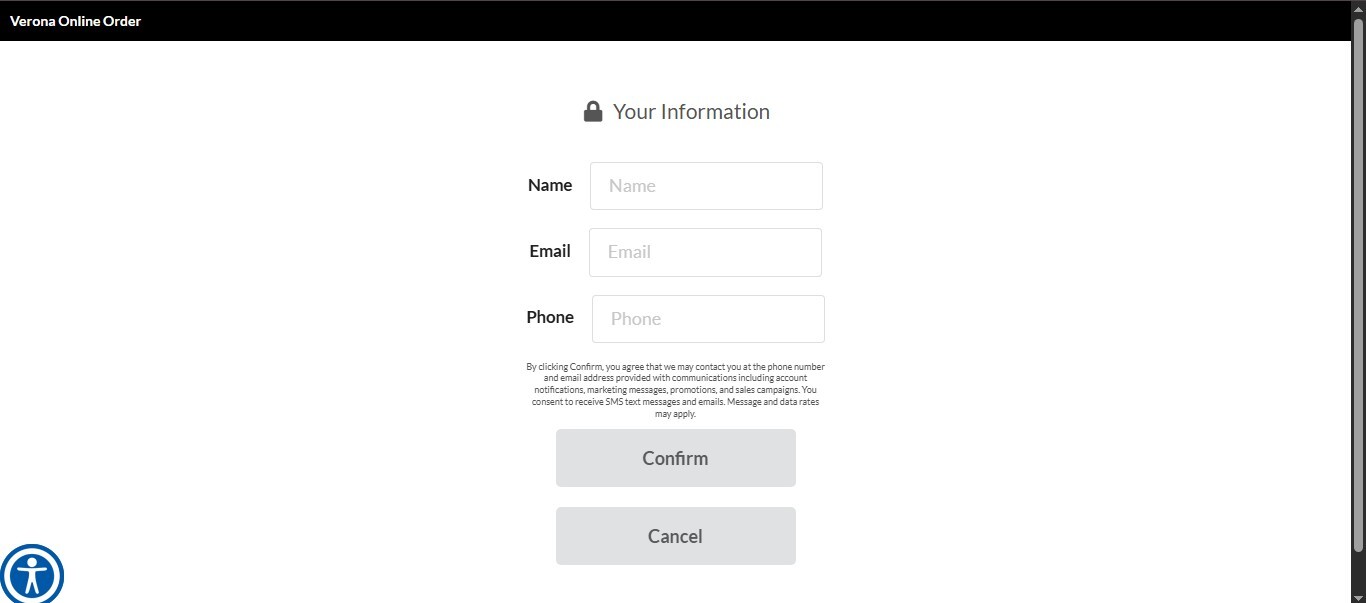
2. SIMPLE: The customer remains logged in for a set period of time. This duration depends on the customer's device (computer or phone) and typically lasts 2–3 days. The information required is the Name, e-mail and phone number.
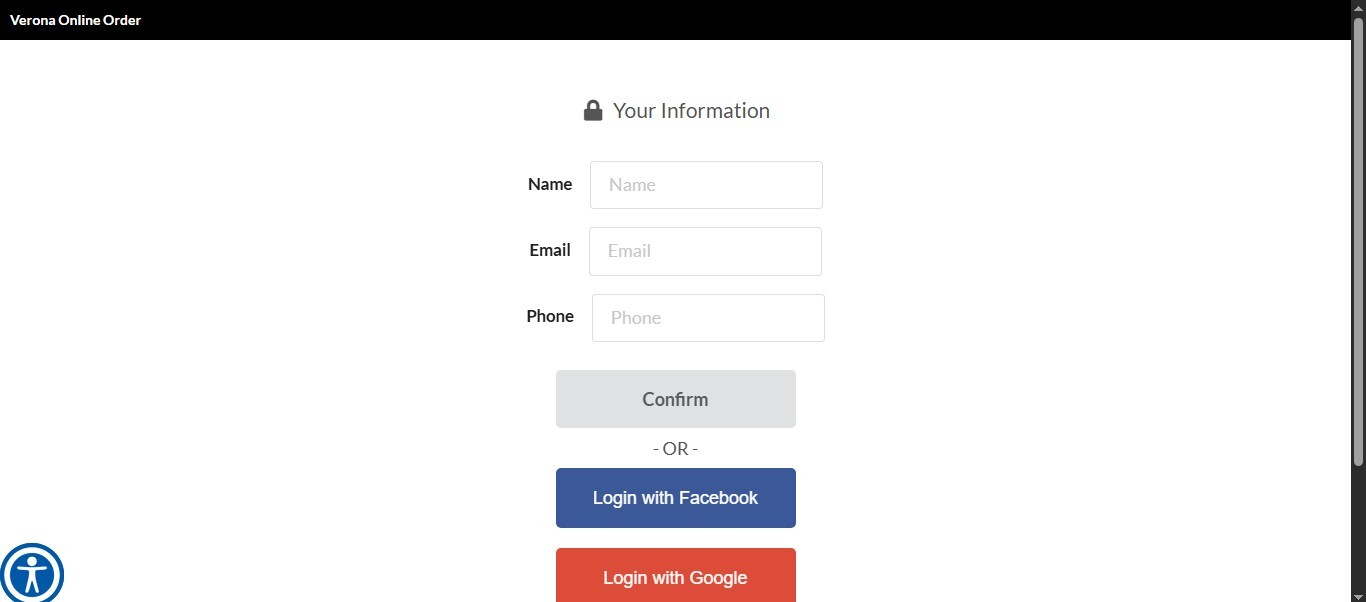
3. SIMPLE +SNS: This option requires the same information as Simple, but also adds the option to log in using a social network account, if preferred.
Click SAVE to apply the changes.

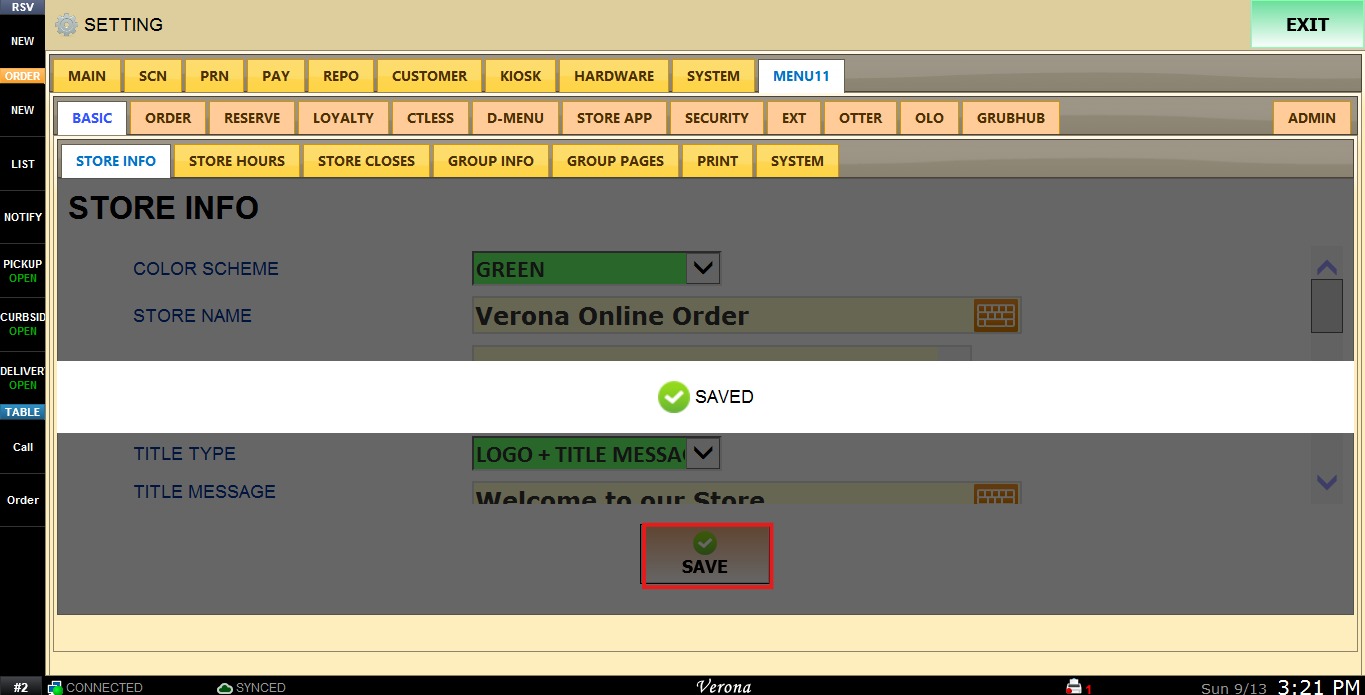
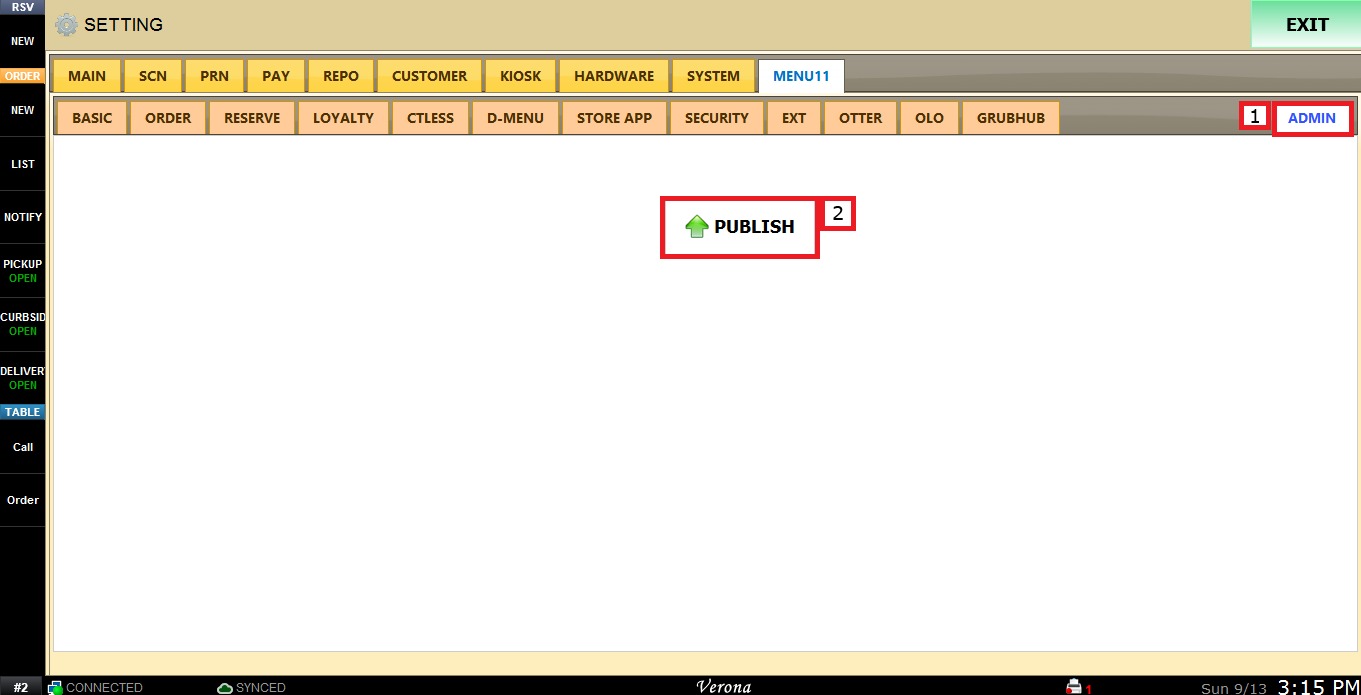
After confirming all the settings are correct and saved, go to ADMIN and select PUBLISH, to ensure the changes are seen on the online webpage too.