Ready Time
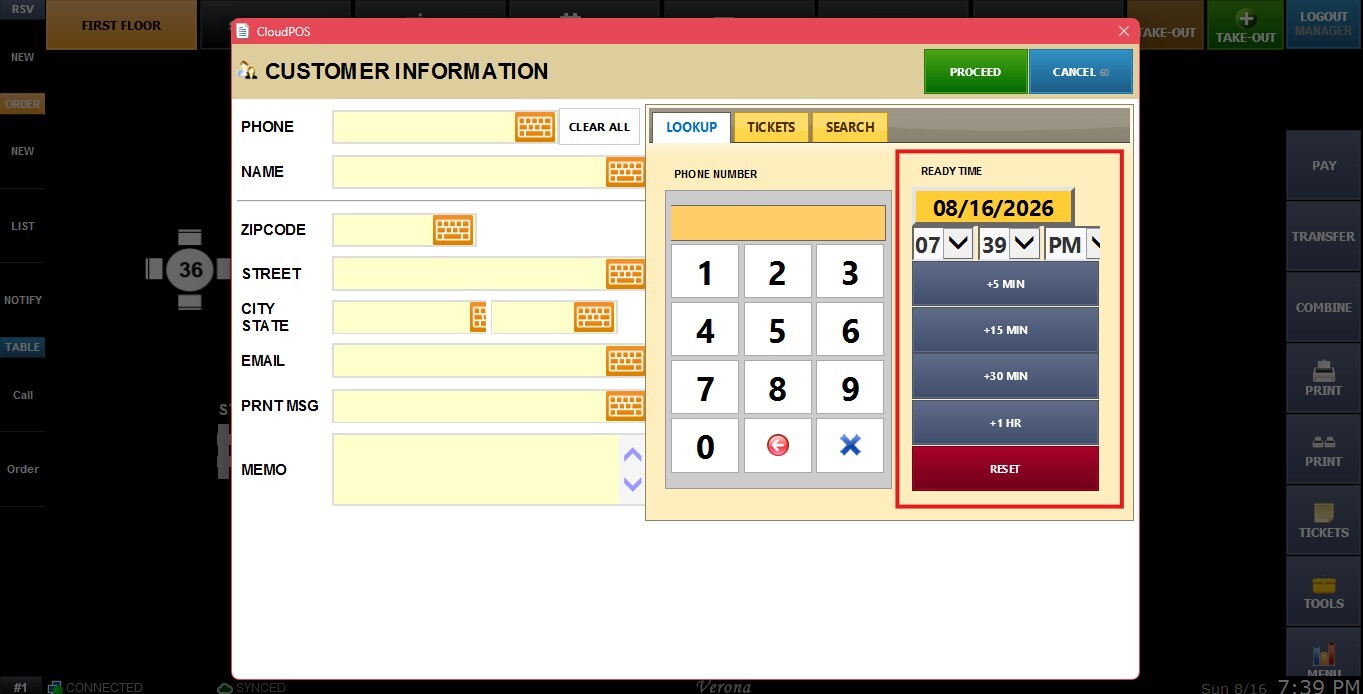
The Ready Time setting adds a section to to go orders where the employee can set the date and time when the take out order will be ready. This information is printed on the order ticket.
MENU > SETTINGS > MAIN > SALES > ORDERING > VISUAL CONTROL > READY TIME
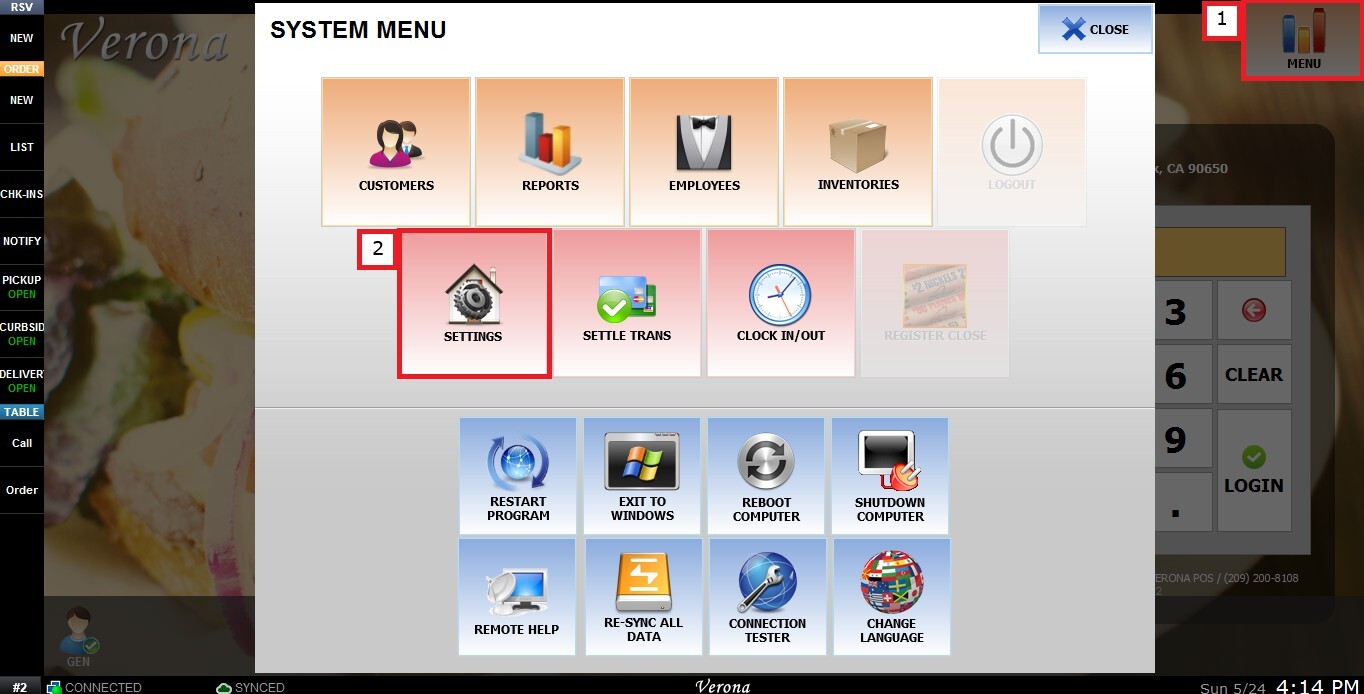
From the Main Screen, click MENU, then select SETTINGS.
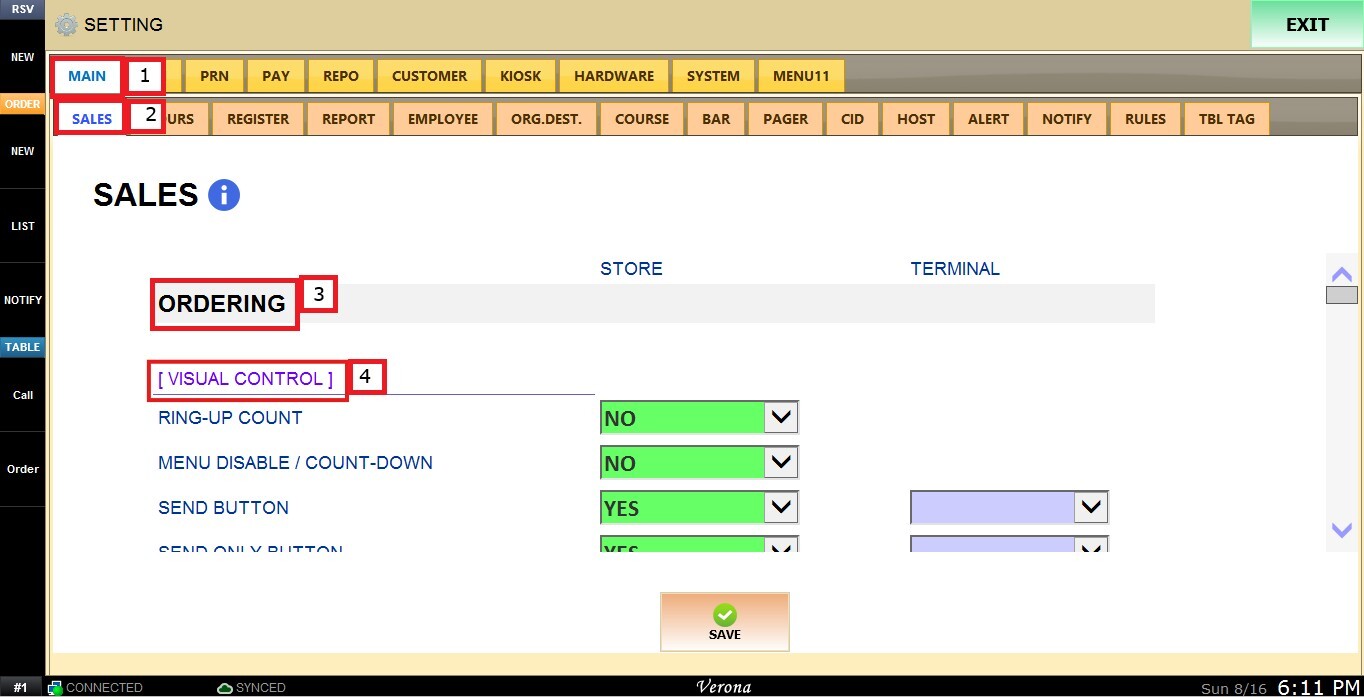
Under MAIN, select SALES, and in the ORDERING section, review the settings under VISUAL CONTROL.
READY TIME
This setting controls whether the Ready Time section is available on to go orders, allowing the employee to set the date and time when the takeout order will be ready.
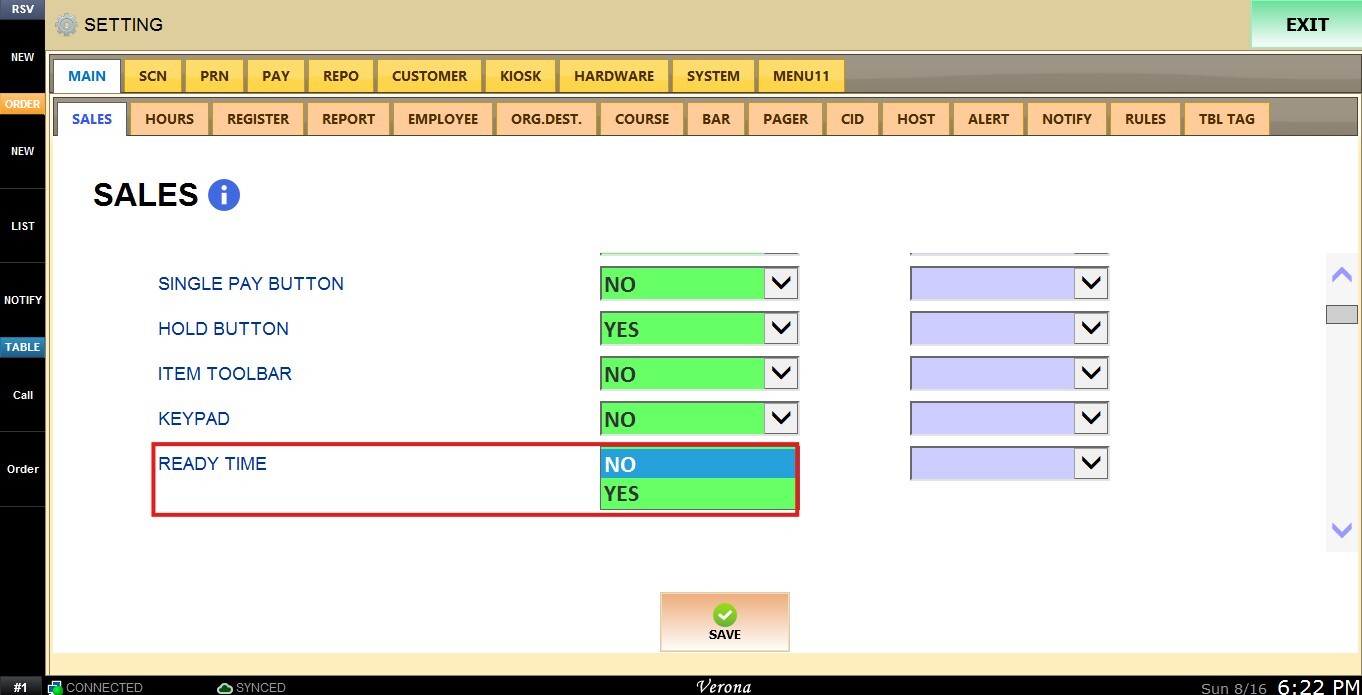
 1. NO: Disables the Ready Time section.
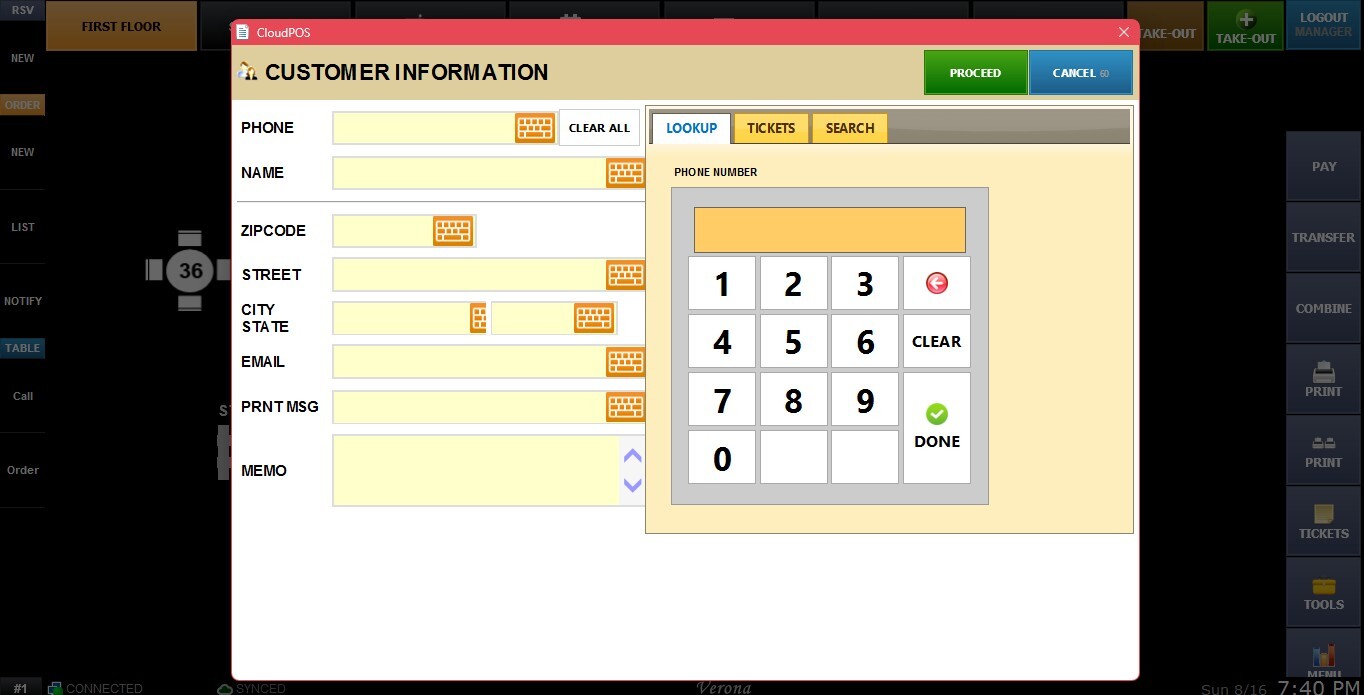
2. YES: Enables the Ready Time section.
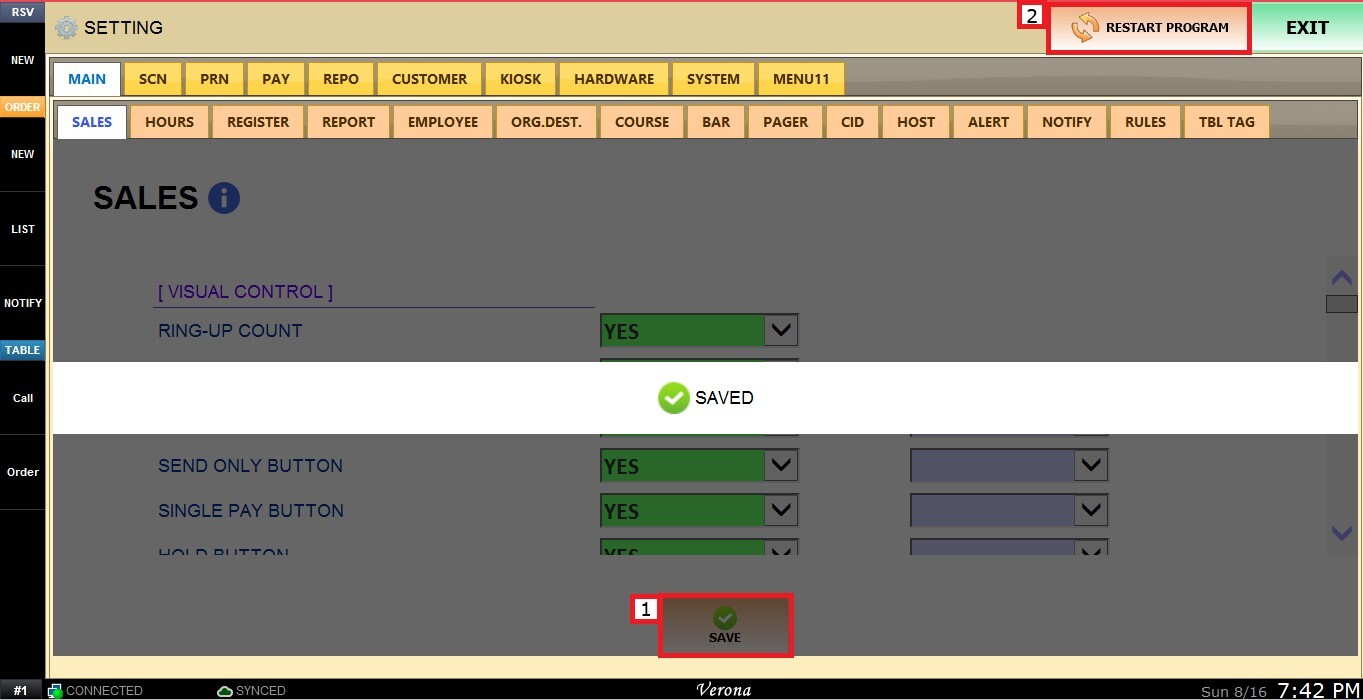
After making all the changes click on SAVE and RESTART PROGRAM to apply the preferred configuration.