How to Use QR Curbside as a Customer
QR Curbside allows customers to browse the menu, place an order, and pay directly from their mobile device before pickup. After completing this guide, customers will be able to place a curbside order and receive a notification when it is ready.
Access the ordering site
Scan the QR CODE provided by the store to begin ordering through QR CURBSIDE.

The QR code will automatically open the online ordering site.
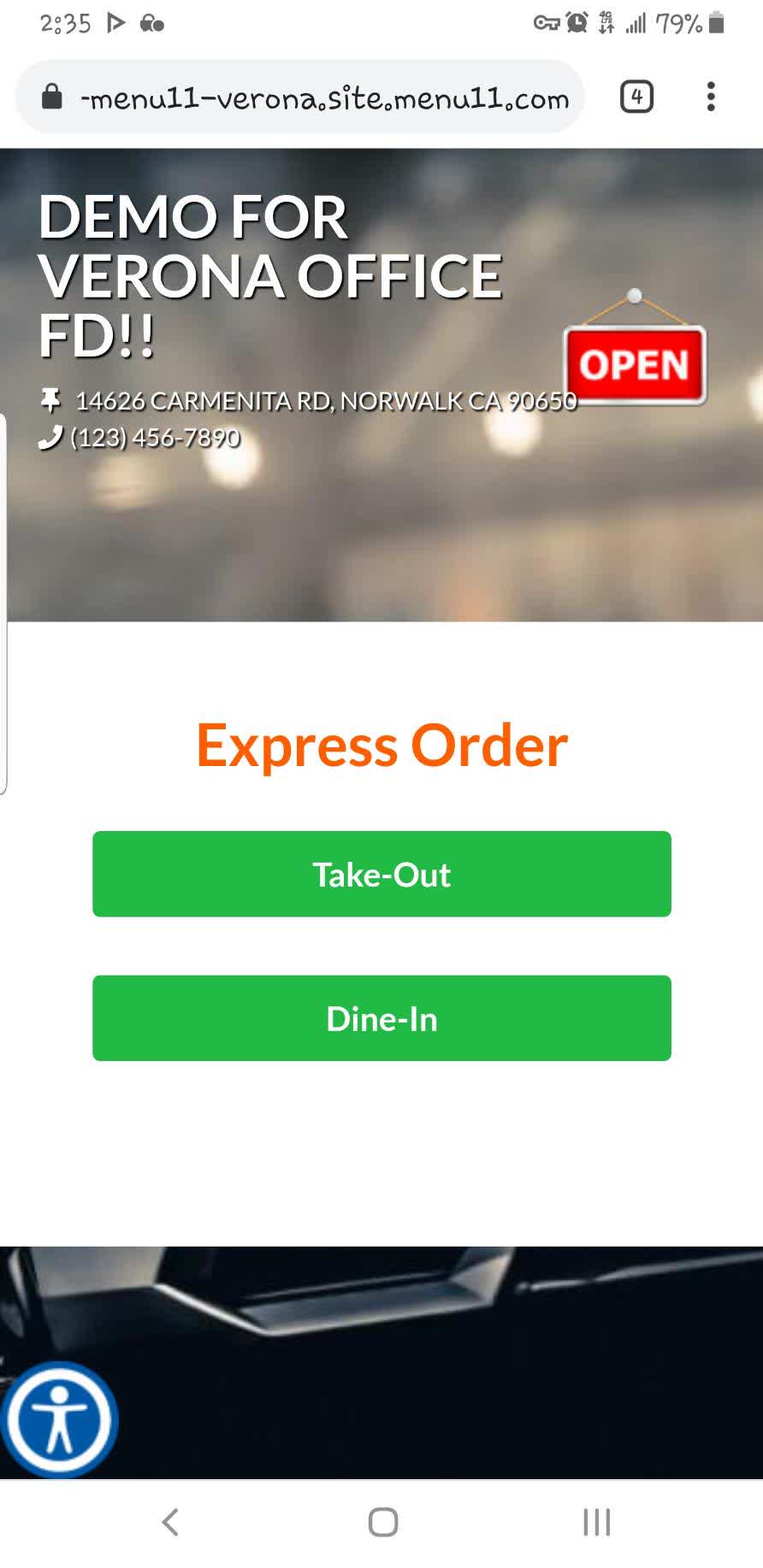
Place an order
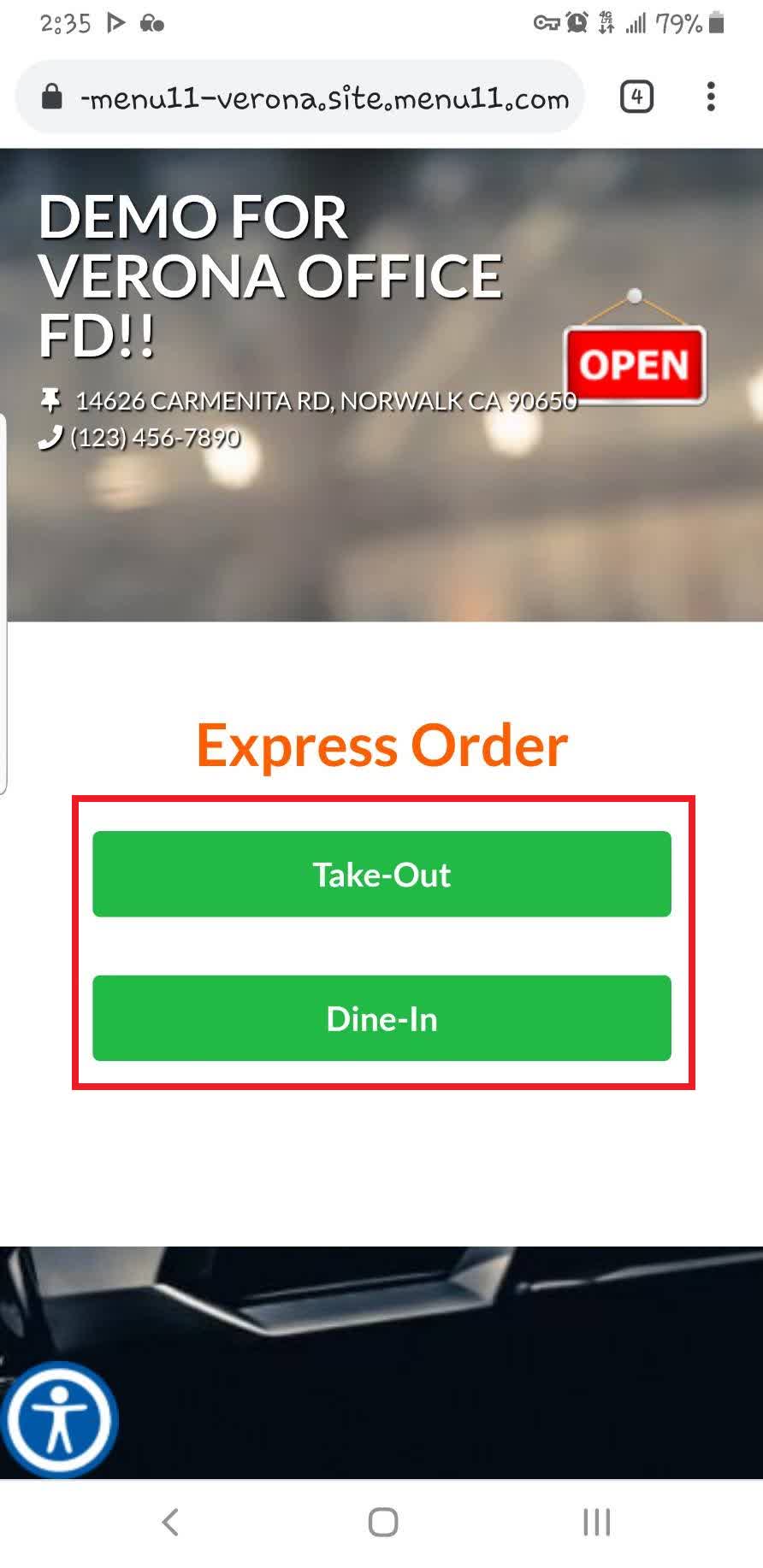
Select the preferred option.
Browse the available CATEGORIES, then select the item you would like to order.
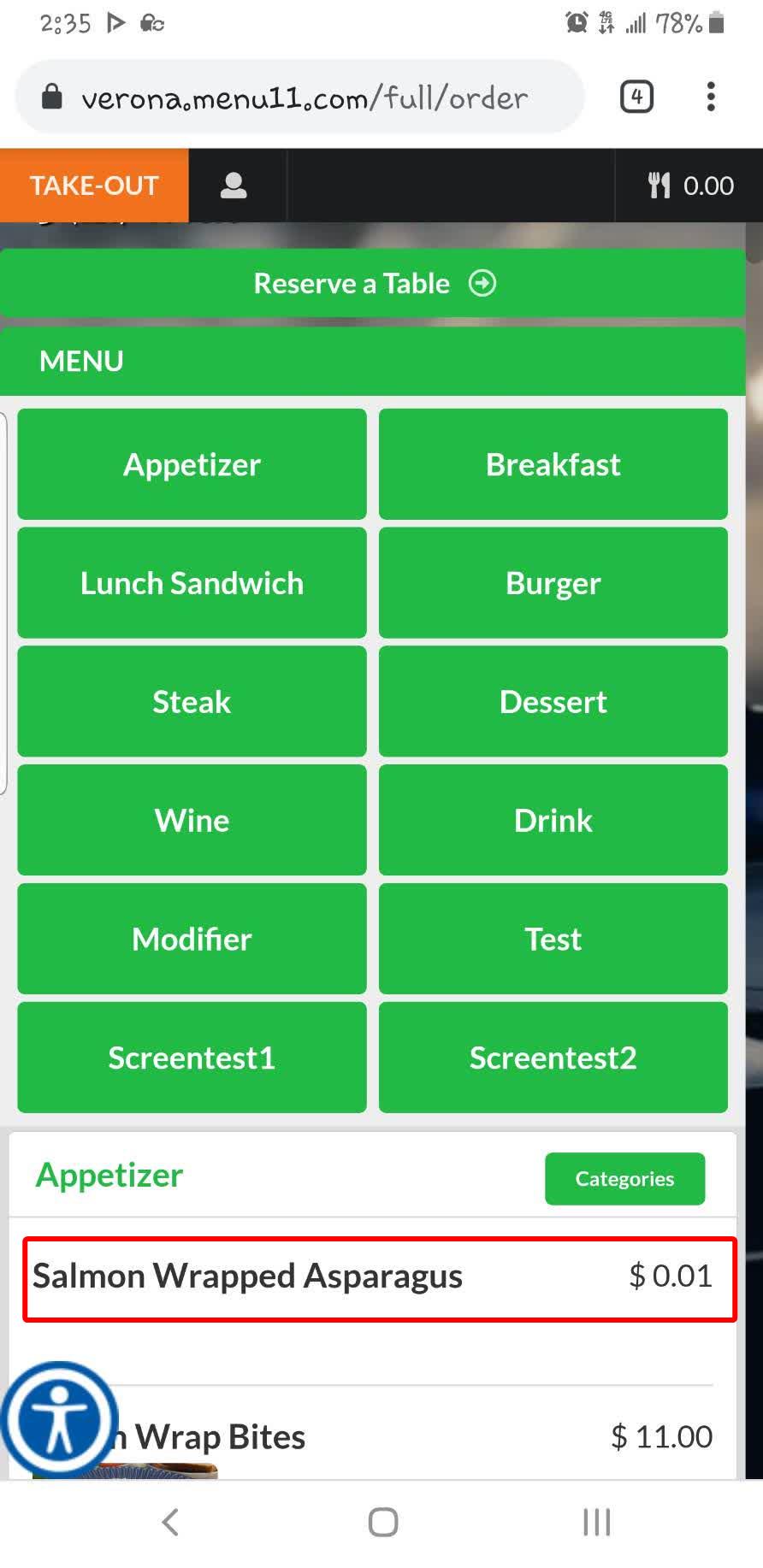
Press ADD TO ORDER to add the item to your shopping cart.
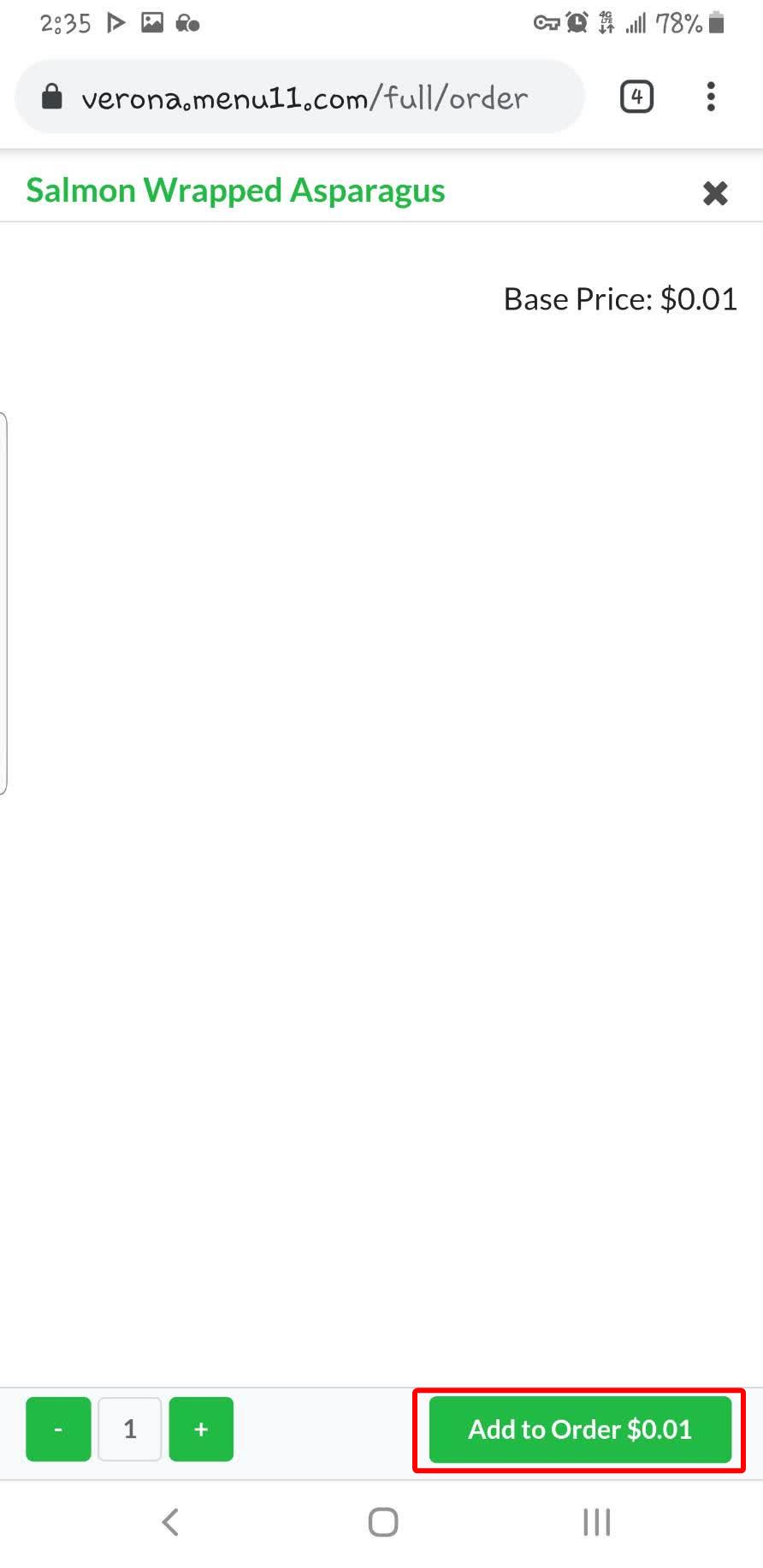
Repeat this process until all desired items have been added.
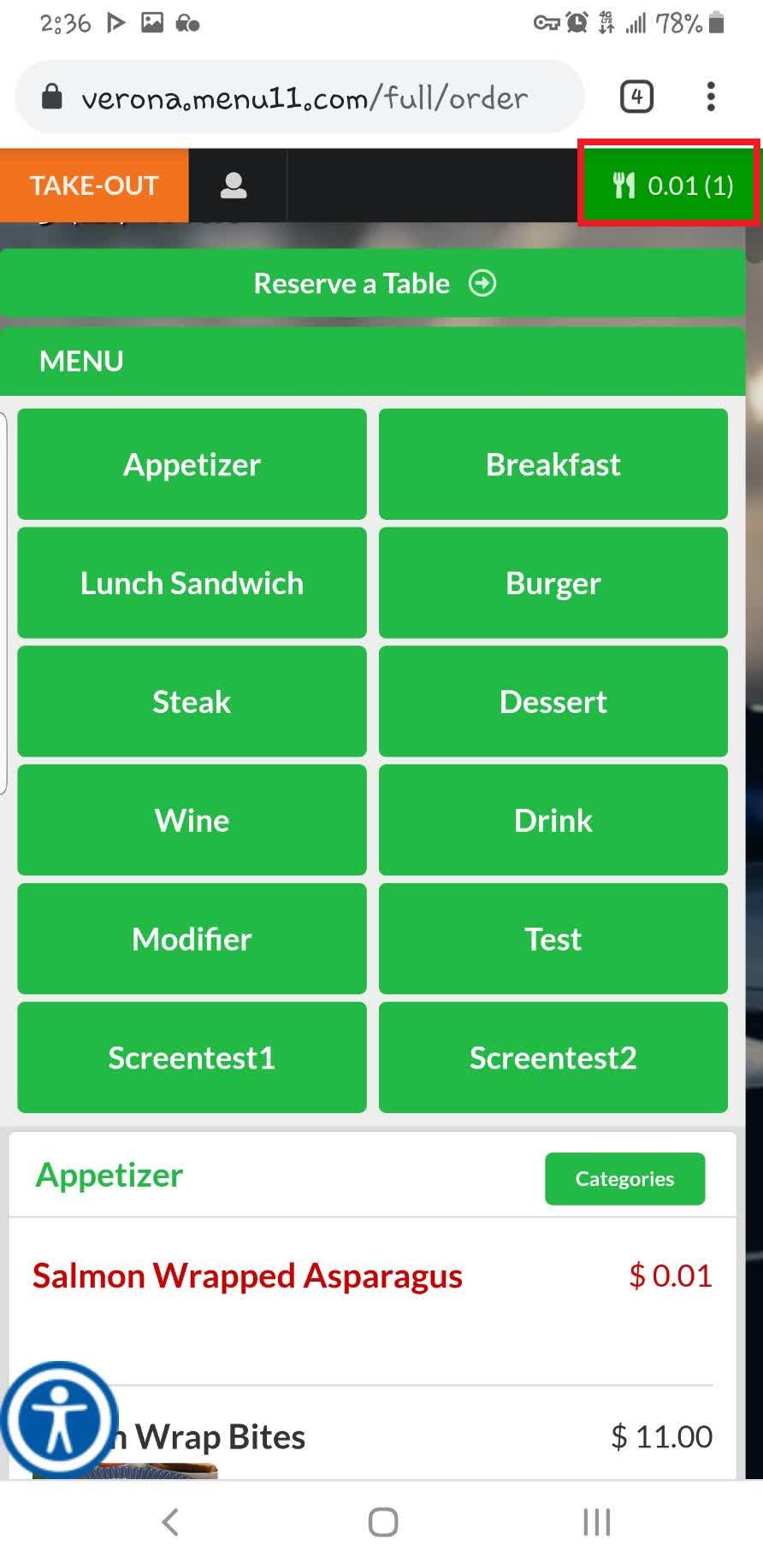
Press the UTENSILS icon button in the top-right corner to view your order.
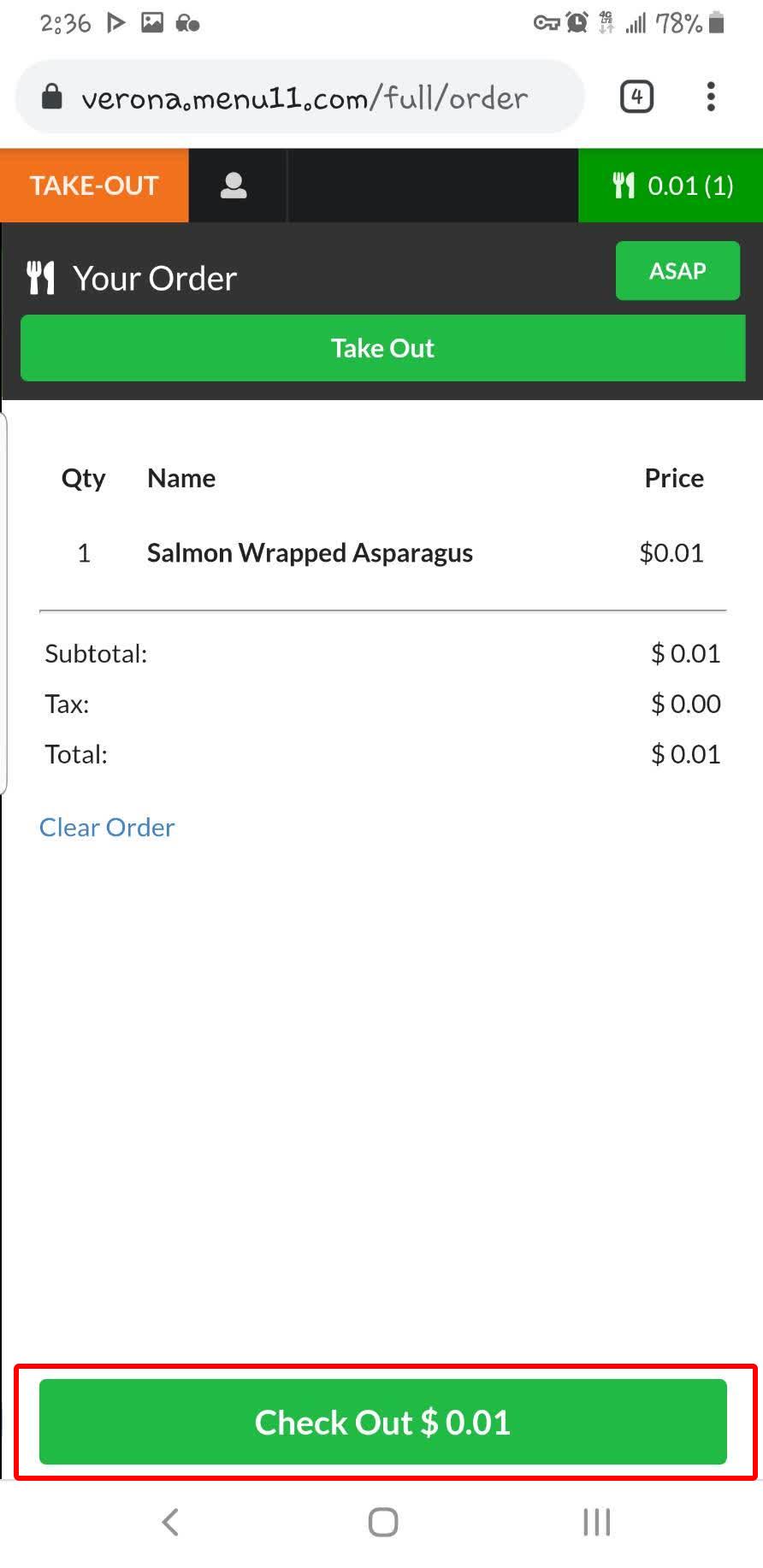
Press CHECK OUT.
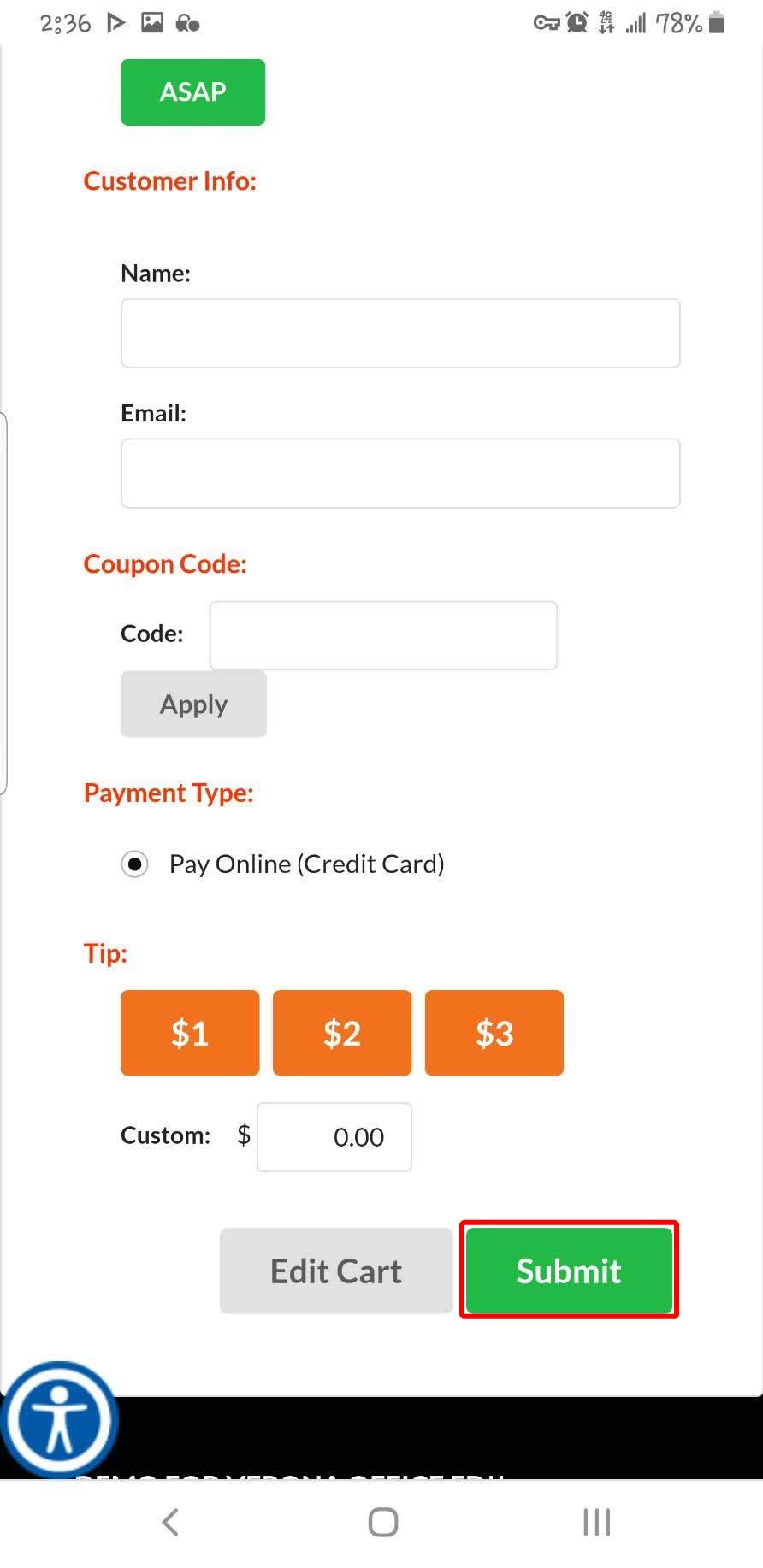
Enter your customer information, apply a coupon code if available, select a tip amount, then press SUBMIT.
Enter your payment information to complete the purchase. Once payment is successful, the restaurant will receive your order.
RESULT
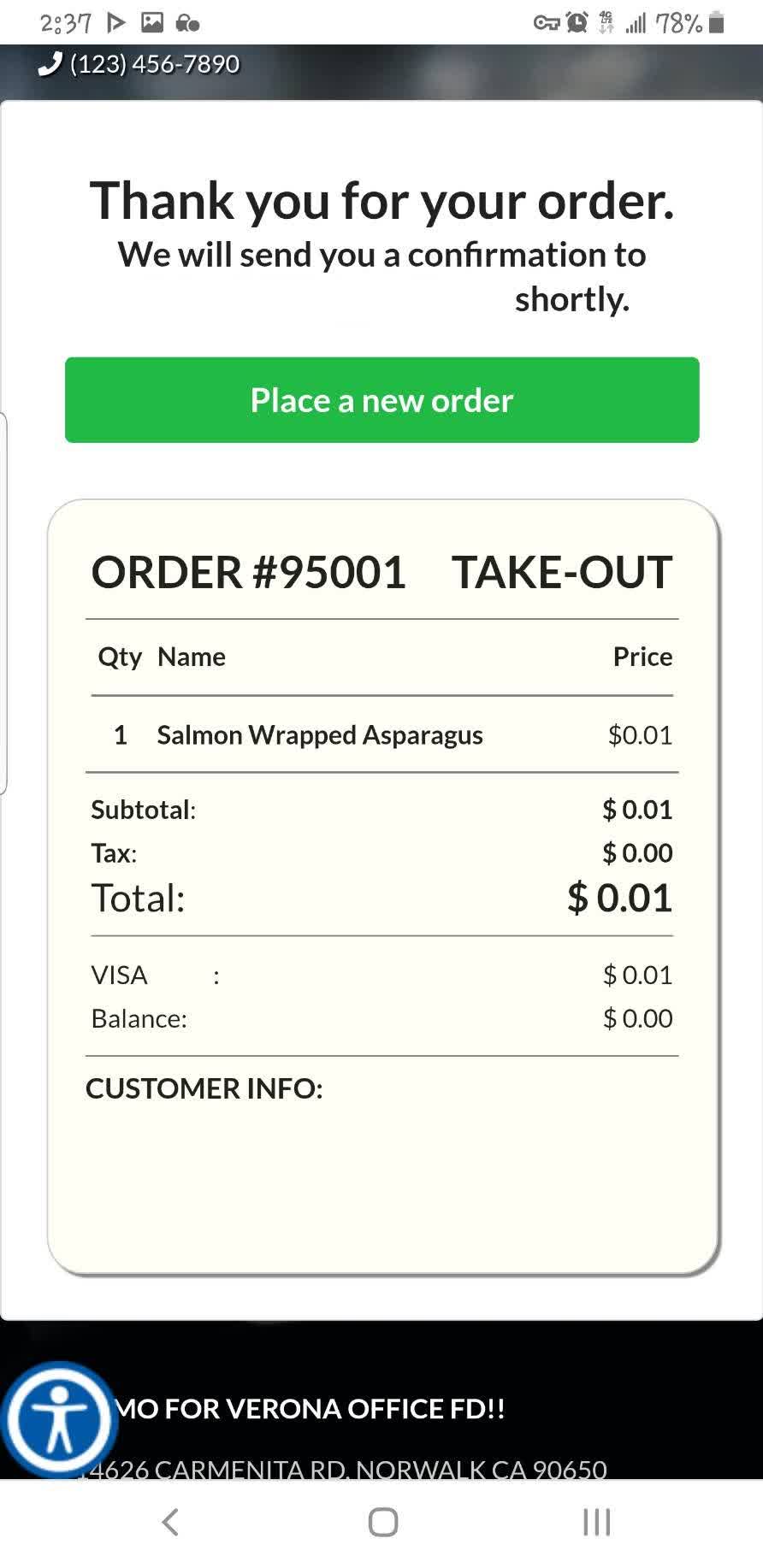
Your order will be submitted to the restaurant. Wait for a notification letting you know your order is ready for pickup.