Open Item Indicator
The Open Item Indicator setting controls how an open item is visually marked on the sales screen, allowing the kitchen to recognize when an item was created specially for that order.
MENU > SETTING > MAIN > SALES > TICKET > OPEN ITEM INDICATOR
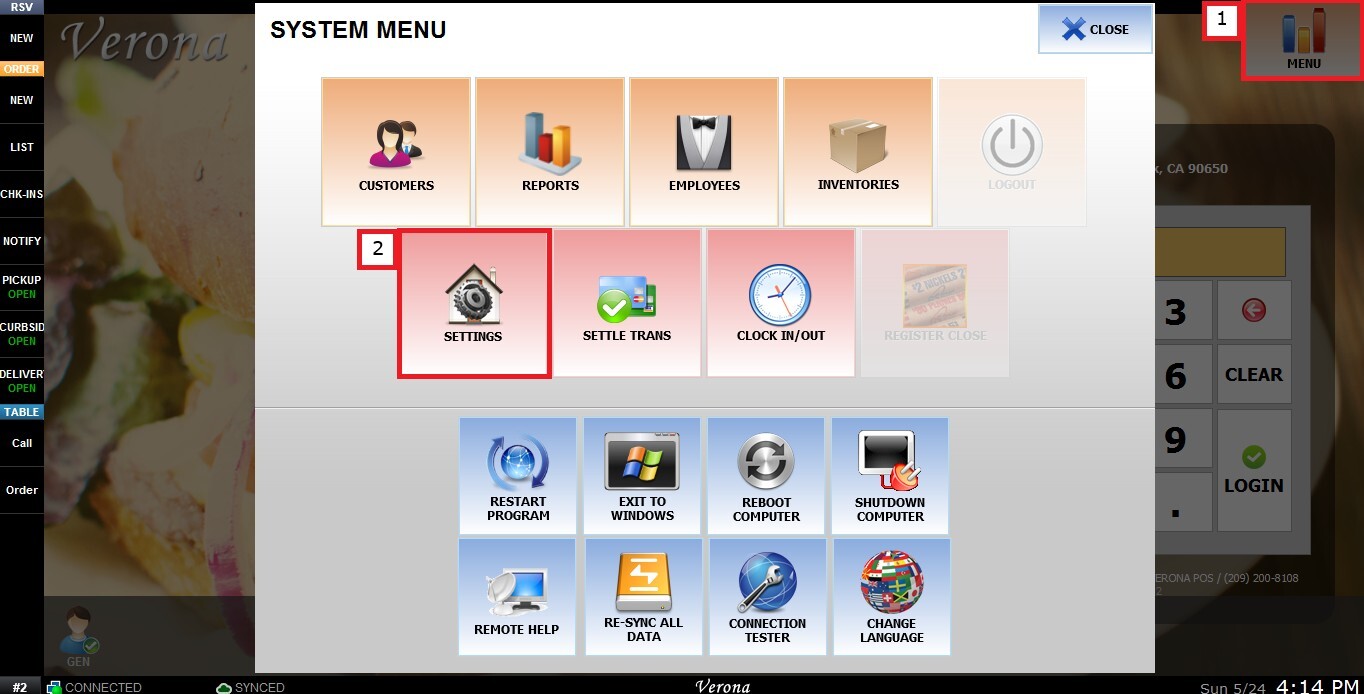
From the Main Screen, click MENU, then select SETTINGS.
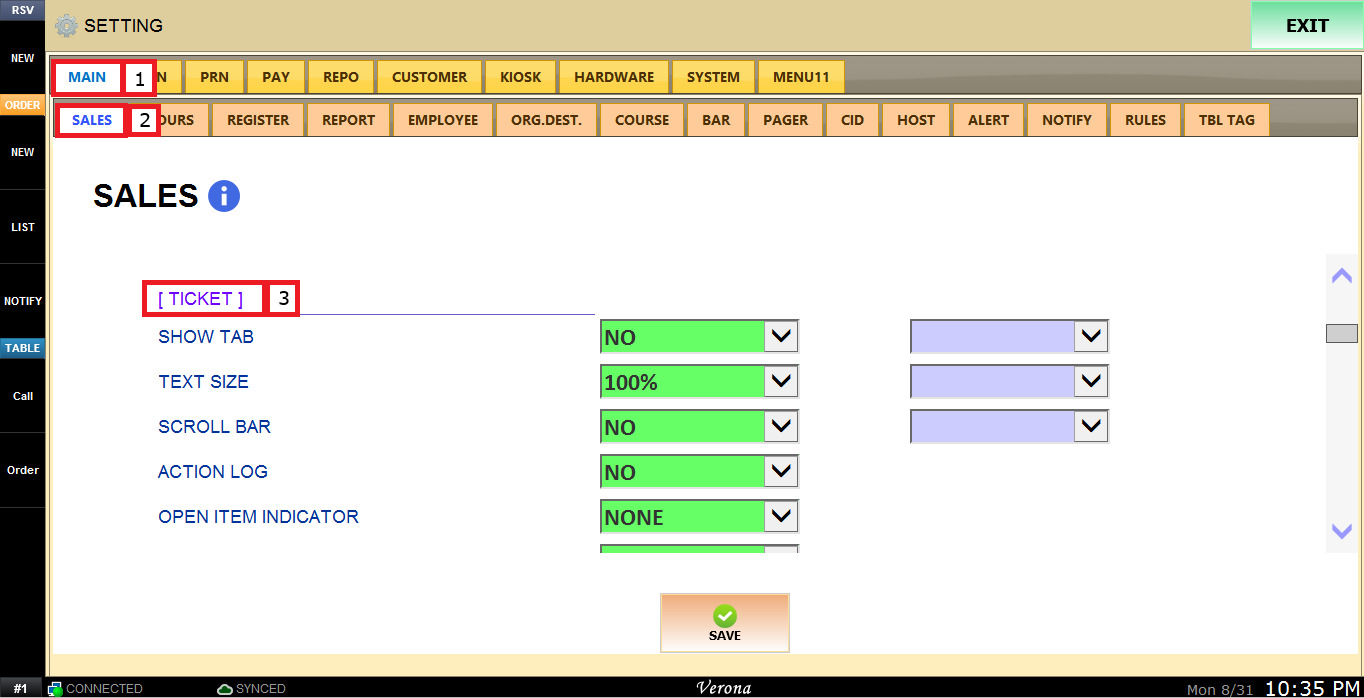
Under MAIN, select SALES, scroll down to the TICKET section.
The OPEN ITEM INDICATOR dropdown menu has the following options:
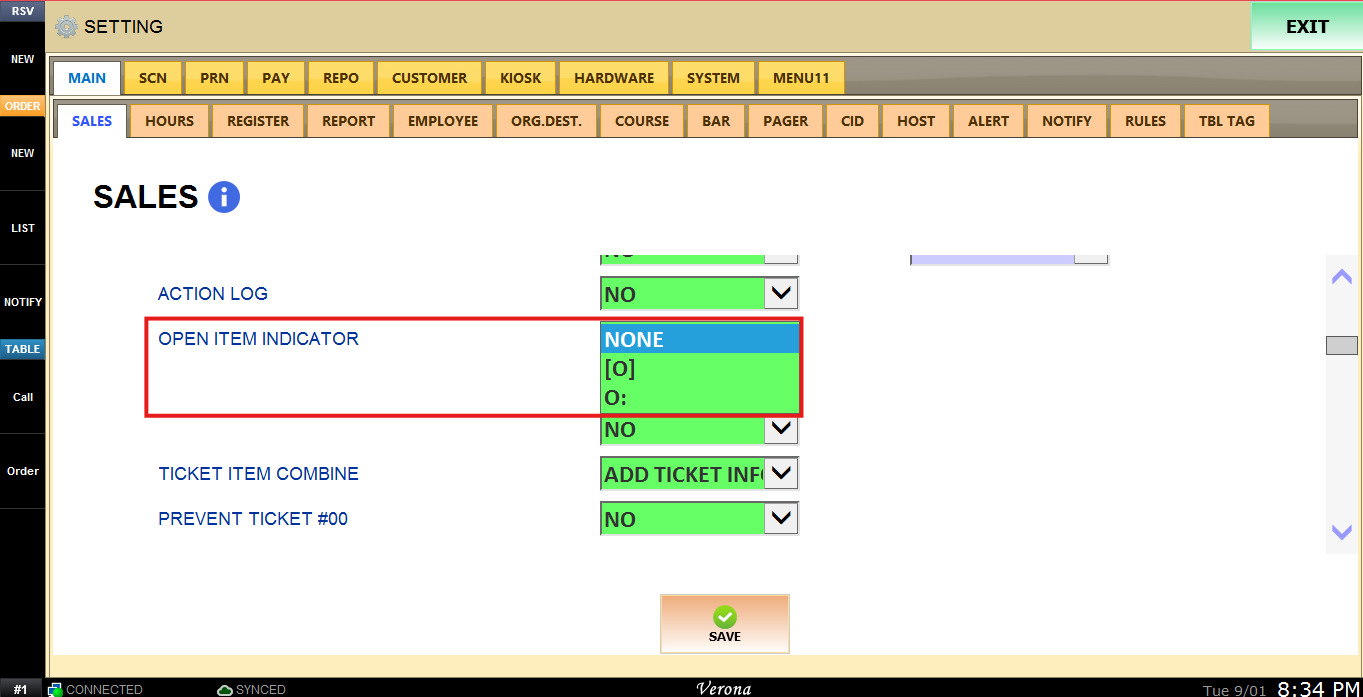
1. NONE: The open item will display with no visual indicator.
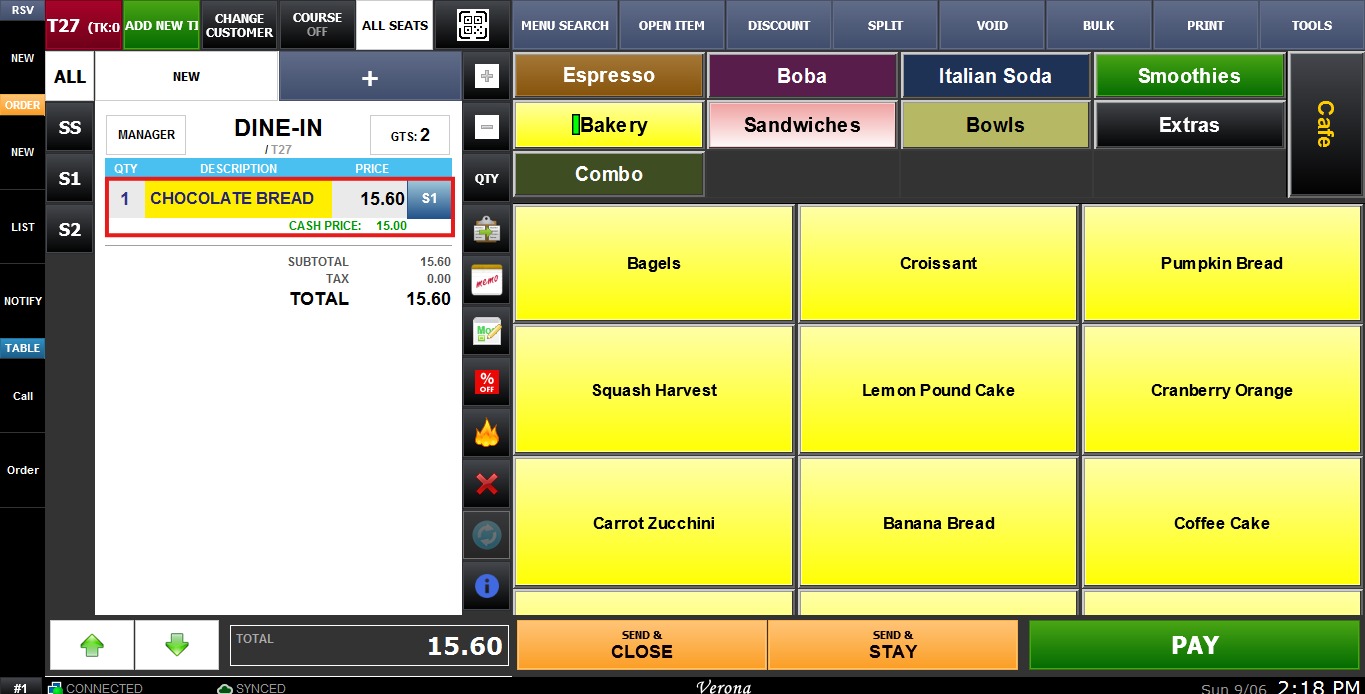
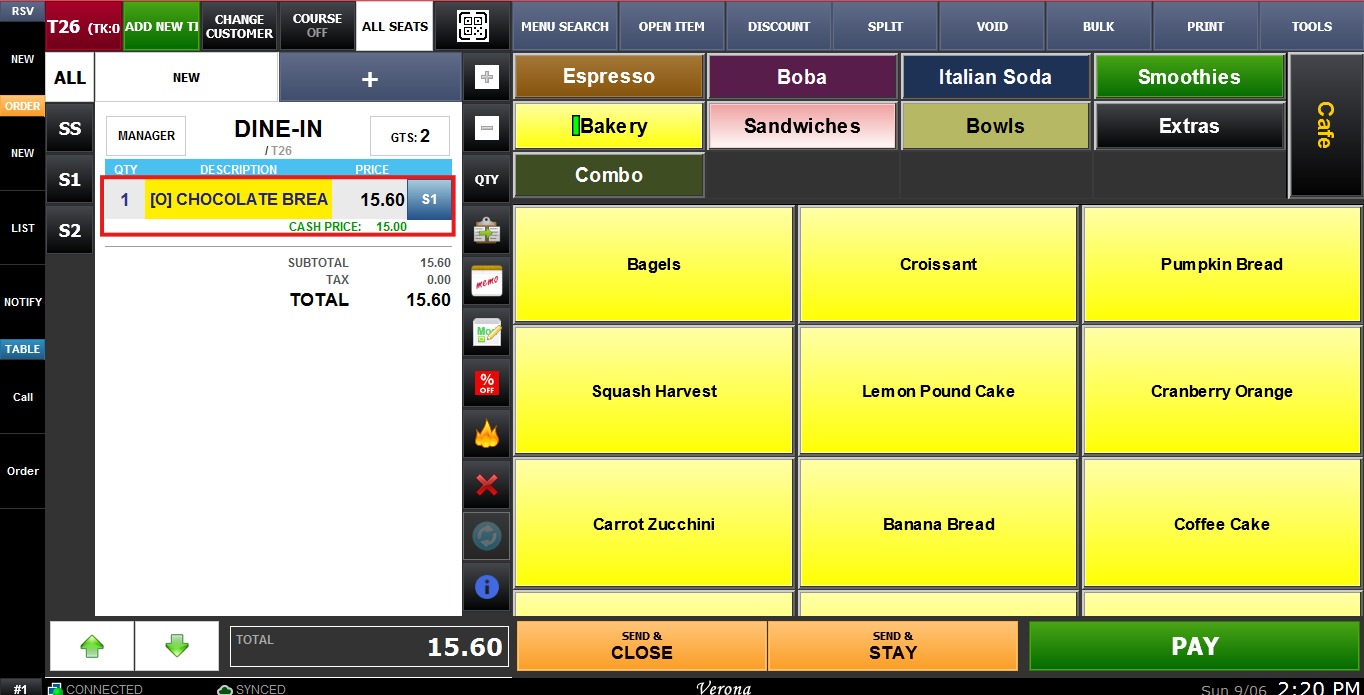
2. [O]: The open item will display with "[O]" as a visual indicator.
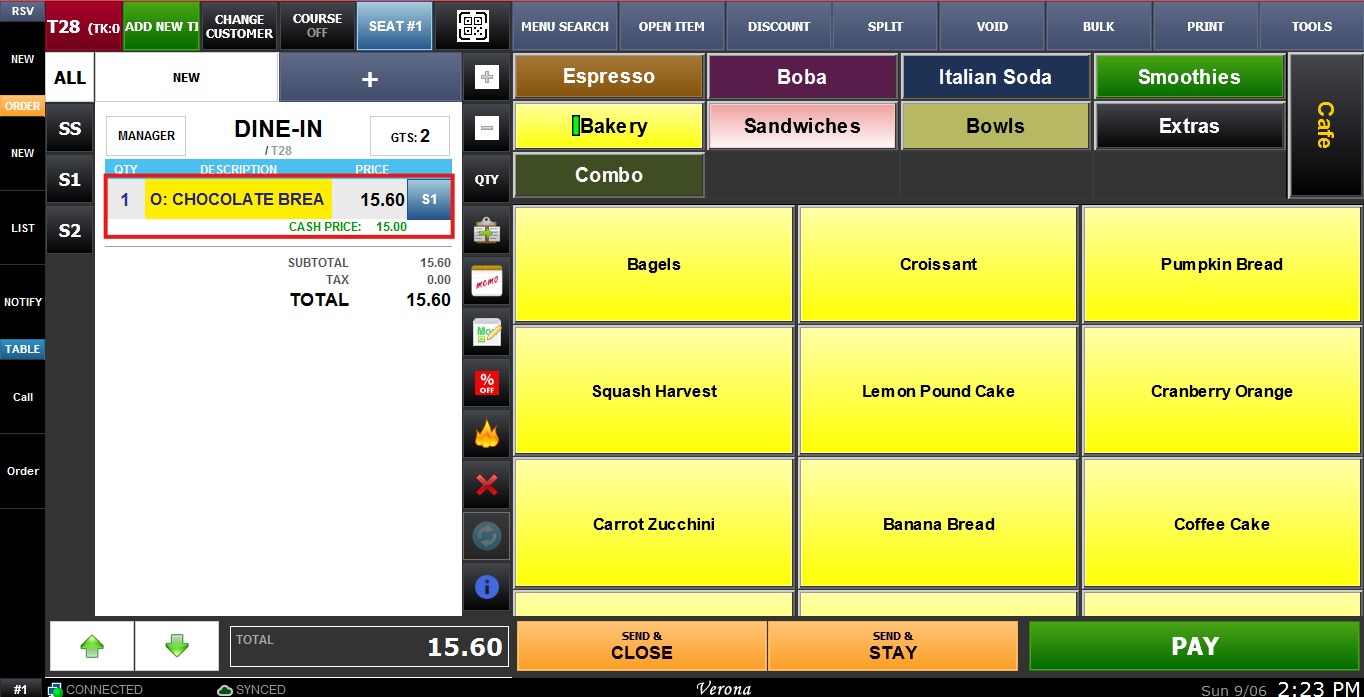
3. O: The open item will display with "O:" as a visual indicator.
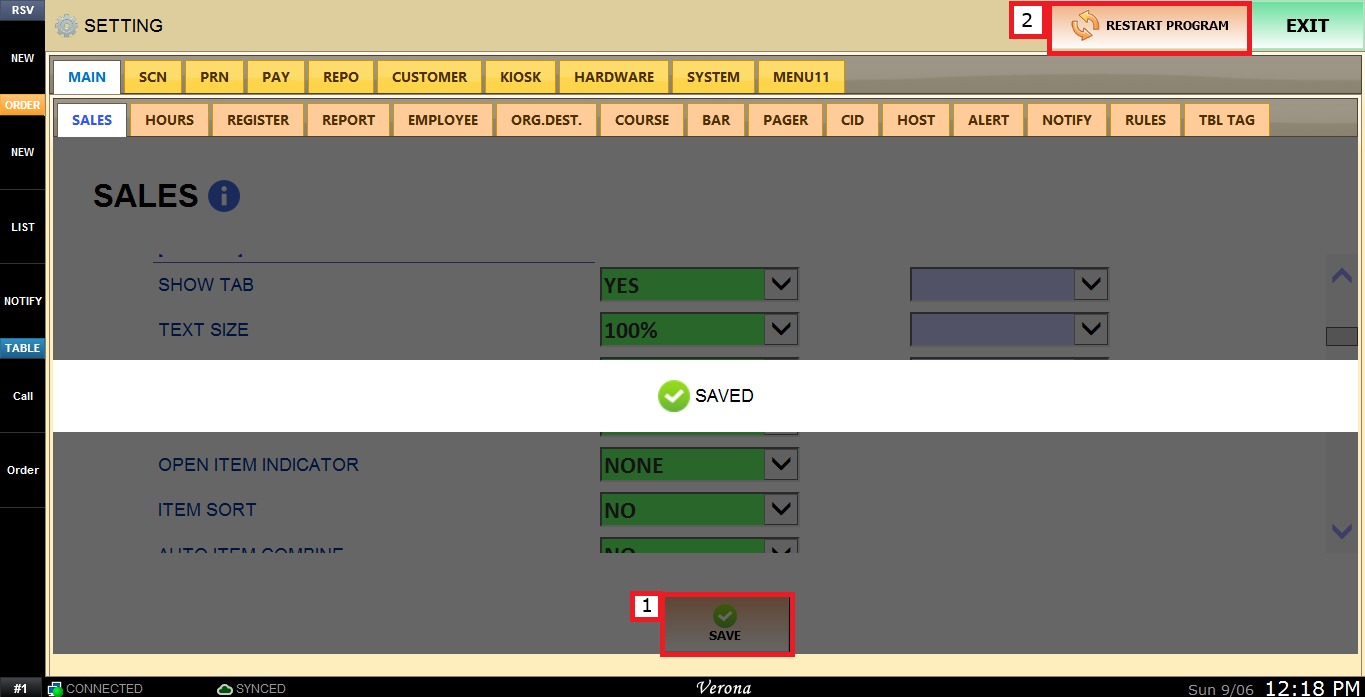
To keep the desired configuration, click SAVE and RESTART PROGRAM.