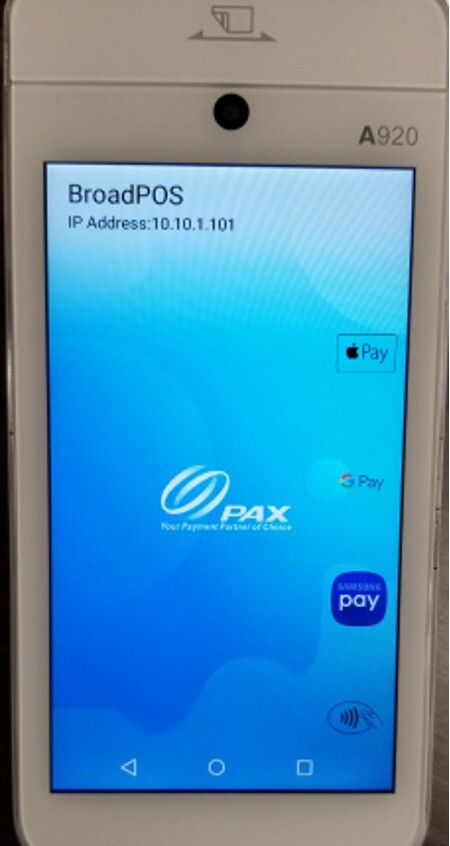
[PinPad] How to know the current IP address_Android
This is how to identify the current IP address assigned to an Android pinpad. This information is used when configuring or troubleshooting communication between the pinpad and the POS system.
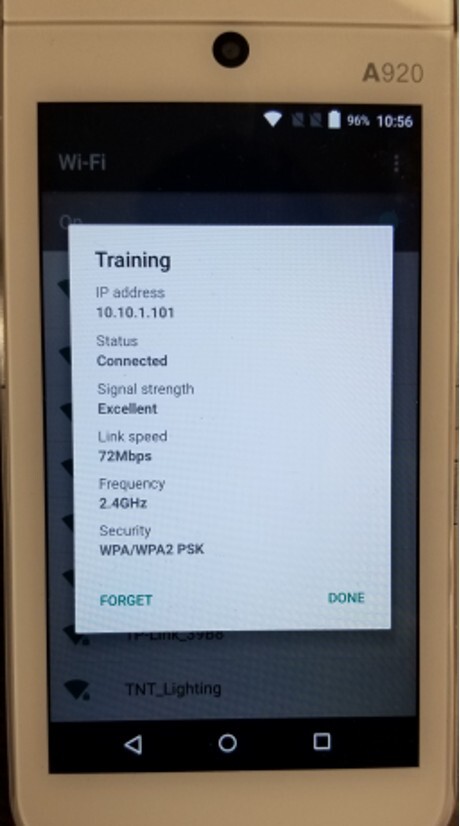
SETTINGS SCREEN
On the pinpad Settings screen, tap the WiFi network the device is currently connected to.
RAPIDCONNECT SCREEN
The current IP address is displayed in the top left corner when RapidConnect starts. You can also tap the top left corner of the RapidConnect screen to display it.