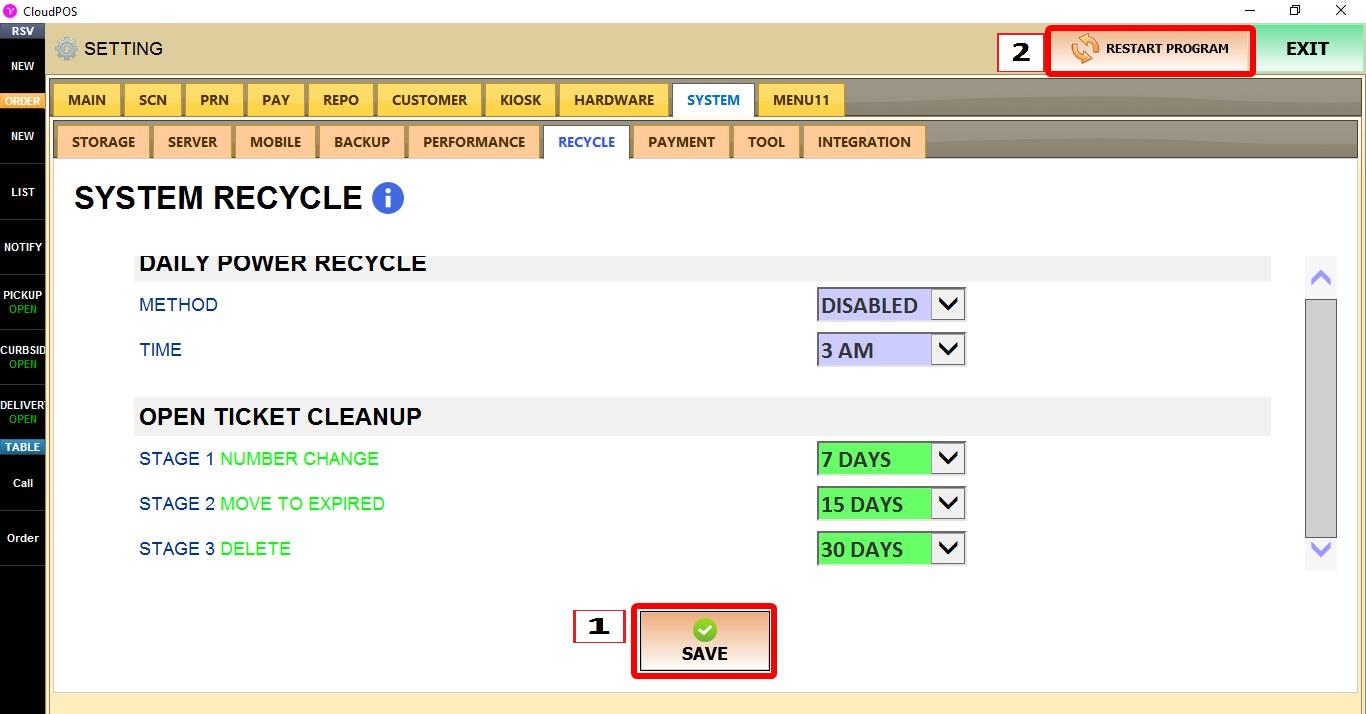
Recycle
The RECYCLE settings control automatic system restart schedules and the cleanup of old open tickets.
MENU > SETTINGS > SYSTEM > RECYCLE
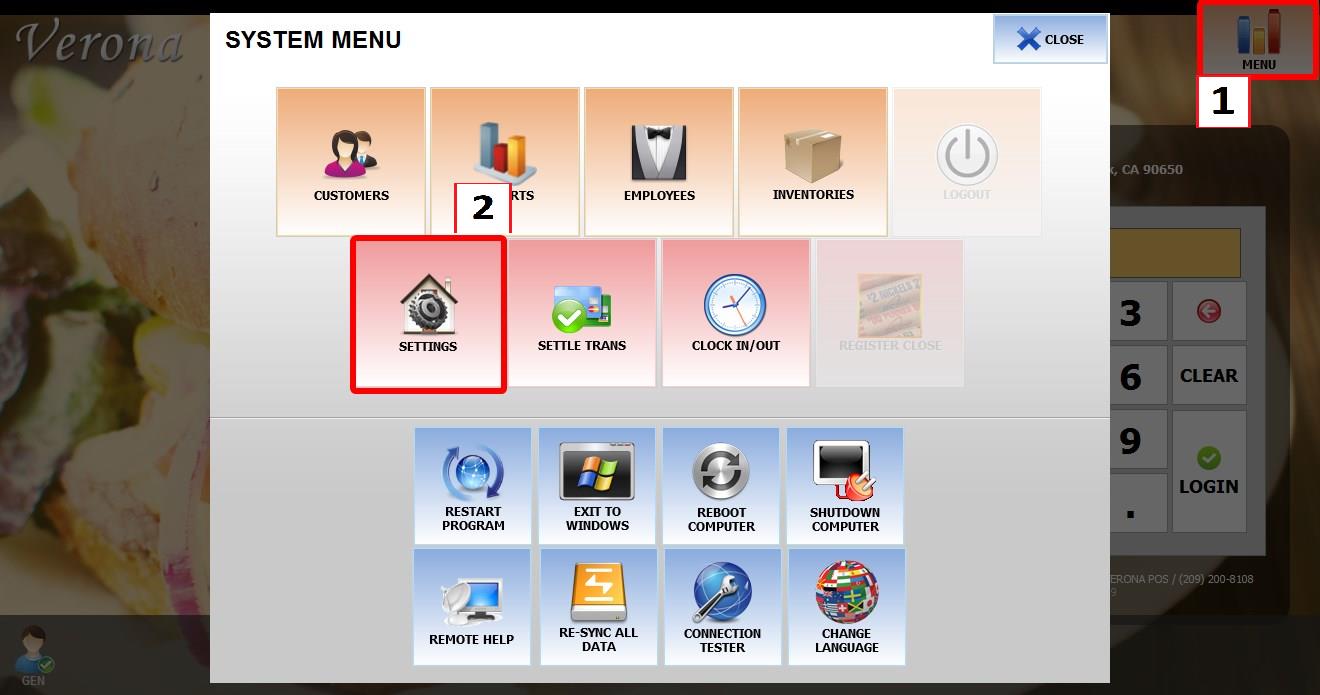
From the MAIN SCREEN, click MENU, then select SETTINGS.
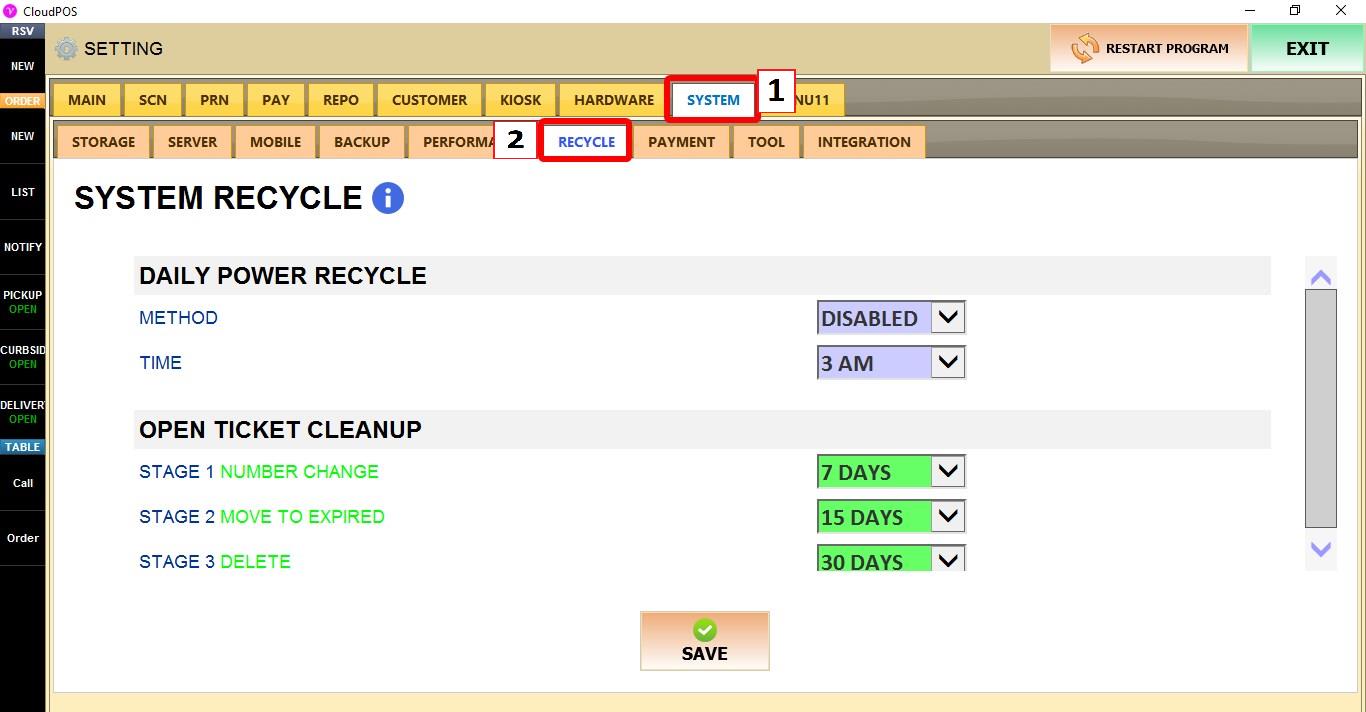
Go to SYSTEM > RECYCLE.
DAILY POWER RECYCLE
Controls the automatic daily restart or shutdown schedule.
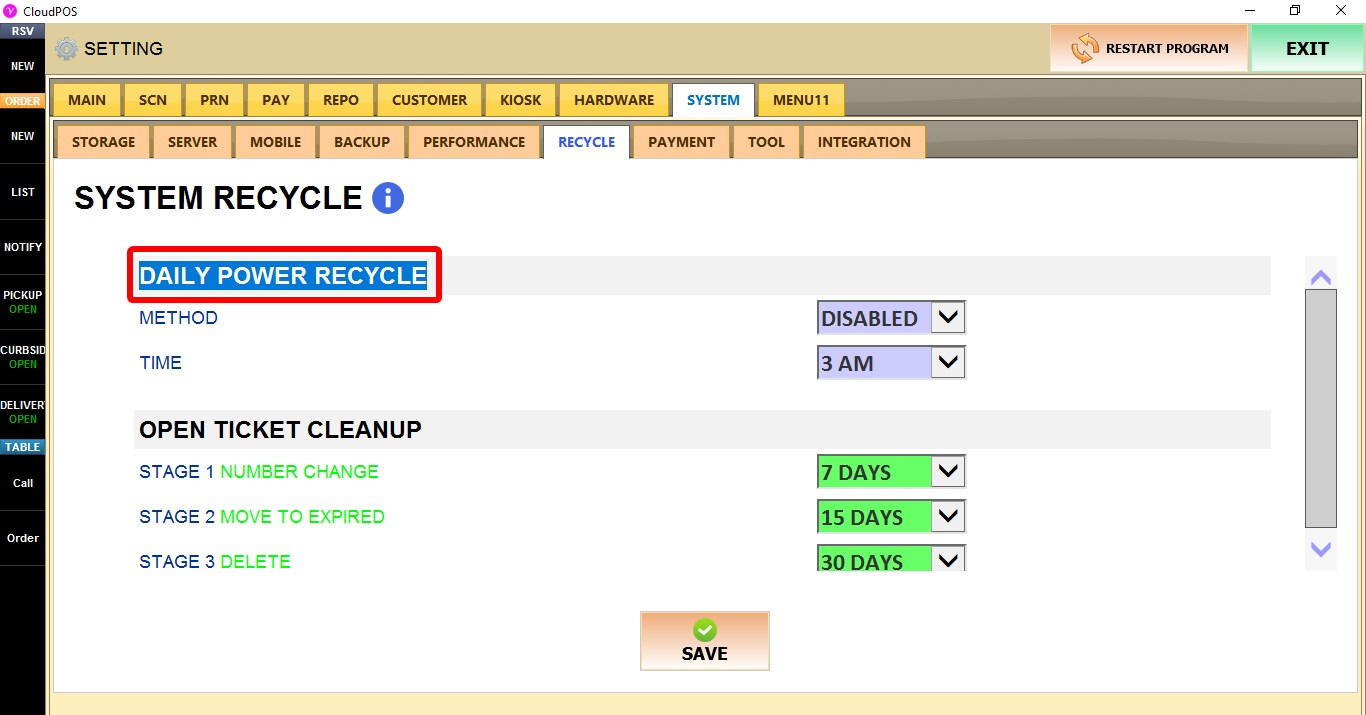
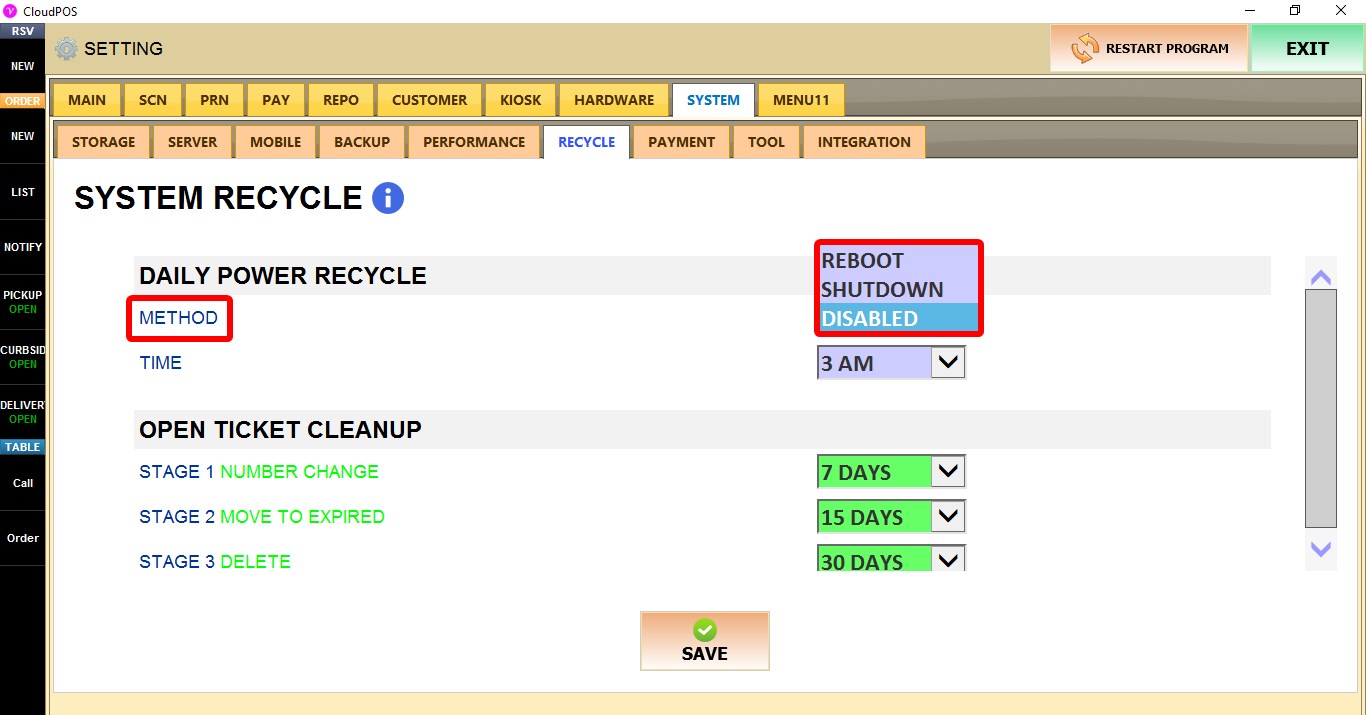
METHOD
Selects the daily power action.
1. REBOOT: Restarts the POS at the scheduled time.
2. SHUTDOWN: Shuts down the POS at the scheduled time.
3. DISABLED: Disables the daily power recycle.
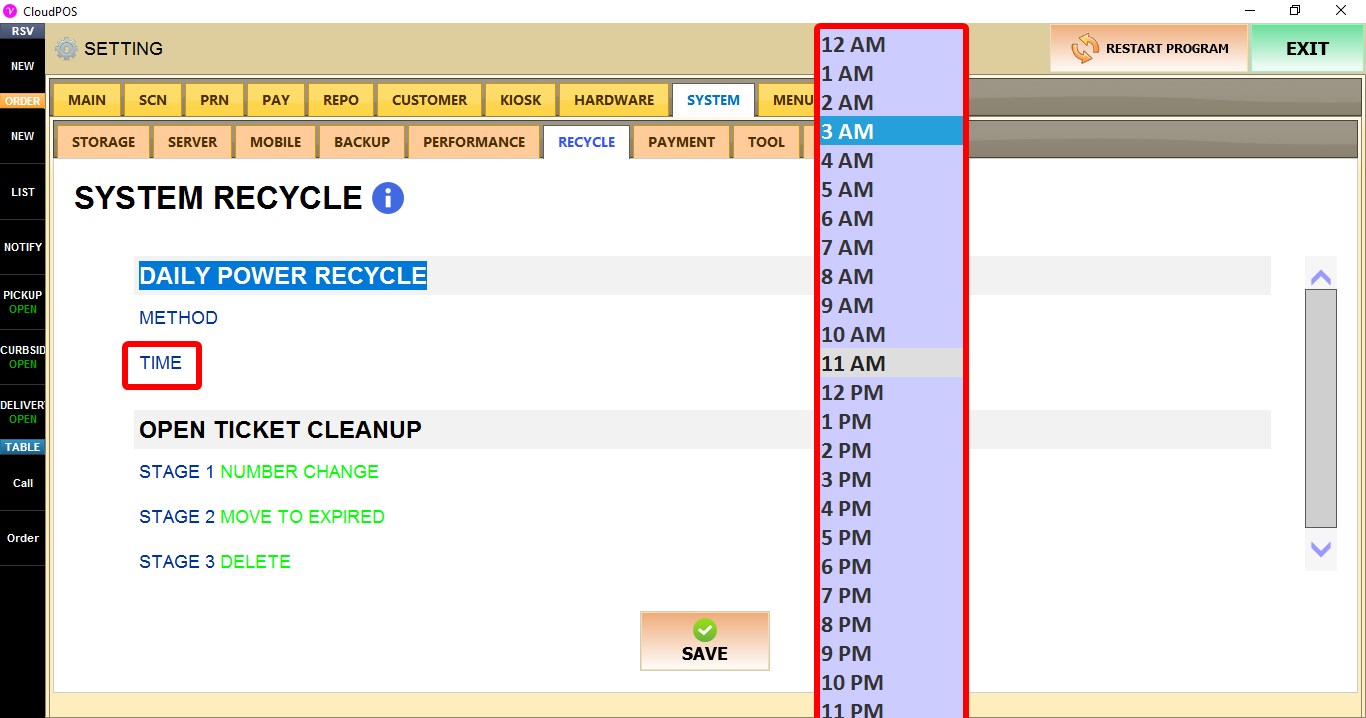
TIME
Selects the time when the configured power action will occur.
Choose any hour between 12 AM and 11 PM.
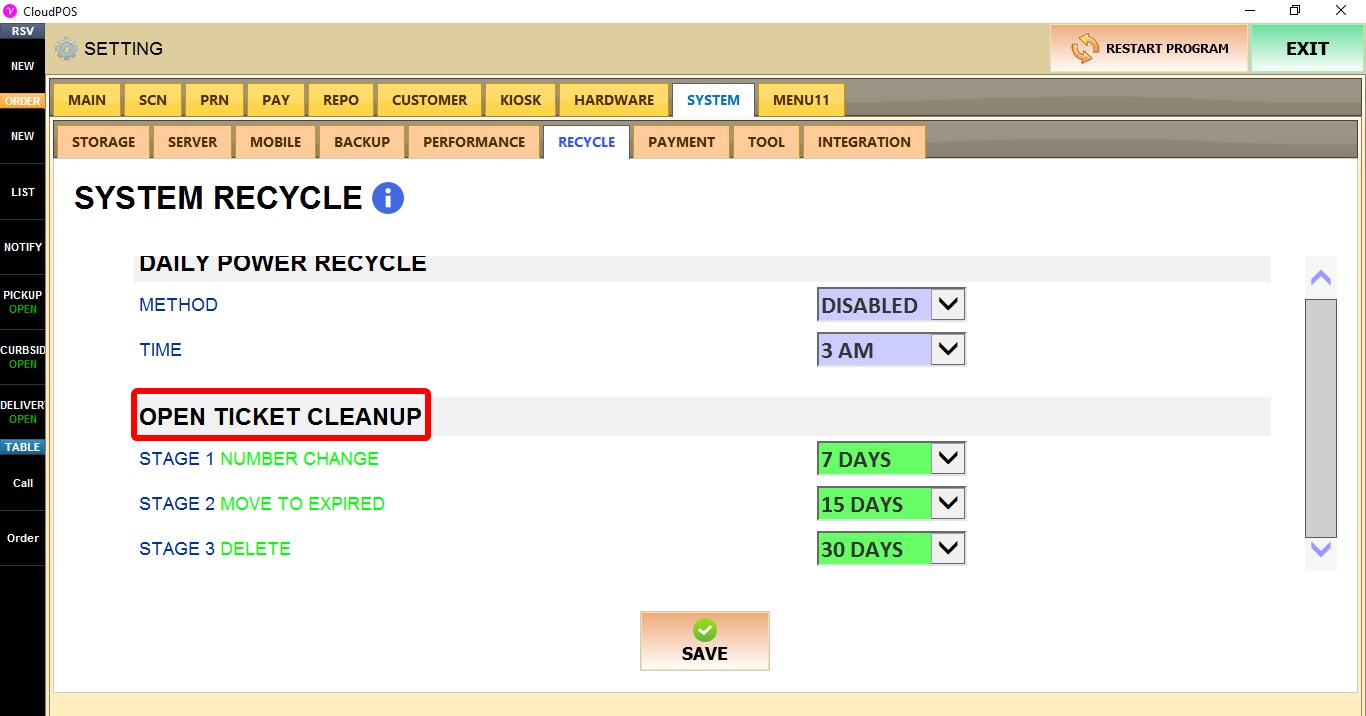
OPEN TICKET CLEANUP
Controls how long inactive open tickets are kept before progressing through the cleanup stages.
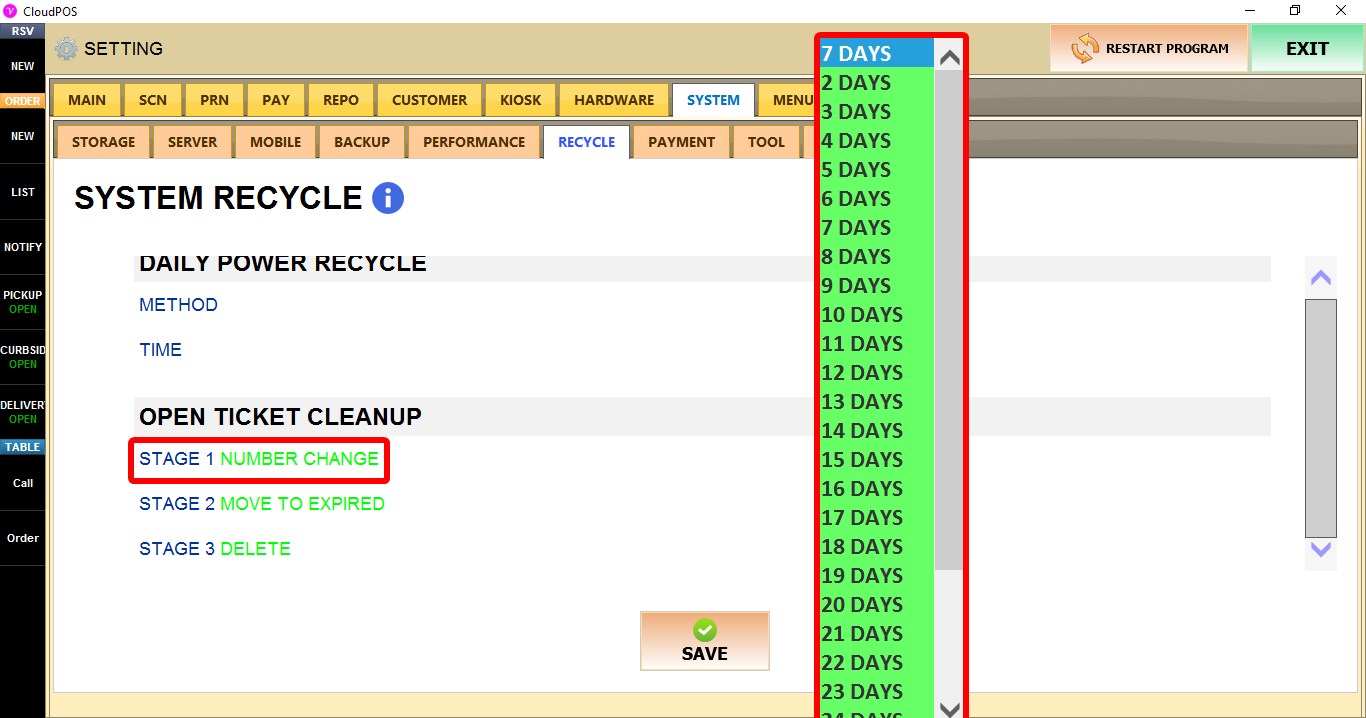
STAGE 1 NUMBER CHANGE
Selects how many days an open ticket remains before moving to the first cleanup stage.
Available values range from 2 DAYS to 30 DAYS.

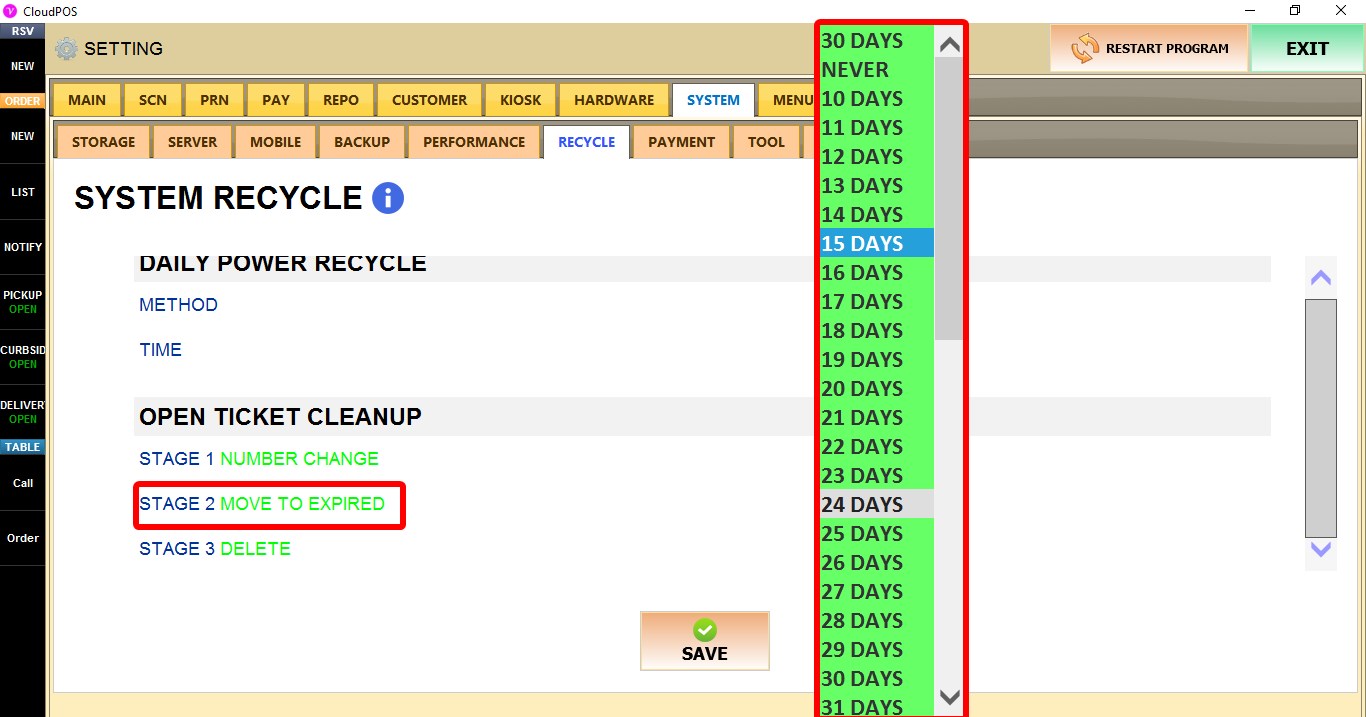
STAGE 2 MOVE TO EXPIRED
Selects when open tickets are moved to the Expired status.
Choose NEVER or a value between 10 DAYS and 60 DAYS.
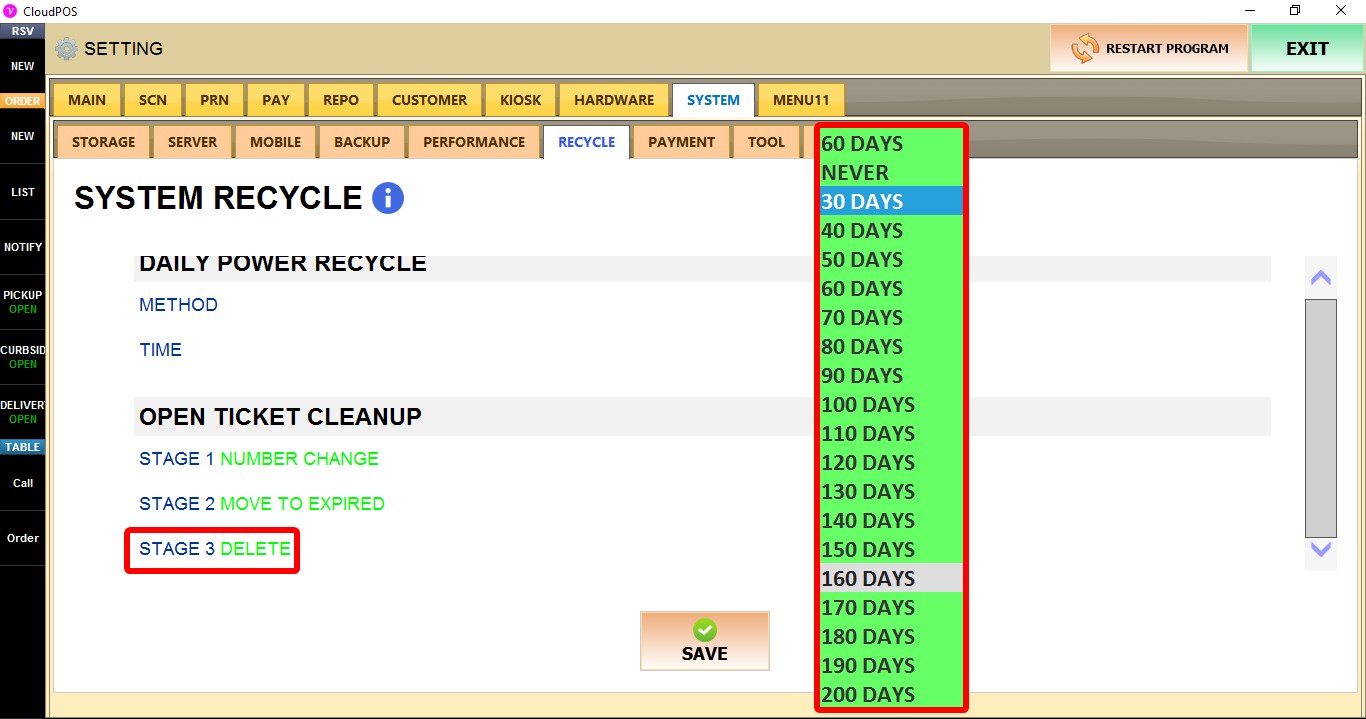
STAGE 3 DELETE
Selects when expired tickets are permanently deleted.
Choose NEVER or a value between 30 DAYS and 200 DAYS.
Click SAVE and restart the program to apply the changes.