Waiting
The HOST settings configure how the waiting list operates when using Host Mode. These settings allow you to customize waiting list locations, seating types, guest notes, and guest numbering.
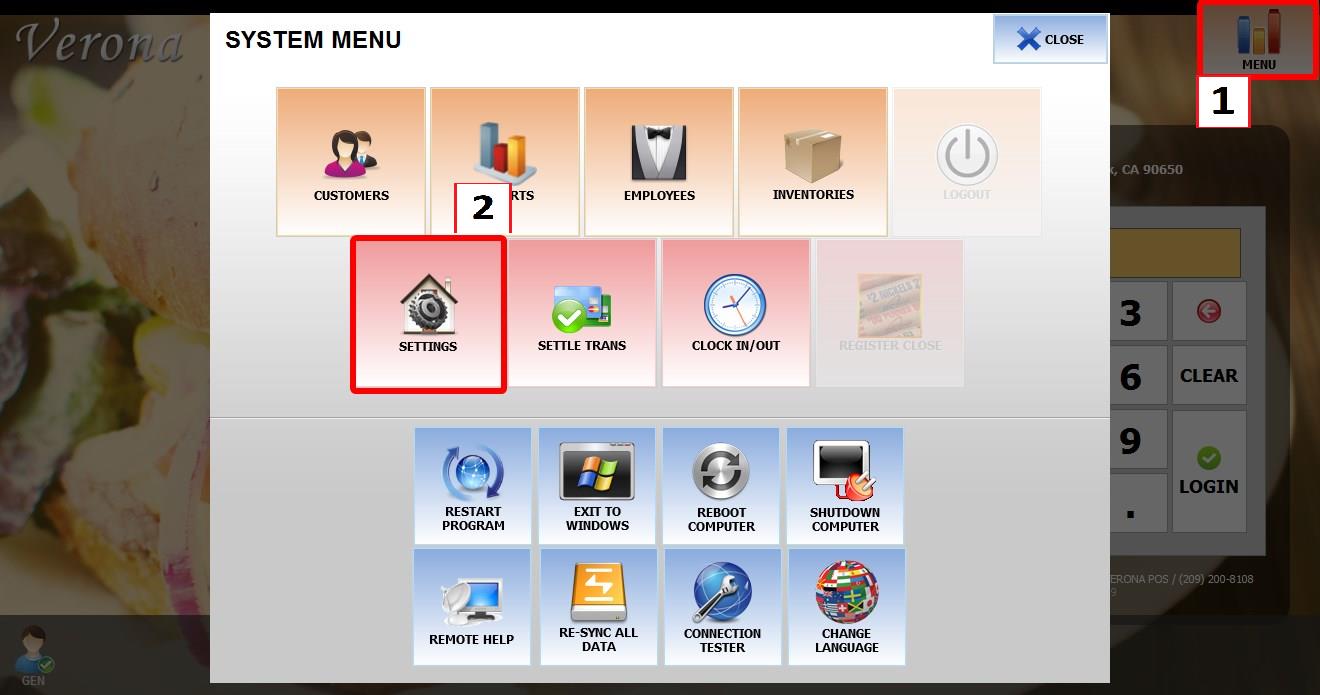
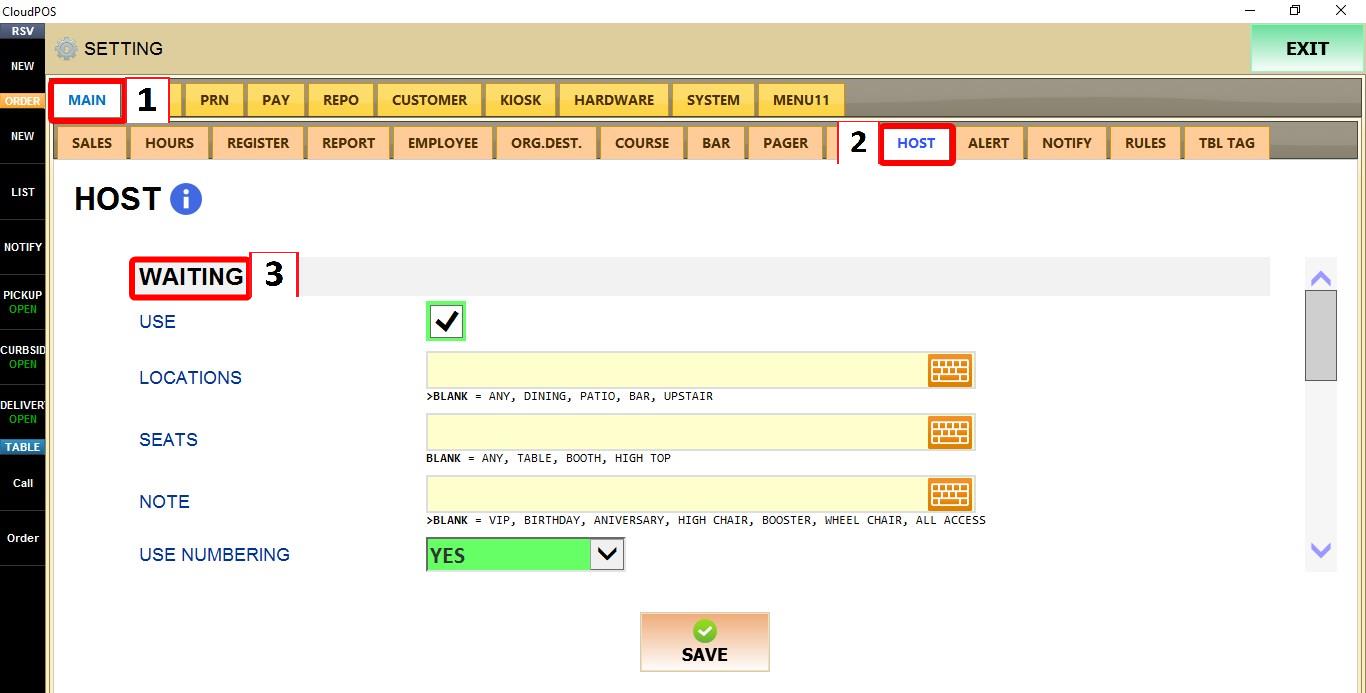
MENU > SETTINGS > MAIN > HOST
From the MAIN SCREEN, click MENU, then select SETTINGS.

Go to MAIN > HOST.
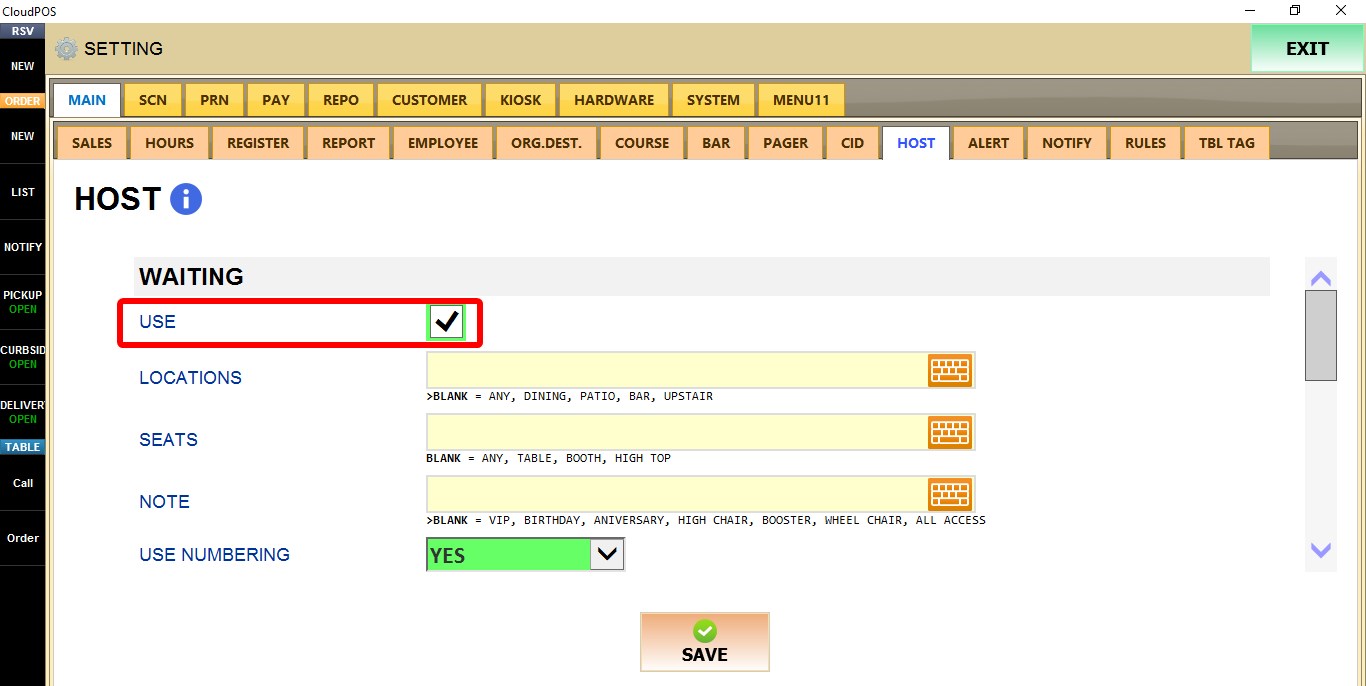
USE
Enables or disables the waiting list feature.

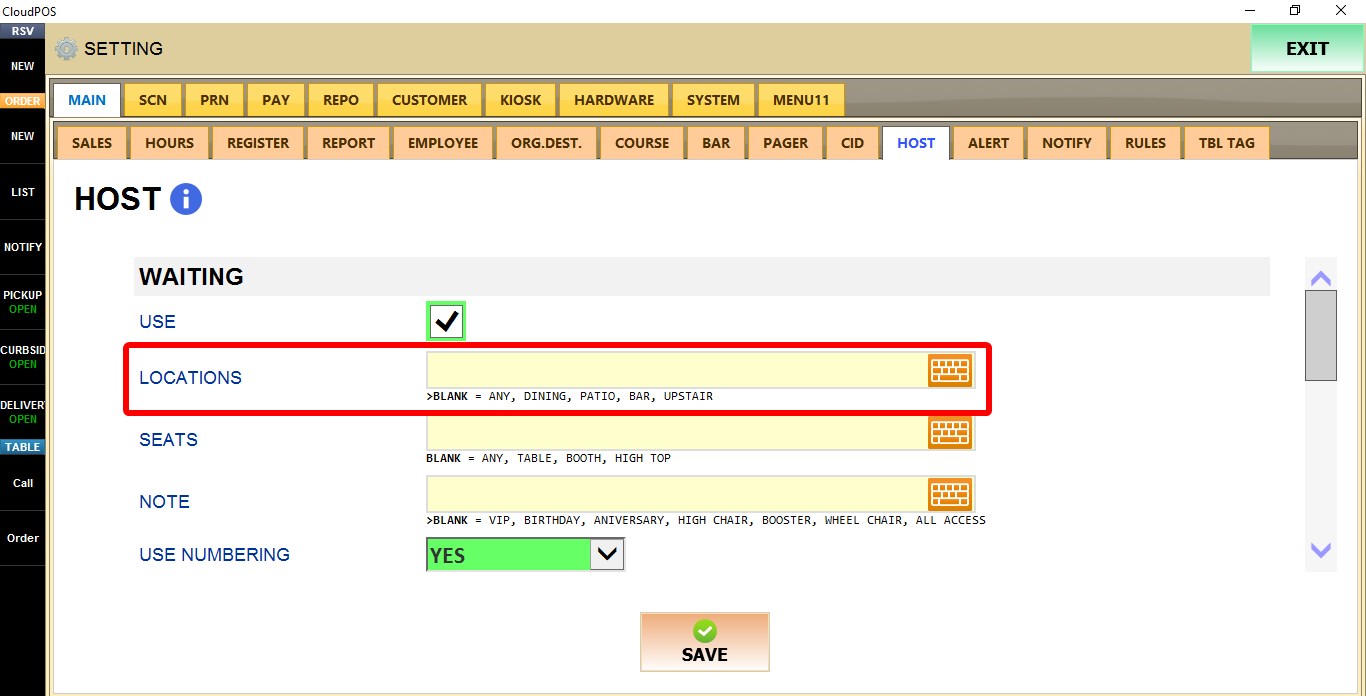
LOCATIONS
Defines the available waiting list locations that can be selected when adding a guest.
By default It uses generic placeholders. You can enter one or more locations, separated by comas.

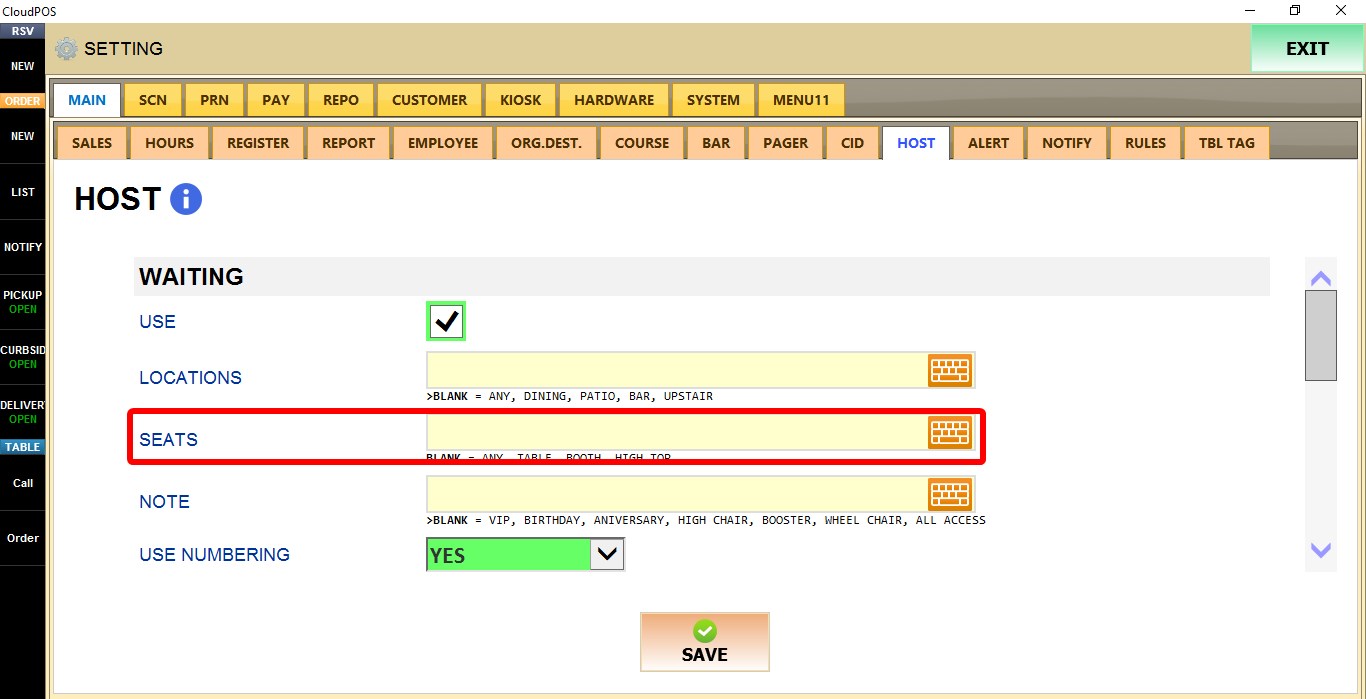
SEATS
Defines the available seating types for guests on the waiting list.
By default It uses generic placeholders. You can enter one or more seating type per line, separated by comas.
NOTE
Defines preset notes that can be assigned to guests on the waiting list.
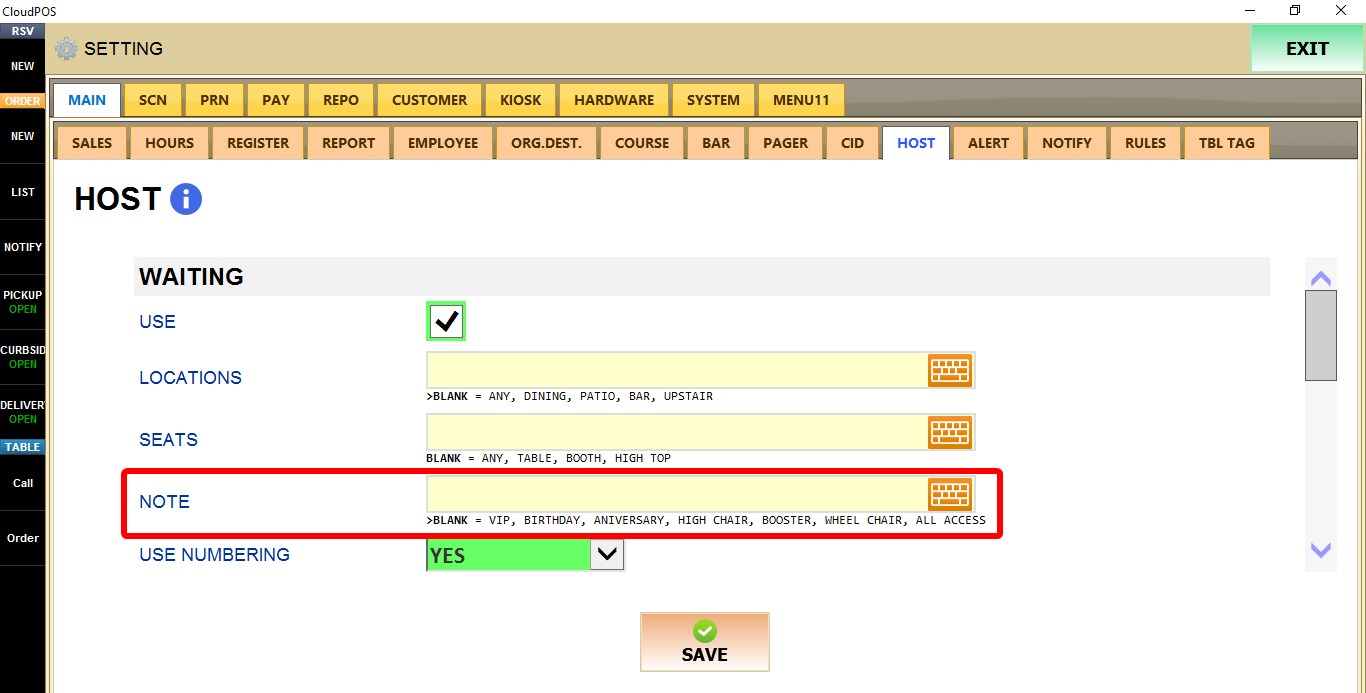
By default It uses generic placeholders. You can enter one or more note per line, separated by comas.
USE NUMBERING
Determines whether guests on the waiting list receive a queue number.

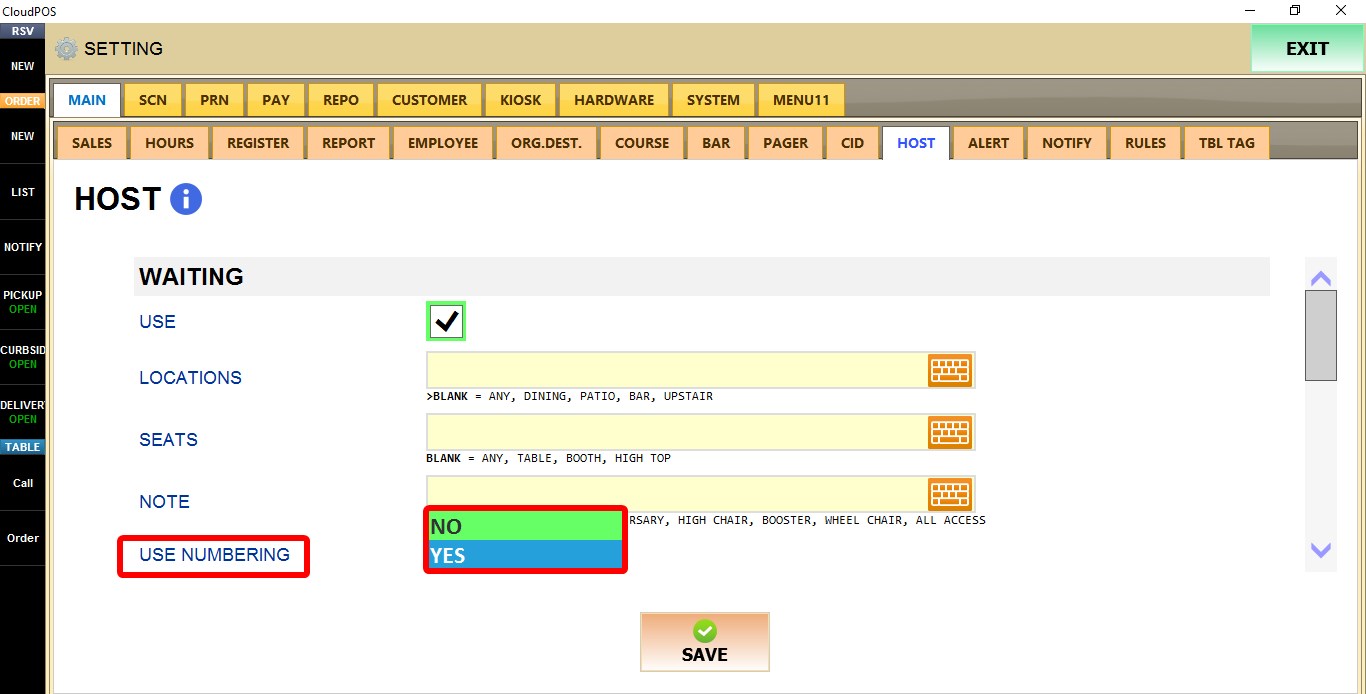
1. YES: Assigns a queue number to each guest added to the waiting list.
2. NO: Does not assign queue numbers.
Refer to the Host mode guide to see the hosting operations.

