Menu
The MENU settings control how products are displayed on the kiosk ordering screen.
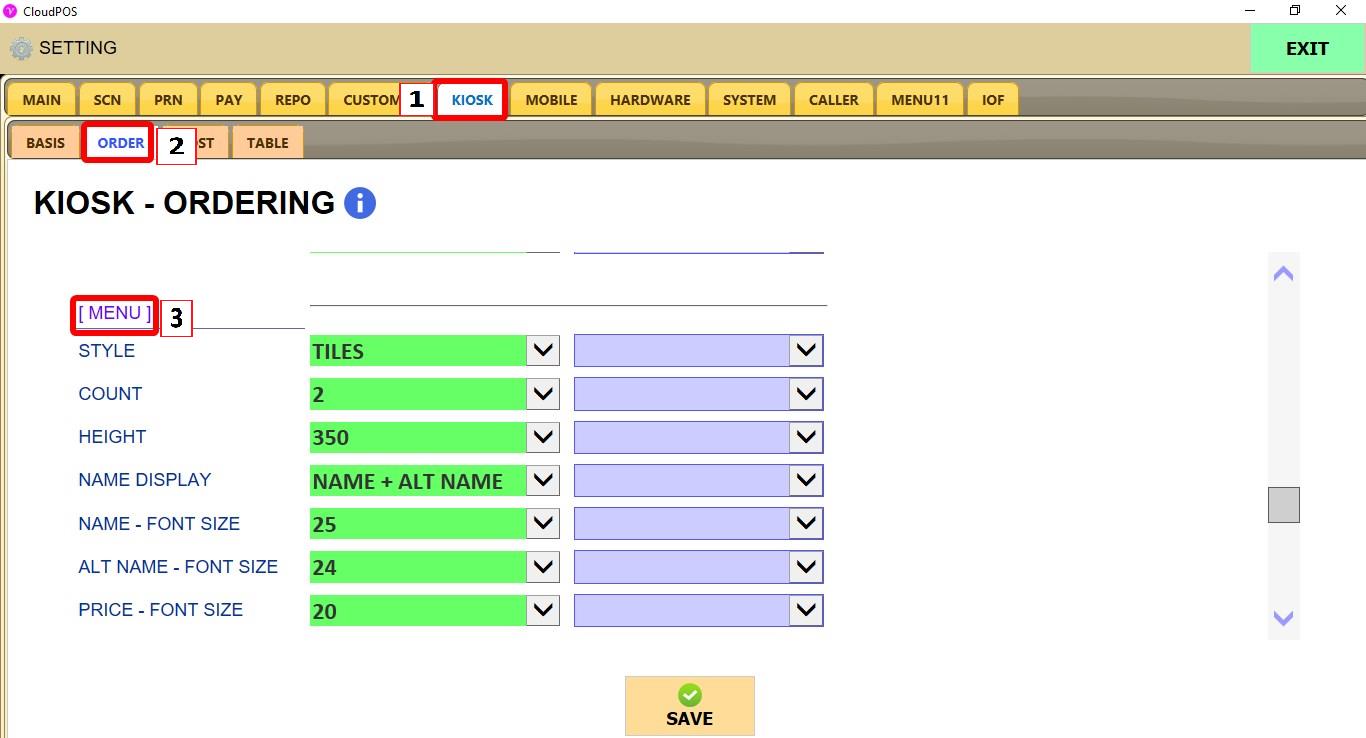
MENU > SETTINGS > KIOSK > ORDER > MENU
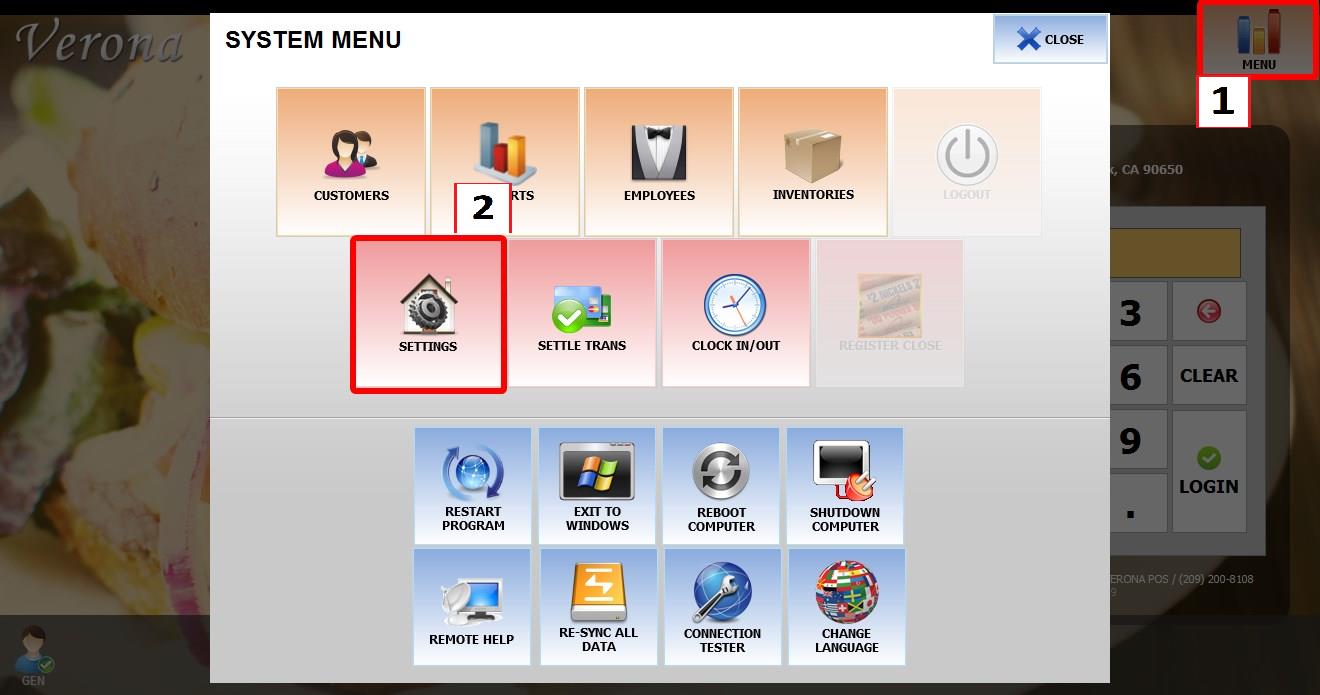
From the MAIN SCREEN, click MENU, then select SETTINGS.
Go to KIOSK then ORDER then MENU.
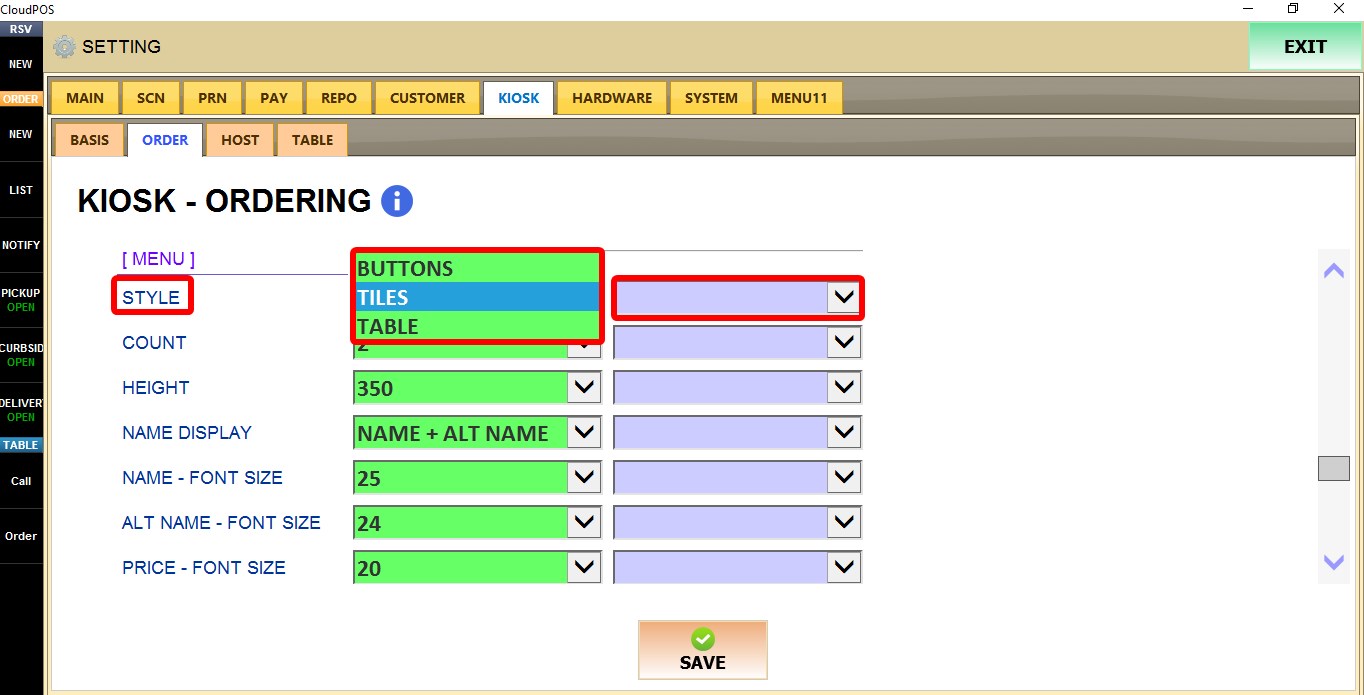
The purple dropdown next to each setting applies that setting only to the current POS terminal.
MENU
STYLE
Controls how products are displayed on the kiosk.
1. BUTTONS: Displays products using button-style tiles.
2. TILES: Displays products using image tiles.
3. TABLE: Displays products in a table layout.
COUNT
Controls how many products are displayed in each row.
Select a value from 2 to 10.

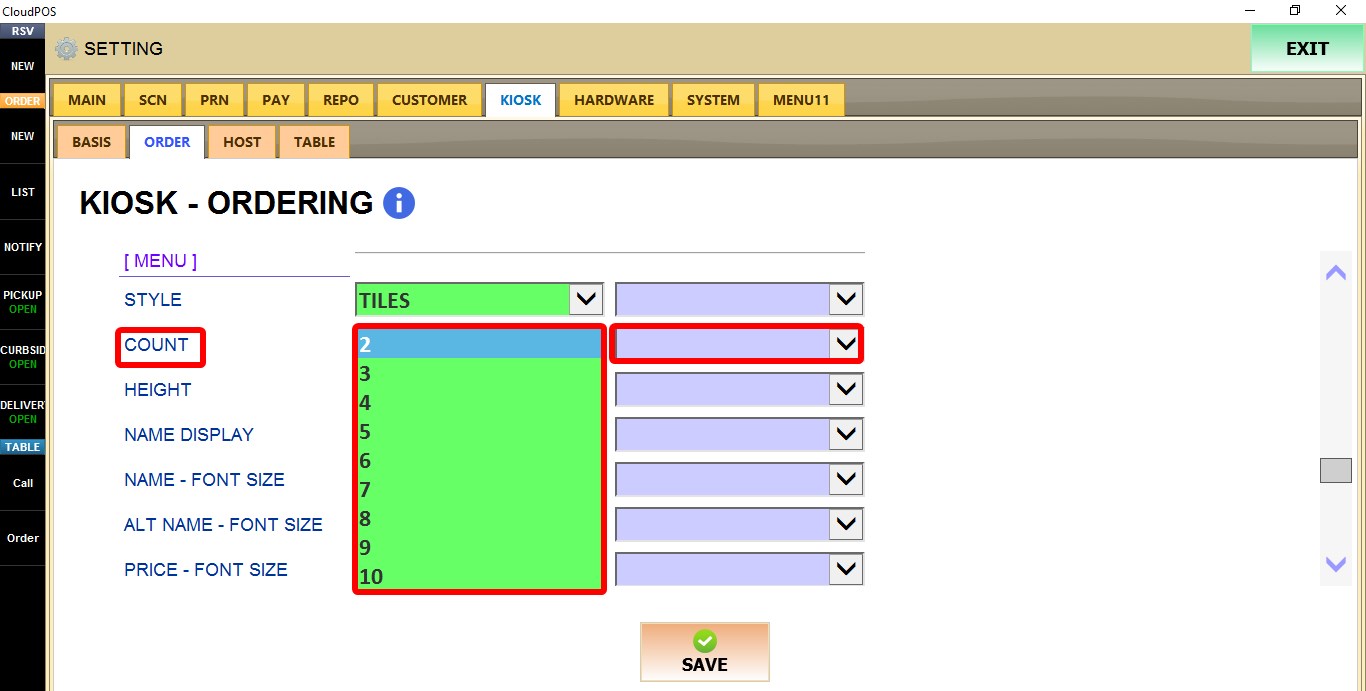
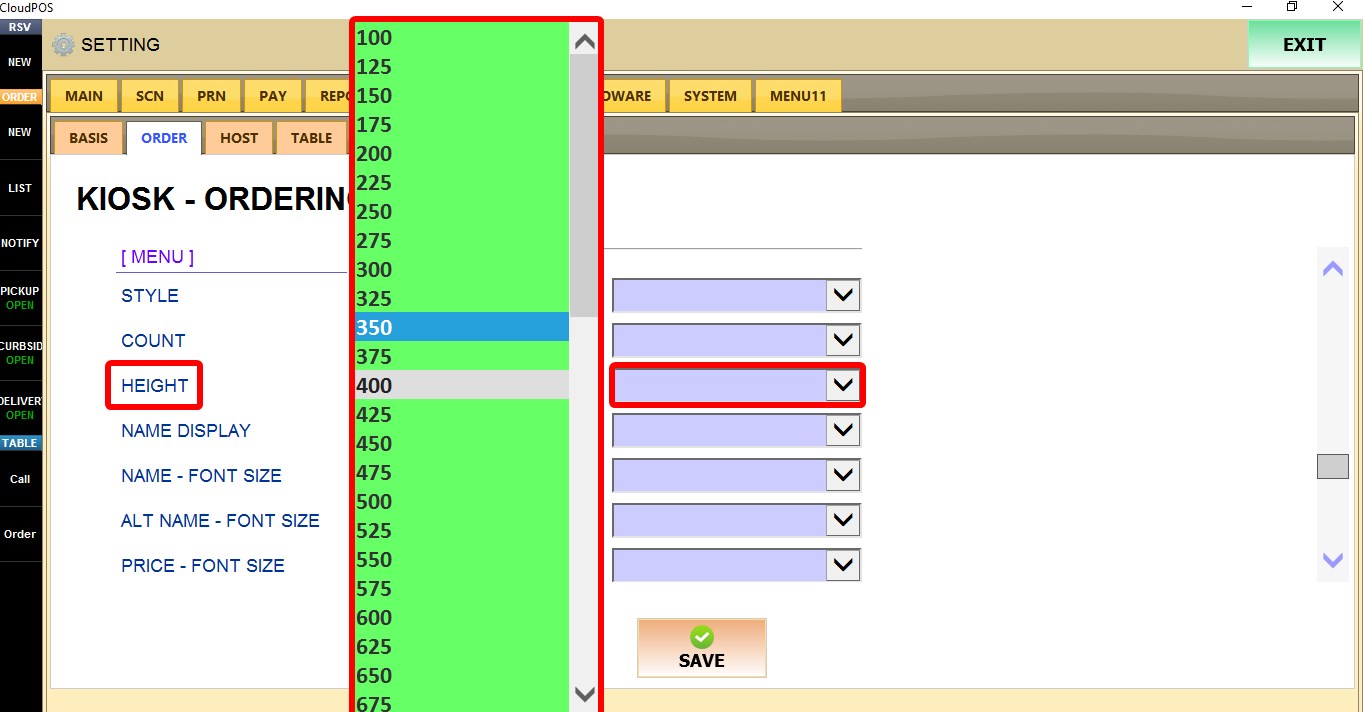
HEIGHT
Controls the height of product buttons.
Select a value between 100 and 1500.
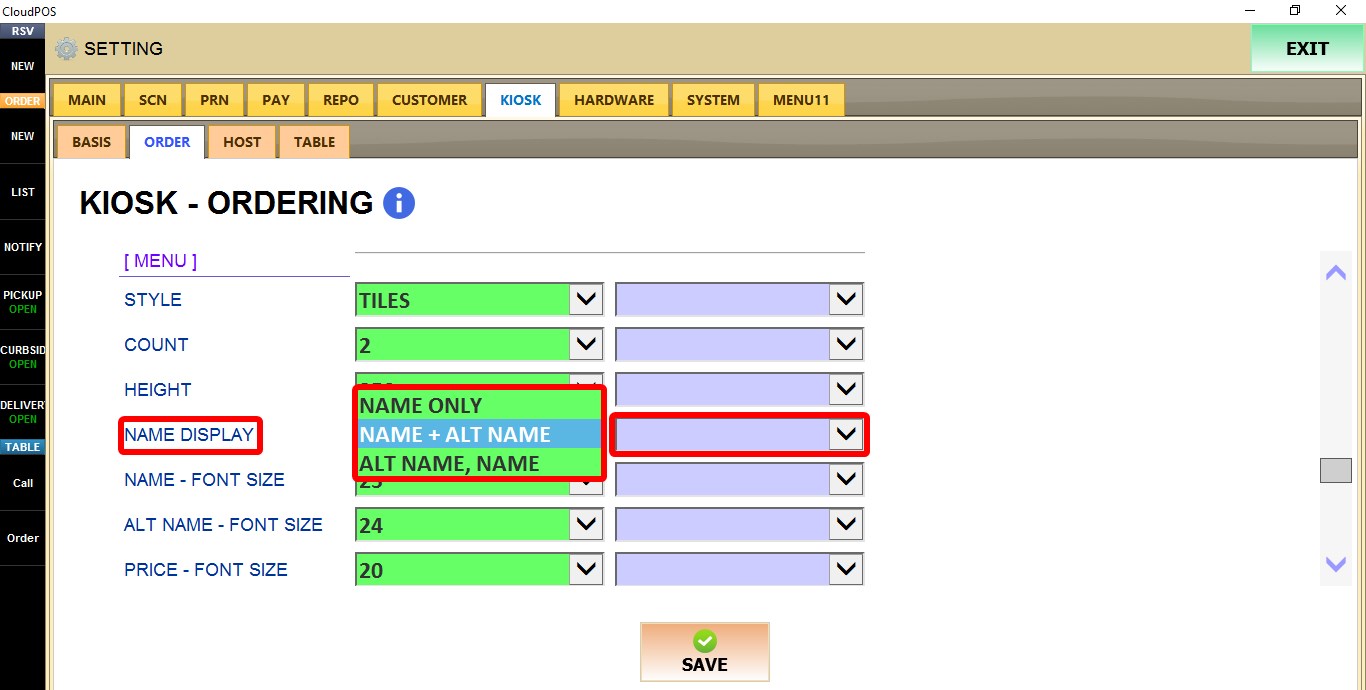
NAME DISPLAY
Controls how product names are displayed.
1. NAME ONLY: Displays only the product name.
2. NAME + ALT NAME: Displays the product name followed by the alternate name.
3. ALT NAME: Displays only the alternate name.
4. NAME: Displays the product name.
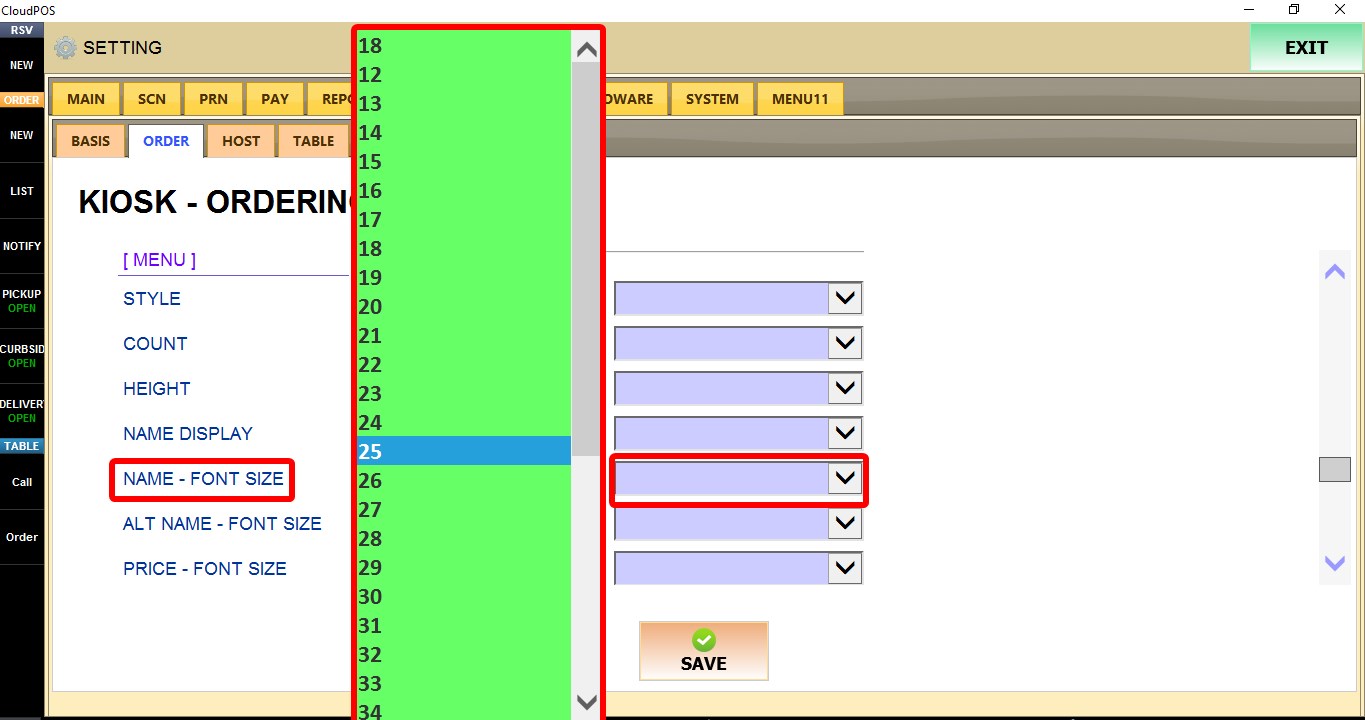
NAME - FONT SIZE
Controls the font size of product names.
Select a value between 18 and 48.
ALT NAME - FONT SIZE
Controls the font size of alternate product names.
Select a value between 12 and 48.
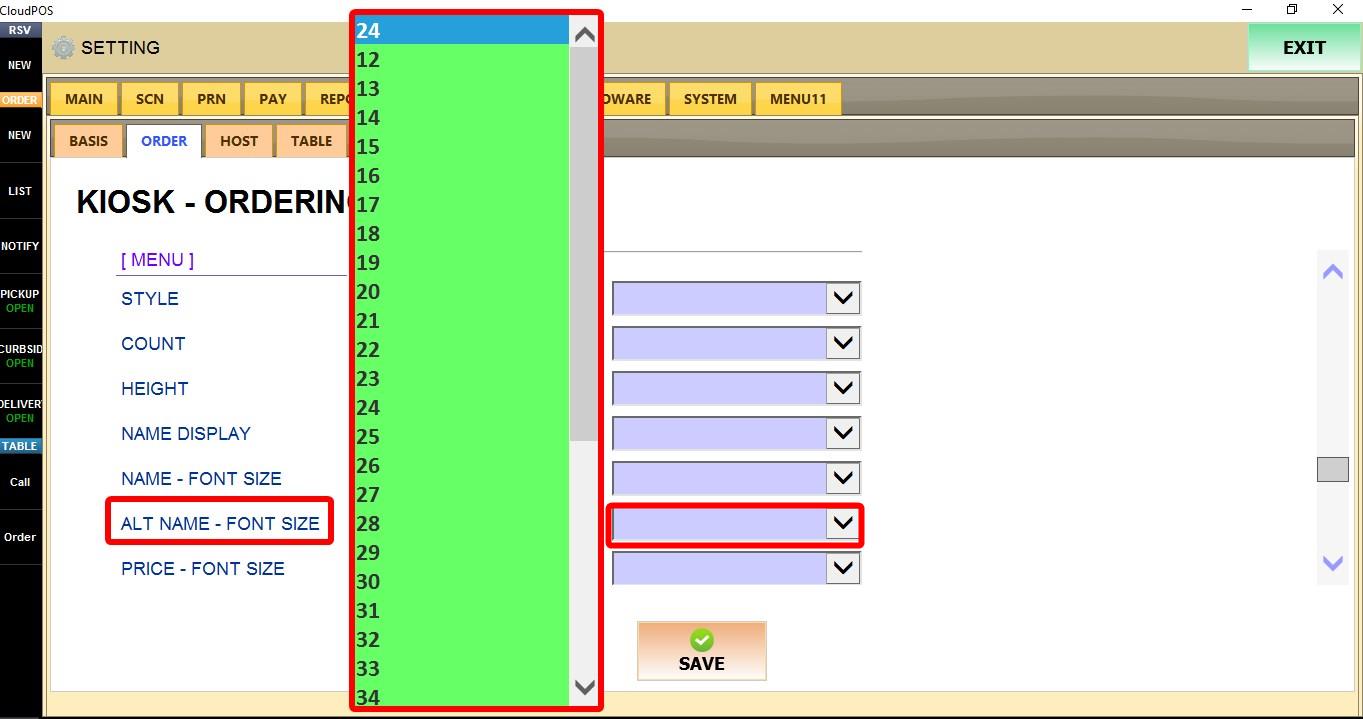
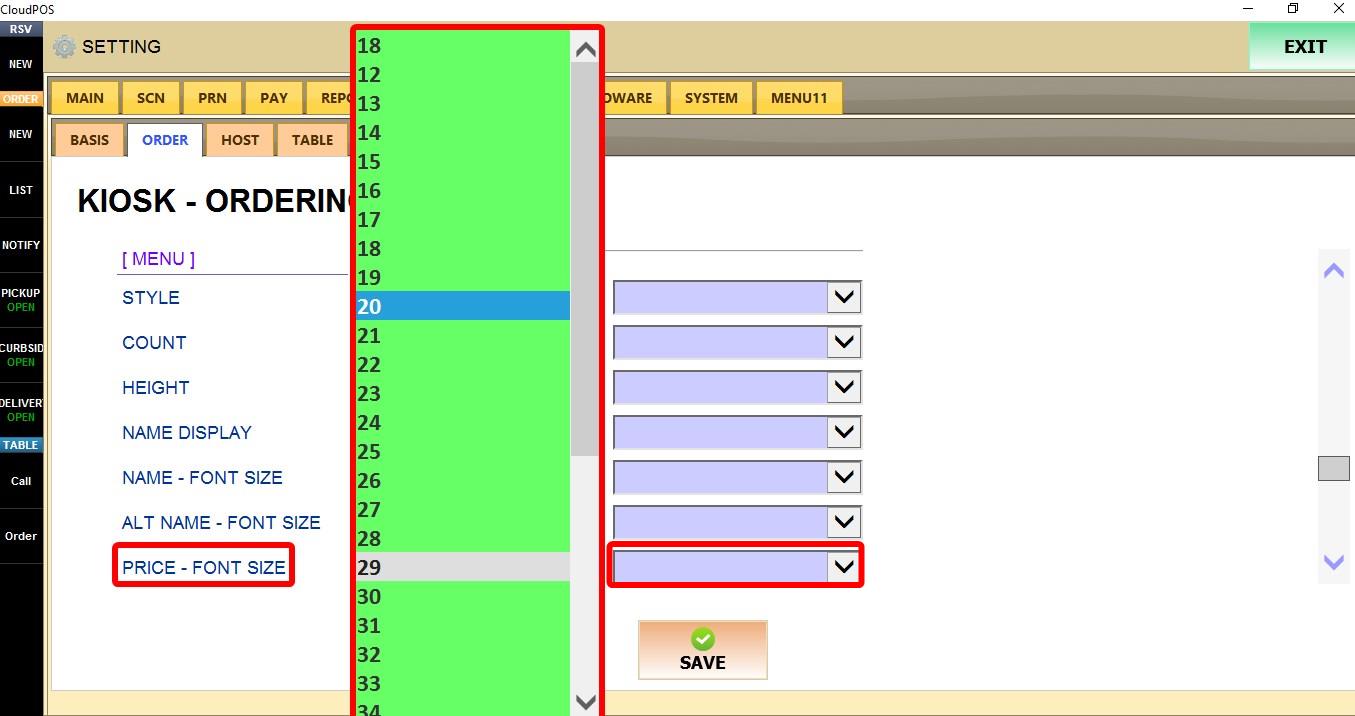
PRICE - FONT SIZE
Controls the font size of product prices.
Select a value between 18 and 48.
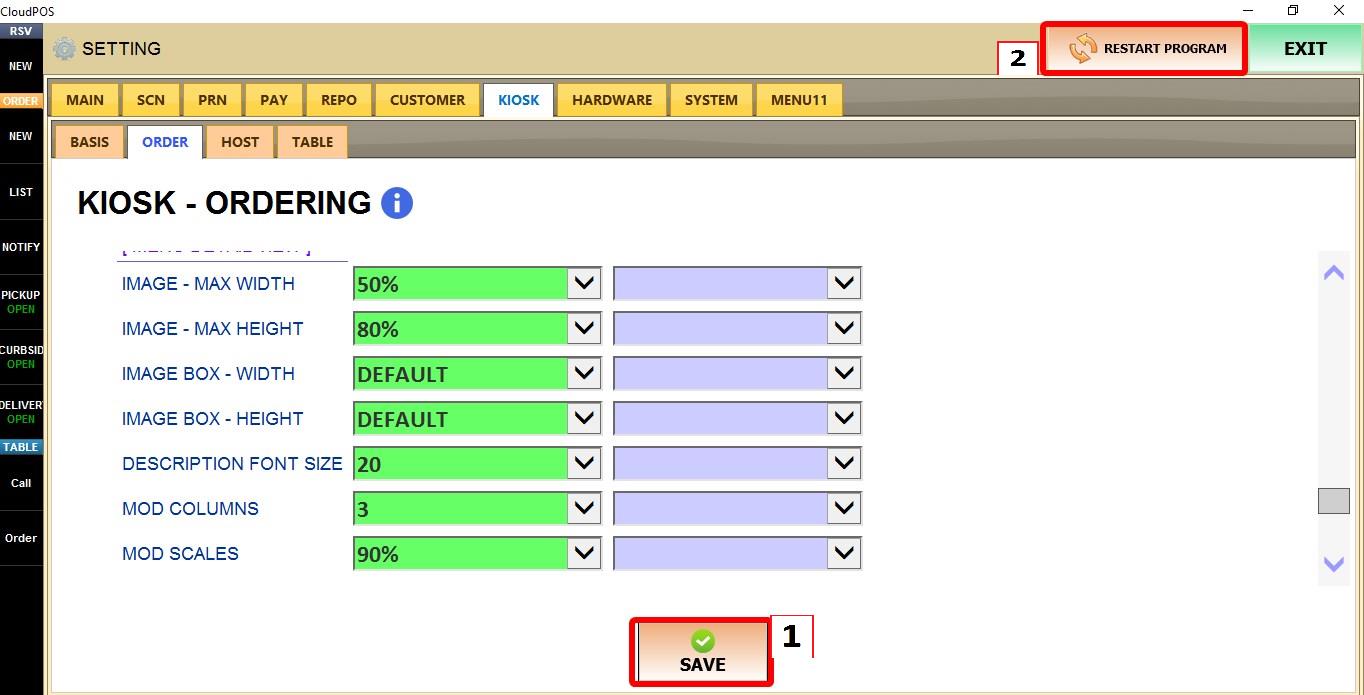
MENU DETAIL VIEW
Controls how product details are displayed after a customer selects a menu item, including the image, description, and modifier layout.
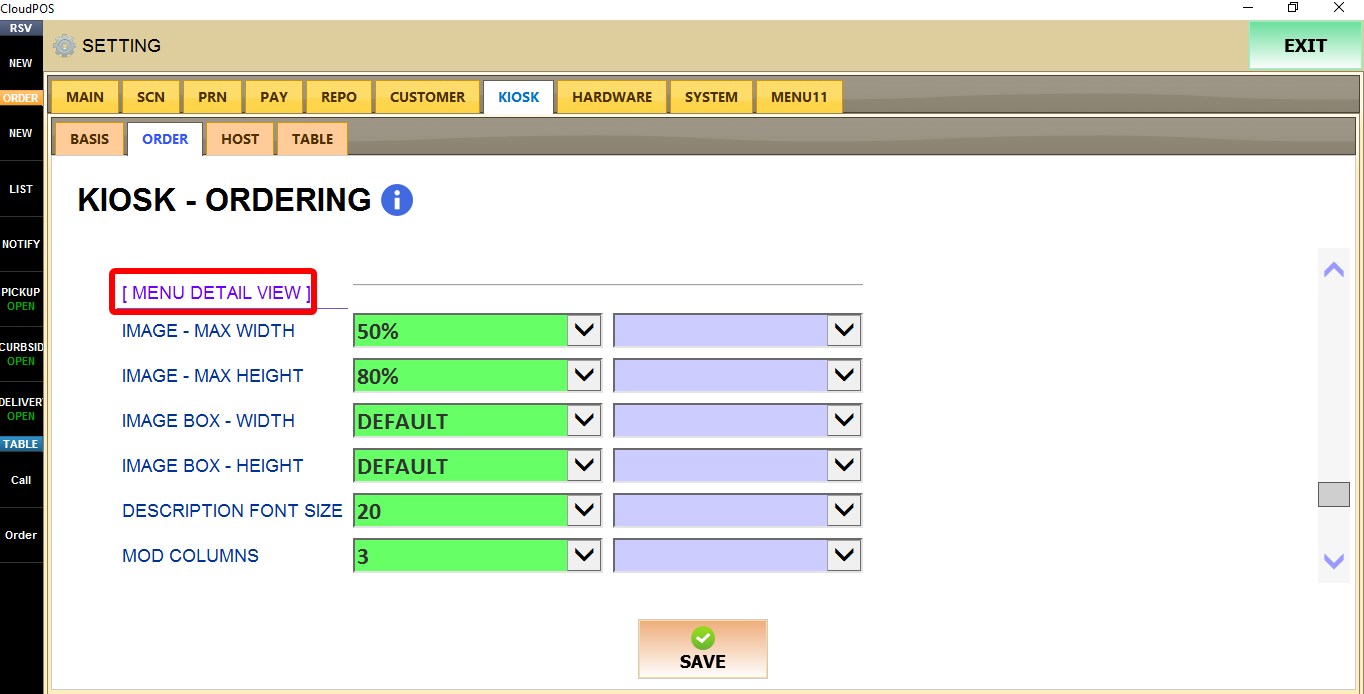
IMAGE - MAX WIDTH
Controls the maximum width of product images.
Select a value between 10% and 100%.

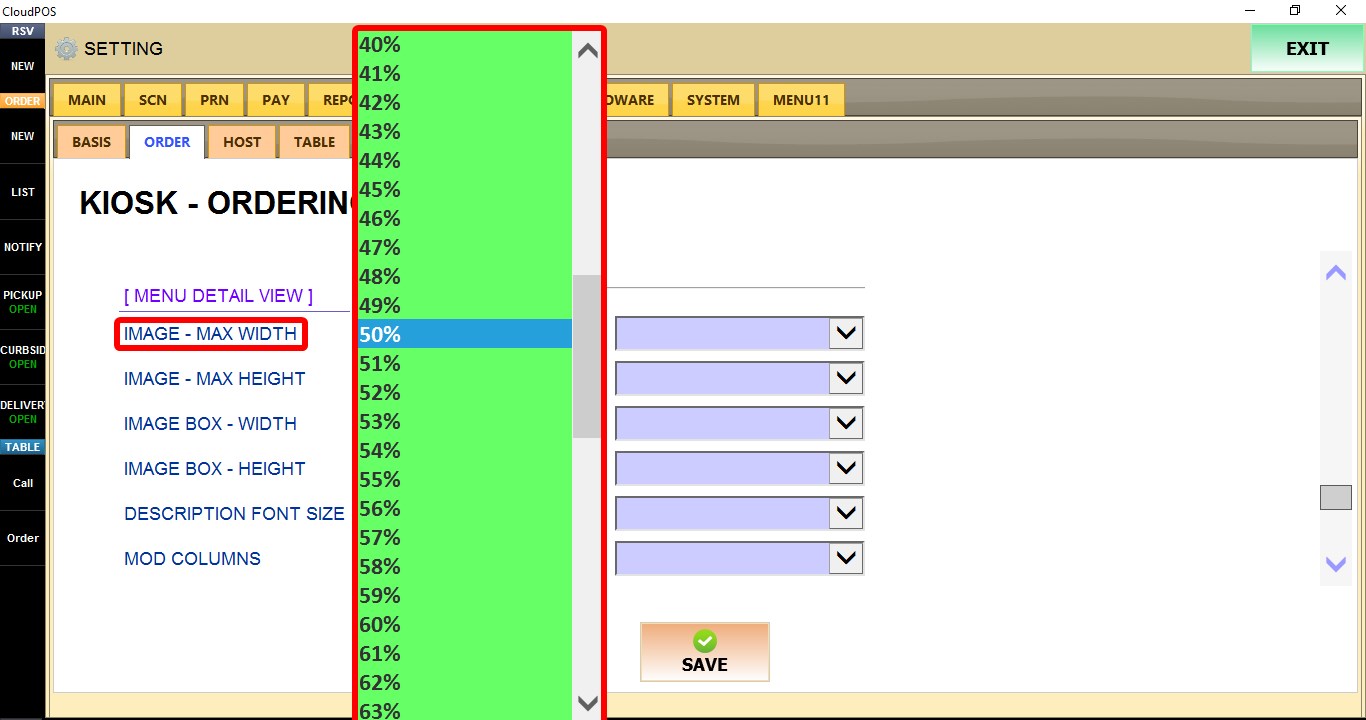
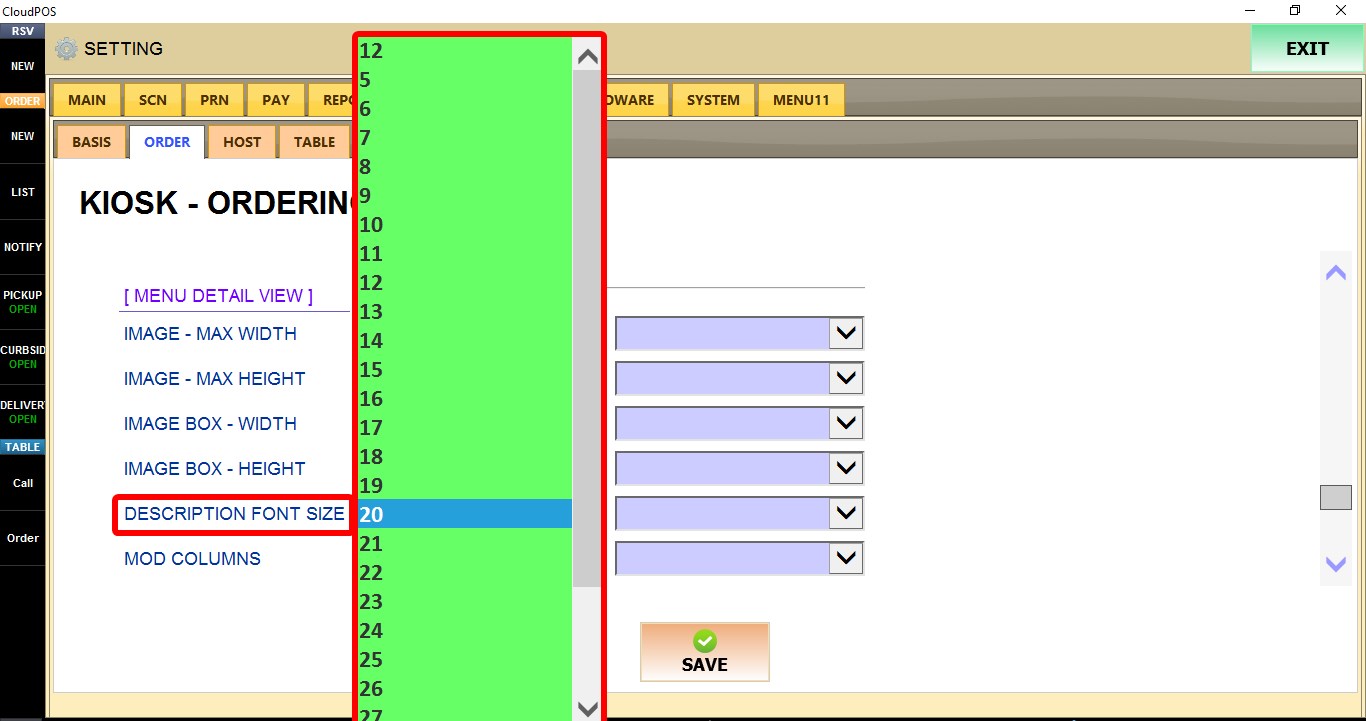
IMAGE - MAX HEIGHT
Controls the maximum height of product images.
Select a value between 10% and 100%.

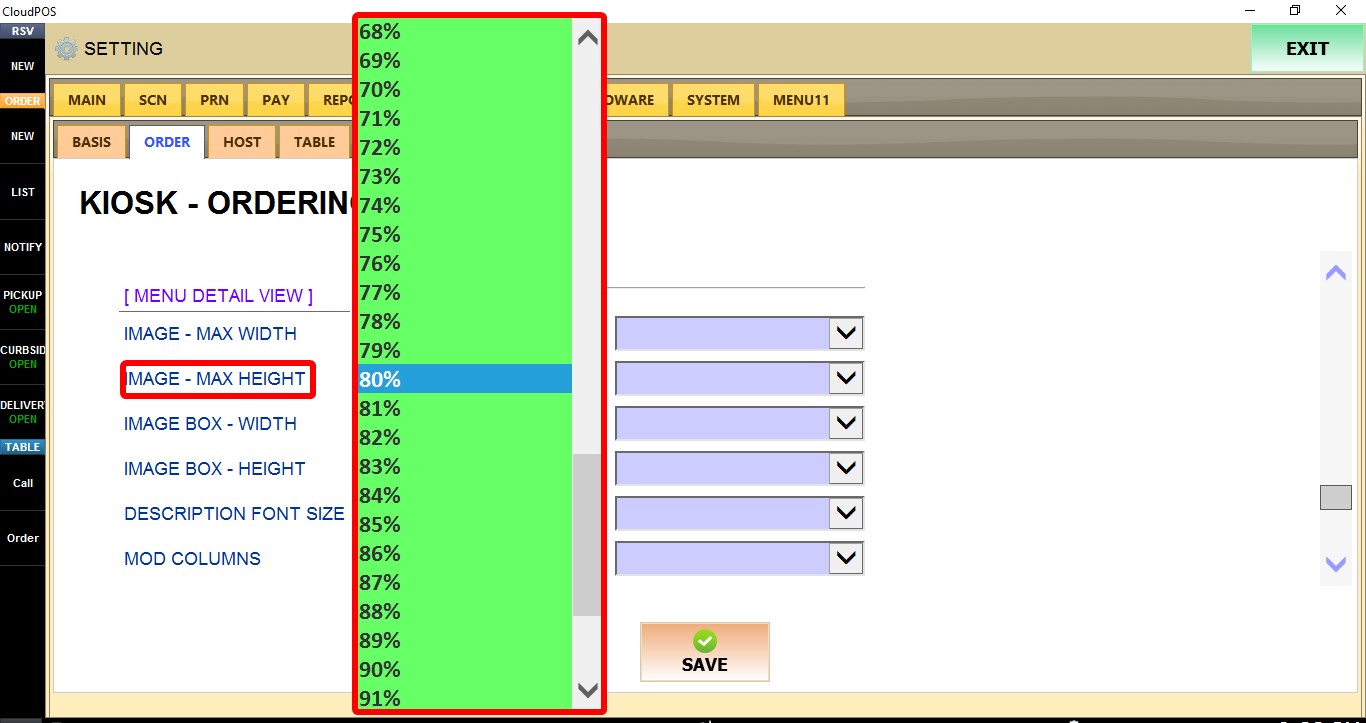
IMAGE BOX - WIDTH
Controls the width of the image container.
Select DEFAULT or a value between 10% and 100%.

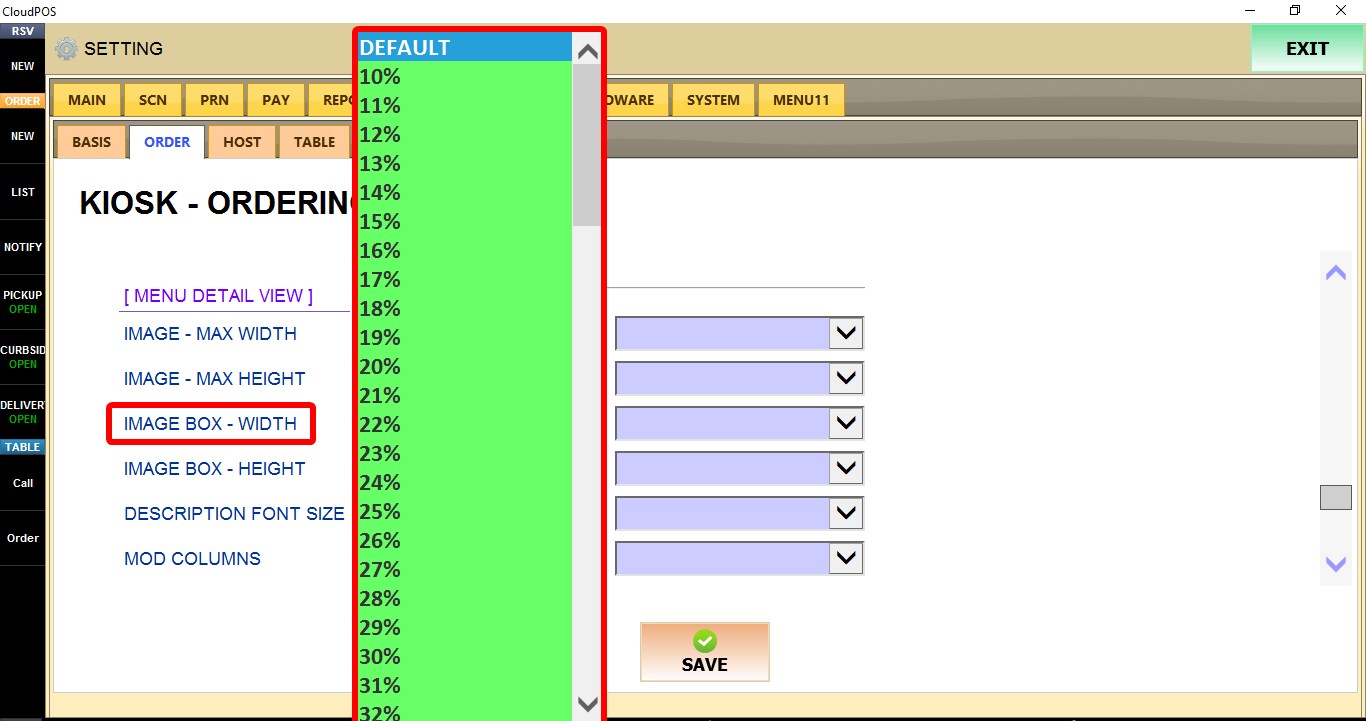
IMAGE BOX - HEIGHT
Controls the height of the image container.
Select DEFAULT or a value between 10% and 100%.

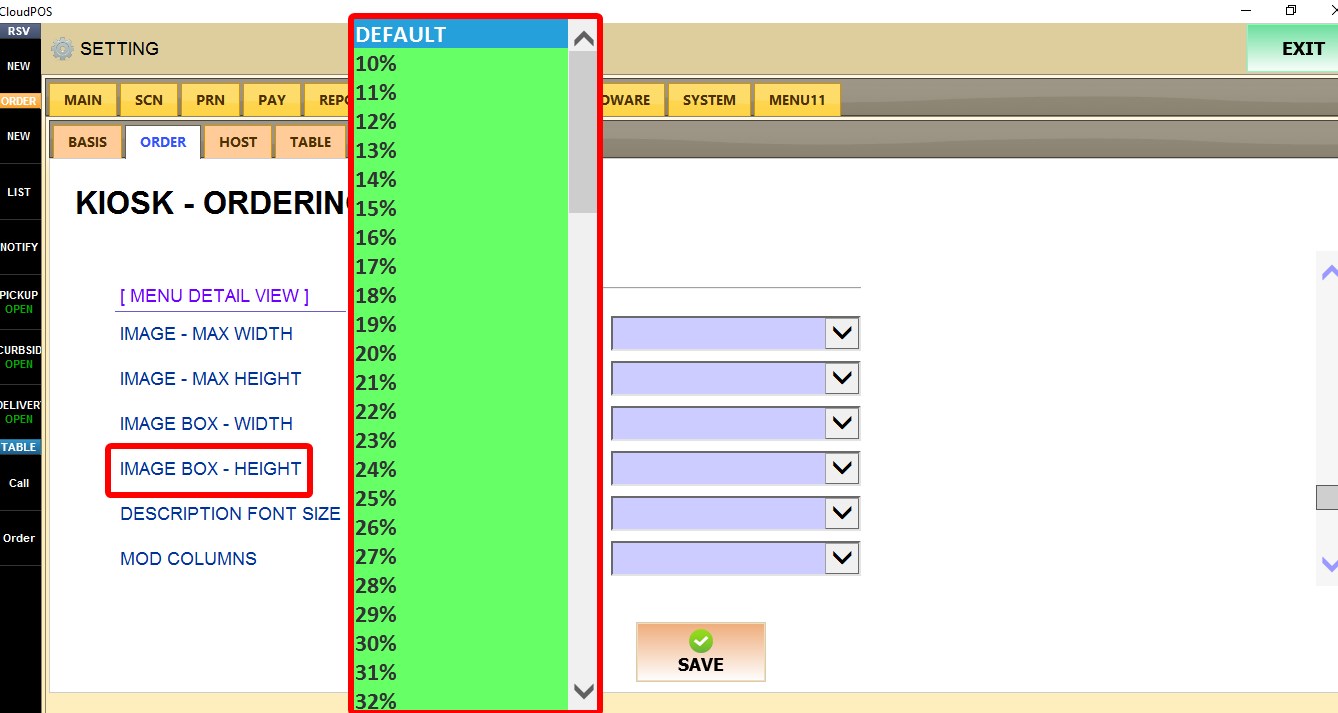
DESCRIPTION FONT SIZE
Controls the font size of product descriptions.
Select a value between 5 and 32.
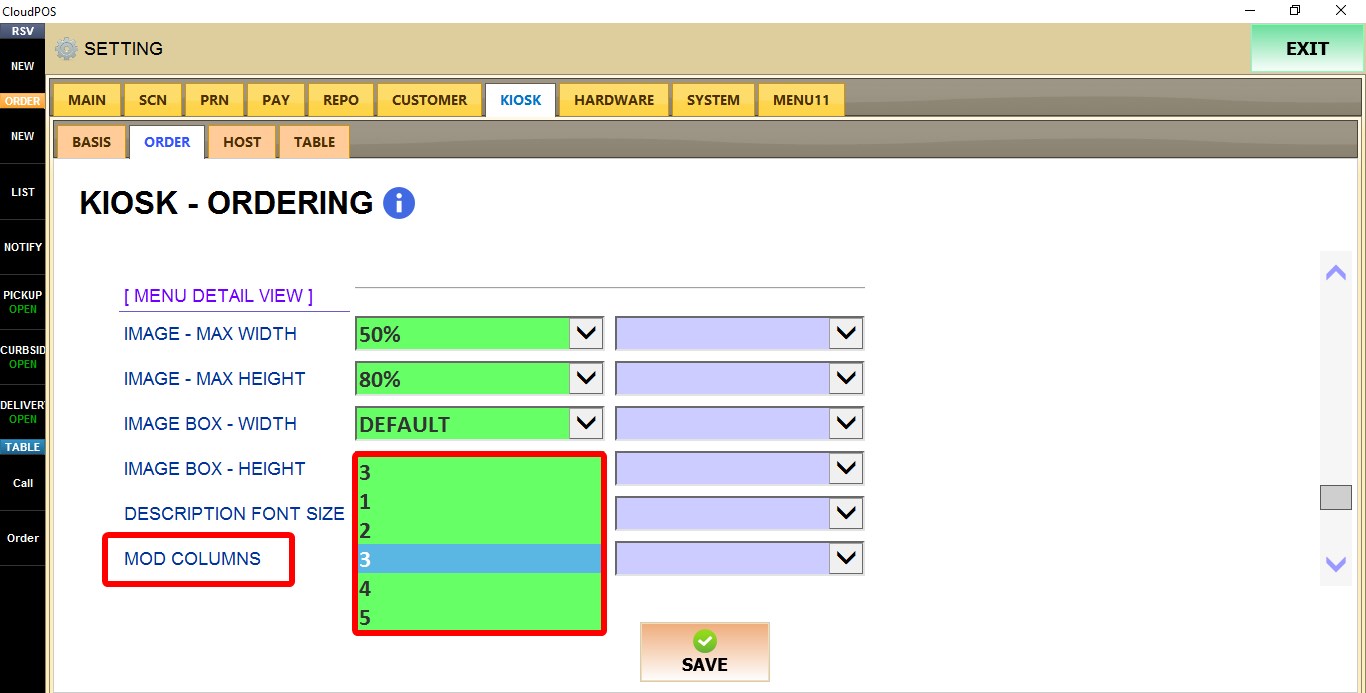
MOD COLUMNS
Controls how many modifier buttons are displayed in each row.
Select a value from 1 to 5.
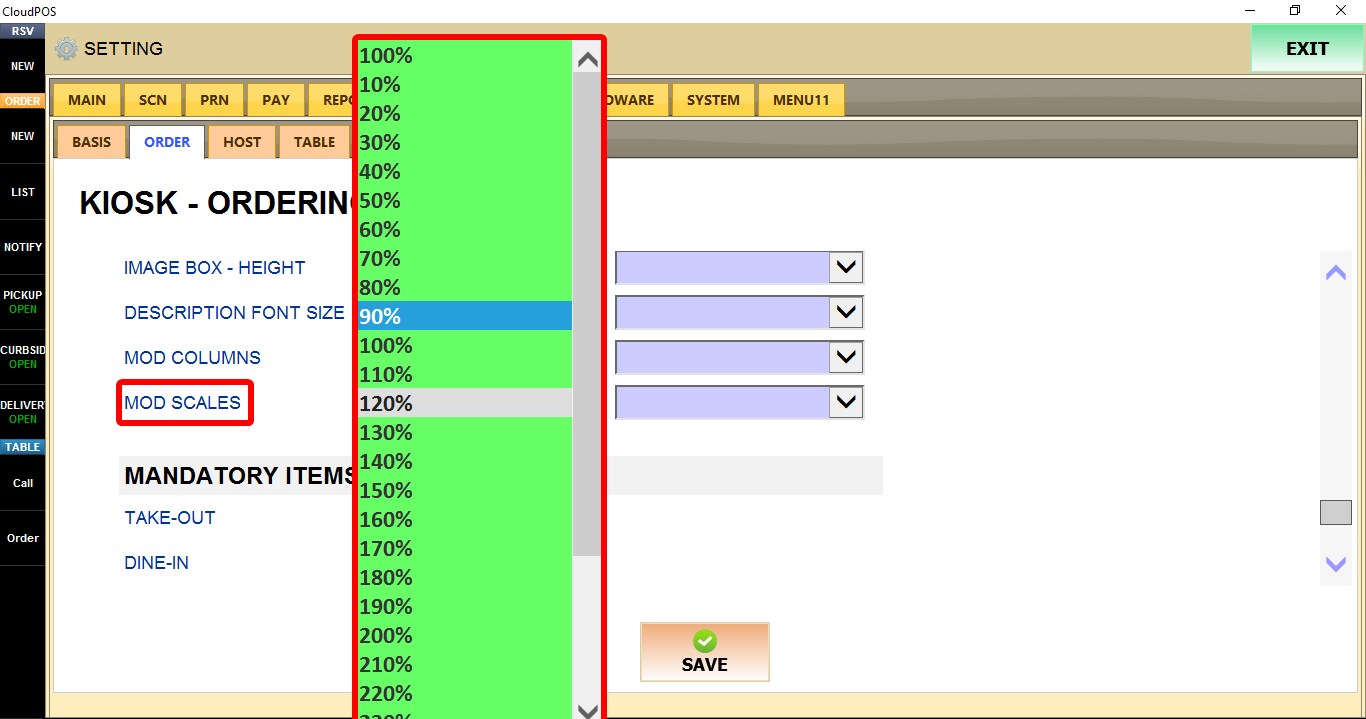
MOD SCALES
Controls the display scale of modifier buttons.
Select a value between 10% and 300%.

Click SAVE and restart the program to apply the changes.