Idle
The IDLE settings configure the inactivity behavior of the tablet ordering kiosk. These settings determine how the kiosk responds after a period without customer interaction.
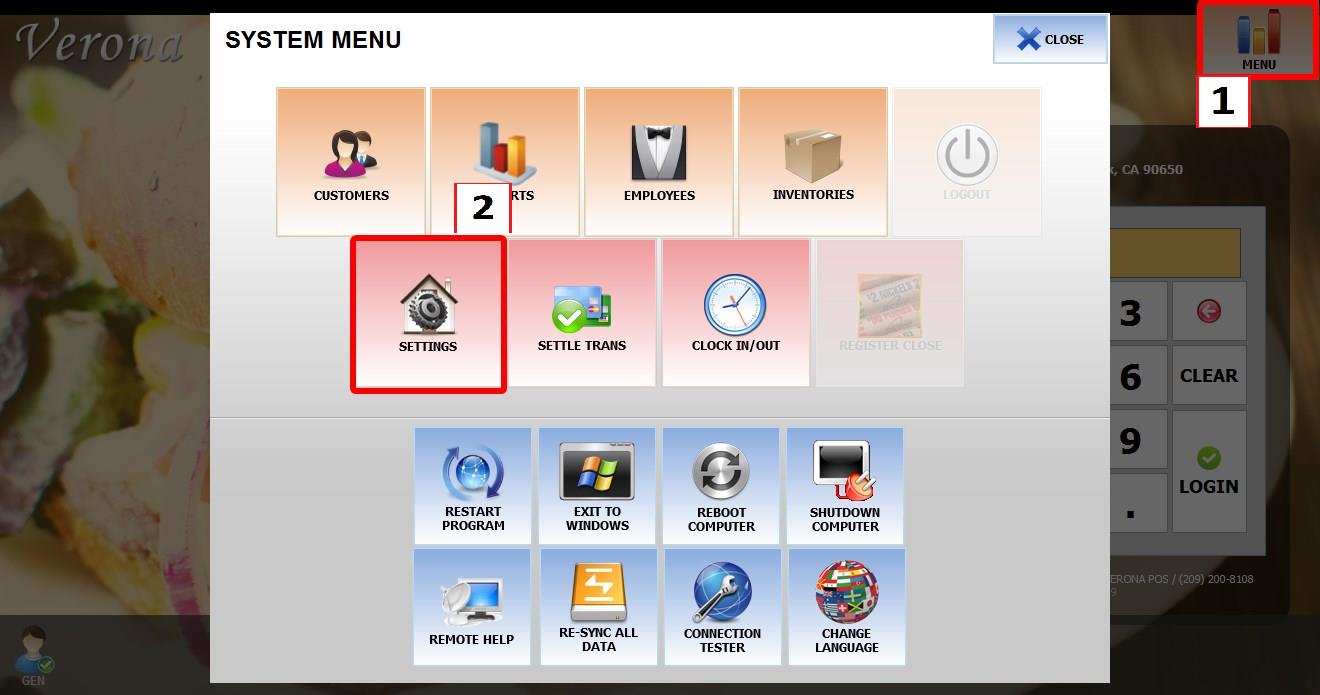
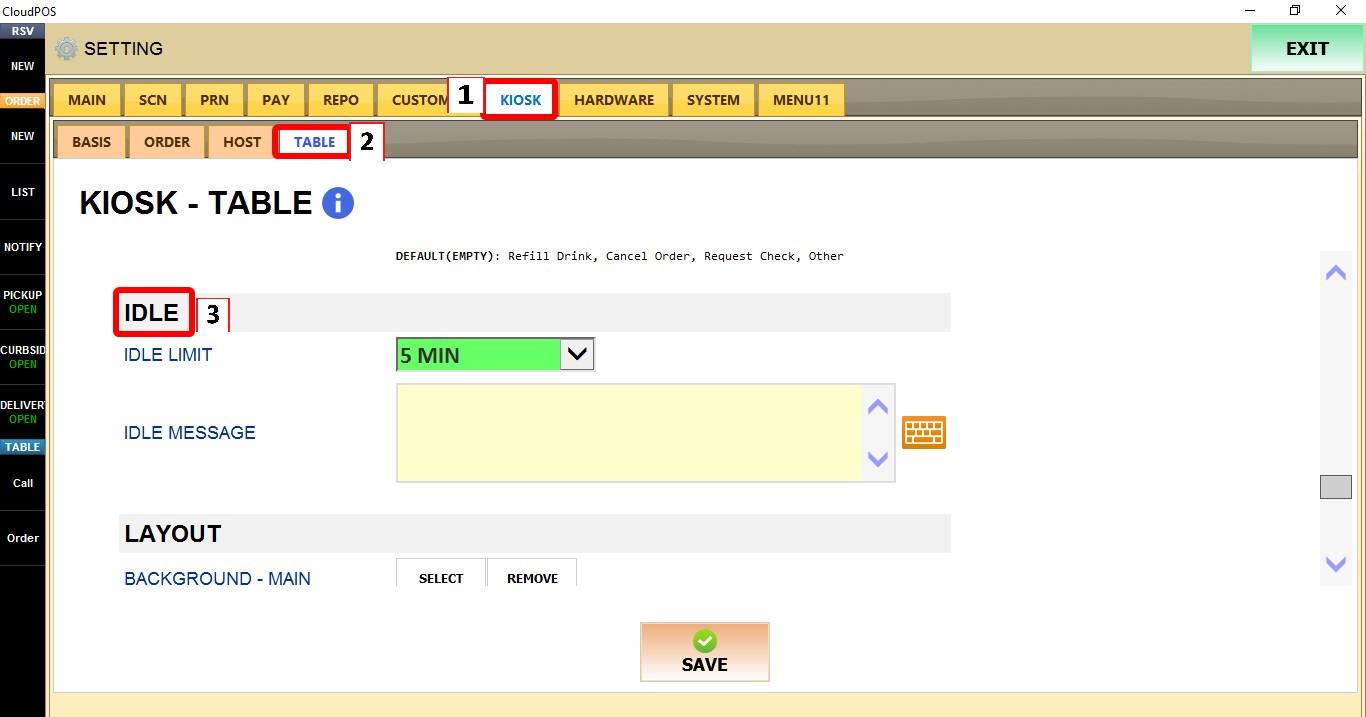
MENU > SETTINGS > KIOSK > TABLE > IDLE
From the MAIN SCREEN, click MENU, then select SETTINGS.
Go to KIOSK > TABLE > IDLE.
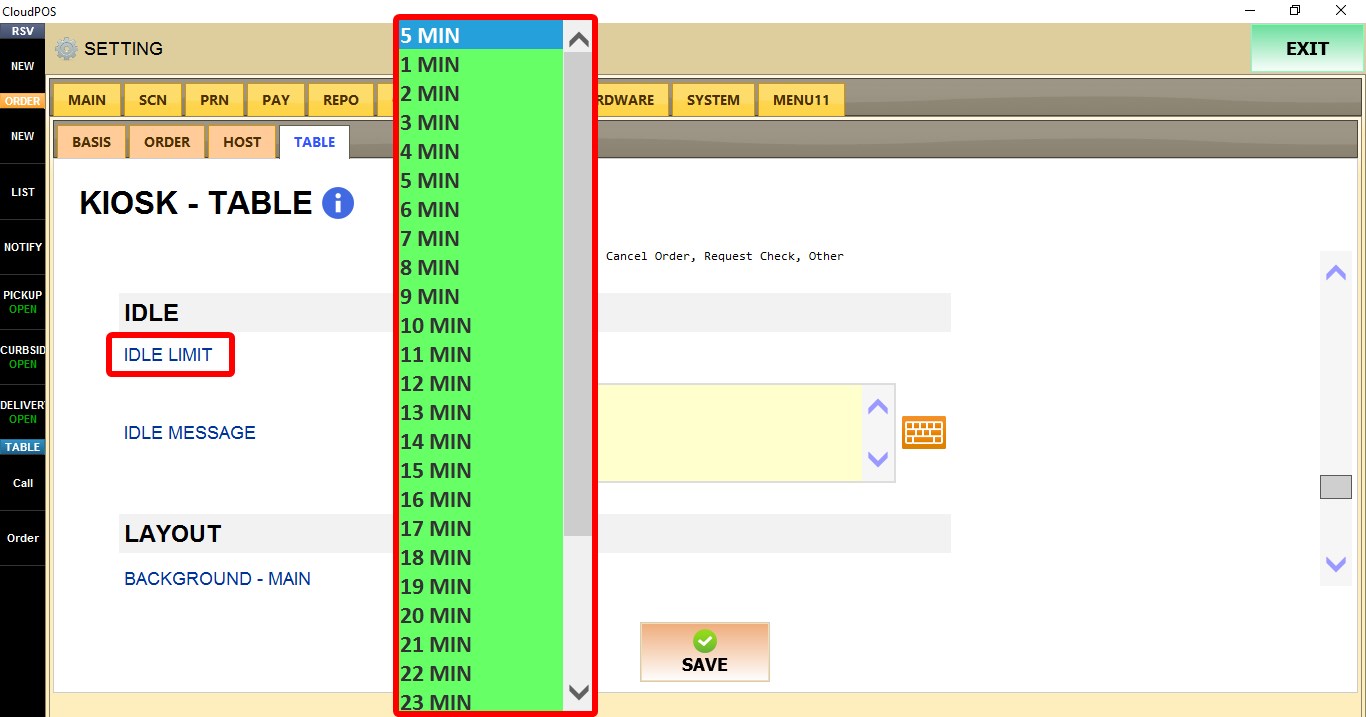
IDLE LIMIT
Sets the amount of time the tablet ordering kiosk can remain inactive before returning to its default screen.
Select a value between 1 Minute and 30 Minutes.

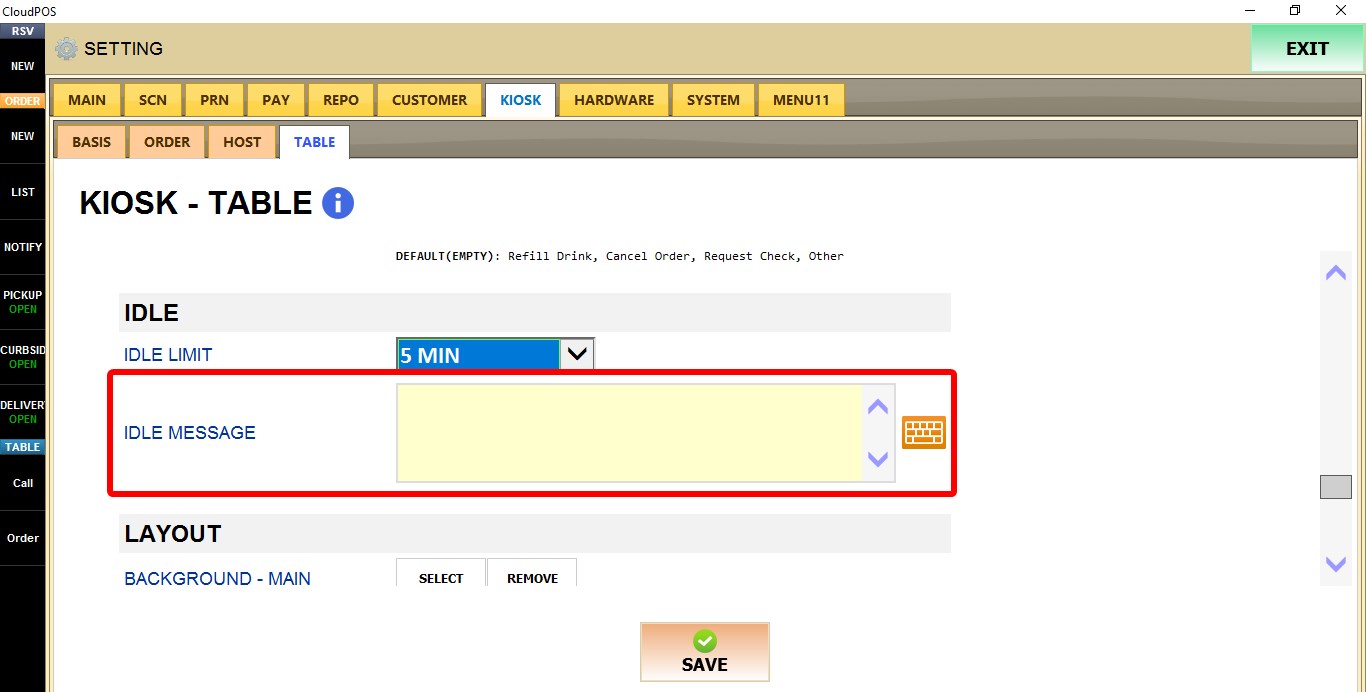
IDLE MESSAGE
Configures the message associated with the kiosk idle function.
Enter the desired message in the text field.

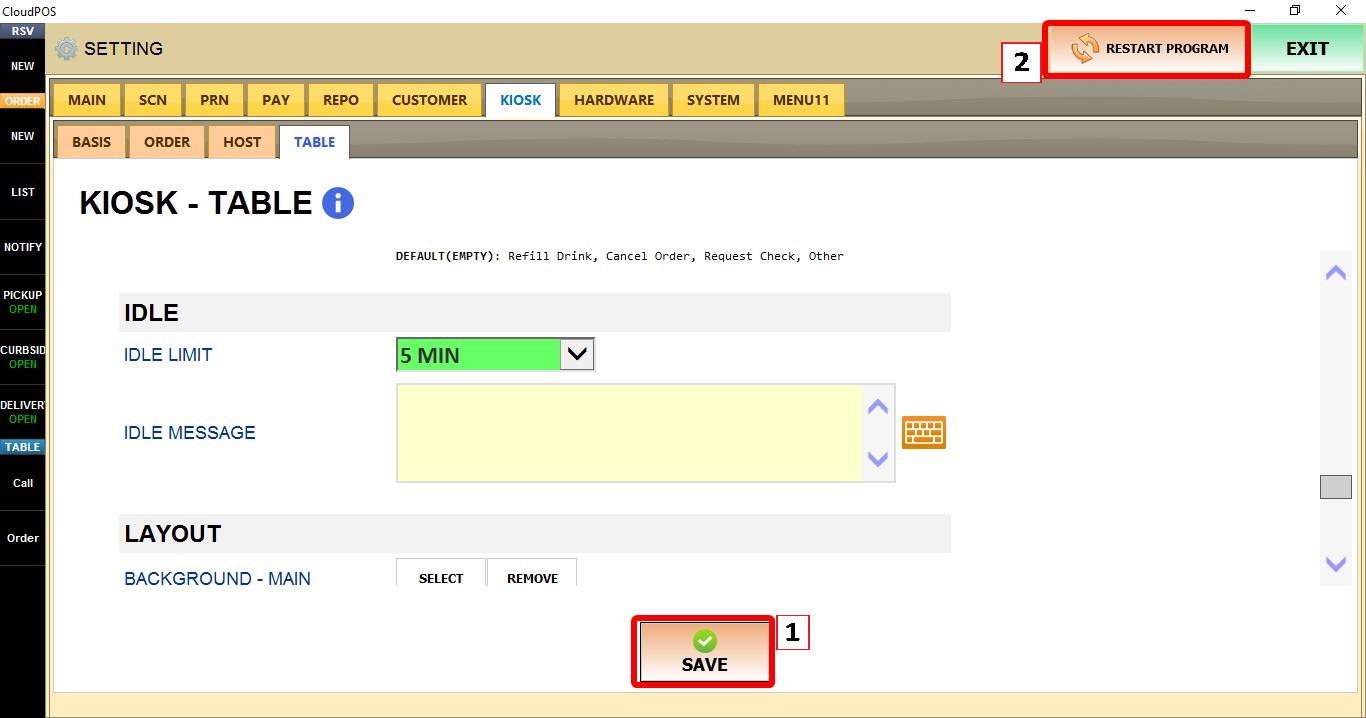
Click SAVE and restart the program to apply the changes.