Extra Tools
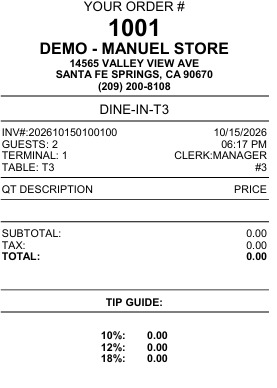
The TOOLS feature in the Table Management screen provides access to administrative and operational functions such as a calculator, calendar, cash drawer controls, and ticket printing options. These utilities allow staff to manage table orders, perform calculations, and issue receipt copies efficiently during active dining service.
Main Screen > Number Pad > Sales Screen > Table Management > TOOLS
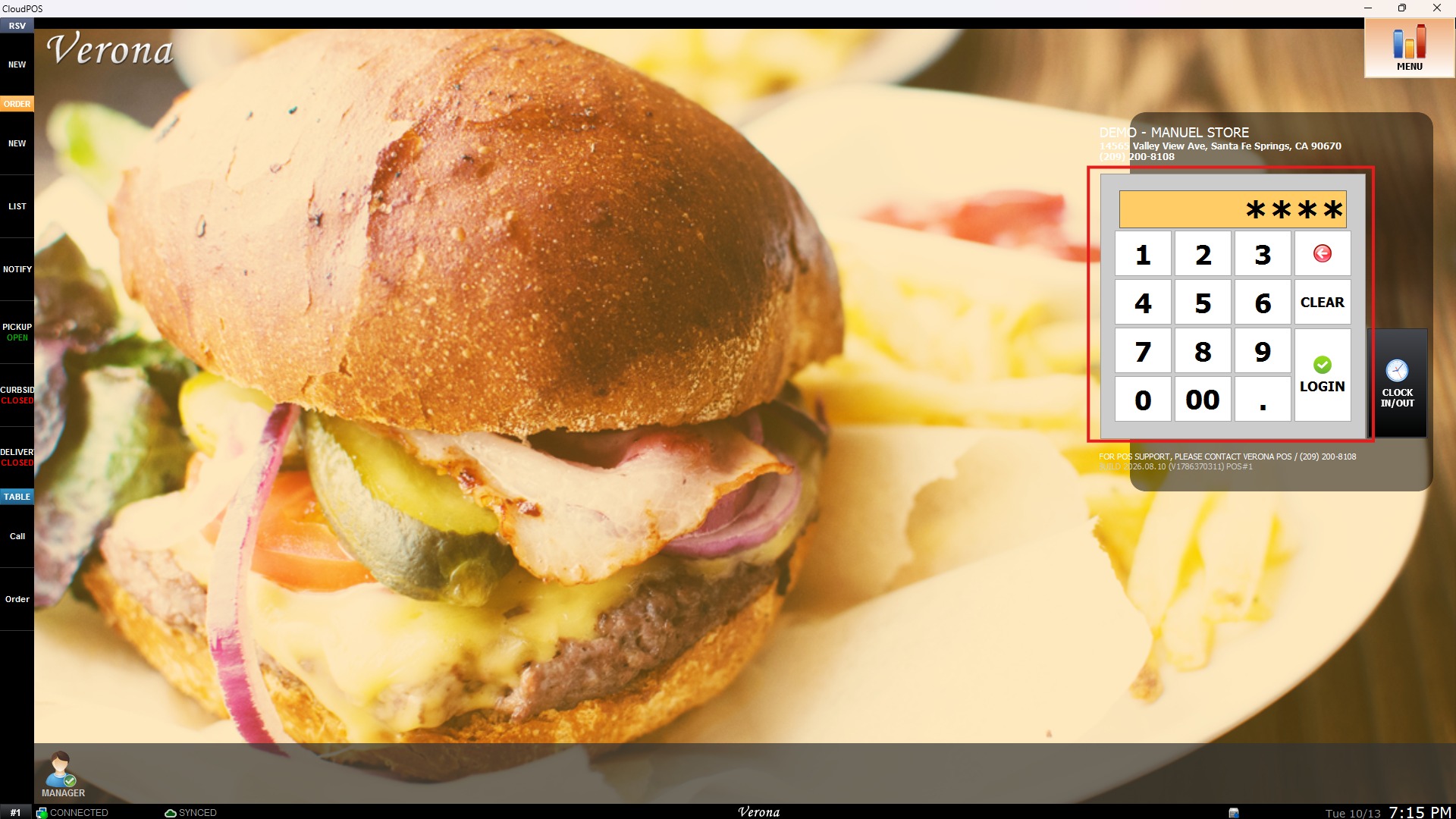
From the Main Screen, use the NUMBER PAD and enter the assigned employee's password to log in.
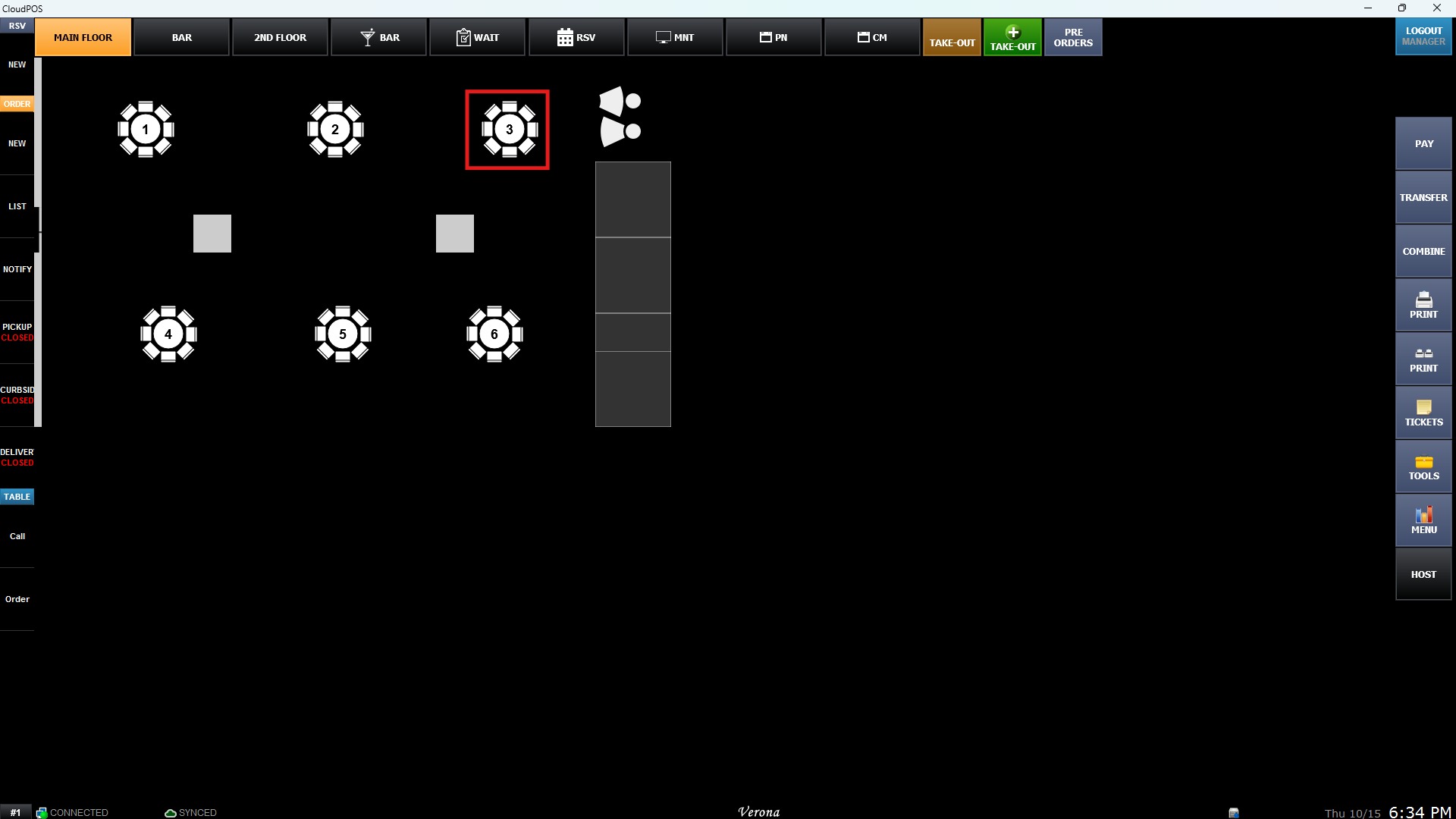
From the Sales Screen, select an open table to access the Table Management view.
On the Table Management screen, click TOOLS
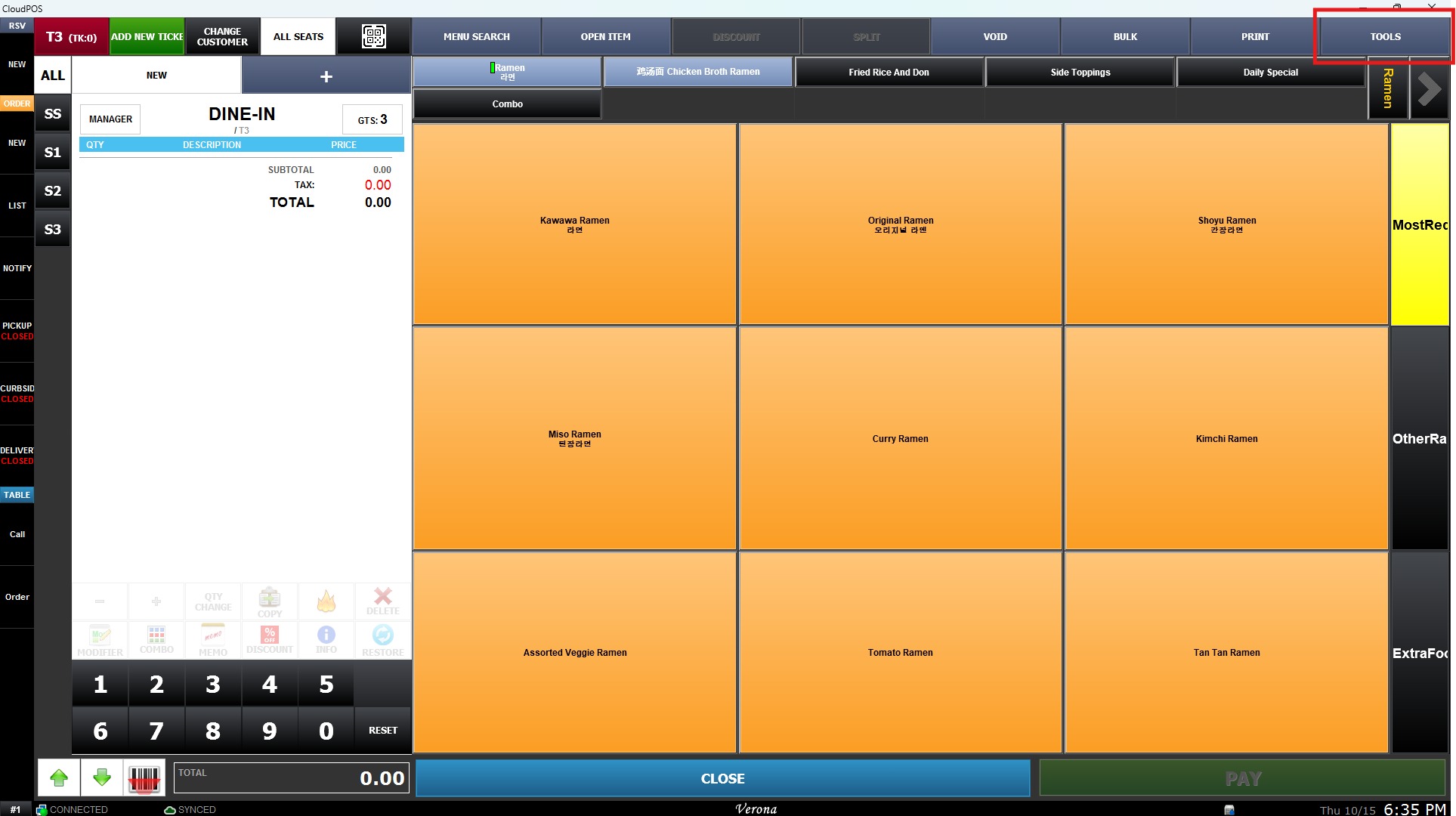
Result:
CALCULATOR
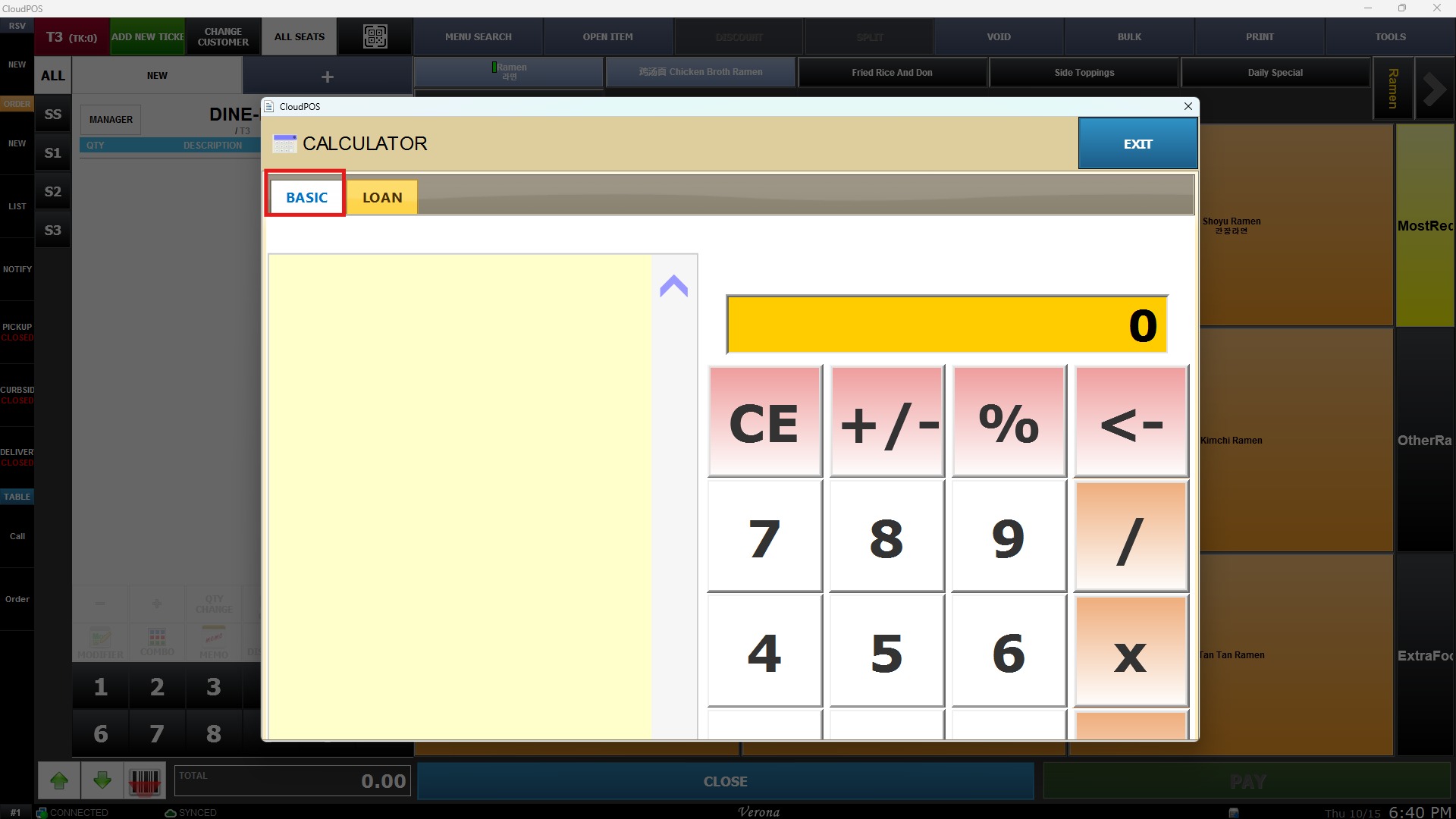
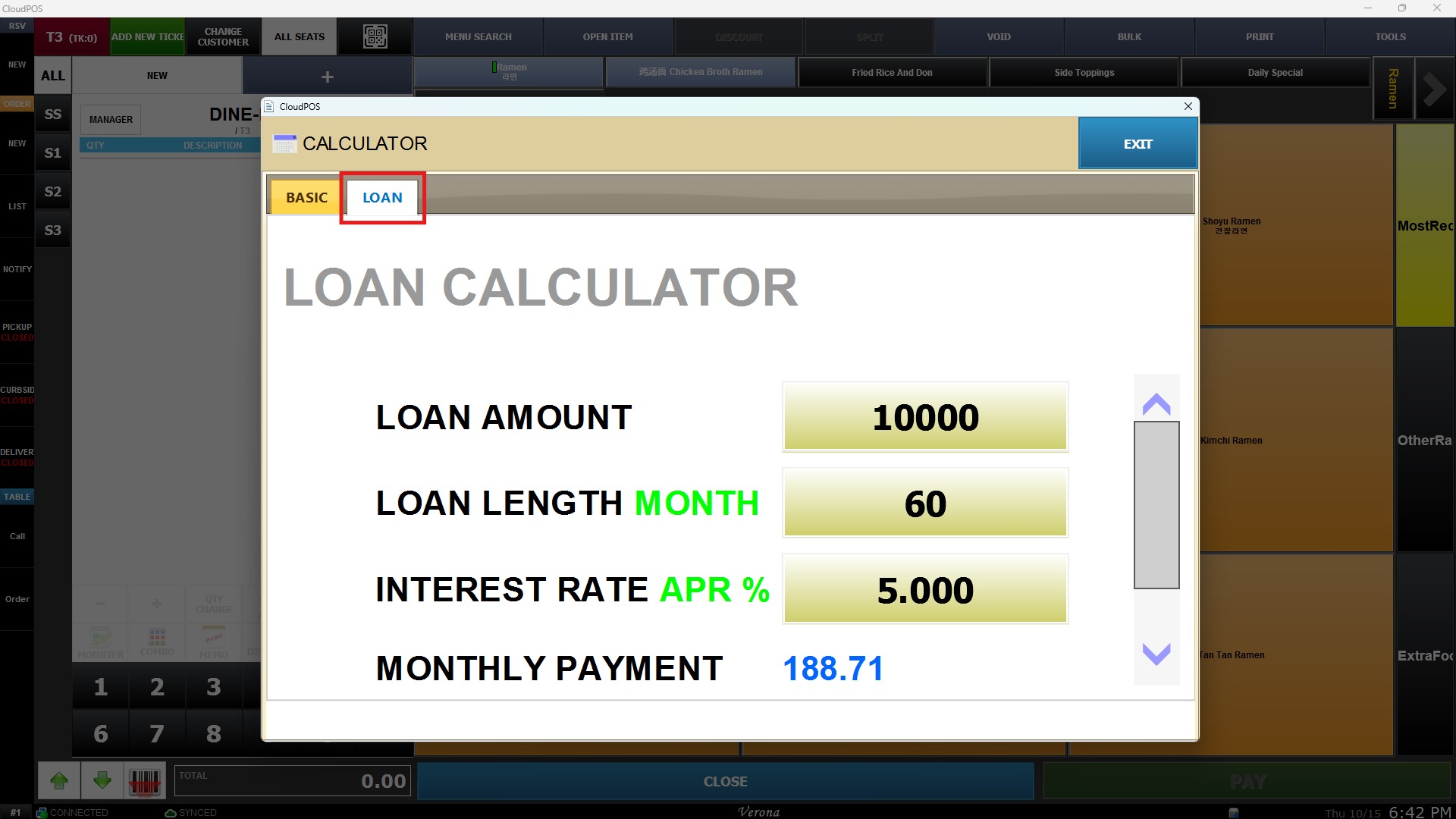
Clicking CALCULATOR opens a built-in mathematical tool with two operating modes: BASIC and LOAN.
-
BASIC: Provides standard arithmetic functions (addition, subtraction, multiplication, division) for quick financial calculations.

-
LOAN: Provides specialized calculations for financing.
CALENDAR
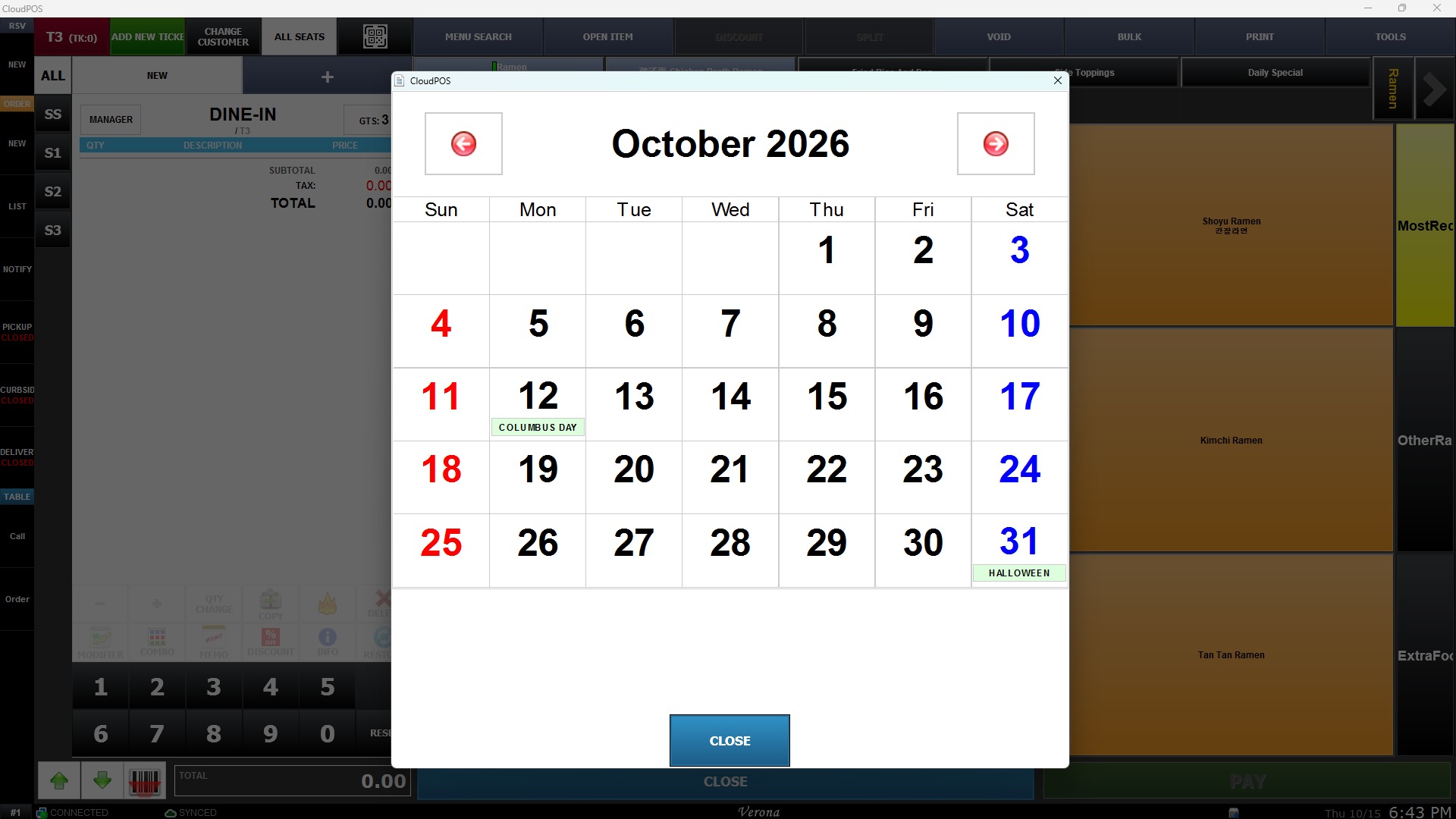
Clicking CALENDAR opens an interactive calendar display, allowing the operator to quickly verify dates or reference specific days during transactions.
OPEN DRAWER
Clicking OPEN DRAWER manually triggers the connected cash drawer to open without requiring a completed sale transaction.

Hint: Ensure the user profile logged into the POS has sufficient security permissions if OPEN DRAWER is restricted by management settings.
PRINT TICKET
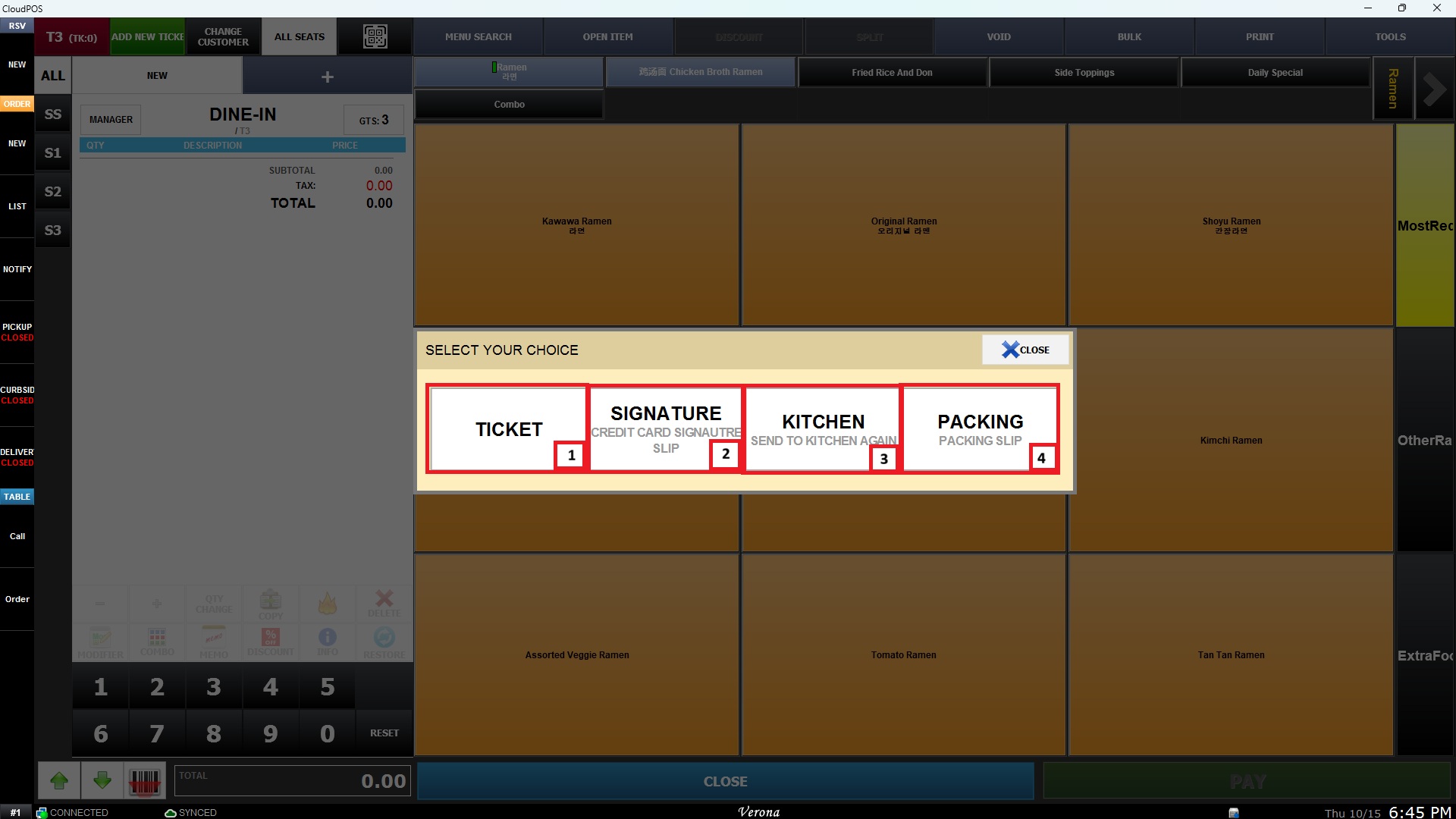
Clicking PRINT TICKET provides print options for table management documentation:
1) TICKET: Prints a standard copy of the guest check/ticket.
2) SIGNATURE: Prints a receipt copy formatted with a signature line for authorization.
3) KITCHEN: Re-sends or prints a copy of the order directly for kitchen staff.
4) PACKING: Prints a packing slip or order summary for fulfillment.