How to Split Payment
This guide explains how to divide a sale across different payment types, such as cash, credit card, or other tender options.
Main Screen> Number Pad> Sales Screen> Item Rung Up
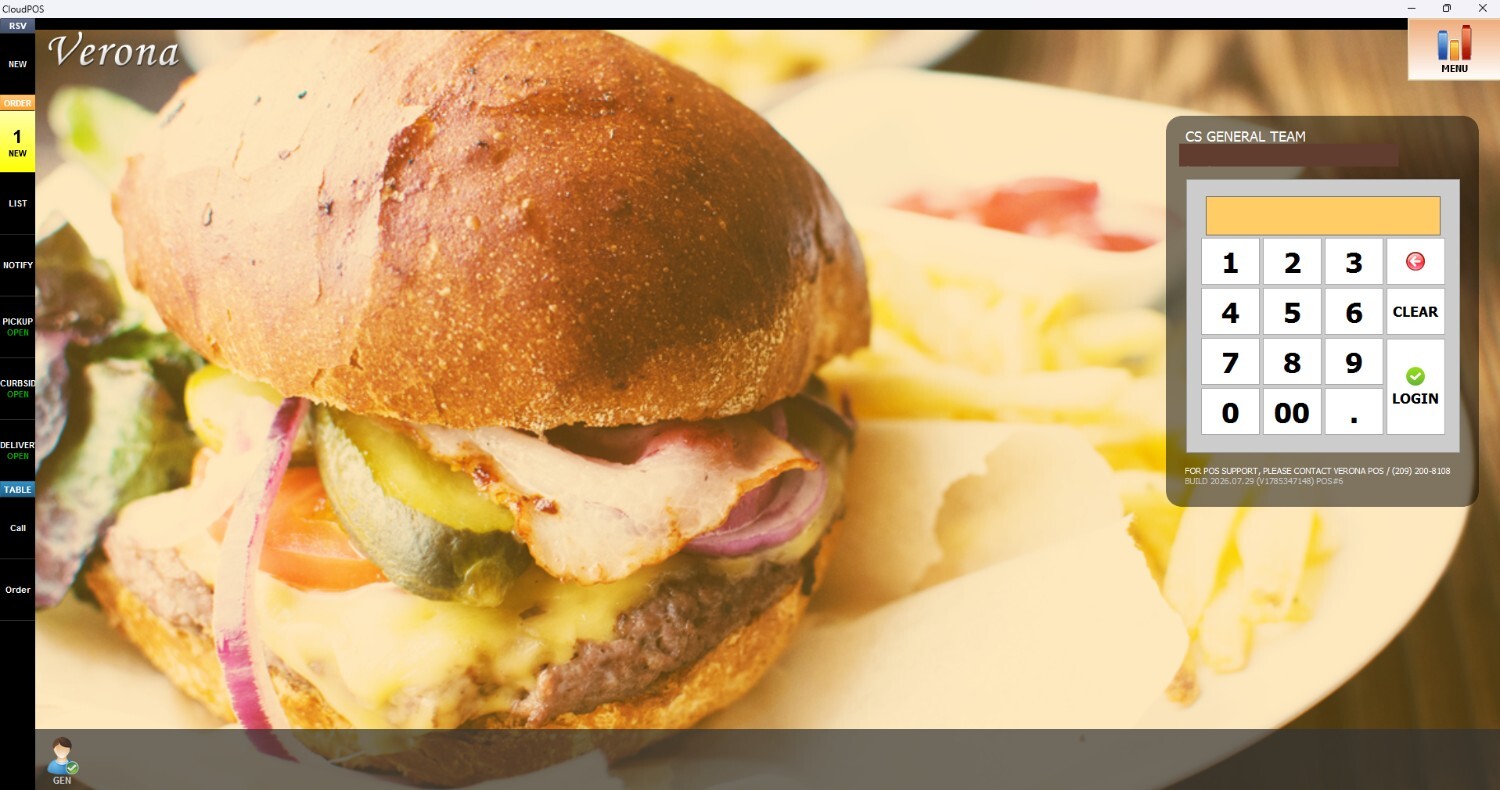
From the Main Screen, click on the number pad and input the assigned personal password to log in.
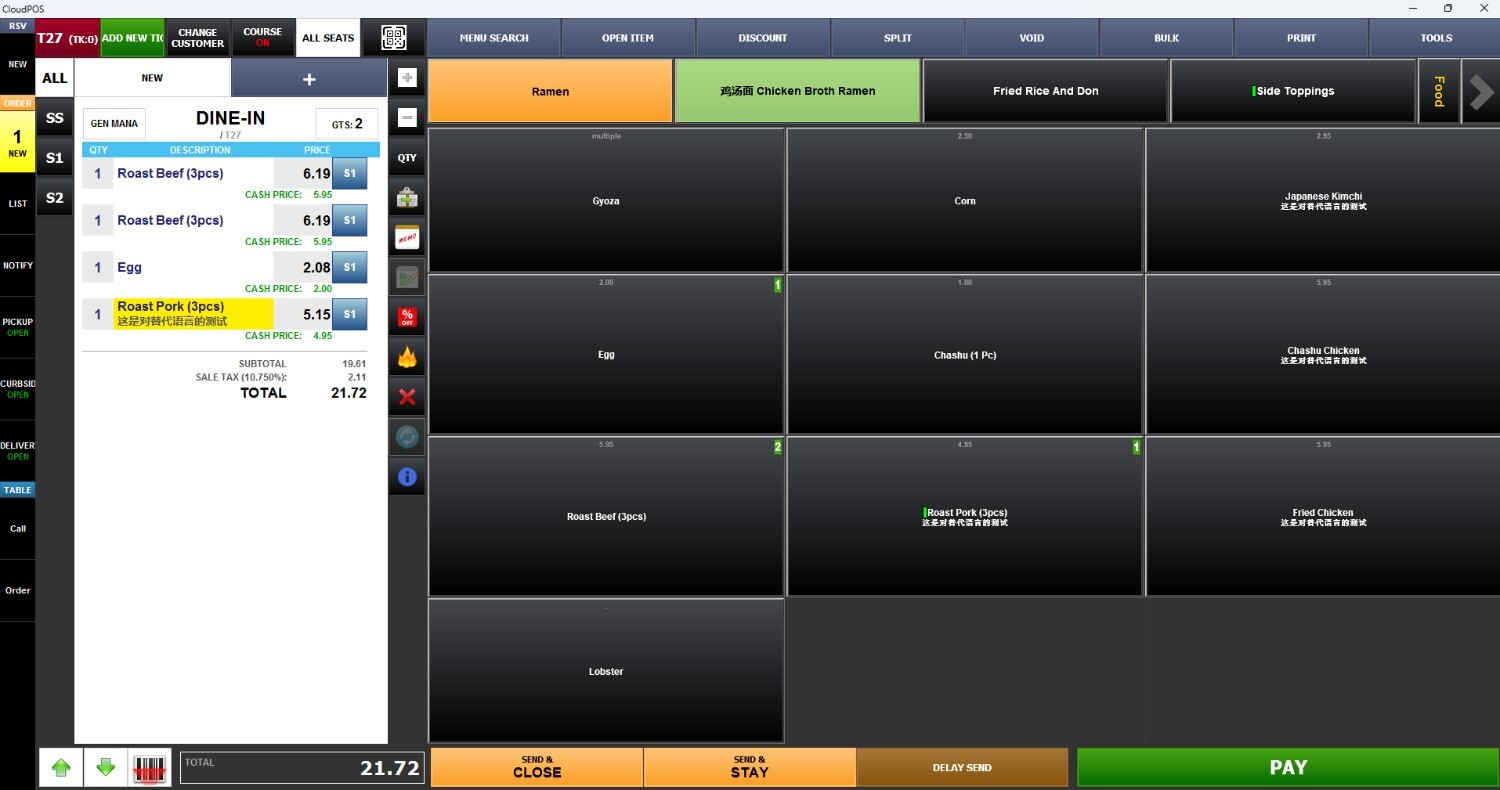
Ring up an item on the Sales Screen and press PAY
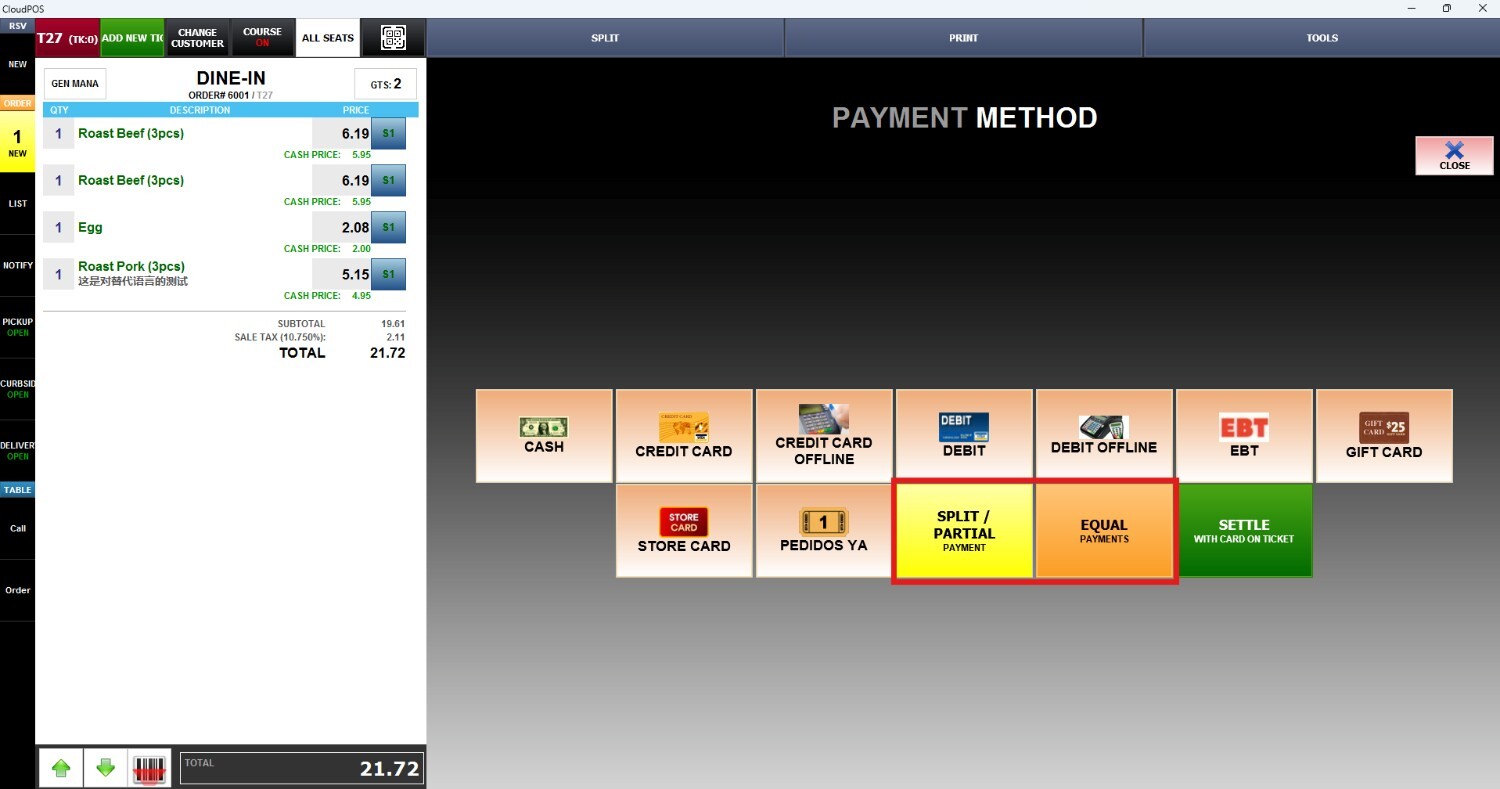
We have two options on this screen. SPLIT/PARTIAL and EQUAL
SPLIT/PARTIAL
With Split/Partial select how much of the total amount the customer is going to pay with one payment method. The remaining balance is going to appear, and allows to select a different payment option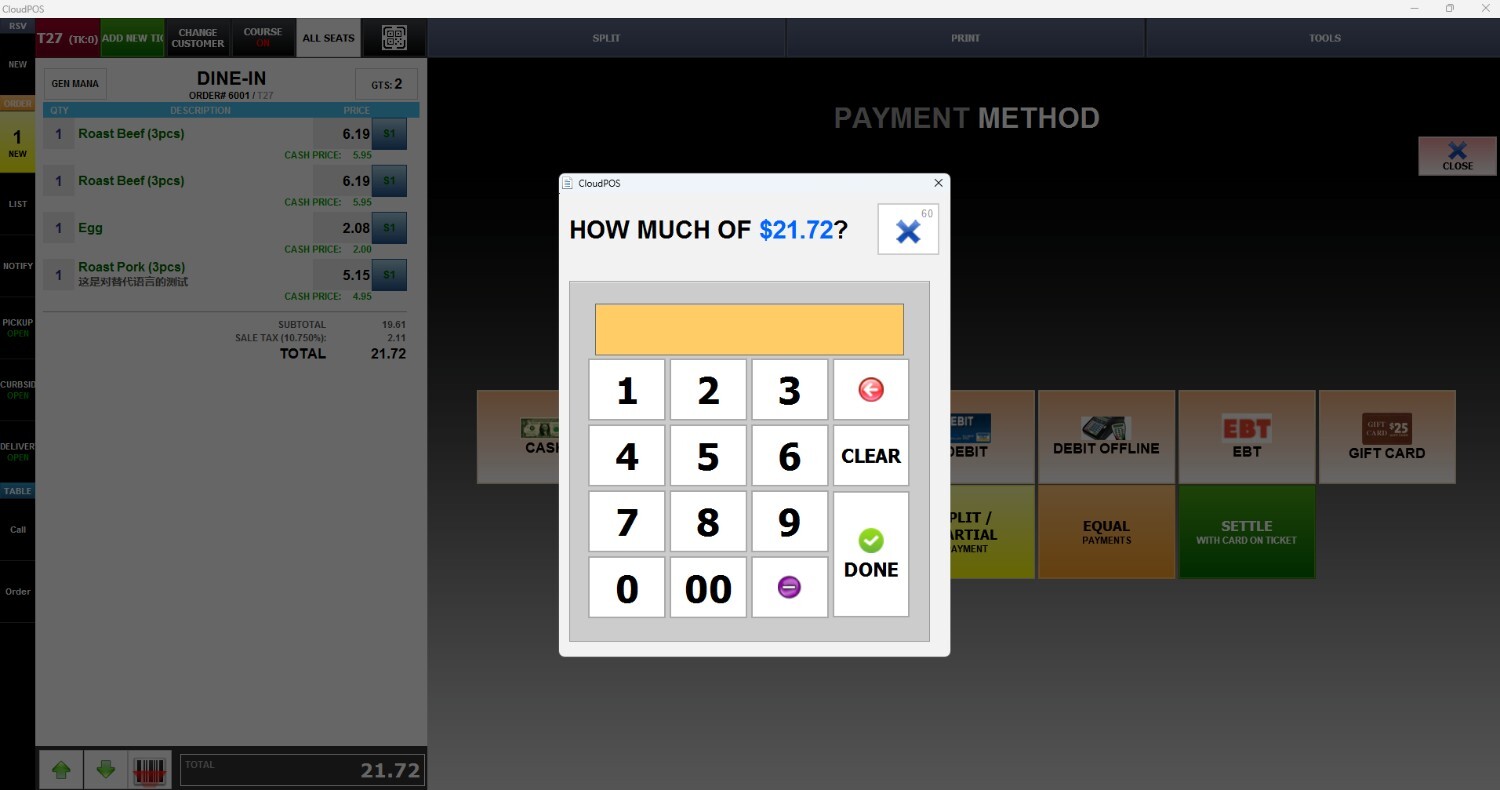
EQUAL
With Equal, select how many parts the payment is going to be split into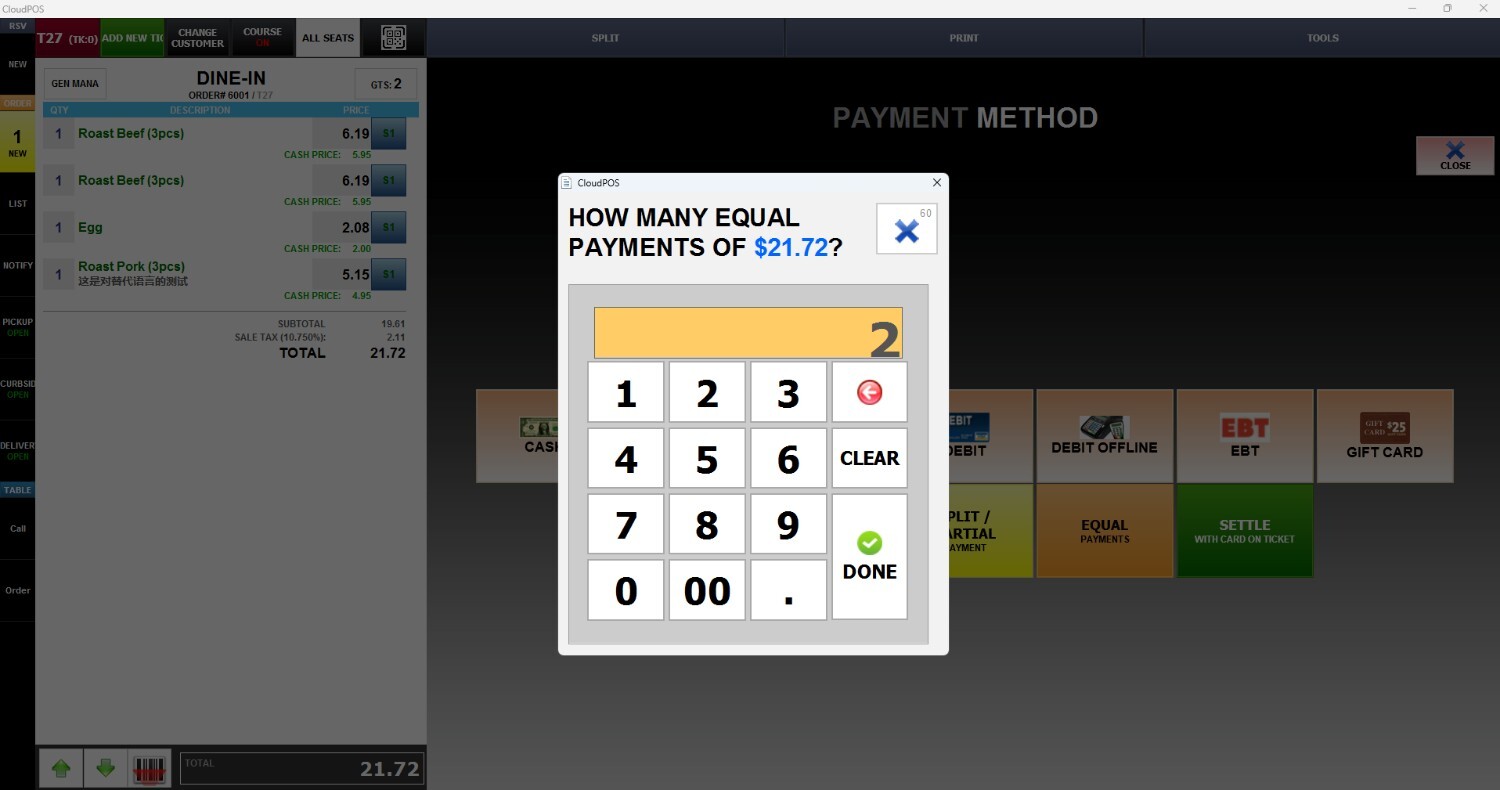
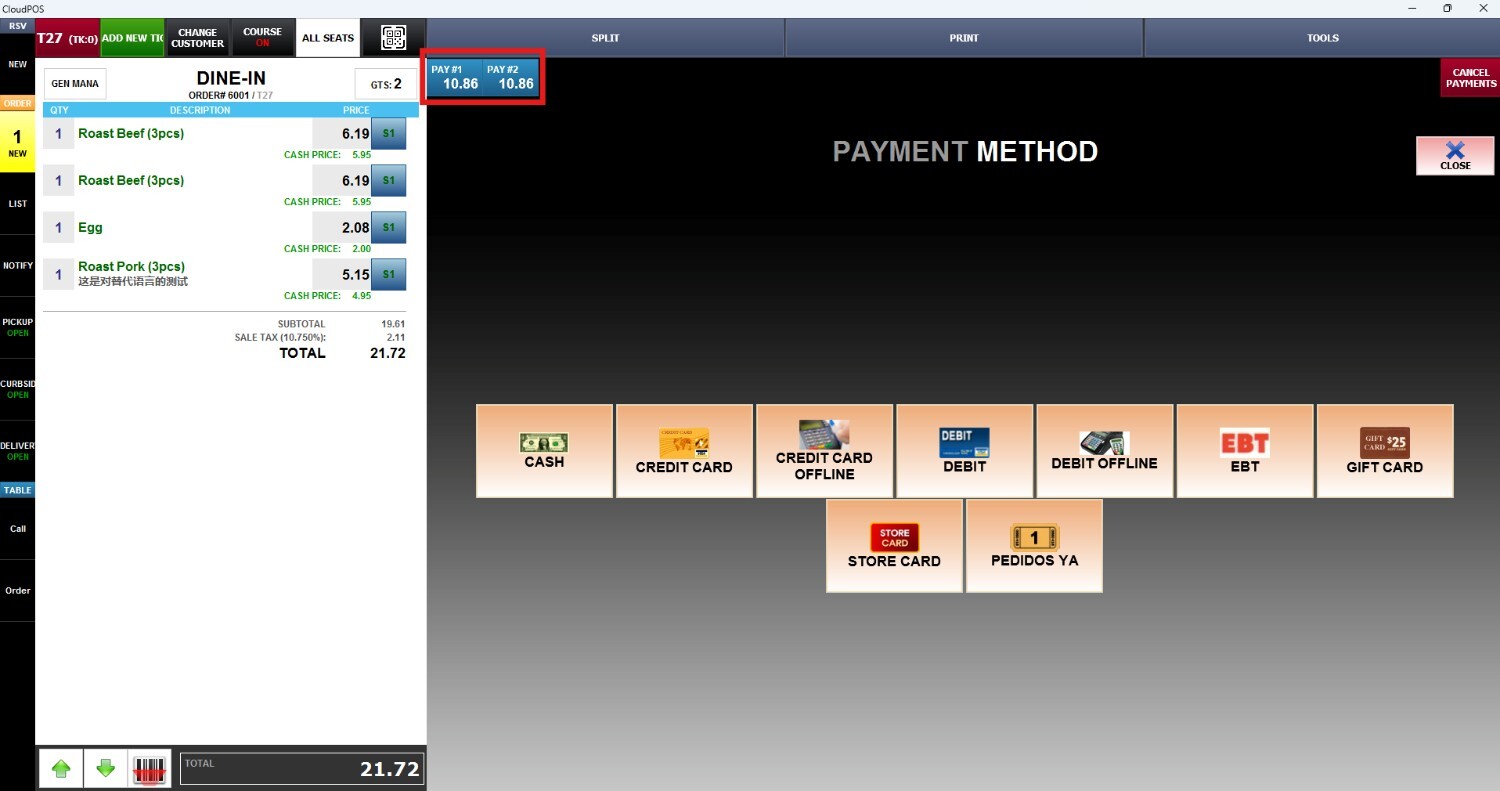
As a result, the split tickets will appear at the top of the screen. Once the ticket is paid, it will disappear from the list