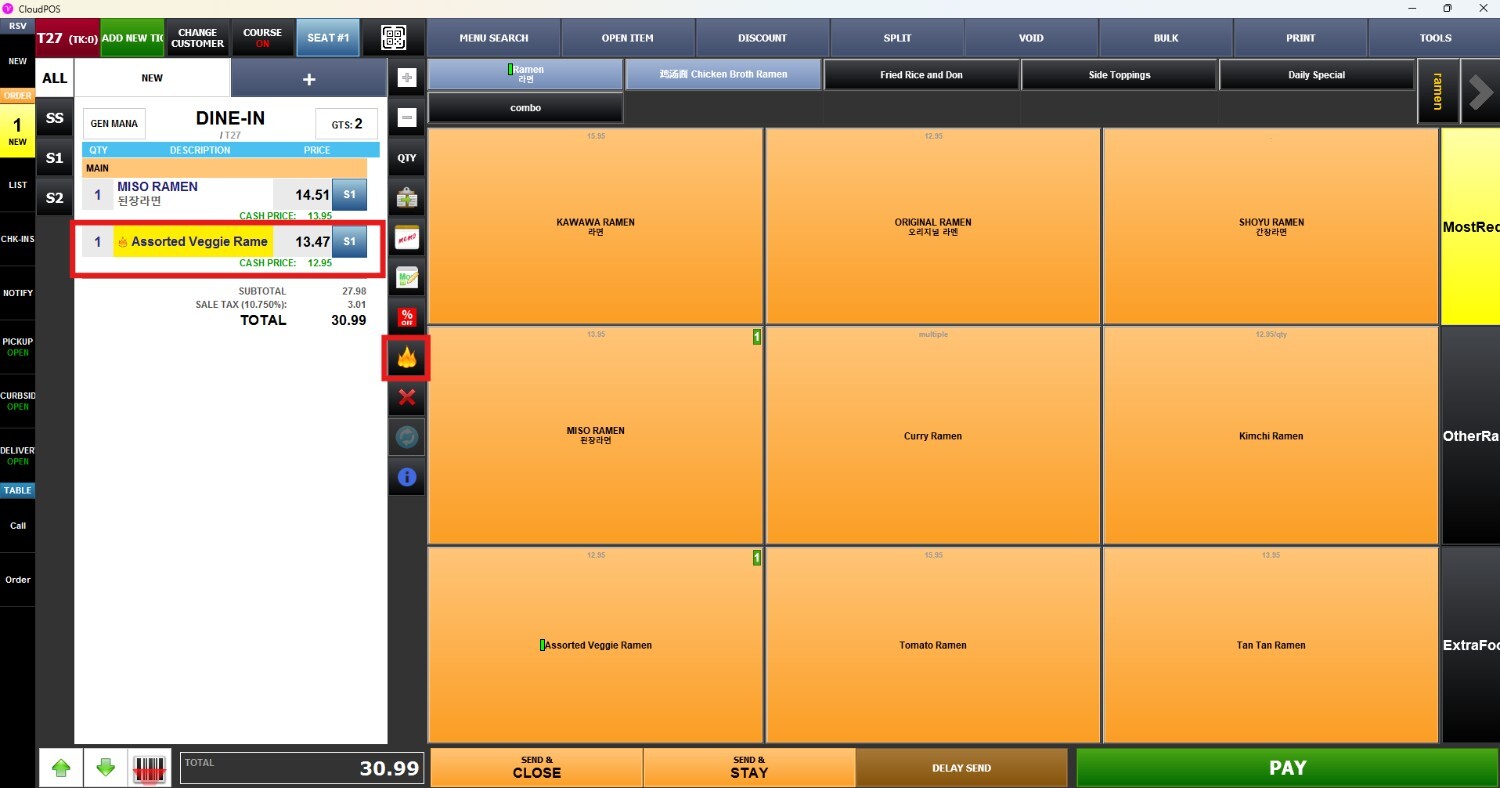
Rush Item
This function allows staff to prioritize specific items before sending the order to the kitchen. This helps kitchen staff quickly identify items that require immediate or faster preparation during service.
Main Screen > Number Pad > Sales Screen > MENU
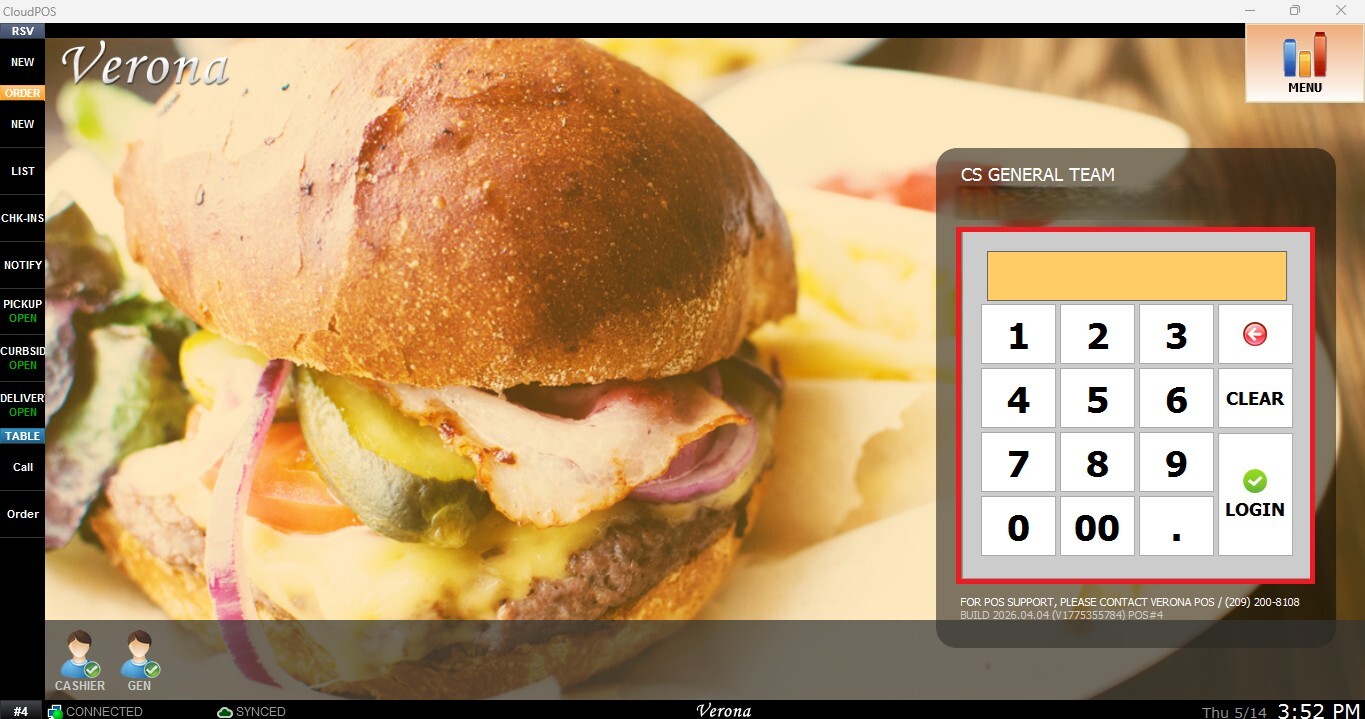
From the Main Screen, use the number pad to enter the assigned personal password and log in.
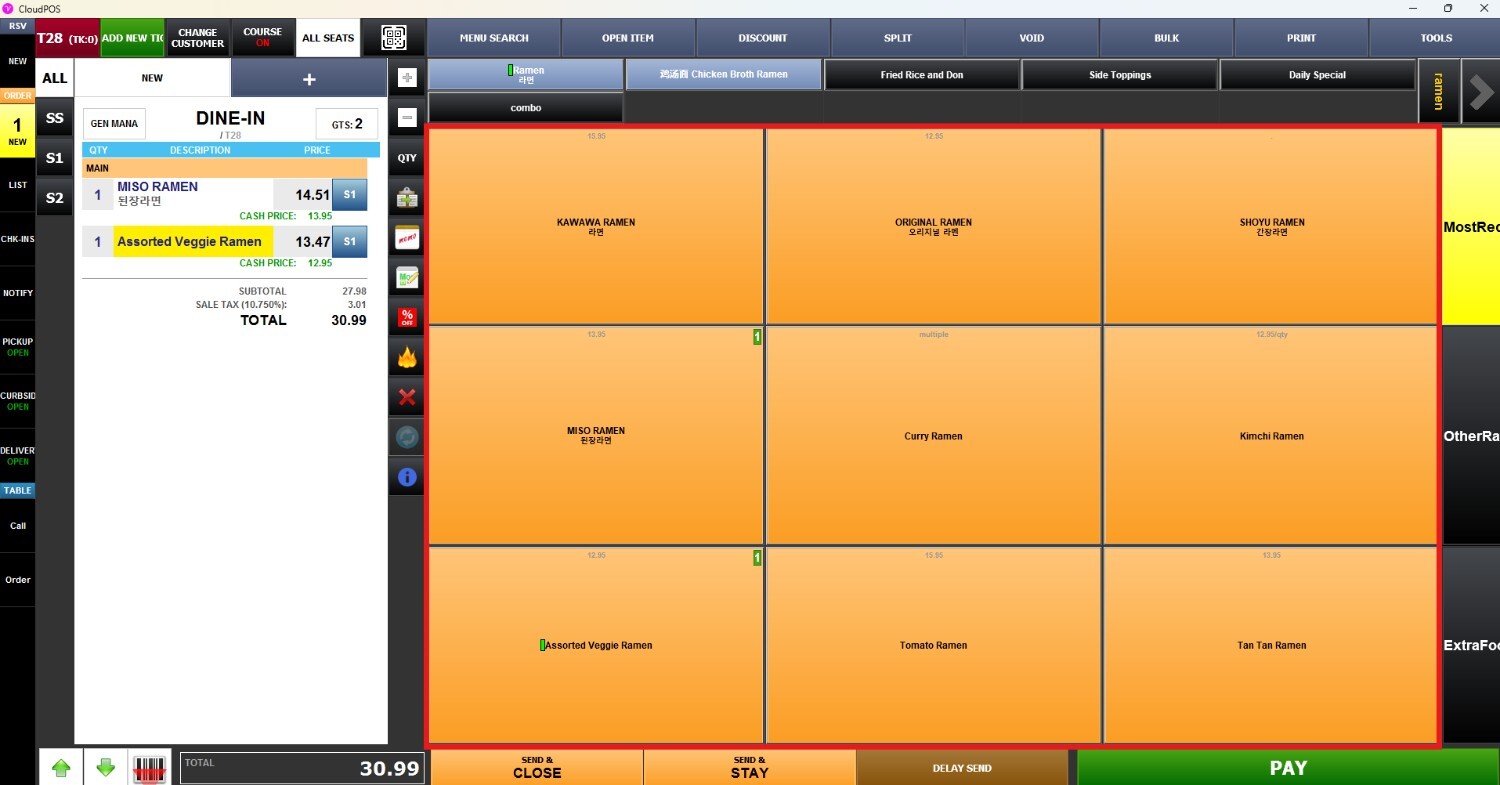
Ring up the desired items on the Sales Screen.
Press the Fire button on the item you want to prioritize.
The Fire indicator will appear at the beginning of the item name and will also print on the kitchen receipt, allowing kitchen staff to identify the item as a priority order.