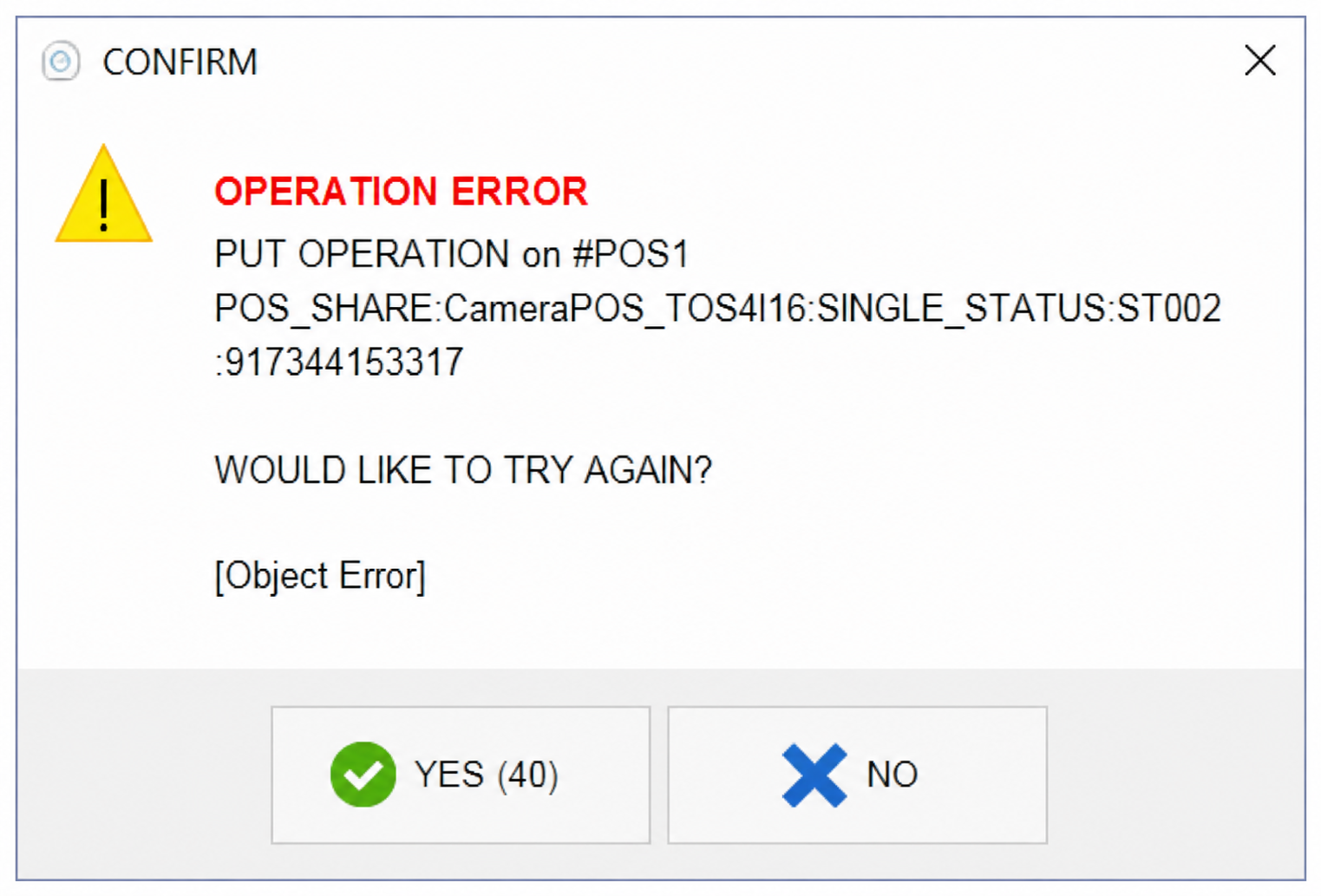
Operation Error
The OPERATION ERROR message usually indicates that the primary POS terminal (POS 1) has lost communication with one or more devices on the network. This is commonly caused by a temporary internet or network connectivity issue.

RESTART ALL DEVICES
Restart the following devices in this order:
1. Restart the modem and/or router.
2. Restart all POS terminals.
3. Restart any connected payment terminals or network devices, if applicable.
After all devices have restarted and the network connection has been restored, launch Verona POS again and verify that the error no longer appears.
If the problem persists after restarting all devices, verify that POS 1 has a stable network connection and can communicate with the other POS terminals.