Category Item Modifier
This report provides a breakdown of sales by Category, Item, and Modifier. It displays the category name, item name, modifier name, alternate name, quantity sold, and total sales for each level, making it easier to analyze product-modifier performance.
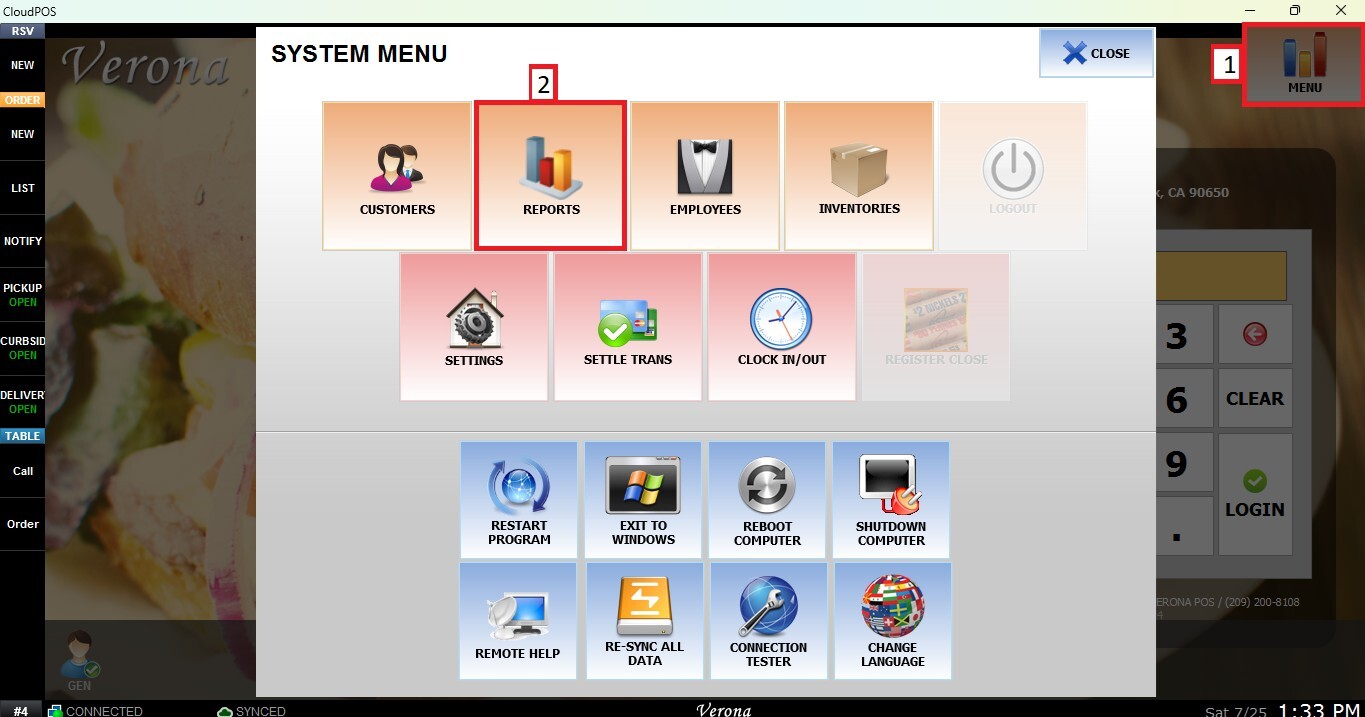
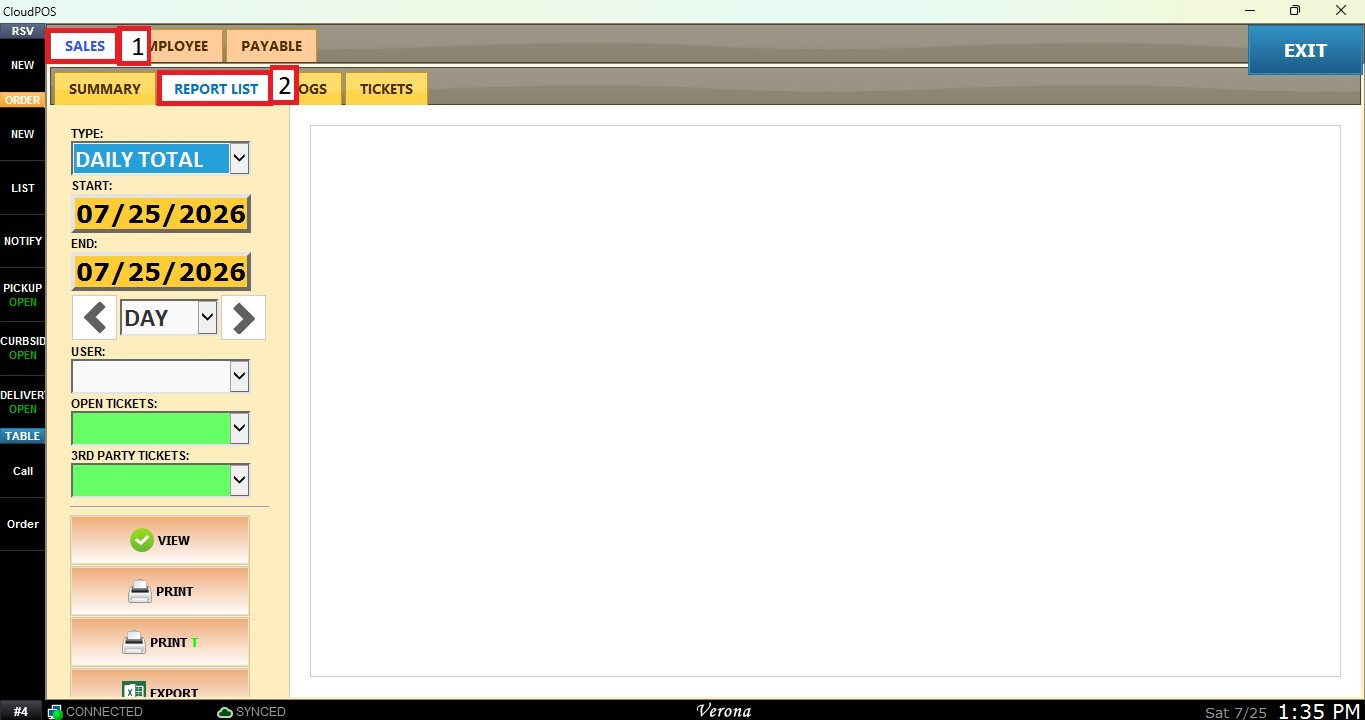
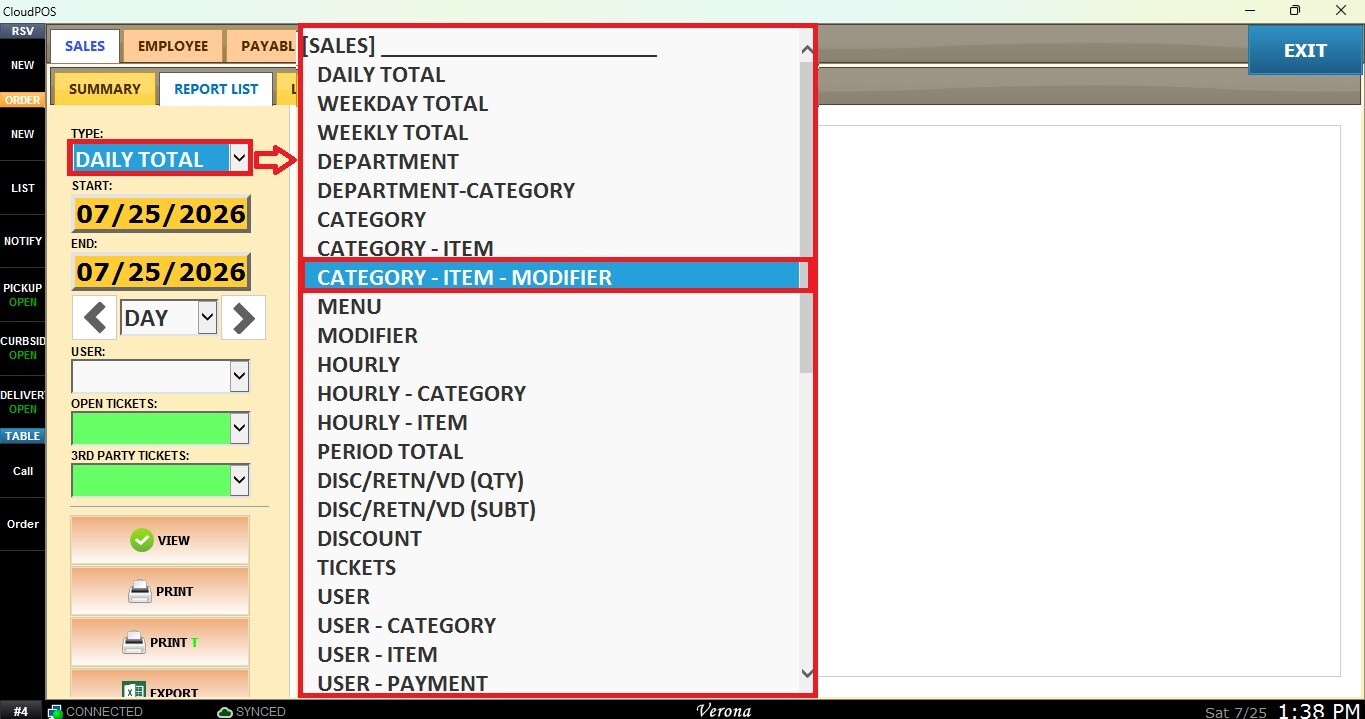
Main Screen > MENU > REPORTS > REPORT LIST > TYPE (Dropdown Menu) > Category Item Modifier
From the Main Screen, click MENU, then select REPORTS.
Under the SALES tab and select REPORT LIST.
From the TYPE dropdown menu, select CATEGORY-ITEM-MODIFIER.
Filters
Use the panel on the right side to customize how the report is displayed.
1. Custome Date Range: Allows you to review sales within a specific date range.
Click the START field to select the beginning date.
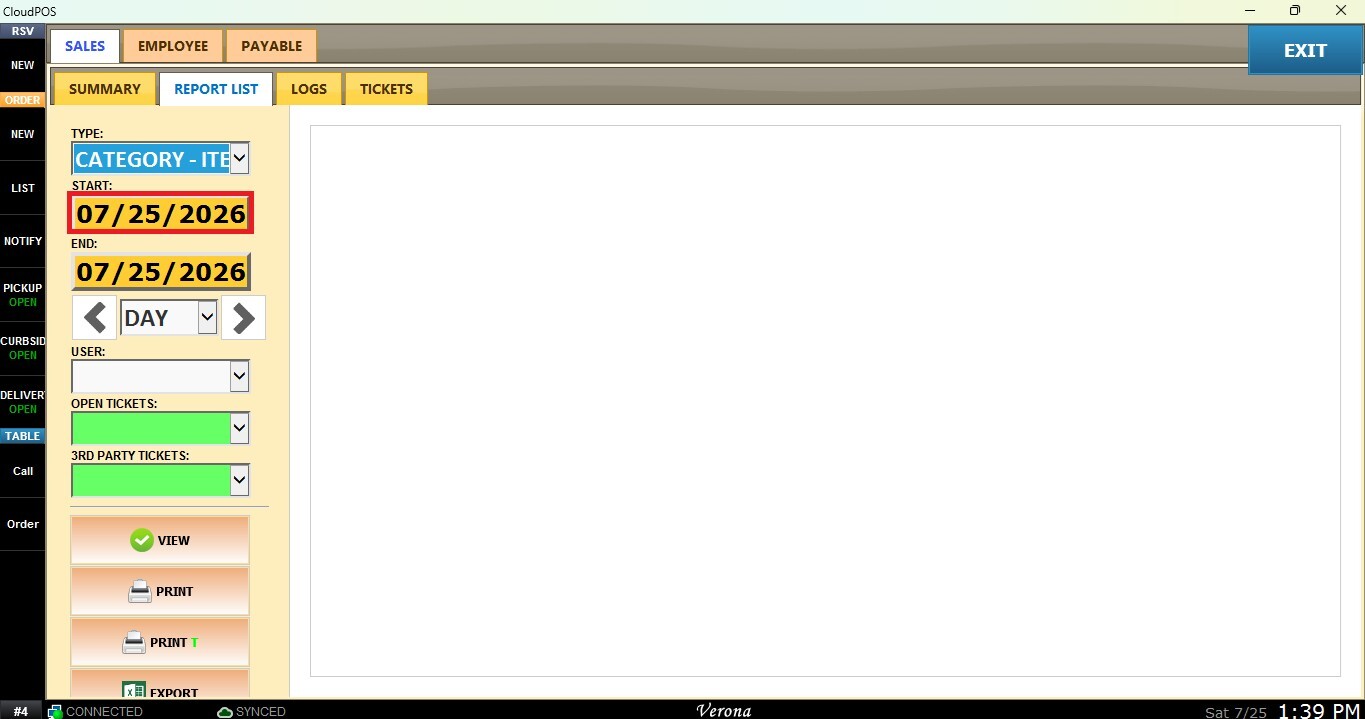
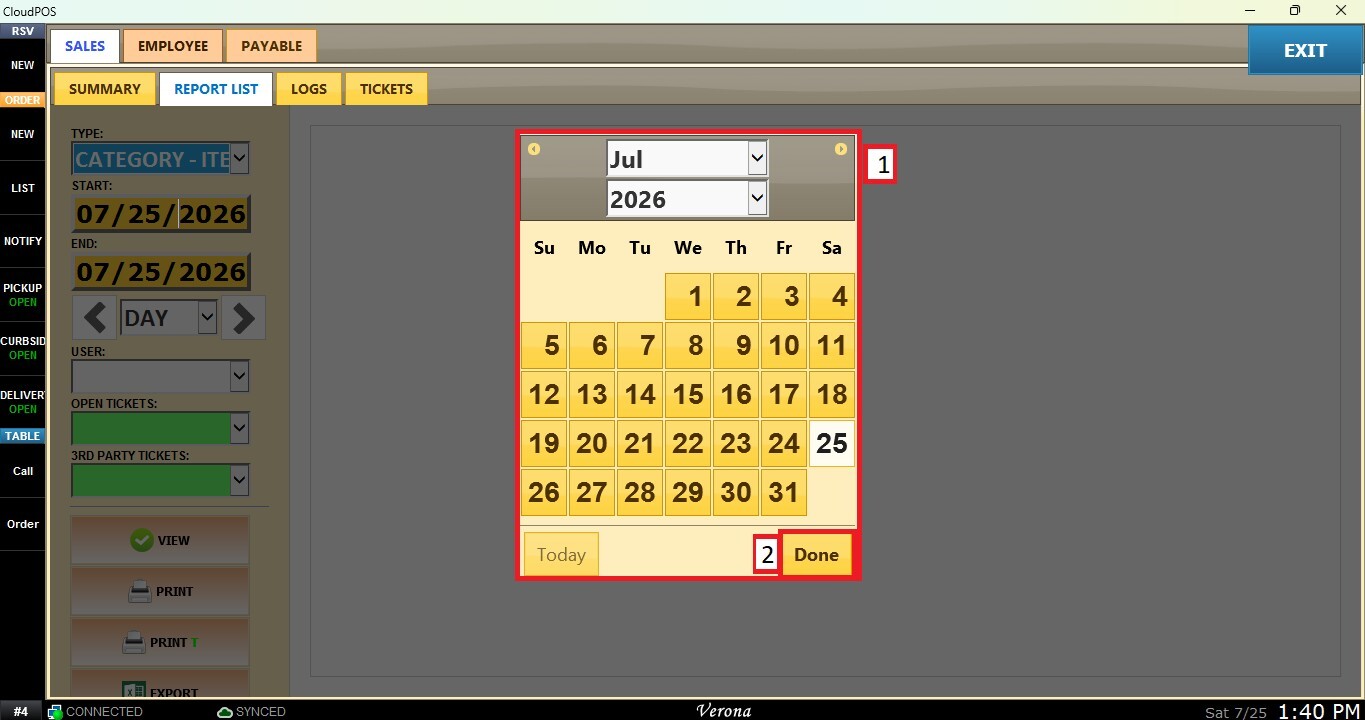
A calendar window will appear. Select the desired day, month, and year, then click DONE.
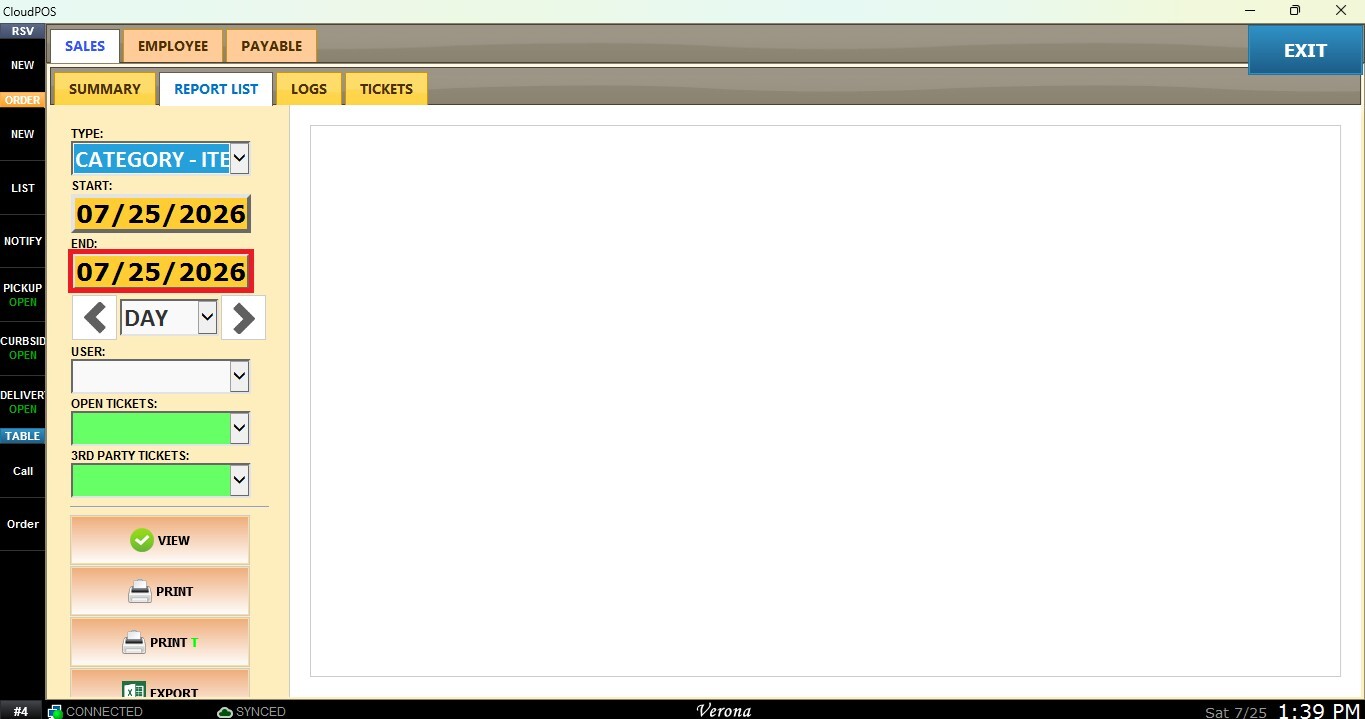
Repeat the same process using the END field to select the ending date.
2. Time Frame Filter: Allows quick filtering by predefined periods such as Day, Week, Month, Quarter, or Year. Select the desired time frame from the dropdown.
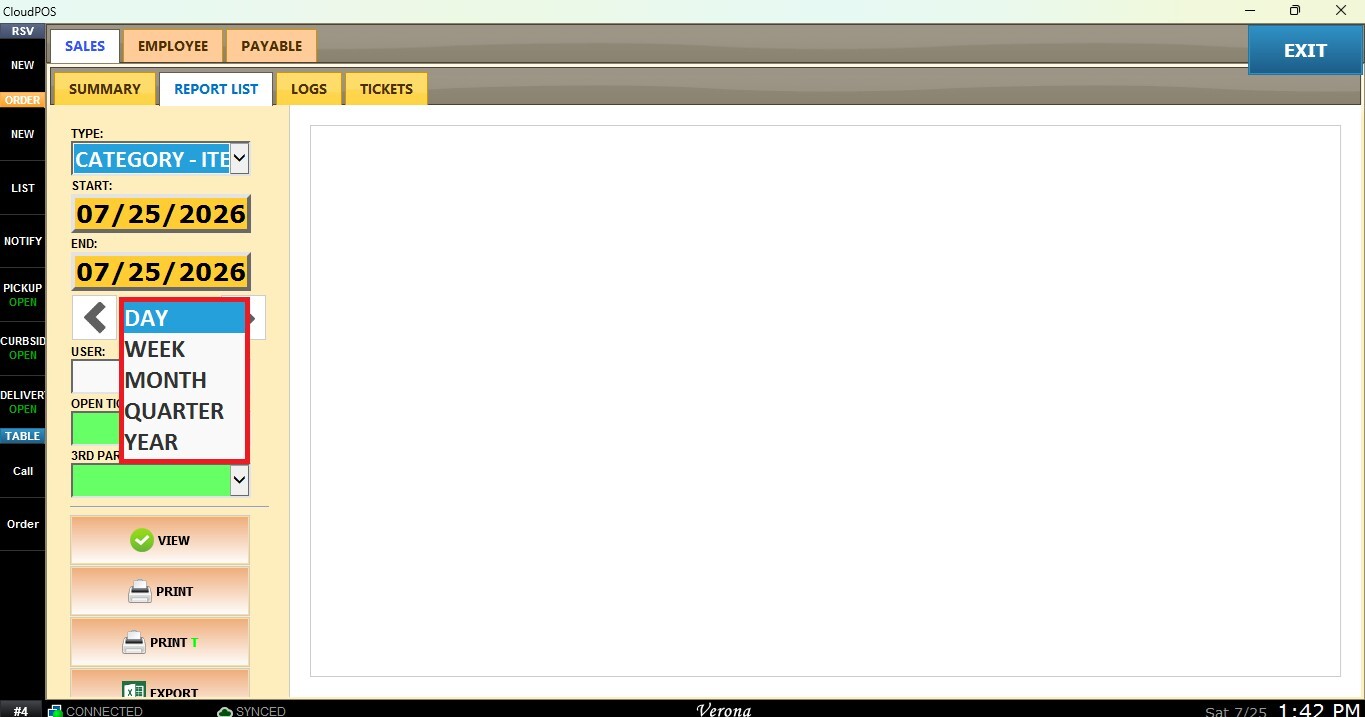
Use the navigation arrows to move forward or backward through the selected periods.
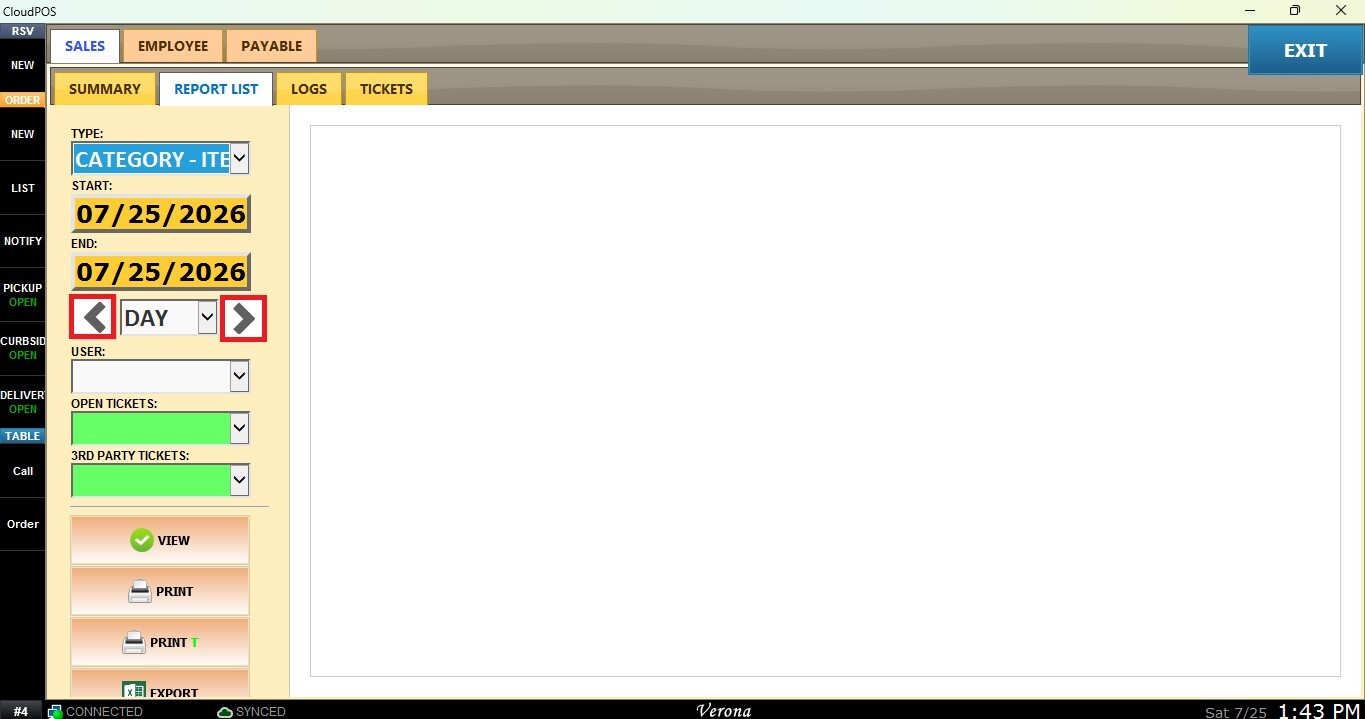
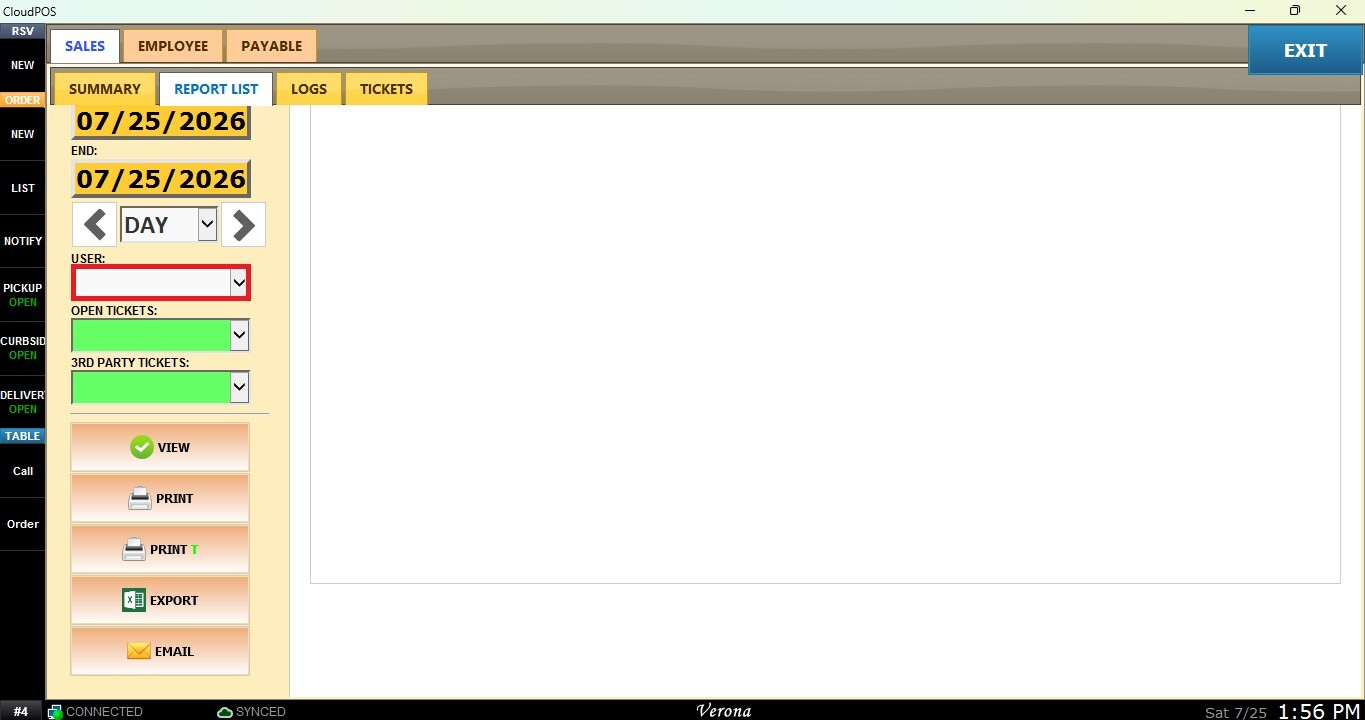
3. User (employee) Filter: Displays sales linked to a specific staff member.
Click the USER field and choose the employee.
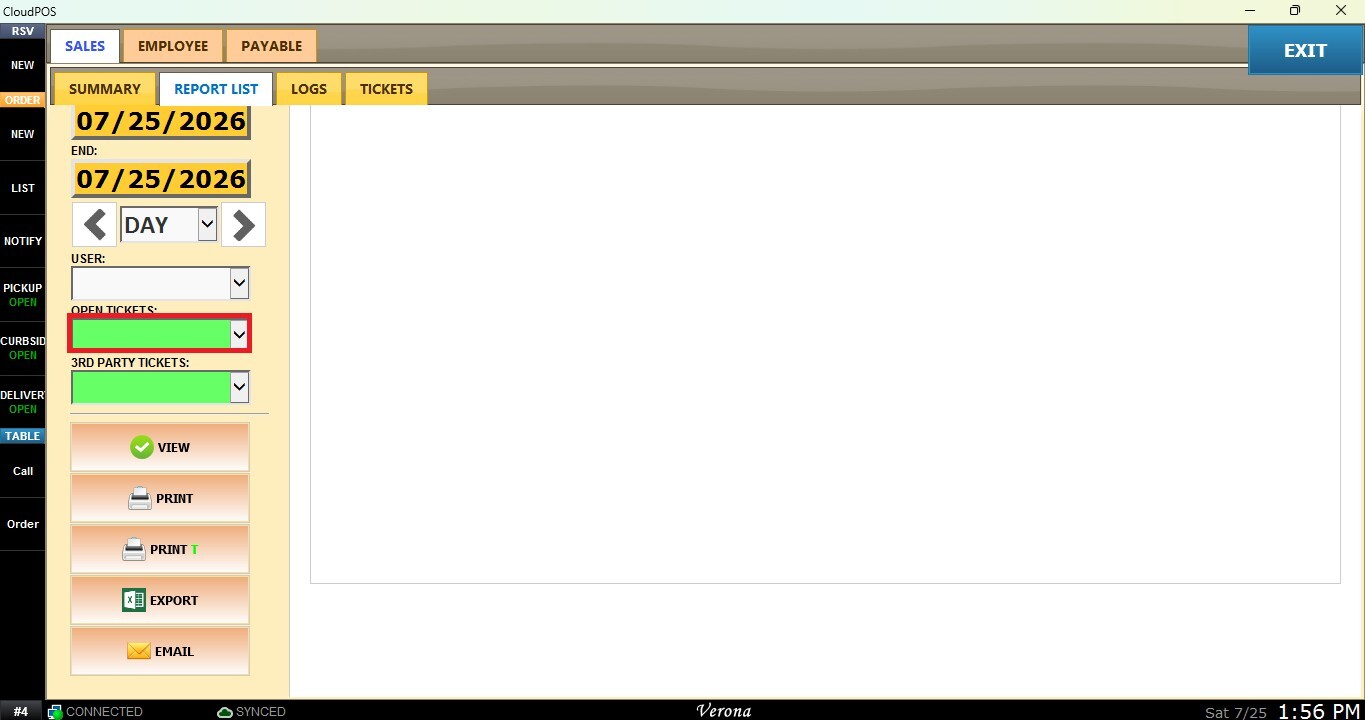
4. Open Tickets Filter: Allows you to filter the report based on the ticket status. Select YES to display only open tickets, or leave the field empty to include all tickets regardless of their status.
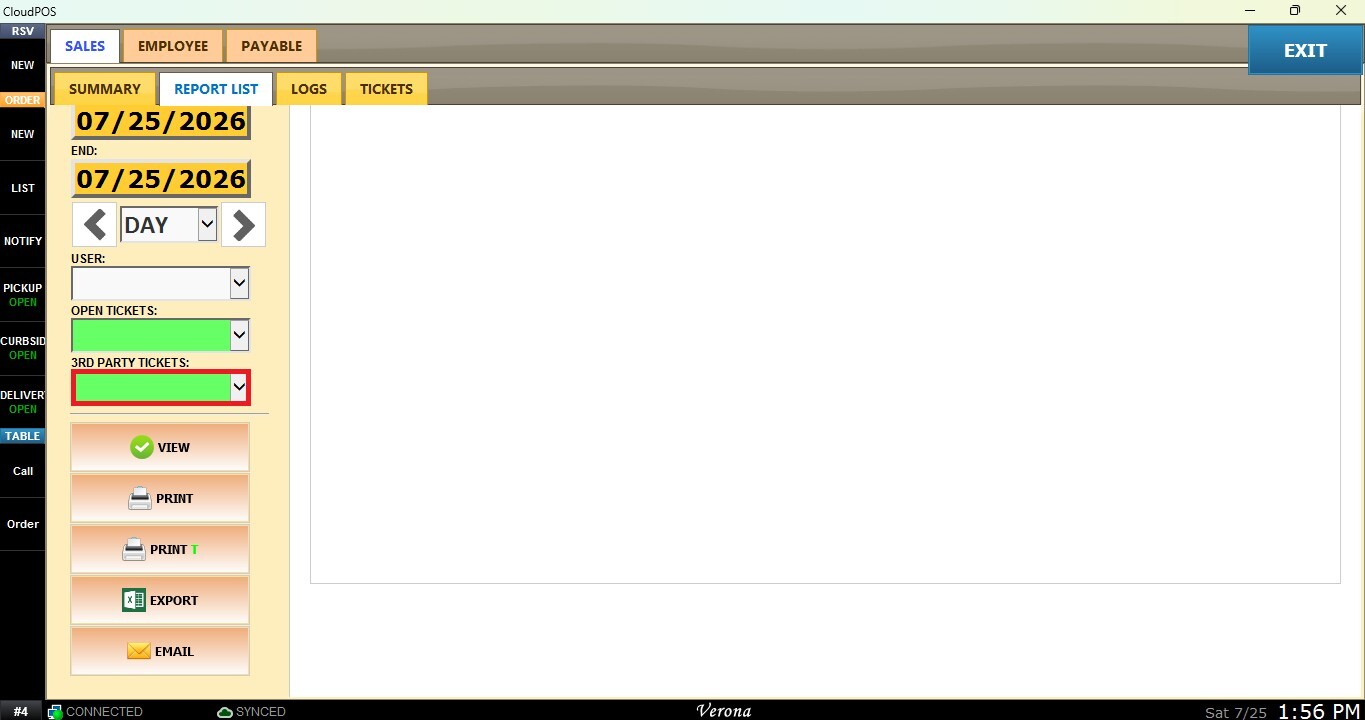
5. 3rd Party Tickets Filter: Allows you to filter the report by third-party orders. Select YES to display only third-party tickets, or leave the field empty to include all tickets.
View
After configuring the desired filters, click VIEW to refresh the report.
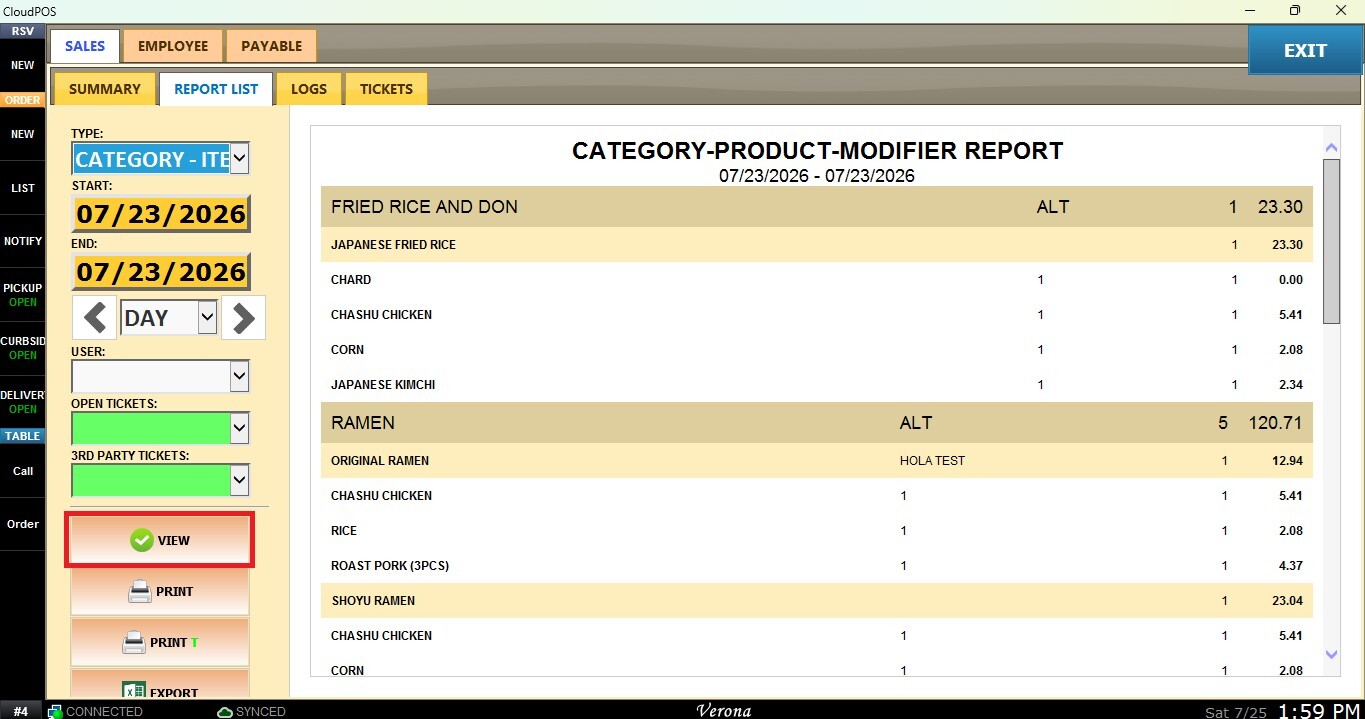
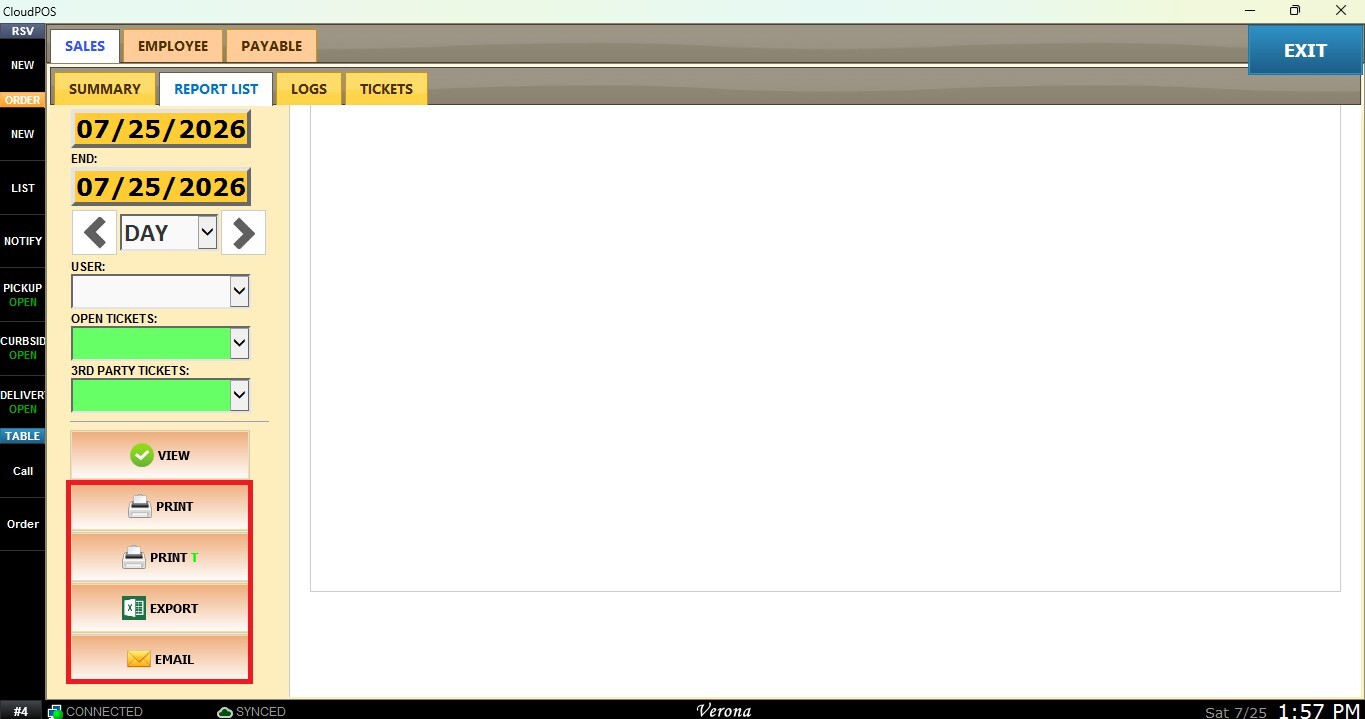
You may also choose to PRINT, EXPORT or EMAIL the report currently being displayed.