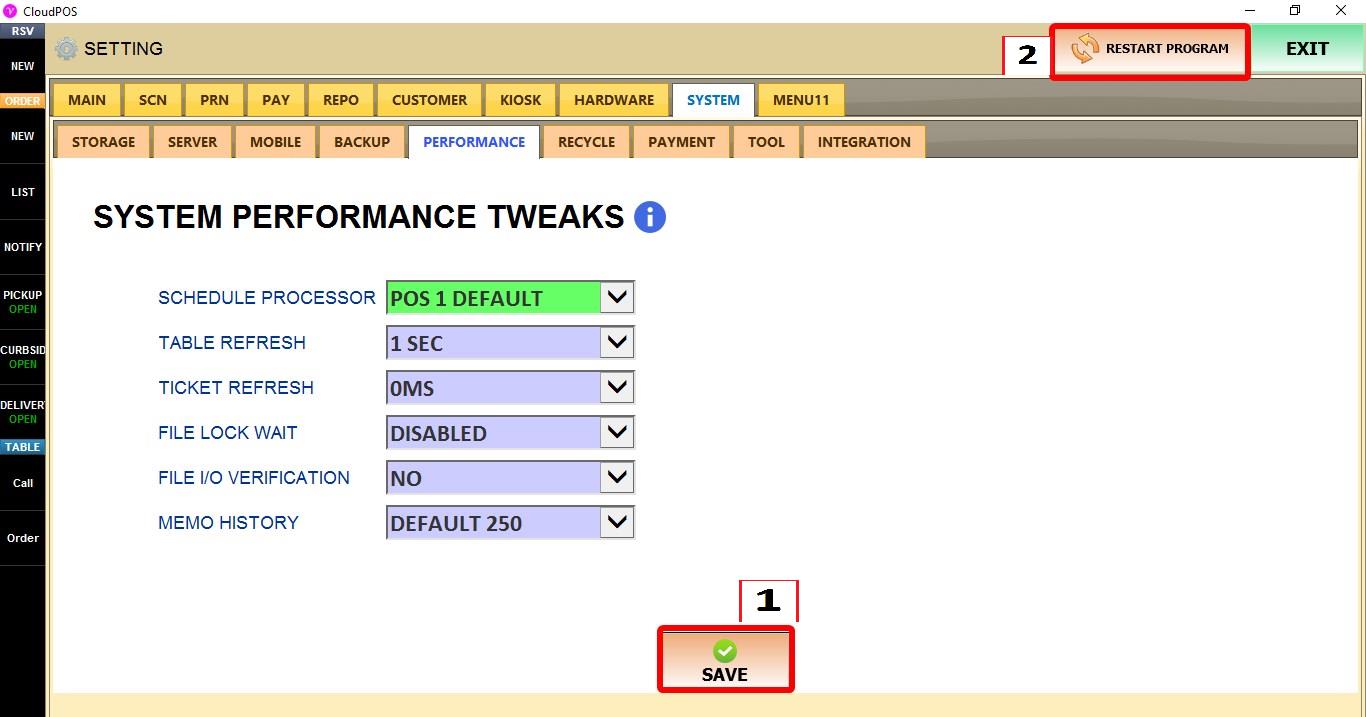
Performance
The PERFORMANCE settings control how the POS handles scheduled tasks, refresh intervals, file access, and stored memo history.
MENU > SETTINGS > SYSTEM > PERFORMANCE
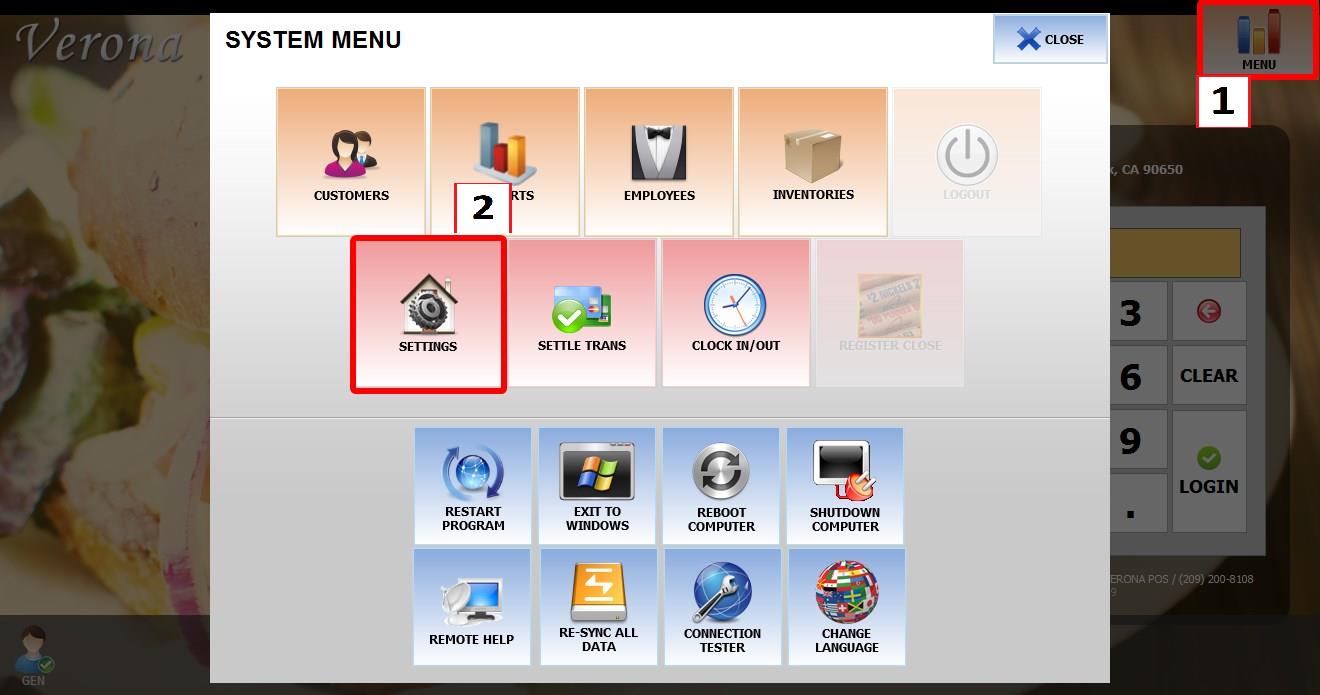
From the MAIN SCREEN, click MENU, then select SETTINGS.
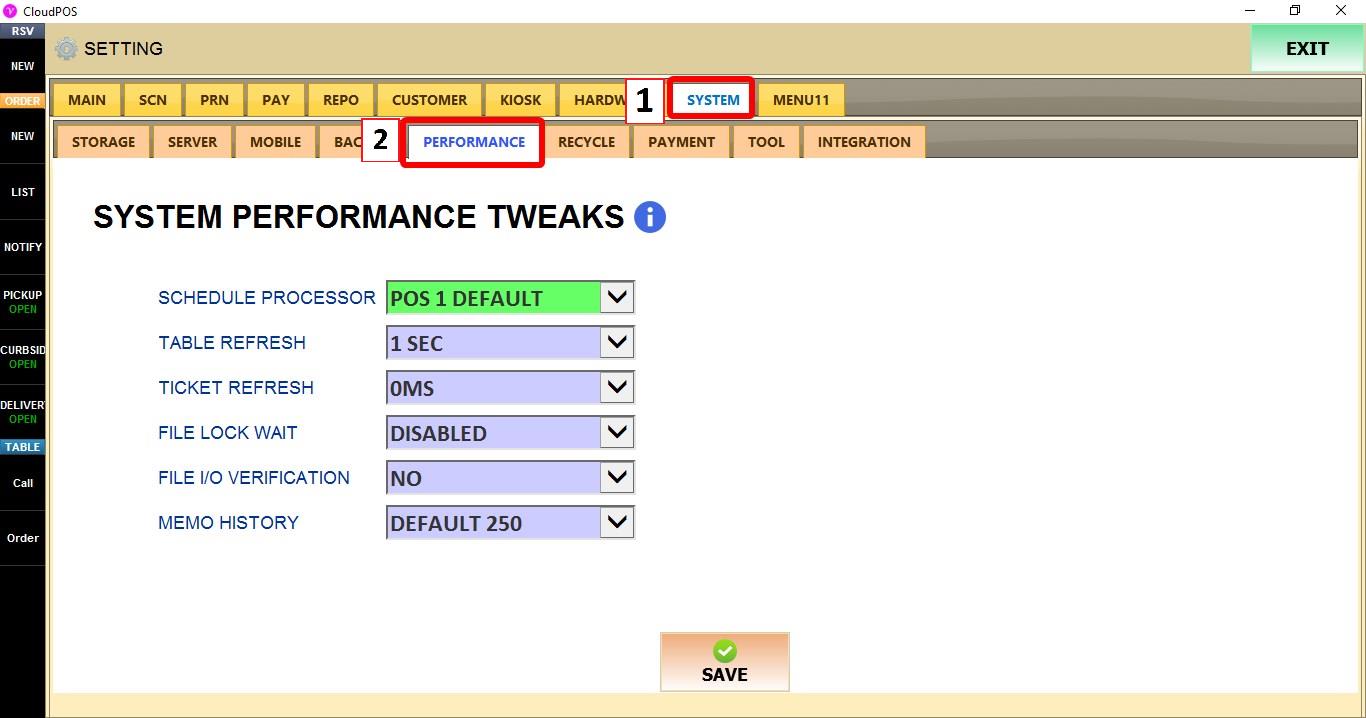
Go to SYSTEM > PERFORMANCE.
SCHEDULE PROCESSOR
Selects which POS terminal handles scheduled background processes.
1. DEFAULT: Uses the system default processor.
2. ANY AVAILABLE: Allows any available POS terminal to handle scheduled processes.
3. POS 1 - POS 5: Assigns scheduled processes to the selected POS terminal.
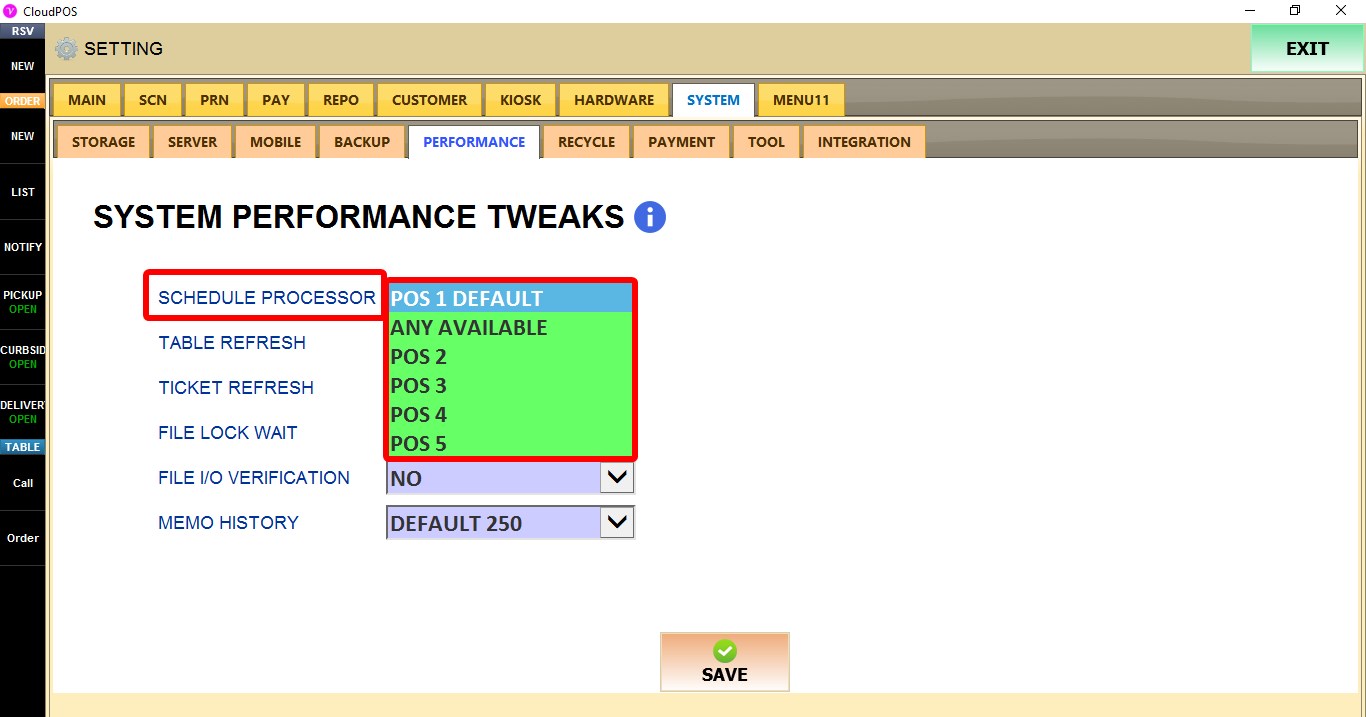
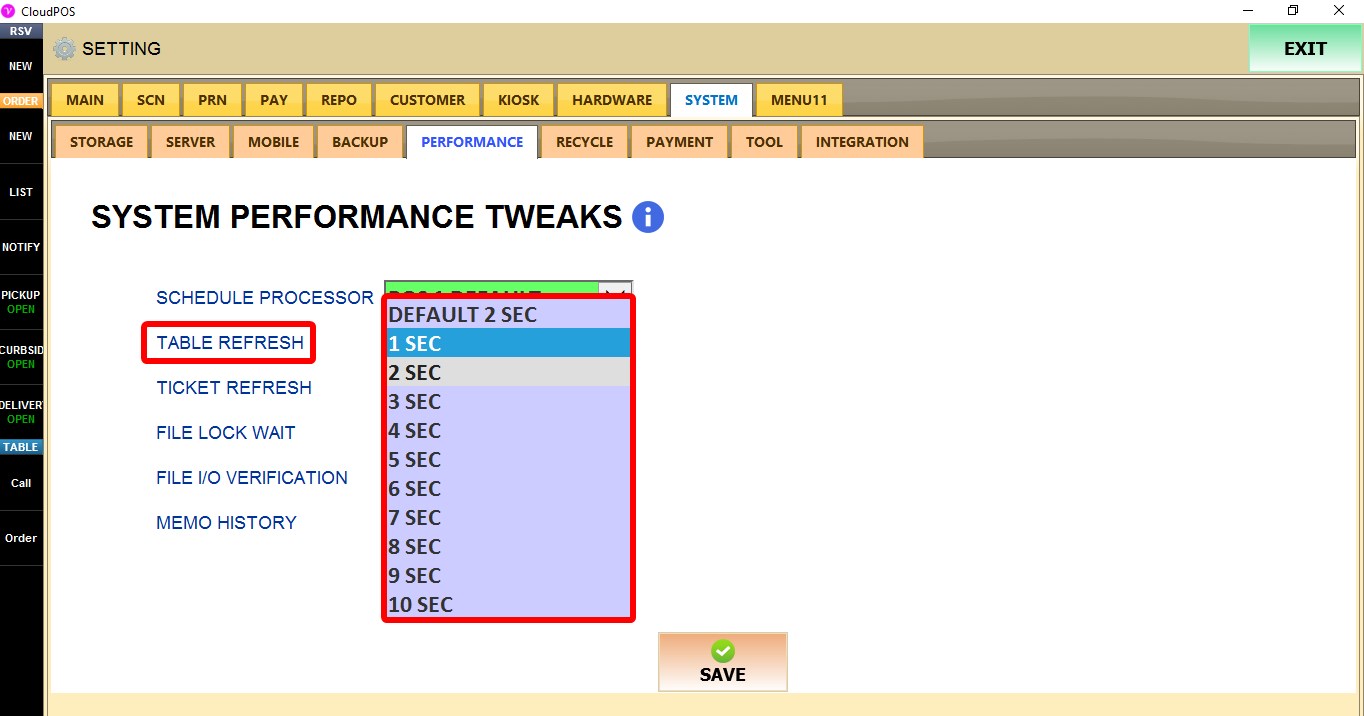
TABLE REFRESH
Controls how often the table screen refreshes to display updated table information.
DEFAULT: Uses the system default refresh interval.
1 SEC - 10 SEC: Refreshes table information at the selected interval.

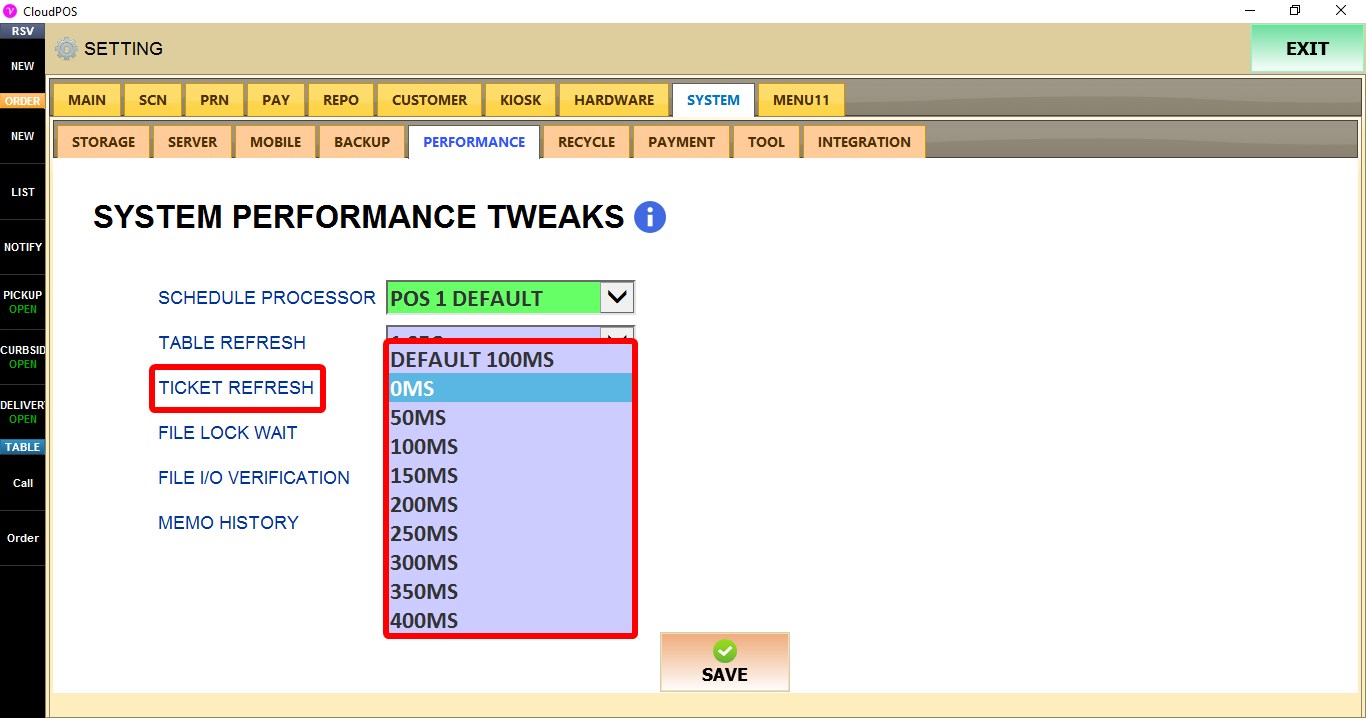
TICKET REFRESH
Controls how often ticket information is refreshed.
DEFAULT: Uses the system default refresh interval.
0MS - 400MS: Refreshes ticket information at the selected interval.

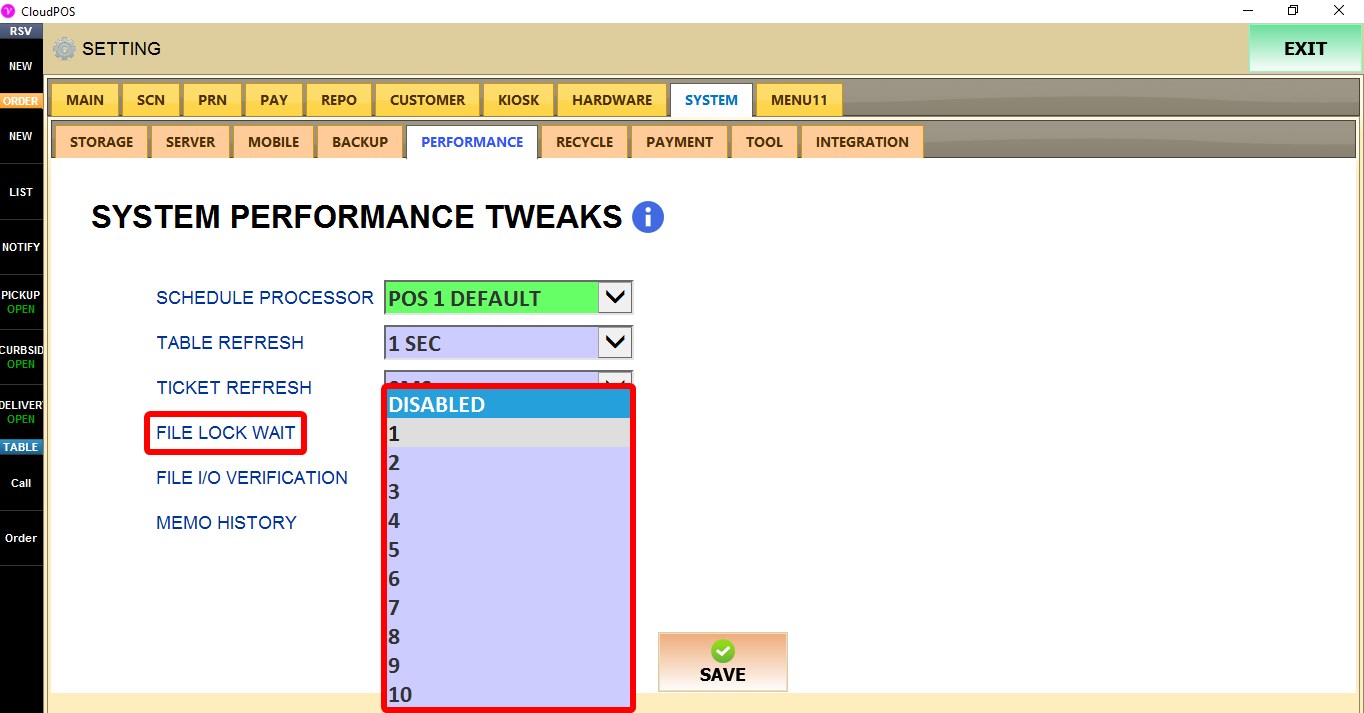
FILE LOCK
Controls how the POS handles files that are currently being accessed by another process or terminal.
1. WAIT: Waits for the file to become available.
2. DISABLED: Disables the file lock wait setting.
3. 1 - 10: Uses the selected wait value before continuing.

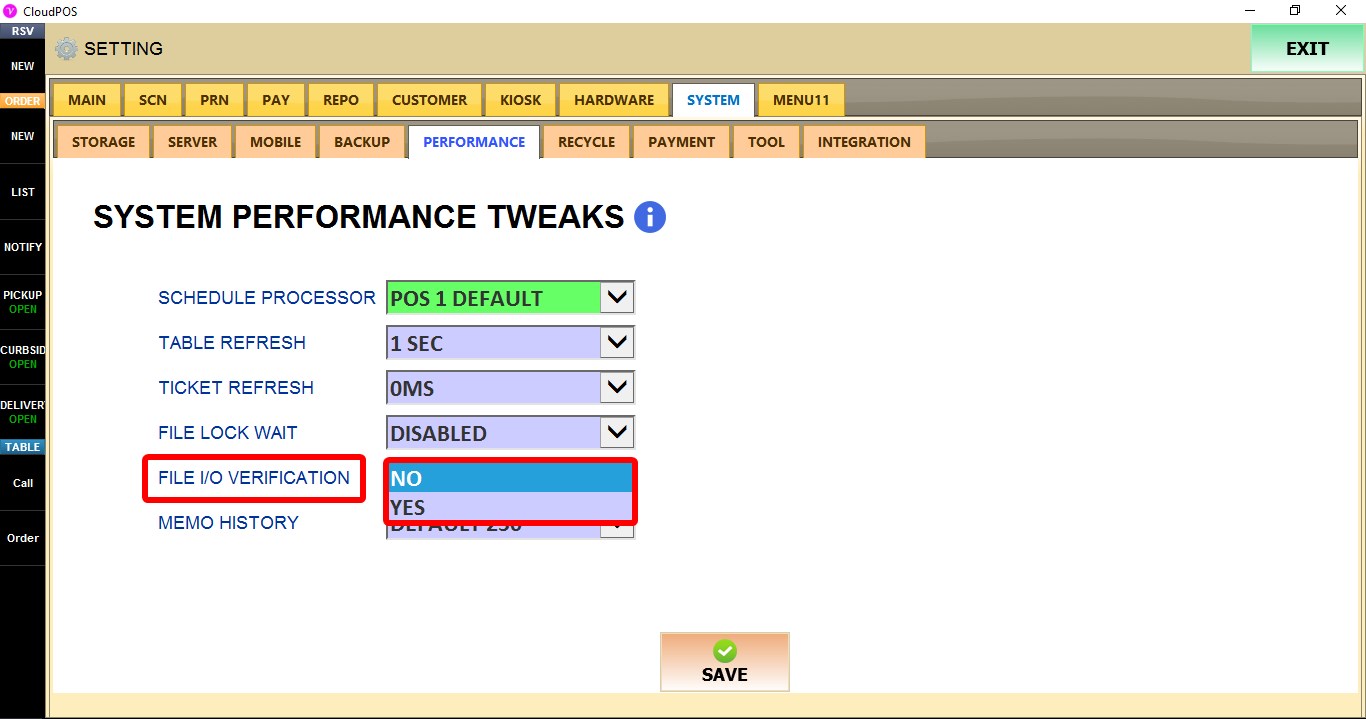
FILE I/O VERIFICATION
Controls whether file input and output operations are verified.
1. NO: Disables file I/O verification.
2. YES: Enables file I/O verification.

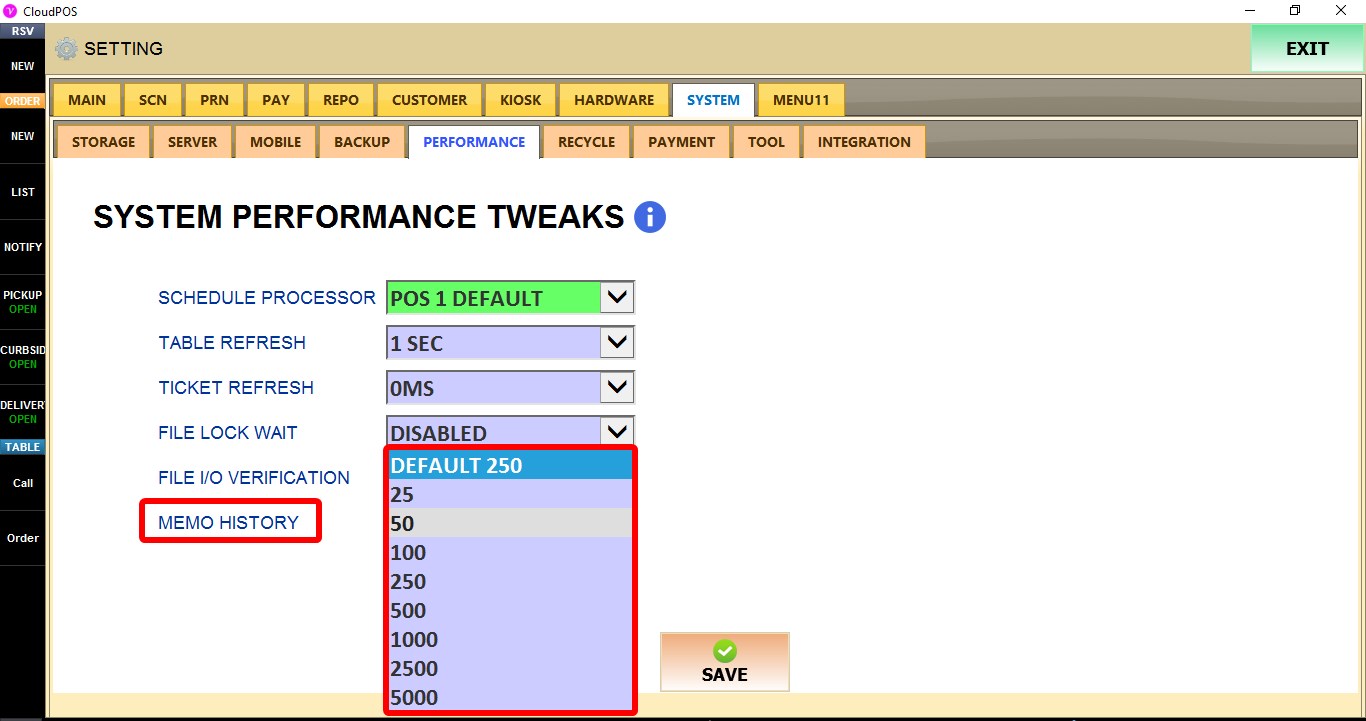
MEMO HISTORY
Controls the amount of memo history retained by the system.
DEFAULT: Uses the system default memo history value.
Available values include 25, 50, 100, 250, 500, 1000, 2500, and 5000.
Click SAVE and restart the program to apply the changes.