Hours Details with cash/pay
The Hours Details with Cash/Pay report displays employee work hours grouped by individual work sessions (clock-in/clock-out records), together with payroll calculations, cash, and tips handled during each session. Use this report to review attendance, employee pay, and cash activity by shift.
MAIN SCREEN > MENU > REPORTS > USER > REPORT LIST
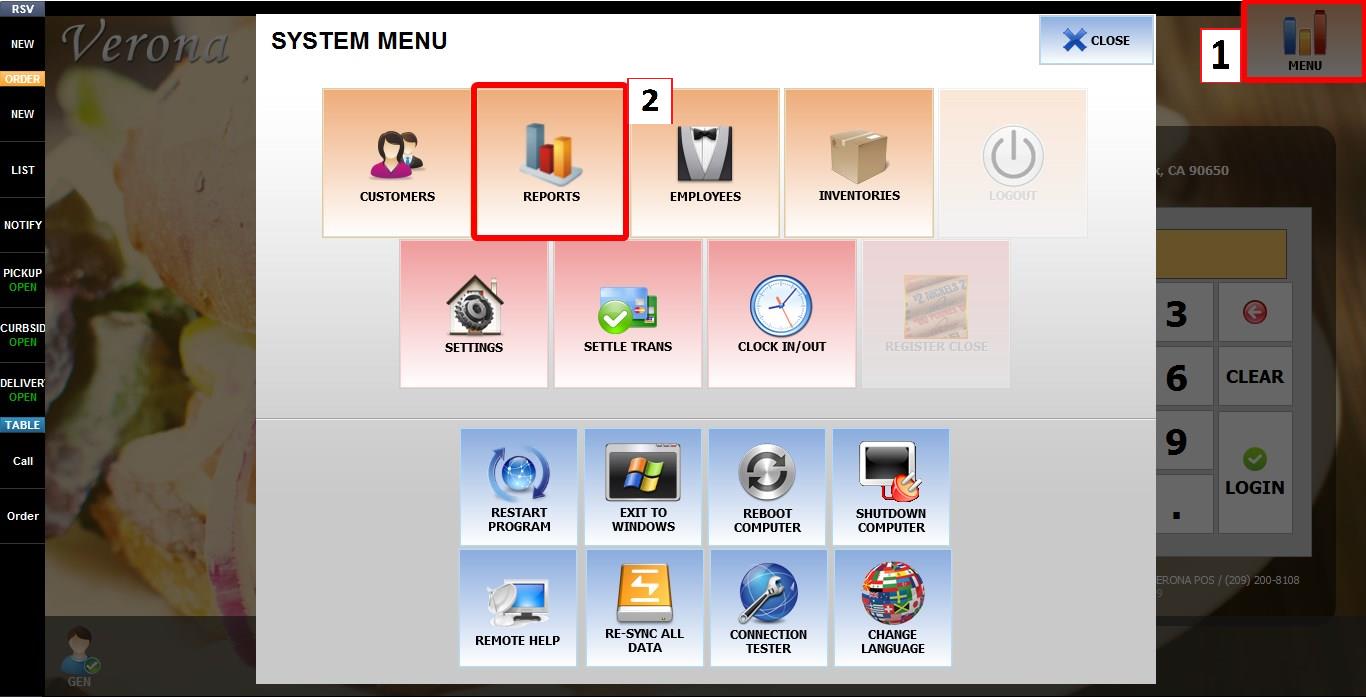
From the MAIN SCREEN, click MENU, then select REPORTS.
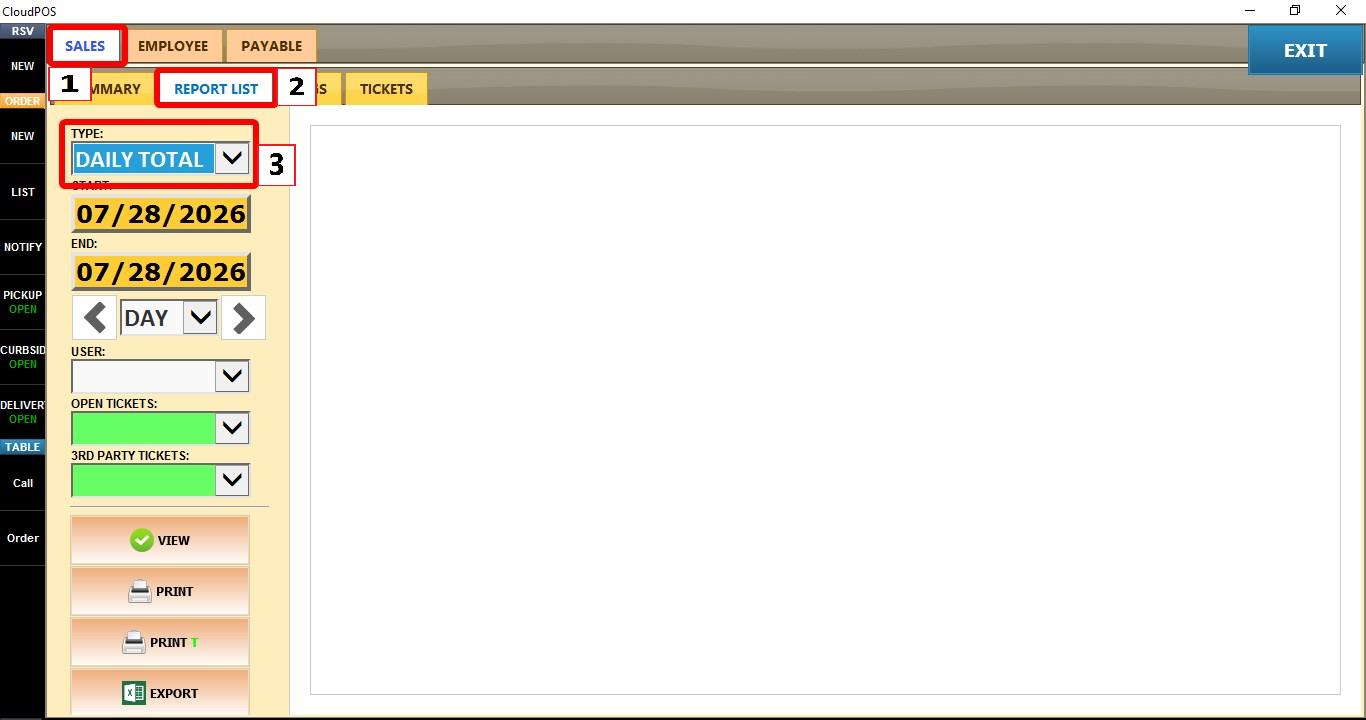
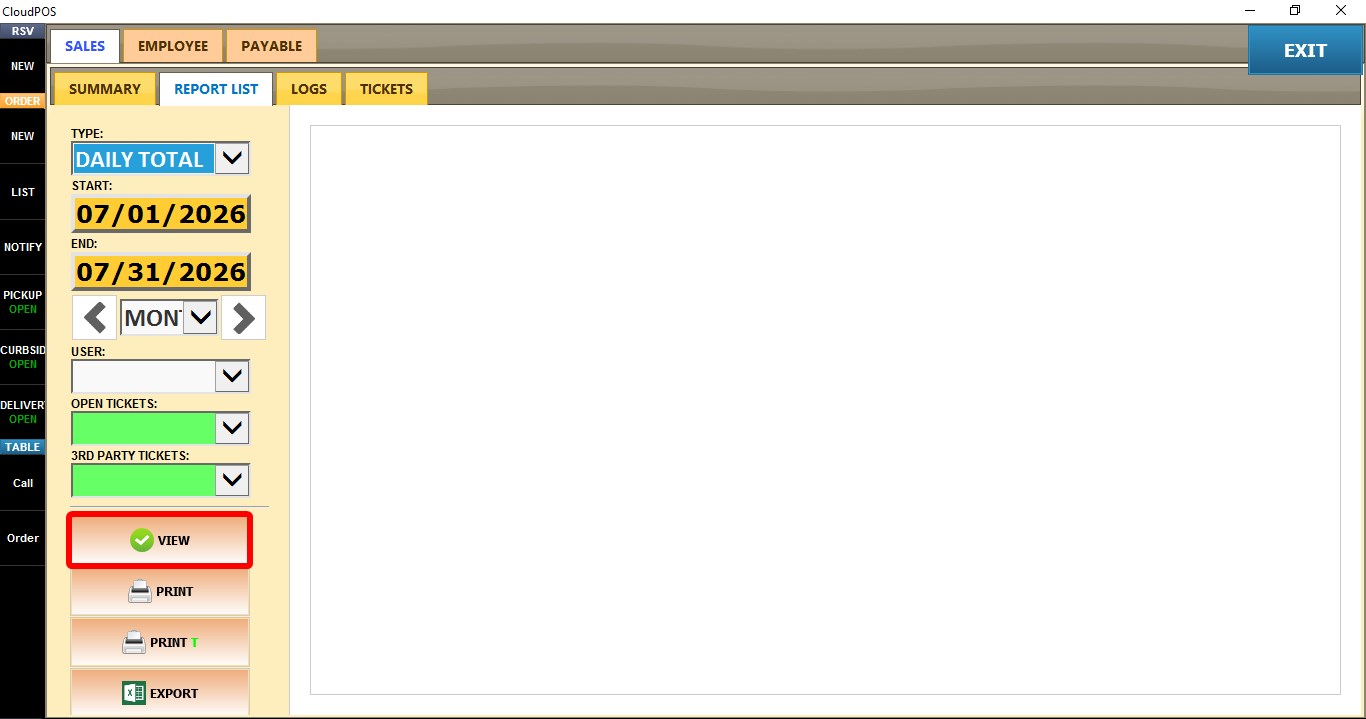
Open the SALES tab, then click REPORT LIST. Click the TYPE dropdown.
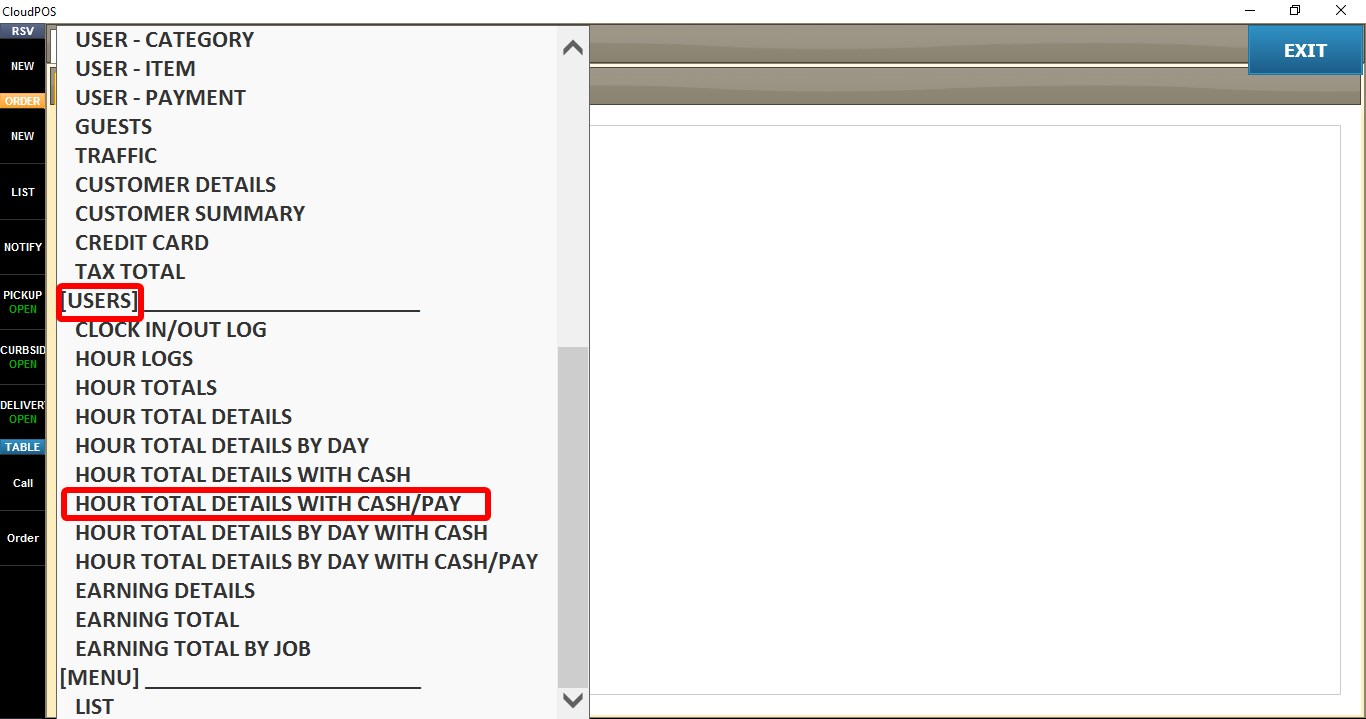
Select HOURS TOTAL DETAILS WITH CASH/PAY.


Click VIEW to display the report or after changing any filters to refresh the results.


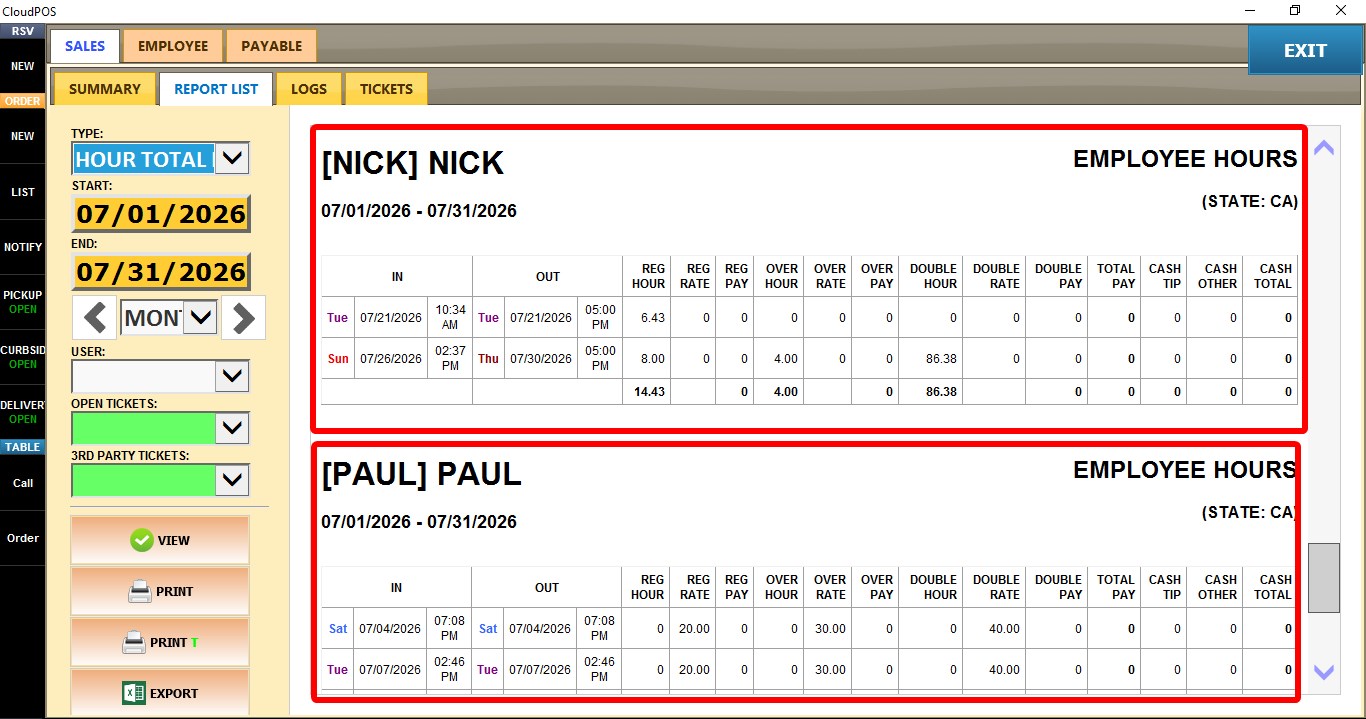
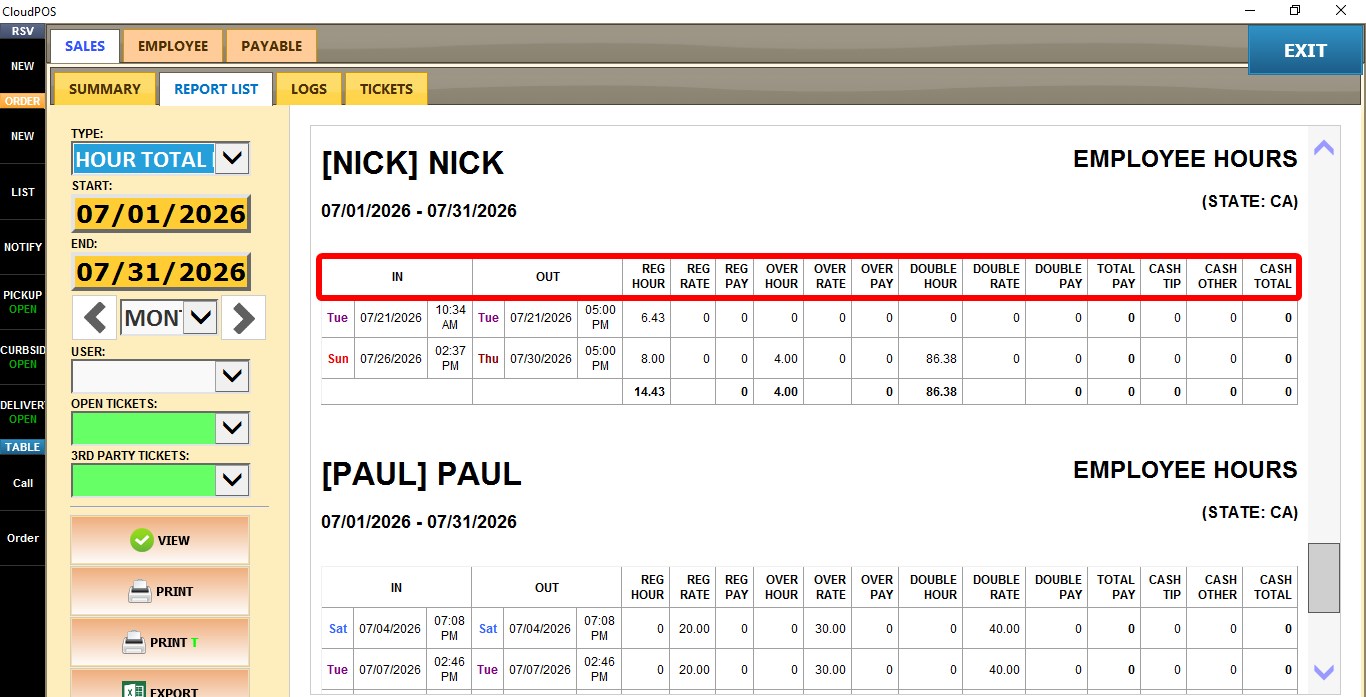
IN / OUT
Displays the employee's first and final clock-in time for the day.
REG HOUR / OVER HOUR / DOUBLE HOUR
Displays the regular, overtime, and double-time hours worked.
REG RATE / OVER RATE / DOUBLE RATE
Displays the hourly pay rate applied to regular, overtime, and double-time hours.
REG PAY / OVER PAY / DOUBLE PAY
Displays the calculated pay amount for regular, overtime, and double-time hours.
TOTAL PAY
Displays the employee's total calculated pay for the day.
CASH
Displays the total cash sales handled by the employee.
TIP CASH
Displays the total cash tips received.
OTHER CASH
Displays additional cash amounts that are not included as regular cash sales or cash tips.
TOTAL
Displays the combined cash total for the day.

FILTERS
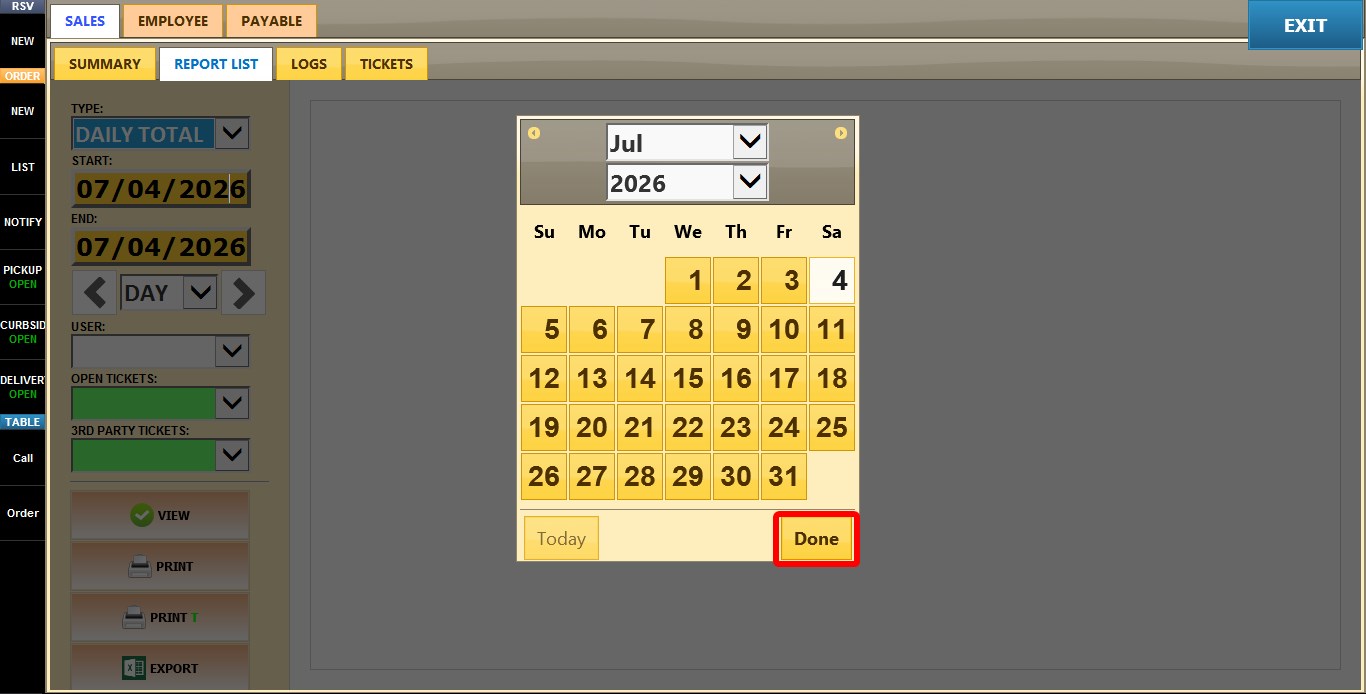
START / END
Allows you to select a custom date range for the report.
Click either START or END to open the calendar.
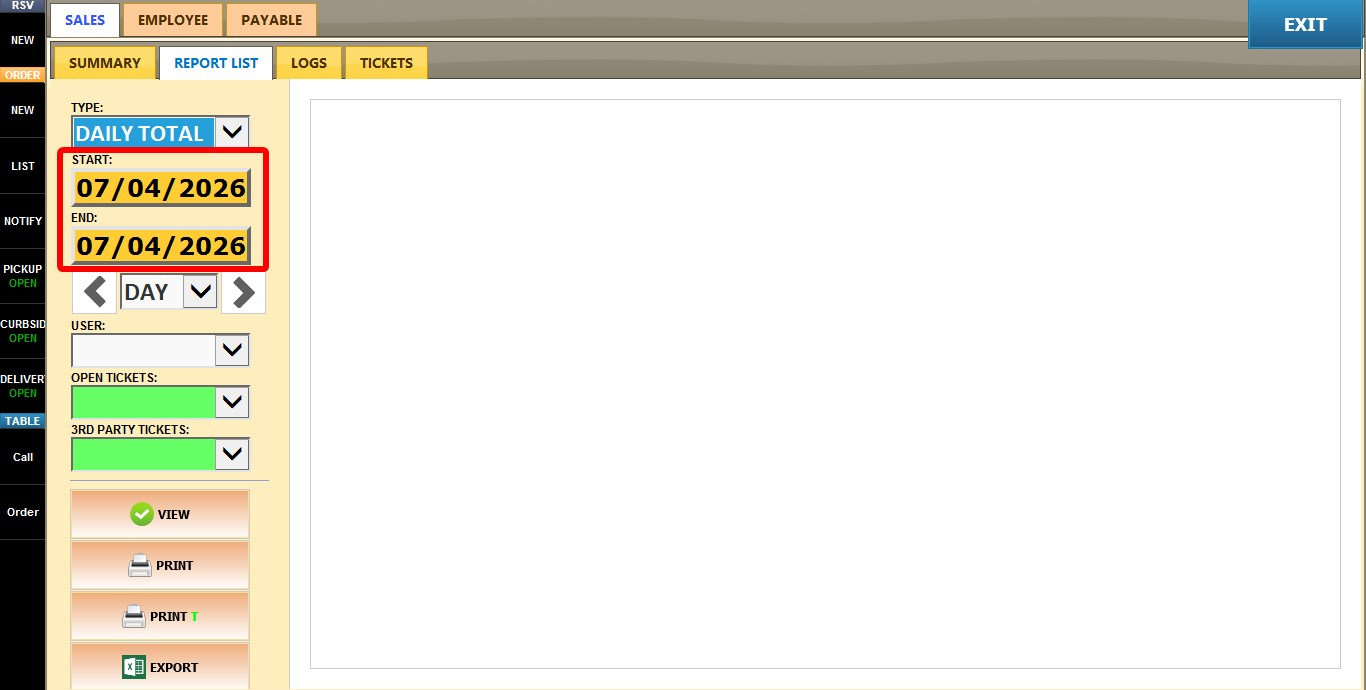
Select the desired date and click DONE.
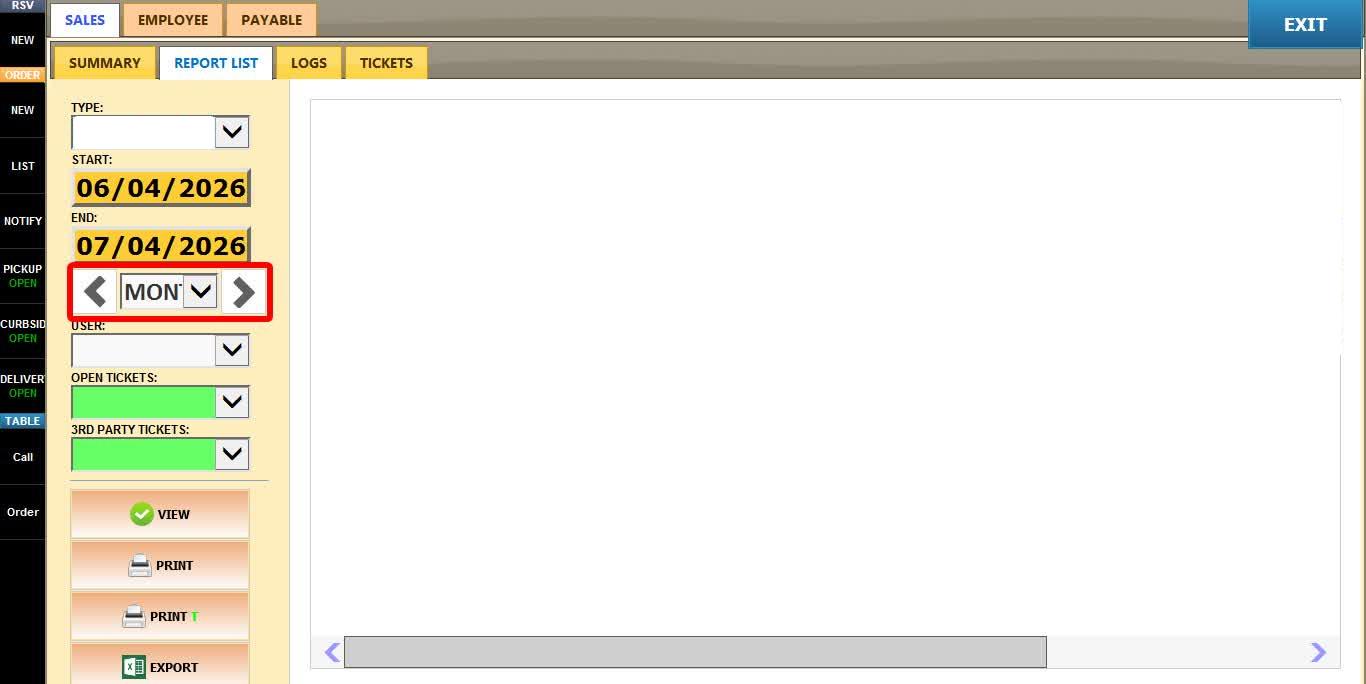
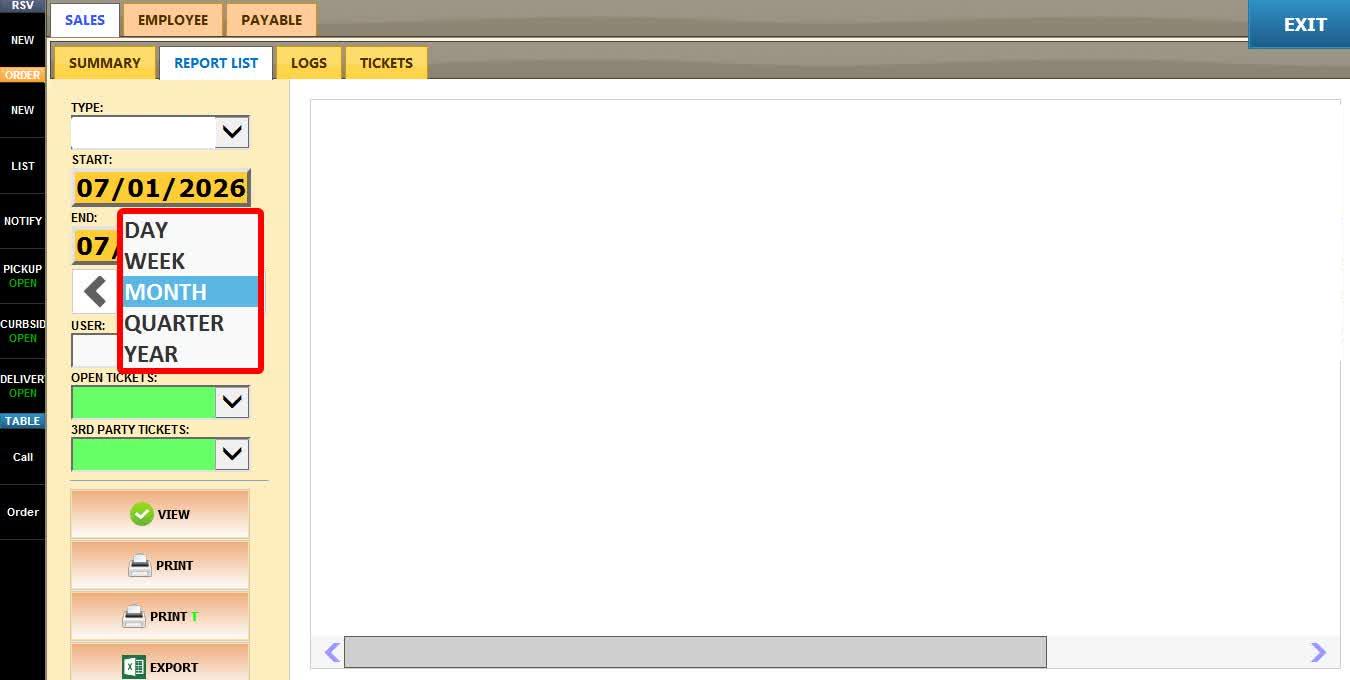
TIME FRAME
Allows you to quickly filter the report using predefined time periods.
Use the LEFT and RIGHT arrows to move backward or forward through the selected period.
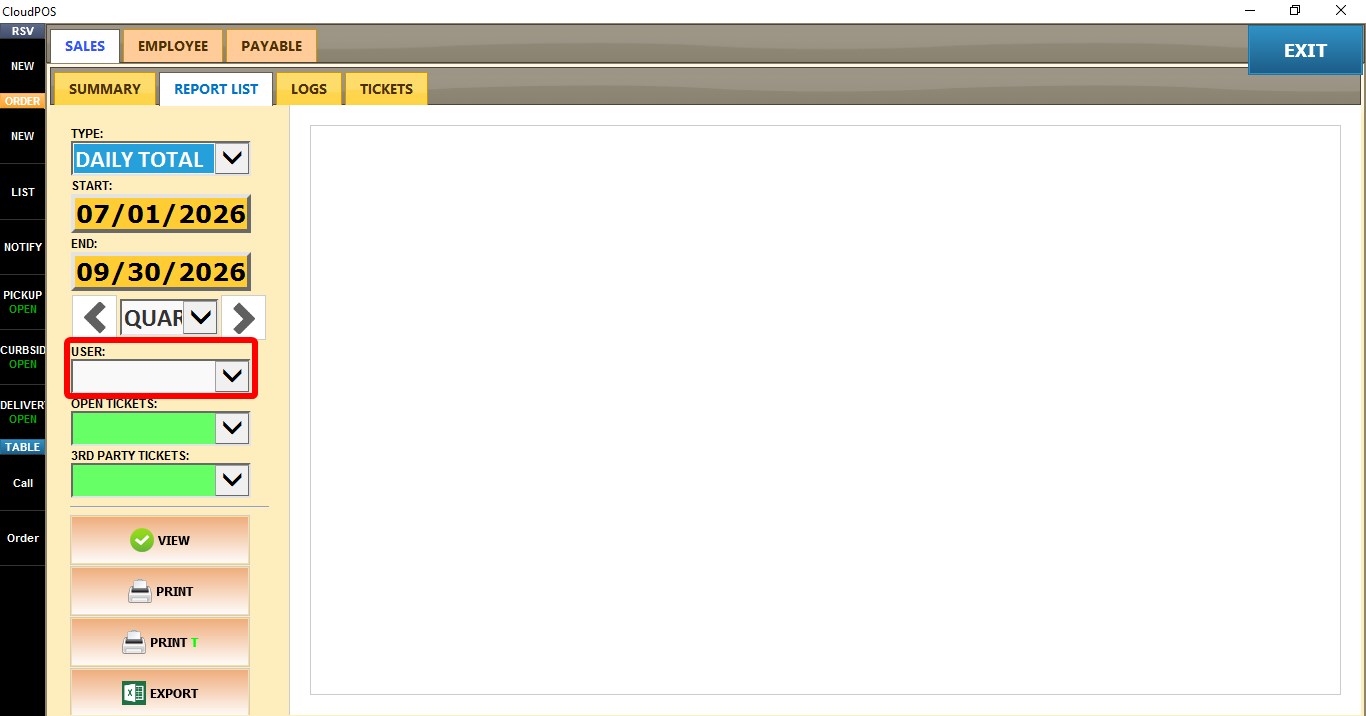
USER
Displays hours for a specific employee.
Leave the field blank to include all employees, or select an employee from the dropdown.
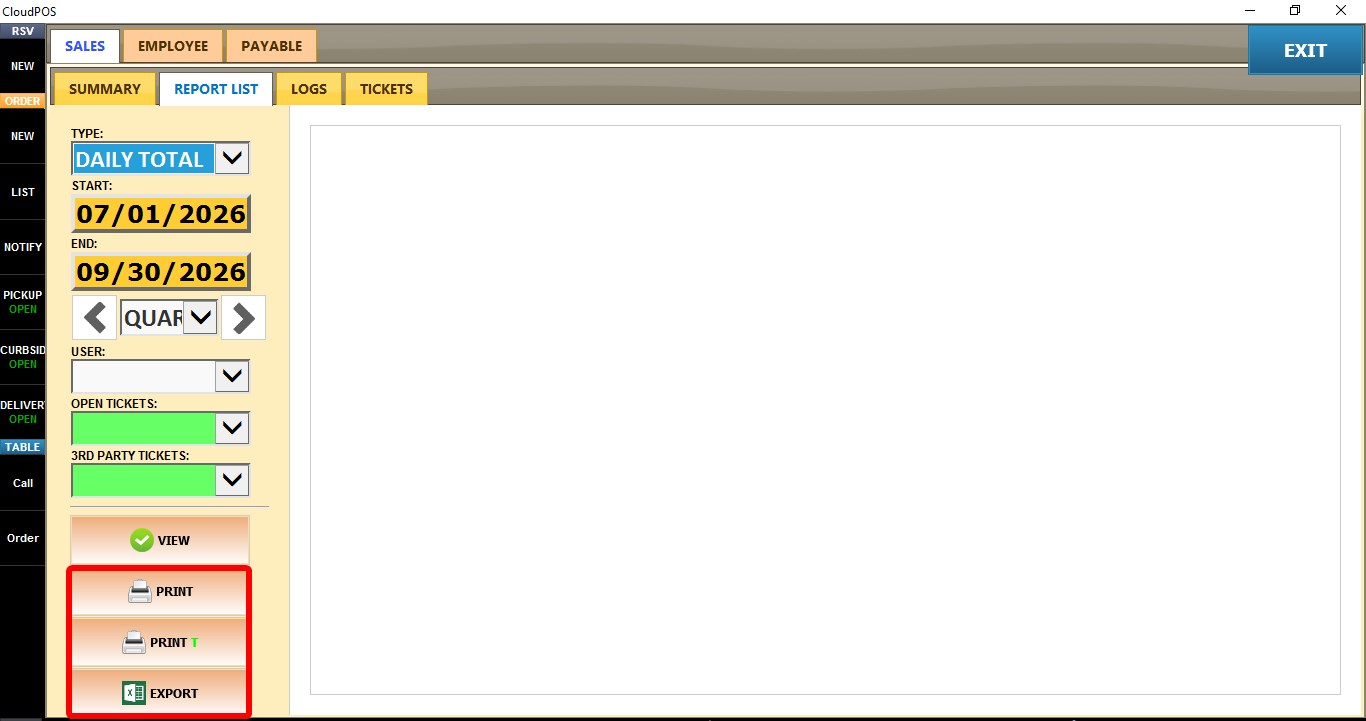
You can also PRINT, PRINT T, EXPORT, or EMAIL the report for record keeping, sharing, or further analysis.