Statistics Tab
The Statistics tab shows a summary of the open tables: the number of guests, the total of each ticket, its status, how long it has been open, and the server in charge.
Main Screen> Log in> TABLE> STAT
After logging in, open the table screen and press STAT in the top bar.
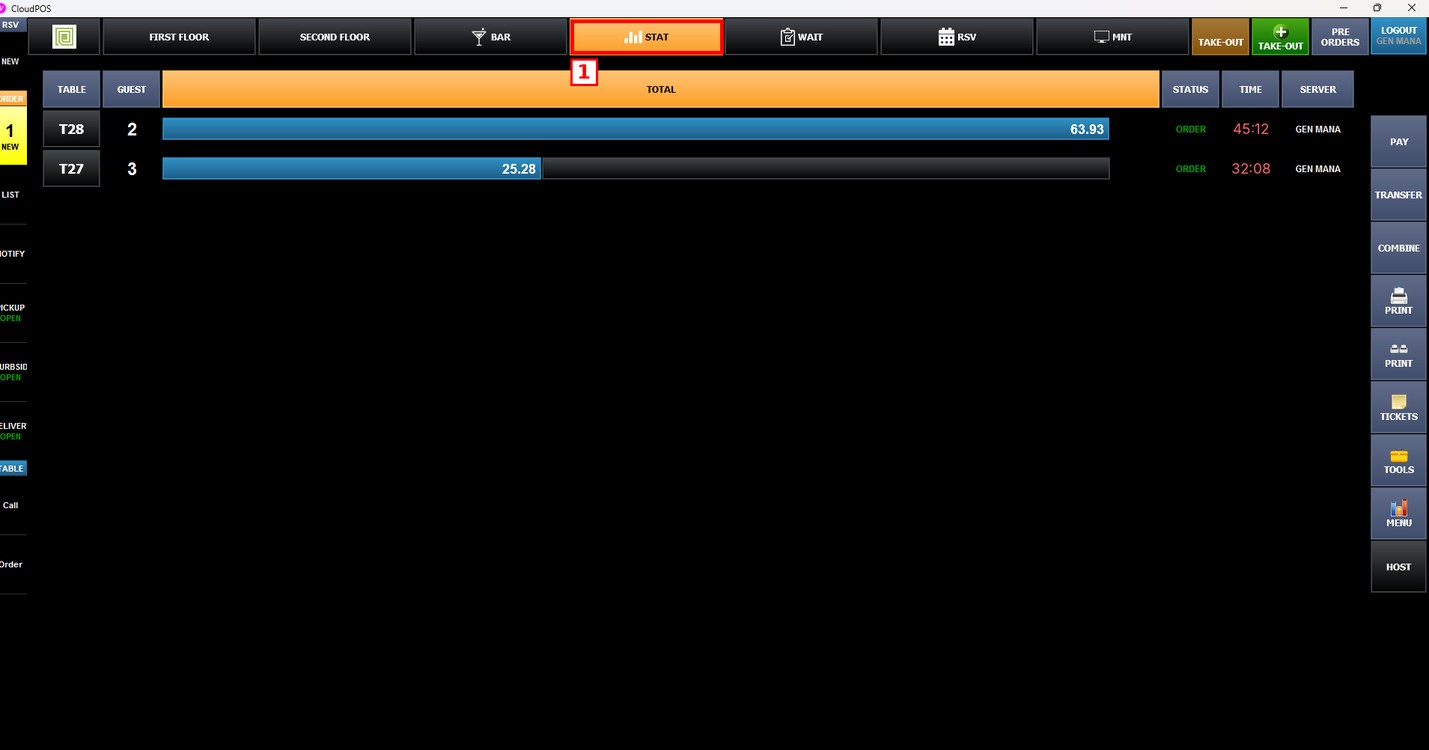
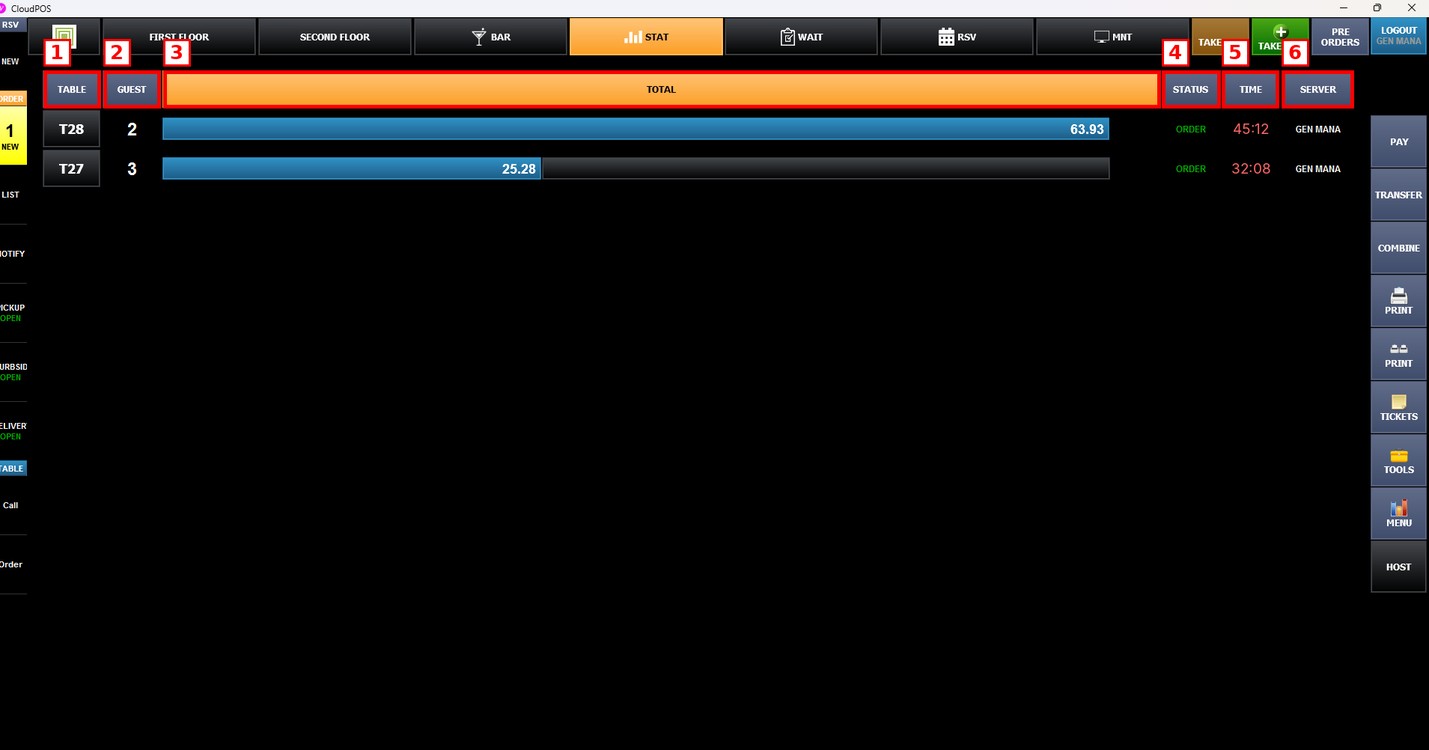
The Statistics screen lists every open table in a row with the following columns:
1. TABLE: The table number.
2. GUEST: The number of guests at the table.
3. TOTAL: The current total of the ticket. The bar shows the total of each table compared with the other open tables.
4. STATUS: The current status of the ticket, for example ORDER.
5. TIME: How long the ticket has been open.
6. SERVER: The employee in charge of the table.
The buttons on the right side of the screen, such as PAY, TRANSFER and TOOLS, work the same as in the table screen.