EBT Cash
The EBT Cash tender settings control how EBT cash benefit payments are processed, printed and adjusted in the POS. These settings can be set for the whole store or for a specific terminal.
MENU> SETTINGS> PAY> TENDER> EBT CASH
Go to MENU and press SETTINGS.
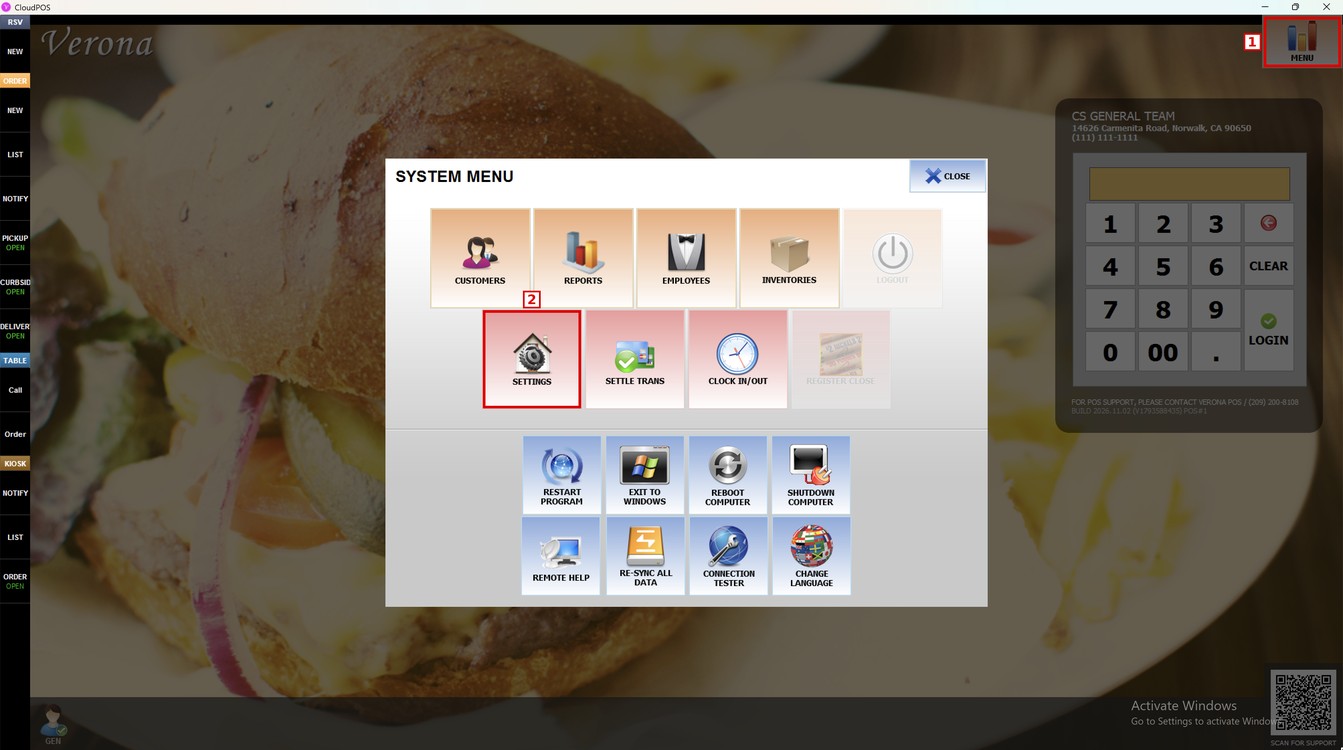
Press the PAY tab, then the TENDER subtab, and then EBT CASH.
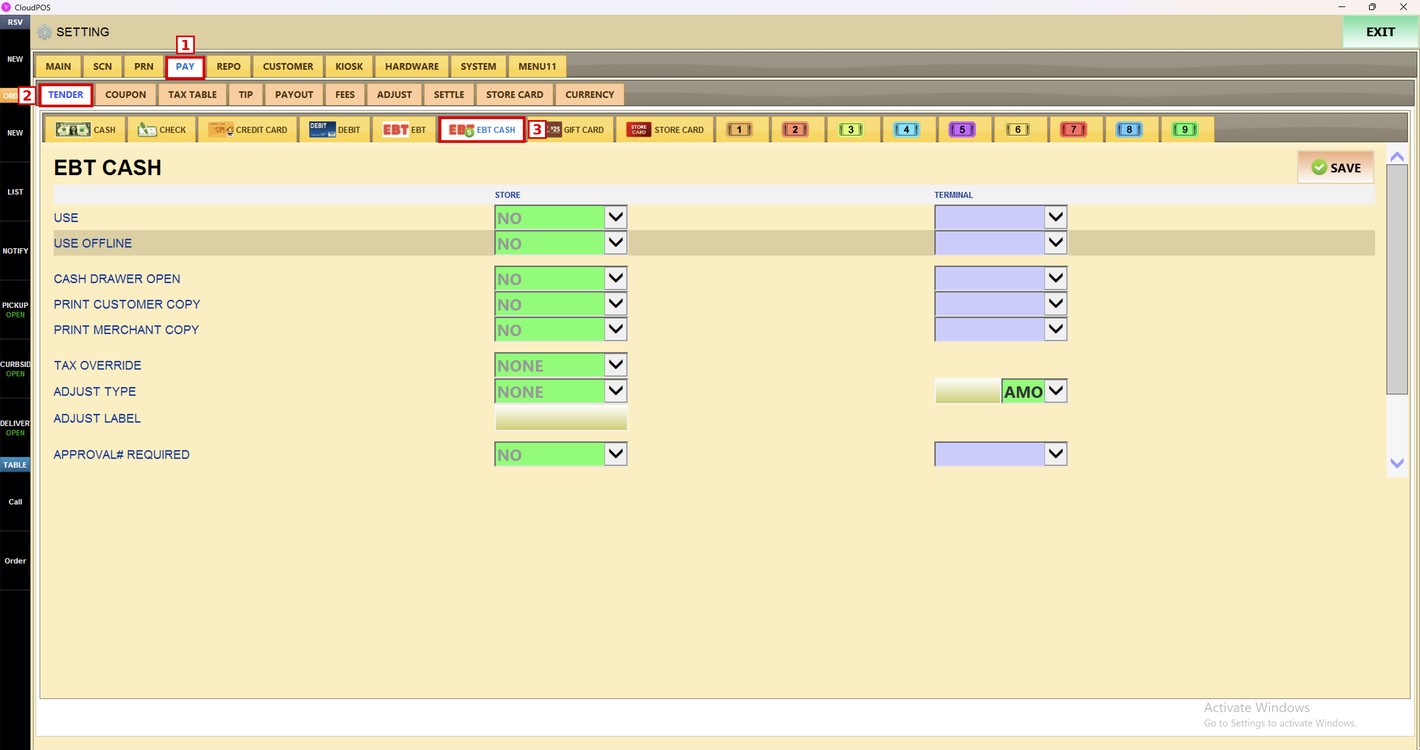
Hint: The STORE column sets the option for all the terminals of the store. The TERMINAL column sets a different option only for the terminal in use.
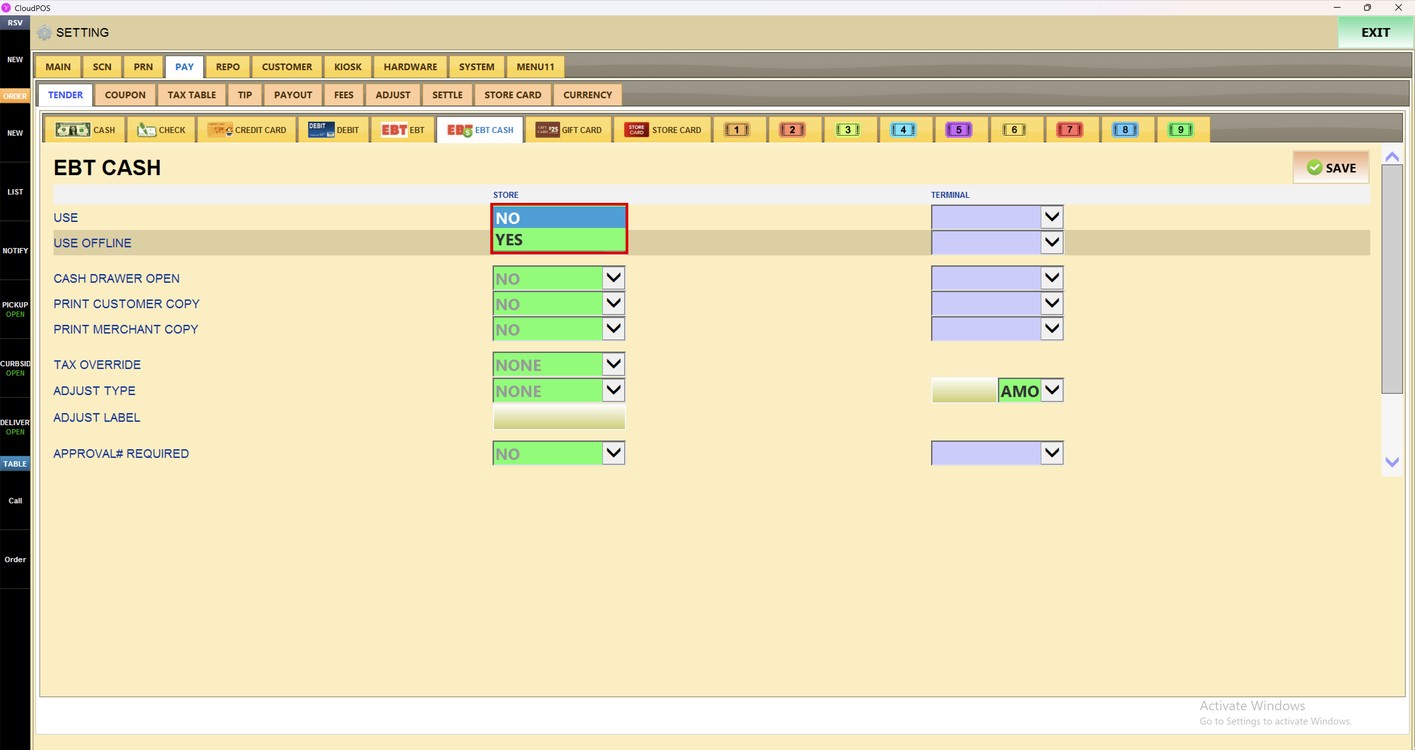
Use:
Sets whether EBT Cash can be used as a payment method.
1. NO: EBT Cash is not available as a payment method.
2. YES: EBT Cash can be selected as a payment method.
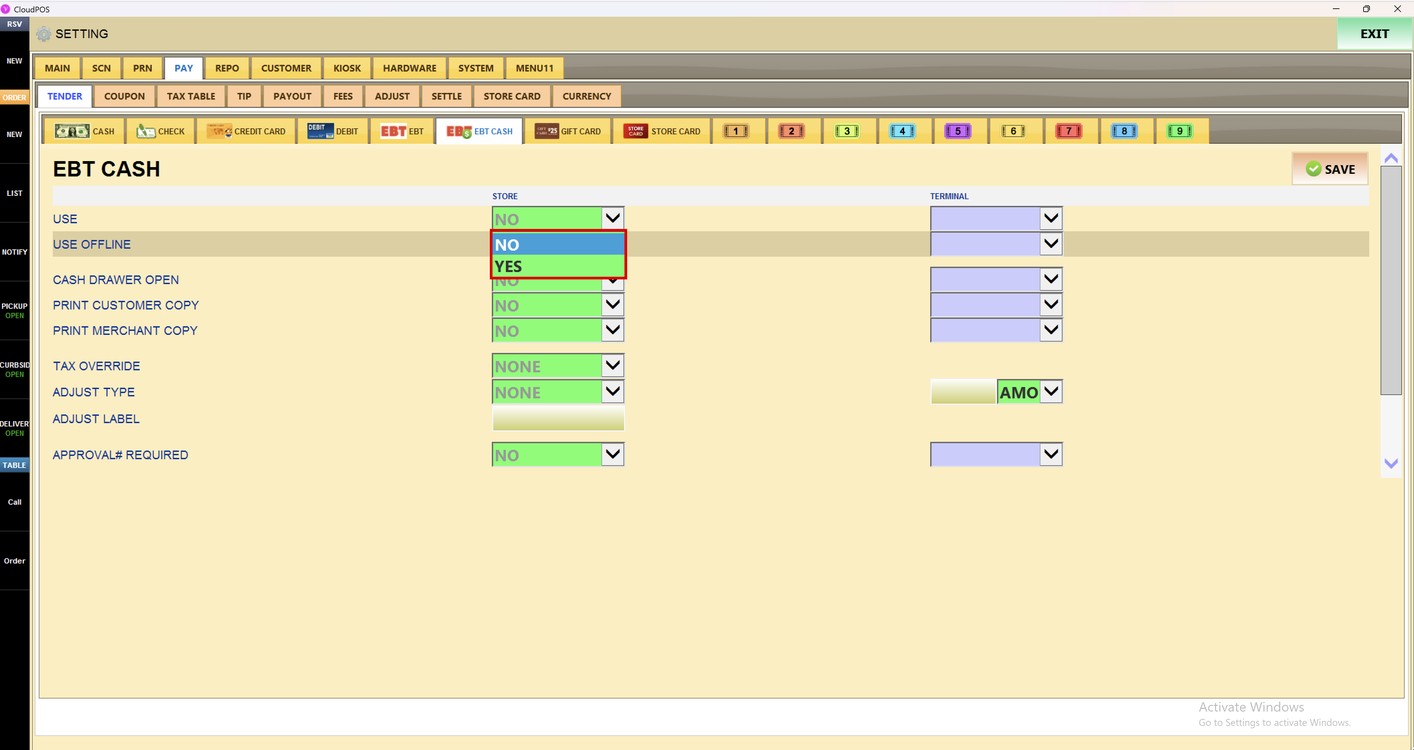
Use Offline:
Sets whether EBT Cash payments can be taken when the POS cannot connect to the card processor.
1. NO: EBT Cash payments cannot be taken offline.
2. YES: EBT Cash payments can be taken offline.
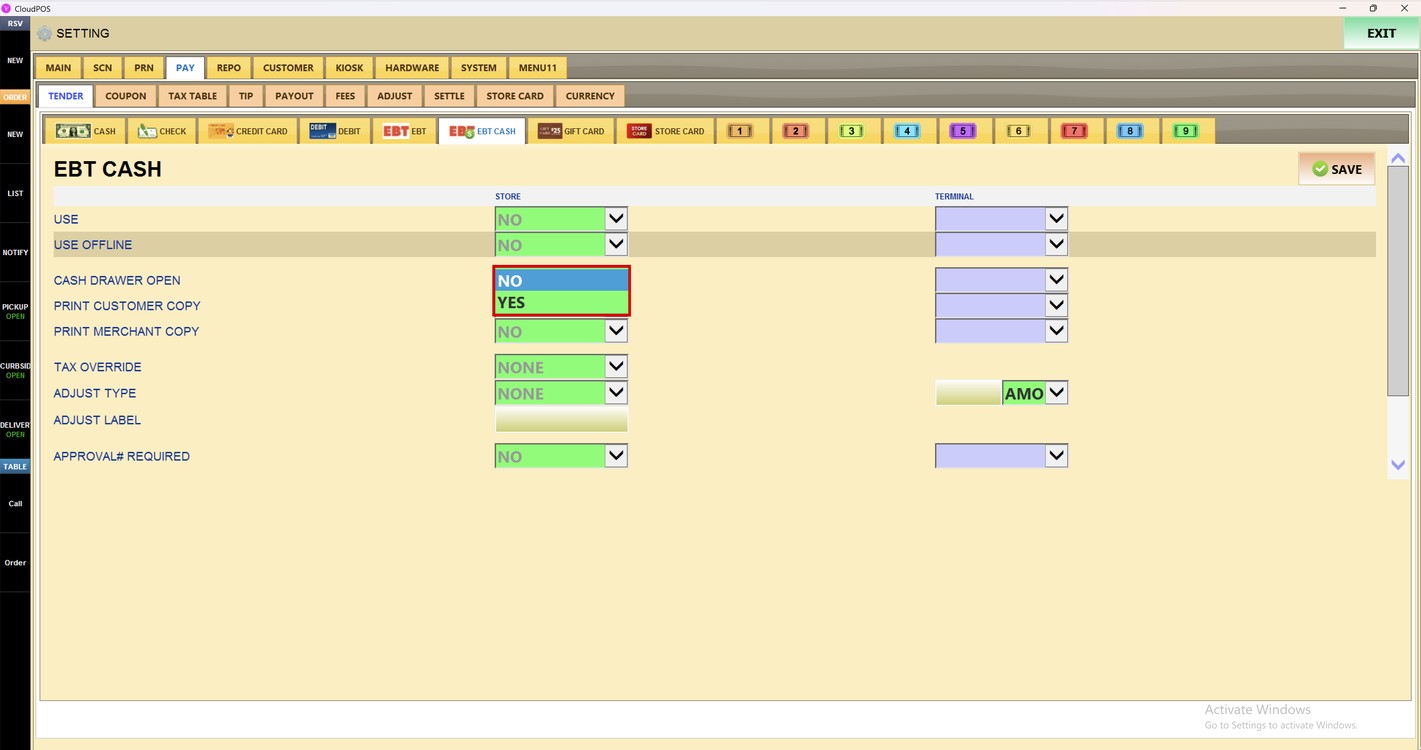
Cash Drawer Open:
Sets whether the cash drawer opens when an EBT Cash payment is processed.
1. NO: The cash drawer stays closed.
2. YES: The cash drawer opens after the EBT Cash payment.
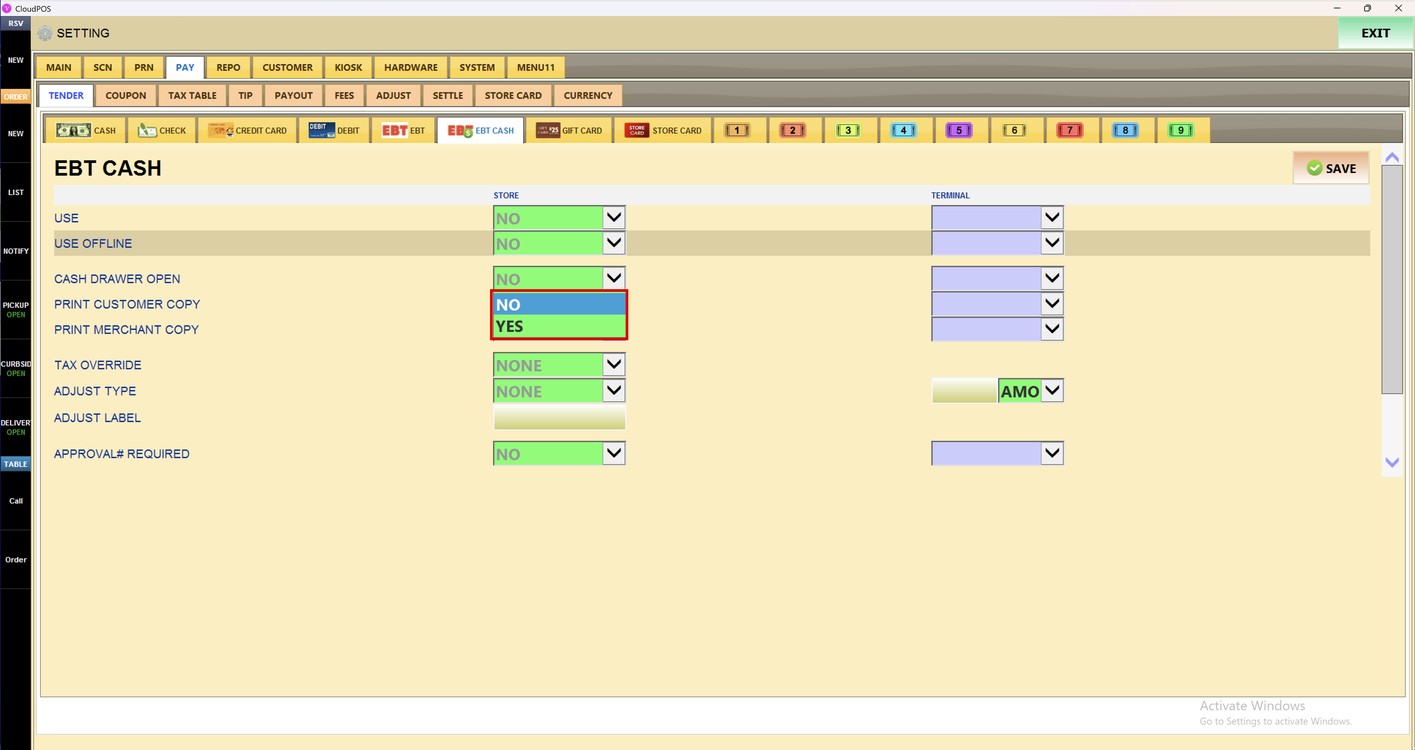
Print Customer Copy:
Sets whether a customer copy is printed for EBT Cash payments.
1. NO: Does not print a customer copy.
2. YES: Prints a customer copy.
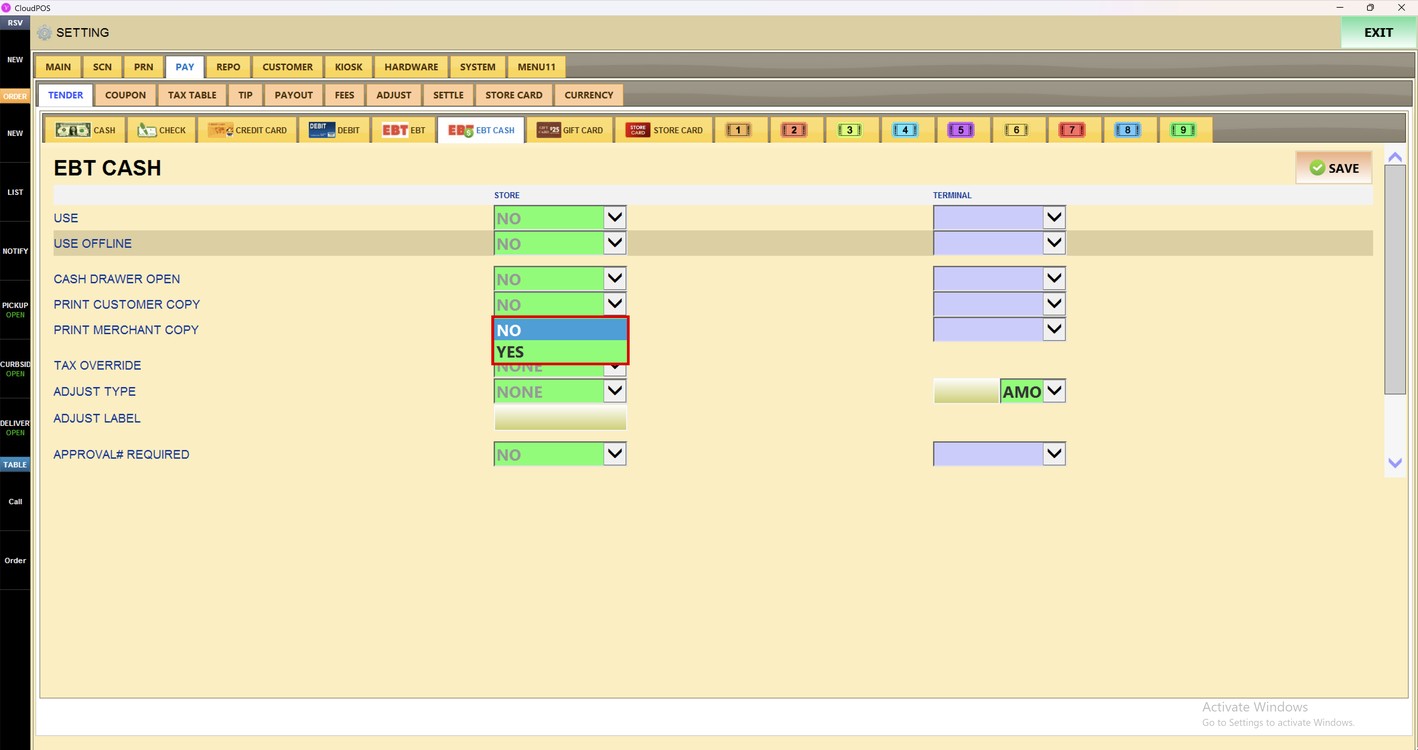
Print Merchant Copy:
Sets whether a merchant copy is printed for EBT Cash payments.
1. NO: Does not print a merchant copy.
2. YES: Prints a merchant copy.
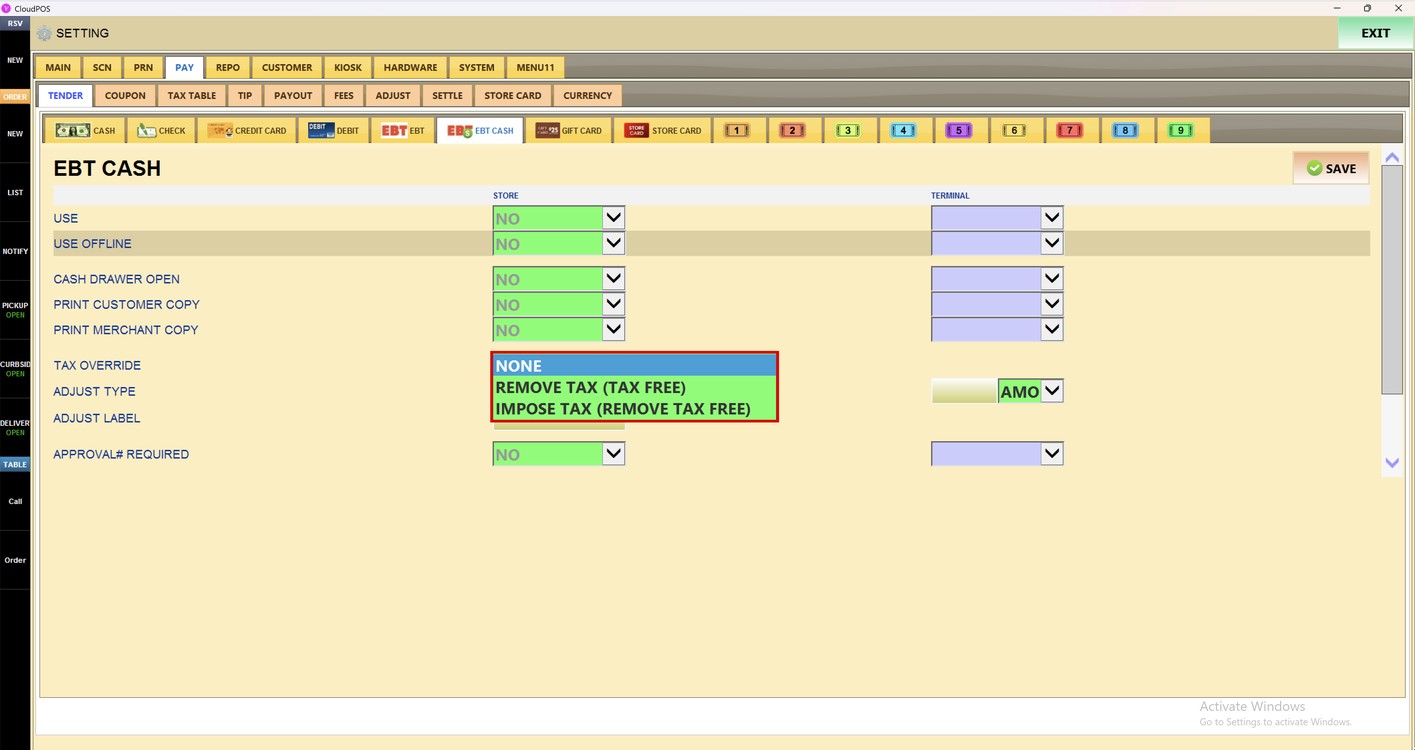
Tax Override:
Sets whether the normal tax calculation changes when the ticket is paid by EBT Cash.
1. NONE: Uses the normal tax settings.
2. REMOVE TAX (TAX FREE): Removes the tax from the ticket.
3. IMPOSE TAX (REMOVE TAX FREE): Applies the tax even when the ticket is tax free.
Adjust Type:
Applies an adjustment automatically to the tickets paid by EBT Cash.
1. NONE: No adjustment is applied.
2. DISCOUNT: Applies the adjustment as a discount.
3. UPCHARGE: Adds the adjustment to the ticket.
4. ROUND: Applies the adjustment as a rounding.
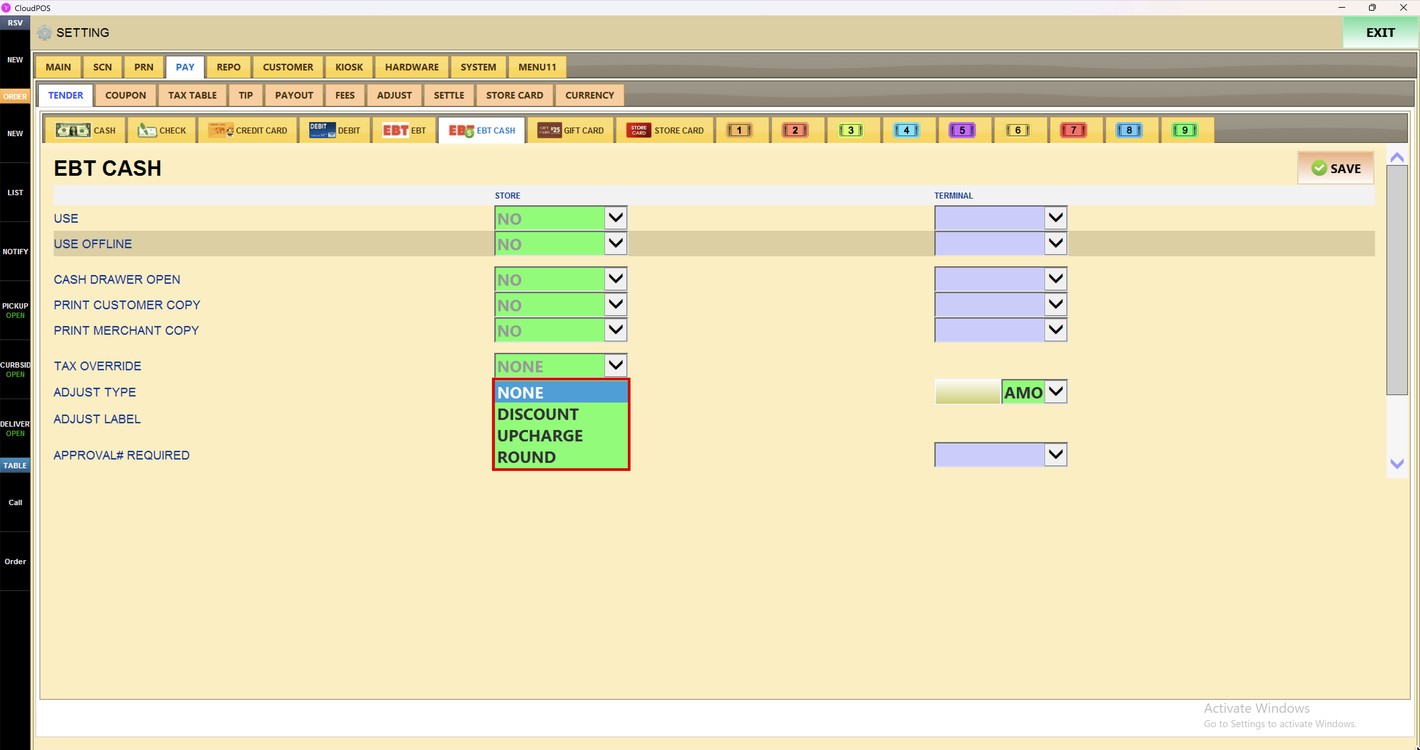
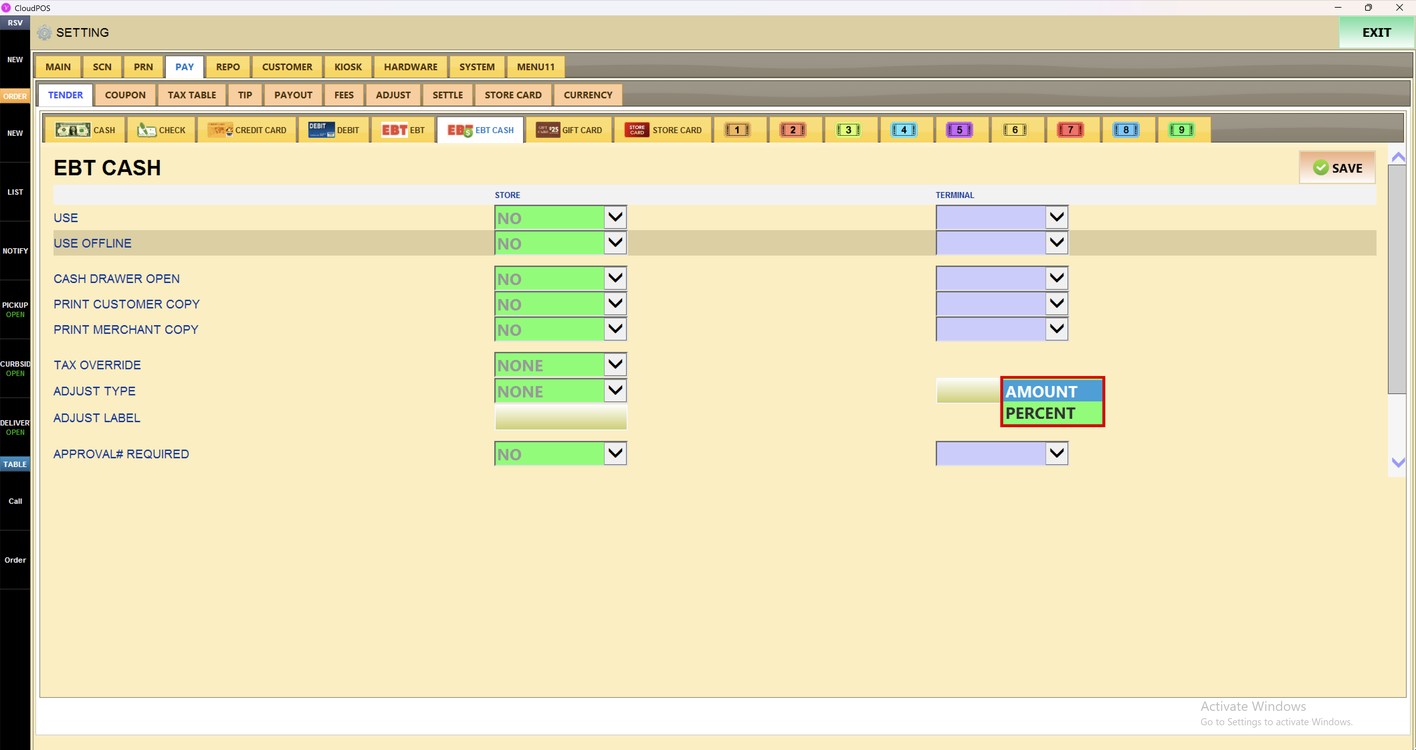
When an adjustment type is selected, enter the value in the field on the right and select the type of the value in the dropdown next to it.
1. AMOUNT: The value is a fixed amount.
2. PERCENT: The value is a percent of the ticket.
In ADJUST LABEL, enter the name of the adjustment that is shown on the ticket.
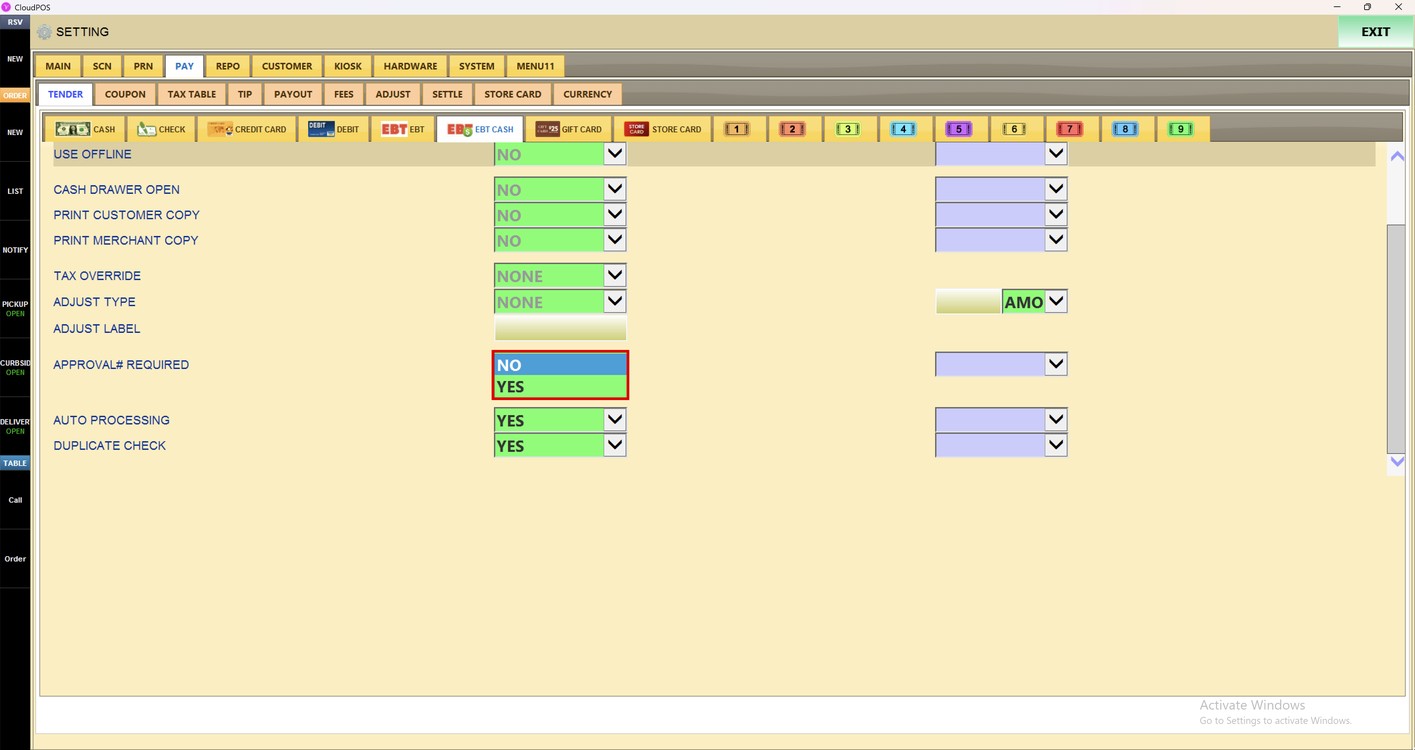
Approval# Required:
Sets whether the approval number of the EBT Cash payment must be entered.
1. NO: The approval number is not required.
2. YES: The approval number must be entered.
Processing:
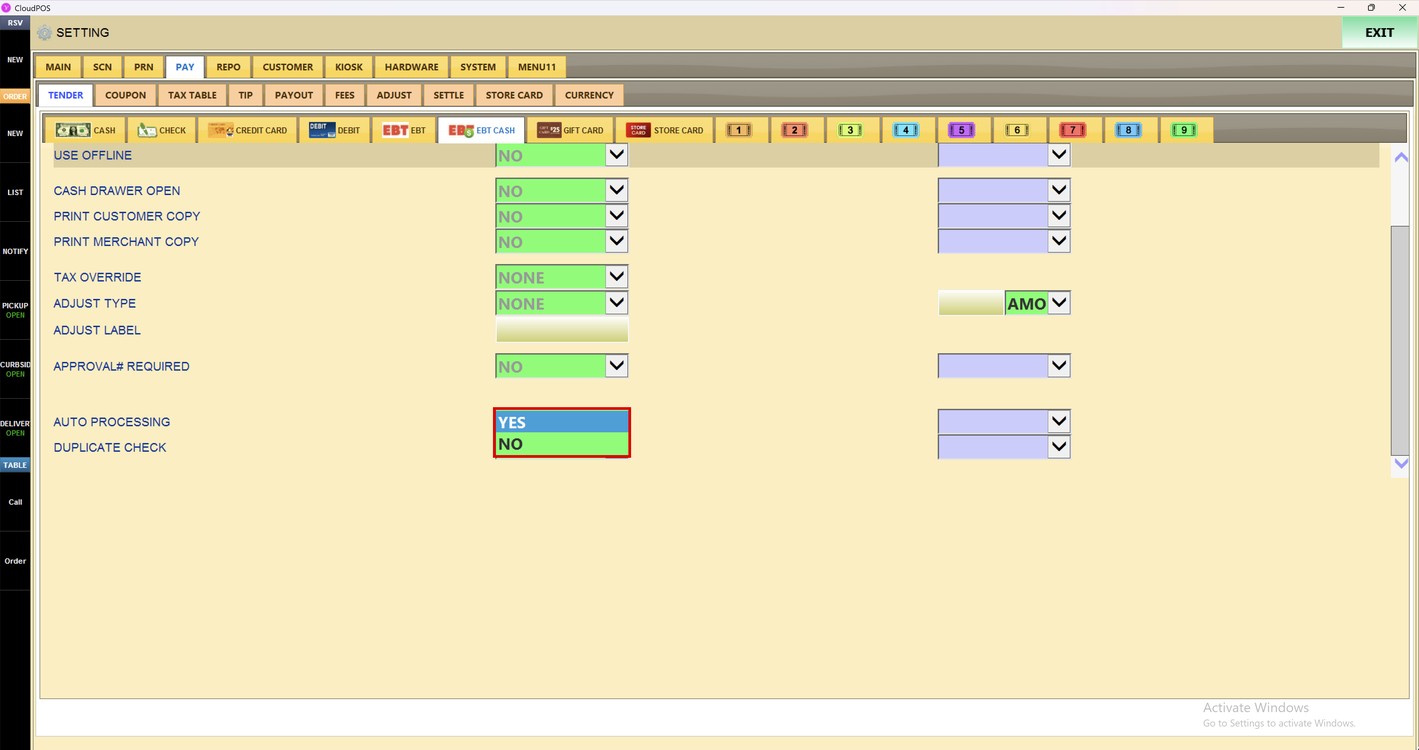
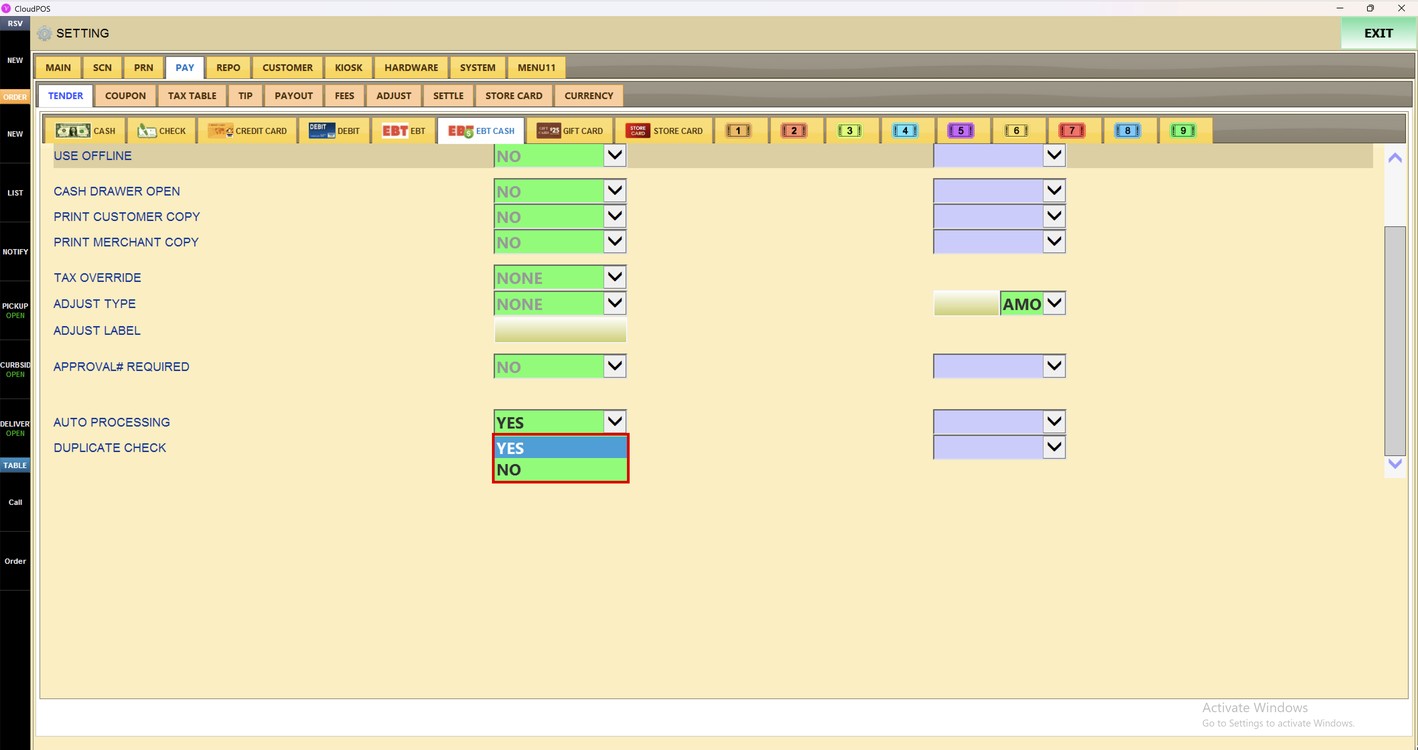
Auto Processing:
Sets whether the EBT Cash payment is sent to the processor automatically.
1. YES: The payment is processed automatically.
2. NO: The payment is not processed automatically.
Duplicate Check:
Sets whether the POS checks for duplicate EBT Cash payments.
1. YES: A warning shows when the same payment is charged twice.
2. NO: Duplicate payments are not checked.
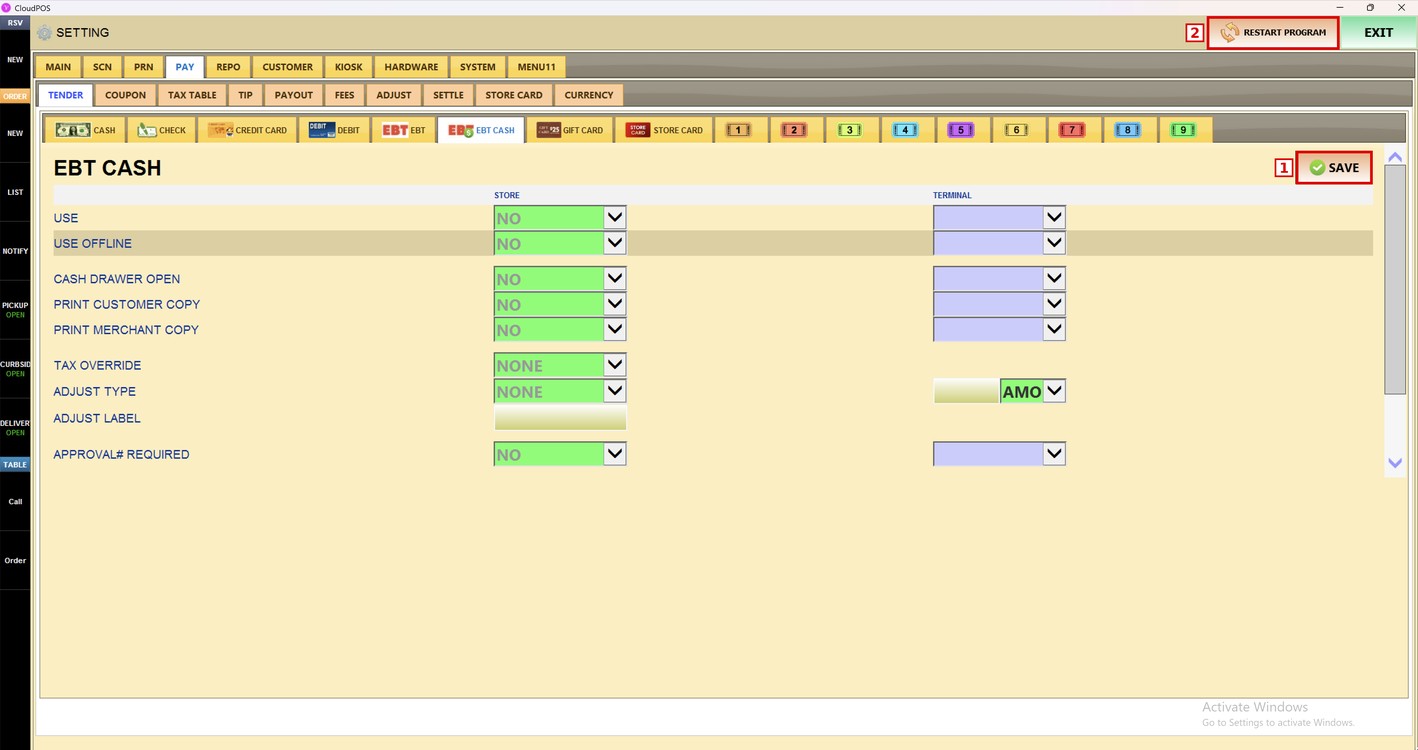
Press SAVE and then RESTART PROGRAM to apply the changes.
To learn how to set up the EBT payments, please refer to the EBT Guide.