Payment
The Payment security setting lets the store restrict online orders by zip code or by state. Use it to accept online payments only from customers in the zip codes or states the store serves.
MENU> SETTINGS> MENU11> SECURITY> PAYMENT
Go to MENU and press SETTINGS.
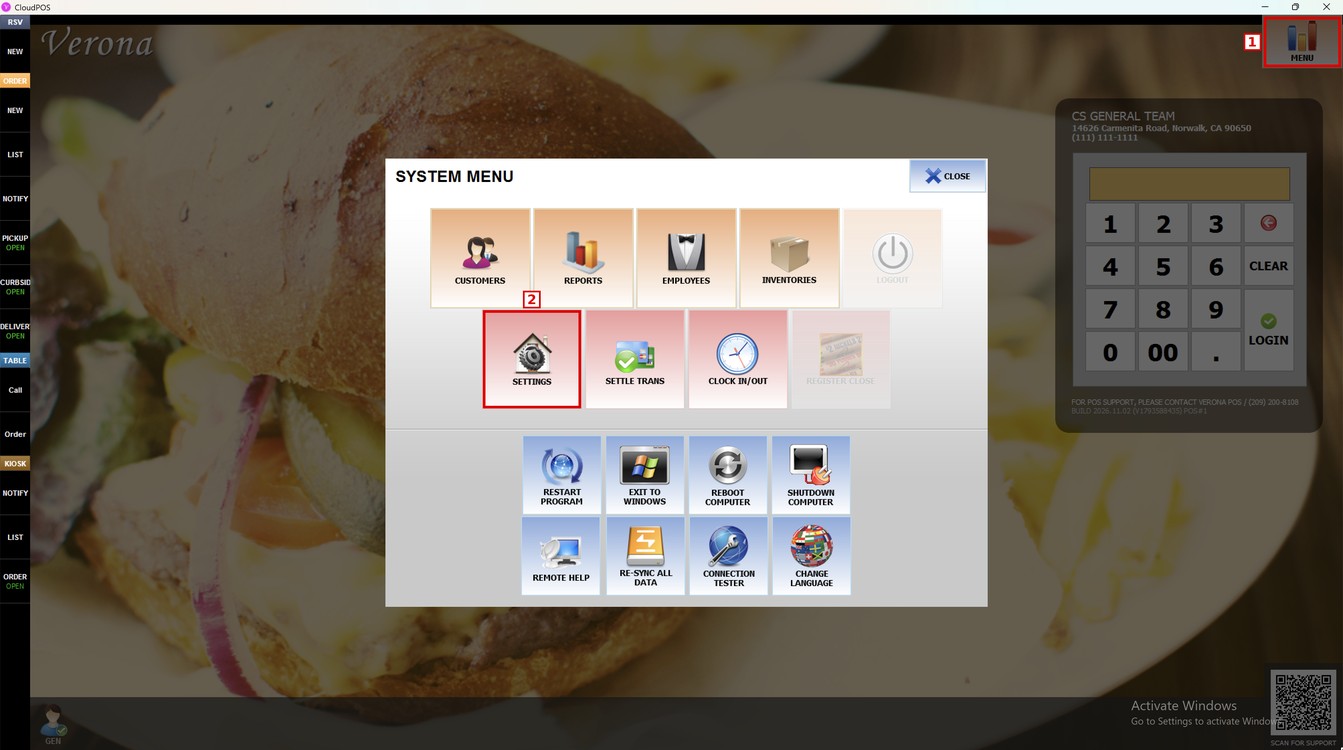
Press the MENU11 tab, then the SECURITY subtab and then PAYMENT.
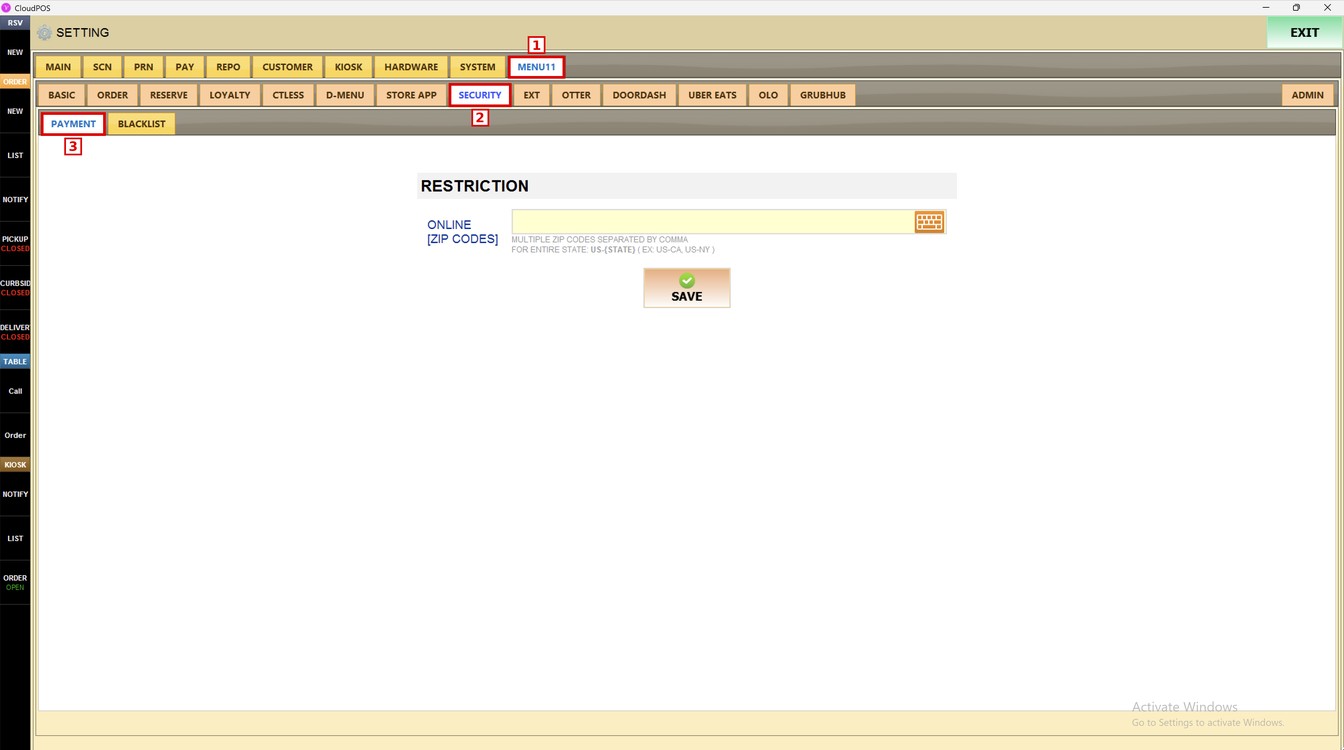
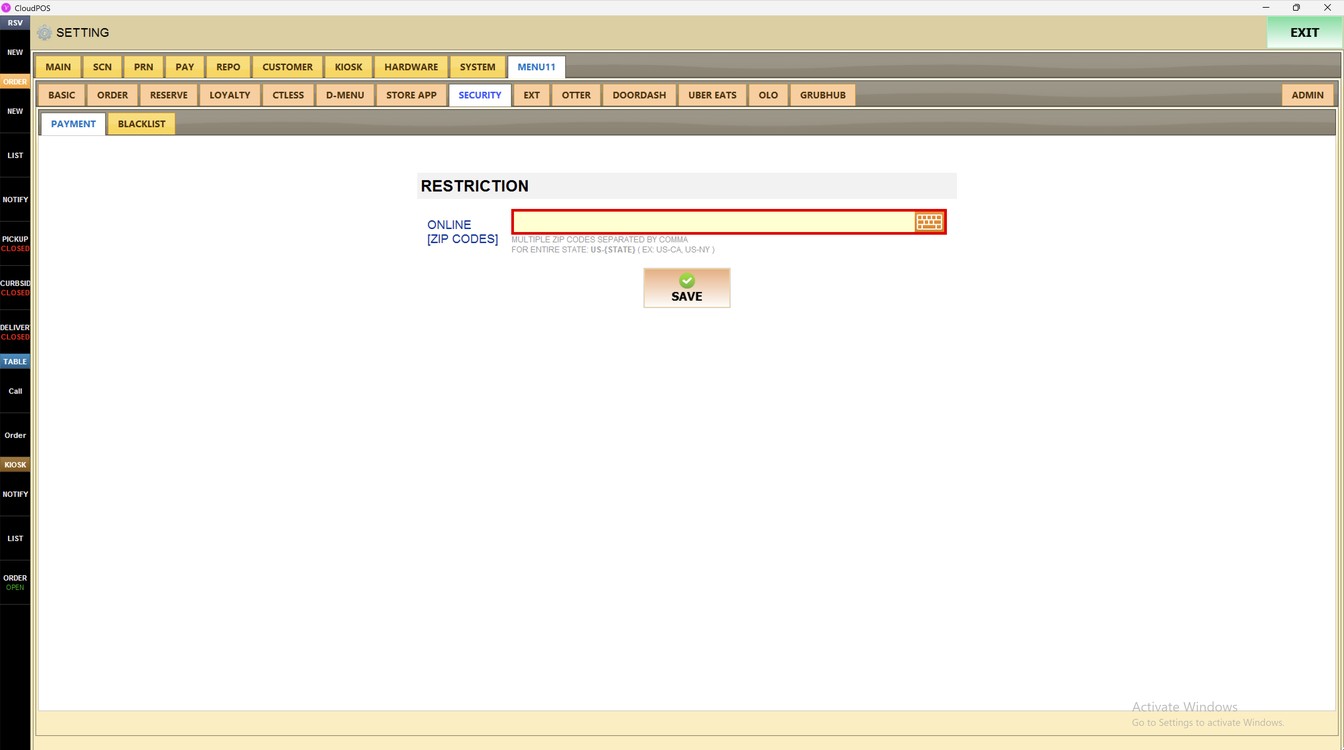
Online [Zip Codes]:
In the RESTRICTION section, press the ONLINE [ZIP CODES] field and enter the zip codes. Use the keyboard icon on the right of the field to open the on-screen keyboard.
1. ZIP CODES: Enter one or more zip codes separated by a comma, for example: 90012, 90013, 90014.
2. ENTIRE STATE: Enter US- followed by the state code, for example: US-CA for California or US-NY for New York.
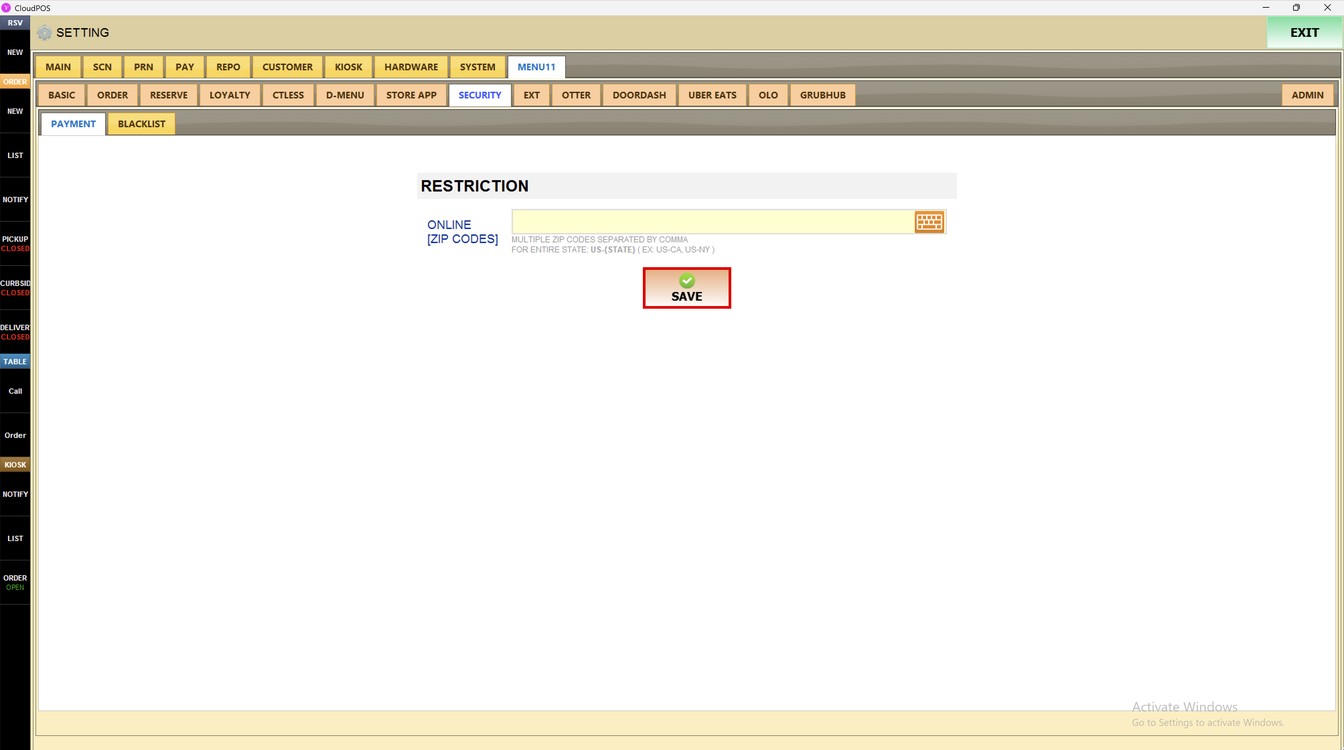
Press SAVE to save the changes.
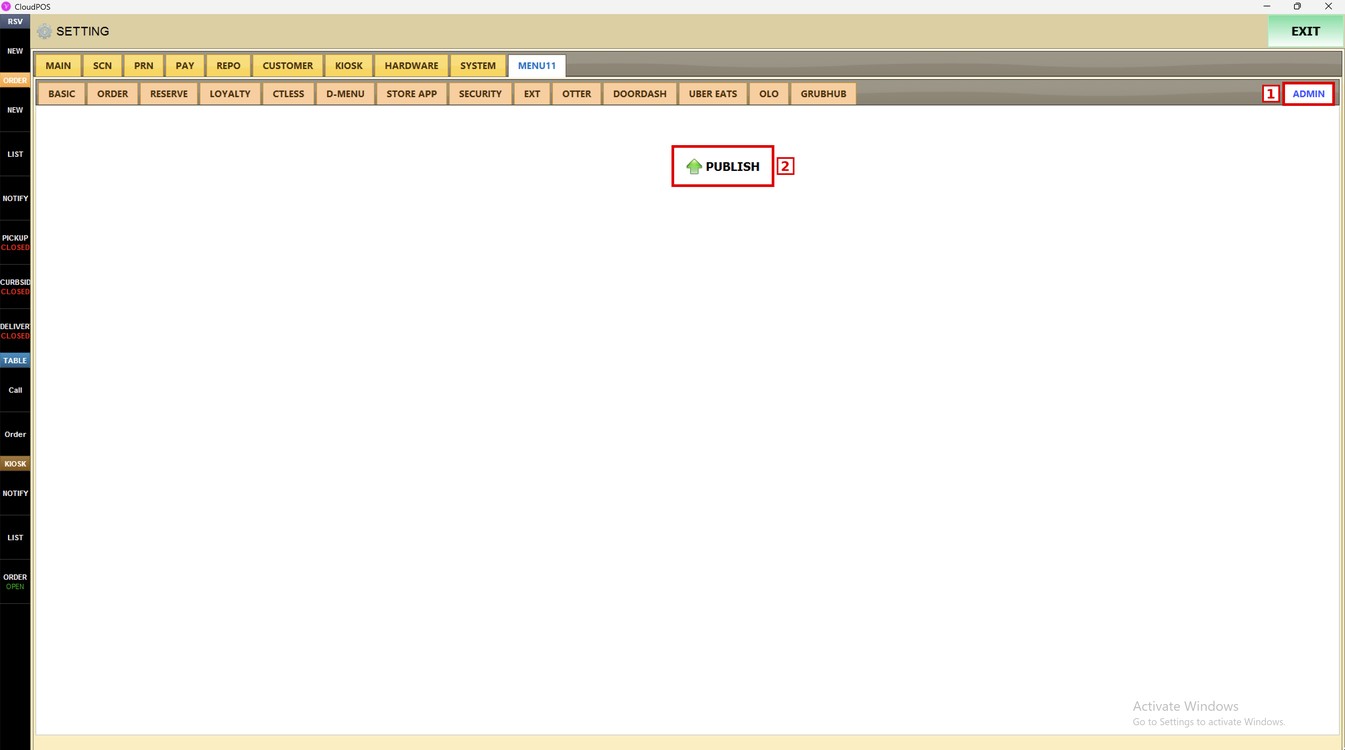
Press the ADMIN subtab and then PUBLISH to apply the changes to online ordering.
To learn how to block specific customers from placing orders, please refer to the Blacklist Guide.