Category Copy
This article explains how to copy items from one category into another, making it easy to replicate the contents of an existing category without manually recreating each item.
Main Screen> MENU> SETTINGS> REPO> EDIT> CATEGORY> SPECIAL ACTIONS> CATEGORY COPY
Go to MENU and press SETTINGS.
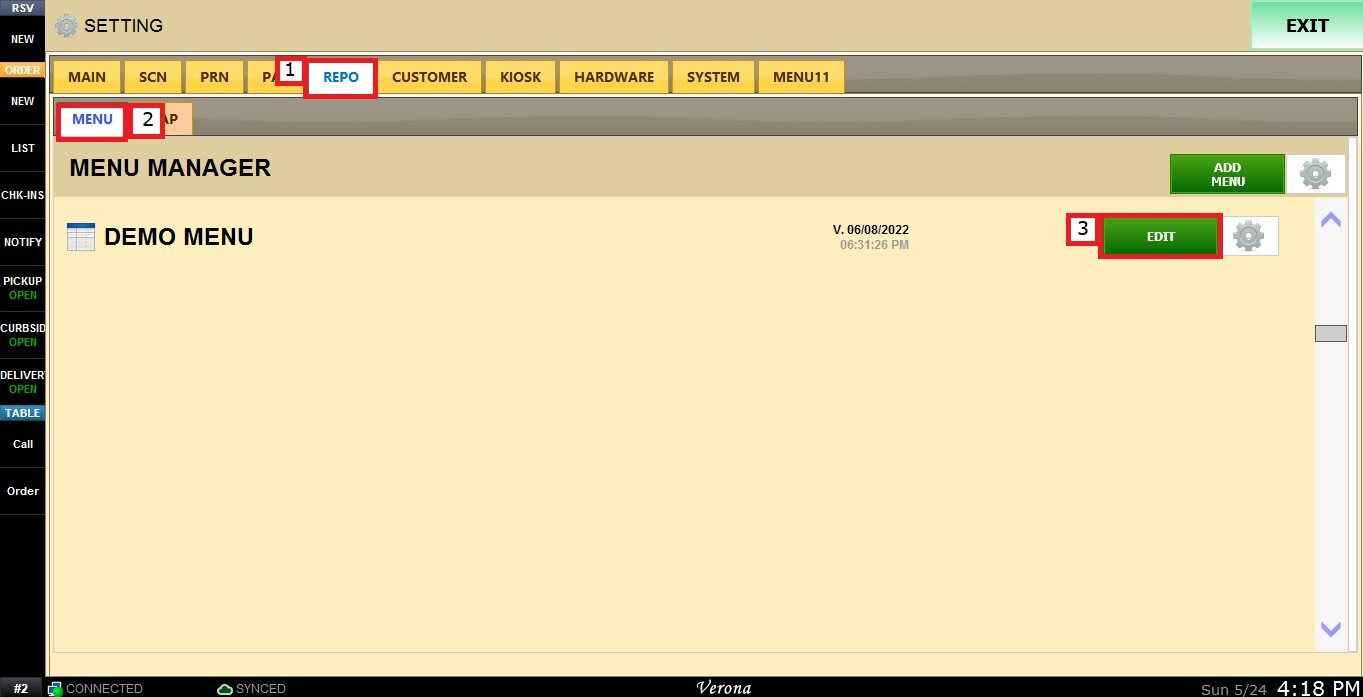
Under the REPO tab, select MENU, locate the menu you want to modify, and press EDIT.
Select a department to display its categories, then choose the category you want to configure.

Scroll down to the SPECIAL ACTIONS section and open the dropdown menu beside CATEGORY COPY, and select the category you want to copy from.
Click CATEGORY COPY.
Result:
All items from the selected category will be copied into the current category.