How to place an order
The Standalone Kiosk allows customers to place and pay for their orders without assistance from a cashier. This guide walks you through each step of the ordering process, from selecting your order type to completing the payment.
Standalone Kiosk> Tap to Place an Order
On the kiosk home screen, tap TAP TO PLACE AN ORDER.
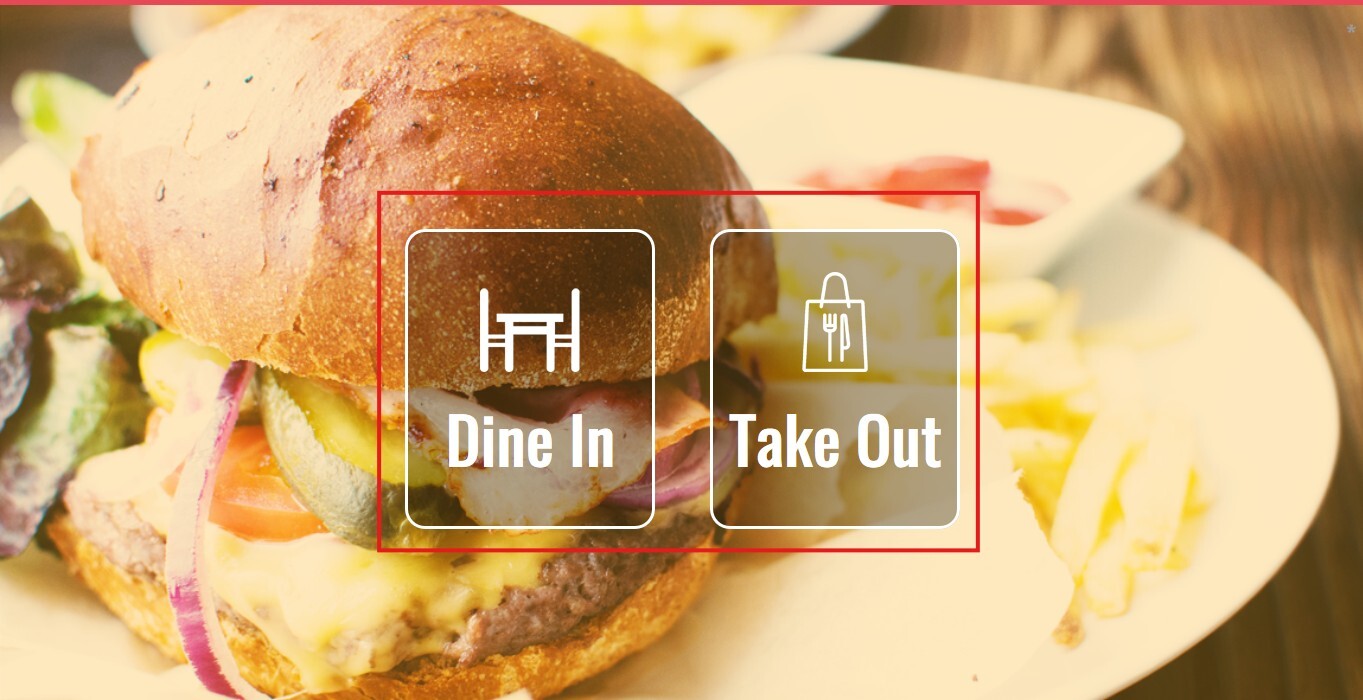
 Select the desired order type, DINE IN or TAKE OUT (if available).
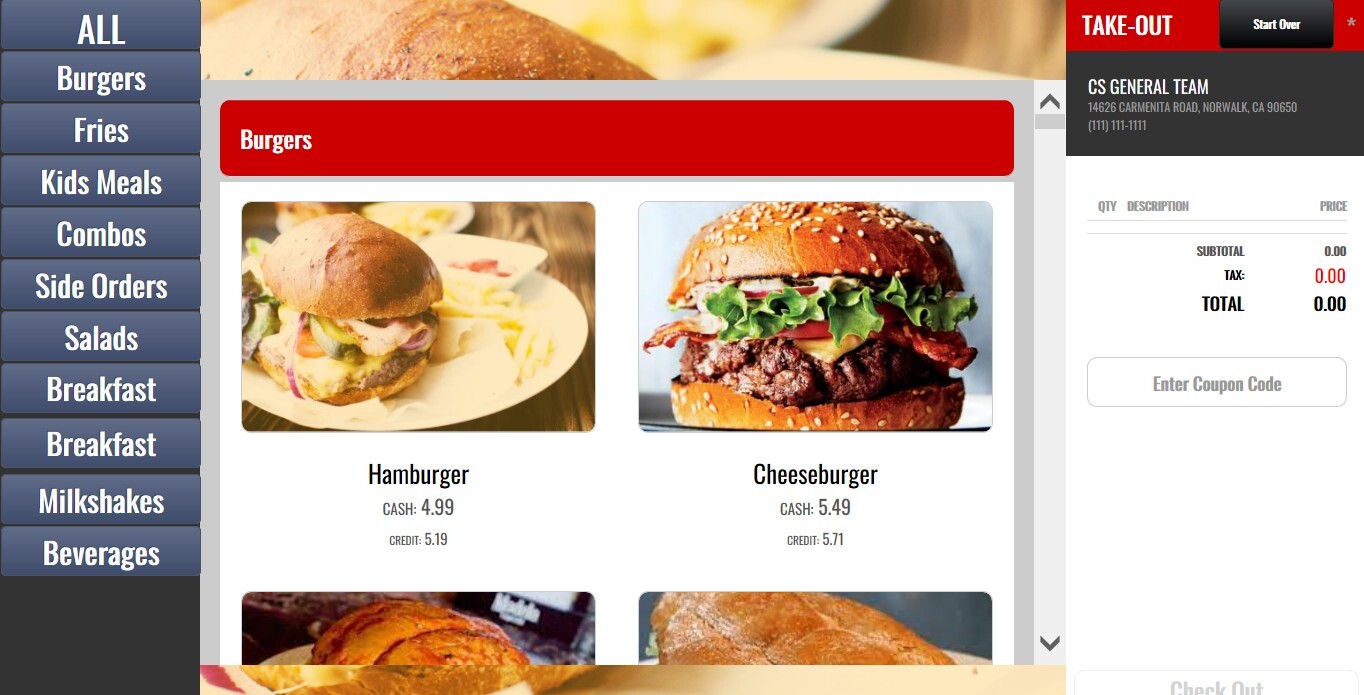
Browse the menu and select the items you wish to order, add any available modifiers or enter special instructions if this feature is enabled.
Once your order is complete, click CHECK OUT.
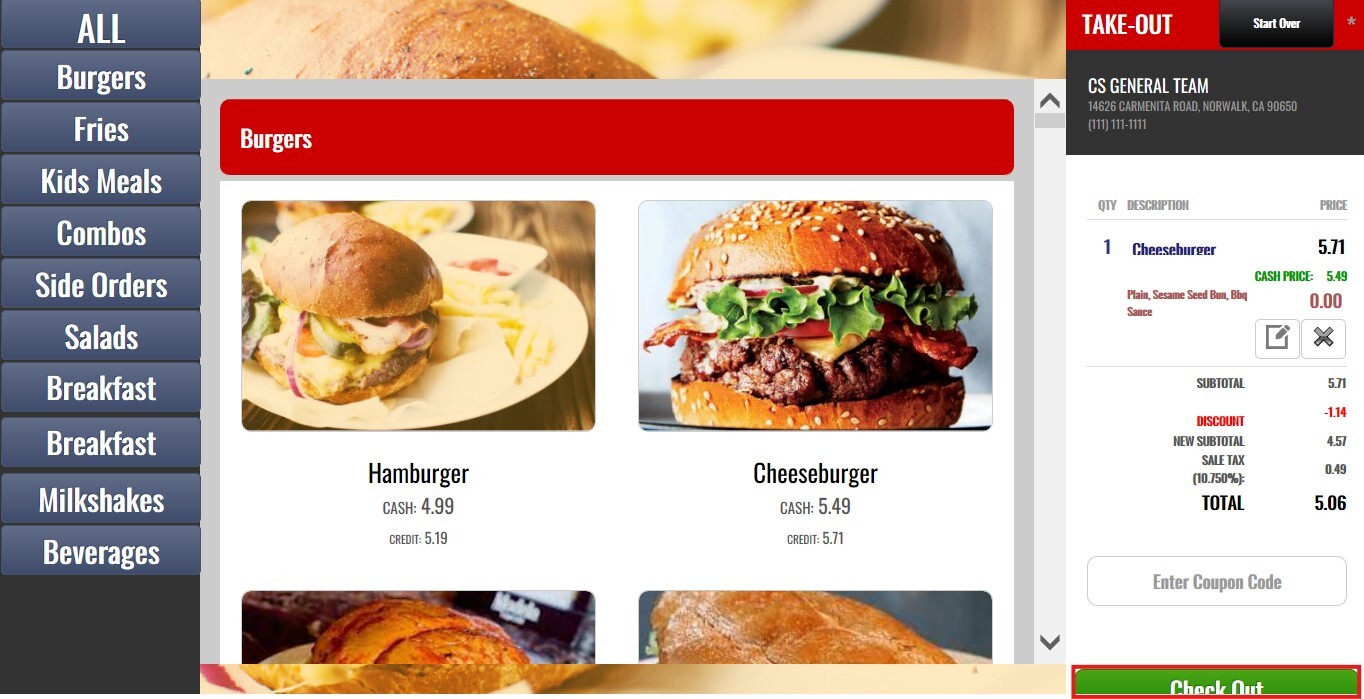
NOTE: Any automatic discounts configured by the merchant will be applied automatically and reflected in the order total. If you have a valid coupon, you can also redeem it during checkout.
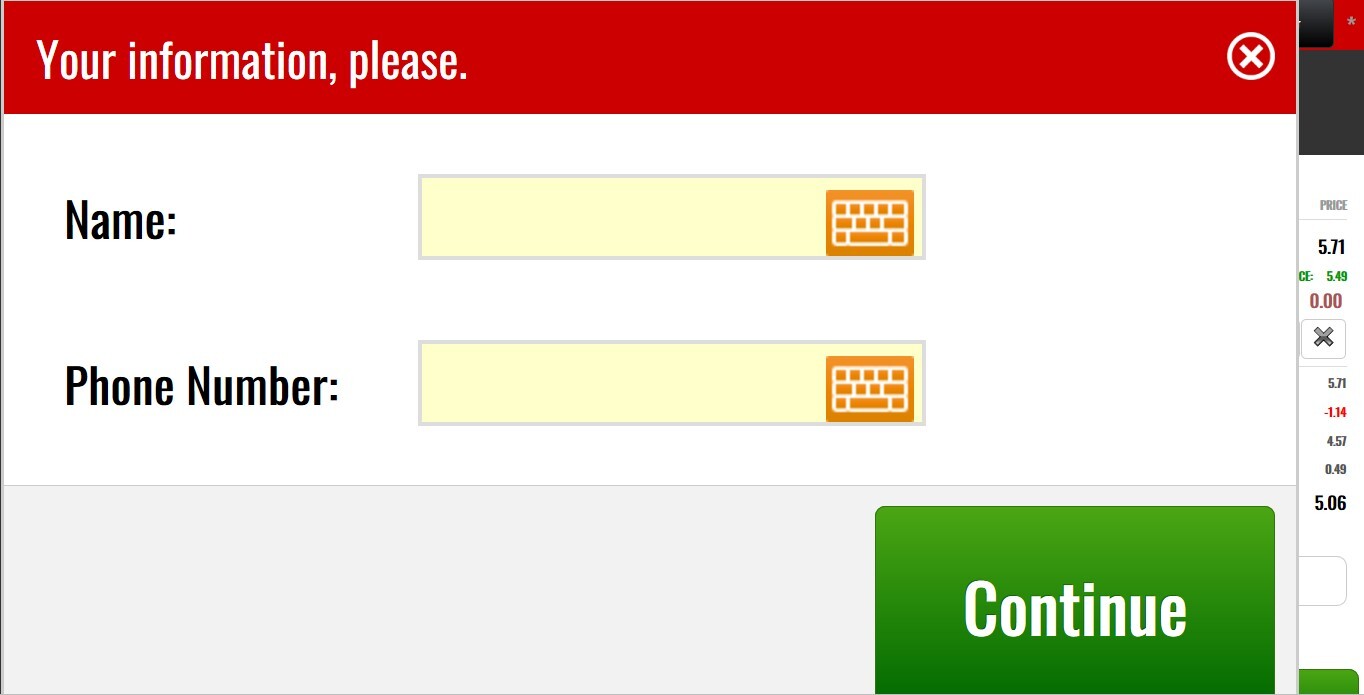
Enter your customer information, if requested.
Select your preferred payment method: Credit/Debit Card or Pay at the Counter (if enabled).
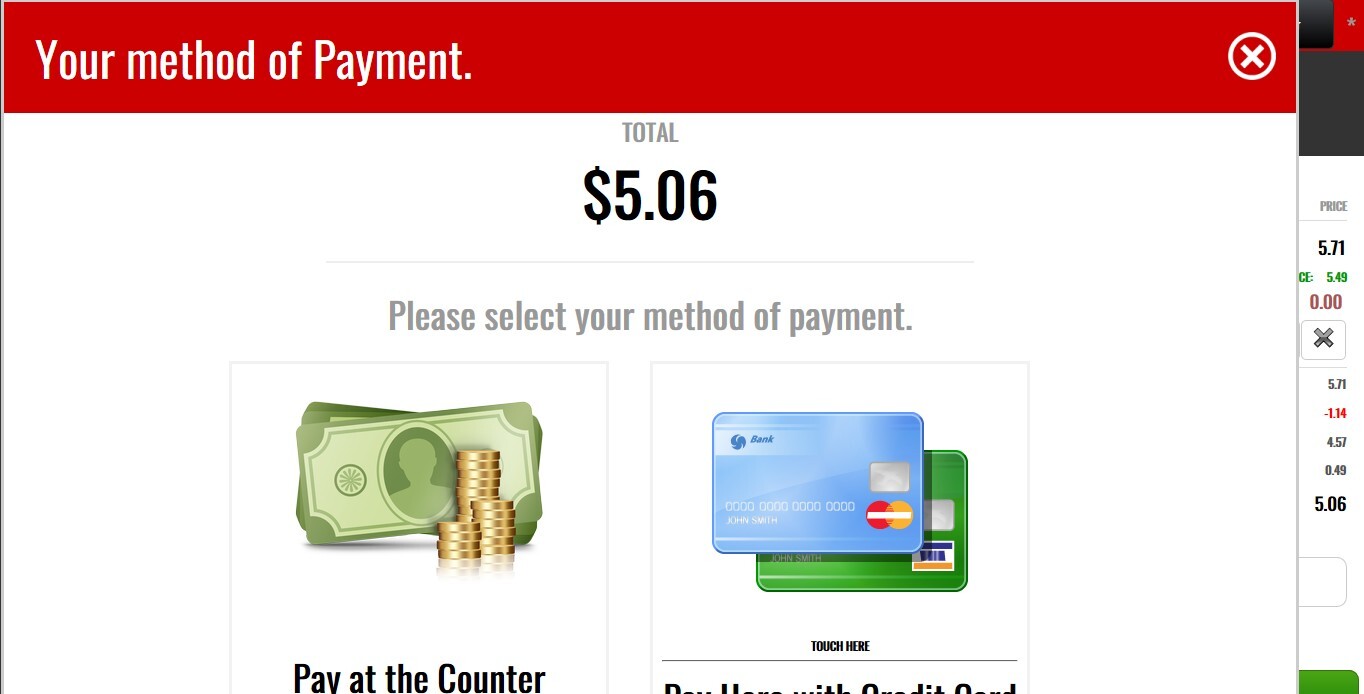
Complete the payment process.
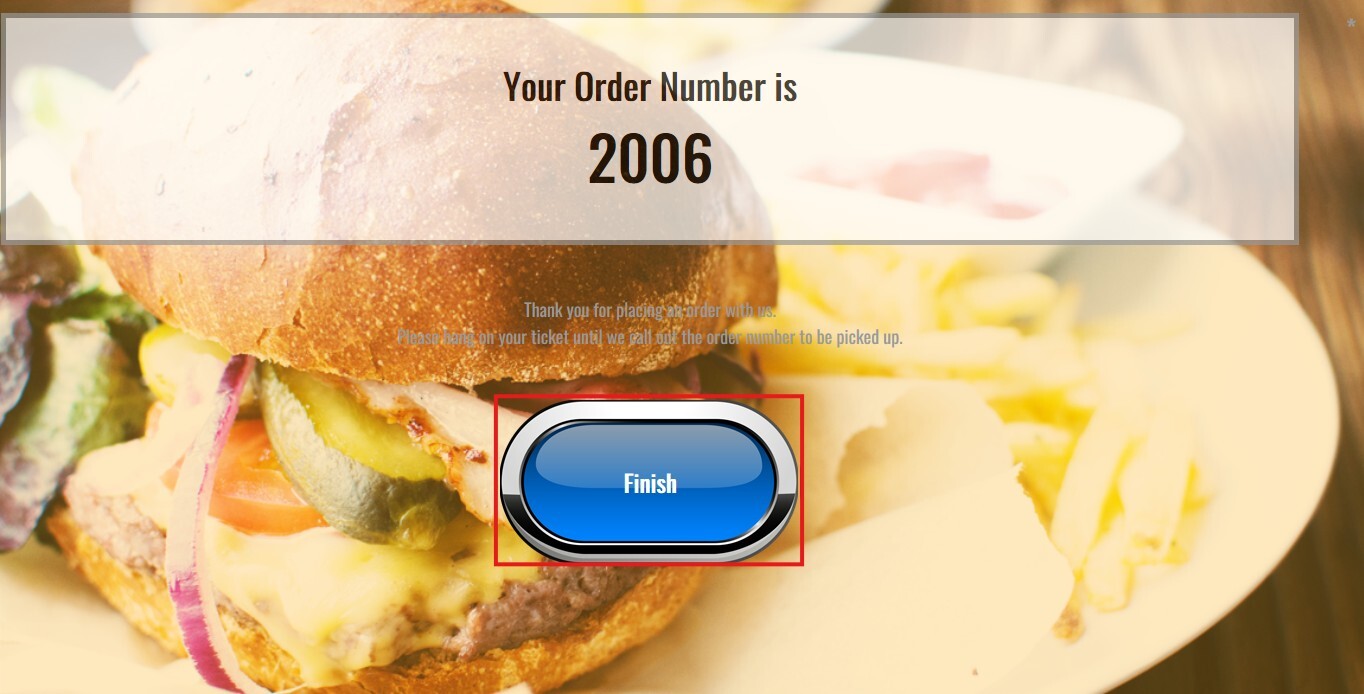
Once the payment is successful: Your order number will be displayed on the screen and a receipt will be printed automatically, if a receipt printer is configured.