Move
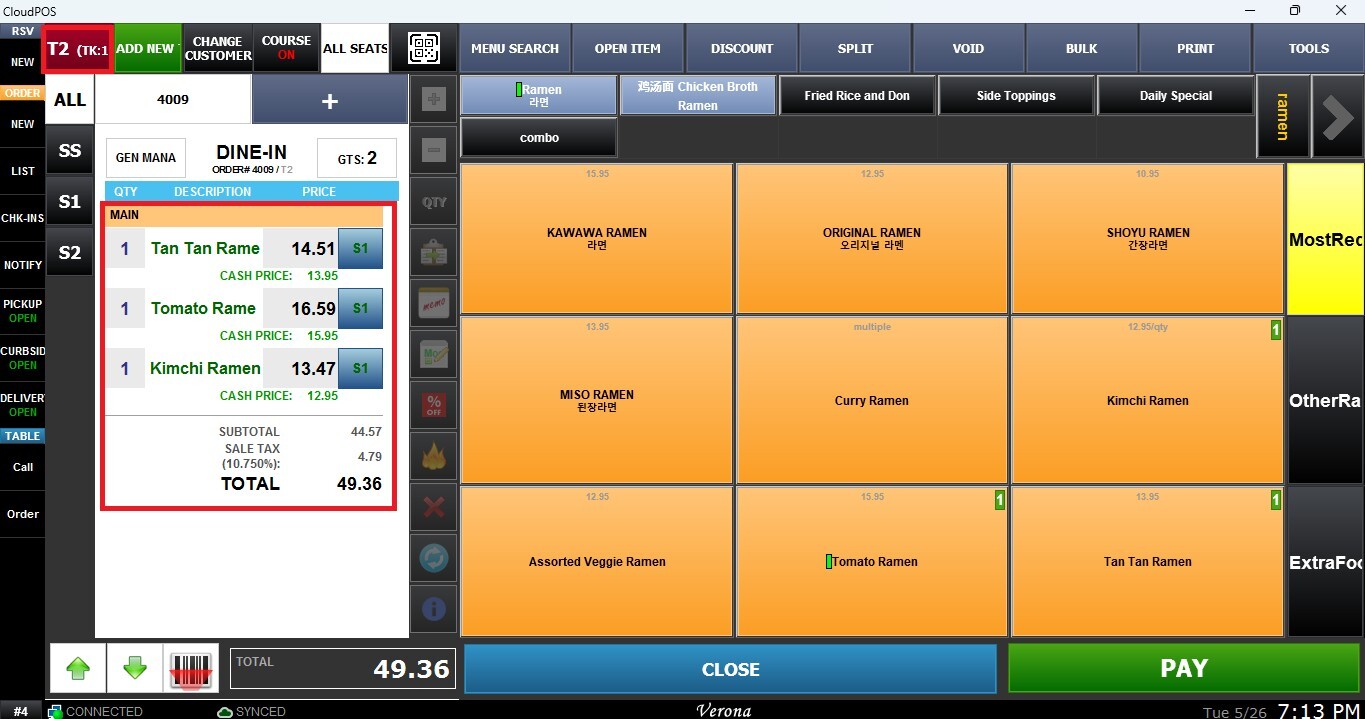
This function allows you to transfer the current order to another destination directly from the Sales Screen. Orders can be moved to another table, the TO GO section, or the BAR section as needed during service. This feature helps staff reorganize orders quickly and maintain smooth service flow during restaurant operations.
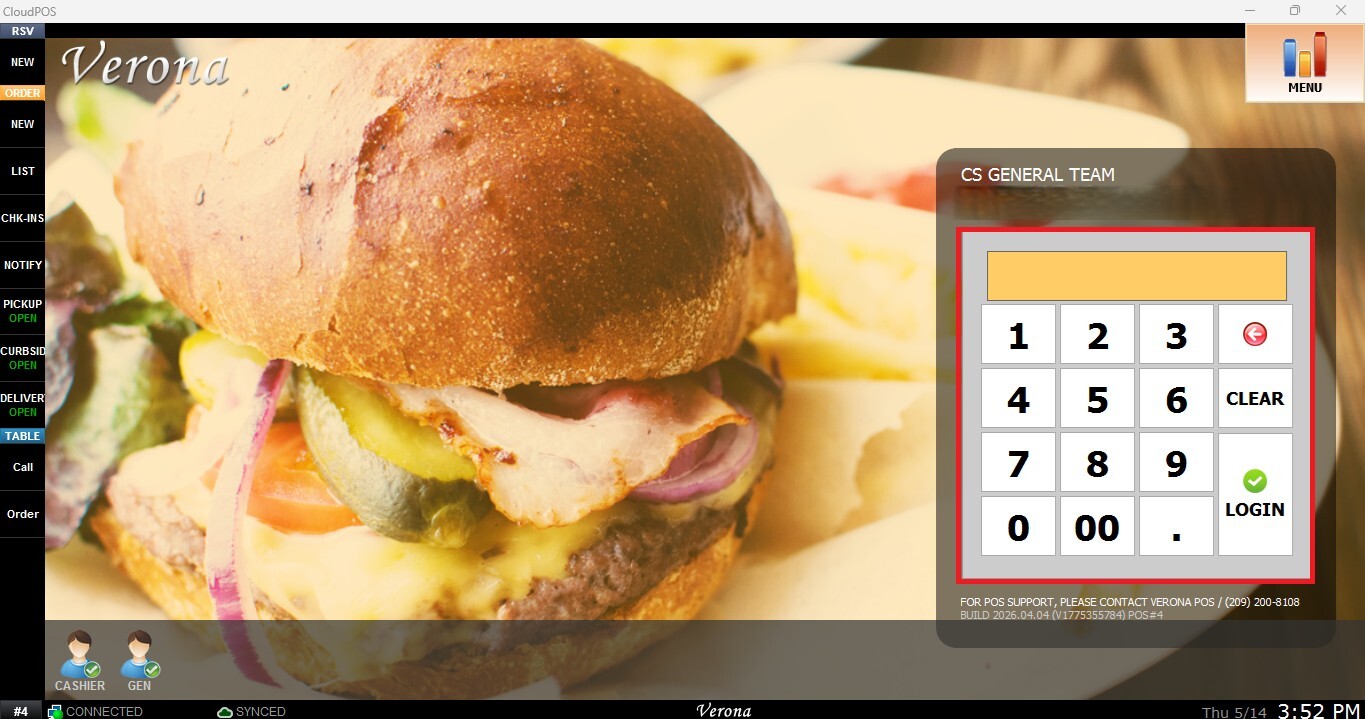
MAIN SCREEN> NUMBER PAD> SALES SCREEN> TOOLS> MOVE
From the Main Screen, use the number pad and enter the assigned employee's password to log in.
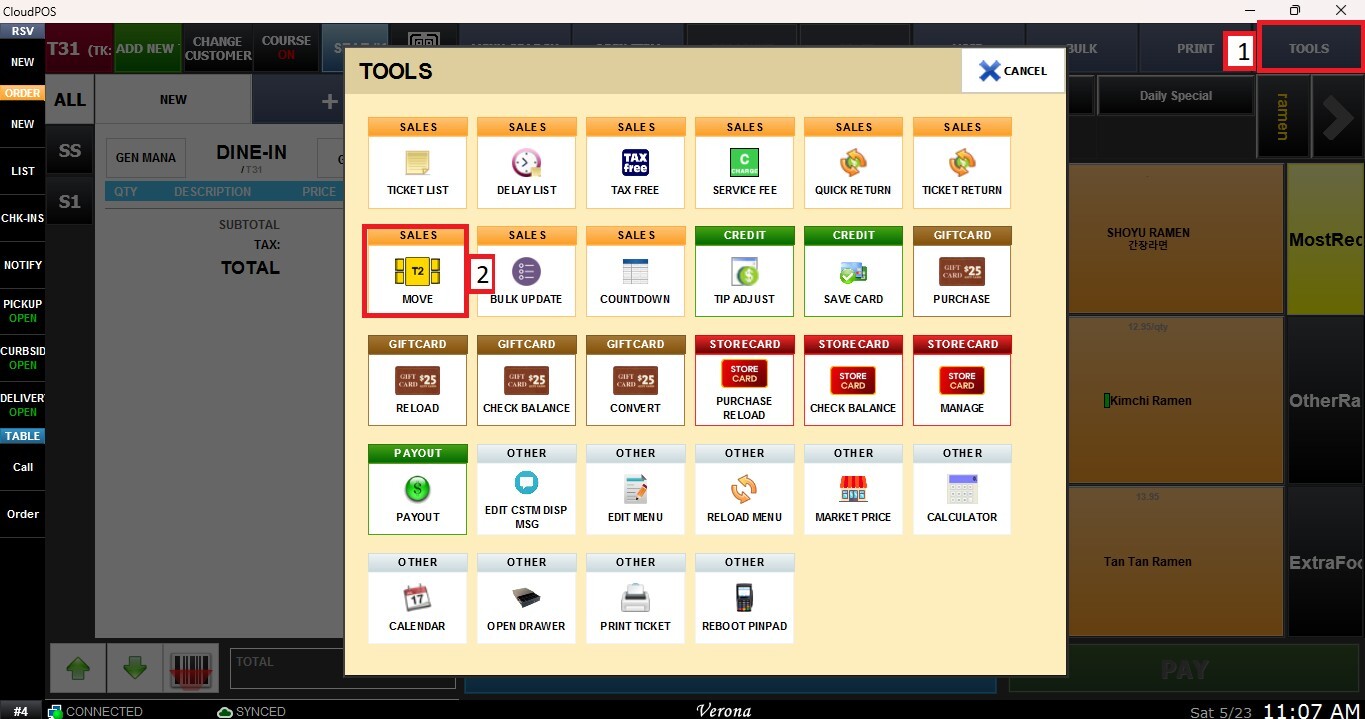
From the Sales Screen, click TOOLS, then select MOVE.
The destination selection window will appear. Choose the desired destination where the current order will be transferred.
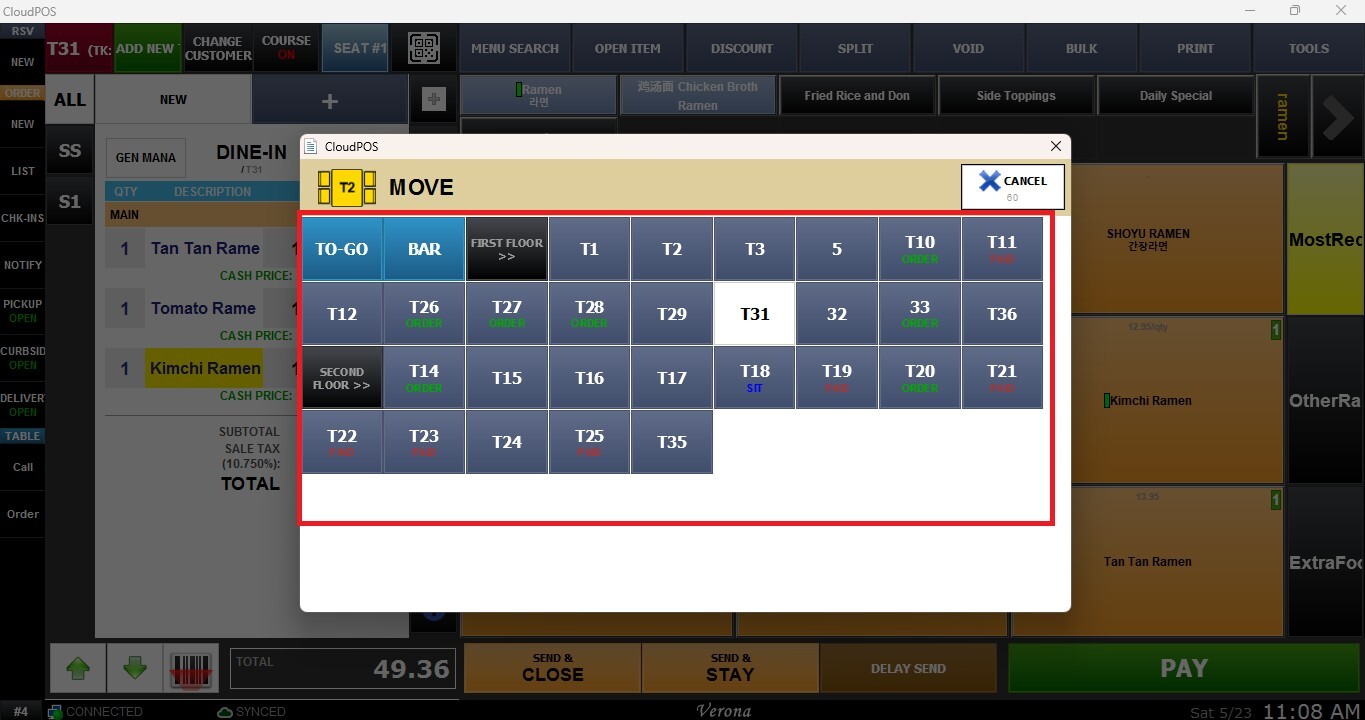
AVAILABLE DESTINATIONS
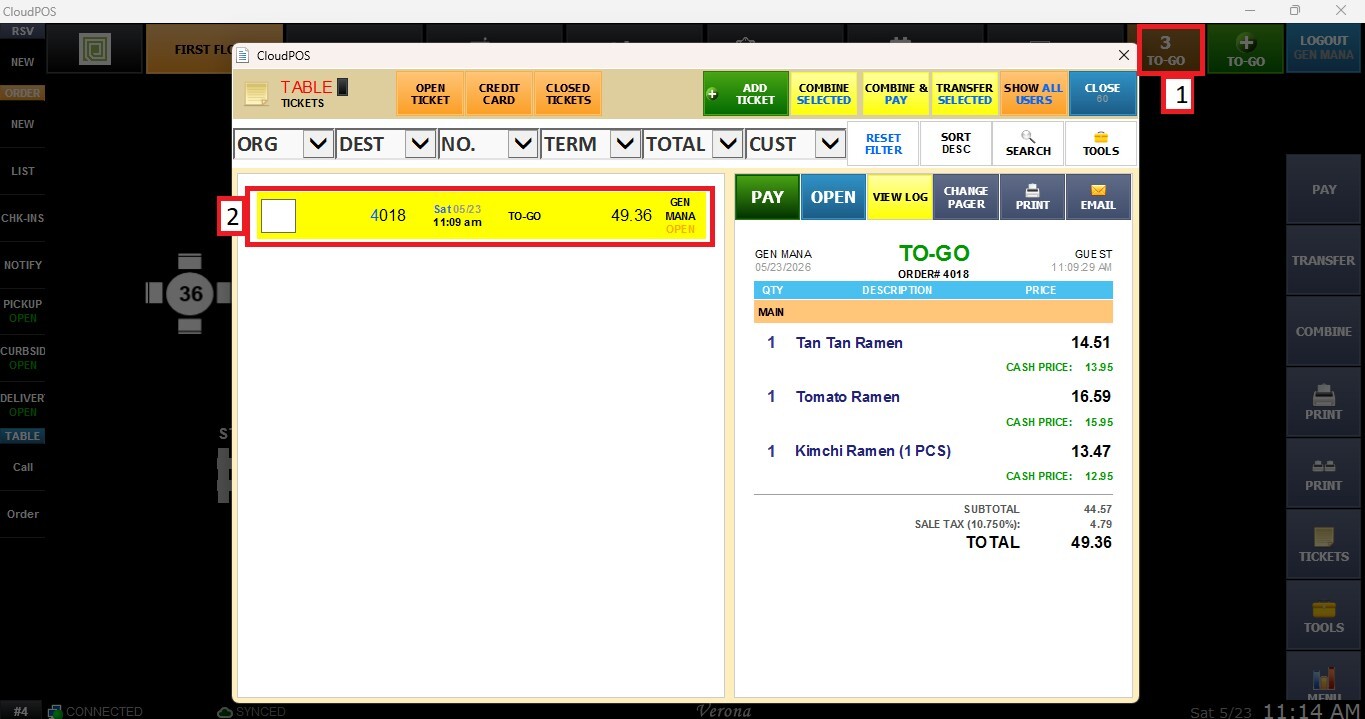
1.TO GO: Moves the current order to the TO GO section.
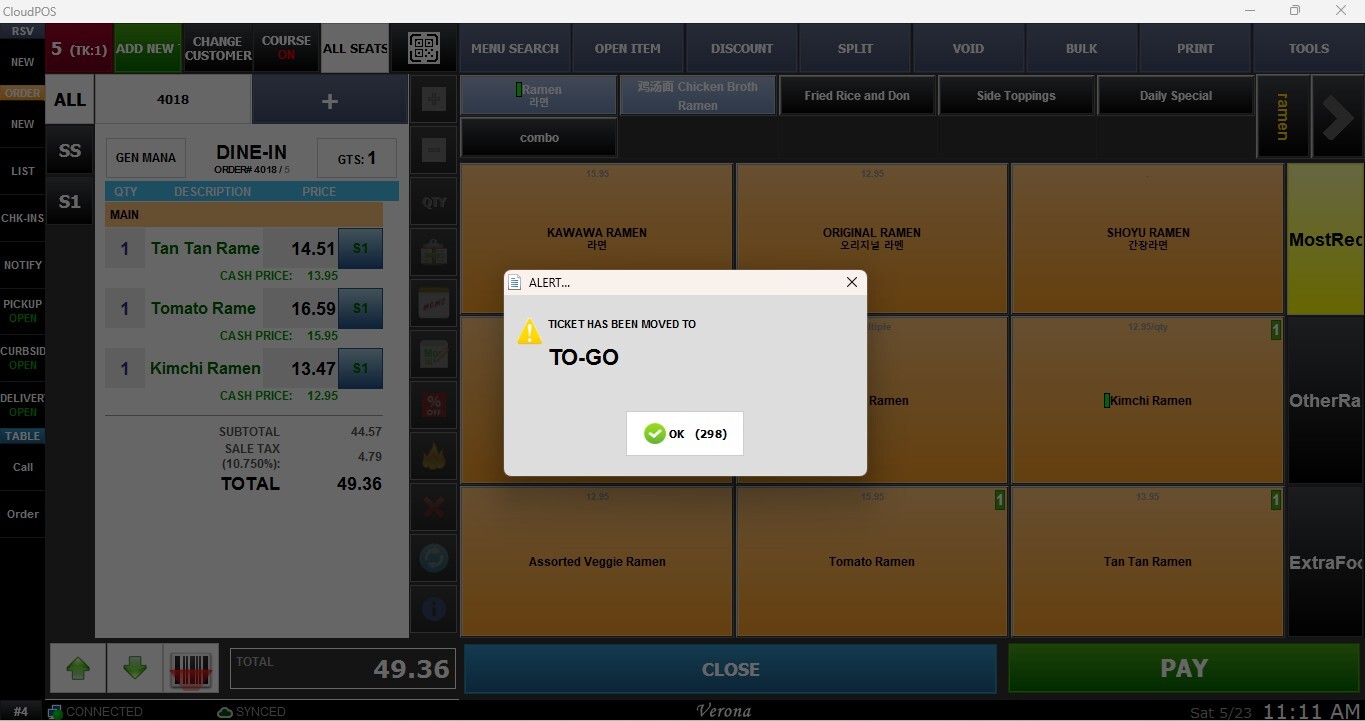
Once selected, the order will be transferred to the chosen destination.
2. BAR: Moves the current order to the BAR section.The Customer's name and a credit card will be required during the process. 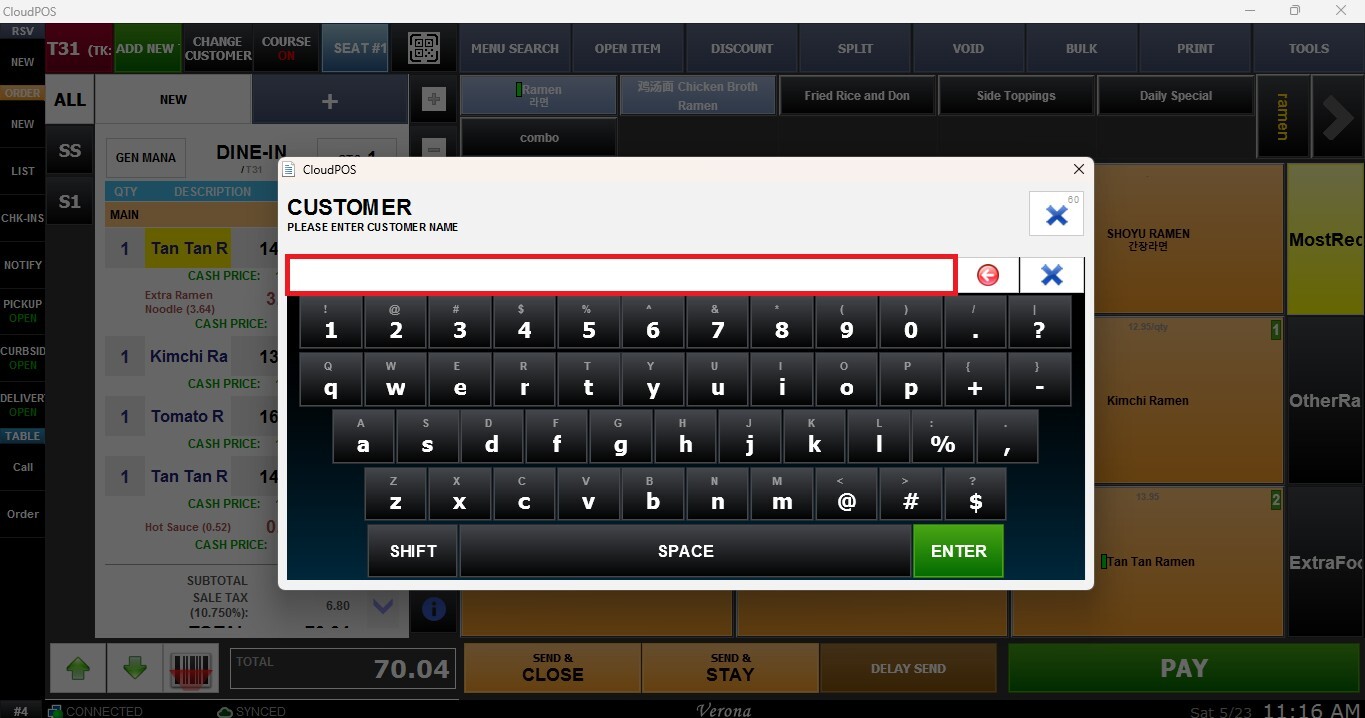
Once selected, the order will be transferred to the Bar destination.
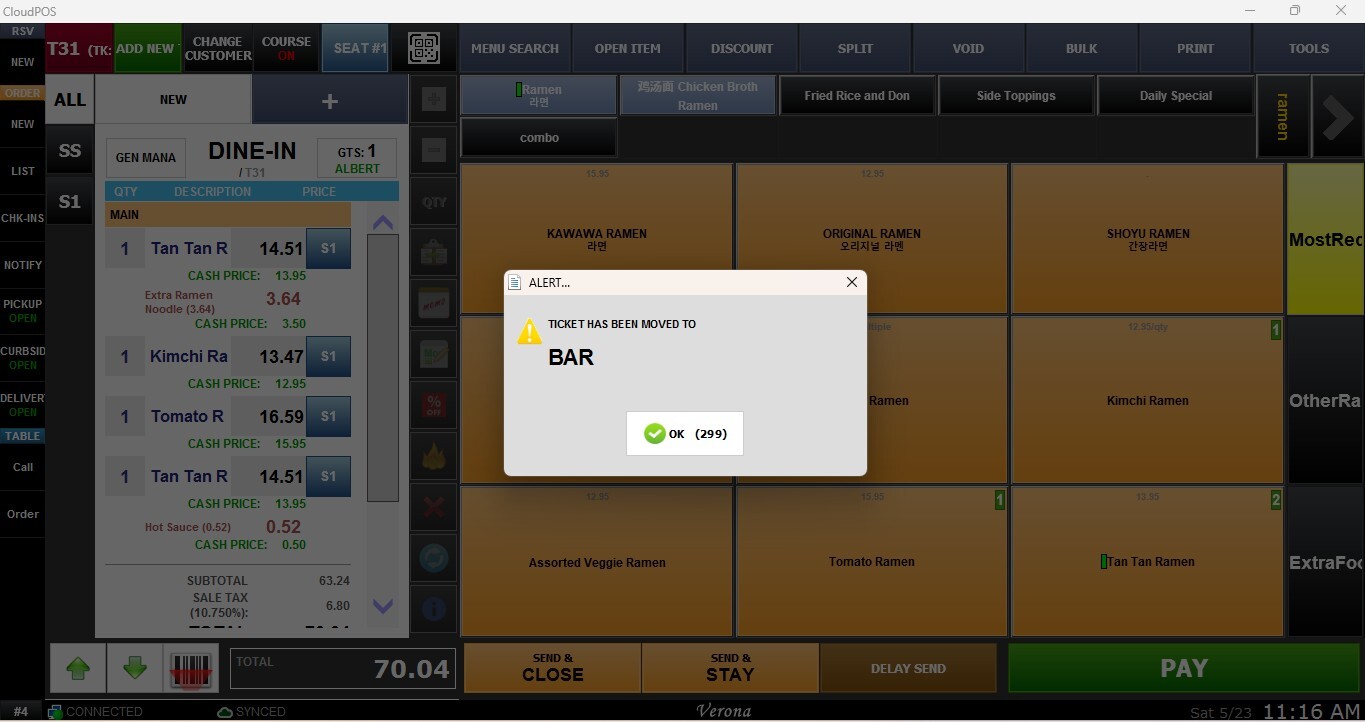
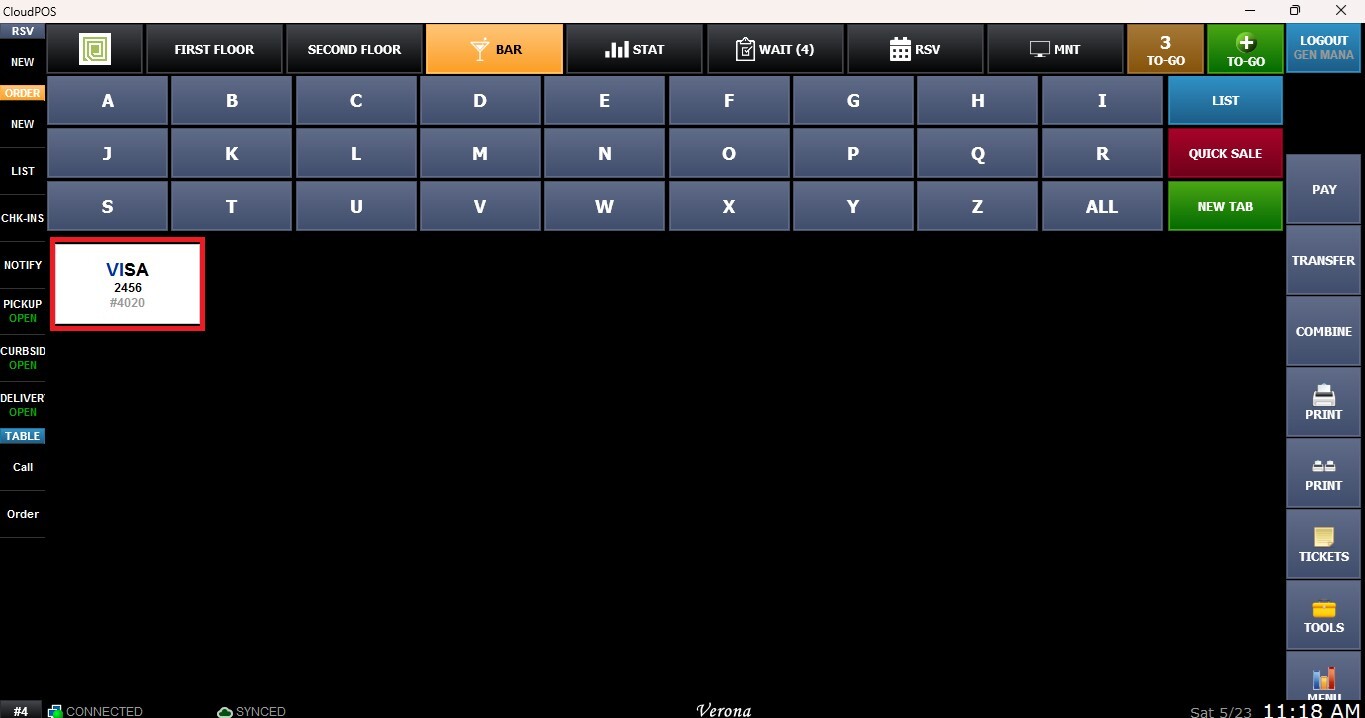
For more information about BAR operations, refer to the Bar guide.
3. TABLES: Moves the current order to another available table selected by the user. Select the Destination table and confirm the transfer.
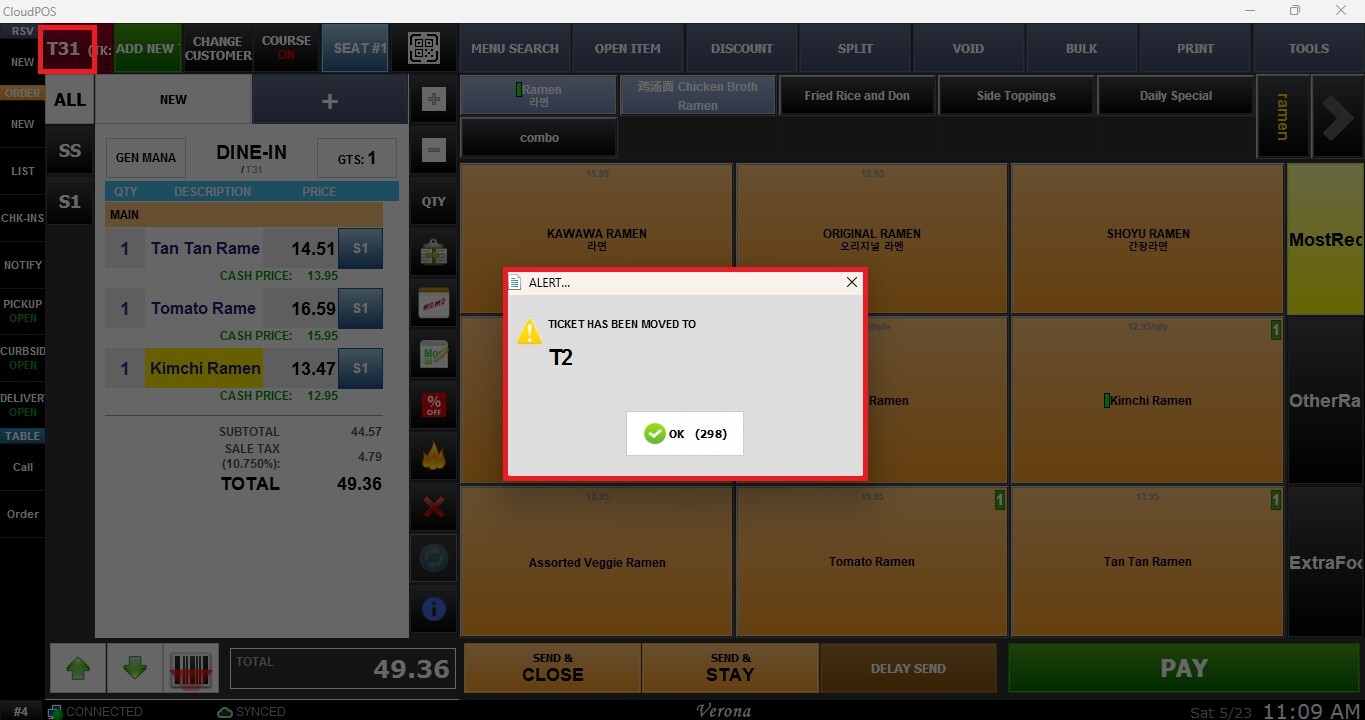
The current order will be transferred to the selected destination while preserving the existing items and transaction information.