Tax
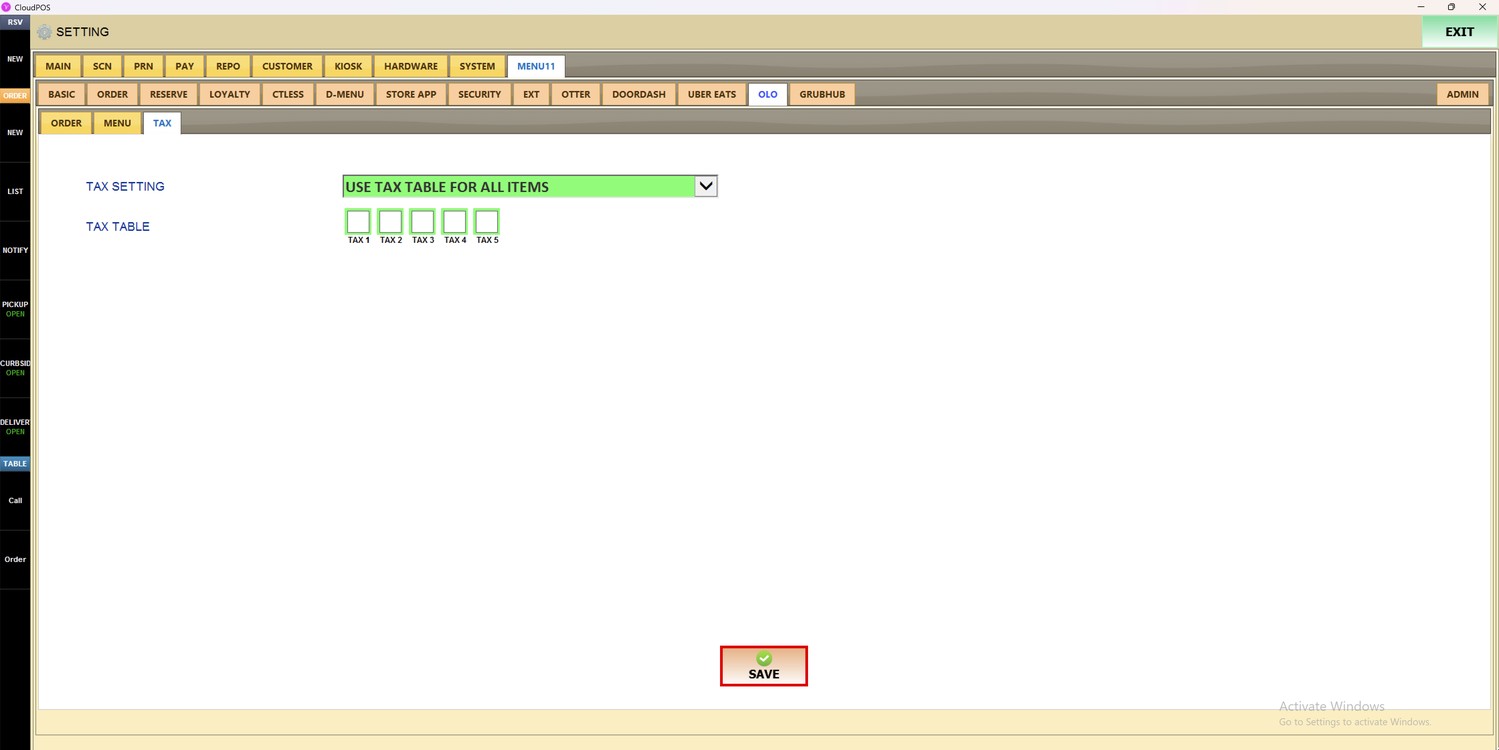
The OLO Tax settings control which taxes are applied to the orders that come from OLO.
MENU> SETTINGS> MENU11> OLO> TAX
Go to MENU and press SETTINGS.
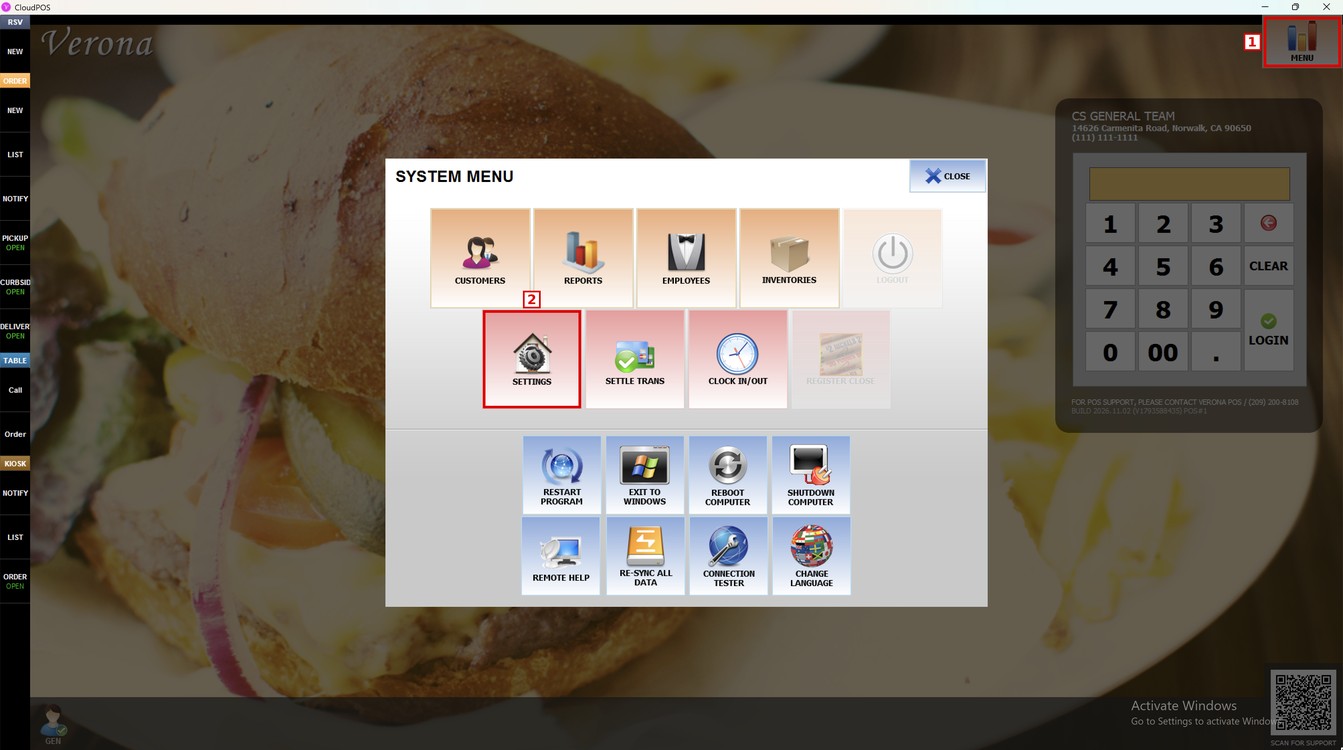
Press the MENU11 tab, then the OLO subtab, and then TAX.
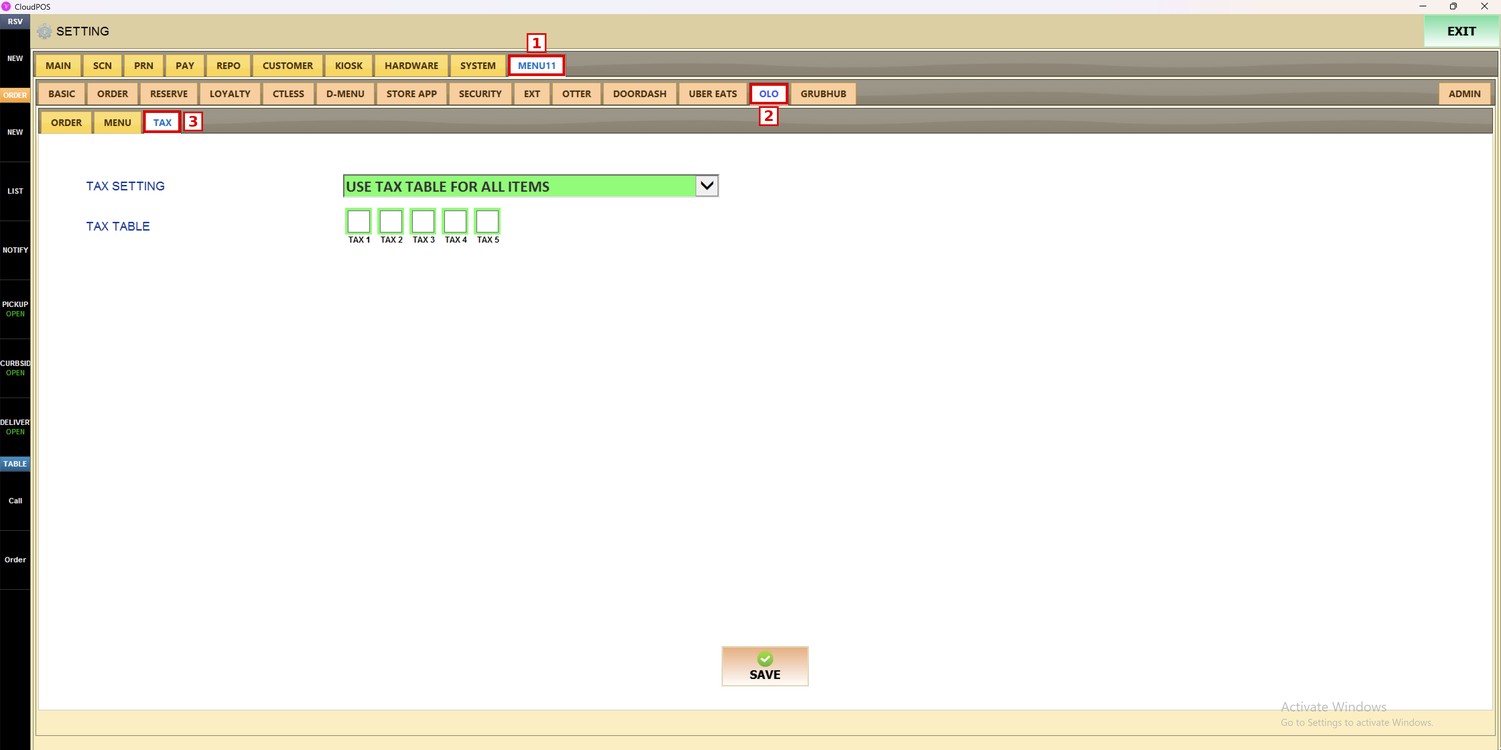
Tax Setting:
Sets where the taxes of the OLO items come from.
1. USE TAX TABLE FOR ALL ITEMS: The taxes selected in TAX TABLE are applied to all the OLO items.
2. MENU SETTING THEN USE TAX TABLE IF NOT FOUND: The OLO items use the tax set in the POS menu. If the item is not found in the menu, the taxes selected in TAX TABLE are applied.
3. FOLLOW MENU SETTING: The OLO items use only the tax set in the POS menu.
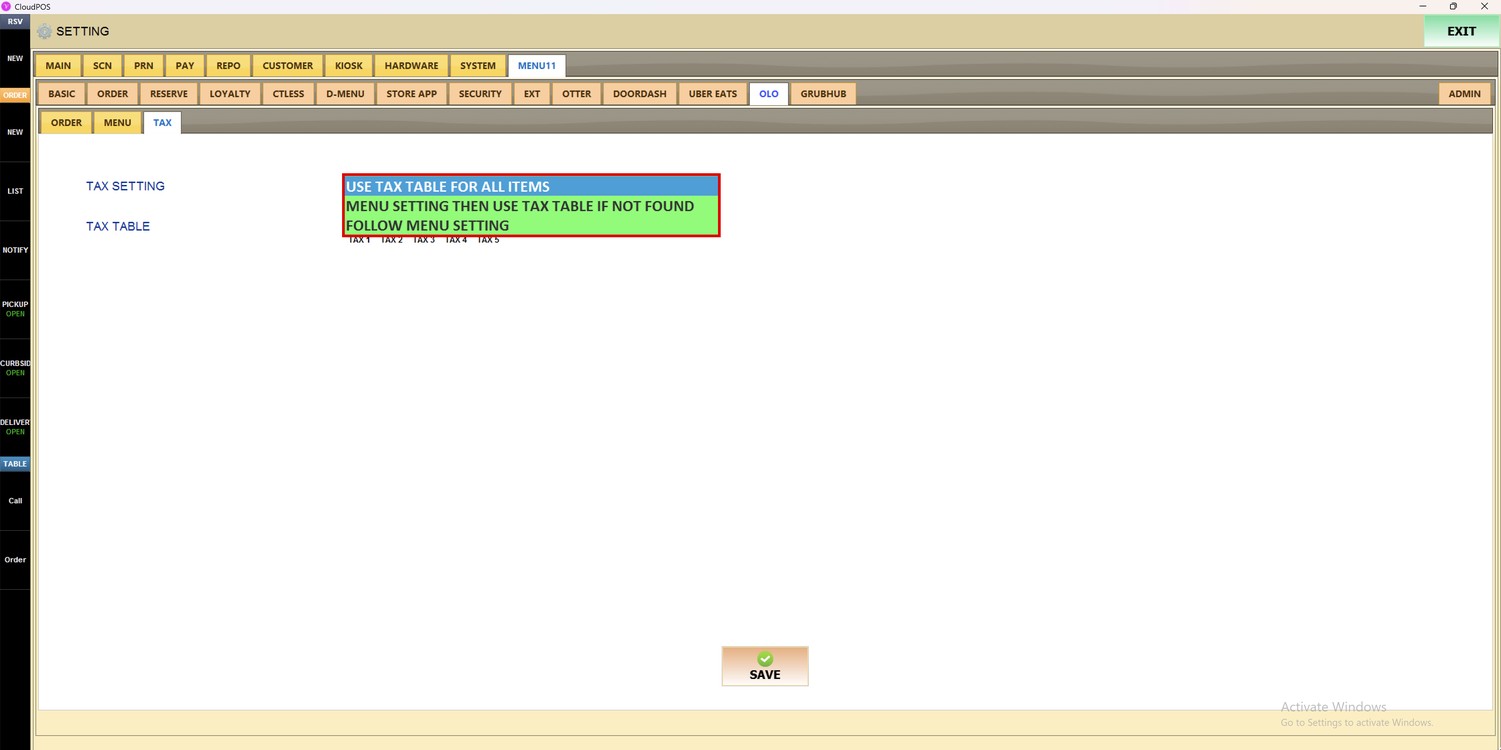
Tax Table:
Select the taxes that are applied to the OLO items, from TAX 1 to TAX 5.
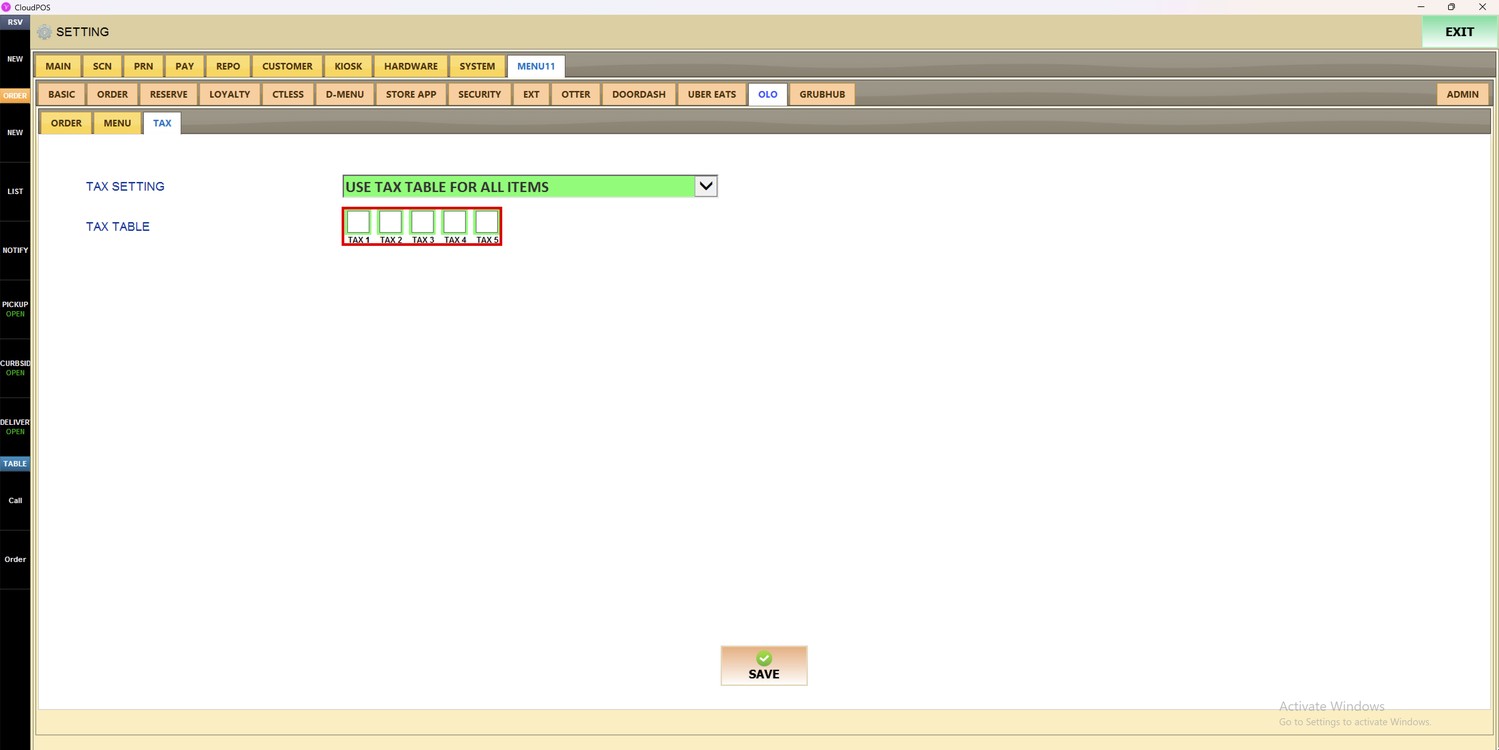
Hint: The taxes TAX 1 to TAX 5 are the taxes set up for the store on the POS. To learn how to set up the taxes, refer to the Tax Table Setup
Press SAVE to save the changes.
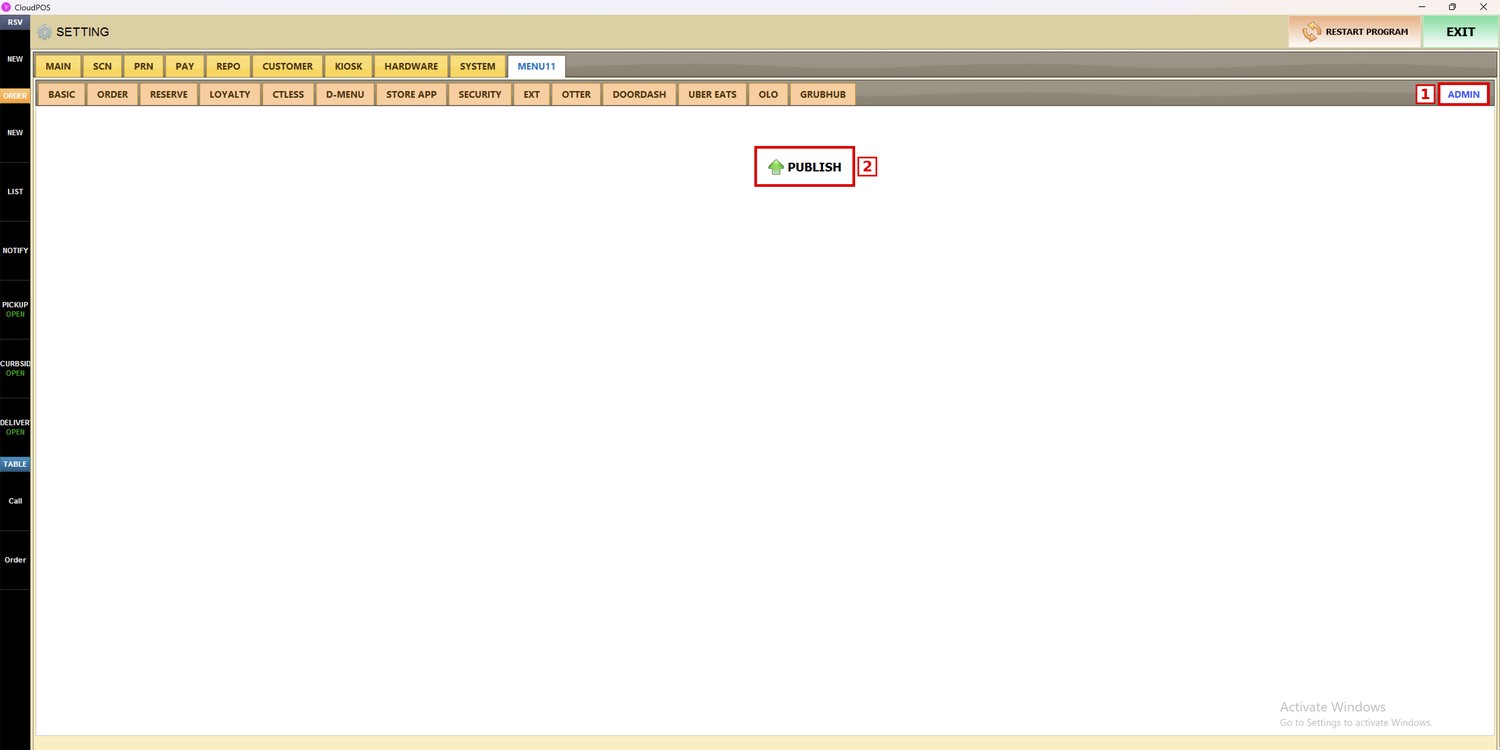
Press the ADMIN subtab and then PUBLISH to apply the changes.
To learn how to select the menu for OLO, please refer to the OLO Menu Guide.