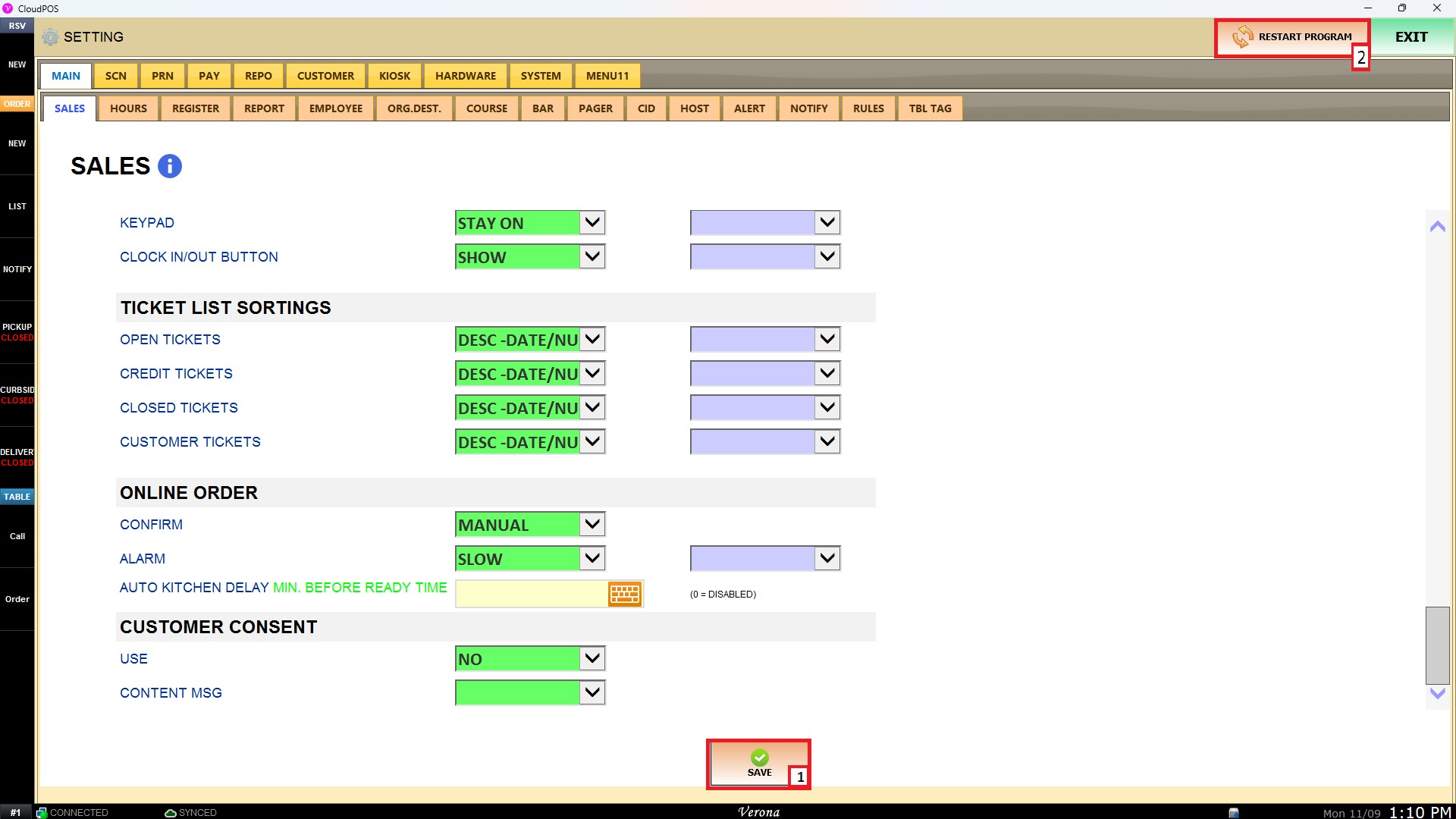
Ticket List Sortings
The TICKET LIST SORTINGS settings allow users to define default display criteria and sorting orders for transaction lists across different POS modules. Configuring these options organizes ticket records logically on screen, helping staff locate open, credit, closed, or customer-specific tickets efficiently.
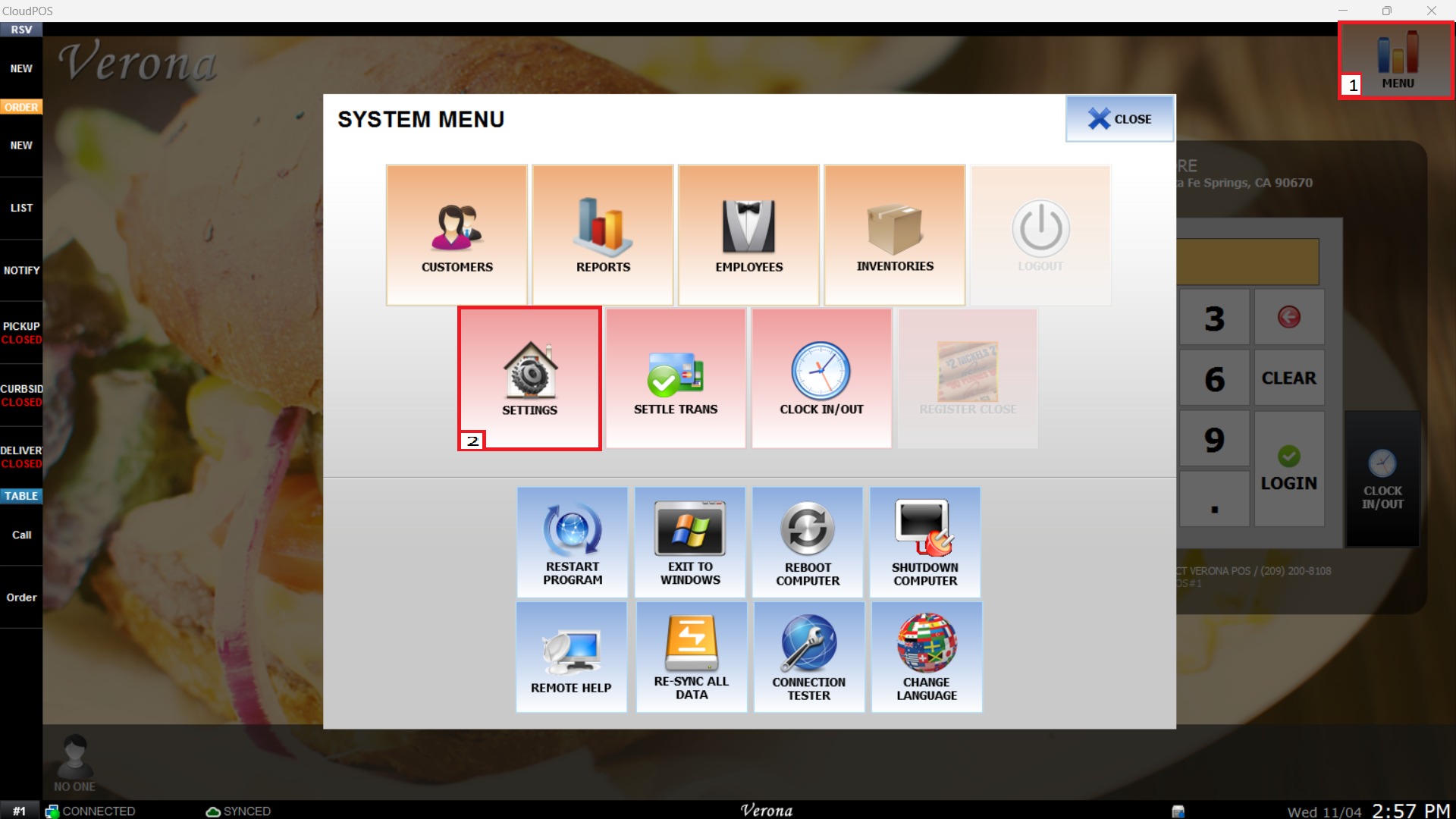
Main Screen > MENU > SETTINGS > MAIN > SALES
From the Main Screen, select MENU and then press SETTINGS.
Under the MAIN tab, select SALES, and locate the TICKET LIST SORTINGS configuration section.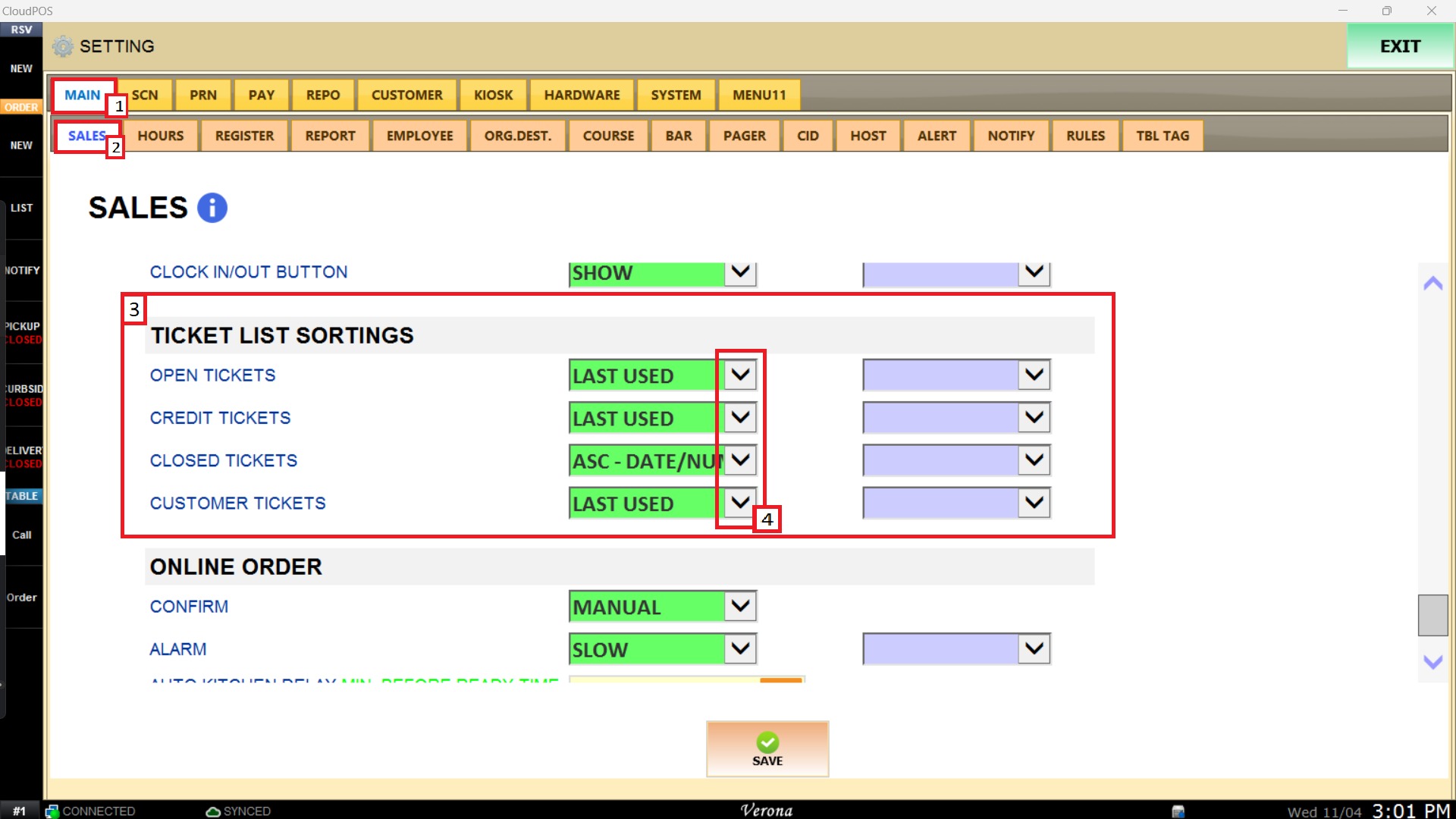
This section contains dropdown parameters to control default sorting methods for various ticket views.

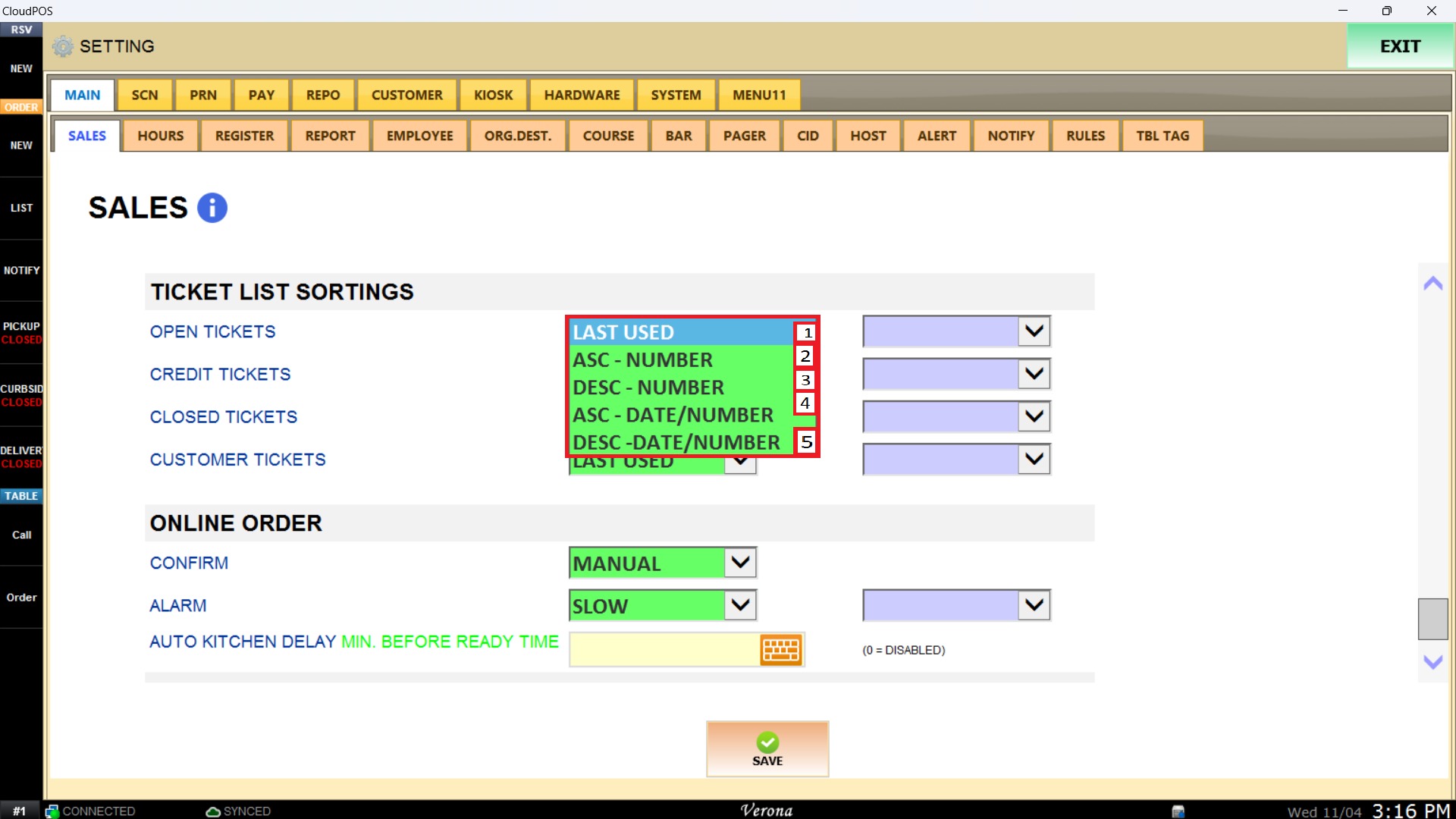
OPEN TICKETS
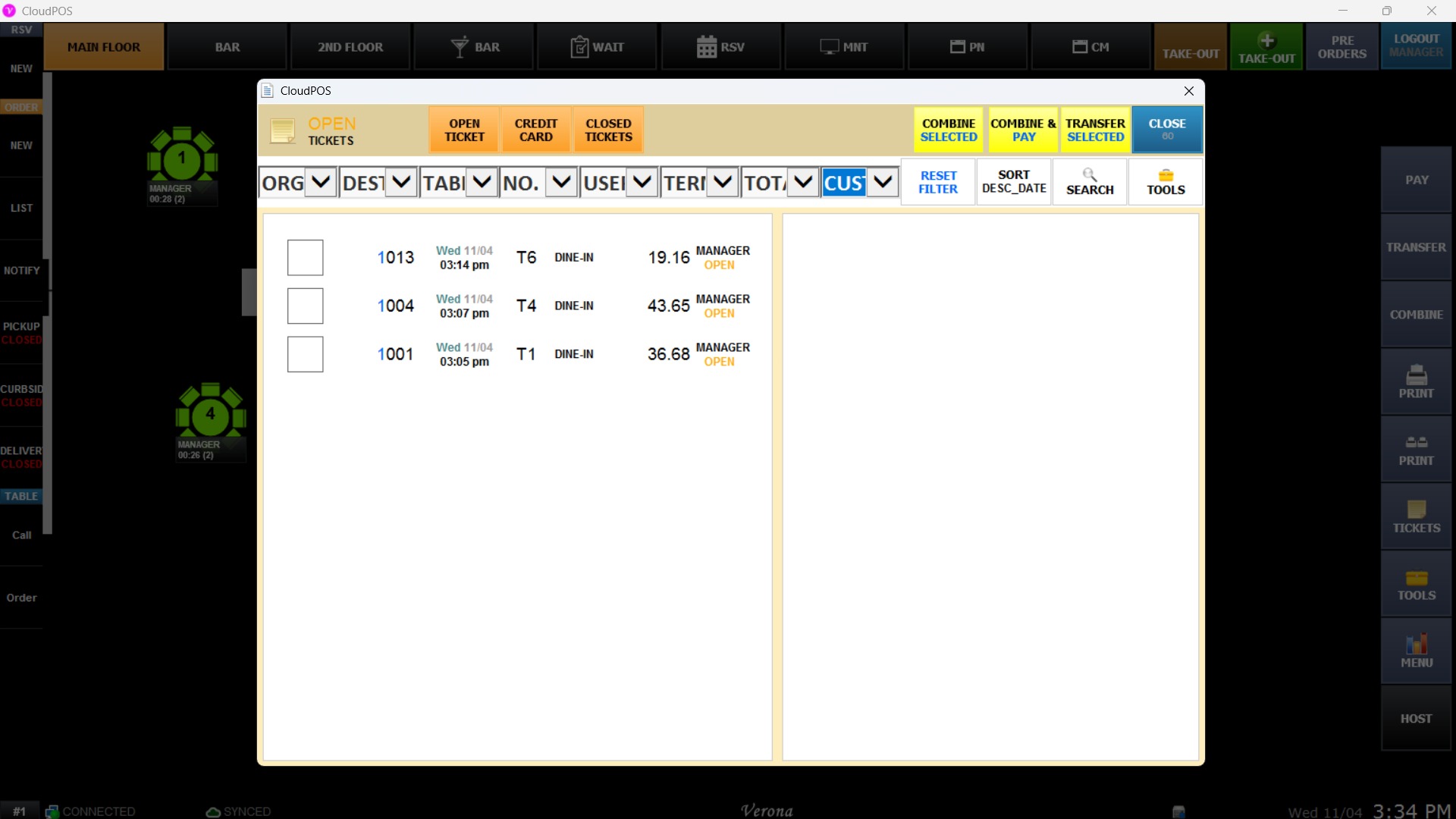
Configures the default order for active/unpaid tickets displayed on the POS ticket screen.


- LAST USED: Sorts open tickets by most recently accessed or modified.
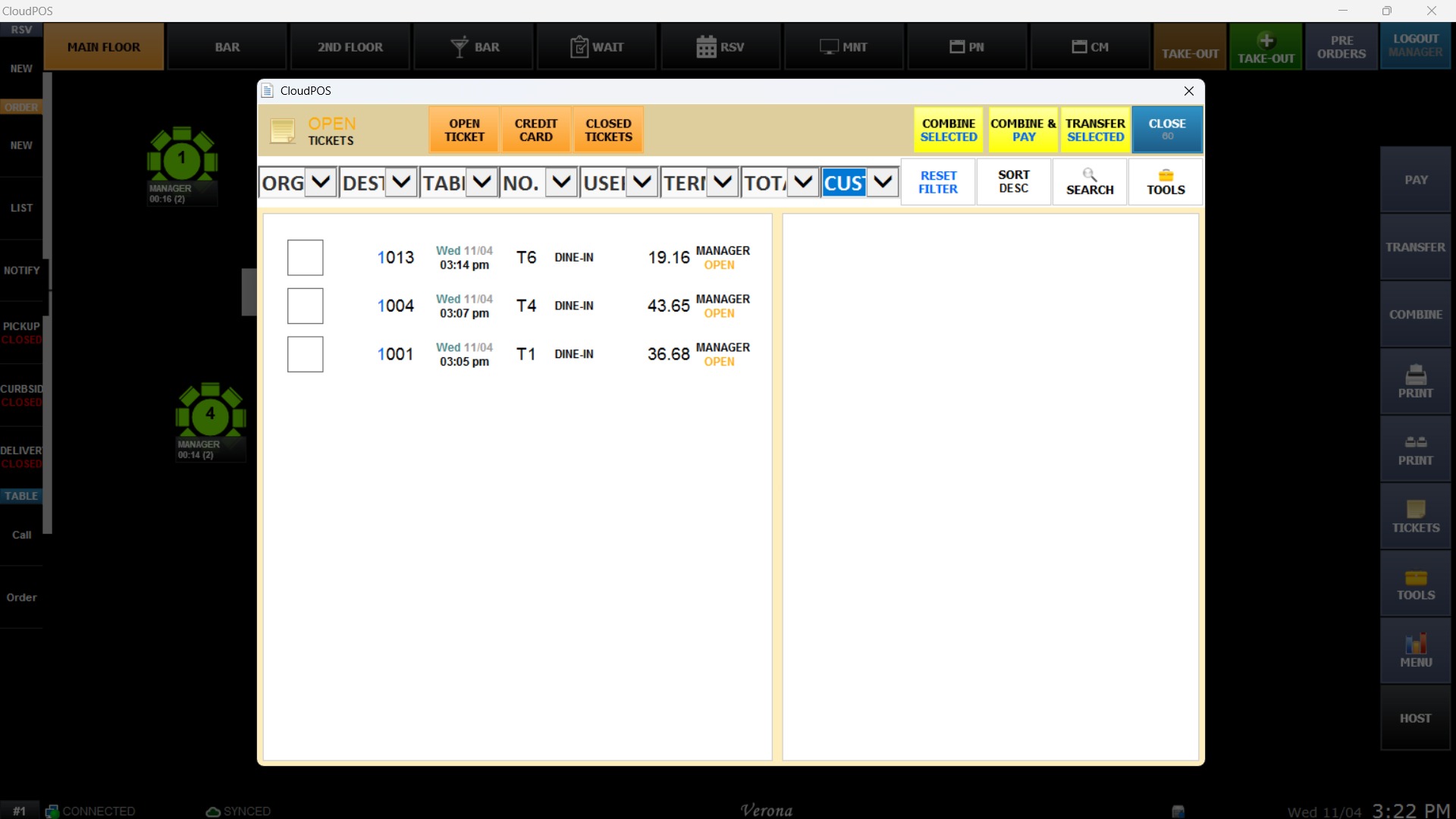
- ASC - NUMBER: Sorts tickets strictly in ascending numerical order by ticket number.
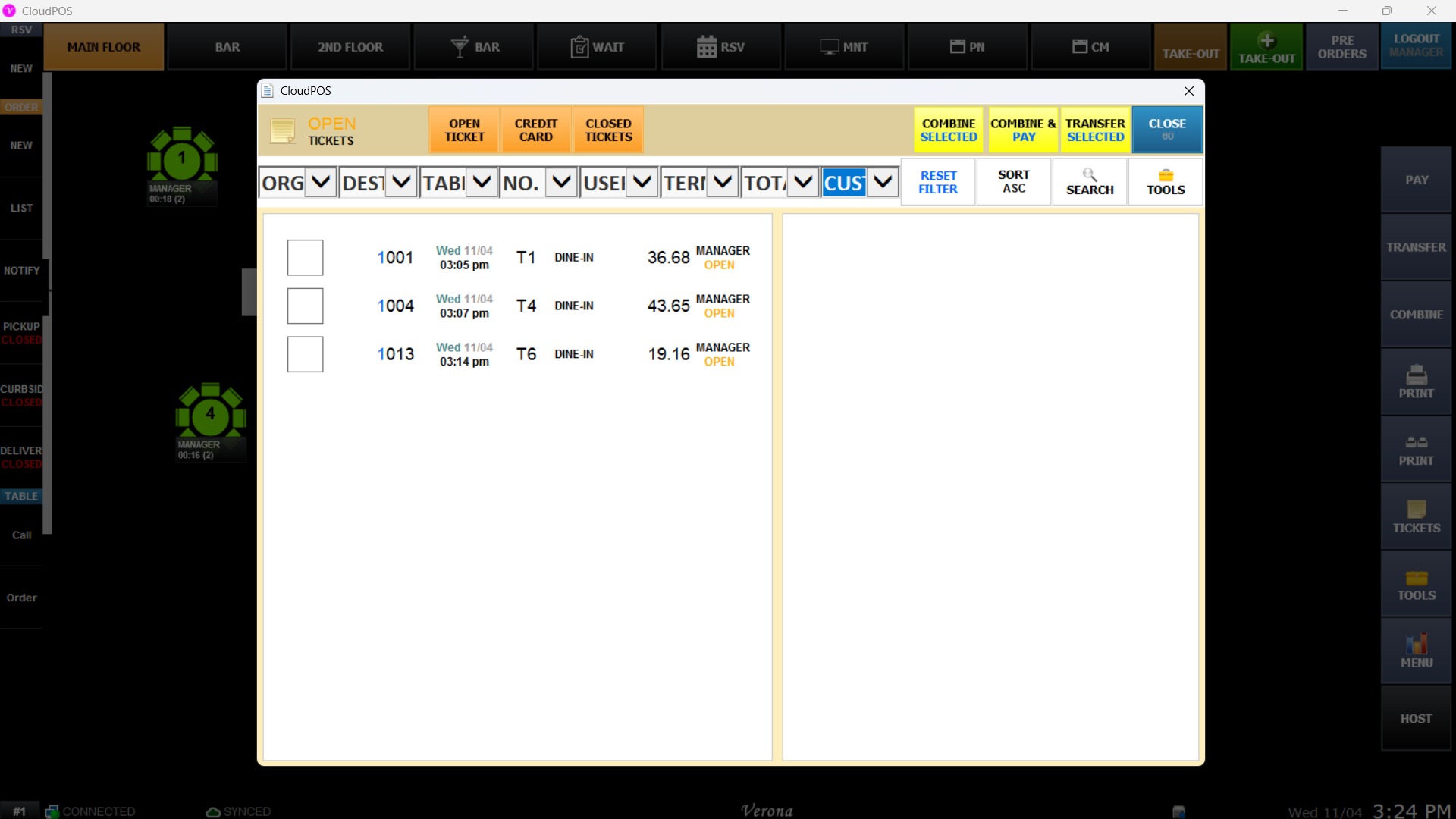
- DESC - NUMBER: Sorts tickets strictly in descending numerical order by ticket number.
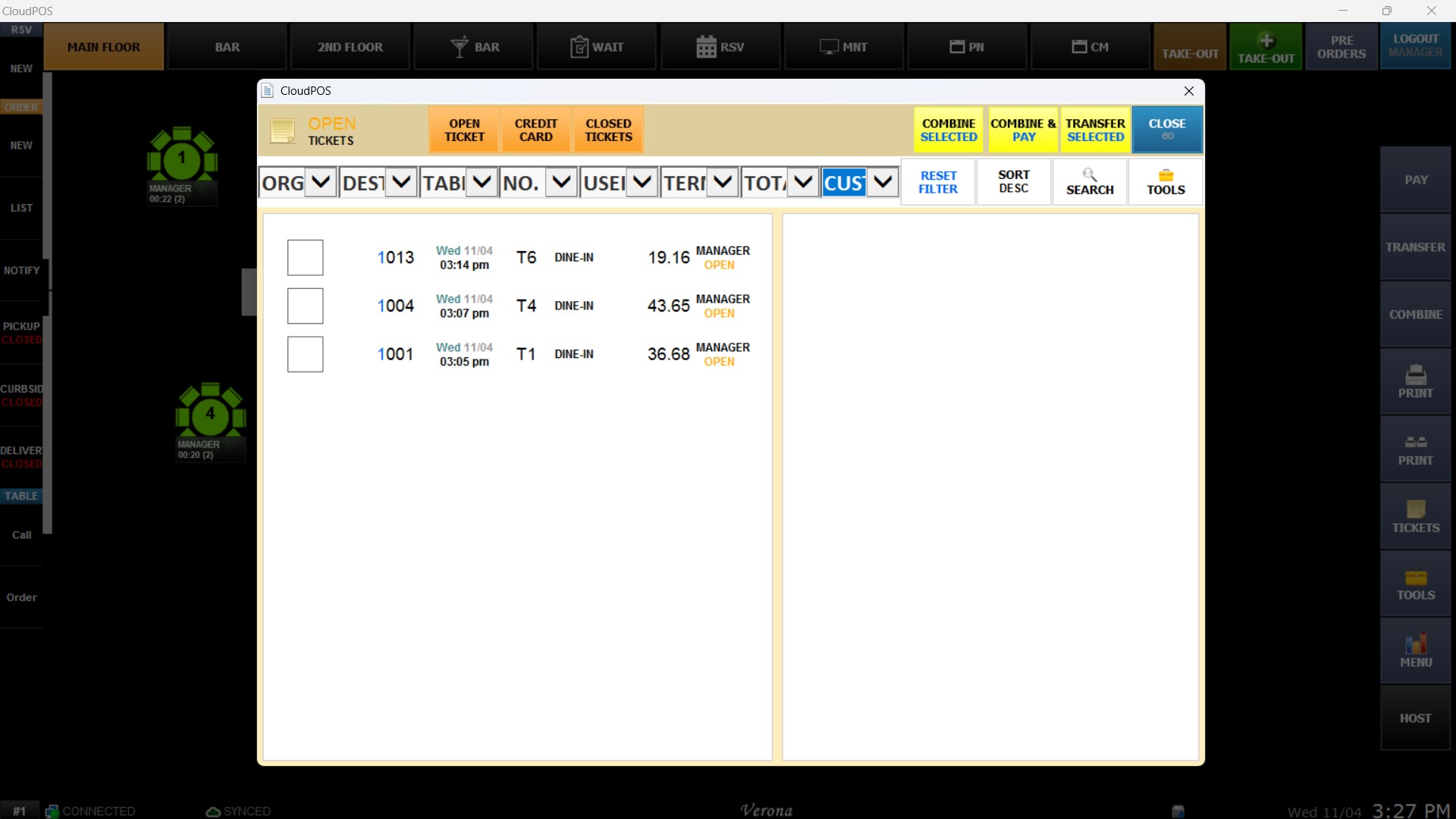
- ASC - DATE/NUM: Sorts tickets in ascending order based on creation date and ticket number.
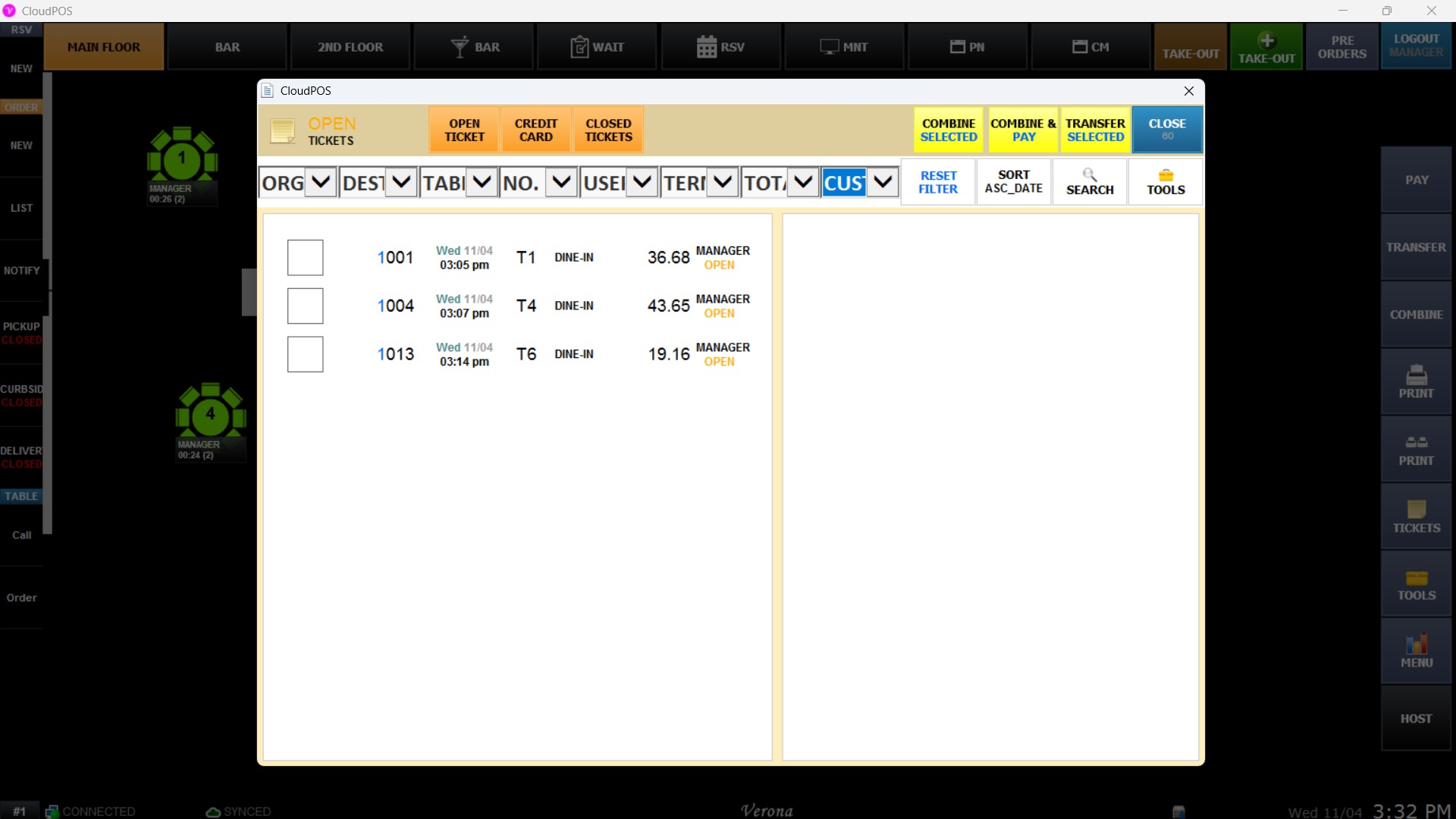
- DESC - DATE/NUM: Sorts tickets in descending order based on creation date and ticket number.

CREDIT TICKETS
Defines the sorting preference for credit card pre-authorized or pending credit transaction tickets.
- LAST USED: Displays credit tickets based on recent activity.
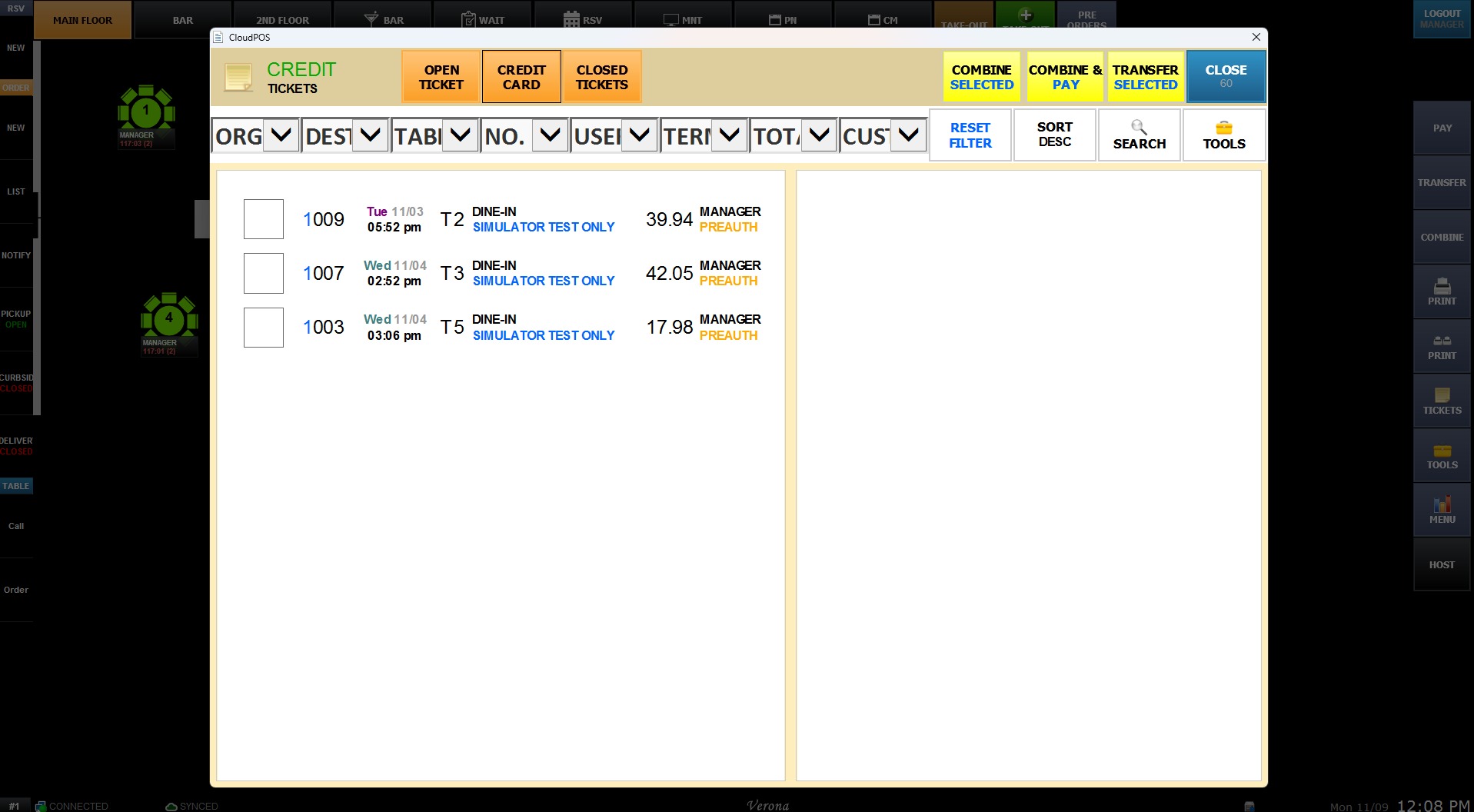
- ASC - NUMBER: Sorts credit tickets strictly in ascending numerical order by ticket number.
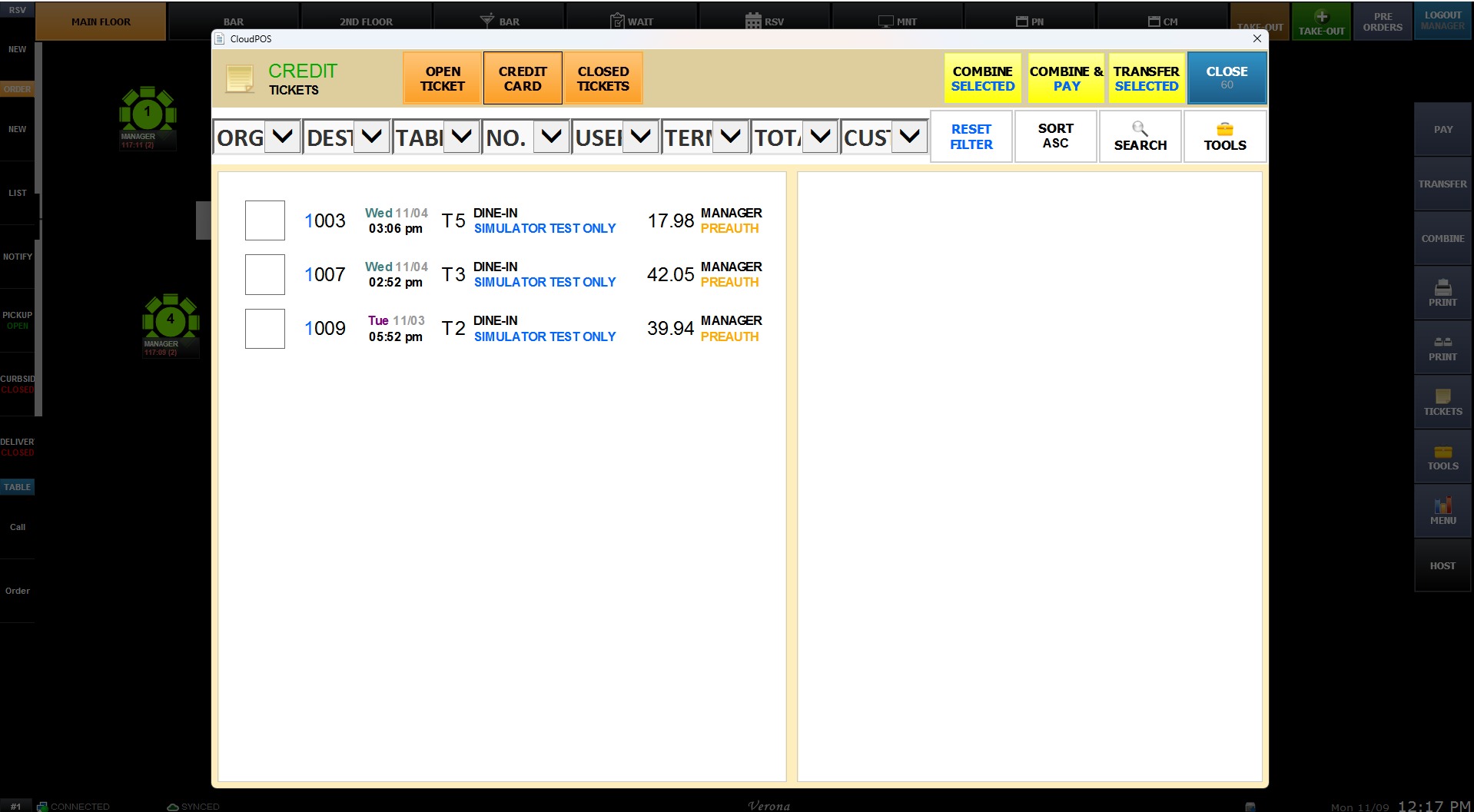
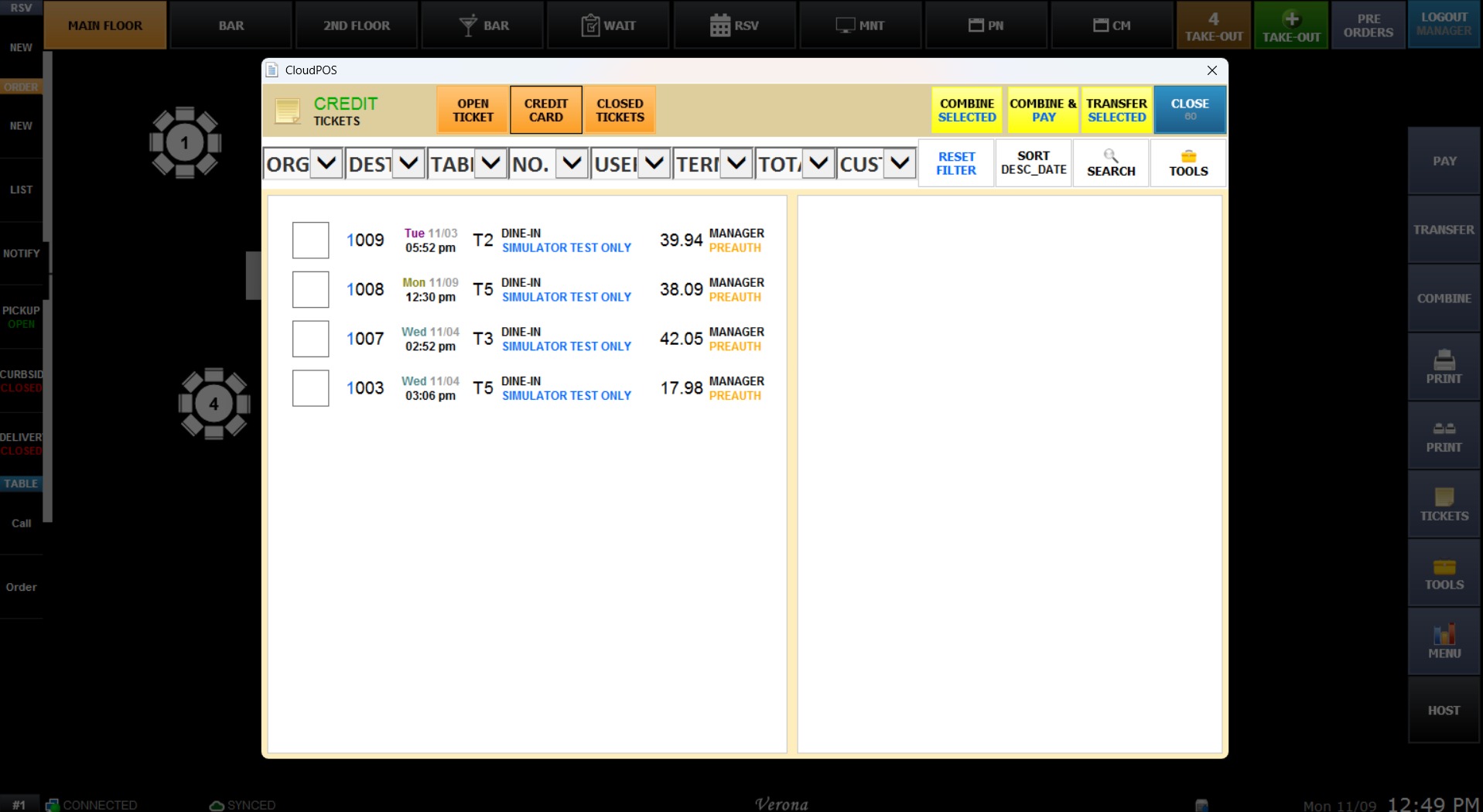
- DESC - NUMBER: Sorts credit tickets strictly in descending numerical order by ticket number.
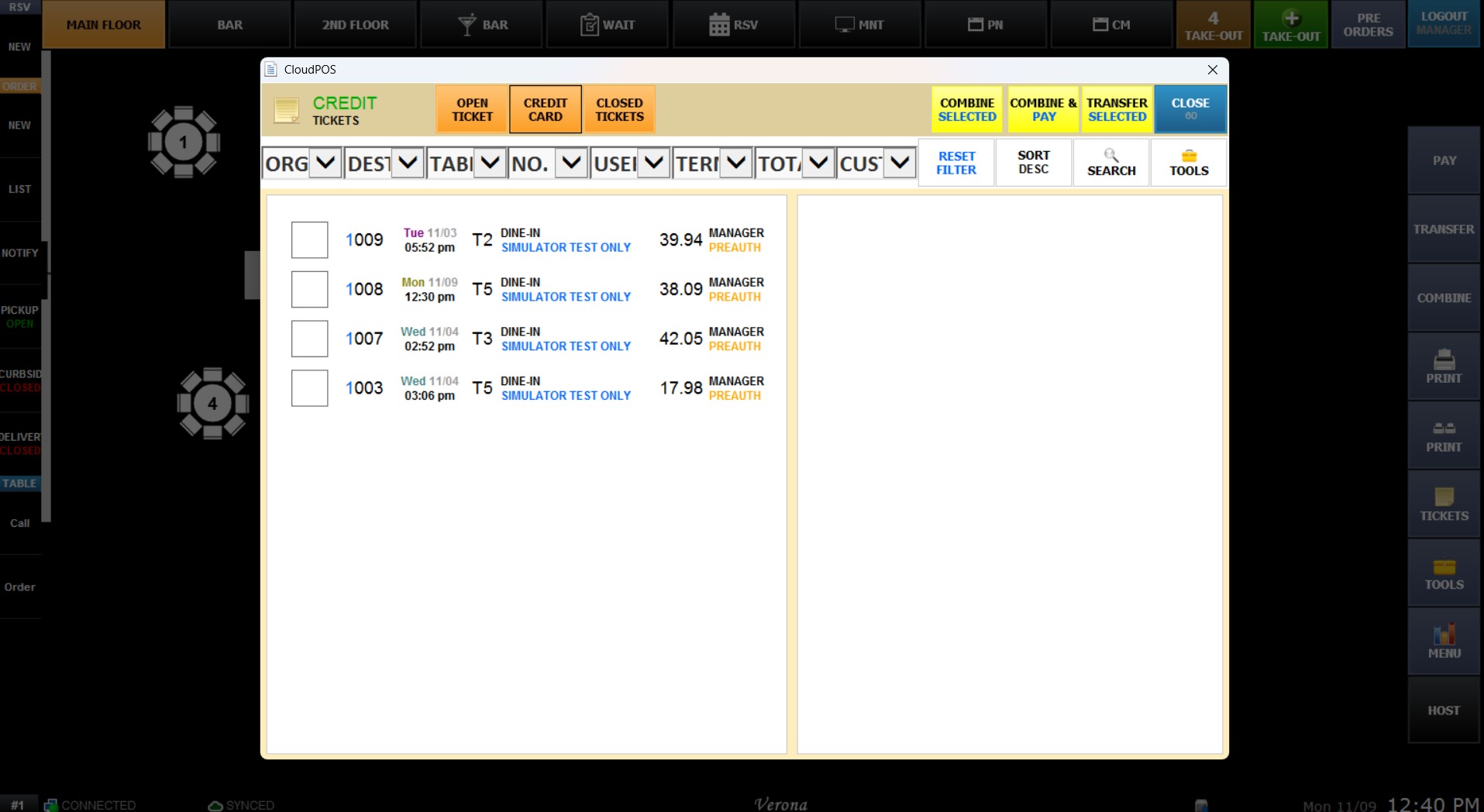
- ASC - DATE/NUM: Sorts credit tickets in ascending order by date and number.
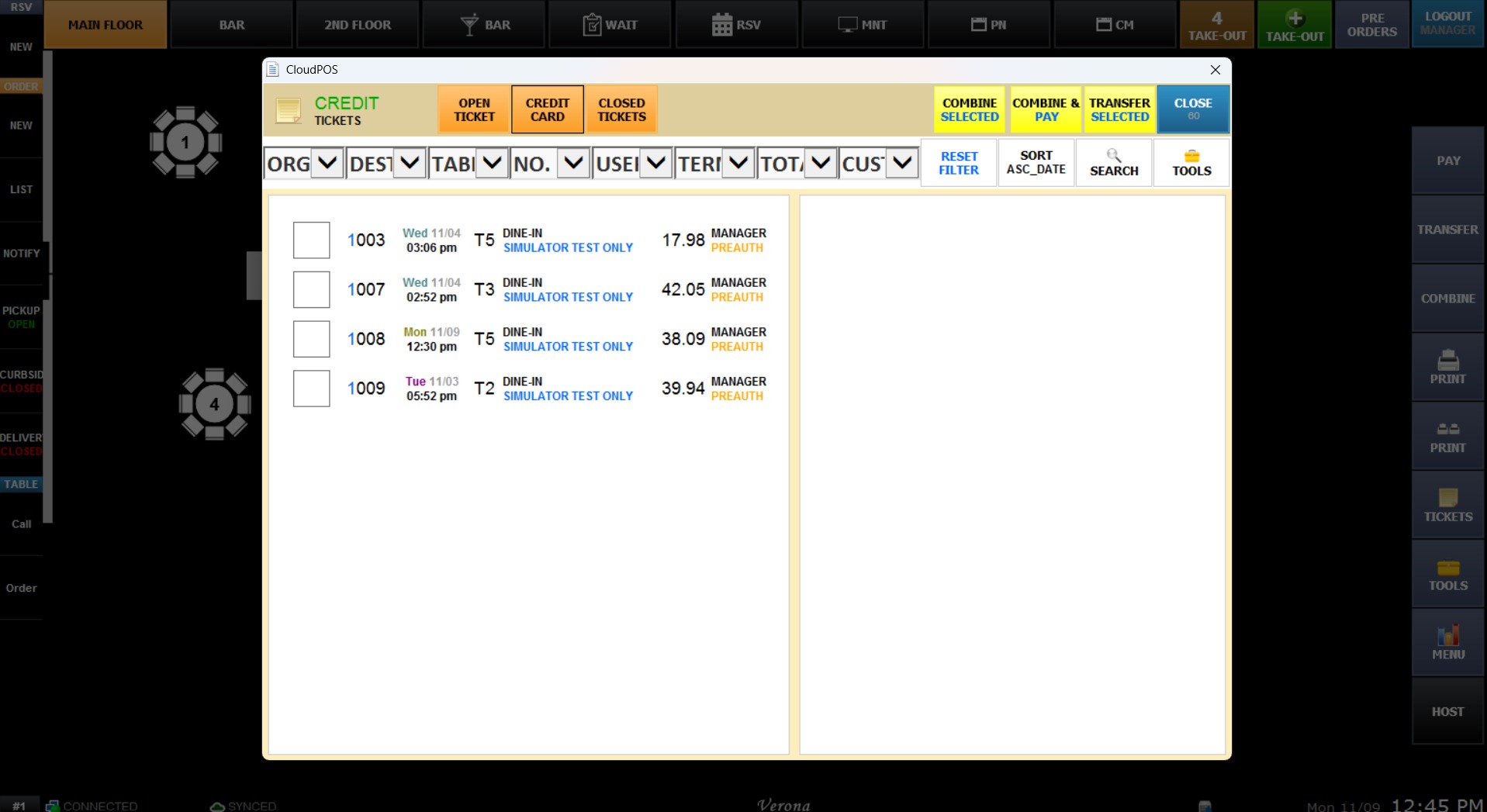
- DESC - DATE/NUM: Sorts credit tickets in descending order by date and number.
CLOSED TICKETS
Determines how completed/settled tickets are sorted within the closed transactions list.
- LAST USED: Sorts closed tickets by the order in which they were recently settled.
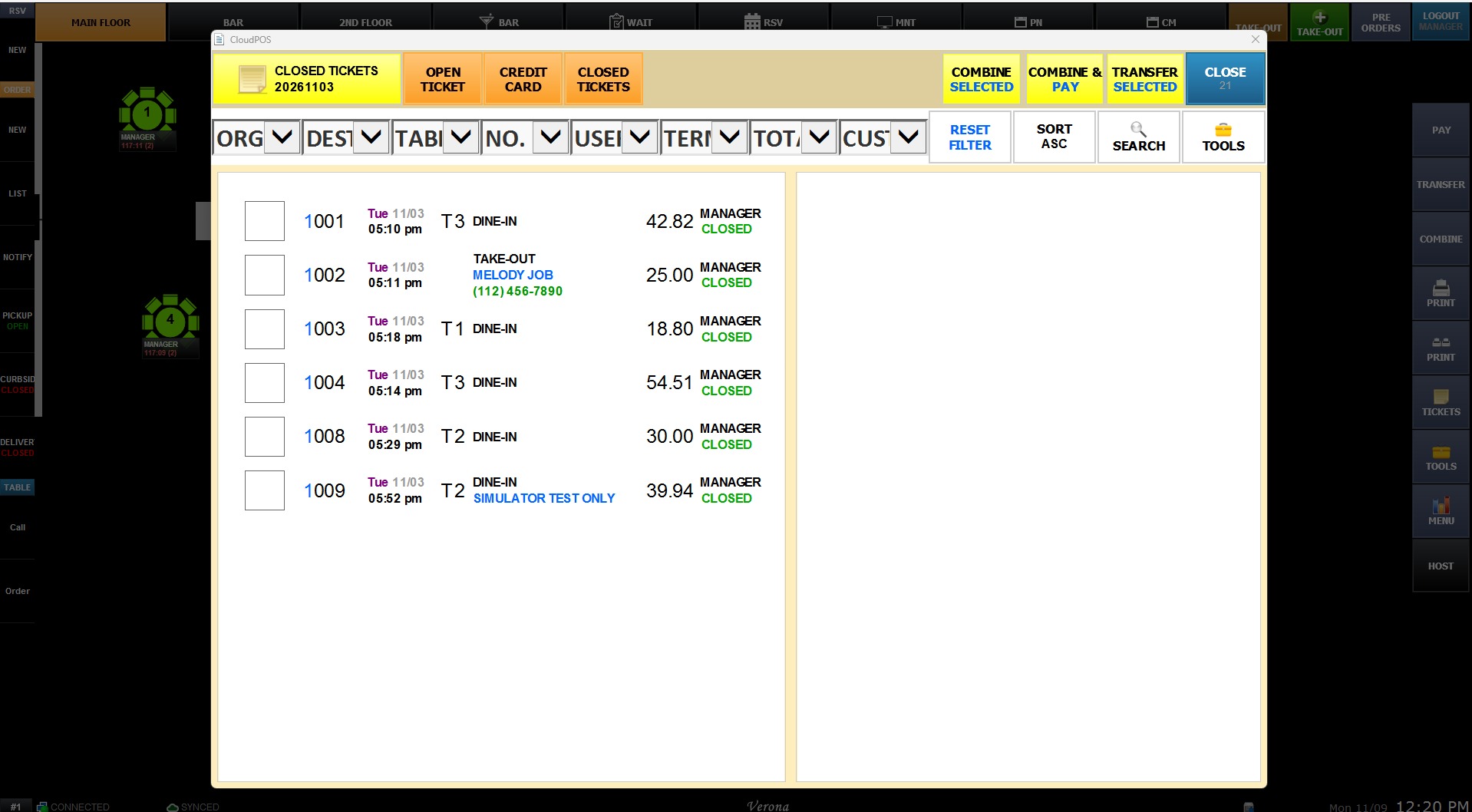
- ASC - NUMBER: Sorts closed tickets strictly in ascending numerical order by ticket number.
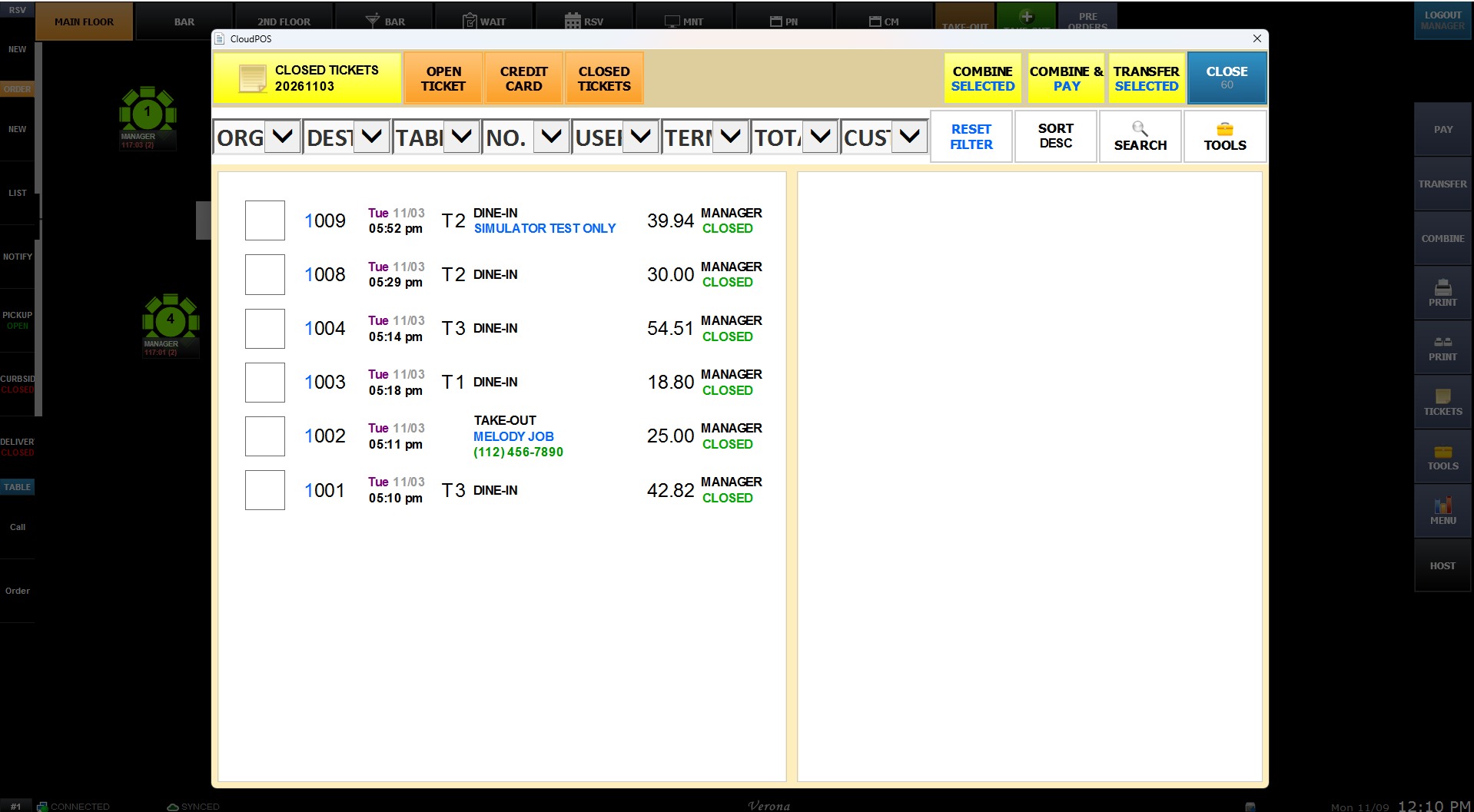
- DESC - NUMBER: Sorts closed tickets strictly in descending numerical order by ticket number.
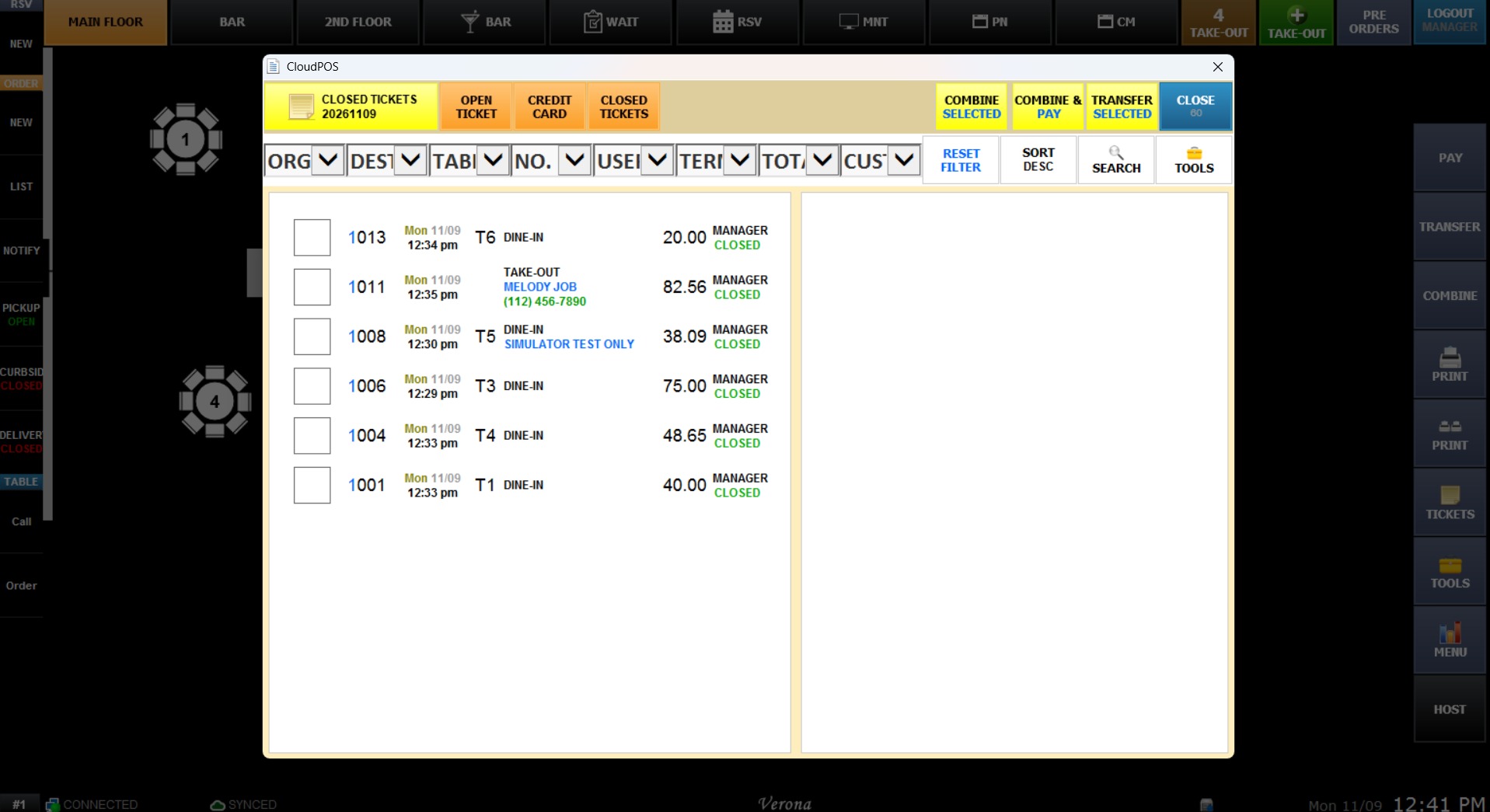
- ASC - DATE/NUM: Sorts closed tickets in ascending order by date and number.
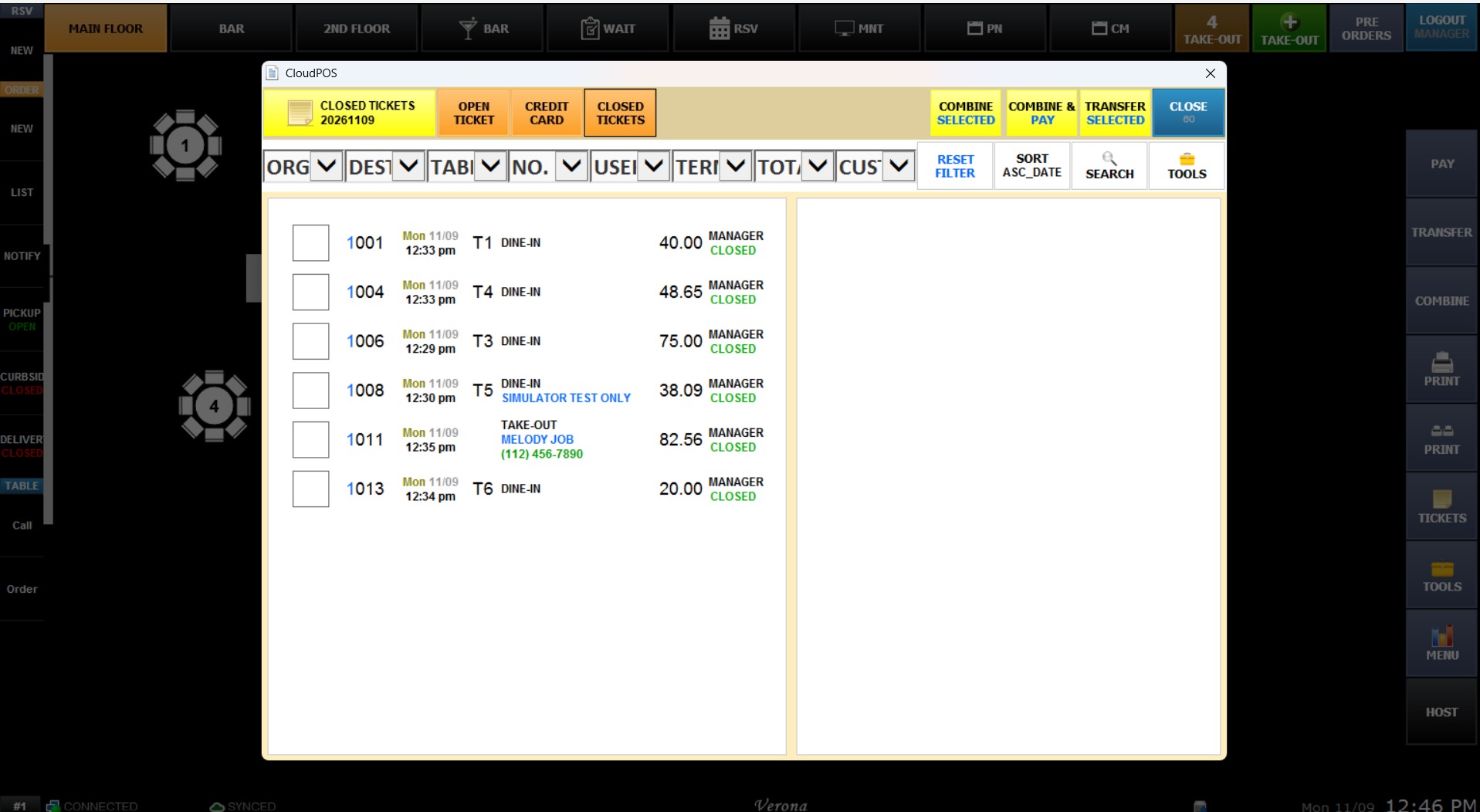
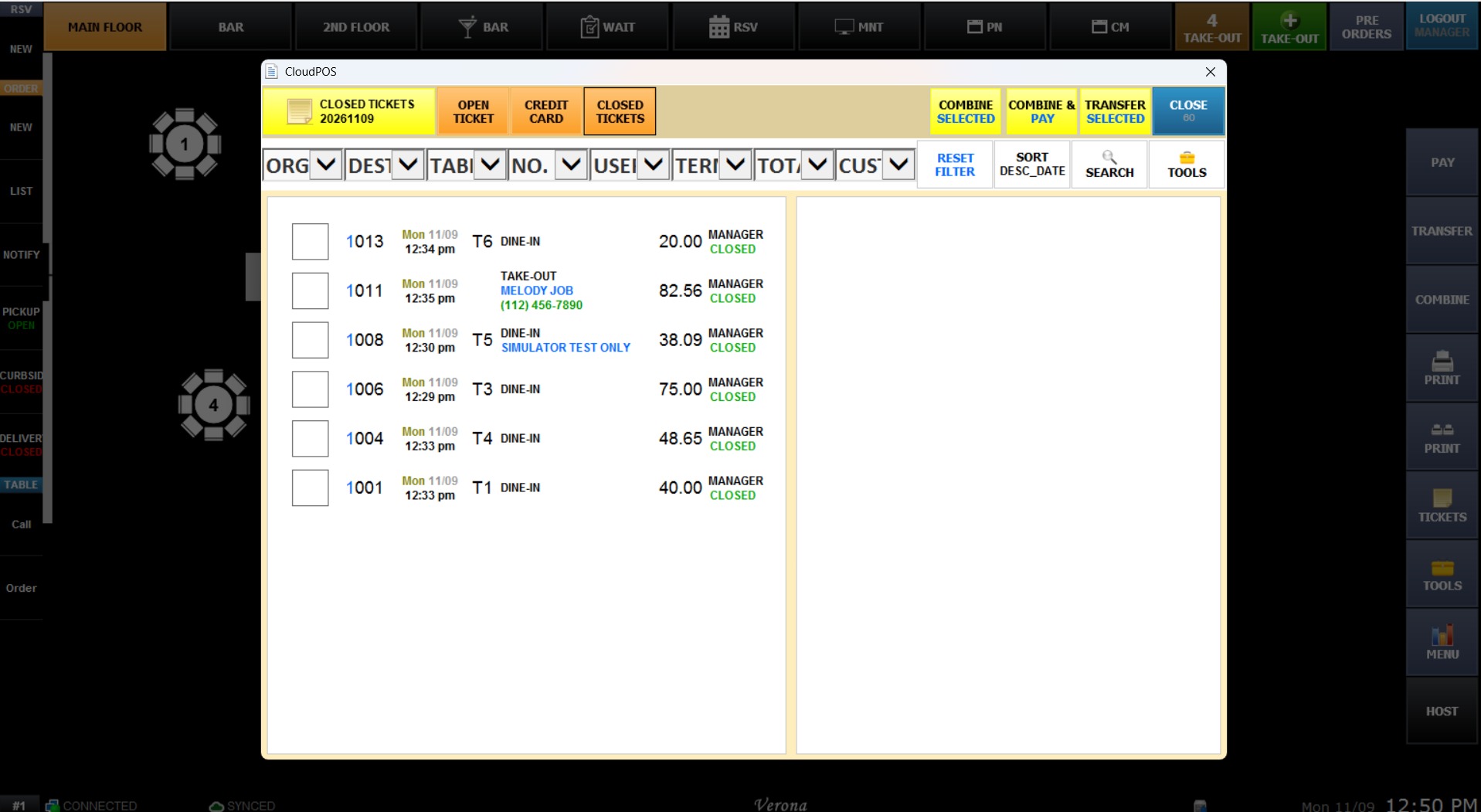
- DESC - DATE/NUM: Sorts closed tickets in descending order by date and number.
CUSTOMER TICKETS
Controls the display order for transaction history entries linked within individual CUSTOMER MANAGEMENT profiles.
- LAST USED: Displays ticket history starting from the most recently accessed record.
- ASC - NUMBER: Lists customer tickets strictly in ascending numerical order by ticket number.
- DESC - NUMBER: Lists customer tickets strictly in descending numerical order by ticket number.
- ASC - DATE/NUM: Lists customer tickets chronologically in ascending order by date and number.
- DESC - DATE/NUM: Lists customer tickets chronologically in descending order by date and number.
Click SAVE to apply the changes, then RESTART the program.