CID
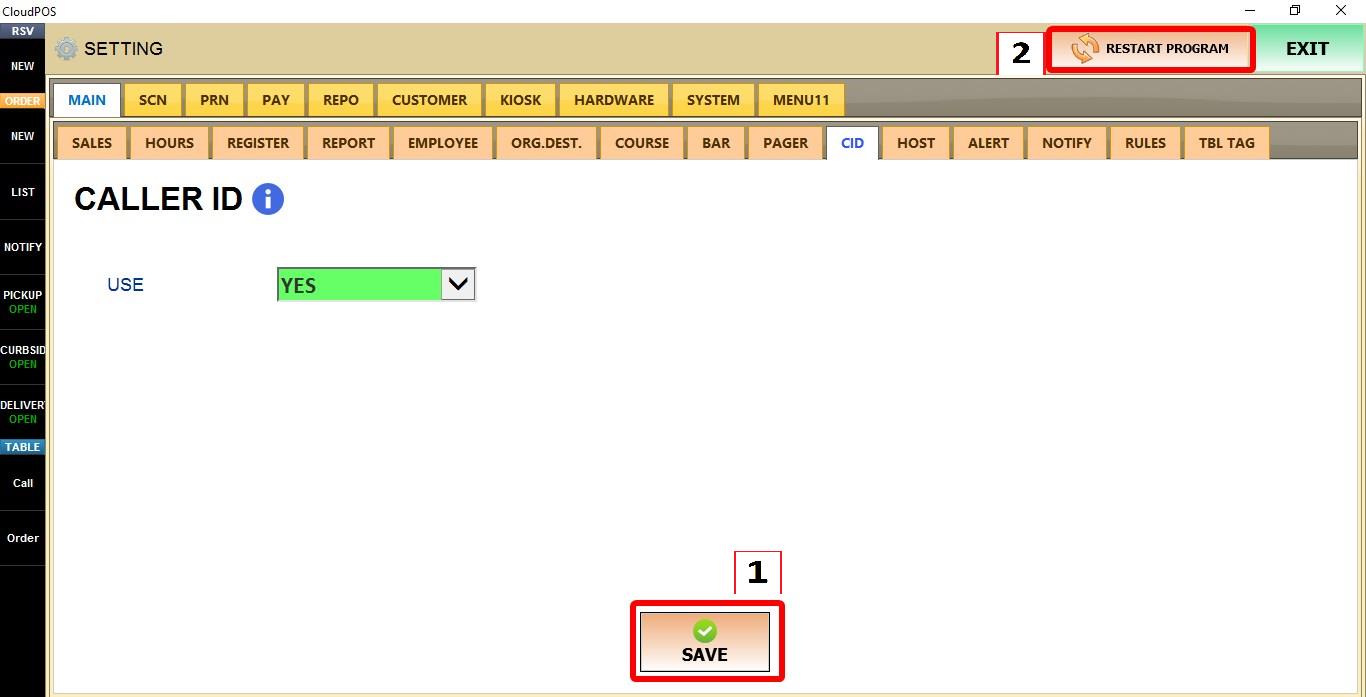
The Caller ID feature allows the POS to identify incoming phone calls from a compatible Caller ID device. This can help employees quickly recognize callers and streamline phone order processing. The feature must be enabled in the system and the appropriate Caller ID hardware must be configured.
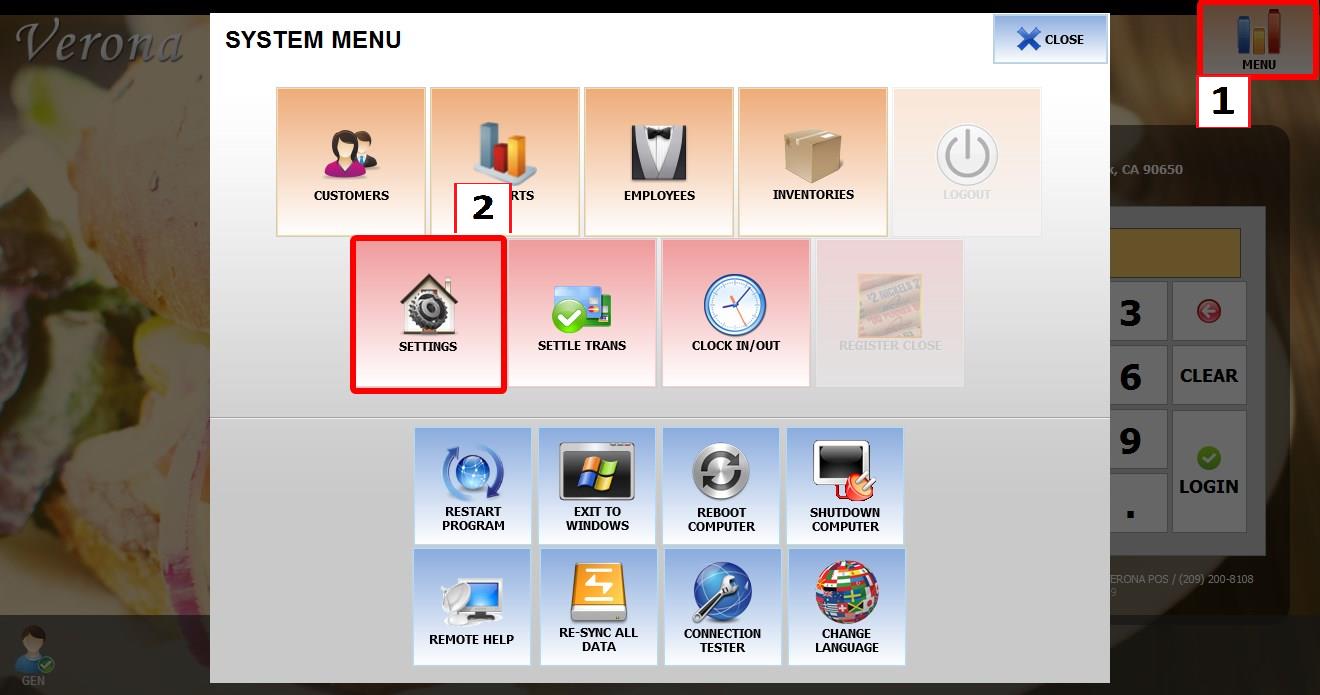
MENU > SETTINGS > MAIN > CID
From the MAIN SCREEN, click MENU, then select SETTINGS.

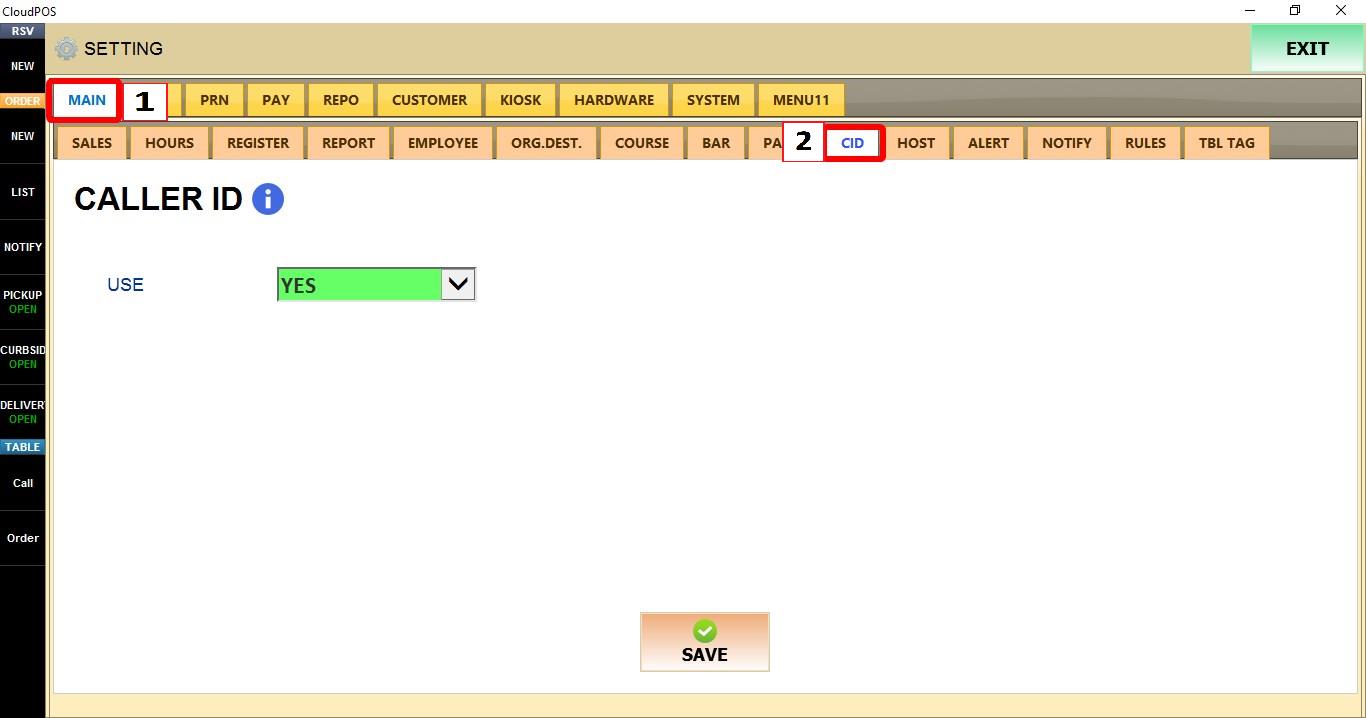
Go to MAIN > CID.
USE
Controls whether Caller ID integration is enabled on the POS.

1. YES: Enables Caller ID integration.
2. NO: Disables Caller ID integration.
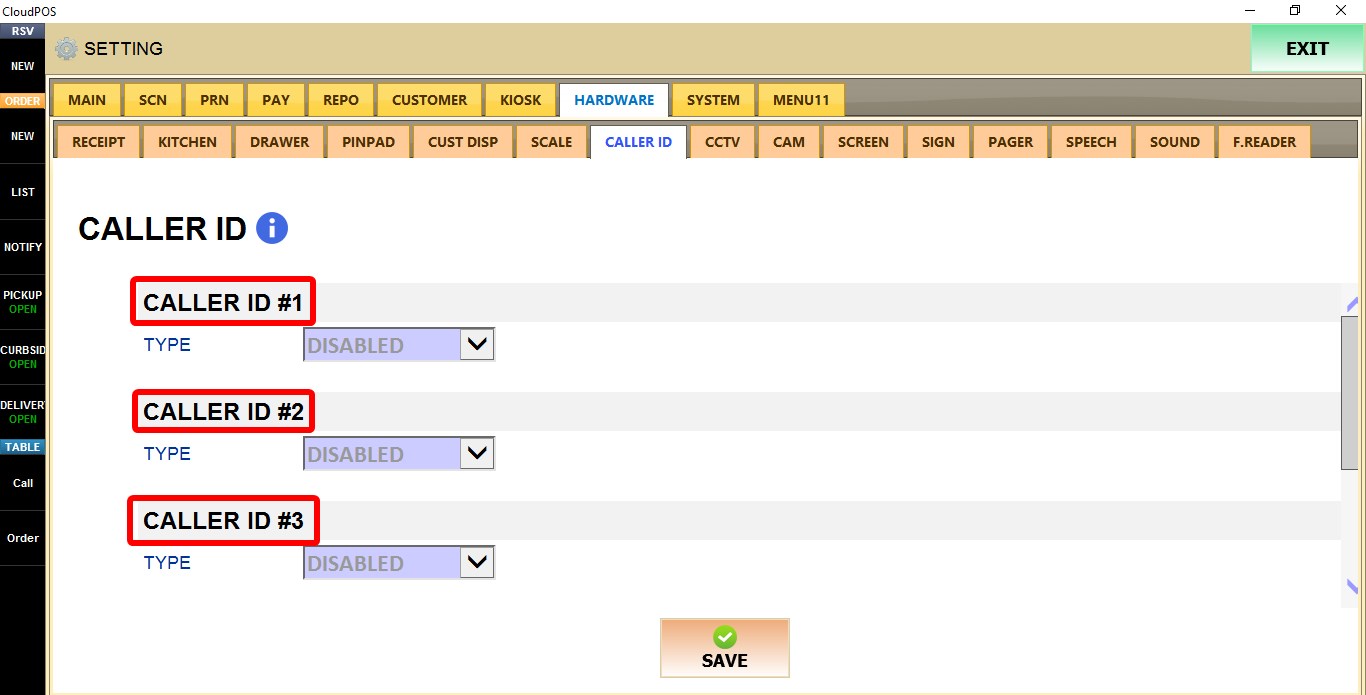
To configure the Caller ID hardware, go to SETTINGS > HARDWARE > CALLER ID.

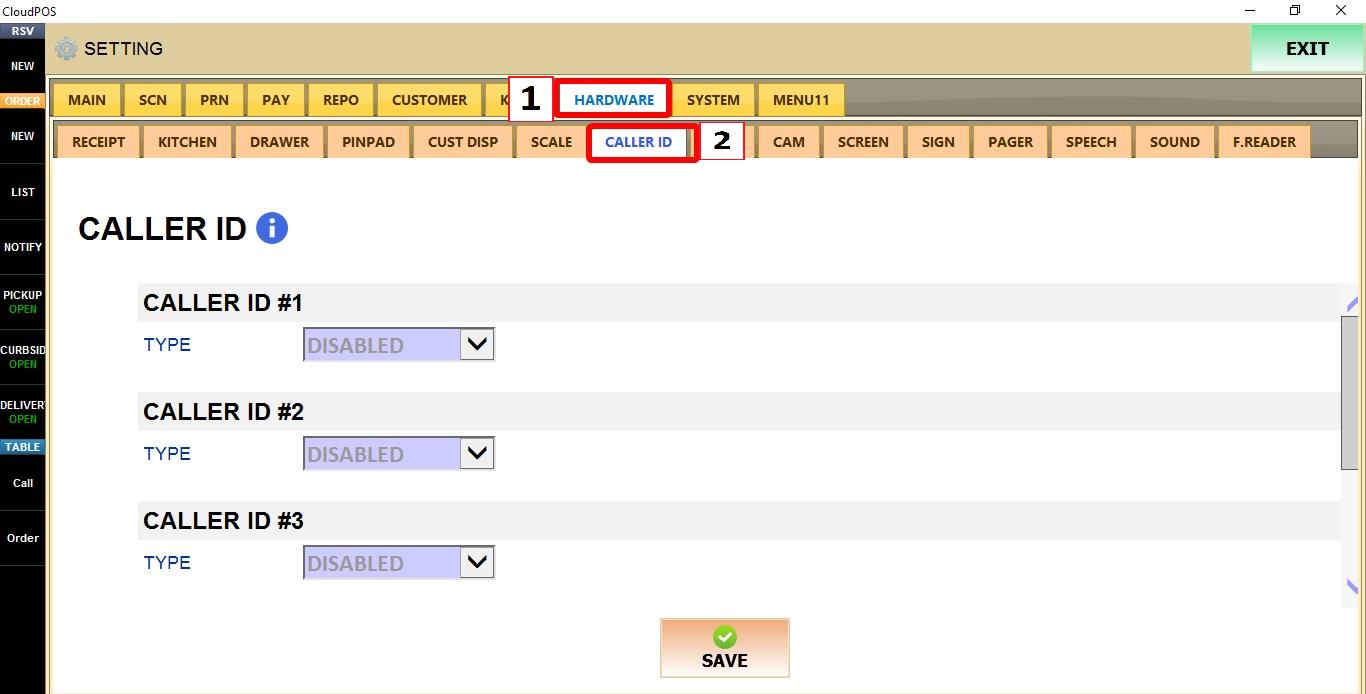
Up to five Caller ID devices can be configured. Select the desired CALLER ID (1-5), then choose the appropriate TYPE.
TYPE
Select the hardware type used by the connected Caller ID device.

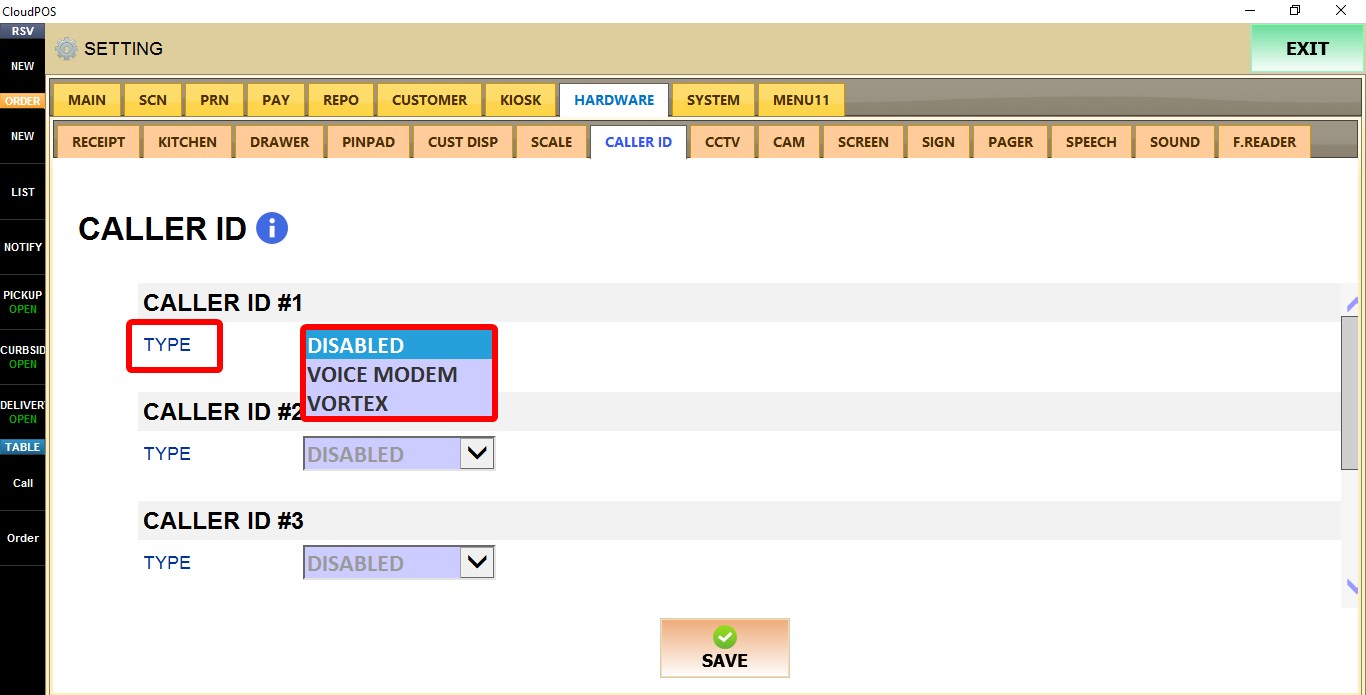
1. DISABLED: Disables the selected Caller ID device.
2. VOICEMODEM: Configures the selected Caller ID device to use a Voice Modem.
3. VORTEX: Configures the selected Caller ID device to use a Vortex device.
Click SAVE and restart the program to apply the changes.