Paying with Gift Card
This guide explains how to process a Gift Card payment in the system.
Main Screen> Number Pad> Sales Screen> Sale with rung-up items> PAY> GIFT CARD
Ring up the items for a sale. After ringing up all items, press PAY.

Select GIFT CARD on the PAYMENT METHOD screen.

Hint: When prompted for the gift card number, enter the number. If you have an MSR (magnetic card reader) installed on our POS machine, you may swipe the gift card to input the numbers.
Payment will be processed.
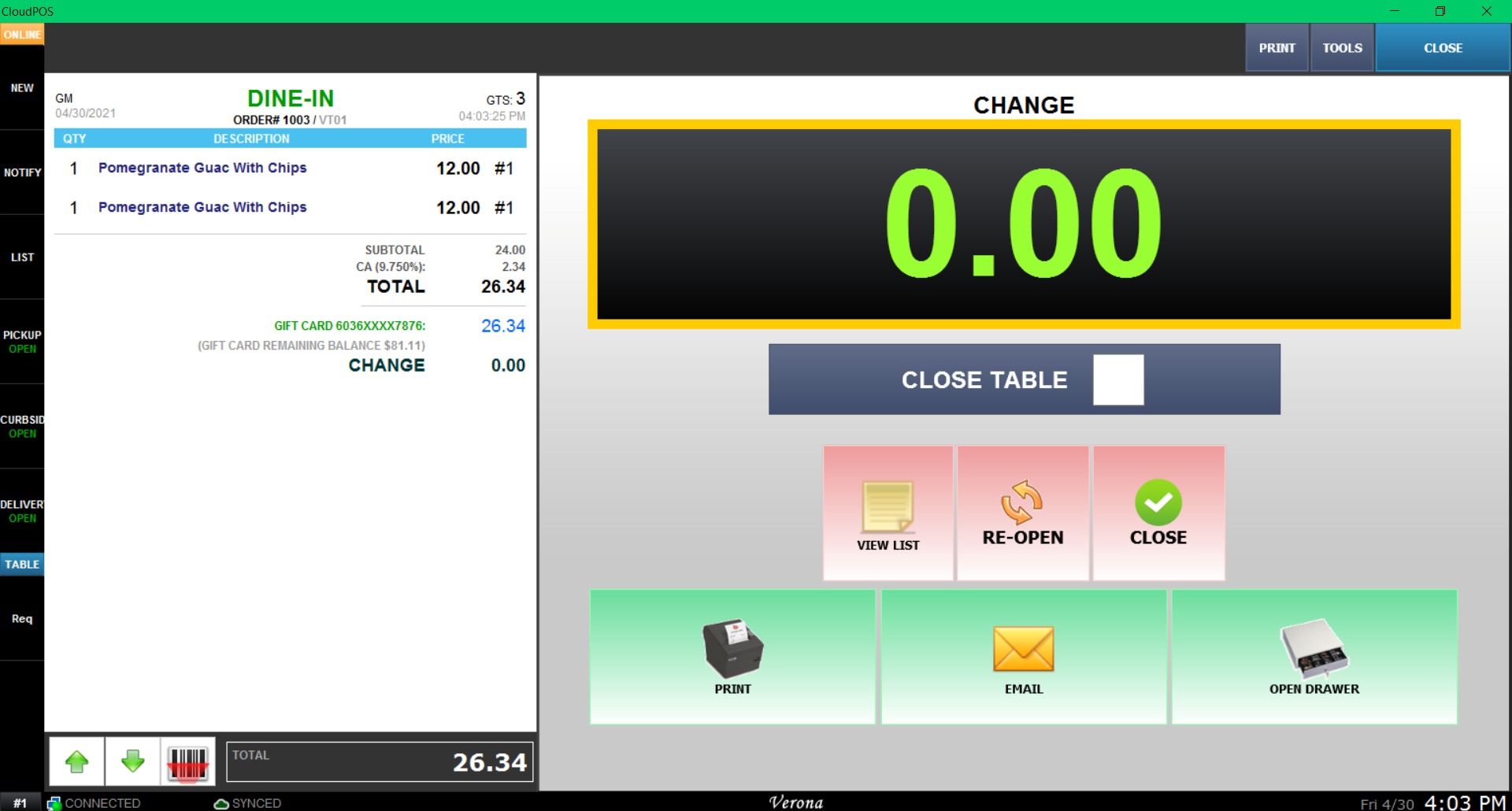
Note: If the Gift Card balance is less than the total amount, the system will ask for another payment method to cover the difference.