Other Payment Methods
This guide explains how to process a transaction using the Other Payment Methods available in the POS.
Main Screen> Number Pad> Sales Screen> Item Rung Up
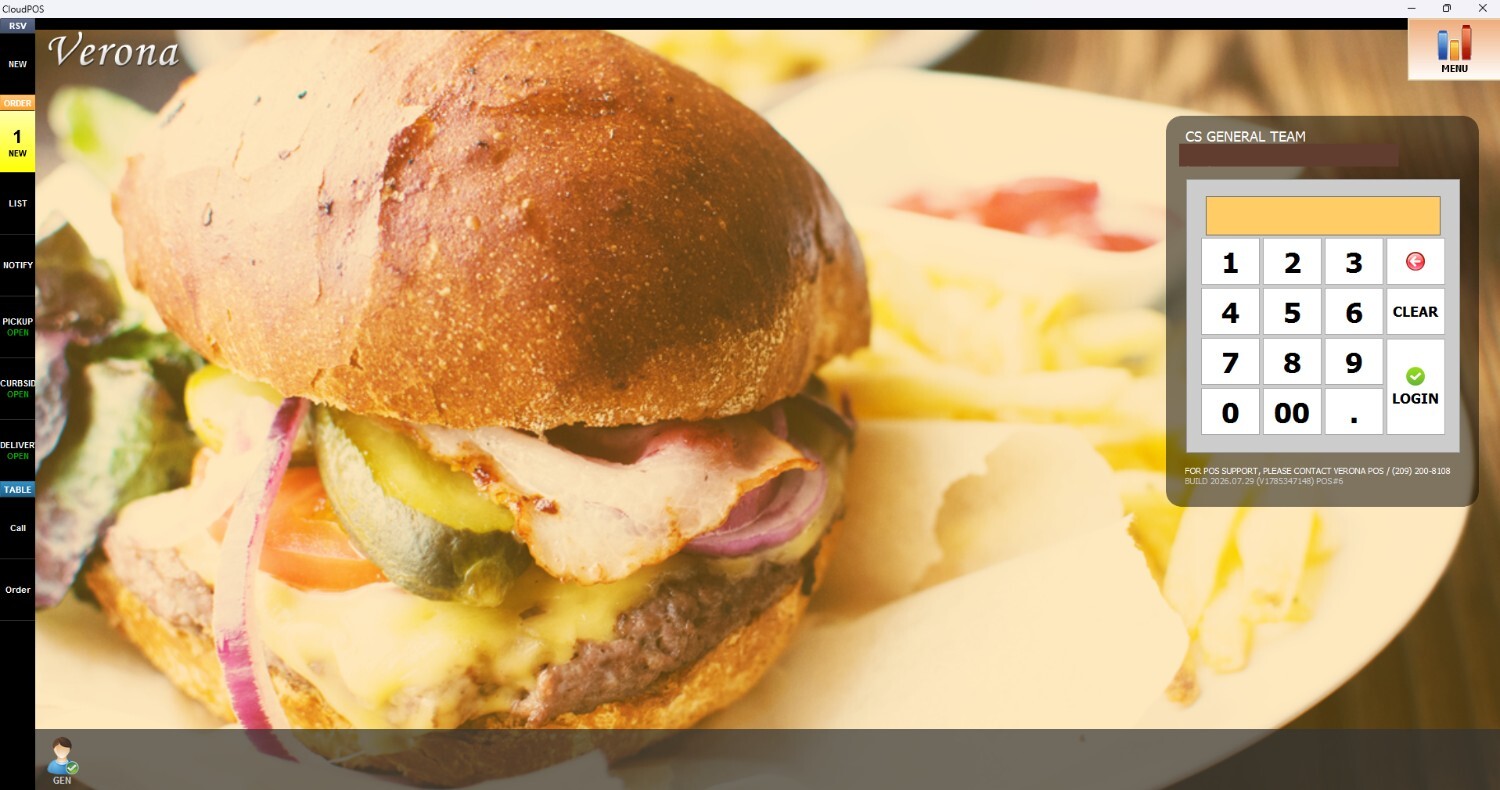
From the Main Screen, click on the number pad and input the assigned personal password to log in.
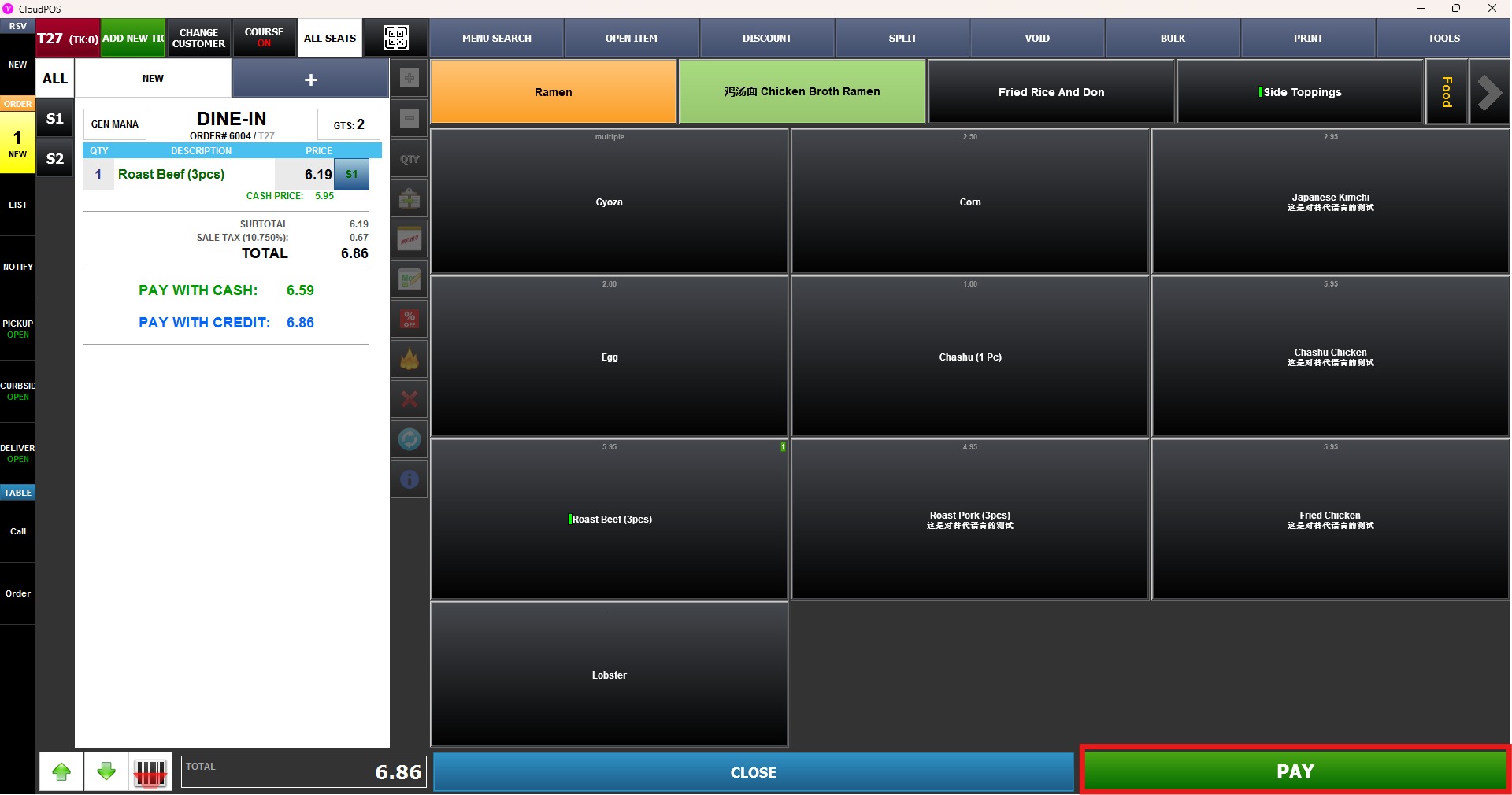
Ring up an item on the Sales Screen and press PAY
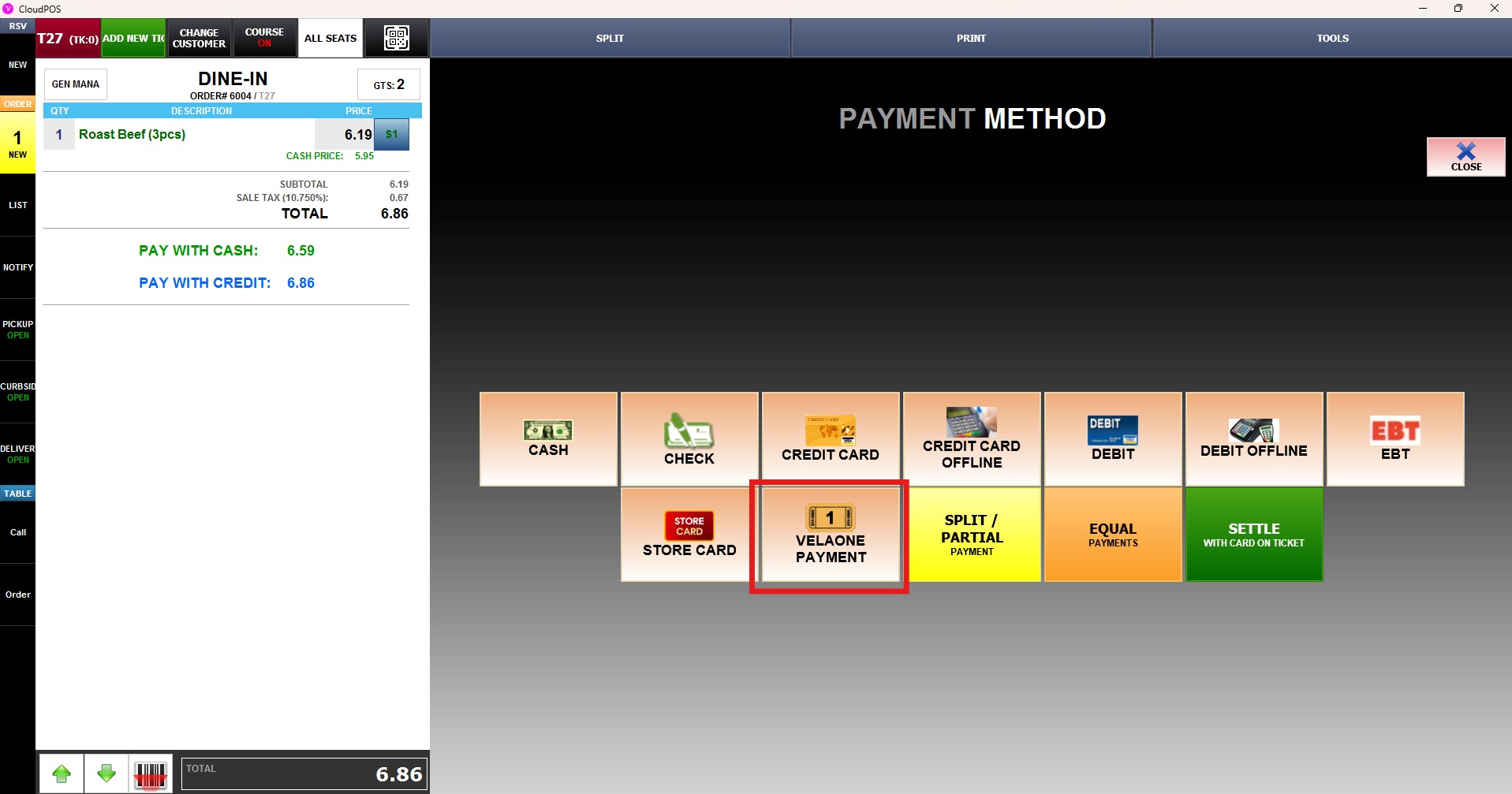
On the payment method screen, press the different payment method created (For this example, "VELAONE PAYMENT)