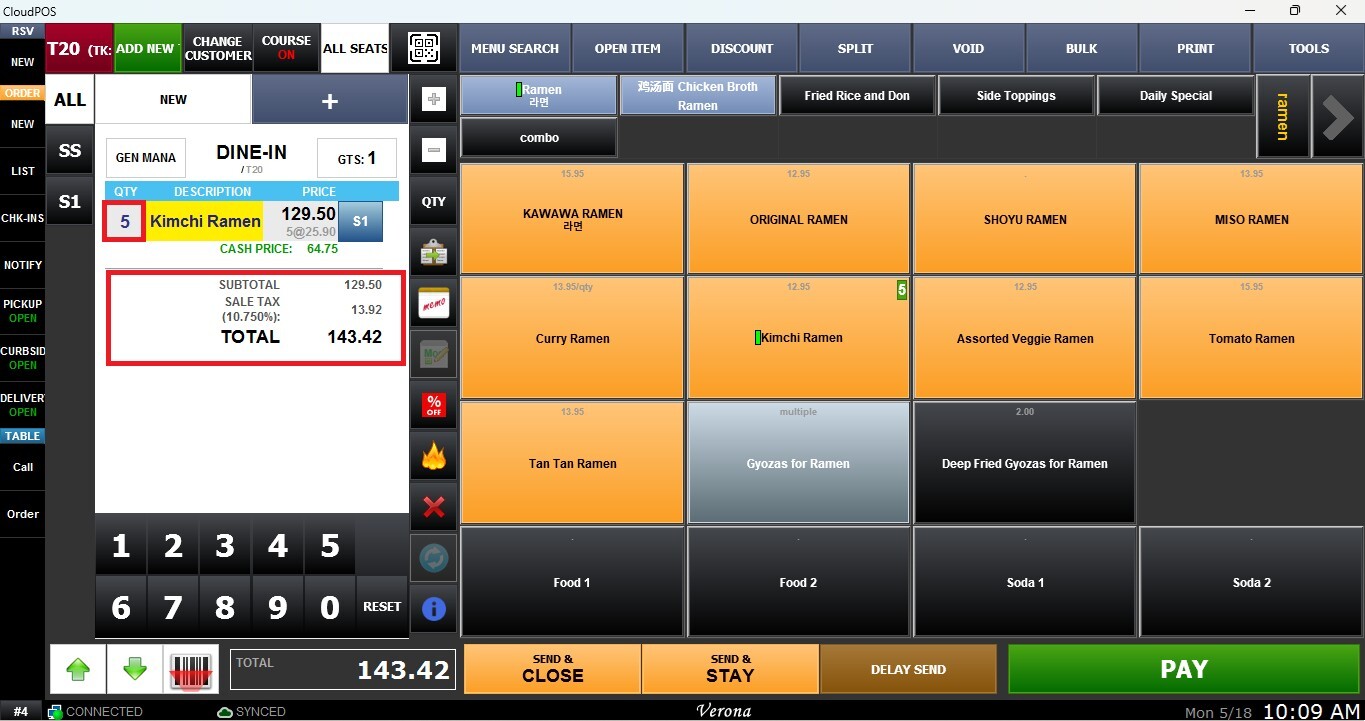
Item Quantity
This function allows you to modify the quantity of a product on the ticket.
Main Screen> Number Pad> Sales Screen> Item Rung Up
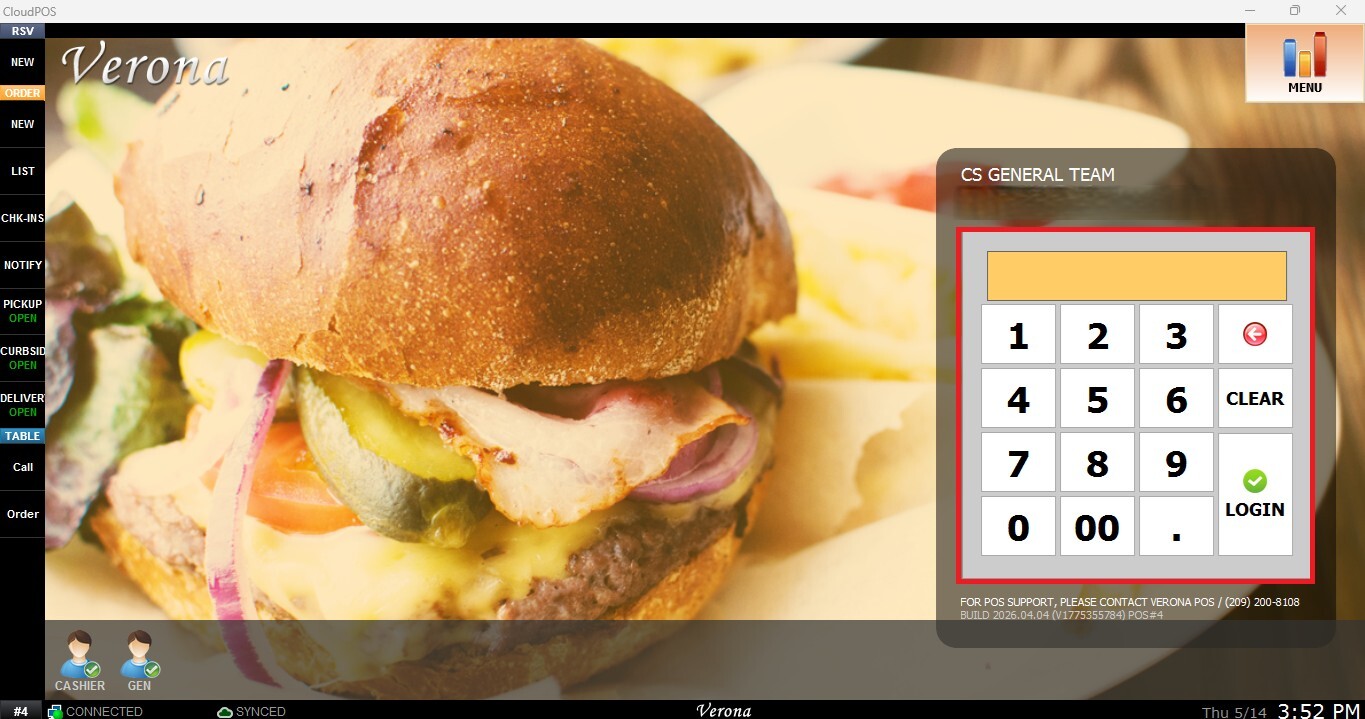
From the Main Screen, click on the number pad and input the assigned personal password to log in.
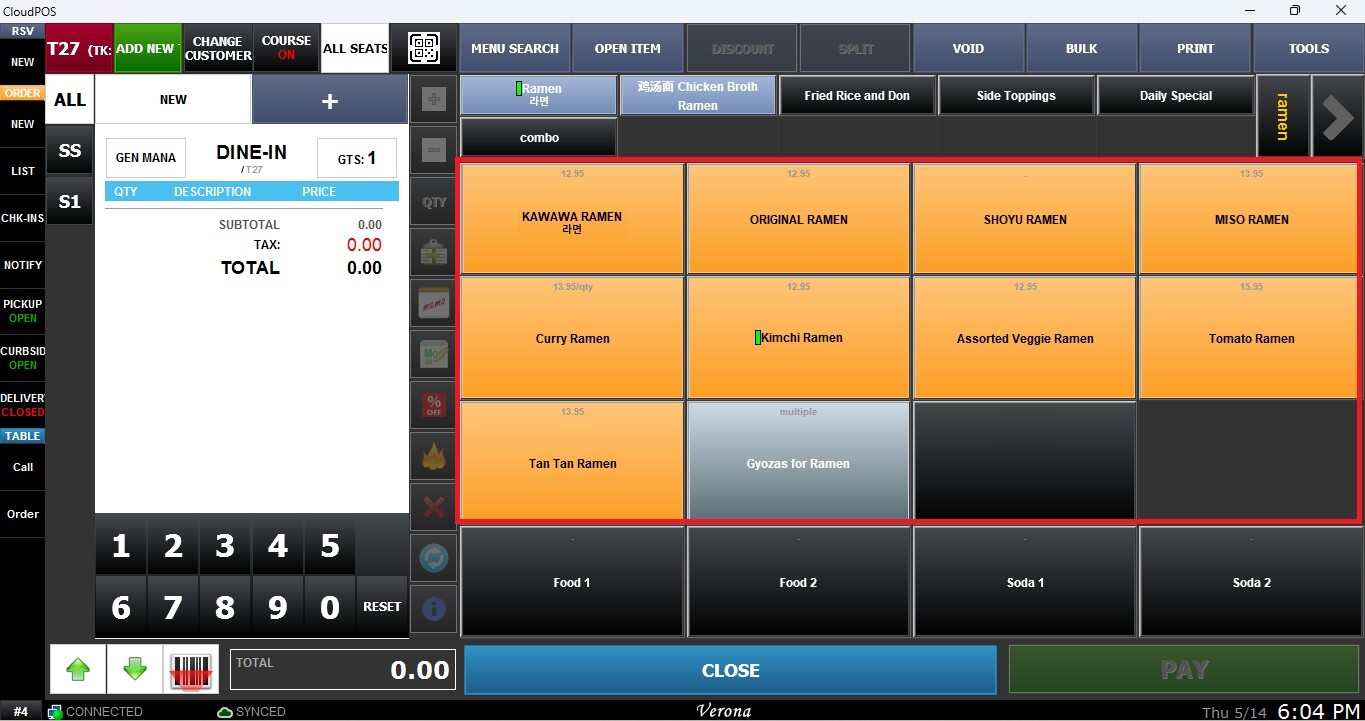
Ring up an item on the Sales Screen.
You can either click directly on the current quantity displayed next to the item in the order details or use the QTY button located on the Sales Screen bar.
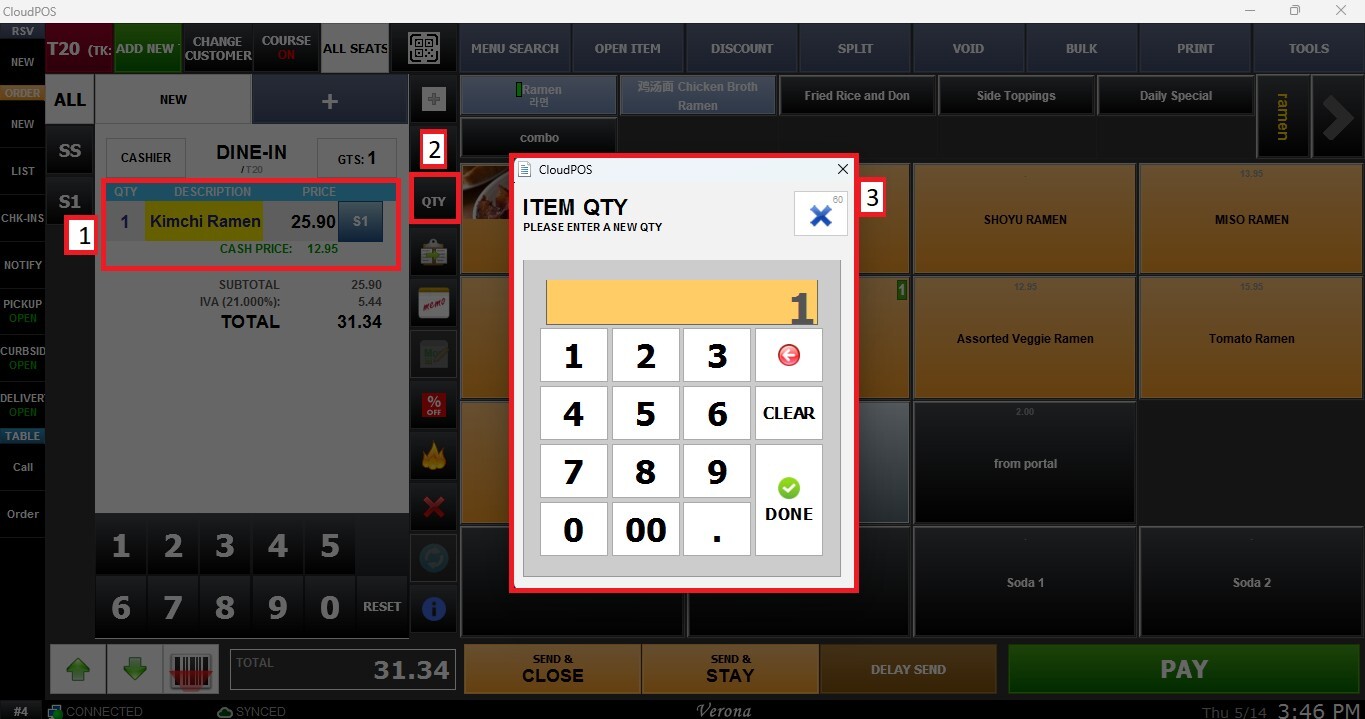
Enter the desired quantity using the number pad and click on DONE.
Result:
The selected item quantity will be updated on the ticket.