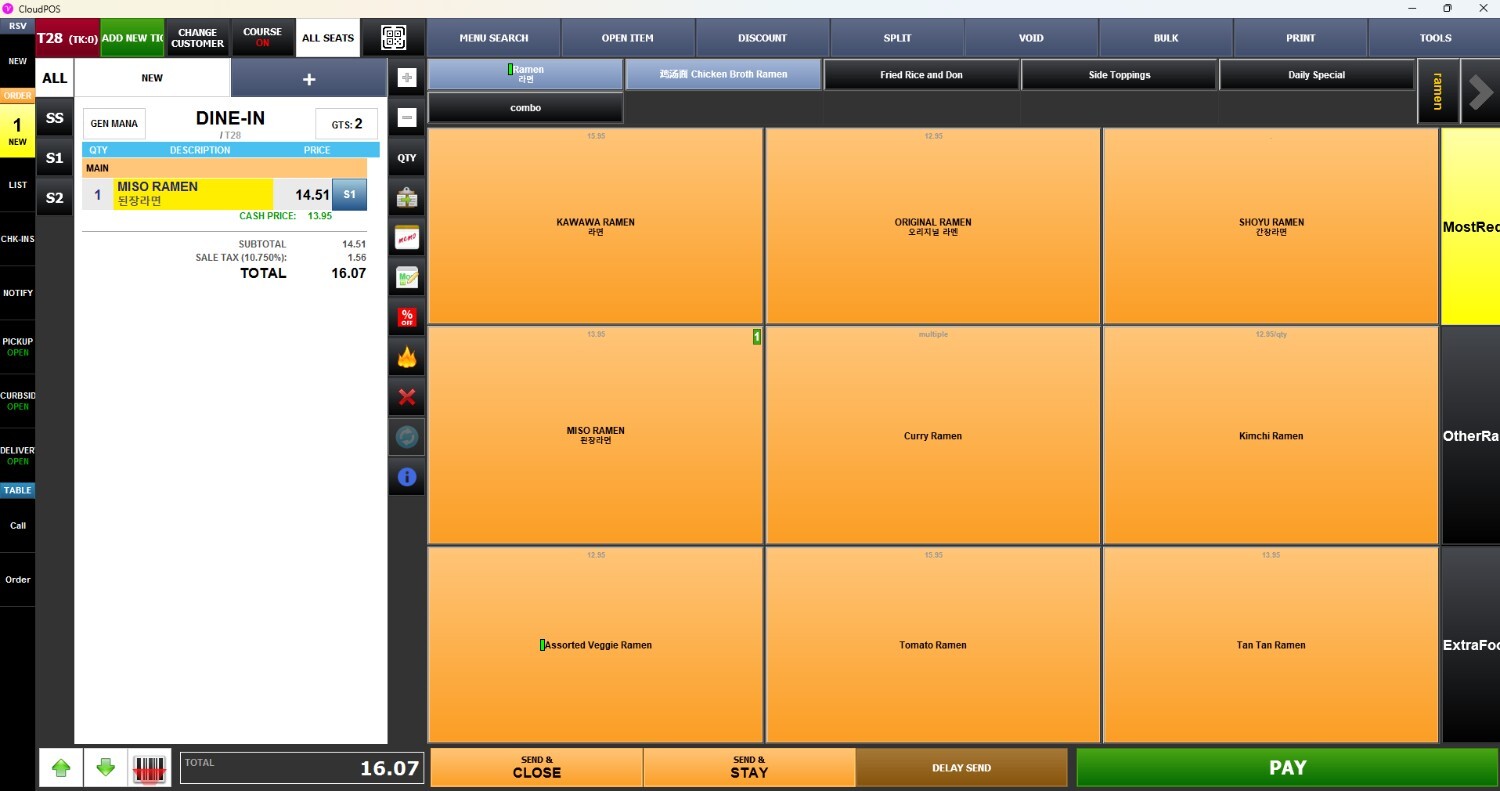
Delete Item
This function allows to remove items from an order before the transaction is completed, enabling corrections when items are added by mistake or no longer needed
Main Screen > Number Pad > Sales Screen > MENU
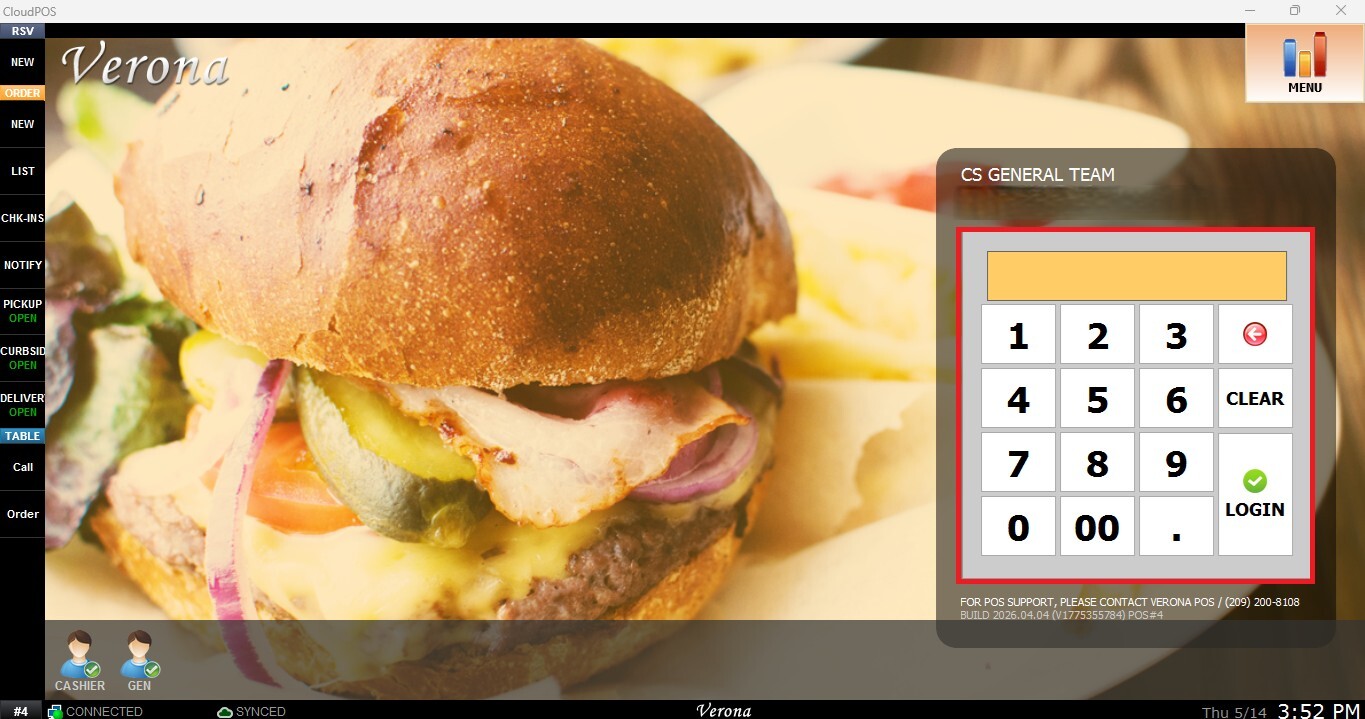
From the Main Screen, use the number pad to enter the assigned personal password and log in.
On the Sales Screen, select the item you want to remove from the order, press the X button.
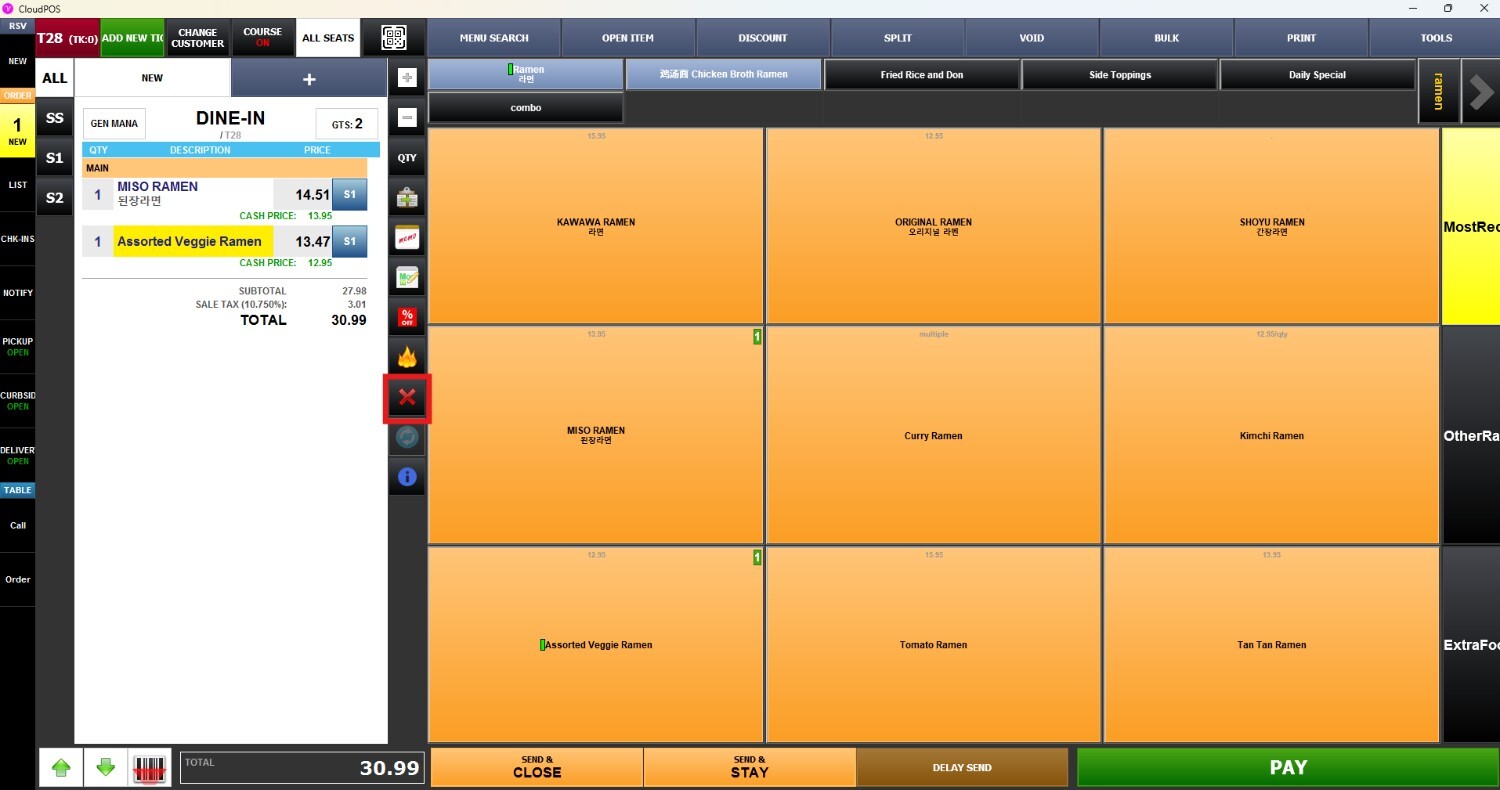
The selected item will be removed from the current transaction.