Clock In/Out
The system allows you to manage and track employee working hours. This guide demonstrates how employees can log the start and end of their shifts using the Clock In and Clock Out features.
Main Screen > MENU > CLOCK IN/OUT
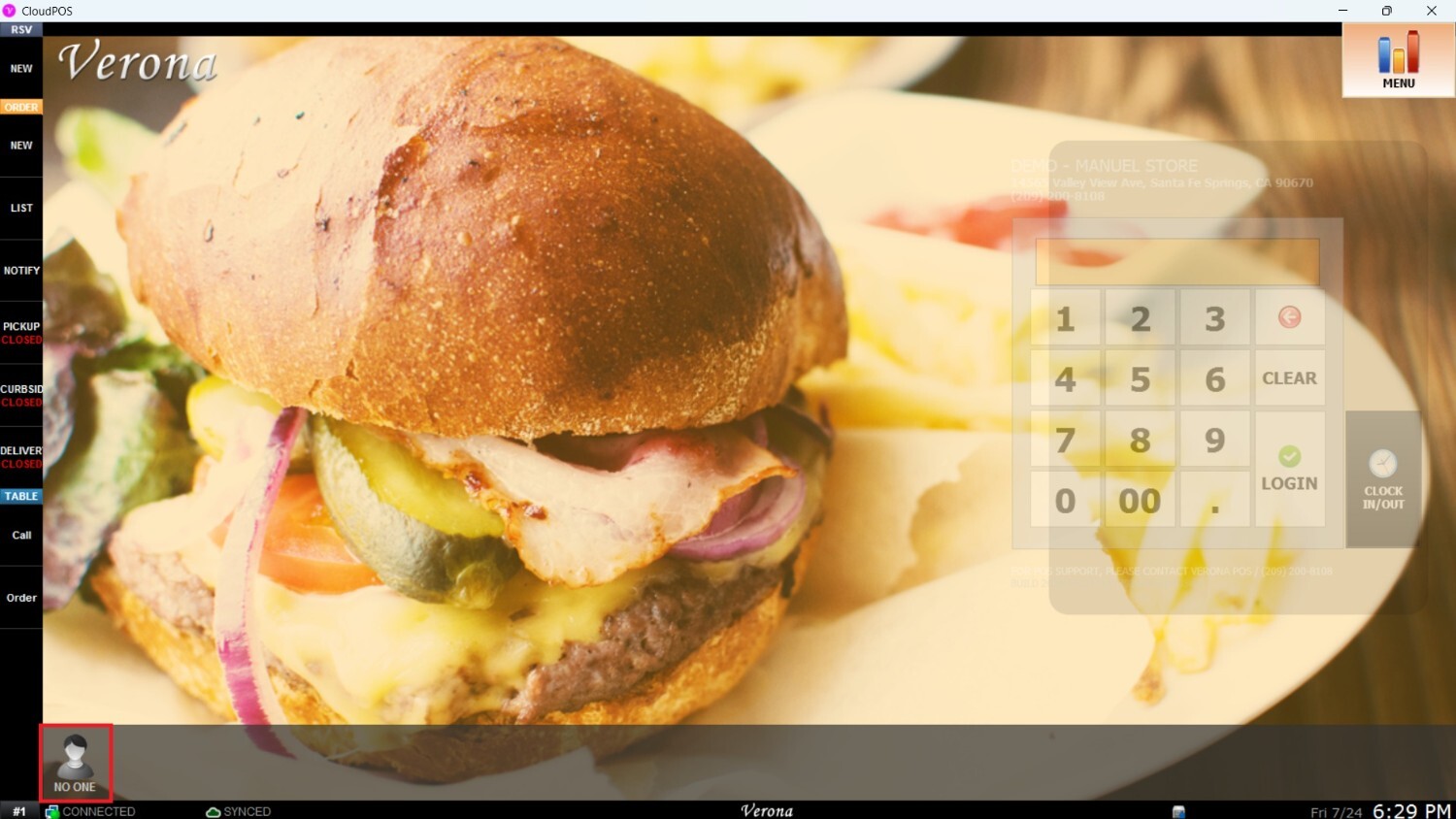
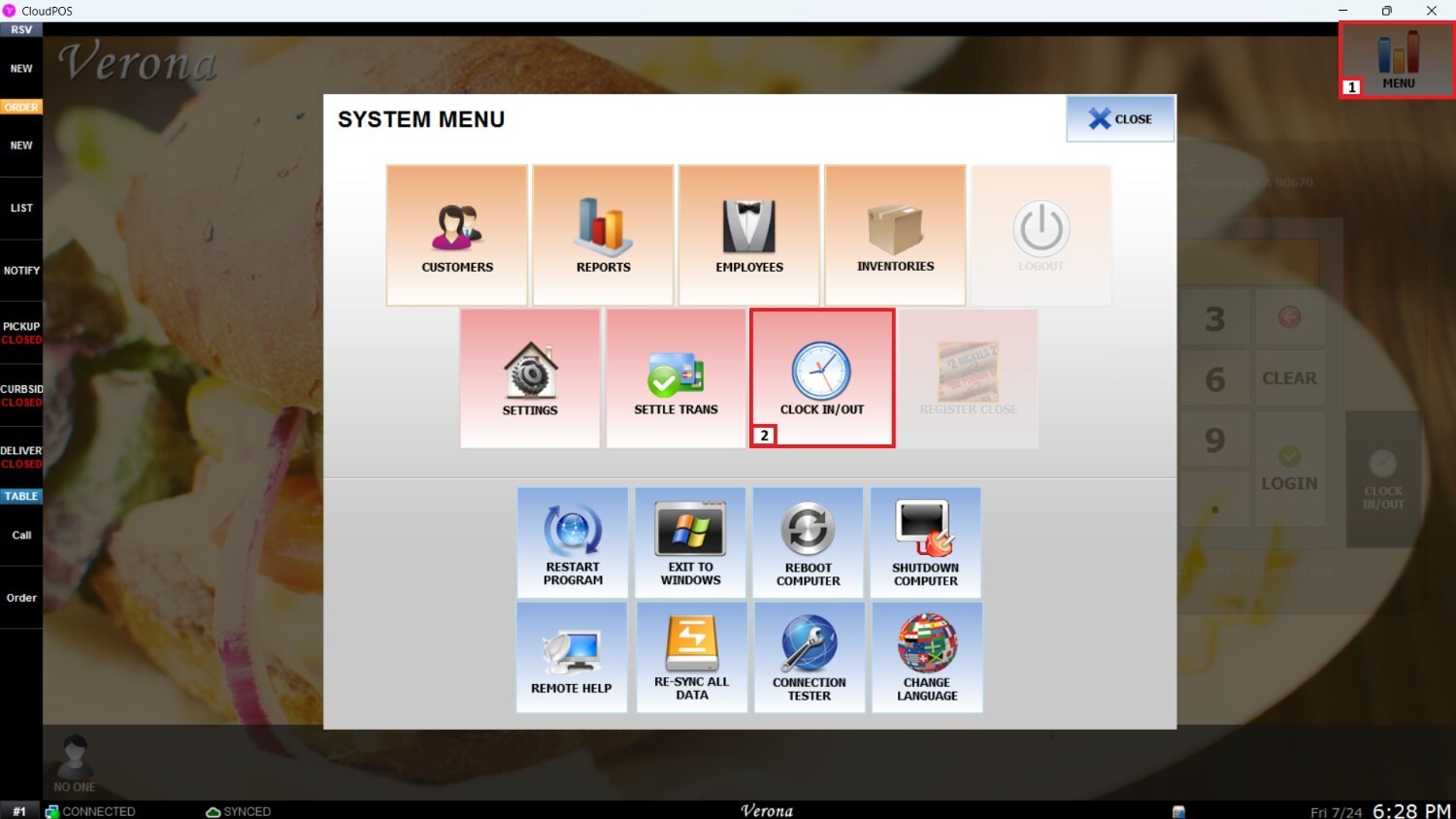
From the Main Screen, go to Menu and select Clock In/Out.
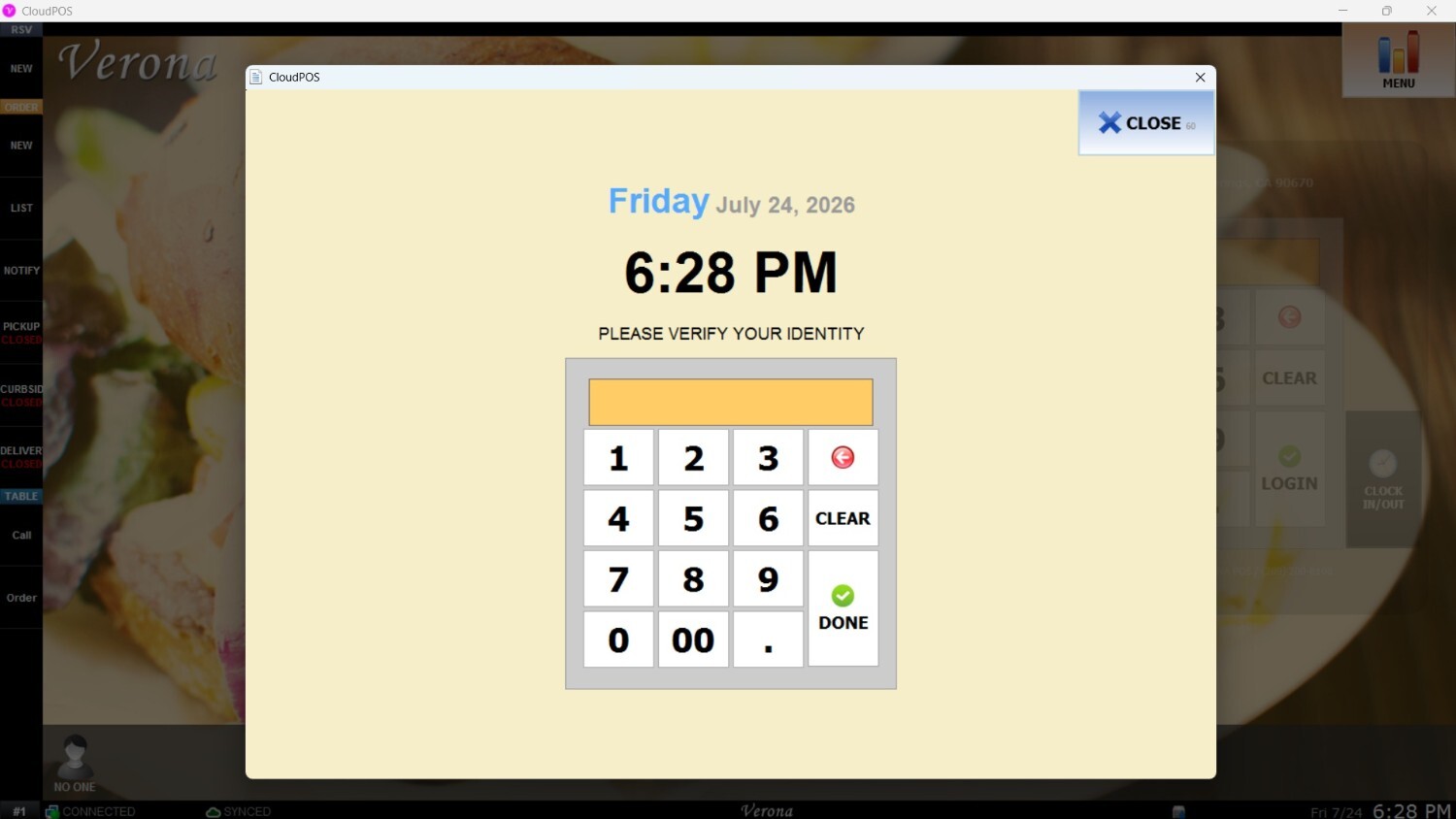
When prompted, enter your passcode on the number pad to verify your identity.
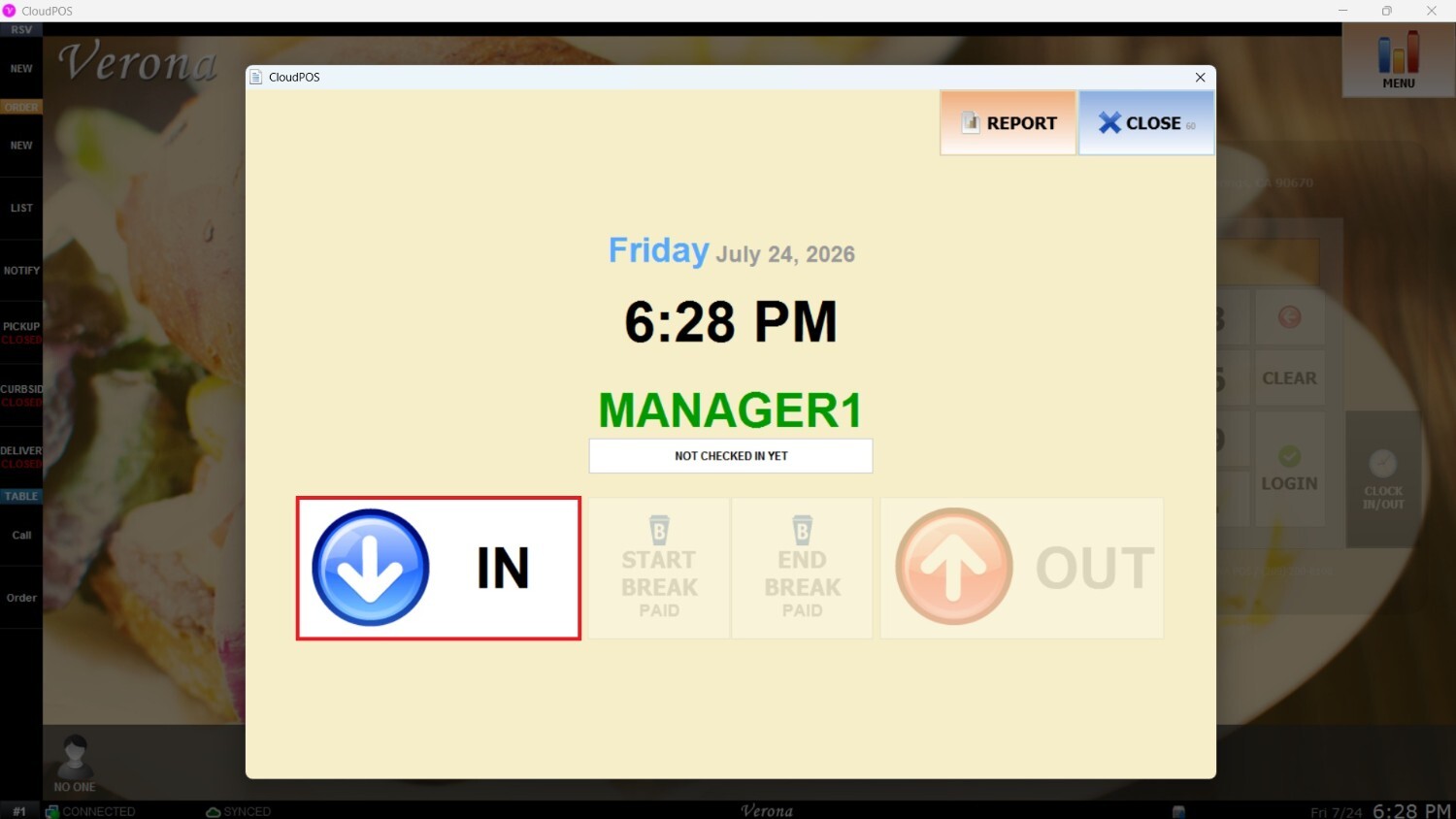
A window will display the name and position associated with the entered passcode. Click IN to register the start of your shift.
Once clocked in, the employee's icon will appear on the bottom-left corner of the Main Screen, confirming an active shift.
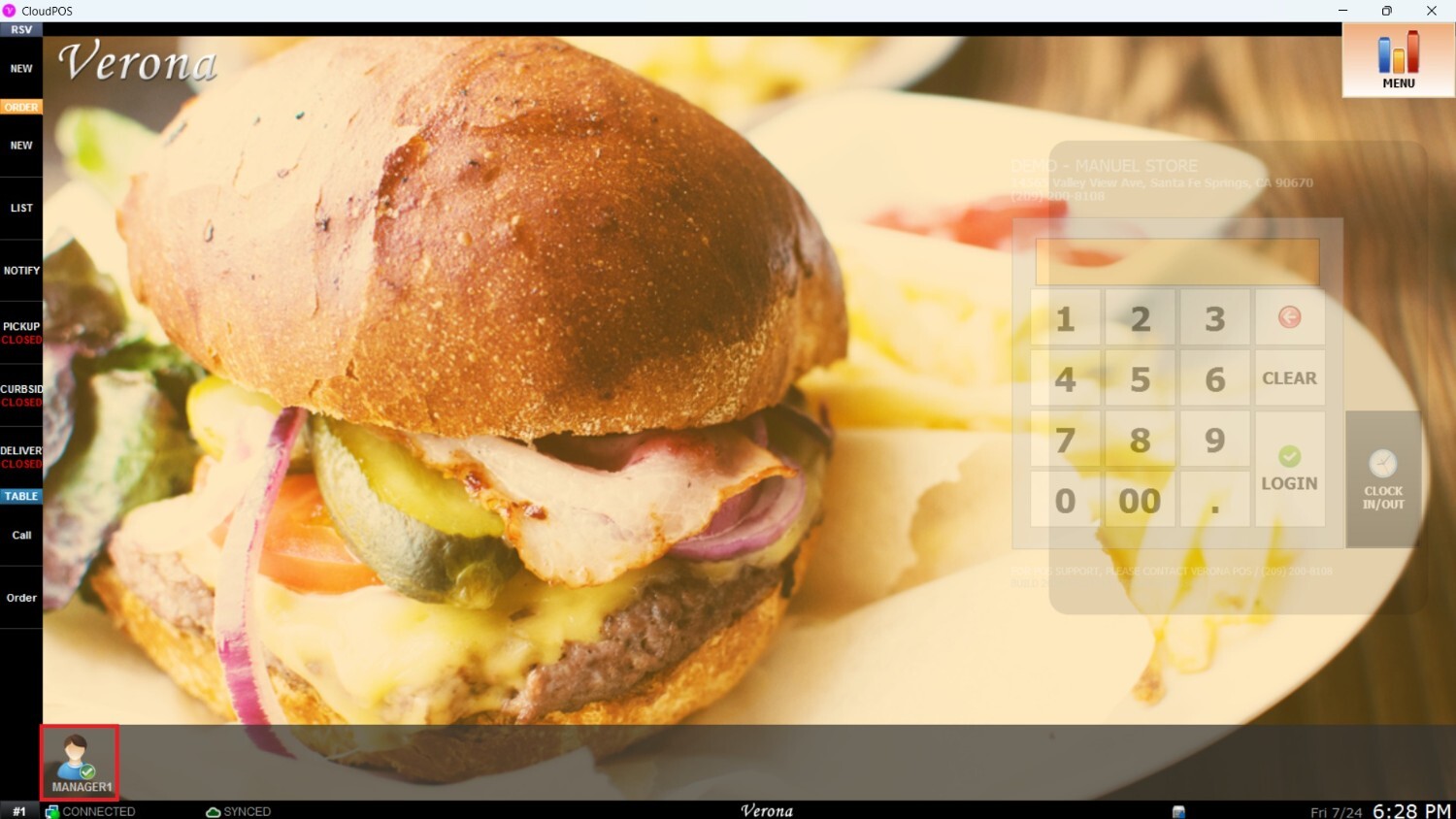
To log out at the end of a shift go to Menu > Clock In/Out, enter your passcode on the number pad and Click OUT.
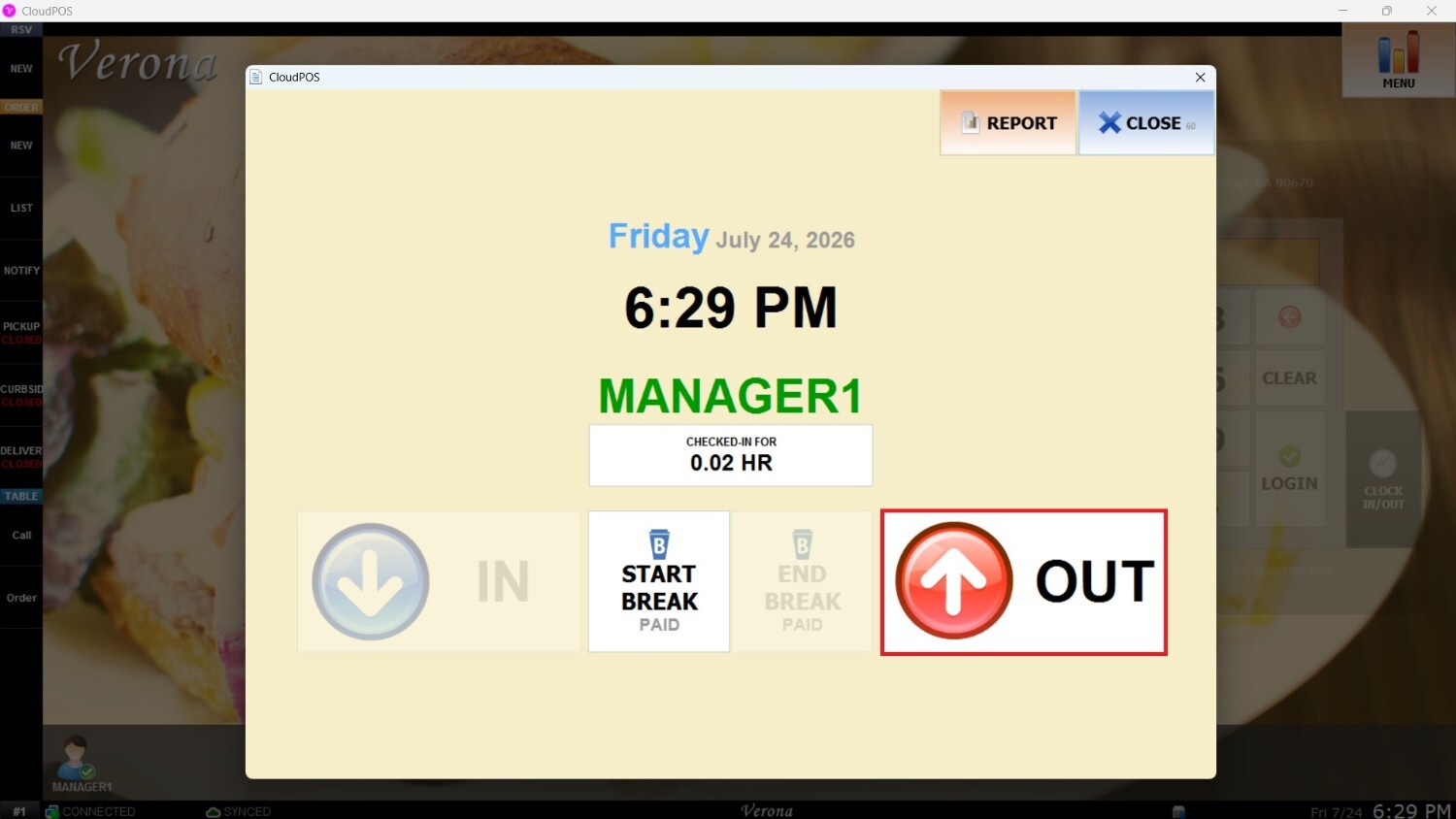
After clocking out, the employee's icon will no longer appear in the bottom-left corner of the Main Screen.