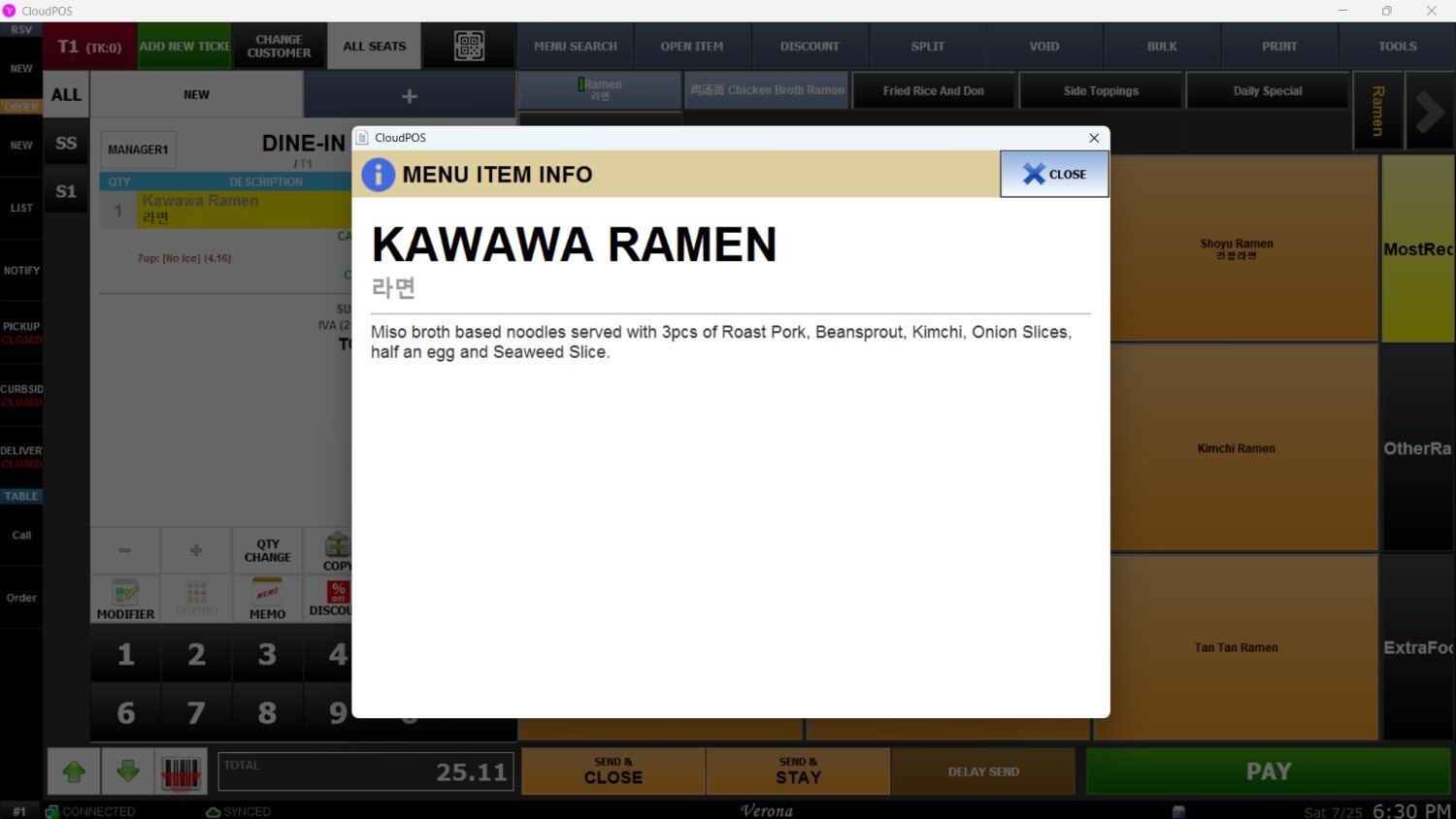
Menu Item Information
The Sales Screen provides options to quickly view detailed information about any selected menu item. This guide demonstrates how to access item details directly during sales operations.
Main Screen > Sales Screen > INFO
From the Main Screen, enter your employee passcode on the number pad to navigate to the Sales Screen.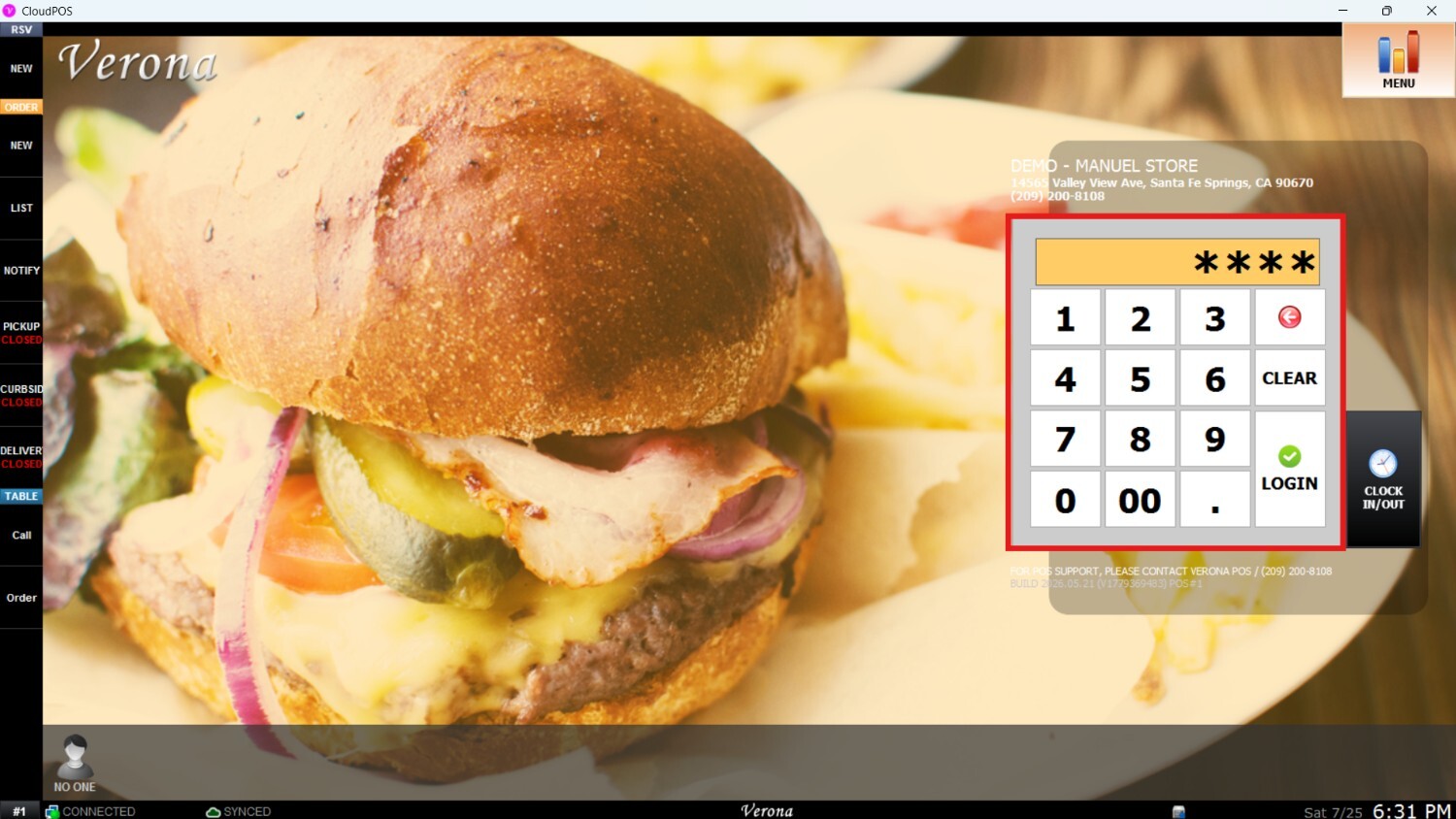
Select the item you want to check, then click on the INFO button.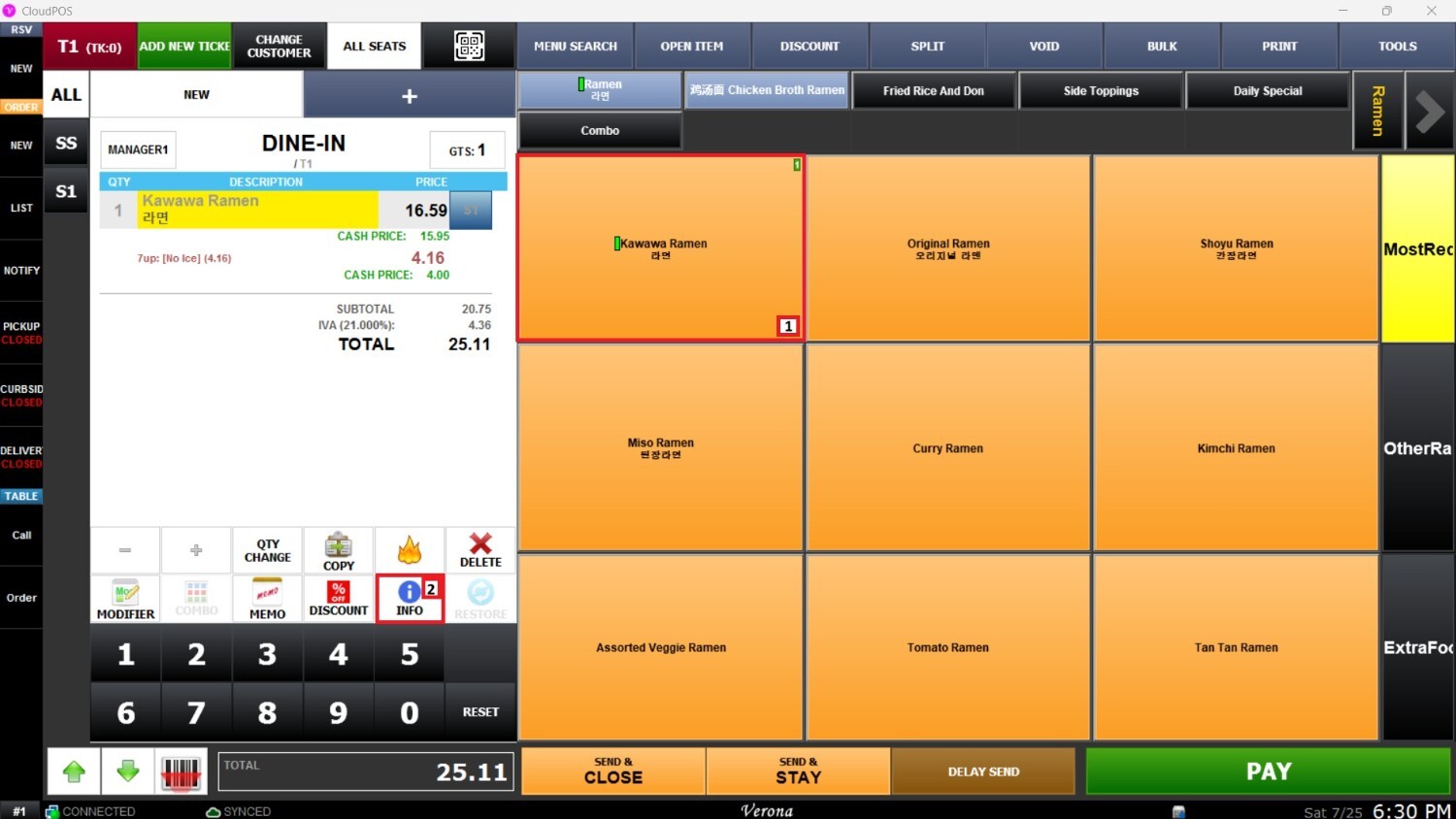
A new window will pop up displaying the complete information and details for the selected menu item.