Rules
The RULES section allows you to create purchase rules based on order conditions. Up to ten rules can be configured, each with its own prerequisites and quantity requirements.
MENU > SETTINGS > MAIN > RULES
From the MAIN SCREEN, click MENU, then select SETTINGS.

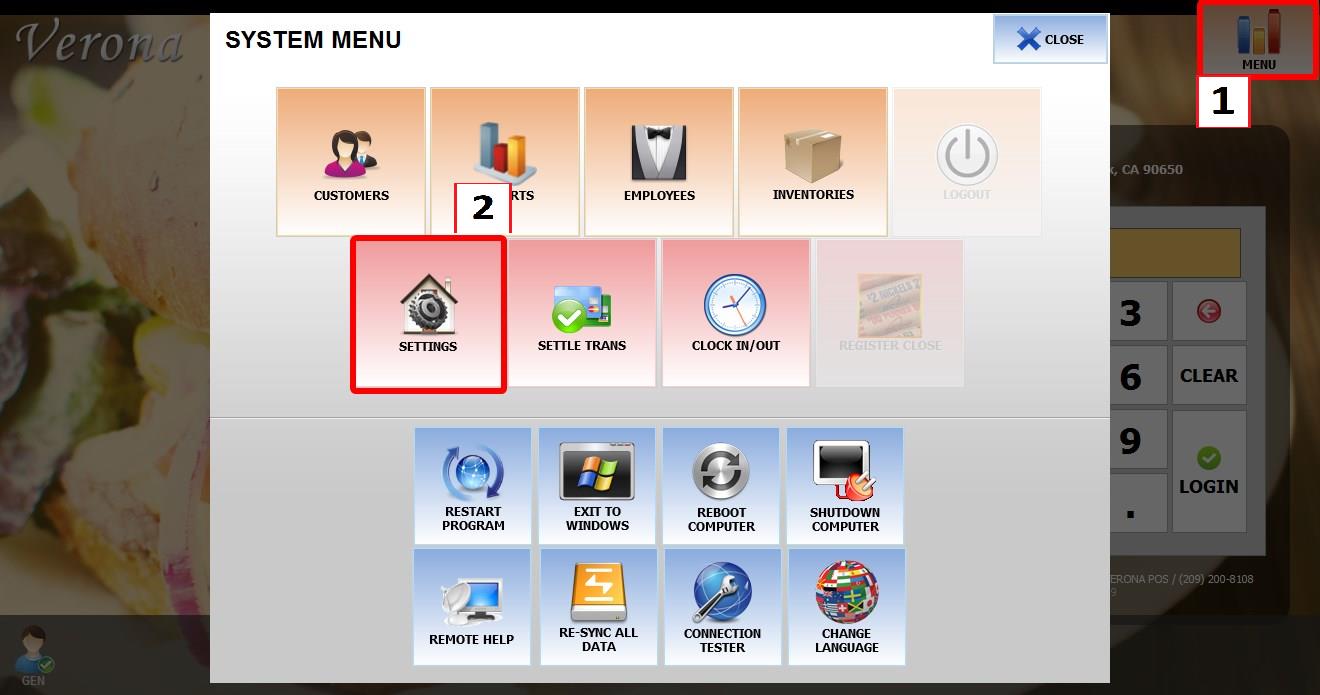
Go to MAIN > RULES.
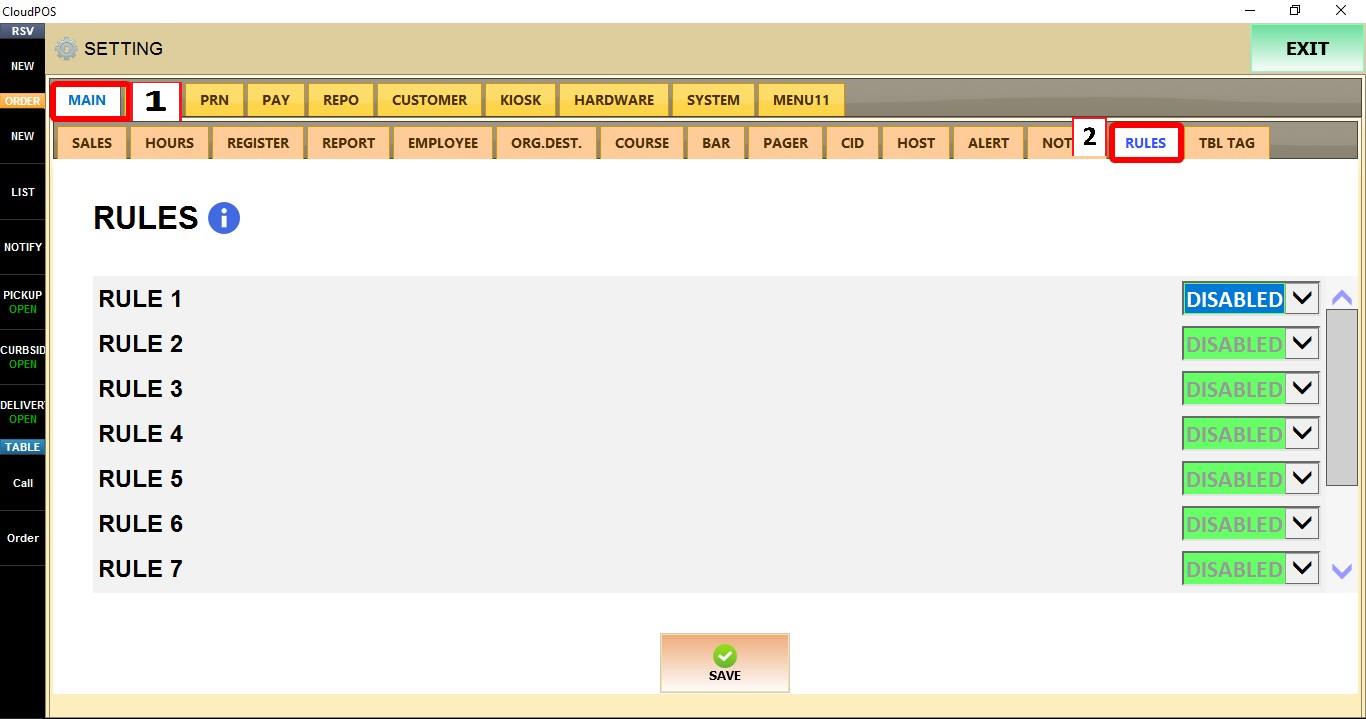
RULES
Up to ten rules can be configured. Each rule is disabled by default.

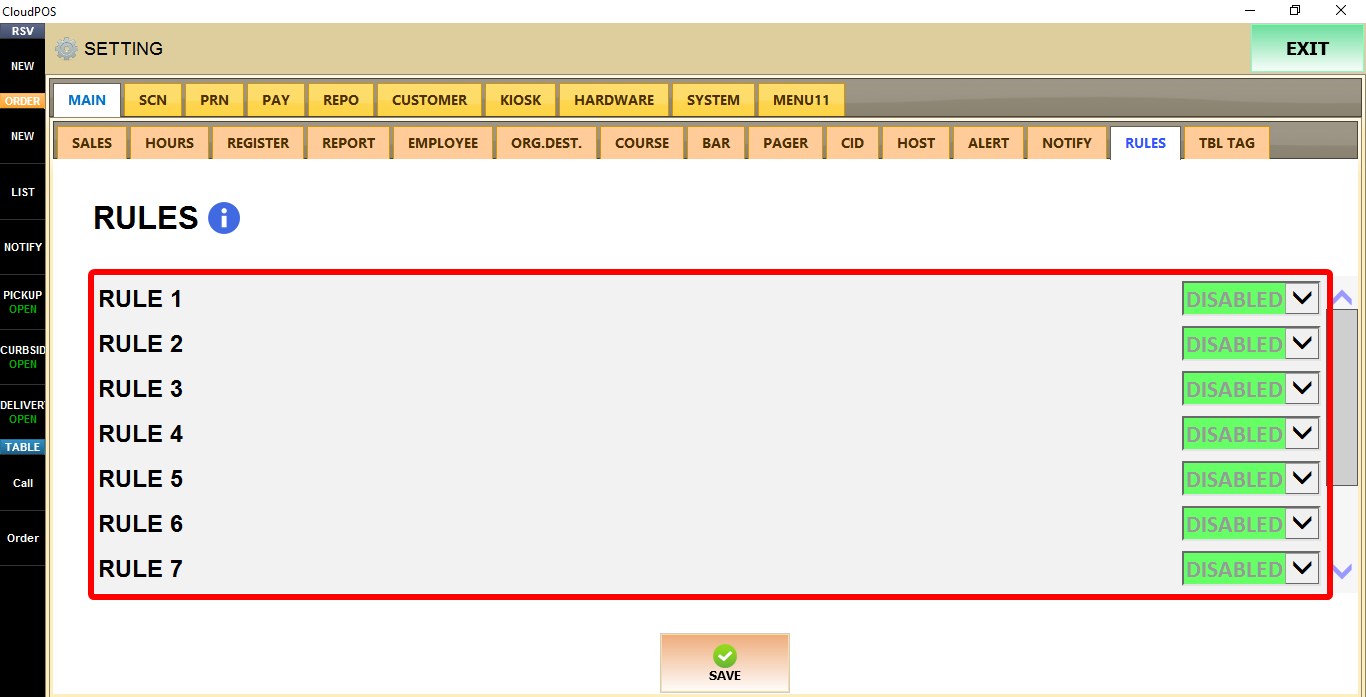
ENABLE RULE
Controls whether the selected rule is active.
1. DISABLED: Disables the rule.
2. YES: Enables the rule and displays the PREREQUISITES and REQUIREMENTS sections.
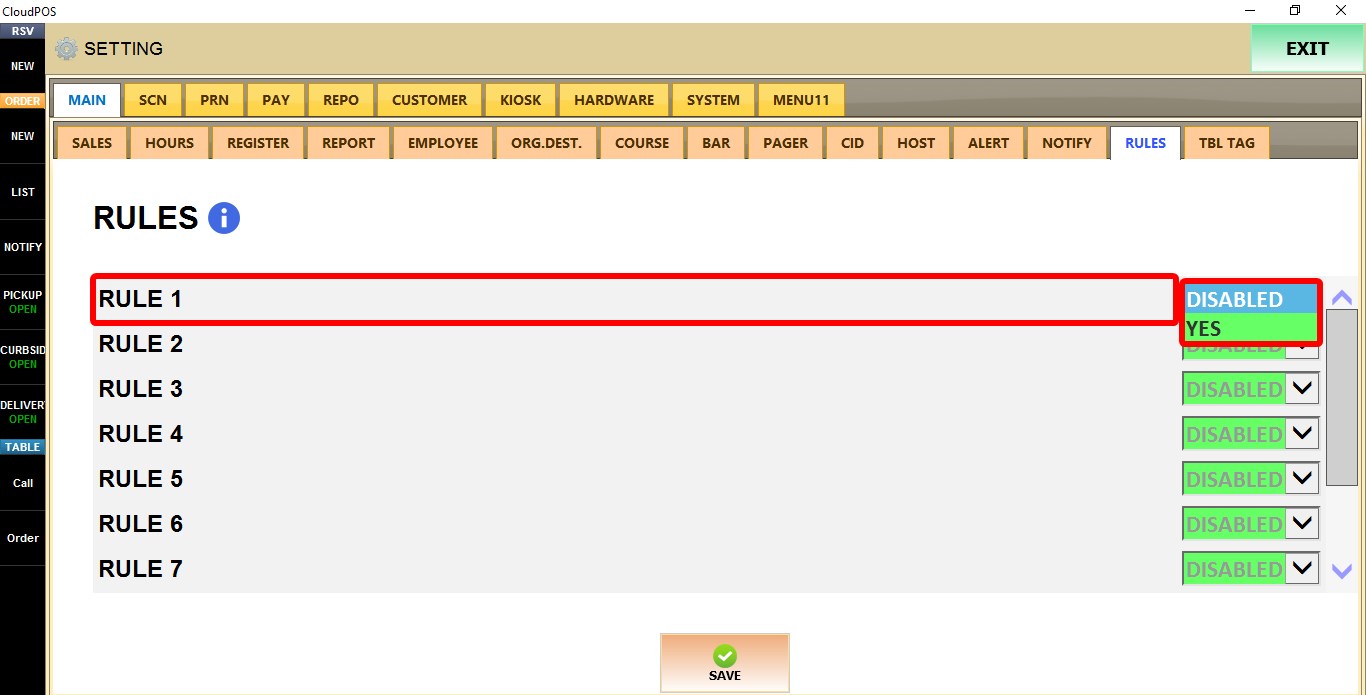
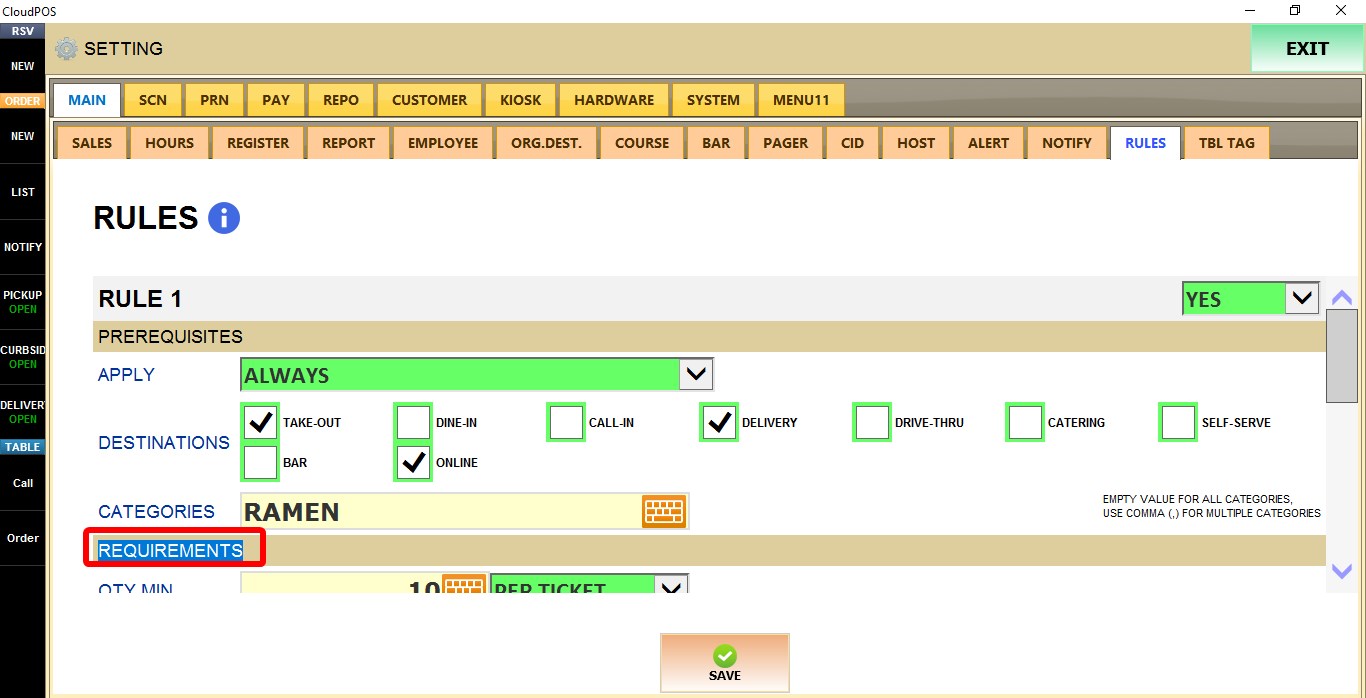
PREREQUISITES

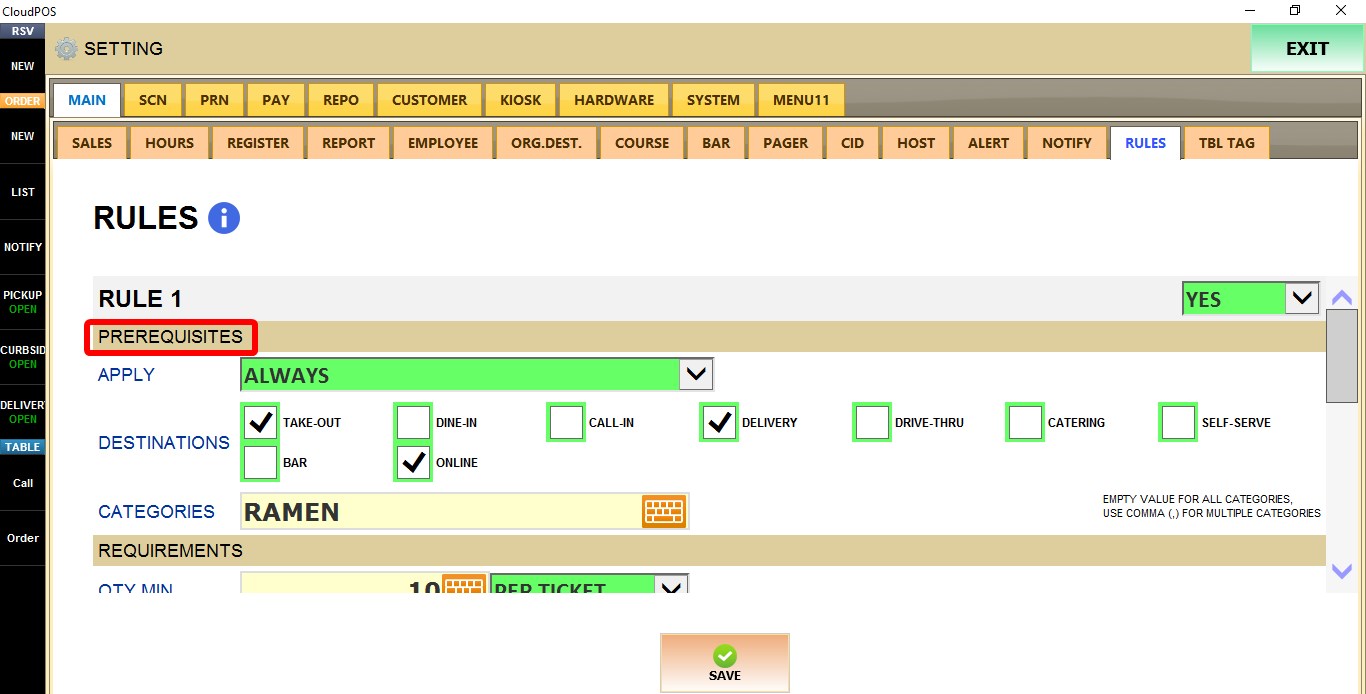
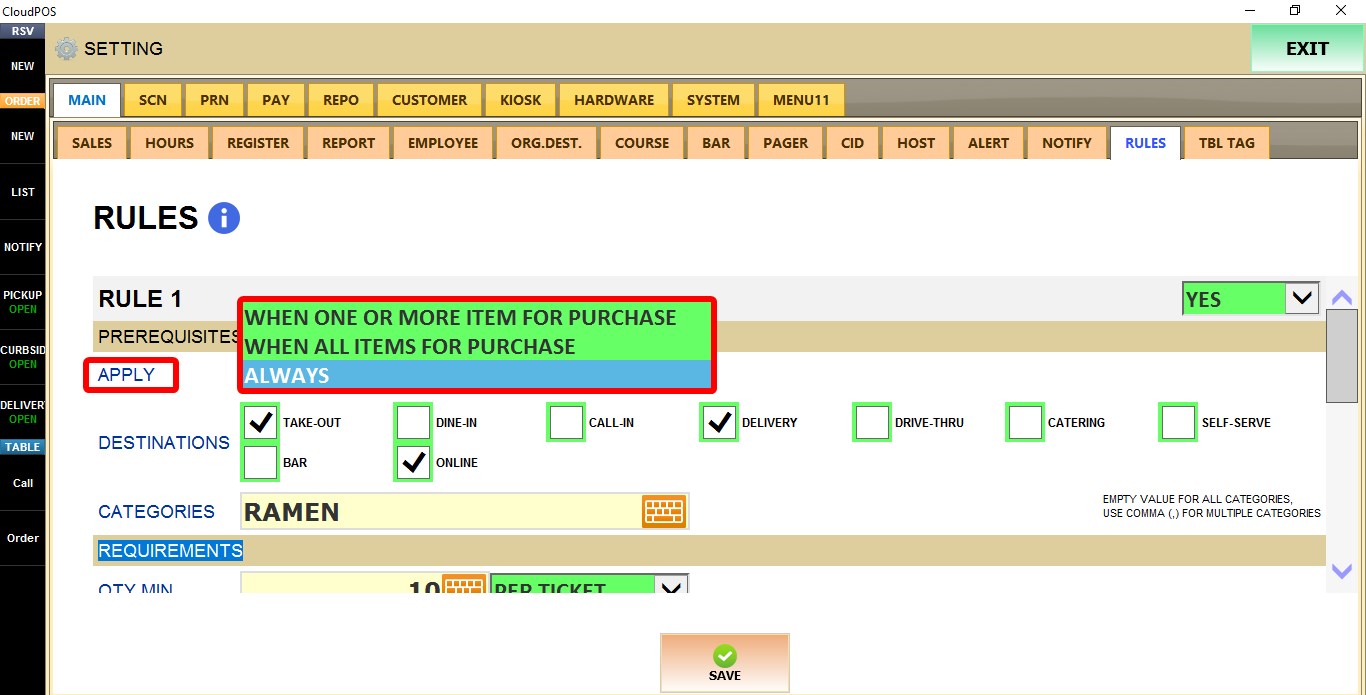
APPLY
Determines when the rule is evaluated.
1. WHEN ONE OR MORE ITEM FOR PURCHASE: Applies when at least one qualifying item is present.
2. WHEN ALL ITEMS FOR PURCHASE: Applies only when all qualifying items are present.
3. ALWAYS: Always evaluates the rule.
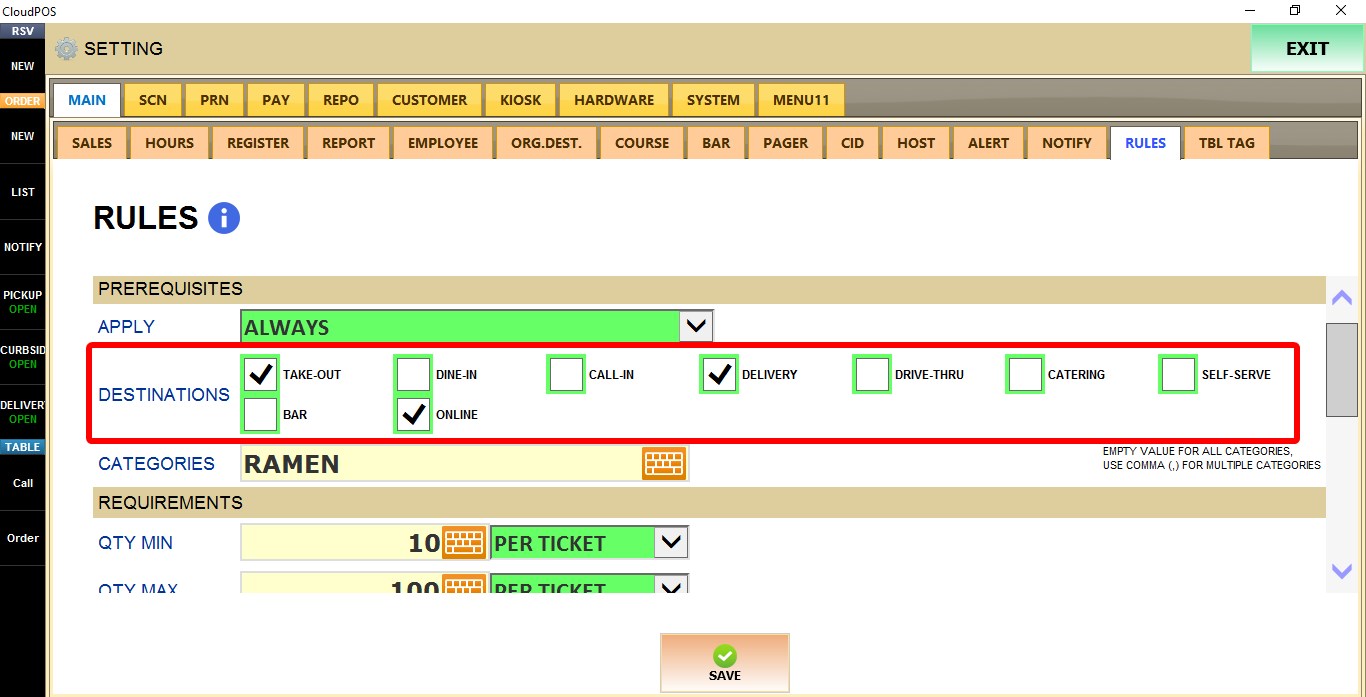
DESTINATIONS
Select the order types where the rule applies.
Example of available options: TAKE-OUT, DINE-IN, CALL-IN, DELIVERY, DRIVE-THRU, CATERING, SELF-SERVE, BAR, and ONLINE.
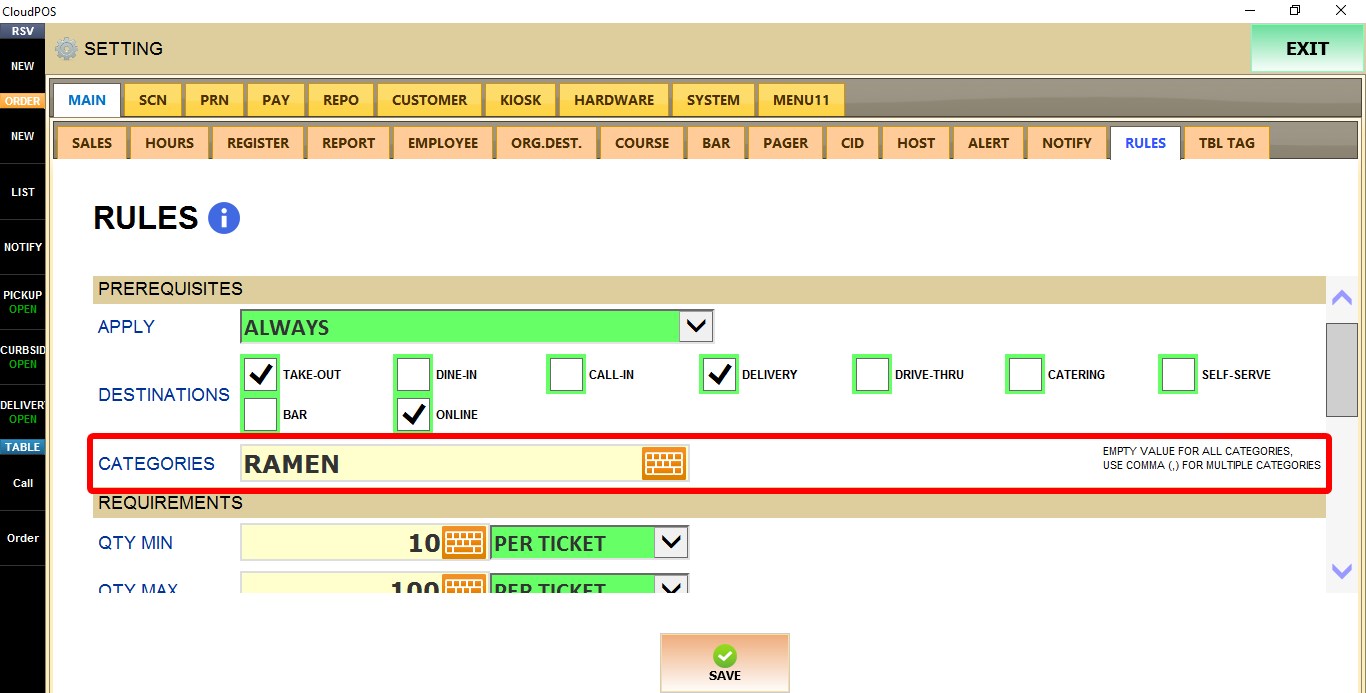
CATEGORIES
Enter the categories that will be included in the rule.
Empty value for ALL categories. Use comma (,) for multiple categories
REQUIREMENTS

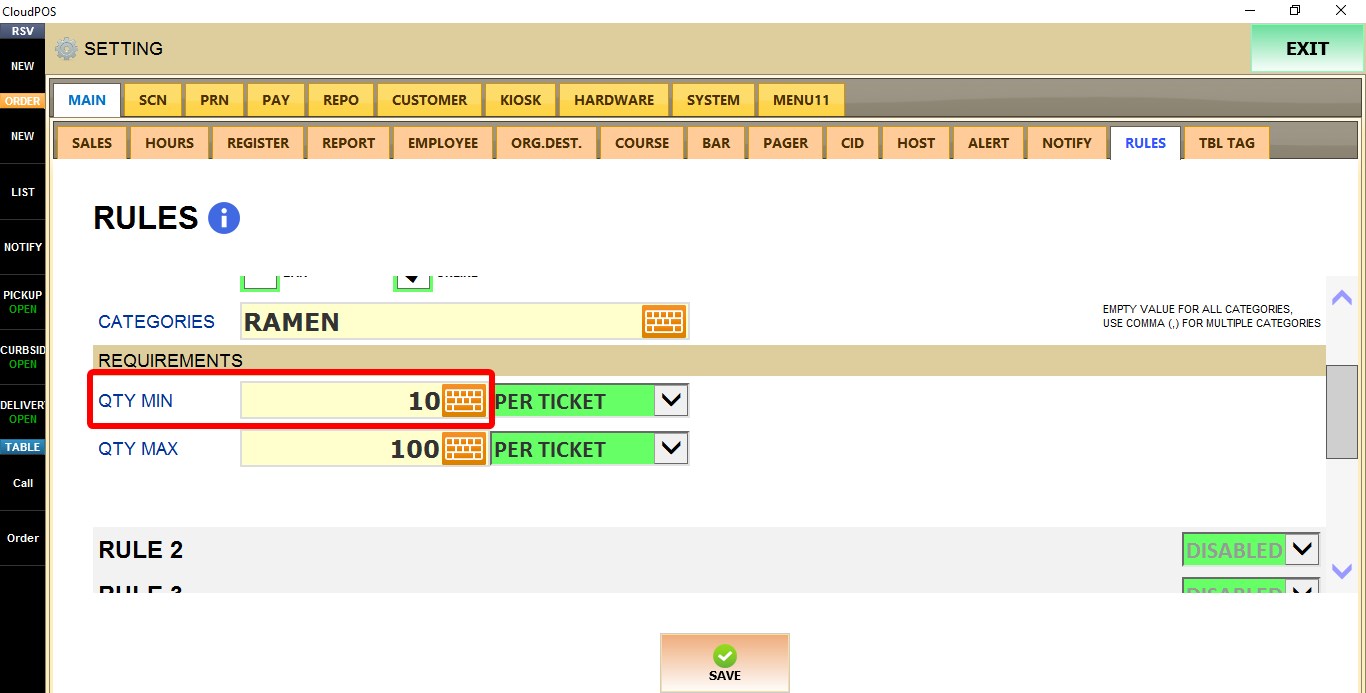
QTY MIN
Defines the minimum quantity required for the rule.
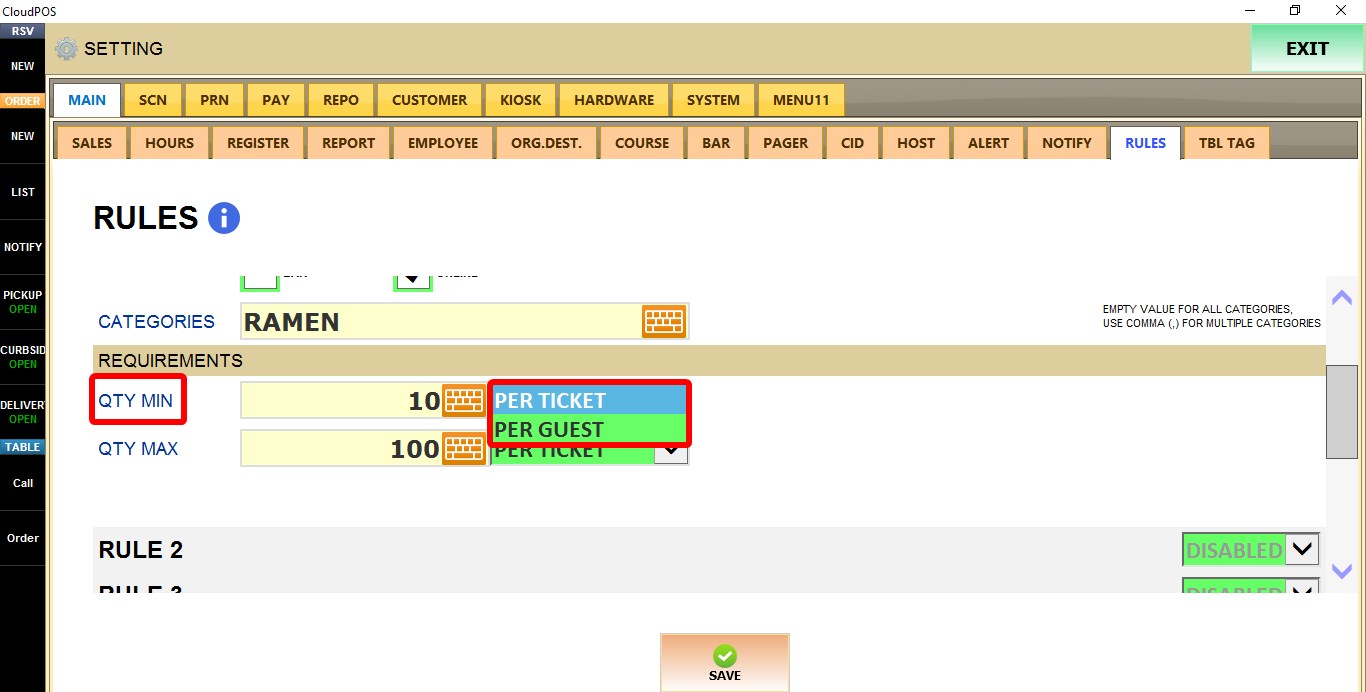
The quantity can be evaluated:
1. PER TICKET
2. PER GUEST
QTY MAX
Defines the maximum quantity allowed for the rule.

The quantity can be evaluated:
1. PER TICKET
2. PER GUEST

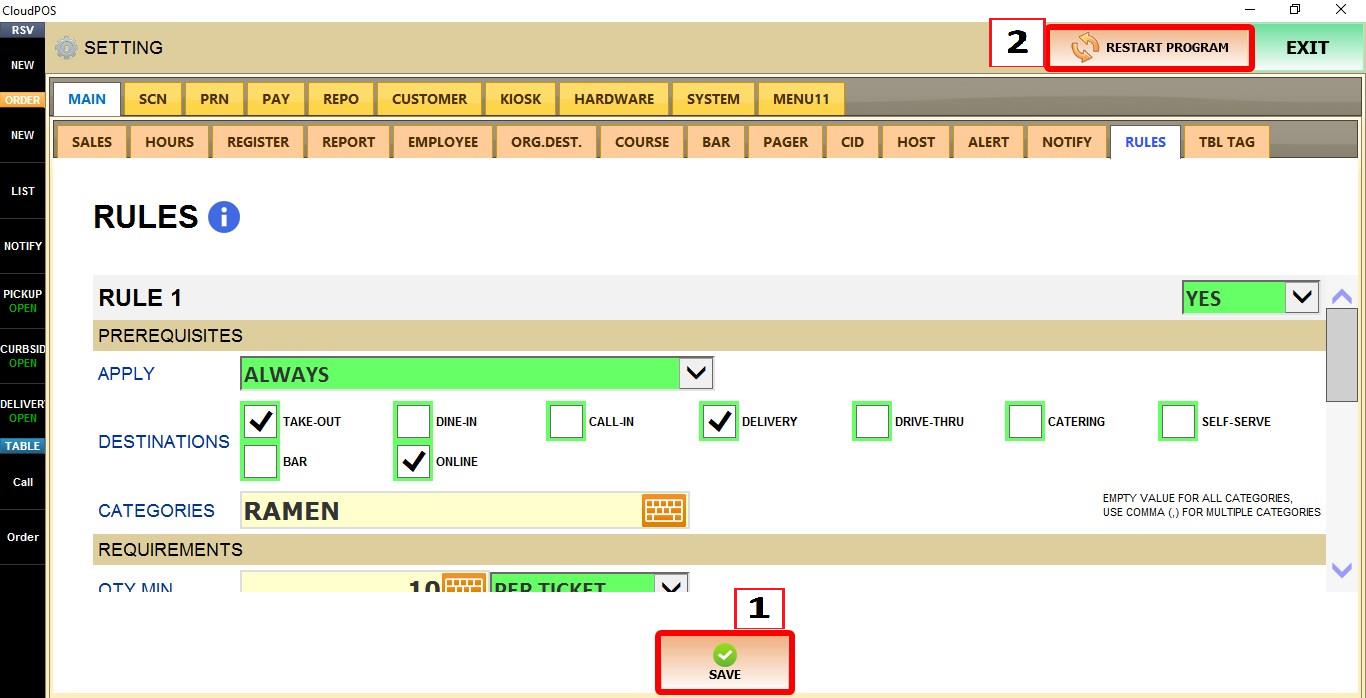
Click SAVE and restart the program to apply the changes.
RESULT
Enabled rules will be evaluated according to the configured prerequisites and quantity requirements.

